Reframe
Sized for every feed
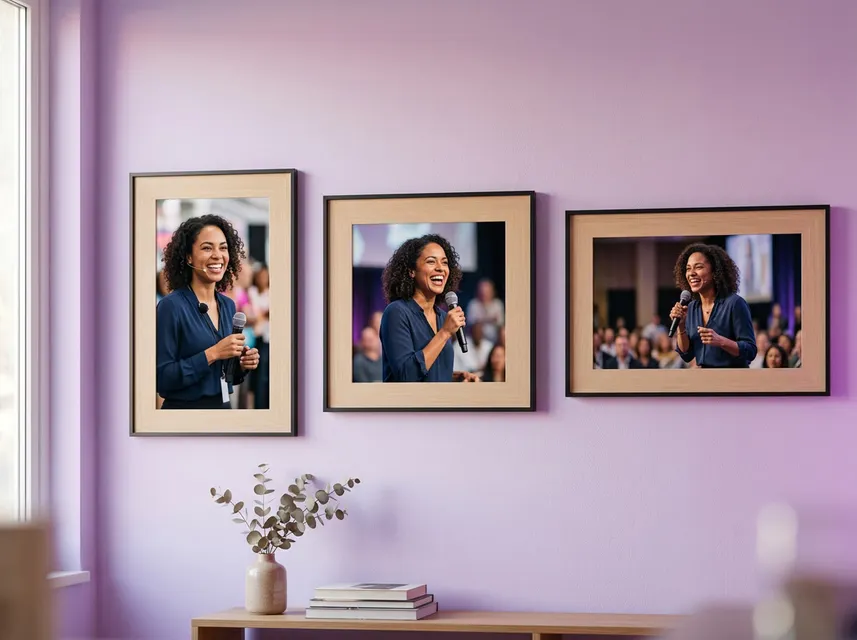
Reframe to 9:16 for Reels, Shorts and TikTok, 16:9 for YouTube, 1:1 for feed posts, or keep the original frame.
Every clip gets word-timed captions that highlight each word as it's spoken. Pick a look from 100 caption styles — try a few on this clip.
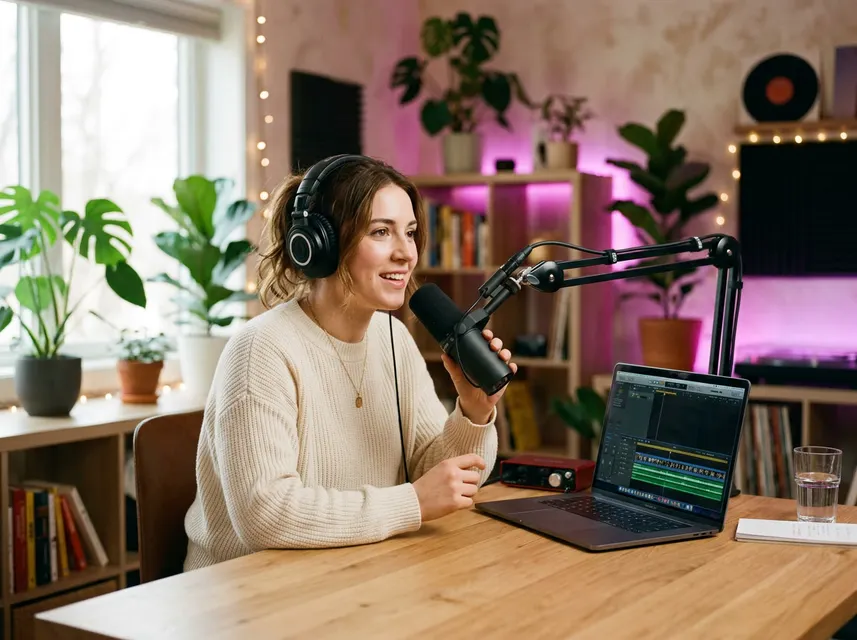
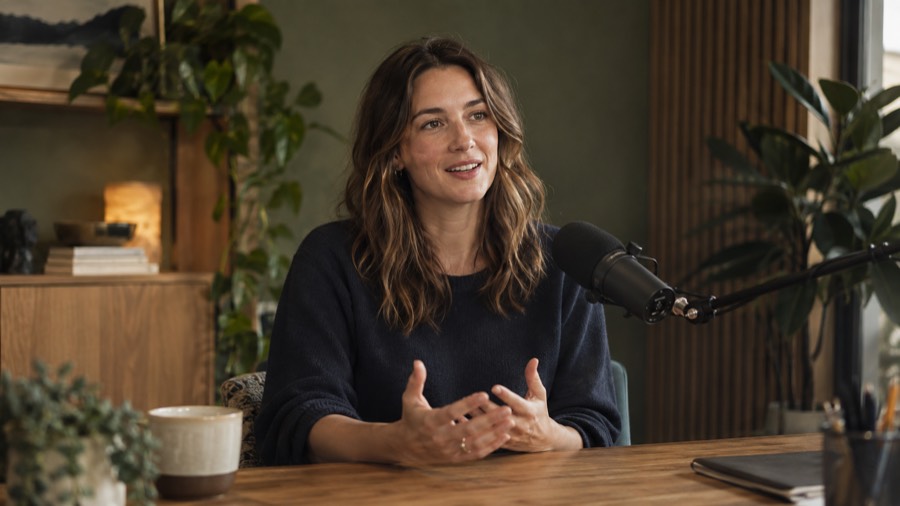
Drop in a podcast, interview, webinar or vlog as MP4, MOV or WebM, or pick one from Picsart Drive.
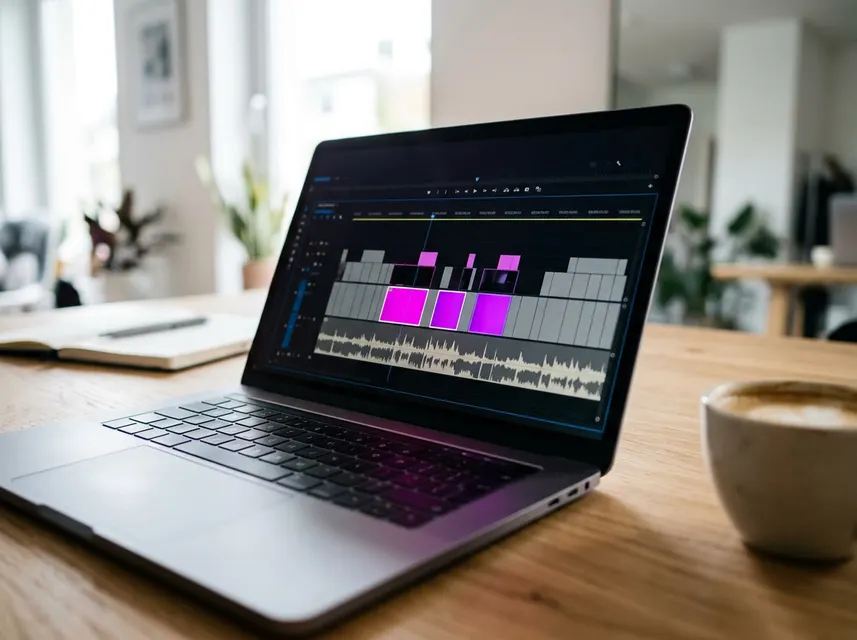
Your video is transcribed and scanned for hooks, punchlines and stories that stand on their own.
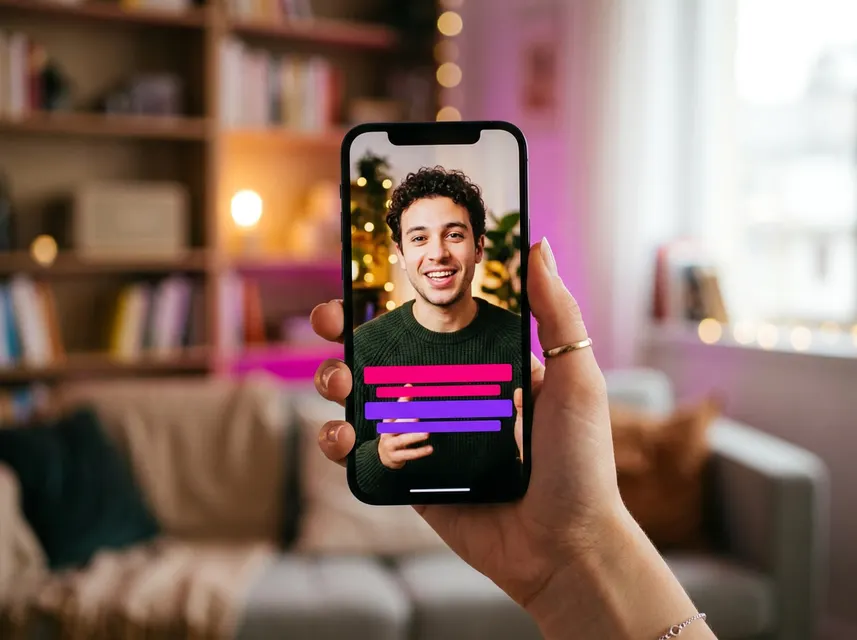
Pick a caption style and size, fine-tune each clip, then download it or keep editing in Picsart.
Reframe to 9:16 for Reels, Shorts and TikTok, 16:9 for YouTube, 1:1 for feed posts, or keep the original frame.
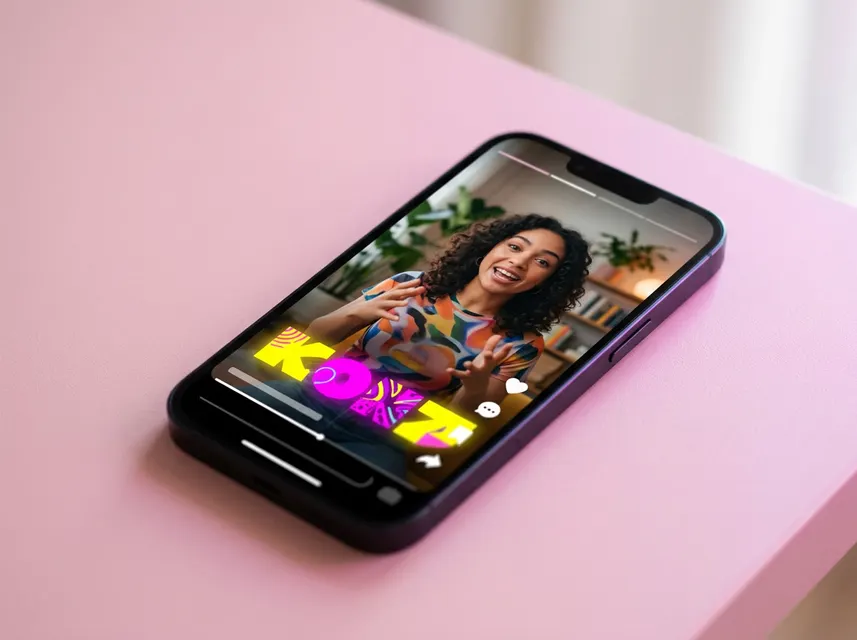
Word-by-word highlighted captions in 100 styles. Fix any line, move it, or add an opening title before you export.

Each clip gets an AI thumbnail and title, so it stands out in a grid before anyone presses play.
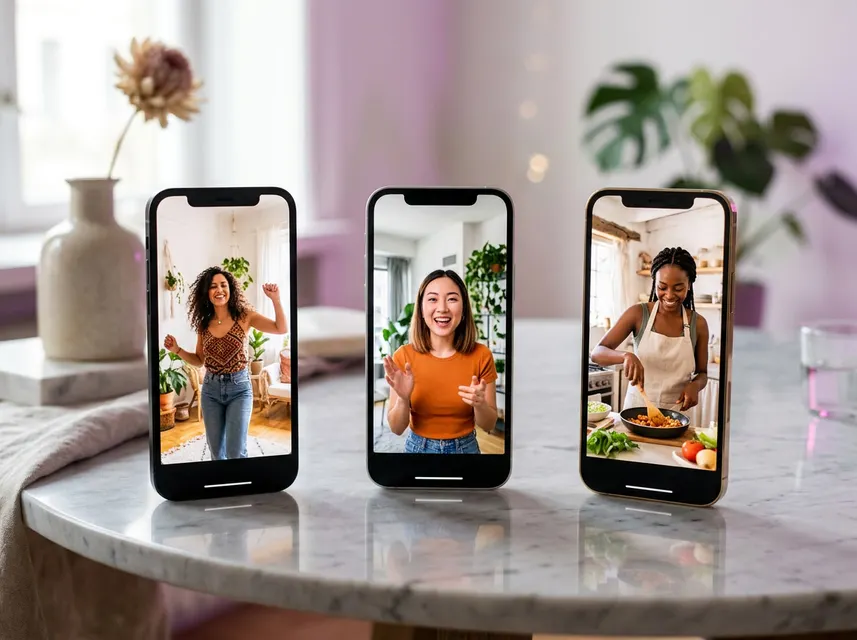
Get up to 12 clips per video. Download MP4, MOV or WebM with an SRT file, or open any clip in the Picsart editor.
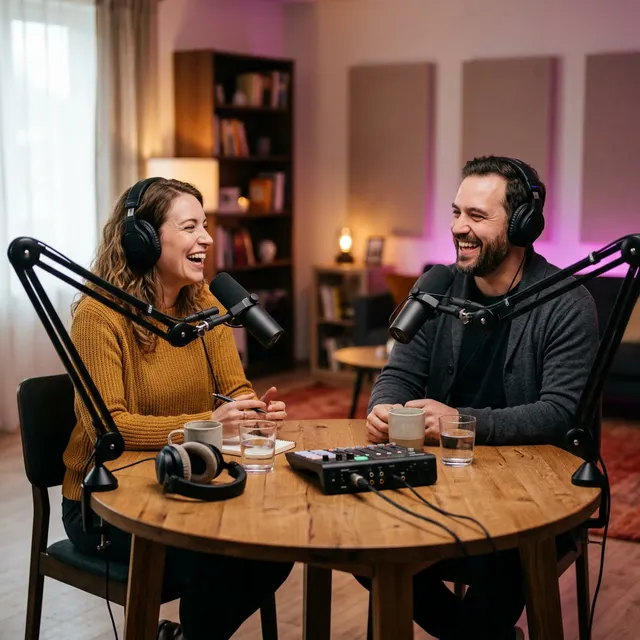
Turn a full episode into a week of short clips.
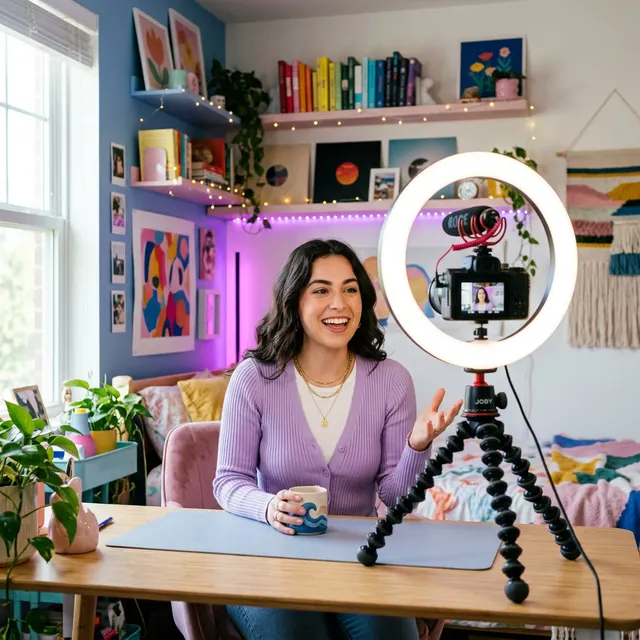
Cut long uploads into Shorts that point back to the full video.

Share the key takeaways without the hour-long replay.

Pull out the quotes and moments people will repost.
AI video clipping turns one long video into several short clips. Picsart transcribes your video, finds the moments that stand alone, and cuts, reframes and captions each one for social media.
Upload an MP4, MOV or WebM file from your device, or choose a video you already keep in Picsart Drive.
You choose between 1 and 12 clips per video. The AI picks a length that fits each moment, or you can set a range between 30 and 90 seconds.
Yes. Pick 9:16 for TikTok, Instagram Reels and YouTube Shorts, 16:9 for YouTube, 1:1 for feed posts, or keep your video's original frame.
Yes. Captions are timed word by word. You can switch between 100 caption styles and edit the text of any clip before exporting.
Export each clip as MP4, MOV or WebM with the size and quality you need, and add an SRT subtitle file. You can also open any clip in the Picsart editor.
Upload once and get captioned, ready-to-post clips in minutes.