34 providers, 1 account
Skip separate signups and billing for each AI service. 1 login gives you every model.
Save up to $3,300/year
Pay-per-generation credits instead of $277+/mo in idle subscriptions across 11+ tools.
All assets in 1 place
Every generation, whether video, image, or audio, saved to 1 library. No downloading from 10 tools and re-uploading.
Always the latest models
New top models added as soon as they launch. Always have access to the best AI available.
Compare models side-by-side
Run the same prompt on Sora, VEO, and Kling in 1 session. Pick the best result.
195+ models, zero separate subscriptions
Multi-model selection
Access 198 AI models from 34 providers and compare outputs side-by-side.
Video generation
Turn text, images, or existing clips into video with full camera control.
Video editing
Refine your videos with prompt-based edits, clip extensions, and style transfer.
Image generation
Generate original images from a prompt, with support for references, inpainting, and style transfer.
Image editing
Edit your images with Nano Banana inpainting, style transfer, and multi-image references.
Audio and voice
Create speech, sound effects, and music from text with a range of voice options.
Smart prompts
Enhance your prompts with AI suggestions, navigate history with arrow keys, and sync prompts across devices.
Project boards
Organize creations into named project folders. Keep campaigns and ideas separate.
Background removal and change
Remove or replace backgrounds from generated images in 1 click.
Image and video upscaling
Increase resolution on any generation with Picsart Enhance or Topaz HD.
AI avatars and lip sync
Create talking-head avatars from a portrait and audio, with realistic lip sync.
Motion control
Direct body motion and facial expressions in your videos. Powered by Kling.
34 providers, all from 1 prompt bar
 OpenAISora 2, Sora 2 Pro, GPT ImageKlingKling 3, AvatarFluxKontext, Flux ProRunwayGen4, AlephLumaRay, FlashElevenLabsTTS, Sound FX
 SeedanceSeedance 1.5
 WanWan 2.6, R2V
 GrokAurora, ImagineIdeogramIdeogram 3RecraftV4, V3, Vector/SVG
 SeedreamSeedream 3MiniMaxHailuoHunyuanVideo, Image
 LTXLTX VideoByteDanceOmniHumanCreatifyAuroraVEEDFabricOVIQwenQwen 2.5Reve
See why creators and teams choose AI Playground
The AI landscape is scattered. Runway for video, Flux or Ideogram for images, ElevenLabs for voice, and yet another tool for AI avatars. Each comes with its own account, billing setup, interface to learn, and monthly fee, whether you actively use it or not.
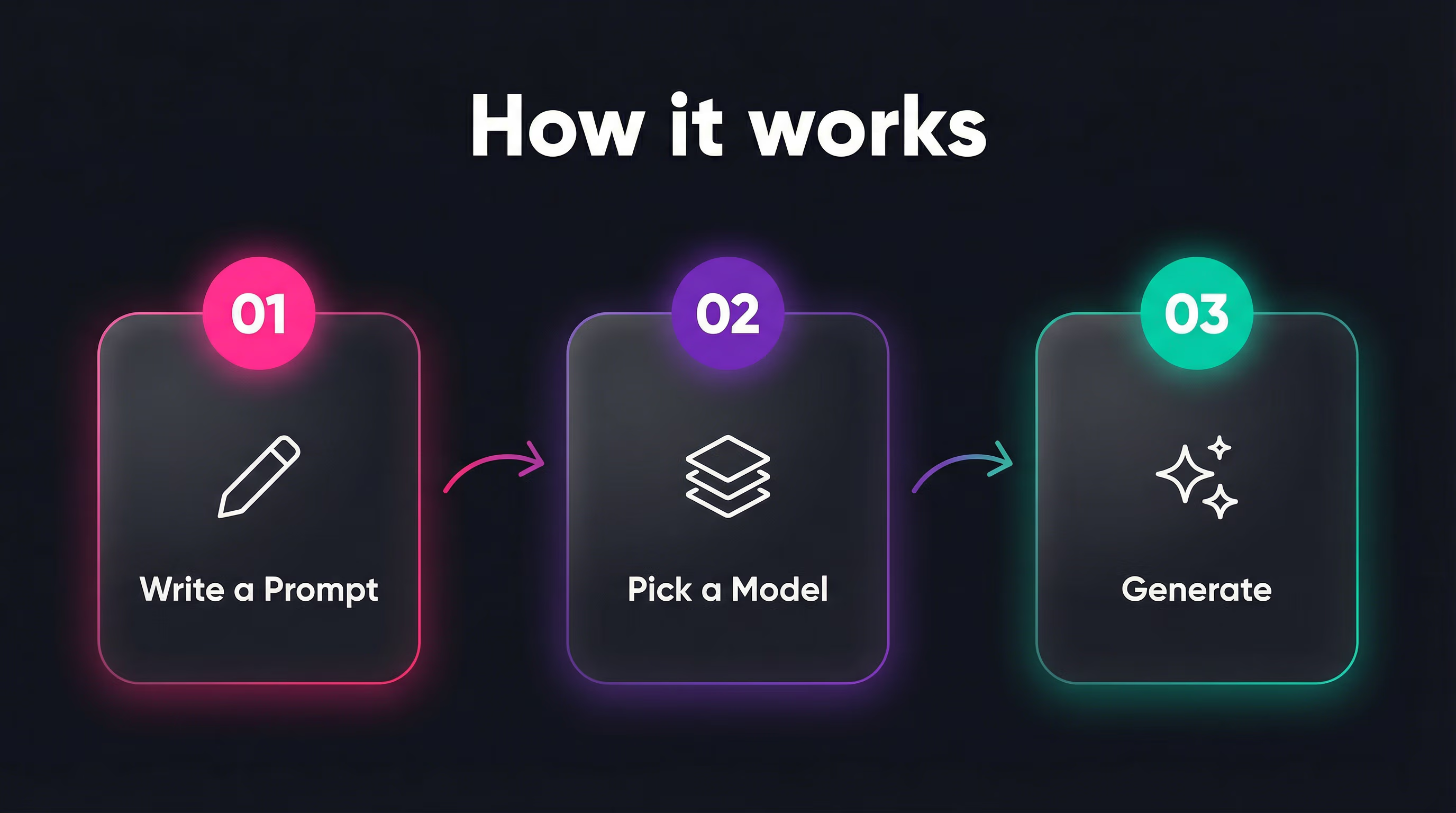
AI Playground by Picsart brings 198 models from 34 providers together behind 1 prompt bar. Write a prompt, pick a model, and generate. Switch between OpenAI Sora, Google VEO, and Kling without leaving the page, compare results side-by-side, and keep everything organized in 1 project board. You only pay for what you actually create.
All your assets in 1 place. Every video, image, and audio file you generate lands in a single library with project boards, regardless of whether it came from Runway, Pika, or ElevenLabs. 1 gallery, searchable and organized, with the model name and prompt attached to every file.
Always the latest and best. When a new top model launches, like VEO 3.1, Kling 3.0, or Runway Gen4, it appears in AI Playground as soon as it's available. No new signup, no new UI, no new billing. Just pick it from the model selector and generate.
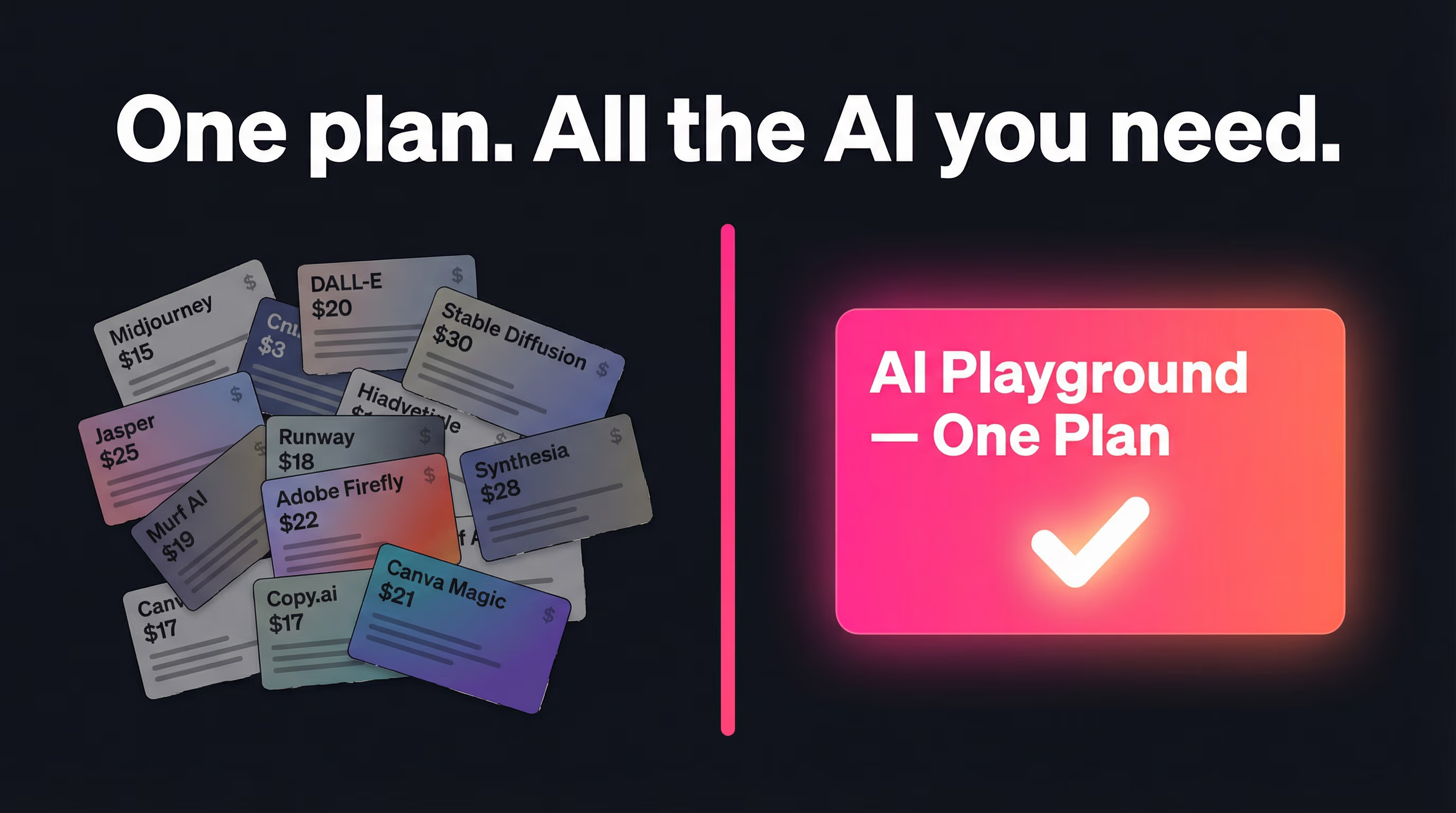
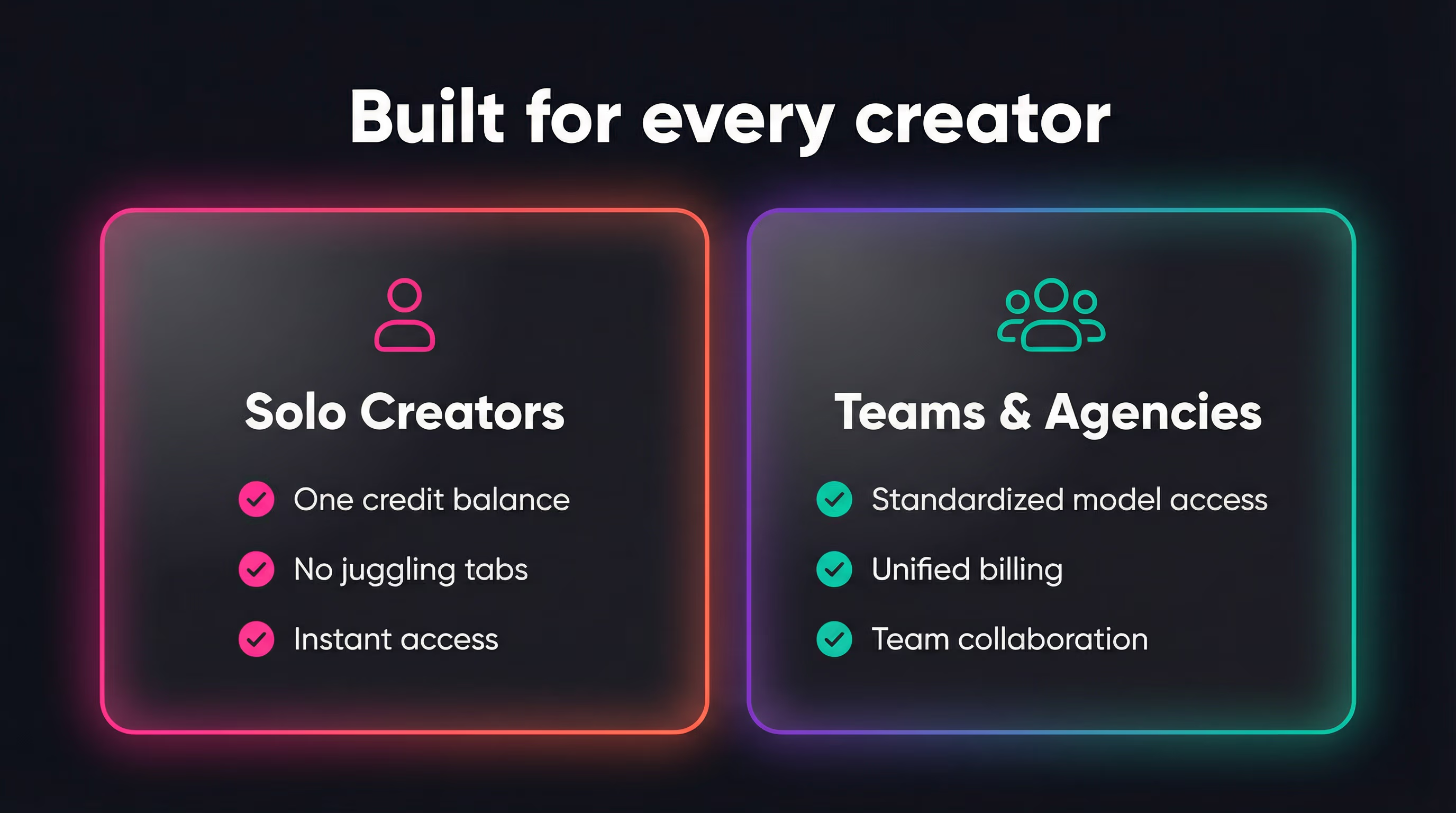
For solo creators, that means no more juggling 10 browser tabs and 10 subscription invoices. For teams and agencies, it means every major AI tool through 1 shared workspace, with centralized assets, unified billing, and no separate accounts for each provider.
Whether you're producing social media videos, product photography, podcast voiceovers, or marketing campaigns, everything you need is already here: 1 interface, 1 credit balance, 1 workflow.
What it costs to subscribe separately
| Provider | Mid-tier plan | Price | What you get |
|---|---|---|---|
| Google Gemini | AI Pro | $20/mo | Gemini 3 Pro image + Nano Banana + VEO video |
| OpenAI | Plus | $20/mo | Sora video + GPT Image generation |
| Runway | Pro | $35/mo | Gen4 video generation + editing |
| Kling | Pro | $37/mo | Video + audio + avatars (1080p) |
| Pika | Pro | $28/mo | Video generation (commercial rights) |
| Luma | Plus | $30/mo | Ray video generation (commercial) |
| ElevenLabs | Creator | $22/mo | TTS + voice cloning + sound FX |
| Recraft | Advanced | $30/mo | Image + vector/SVG generation |
| Ideogram | Plus | $20/mo | Image generation (private + commercial) |
| Flux / BFL | API | ~$20/mo | Image generation (pay-per-use) |
| Minimax (Hailuo) | Standard | $15/mo | Video generation (1,000 credits) |
| Total | $277/mo | 11 accounts, 11 UIs, 11 billing cycles = $3,324/year | |
That's $277/mo, over $3,300/year, for just 11 providers at their mid-tier plans. AI Playground includes all 198 models from 34 providers in 1 account with pay-per-generation pricing. No idle subscriptions and no minimum commitments.
Frequently Asked Questions
What is AI Playground by Picsart?
AI Playground gives you access to 198 AI models from 34 providers — including Nano Banana, Google VEO, OpenAI Sora, Kling, Runway, Flux, GPT Image, ElevenLabs, Recraft, and more — all from one prompt bar. Subscribing separately to just 11 of these providers at mid-tier plans costs $277+/mo — over $3,300/year. With AI Playground, you use a single credit balance and pay only for what you generate. The interface adapts to each model's capabilities — duration controls for video, style options for images, voice selection for audio — while keeping the workflow consistent across all models.
How does AI Playground pricing compare to individual subscriptions?
Subscribing to each AI provider separately at mid-tier plans costs $277+/mo — over $3,300/year — just for 11 providers: Google AI Pro ($20/mo), OpenAI Plus ($20/mo), Runway Pro ($35/mo), Kling Pro ($37/mo), Pika Pro ($28/mo), Luma Plus ($30/mo), ElevenLabs Creator ($22/mo), Recraft Advanced ($30/mo), Ideogram Plus ($20/mo), Flux API (~$20/mo), and Hailuo Standard ($15/mo). AI Playground replaces all of that with a unified credit system. You buy credits once and spend them across any of the 198 models. Each model displays its credit cost before you generate, so there are no surprises. You never pay for a month of Runway when you only needed one video, or keep a Pika subscription active for a single clip.
How do I generate AI videos from text or images?
Select Video mode, choose a model (like VEO 3.1, Sora, or Kling 3.0), type your prompt, and click Generate. For text-to-video, just describe the scene you want. For image-to-video, upload a reference image, add a prompt describing the motion, and generate. You can also use video-to-video to transform existing clips with camera controls and motion settings.
Which AI video generation models are available?
AI Playground includes 97 video models: Google VEO 3.1 and VEO 3.1 Fast, OpenAI Sora 2 and Sora 2 Pro, Kling 3.0 and Kling 2.6, Runway Gen4 and Gen4 Turbo, Luma Ray 2 and Ray Flash, Minimax Hailuo, Wan 2.6, Seedance 1.5, LTX Video, Hunyuan, and more. Modes include text-to-video, image-to-video with first/last frame control, and video-to-video with camera movements and style transfer. Most models support multiple aspect ratios (16:9, 9:16, 1:1) and durations from 2 to 10 seconds, with video extension available for longer clips.
What AI art generator and image editing models are included?
AI Playground includes 72 image models: GPT Image, Gemini Pro Image, Flux Pro/Kontext, Ideogram, Recraft V3 (with vector/SVG output), Grok Aurora, Seedream, and more. Features include multi-image references, inpainting, style transfer, background removal, and upscaling.
Can I turn an image into a video?
Yes — image-to-video (I2V) is supported by most video providers. Upload one or more reference images, choose a model like VEO, Kling, Runway Gen4, or Luma Ray, add a prompt describing the motion, and generate. Some models also support first-frame and last-frame control.
Can I use the same prompt across different AI models?
Yes — this is one of AI Playground's key advantages. Write a single prompt, then generate it with Sora, VEO, Kling, and Runway to compare results. Each model interprets prompts differently, so comparing outputs helps you find the best fit for your project. All results appear in the same gallery, making side-by-side comparison instant. You can also use the built-in prompt enhancement to optimize your text for each model's strengths.
Is AI Playground free to use?
AI Playground uses a pay-per-generation credit system — you only pay for what you create, with no monthly subscriptions to individual AI providers. Each model shows its credit cost on the Generate button before you run it, so there are no surprises. Credit costs vary by model, resolution, and duration — a quick 5-second Kling video costs less than a high-resolution Sora Pro generation. Compare that to subscribing separately to Runway Pro ($35/mo), Kling Pro ($37/mo), Pika Pro ($28/mo), Luma Plus ($30/mo), and ElevenLabs Creator ($22/mo) — that's $152/mo for just five providers, or over $1,800/year, whether you use them or not.
Do I need separate accounts for each AI provider?
No. AI Playground provides access to all 34 providers through your single Picsart account. You don't need to create accounts with Google, OpenAI, Runway, Kling, ElevenLabs, or any other provider. No API keys to manage, no separate billing to track, no terms of service to review individually. One login, one credit balance, every model. Plus, all your generated assets — videos, images, and audio from any model — are saved to one centralized library with project boards, so you never need to download from one tool and re-upload to another.
Where are my generated files stored?
Every file you generate — whether it's a Sora video, a GPT Image result, or an ElevenLabs voiceover — is saved to your personal Picsart Drive in one centralized library. You can organize files into project boards, filter by media type, and find any asset with the model name and prompt attached. No more scattered downloads across 10 different AI tools — everything lives in one place, accessible from any device.
How quickly do new AI models get added?
New models are added to AI Playground as soon as they become available through our provider integrations. When a major release drops — like VEO 3.1, Kling 3.0, Runway Gen4, or Sora 2 Pro — you get access without signing up for a new service, learning a new interface, or setting up new billing. You're always one click away from the latest and best AI models. The model selector shows a "New" badge on recently added models so you can spot them instantly.
What audio and voice features are available?
Audio mode includes text-to-speech with ElevenLabs voices, sound effect generation, and music creation with Kling. You can also create AI avatar videos by combining a portrait photo with generated or uploaded audio for automatic lip sync.
Can I edit or extend AI-generated videos?
Yes — after generating a video you can continue it (extend the clip), edit it with new prompts via video-to-video, upscale it to higher resolution, capture any frame as a still image, or use it as input for another generation with a different model.
Are AI-generated assets safe for commercial use?
Most models in AI Playground allow commercial use of generated content, including Flux, Kling, Luma, and Recraft. Commercial usage rights depend on each AI provider's terms of service — the model selector shows licensing info so you can check before generating. AI Playground doesn't add any additional restrictions on top of the provider's own terms.
Is AI Playground a good alternative to Runway, Sora, or Kling?
AI Playground includes Runway Gen4, OpenAI Sora 2, Kling 3.0, and 195 more models — all in one interface. Instead of subscribing to each provider separately ($35/mo for Runway, $20/mo for OpenAI, $37/mo for Kling), you access all of them with a single credit balance. You can also compare outputs side-by-side to find the best model for your specific project. New models are added as soon as they become available — no waiting, no extra signups.