
Design backgrounds with Picsart
Effortlessly design backgrounds for any occasion with Picsart's versatile tools: remove, swap, generate, or create transparent backgrounds in seconds.
Create background tools with AI image models
Use image models to transform backgrounds, product shots, and cutouts into polished visuals.
Remove the background with ease
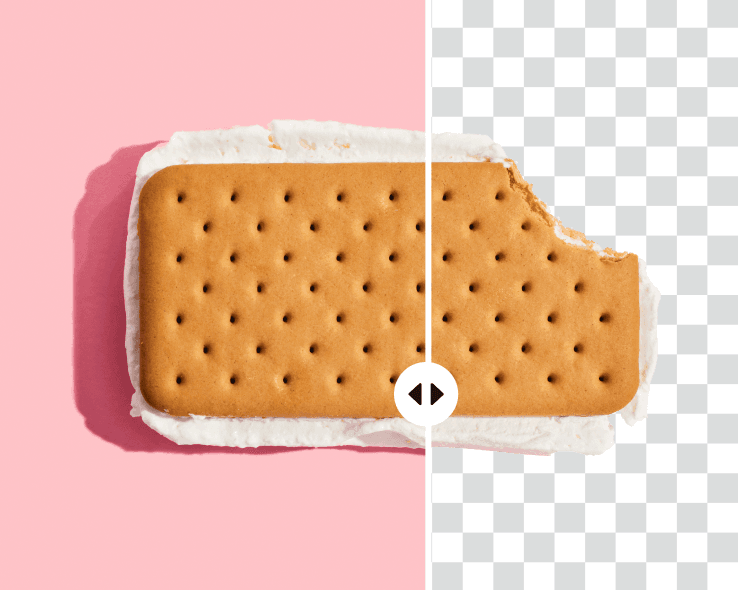
Effortlessly erase the existing background of your photos with the Picsart background remover. Make space for your cool background designs and give your visuals added flexibility to adjust the size for various platform requirements.
- Reuse your subject in a new design

Spice up your visuals by swapping the background
Spice up your visuals with ease by swapping the existing backdrop with the Picsart background changer. Use Picsart’s vast library of ready-to-go backgrounds for a quick swap with a scenic landscape backdrop, an eye-catching texture, unique artwork, and so much more.

Create custom backgrounds with AI
Stand out with eye-catching visuals with unique AI backgrounds that are specifically generated for your images. Describe your vision in a couple of words and let the AI background generator design creative backgrounds based on the subject of the photo.
- Describe the setting you want

Promote better with white backgrounds
Let your products do the speaking on your landing pages, social media, and e-commerce platforms with plain white backgrounds. Minimize distractions in your photos quickly and with ease. Forget object tracing and edit photos in batch to save yourself time and effort.

Tweak the background with ease
Elevate your portraits with custom backgrounds
Effortlessly remove the background of your photos online with the Picsart background remover for individuals. Let AI do all the tracing and hard work, so you can focus on picking cool, new background designs for your profile pictures, postcards, posters, and so much more.
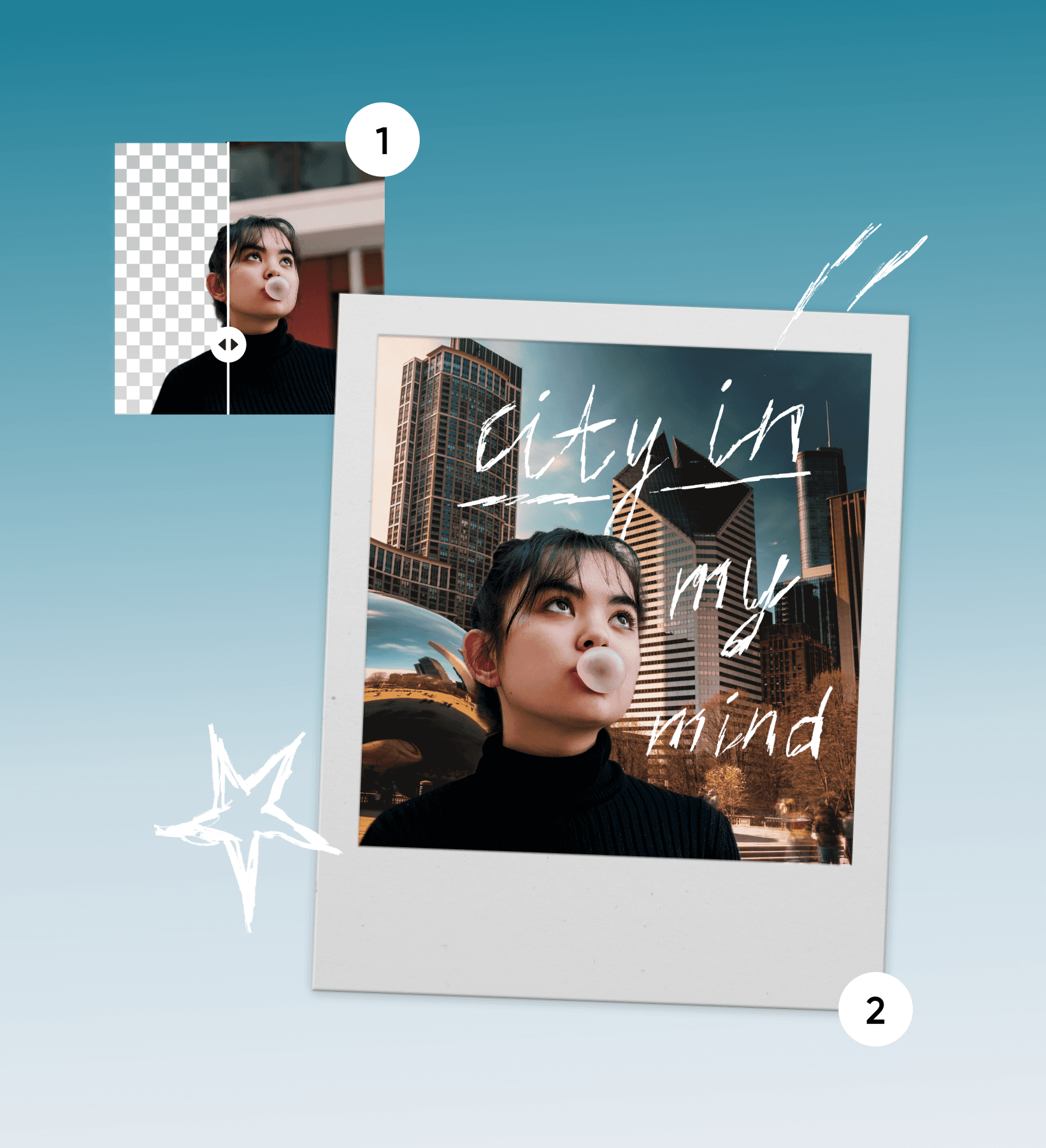
Remove the background from logos with ease
Found the logo file you were looking for, but the background is getting in the way? Don’t fret. Just use Picsart to remove the background from logo files effortlessly. Thanks to the AI-powered automatic selection, it will only take a second, and your logo's intricate details will be preserved perfectly.

Switch the background color with ease
Change the background colors of your PNGs with ease. Swap the existing color with something that matches the subject of the image or your brand colors better. Simple tasks like these don’t require a lot of effort with easy-to-use and cool background tools like Picsart. You can even use the batch background editing tool to erase and apply new backgrounds to up to 50 photos at once.
- Match the backdrop to your palette

Create custom visuals with Picsart
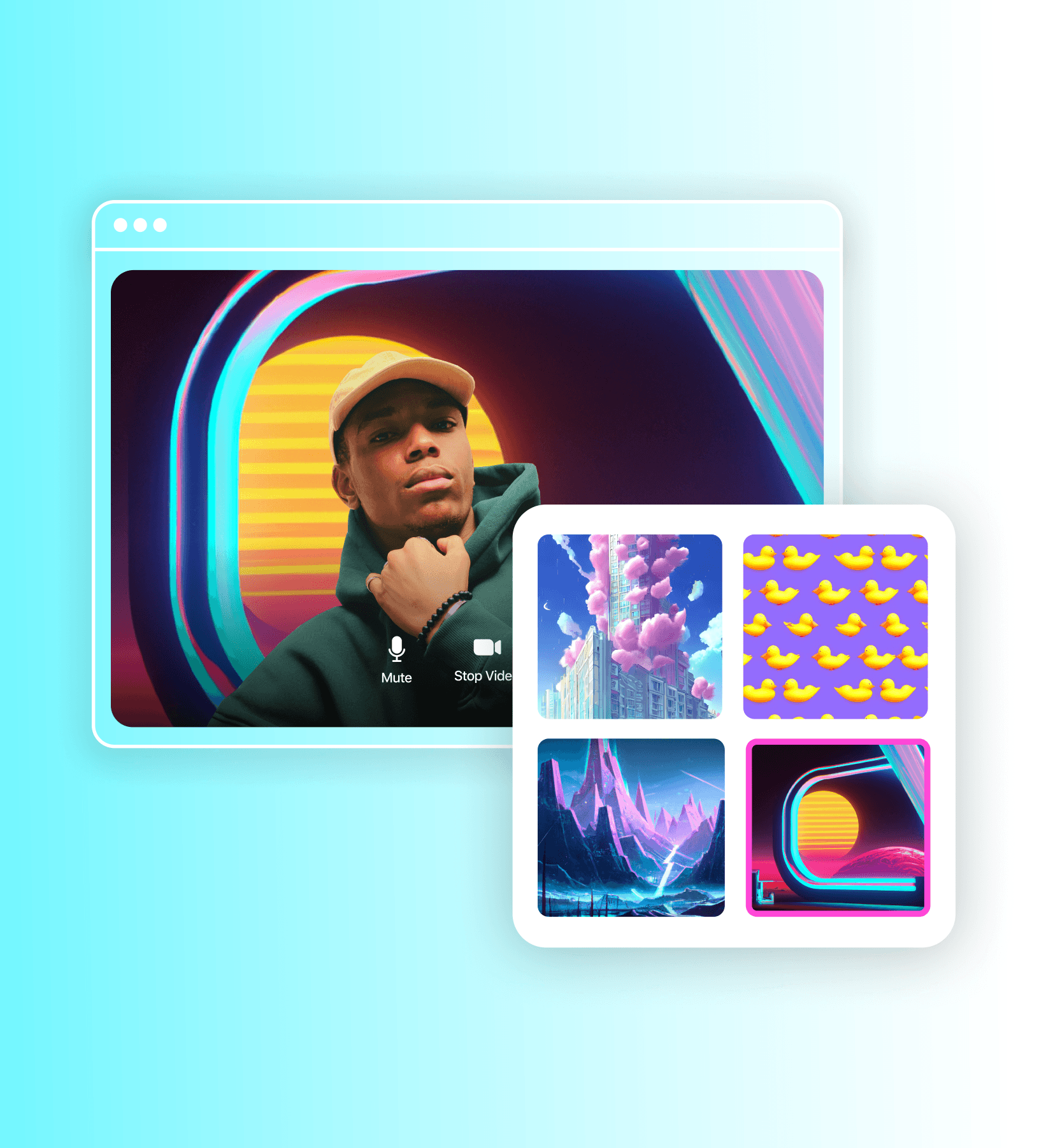
Stand out with a custom video call background
Make a lasting impression during your video conference calls with custom Google Meet or Zoom backgrounds. Cover your webcam background with a backdrop that exhibits your unique character and even your sense of humor.
Keep finessing with Picsart tools
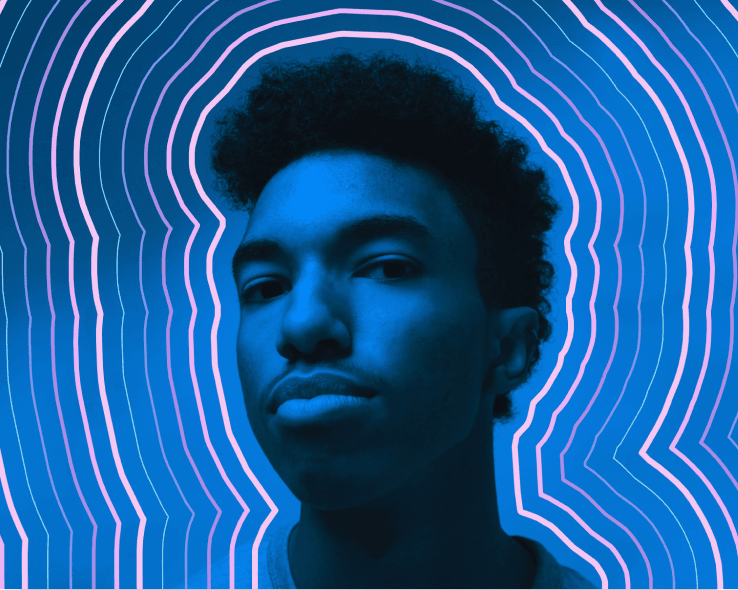
Photo editor
Finetune your images with trendy fonts, filters and effects, stickers, and more.
Collage maker
Effortlessly combine visuals for social media, vision boards, and more.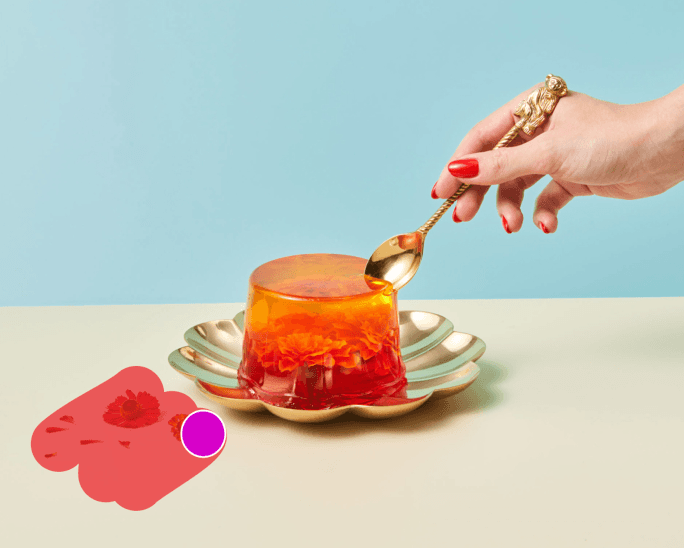
Remove an object from photos
No more ruined photos! Get rid of unwanted texts and backgrounds with just a few clicks.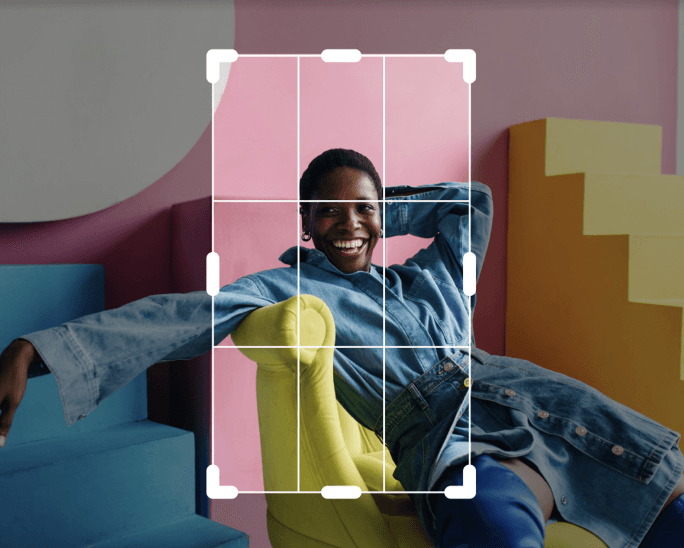
Image cropper
Keep what matters with an easy-to-use image cropper tool.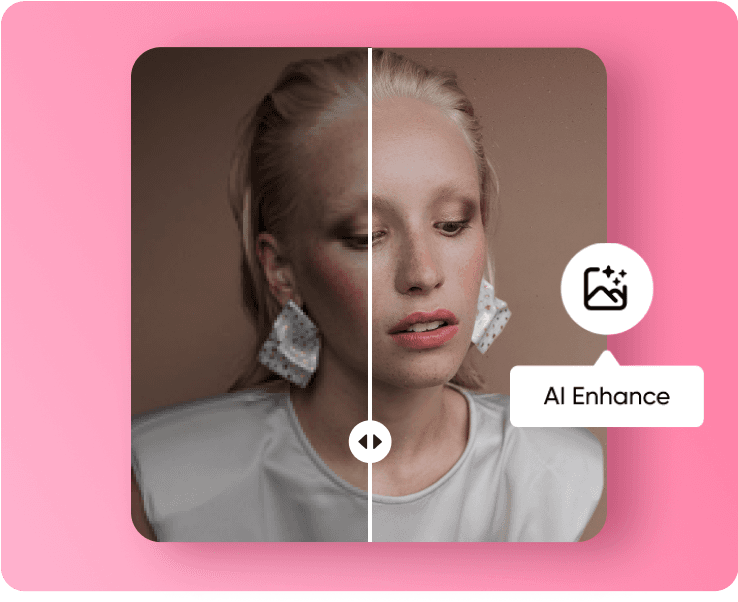
Photo enhancer
Upscale the resolution of multiple images with AI in one go.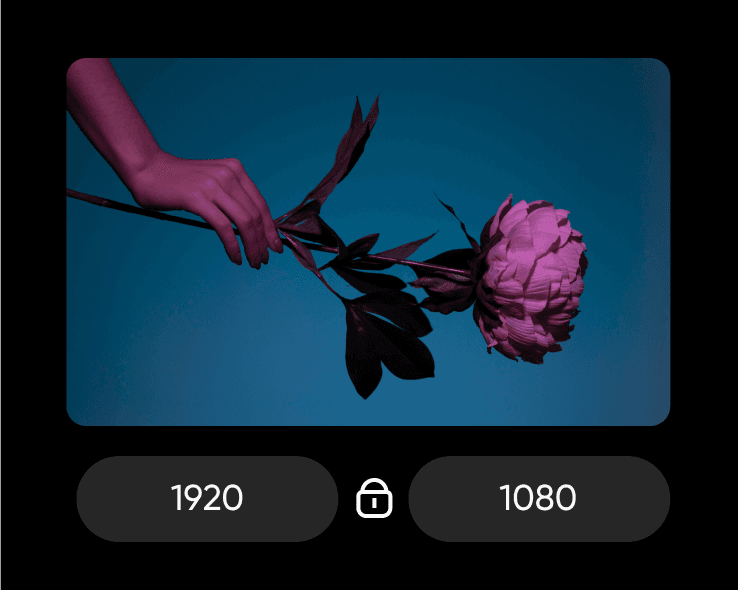
Image resizer
Get the right fit for your photos with ease and in a matter of seconds.
Photo effects
Visualize the vibe with eye-catching photo effects & aesthetic filters.
Add text to image
Compliment your images with a vast library of free fonts.
Remove background API
Give your users the ability to effortlessly cut out people, objects, animals, and more. To easily create stickers, add to merchandise, or add to print projects. Even your designers will be impressed with the results. Get the tool up and running with Picsart’s background remover API in no time.

Backgrounds for all occasions
Get access to a vast library of ready-to-go and expertly crafted backgrounds in Picsart. Whether you’re looking for photos, illustrations, or patterns, you can find a fitting option in Picsart’s ever-growing background library.


Explore Picsart’s background tool collection
Design backgrounds for any occasion using Picsart’s easy-to-use background design tools. Whether you want to remove the background, swap it for something else, create backgrounds from scratch using AI, or simply leave it transparent, Picsart has got you covered.
Background design tools FAQ
Yes! You can create one from scratch using your own photos or turn to the AI background generator for a quick masterpiece.
Explore more AI-powered tools
Latest in background editing
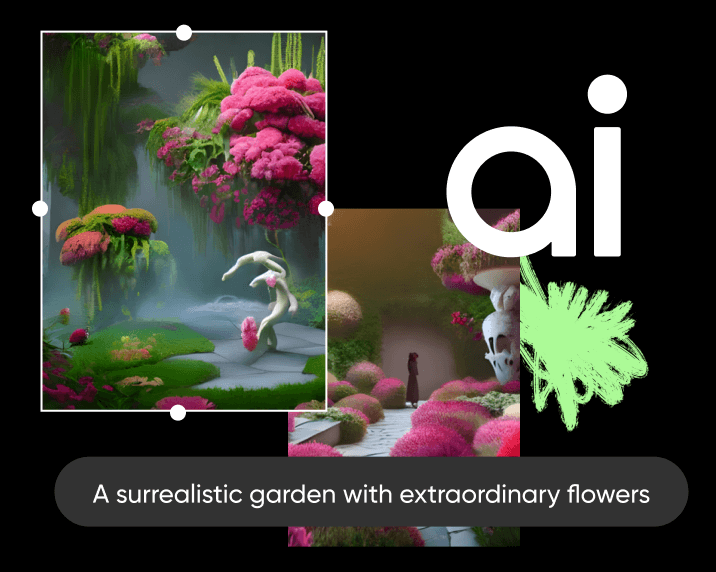
AI image generator
Type your vision and let AI transform your words into fascinating images.AI enhance
Upscale the resolution of one or multiple images with AI in one go.
AI avatar
Generate portraits in various styles with AI.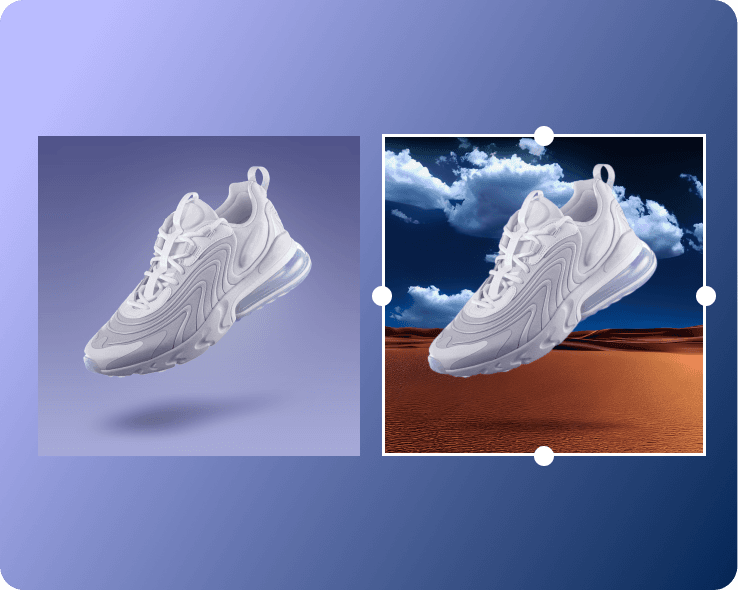
AI background
Generate unique AI backgrounds that perfectly complement the subjects of your image.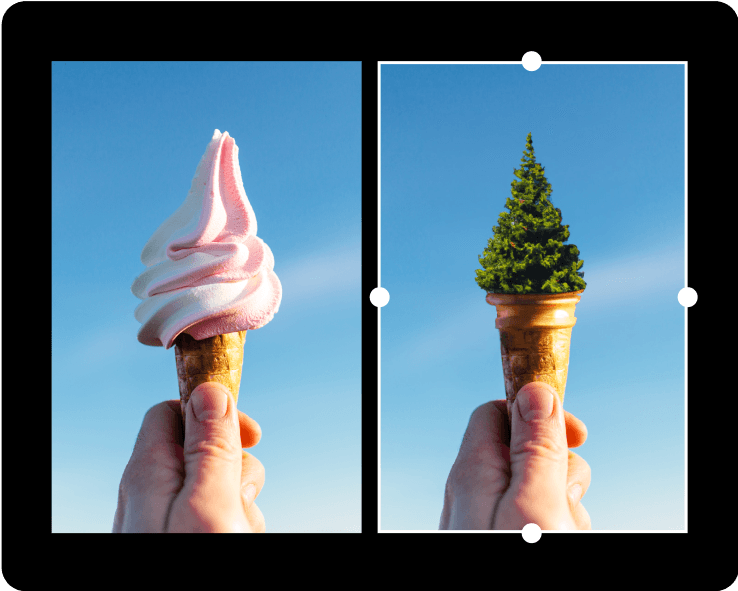
AI replace
Use AI to swap any part of your image with an AI-generated object.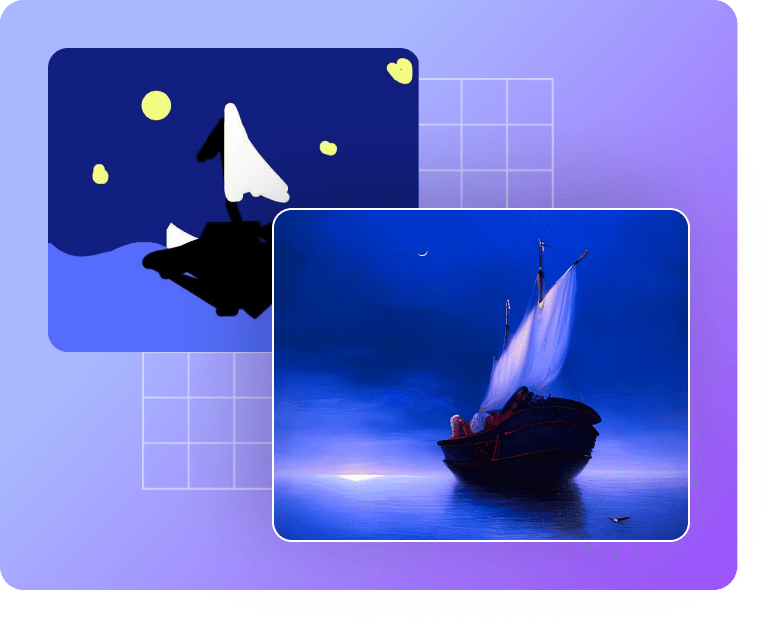
Sketch AI
Turn a simple sketch into AI-generated digital art in seconds.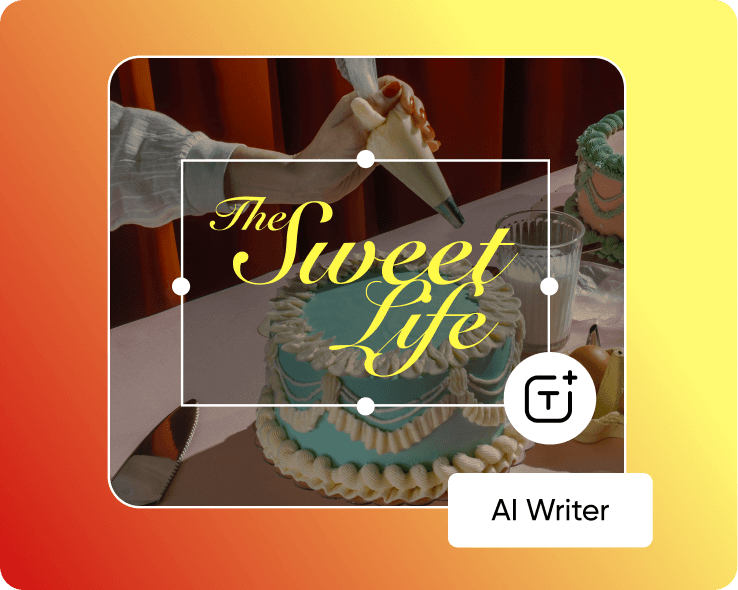
AI content generator
Let AI come up with creative captions and copy for your visuals.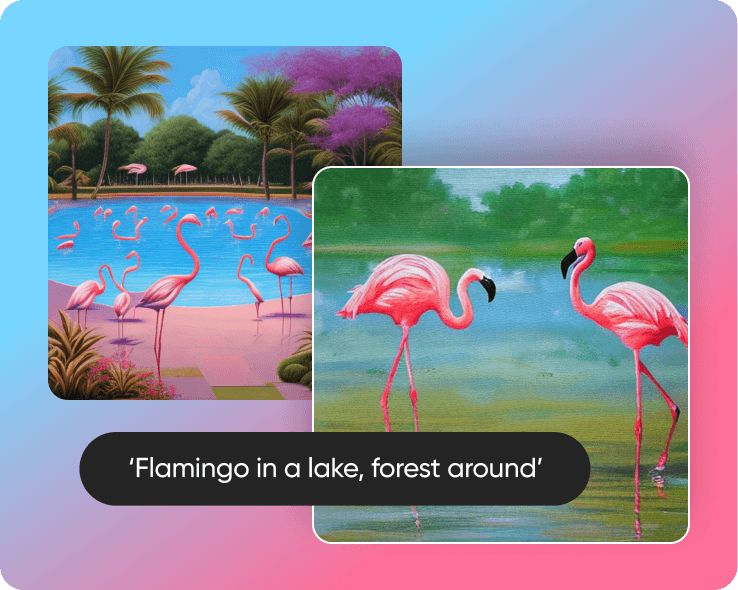
AI art generator
Generate eye-catching art in seconds with AI.
AI photo editor
Speed up your editing process with an AI-powered photo editor.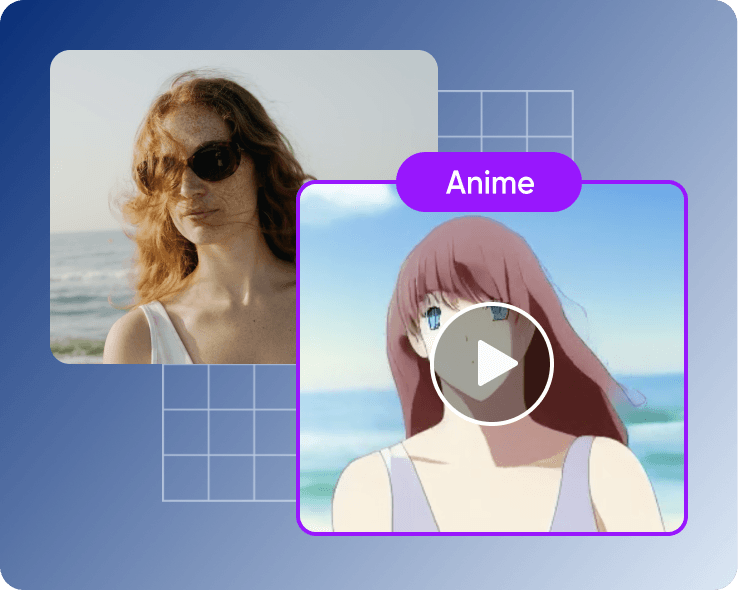
AI video filters
Transform your video into an animated feature with AI.Introducing AI Replace and AI Background: tools to customize scenes and objects in images
Change your background in just one tap with Picsart’s Background Remover tool

How to change background colors: a quick & easy tutorial
Picsart in the press


Generate background tools for creator-ready projects
Pro
Most popularAI tools for everyday creative work.
Ultra
Most powerfulHeavy AI usage for creators & teams.
Enterprise
Custom AI solutions for large organizations.
- Volume discounts on credit rate
- On-demand top-ups