












gen-ai generate
Create an image, video, or audio clip with any of 130+ models. One command covers every modality — switch providers by changing -m.
$ gen-ai generate -m recraft-v4 -p "editorial product shot" --ar 16:9
One CLI for images, video, and audio — powered by Nano Banana, Flux, Sora, Kling, Veo, Runway, Recraft, ElevenLabs, and 120+ more. Drop it in any terminal, CI job, or Dockerfile today. MCP server for Claude Code, Cursor, and ChatGPT coming soon.
Plain English in. Real creative output out. You don't need to learn a single command. Your AI agent speaks CLI so you don't have to. You bring the imagination, the taste, the idea. It handles the syntax.
No tricks. No decade of computer science. A command-line interface is a text box where you type an instruction and the computer writes back. The scary-looking window is actually the simplest kind of software there is.
You don't have to memorize the commands. Tools like Claude Code and Cursor read your plain English and write the CLI for you. Drop a gen-ai skill into your agent once, then trigger it with sentences. You bring the taste. The agent handles the syntax.
The barrier to entry has never been lower.
The value of taste and imagination has never been higher.
Agents change who gets to build. We are all builders. Or can be. What you bring is the thing no tool can manufacture: your eye, your voice, your weird idea at 2am.
Run this in your shell — works in any terminal, CI job, or Dockerfile.
curl -fsSL https://picsart.com/cli/install.sh | bash
iwr -useb https://picsart.com/cli/install.ps1 | iex
npm install -g @picsart/gen-ai
First run opens your browser to sign in · Or use without installing →

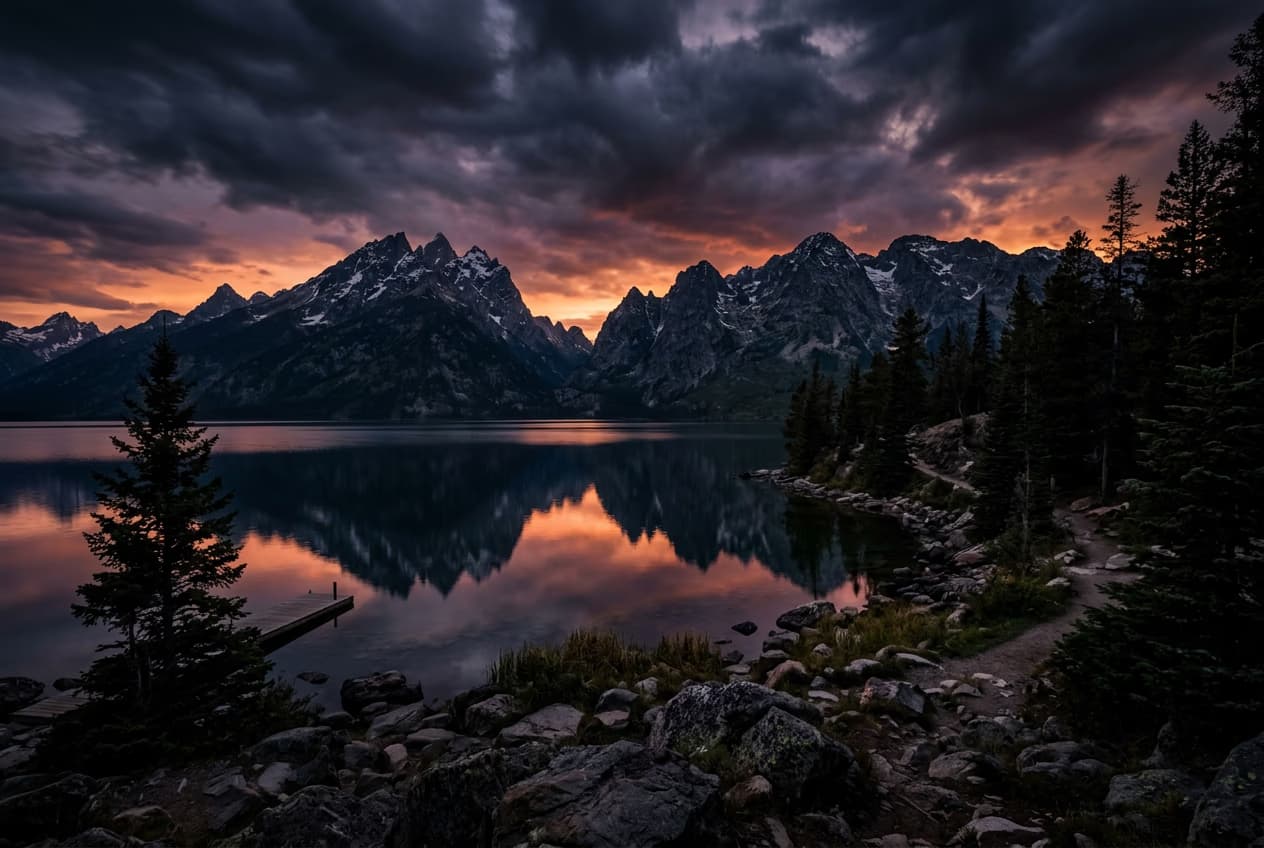
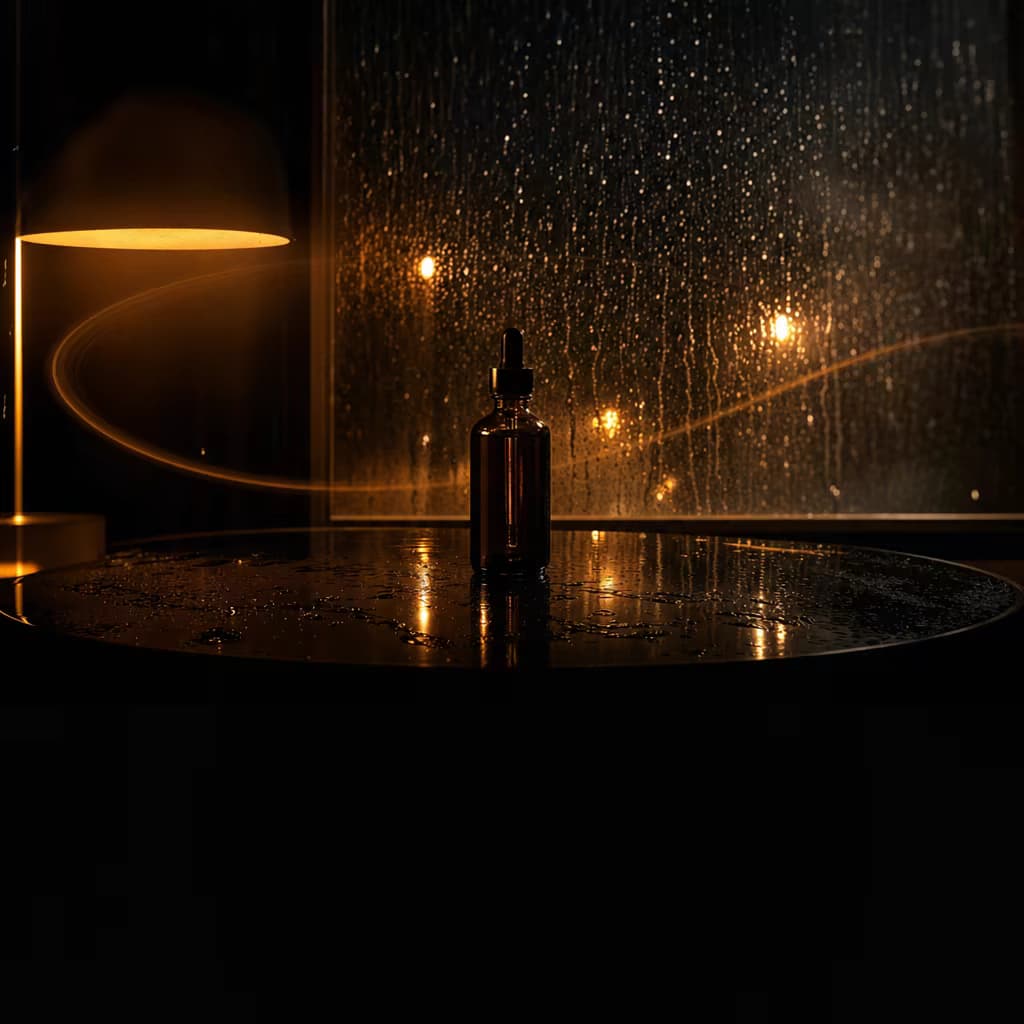
gen-ai generate -m recraft-v4 -p "editorial still-life, neon rim-light" --ar 1:1
"Render a 16:9 editorial still-life with neon magenta and cyan rim-light — use Recraft V4, save as hero.webp."
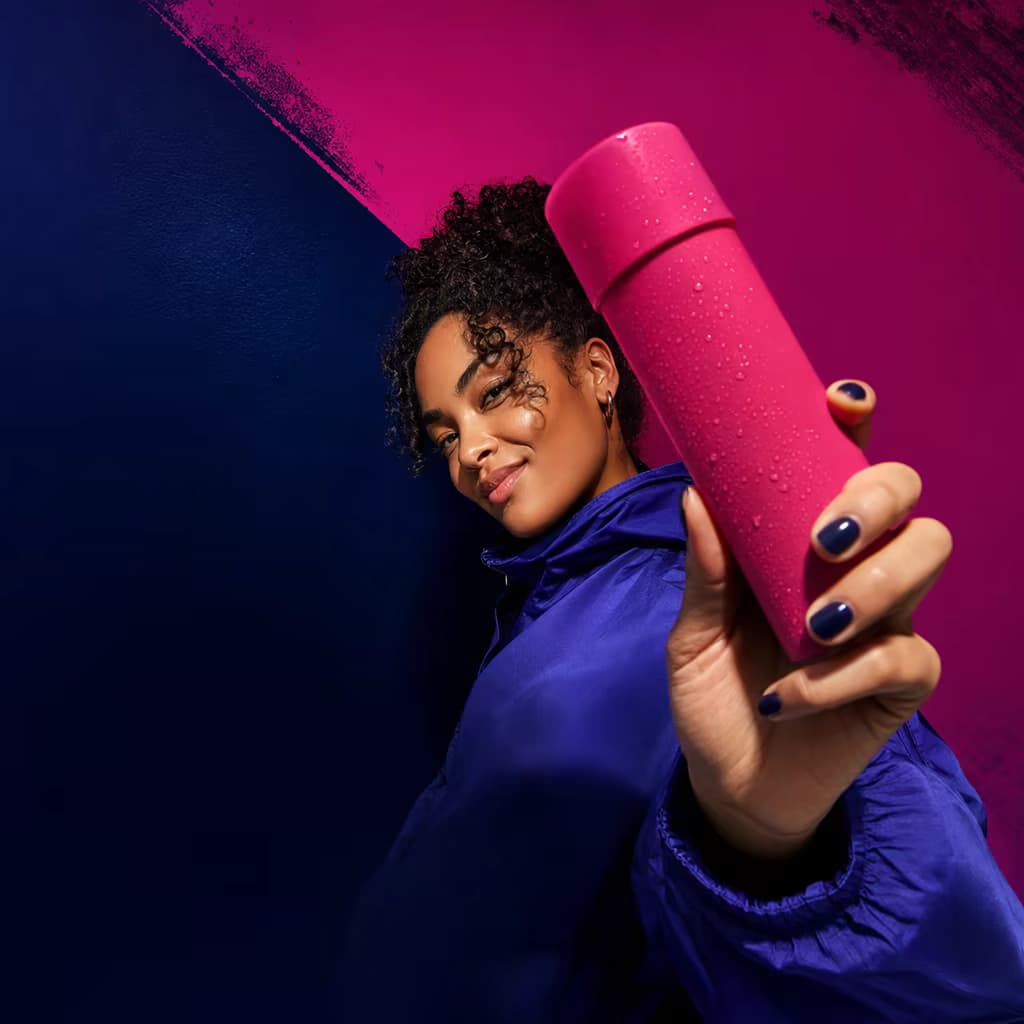
gen-ai generate -m kling-3.0-standard -p "neon liquid ribbons" --duration 5 --ar 16:9
"Animate a 5-second neon-liquid ribbon loop in 16:9 — use Kling 3.0 Standard. Keep it cinematic, slow motion."
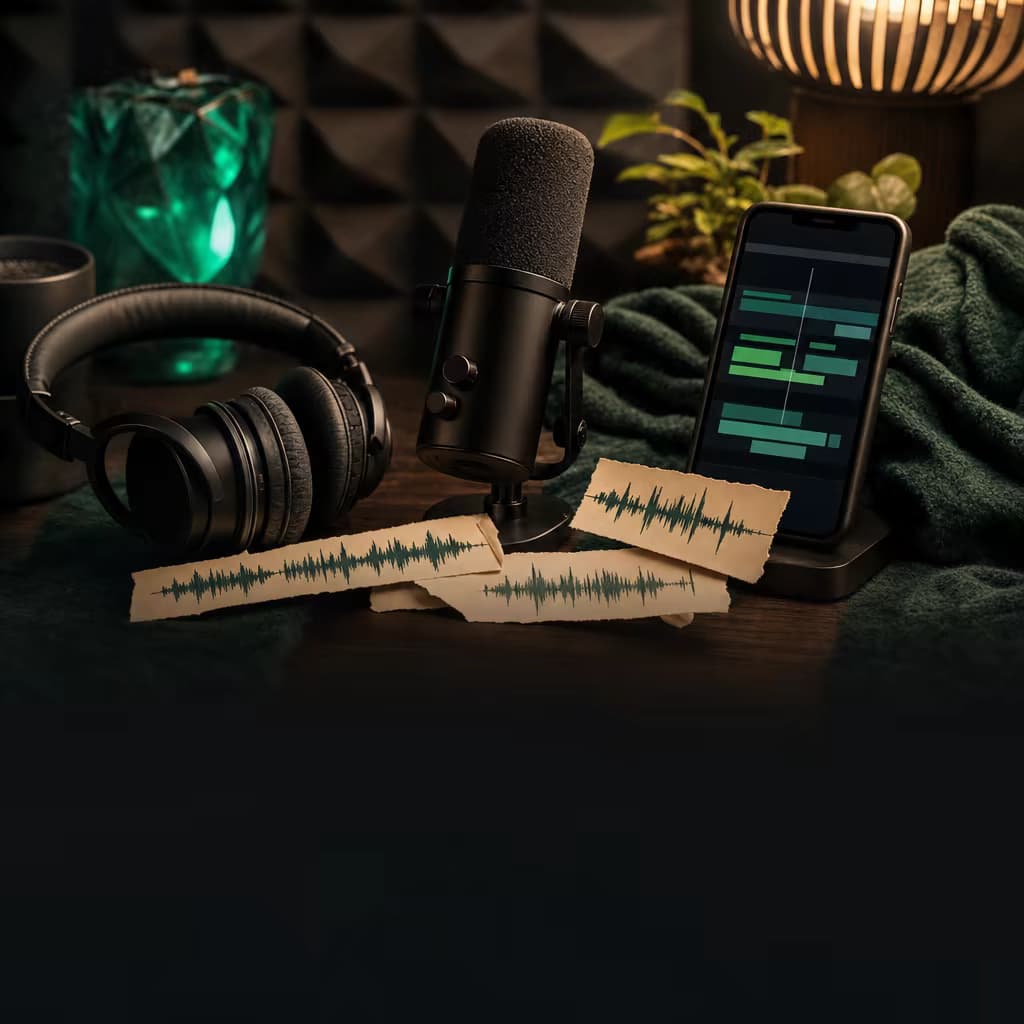
gen-ai generate -m eleven-v3 -p "Welcome to Picsart. One CLI for every media type."
"Voice this line in a warm, confident read with Eleven v3: 'Welcome to Picsart. One CLI for every media type.'"
One CLI. Three media types. Real output, generated with gen-ai.
17 top-level commands. Consistent flags across all models. Every command takes stdin and writes stdout — pipe it through anything.
Create an image, video, or audio clip with any of 130+ models. One command covers every modality — switch providers by changing -m.
$ gen-ai generate -m recraft-v4 -p "editorial product shot" --ar 16:9
Chain 7-second extensions onto an existing clip to any length. Pair with Topaz upscale for finals.
$ gen-ai extend --video clip.mp4 --times 3
Re-run the last generation with a tweak — don't retype the whole command.
$ gen-ai redo -p "same but darker" --ar 16:9
Run a manifest of jobs in parallel. Tune concurrency, resume on failure, push results to Drive.
$ gen-ai batch --manifest jobs.json --concurrency 4
Process every file in a directory with the same model and prompt — great for bulk bg-replace, upscale, or re-style.
$ gen-ai generate --input-dir ./imgs -m recraft-replace-bg --batch
Script mode: emits one JSON object on stdout per result. Pipe into jq, curl, or any CI step.
$ gen-ai generate -m recraft-v4 -p "$PROMPT" --script | jq -r .url
Browse the catalog of 130+ models. Filter by mode, provider, or input type.
$ gen-ai models --mode video --provider runway
Show full specs for a single model — inputs, limits, defaults, pricing.
$ gen-ai models info kling-3.0-pro
Side-by-side capability + cost across 2–N models. Helps pick the right tier before spend.
$ gen-ai models compare sora-2 veo-3.1 kling-3.0-pro
Credit cost per model, or all prices within a mode. Use estimate for a dry-run of a specific call.
$ gen-ai pricing --mode image
List files and folders in your Picsart Drive.
$ gen-ai drive ls --folder "Brand"
Upload a file or directory to a Drive folder. Permissions and sharing are respected.
$ gen-ai drive upload ./assets --folder "Brand"
Download a Drive asset to a local path.
$ gen-ai drive get asset-id --out ./download
Set, read, or list defaults: default model, aspect, voice, Drive folder. All persist per profile.
$ gen-ai config set defaultModel kling-3.0-pro
Self-update the CLI to the latest release. Do not run mid-batch — it restarts the process.
$ gen-ai update
Install shell completion for bash, zsh, or fish. Tab-through every flag and model.
$ gen-ai completion zsh >> ~/.zshrc
Check your auth status, account, and token expiry.
$ gen-ai whoami
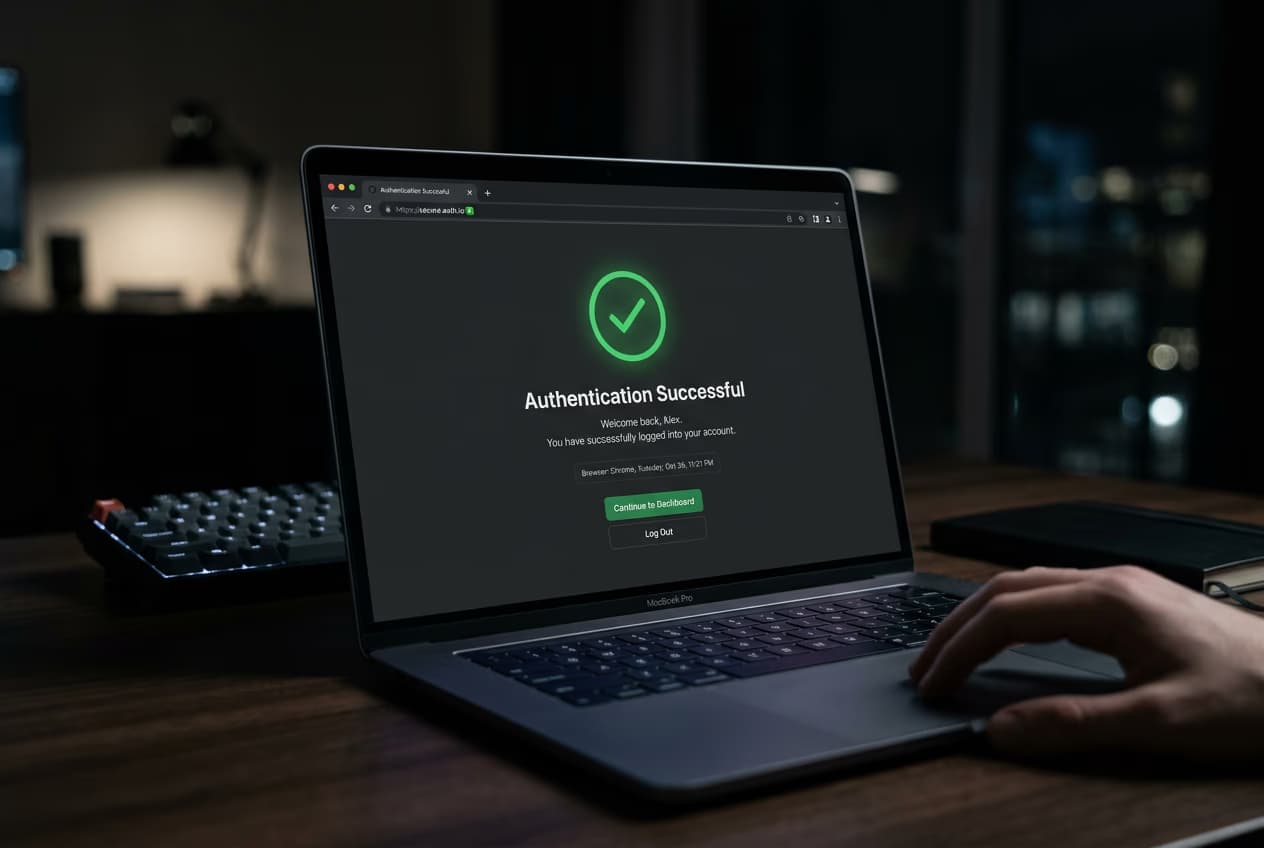
Authenticate with your Picsart account via browser OAuth. Use --token-stdin for CI.
$ gen-ai login
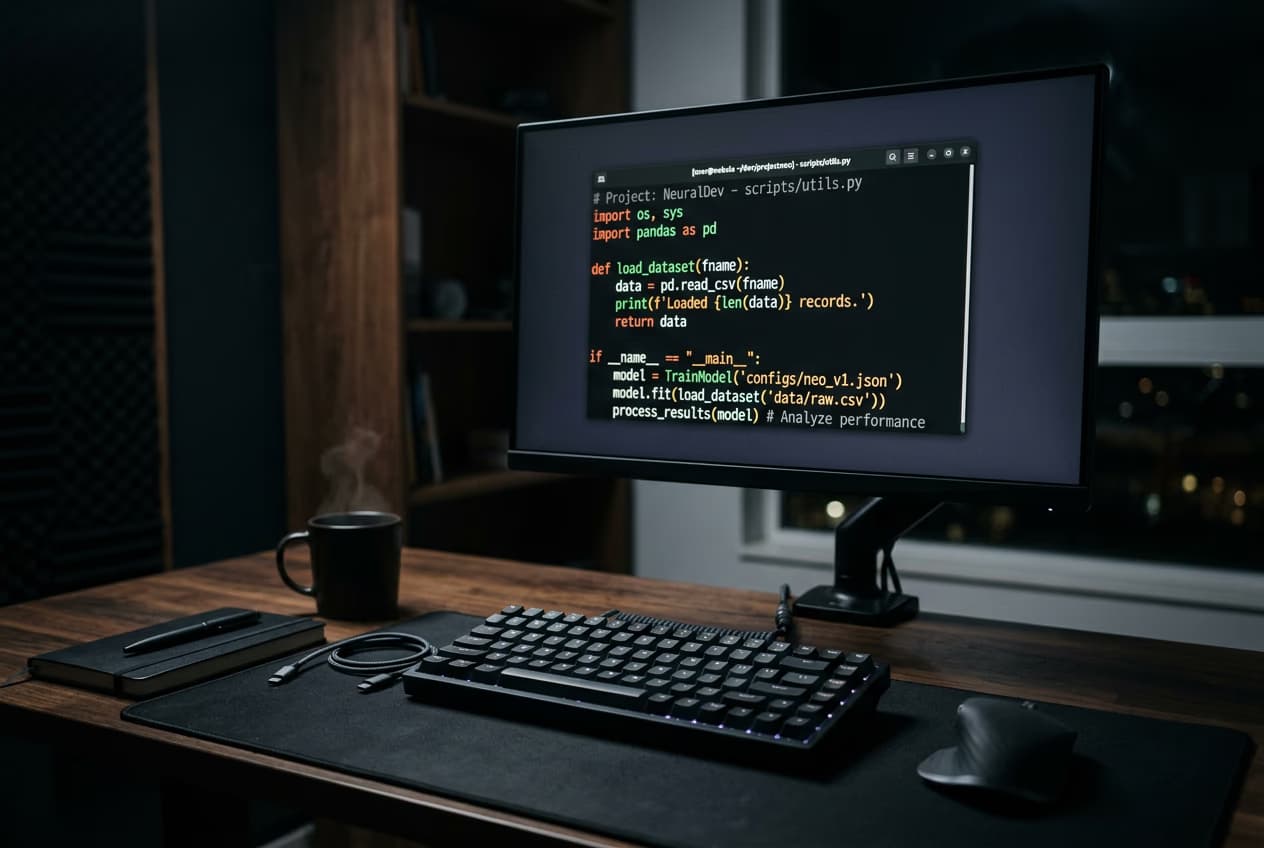
Paste a command — or ask your agent to do it for you. Sign in. Ask for what you want. That's the whole setup.
Paste one command into any terminal — or ask your AI agent (Claude Code, Codex, Cursor, Windsurf) to do it for you. Works on macOS, Linux, and Windows.
Run gen-ai login. A browser tab opens, you click "allow", you're authenticated. Credentials stay on your machine.
Run gen-ai generate and describe what you want in plain English. Your file lands in your folder, ready to use.
Each skill is a drop-in folder that teaches your AI agent a complete job — generate a hero, cut a reel, re-shoot a 1000-SKU catalog. Install one, ask in plain English, and the agent delivers end-to-end. Below: 6 starter skills covering every media type, plus 6 persona-specific workflow packs.
Click any skill card below. A .zip bundle saves to your Downloads folder — the whole skill in one file (instructions plus any helper assets).
Unzip the bundle and move the skill folder into ~/.claude/skills/. Or drop the zip into Claude Code and say: "Install this skill for me."
The skill auto-triggers when your prompt matches — "generate a hero for this post" — and the agent picks the right model and runs it.
gen-ai auth && gen-ai generate -m flux-2-pro -p "sunrise over mountains"
gen-ai generate -m flux-2-pro -p "editorial hero image" --ar 16:9
gen-ai generate -m kling-o3-pro -i hero.webp --duration 10 --audio
gen-ai generate -m elevenlabs-v2 -p "warm, confident voiceover" --duration 15
gen-ai batch --manifest products.json -m recraft-replace-bg --concurrency 4
gen-ai workflow run launch-kit --brief product.md
gen-ai generate -m kling-o3-pro -i portrait.png --ar 9:16 --duration 8 --audio
gen-ai batch --manifest campaign.json -m flux-2-pro --concurrency 4
gen-ai generate -m recraft-v4 -i hero.webp --variants 50 --ar 9:16,1:1,16:9 --batch
gen-ai batch --manifest localize.json -m qwen-edit-plus -i hero.webp
gen-ai generate -m flux-2-pro -p "$HERO" --ar 16:9
gen-ai generate -m flux-2-pro -p "$PRODUCT — magazine editorial" --ar 16:9
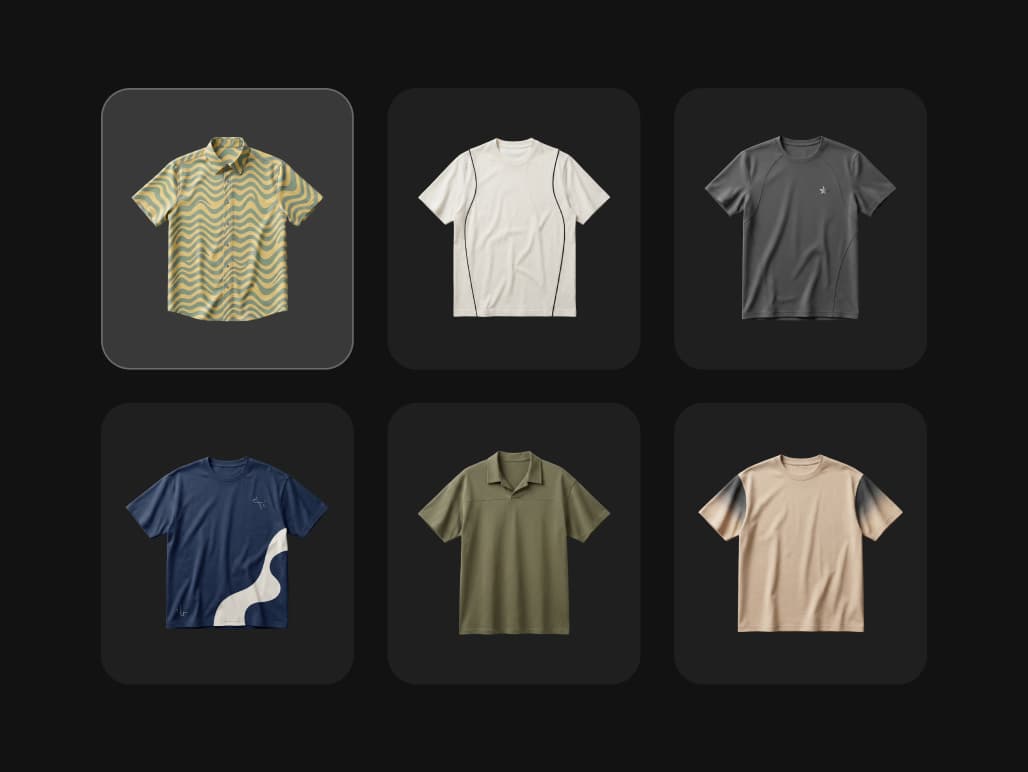
gen-ai generate -m ideogram-character -i art.png -p "tshirt, mug, poster, hoodie, tote, sticker" --variants 6
gen-ai generate -m ideogram-character -i selfie-hd.png -p "linkedin, id, editorial, casual" --variants 4
pbpaste | gen-ai generate -m recraft-v4 -s -o inline.webp
gen-ai generate -m kling-o3-pro -i portrait.png --ar 9:16 --duration 8 --audio
gen-ai generate -m recraft-v4 -p "$TITLE — brand style" --ar 1200x630 --script | jq -r .url
gen-ai generate -m recraft-v4-vector -i style.svg -p "icon-search, icon-bell, empty-inbox" --variants 6
gen-ai generate -m recraft-replace-bg -i raw.png -p "soft studio gradient, subtle shadow"
gen-ai generate -m recraft-v4 -p "avatar, $USER_SEED" --ar 1:1 --script | jq -r .url
gen-ai batch --manifest catalog.json -m recraft-replace-bg --concurrency 10 --save-to-drive
gen-ai generate -m flux-2-pro -p "$PROMPT" --rules brand.md --on-violation reject
gen-ai batch --manifest press.json --watermark logo.png
gen-ai config set registry.flux [email protected]
gen-ai generate -m recraft-replace-bg -i product.png -p "airy studio, warm natural light"
gen-ai generate -m qwen-edit-plus -i hero.png -p "red, navy, olive, cream" --variants 4
gen-ai generate -m runway-gen4-ref -i product.png -p "on a marble kitchen counter, morning light"
gen-ai batch --manifest holiday.json -m qwen-edit-plus -p "holiday 2026 — warm, festive"
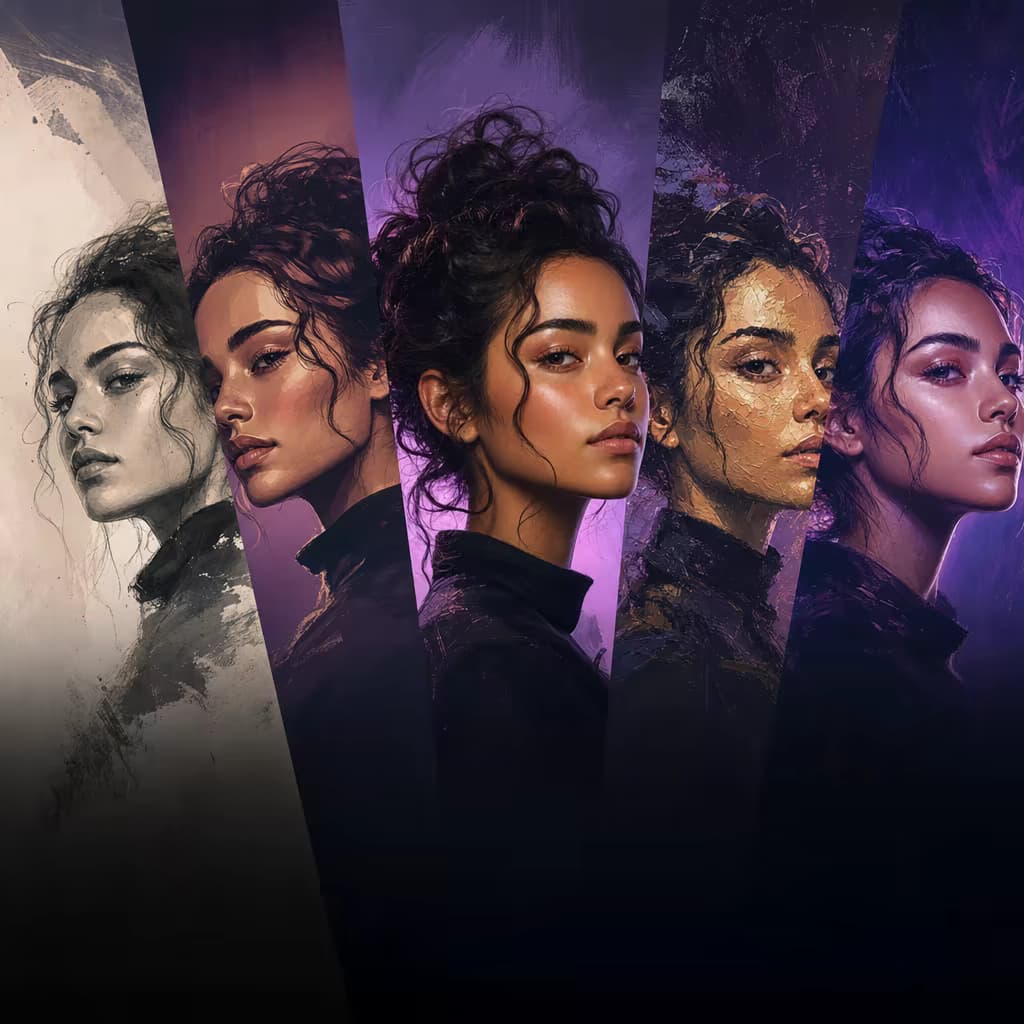
gen-ai generate -m recraft-v4 -p "$CLIENT — 5 visual directions" --variants 5 --ar 16:9
gen-ai batch --manifest pitch.json -m recraft-v4 --brand client.md
gen-ai batch --manifest clients.json --workspace agency
gen-ai export --workspace client-x --format zip --white-label
gen-ai generate -m kling-o3-pro -i talent.png --ar 9:16 --duration 8 --audio
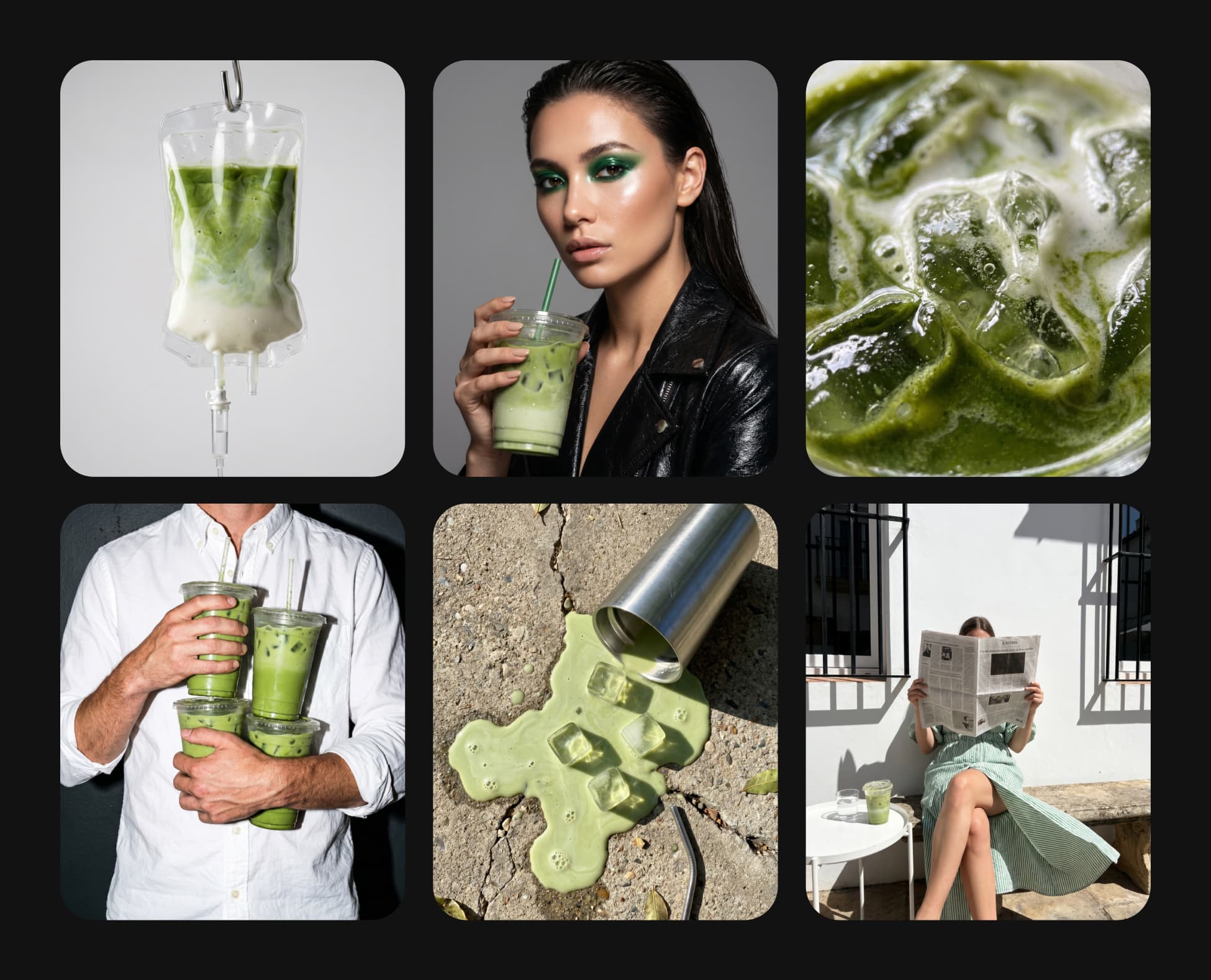
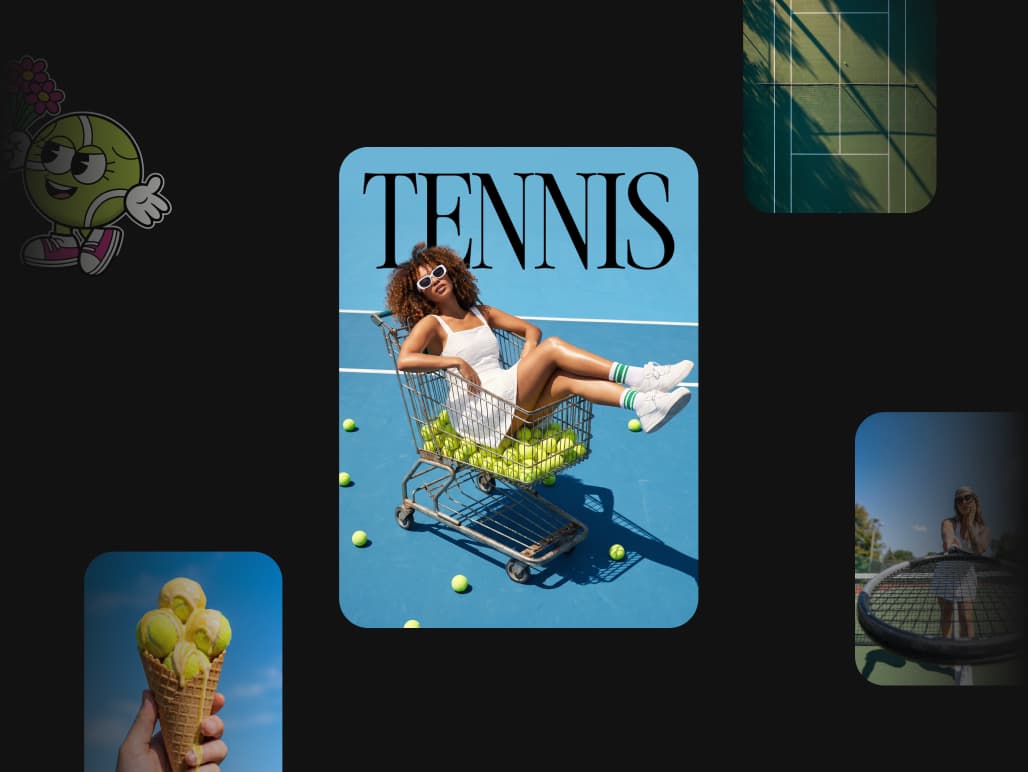
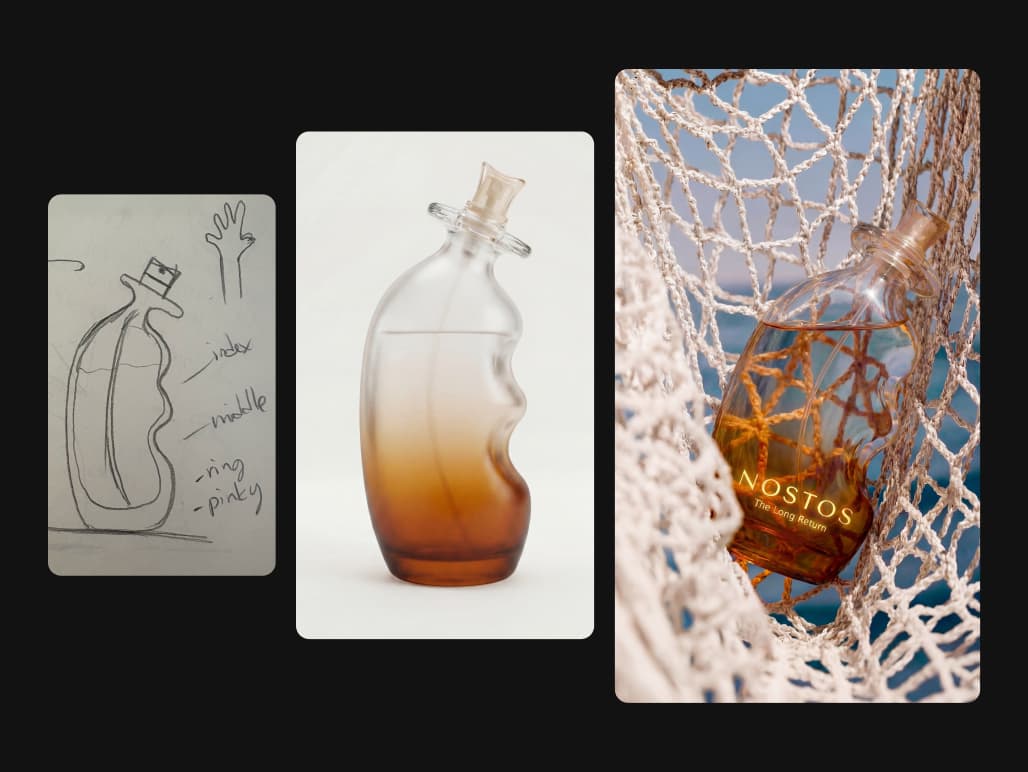
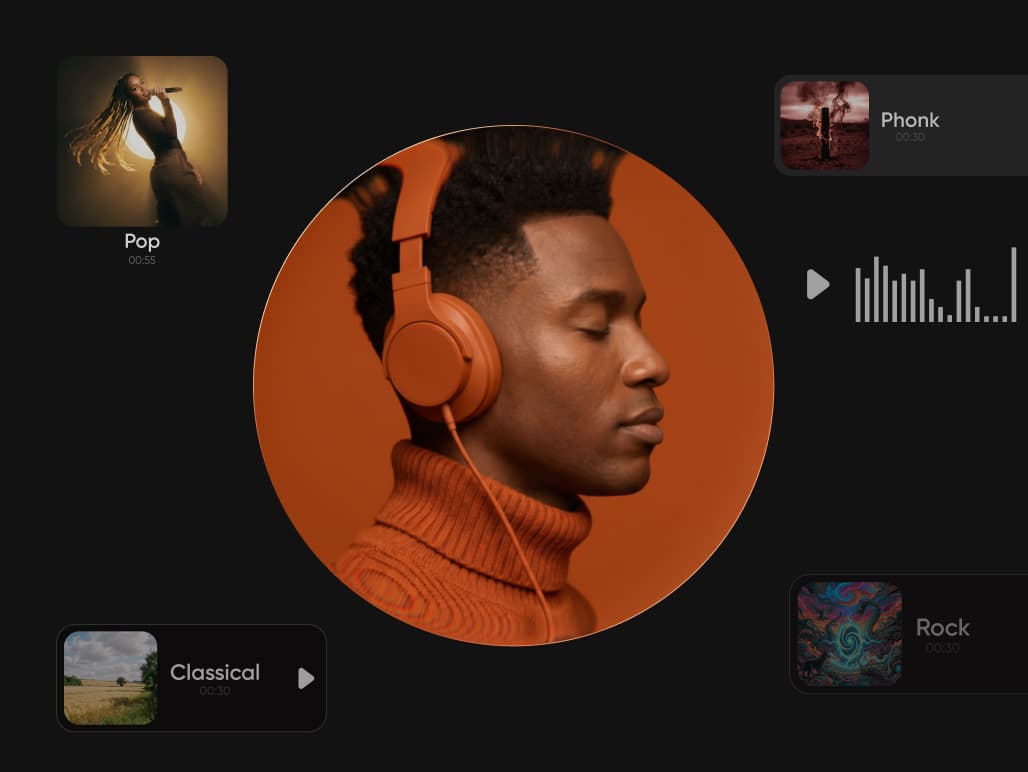
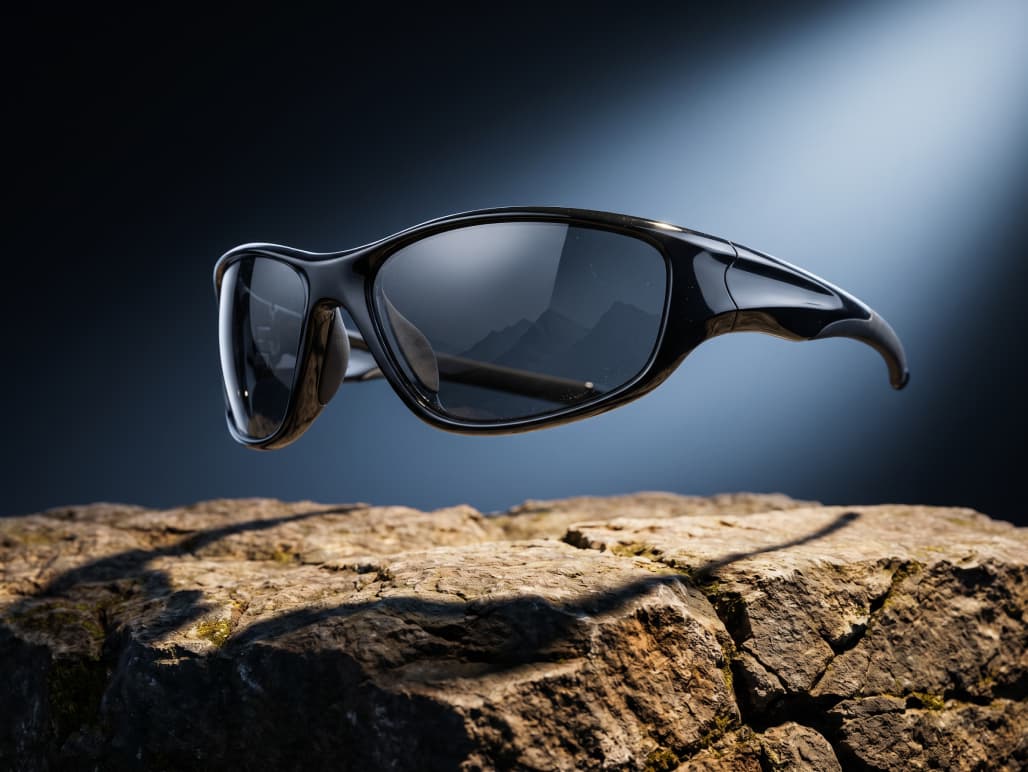
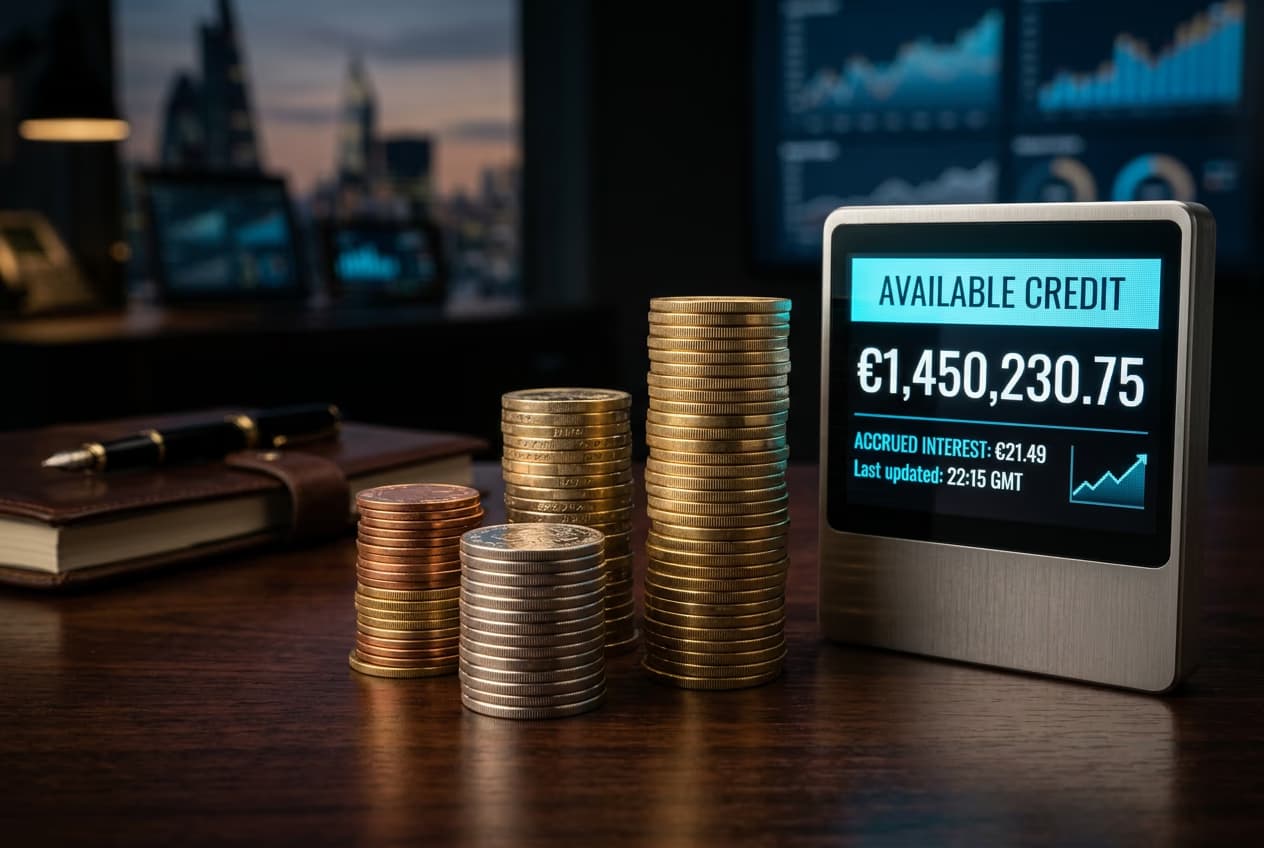
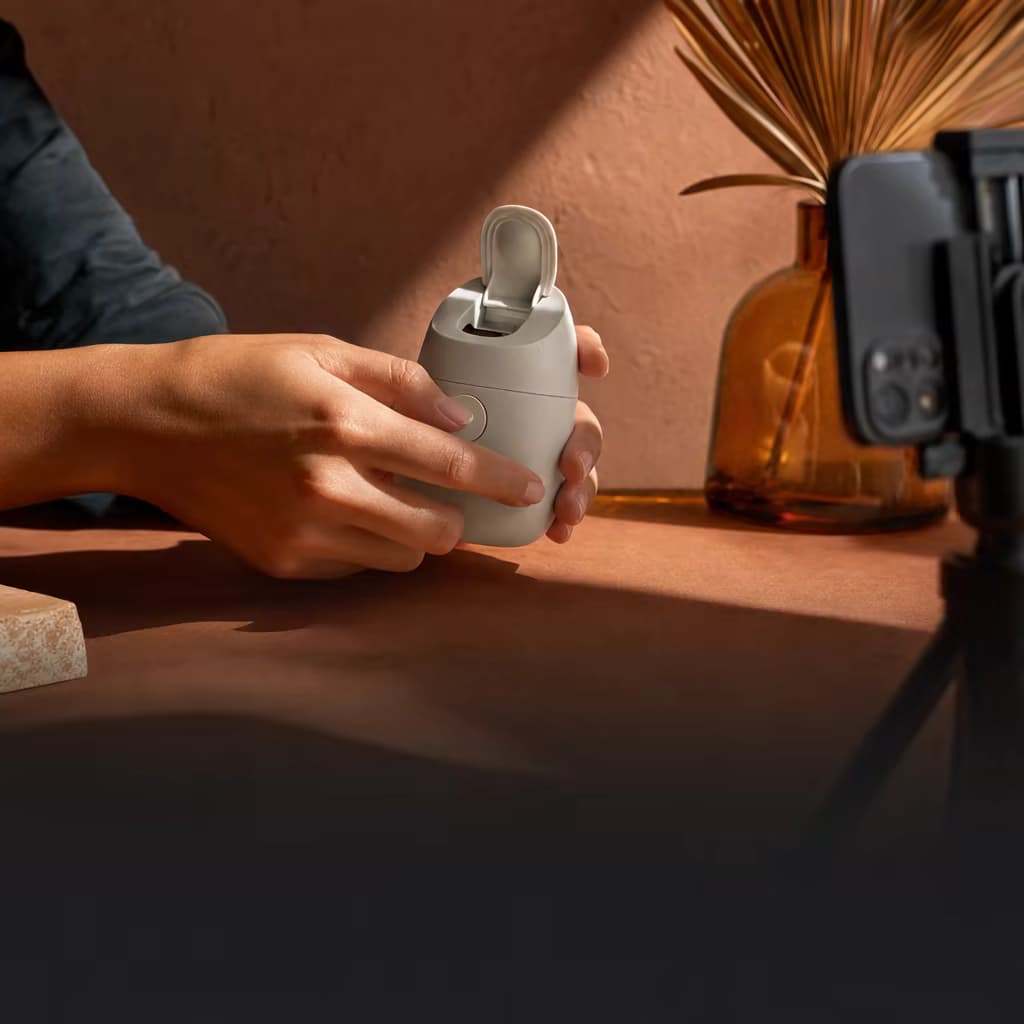
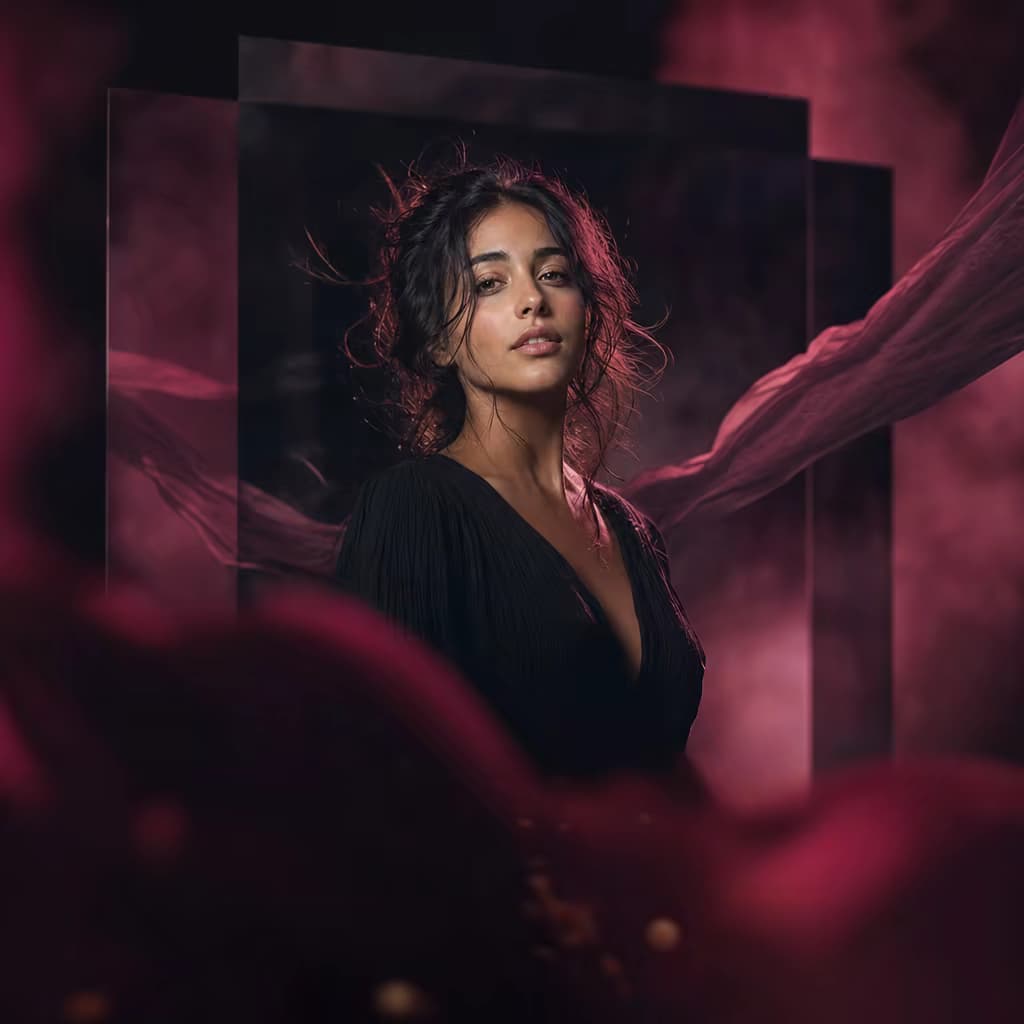
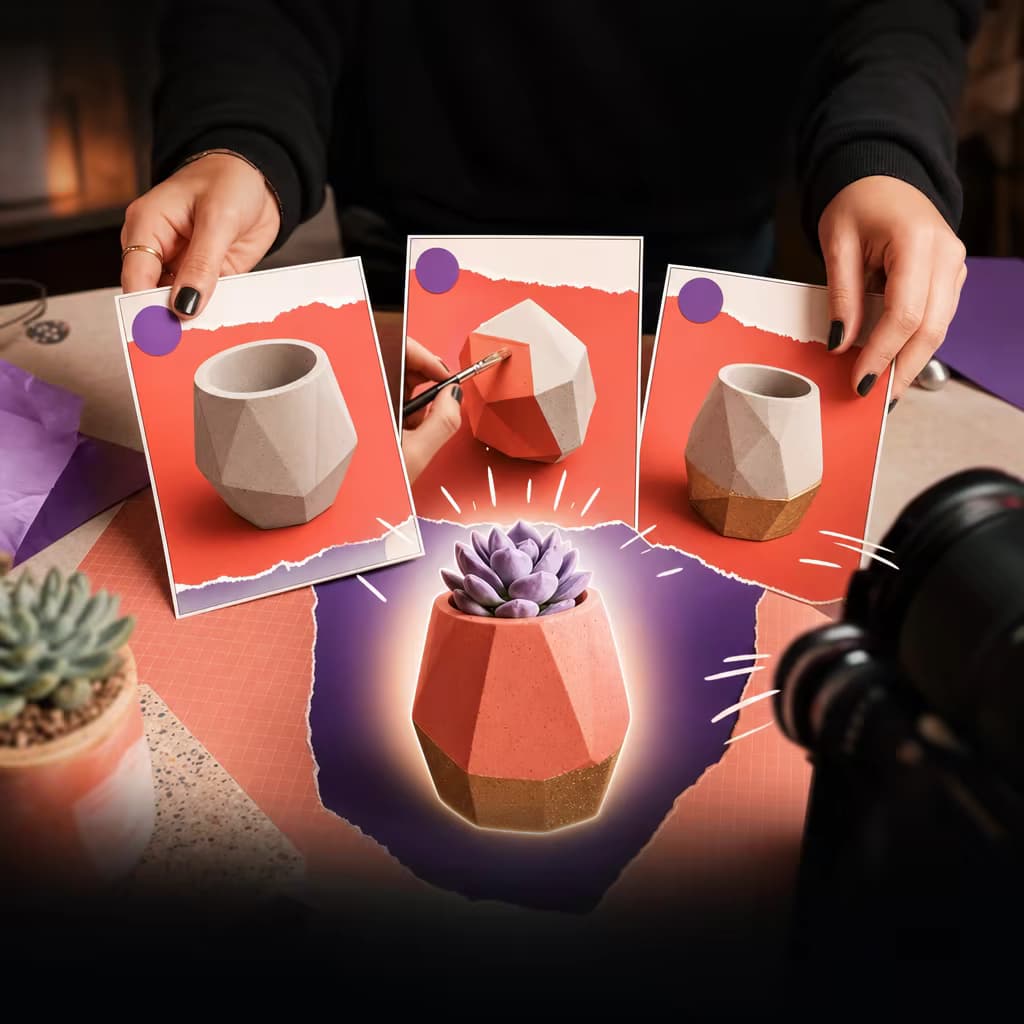
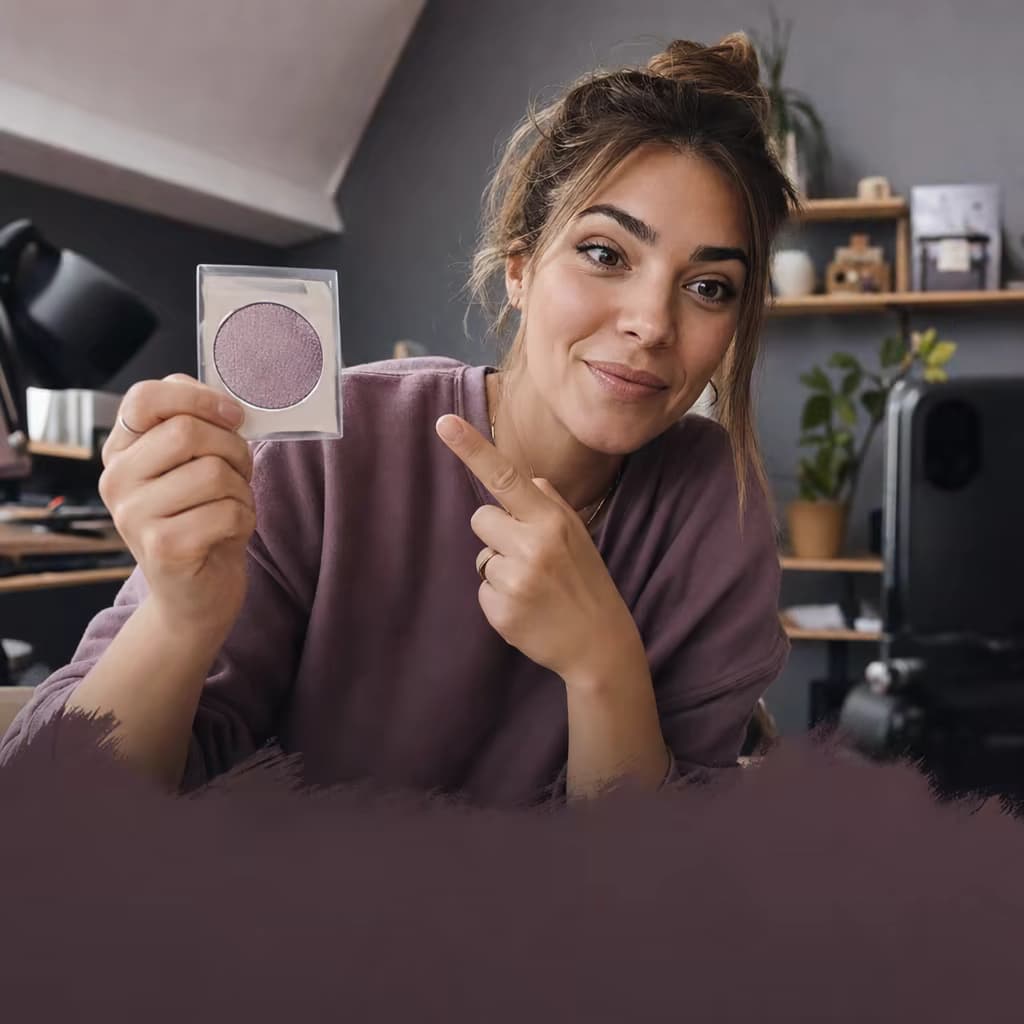
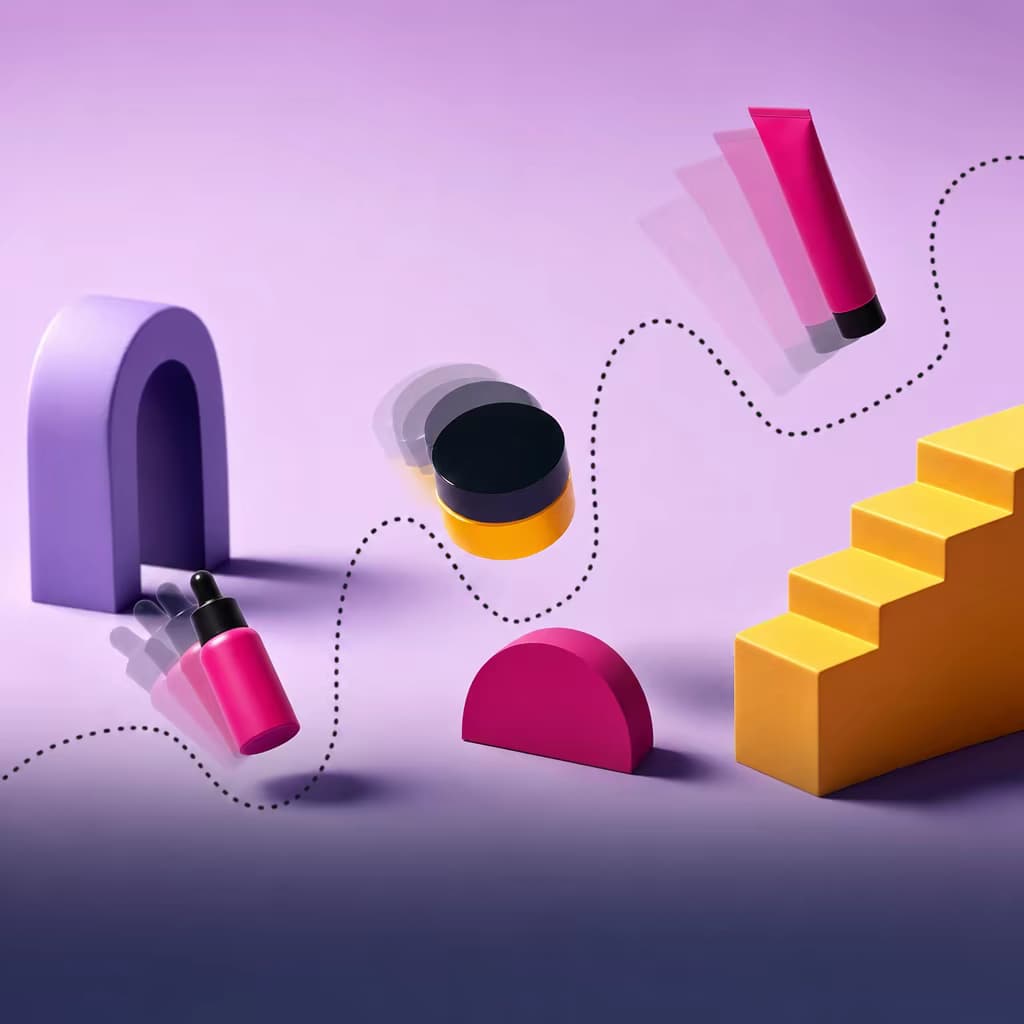
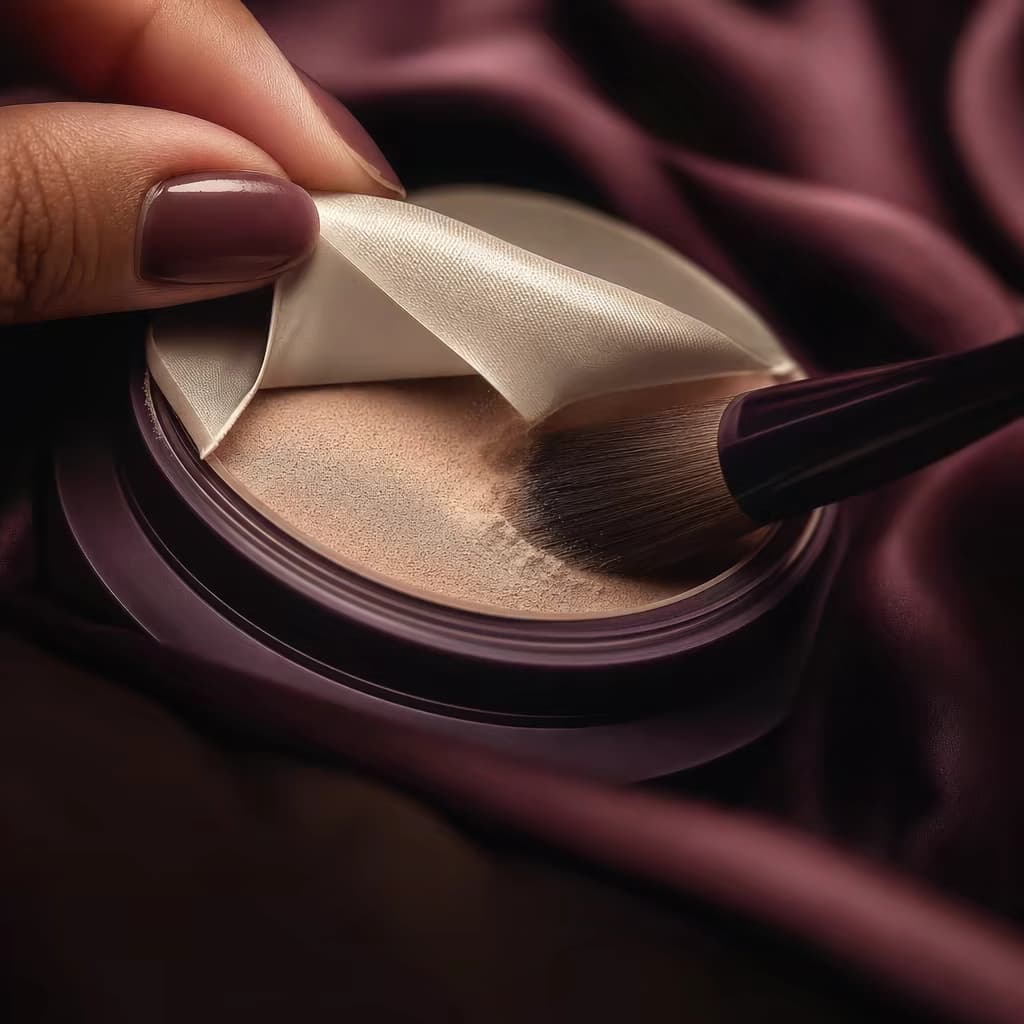
Every visual below was generated with the CLI or the MCP — no mock-ups. Click any card to reveal the exact prompt, or copy it and run it yourself.

$ gen-ai generate -m recraft-v4 -p "editorial still-life..." --ar 1:1
$ gen-ai generate -m kling-3.0-standard -p "neon liquid..." --duration 5
$ gen-ai generate -m eleven-v3 -p "Welcome to Picsart..."

$ gen-ai generate -m recraft-v4 -p "campaign asset kit..."

$ gen-ai generate -m recraft-v4 -p "portrait silhouette..."

$ gen-ai generate -m recraft-v4 -p "URL to OG preview..."

$ gen-ai generate -m recraft-v4 -p "branded product assets..."

$ gen-ai generate -m recraft-v4 -p "workflow visualization..." --ar 16:9
Built on the same stack that powers Picsart Agents — now open to every builder.
gen-ai generate.brand.md. Off-brand output auto-rejected.The @picsart/gen-ai-mcp server will plug into Claude Code, ChatGPT, Cursor, Windsurf, Zapier, n8n — any MCP-compatible host. Your agent will get native access to all 130+ Picsart models and call them in plain English. The CLI below ships today; MCP lands in the next release.
On macOS or Linux: curl -fsSL https://picsart.com/cli/install.sh | bash installs a signed, self-contained binary — no Node.js required. On Windows: irm https://picsart.com/cli/install.ps1 | iex sets up Node.js 22+ (via winget) and installs from npm. Developers with Node.js already can skip the installer and run npm install -g @picsart/gen-ai directly.
130+ frontier models across 25+ providers — Flux 2 Pro/Max, Sora 2, Kling 3.0, Veo 3.1, Runway Gen 4.5, Luma Ray 2, Nano Banana, Imagen 4, Recraft V4, Seedream 5, Ideogram v3, Hunyuan V3, Hailuo 2.3, Pika, ElevenLabs, MiniMax Music, and more. Covers image, video, and audio generation.
Run gen-ai models list to see everything available on your account.
Yes — any agent with shell access can already call gen-ai directly. Claude Code, Codex, and Cursor happily run CLI commands today; drop one of our skill files into your agent and it'll start generating media on request.
A dedicated @picsart/gen-ai-mcp server is coming in the next release, which will expose every CLI command as a native MCP tool call for Claude Code, Cursor, VS Code Copilot, Windsurf, ChatGPT, and any MCP host.
The CLI is free. Generations consume Picsart credits, drawn from a single balance that spans every model and modality. New accounts get a starter balance; run gen-ai pricing -m <model> before heavy usage to confirm cost. One key, one balance, one invoice — no per-vendor contracts. The forthcoming MCP server will share the same credit balance.
Yes. Point --input-dir at a folder of images, or run a manifest JSON with per-item models and prompts. Use --concurrency to tune throughput, --resume to pick up where a run left off, and --script to emit JSON on stdout for CI/CD pipelines.
Pass --rules brand.md to gate every generation through your brand policy — colors, typography, tone, banned terms, mandatory disclaimers. Off-brand output is auto-rejected and logged to an audit trail so you can trace every asset back to its prompt, model, and rule set.
The gen-ai CLI is the same stack that powers Picsart Agents (currently in early access). Everything Picsart Agents does — catalog re-shoots, brand-gated generation, multi-platform campaign kits — is now open to any builder with a terminal. The official MCP wrapper is shipping next, so the same stack will plug into any MCP host too.
macOS 12+ (Apple Silicon and Intel), Linux (x86_64 and ARM64), and Windows 10/11. macOS and Linux install a signed, self-contained binary (~60 MB) via curl — no Node.js required. Windows and the npm path install the pure-JS distribution and need Node.js 22+ (the PowerShell installer sets it up automatically via winget). Runs in Docker, GitHub Actions, GitLab CI, and WSL.
Run gen-ai login once — the CLI opens a browser for OAuth and stores a token in your OS keychain. For CI, set PICSART_API_KEY as an environment variable. When the MCP server ships, hosts will inherit the same credentials with no per-agent setup.
Outputs are written to ./out/ by default, or wherever you point --output. Nothing is uploaded to Picsart beyond the prompt and input assets needed to run the model. You own the outputs; enterprise plans add retention controls, SSO, and data-residency options.
Yes — that's the whole point. Every command takes -m <model>, flags are consistent across providers, and stdin/stdout piping works the same way everywhere. Swap Flux for Recraft, or Sora for Veo, by changing one flag. No per-vendor SDKs, no rewriting prompts.