
AI Try-On
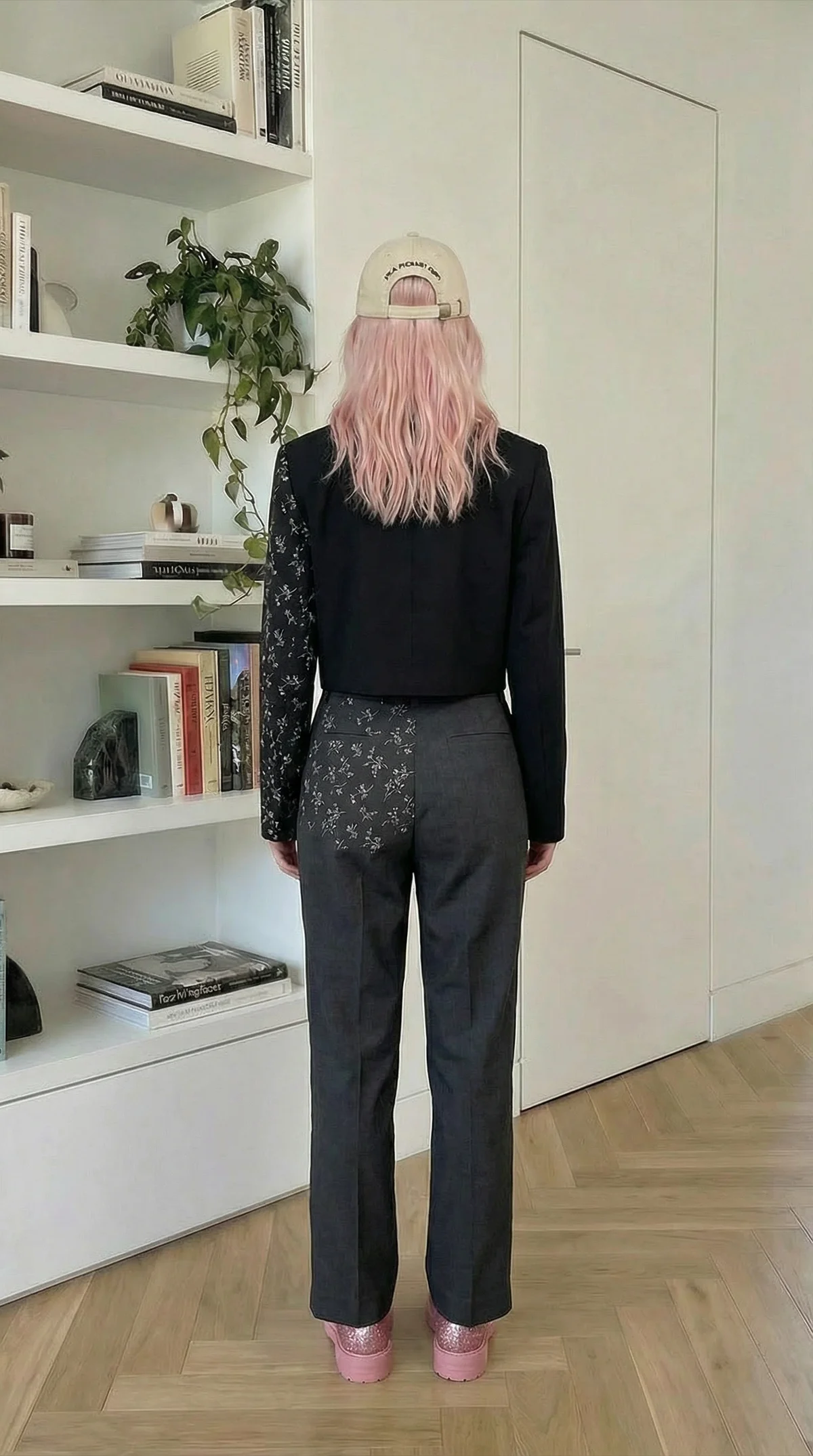
Preview a full outfit on the same person before you commit to a shoot or a purchase. This AI Try On template generates two photorealistic virtual try-on images, one front view and one back view, in a high-resolution 9:16 portrait format while preserving the model’s identity and original scene. The workflow is preloaded with example images so you can run it right away, then replace them with your own assets. Upload one clear, well-lit full-body model photo plus separate product photos for headwear, two tops (for layered looks like a shirt plus jacket), bottoms, footwear, eyewear, and one accessory. It applies only the single most prominent item from each product image, ignores incidental objects, and stays conservative about surface details. Patterns, logos, and textures are rendered only when they are actually visible for the current view. Accessories appear only when they would naturally be visible from that angle to avoid awkward or floating placements. Use the outputs for lookbook concepts, outfit planning, and ecommerce product listing visuals. You get two matching try-on renders that keep lighting, background, and camera angle consistent.