Interior decorizer
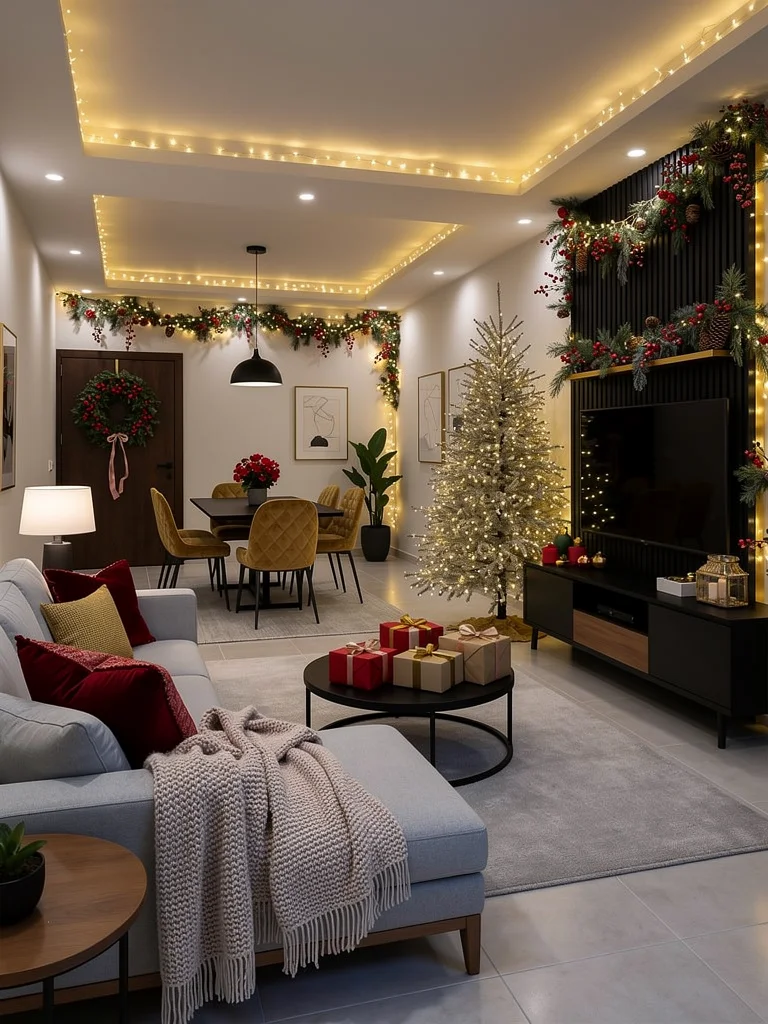
See your space dressed for the season before you move a single piece of furniture. Interior decorizer takes one interior photo and a simple theme (like Christmas, Halloween, cozy autumn, or any vibe you want), then generates a themed redesign that preserves the original perspective, layout, and architecture. How it works: 1) It analyzes your room photo to understand the scene and key elements. 2) It turns your theme into a detailed redesign prompt tailored to your space. 3) It generates a high-quality themed makeover image. 4) It creates a smooth, static-camera before-and-after transition video that ends on the finished look and holds the final frame for 1 second. Start instantly with the included sample room image and the default Christmas theme, or swap in your own living room, bedroom, dining area, or studio photo and type your theme text. You’ll get a redesigned still image and a vertical 720p MP4 (about 5 seconds, no audio) that’s useful for social content, interior design concept previews, and seasonal decor visualization. For the cleanest AI interior makeover, use a sharp, well-lit photo that shows most of the room, and keep your theme phrase short so the generated decor stays cohesive.