Palette Extractor
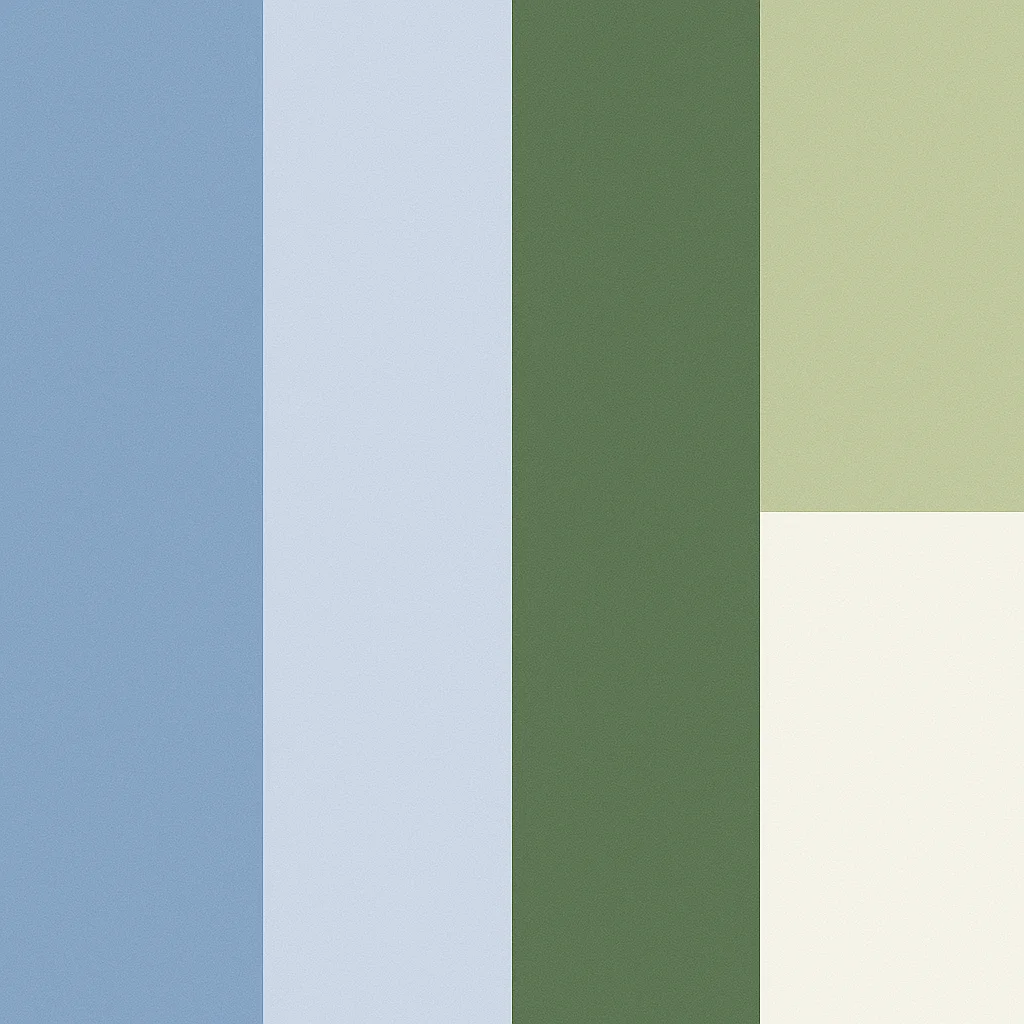
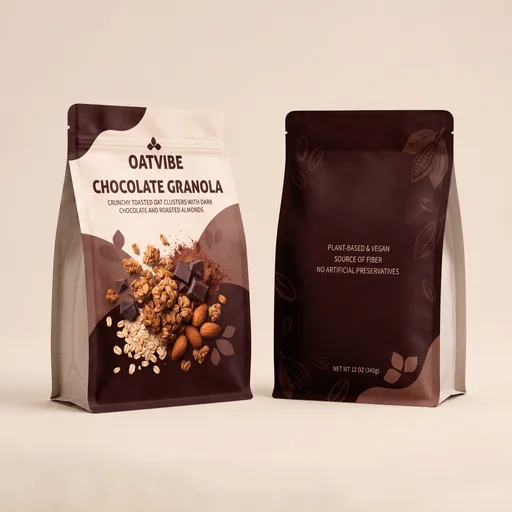
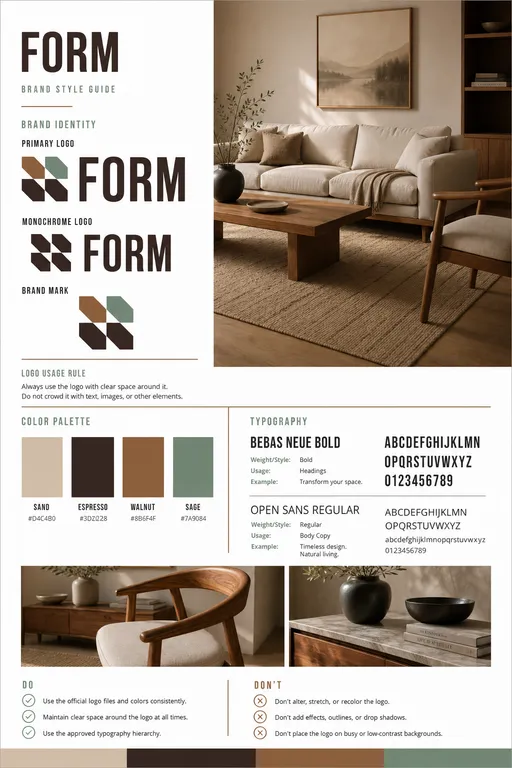
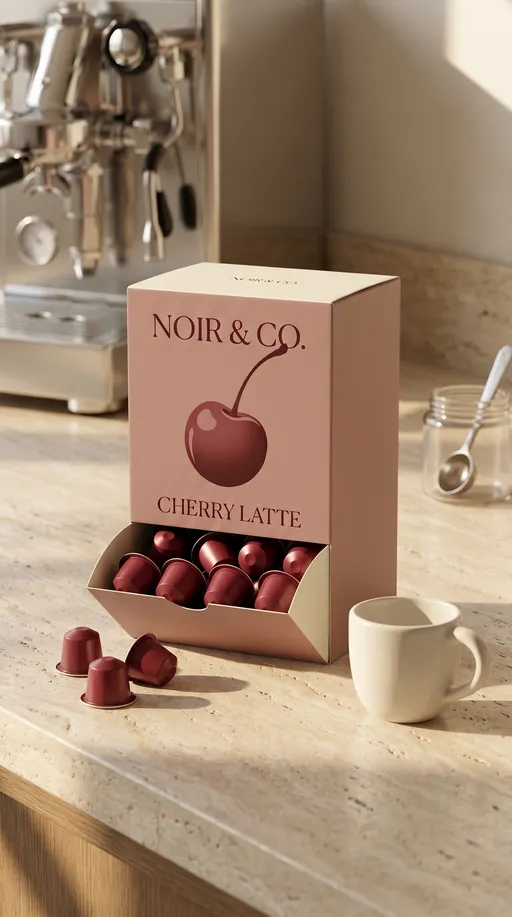
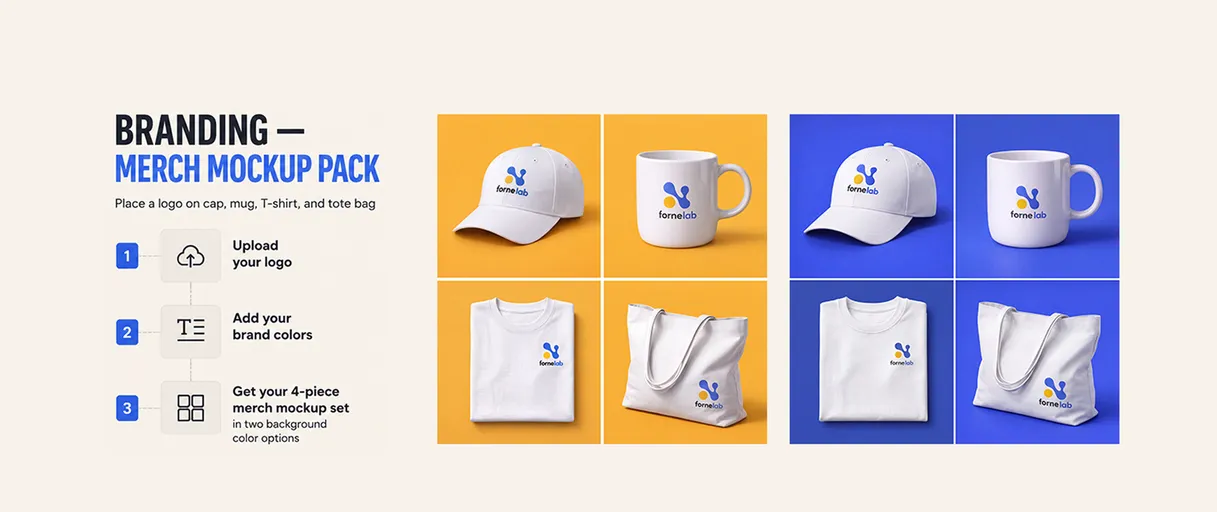
Stop guessing HEX codes by eye. Palette Extractor turns any photo, artwork, or screenshot into a usable 5 color palette by analyzing the image you upload. How it works: 1) Upload your image (a sample image is included so you can try it instantly). 2) Run the template to extract the top five dominant colors. 3) Get a text result listing each color with a readable name, HEX code, and an approximate percentage of how much it appears. 4) Receive a clean, square 1024x1024 palette graphic: five full-height vertical color blocks that fill the frame, with each block’s width matching its dominance and no text, borders, gaps, or extra swatches. Use this template to pull a brand palette from a product photo, match UI colors from a screenshot, or extract a moodboard palette from illustration and photography. Tip: if you want the palette to reflect a specific area (like the sky, outfit, or background), upload a cropped version focused on that region for more relevant dominant colors.