Dynamic Lighting Adjustment
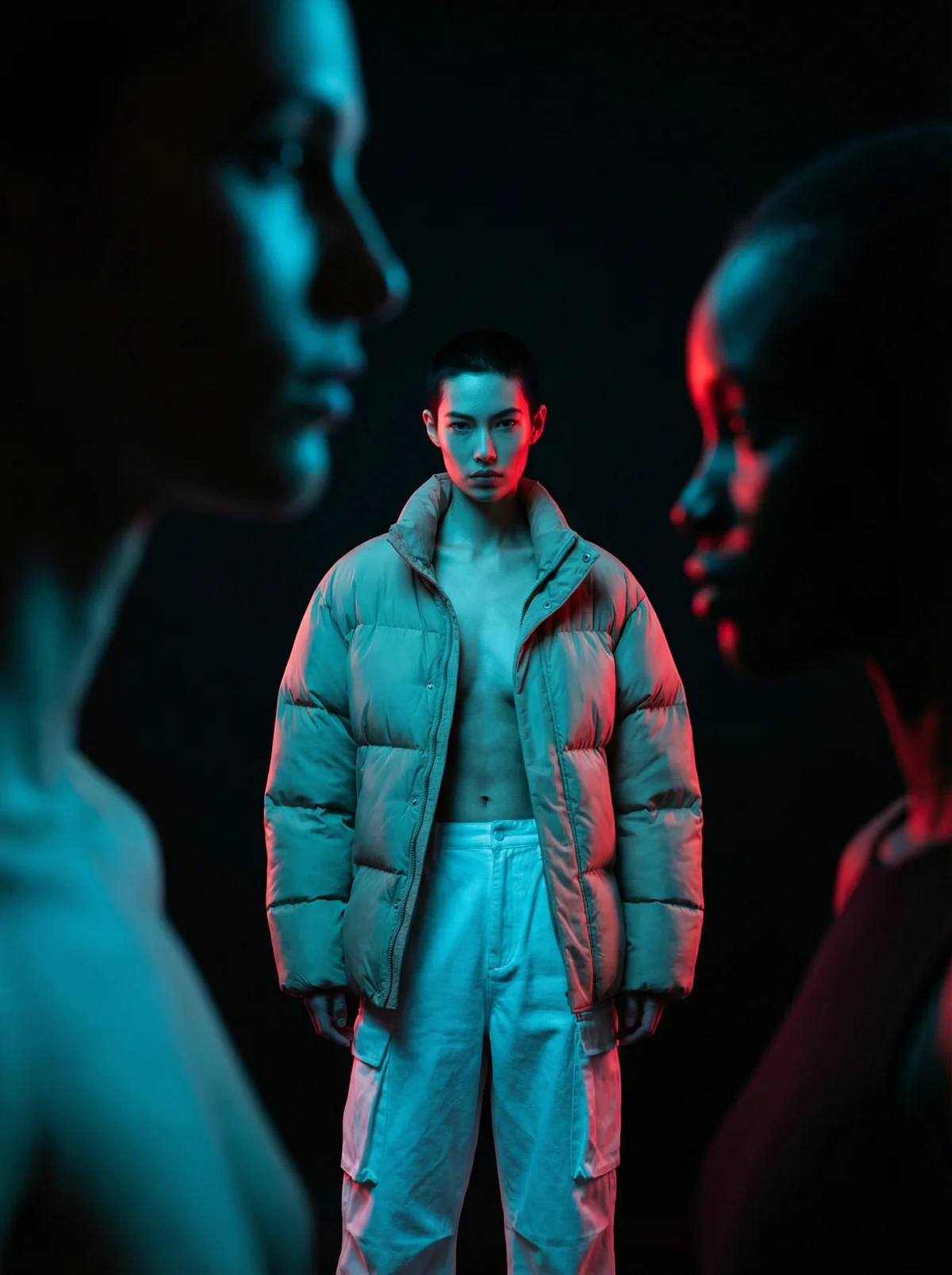
Give any photo an AI lighting upgrade in three cinematic styles. Run it with the included sample image, or swap in your own portrait or product photo to keep the original subject and composition while the scene is relit. How it works: 1) Upload your image (or use the sample). 2) The workflow applies three different lighting directions to the same shot. 3) Get three separate 3:4, 2K outputs so you can compare the results side by side. Included lighting styles: - Dramatic high-contrast: deep black background with defined contours and subtle edge separation. - Retro spotlight: a warm halo behind the subject paired with cooler green-toned lighting. - Modern neon studio: cyan-blue and red bicolor lighting for a bold, cinematic mood. Ideal for photographers, fashion creators, and designers exploring lighting options for lookbooks, editorials, posters, album art concepts, or hero images. For cleaner contours and stronger contrast, start with a sharp photo where the main subject is clearly visible, and tweak the built-in lighting text prompts to push the mood further.