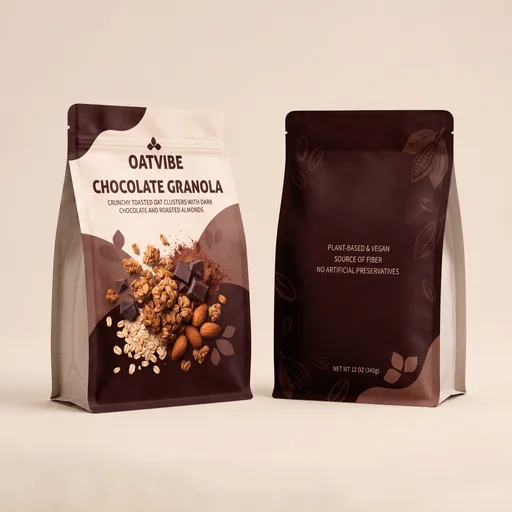
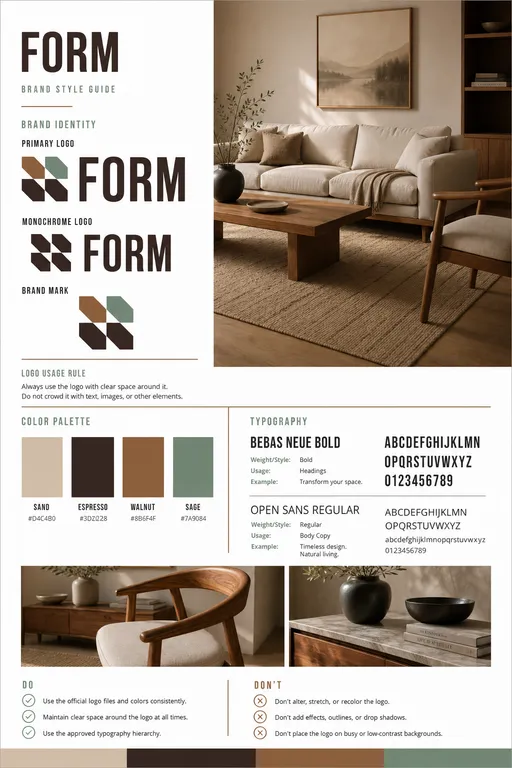
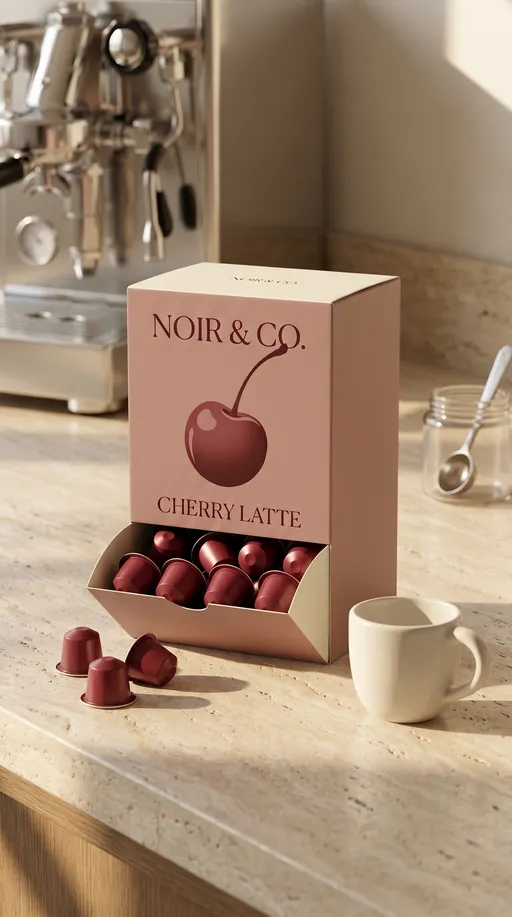
Image to Storyboard to New Frame
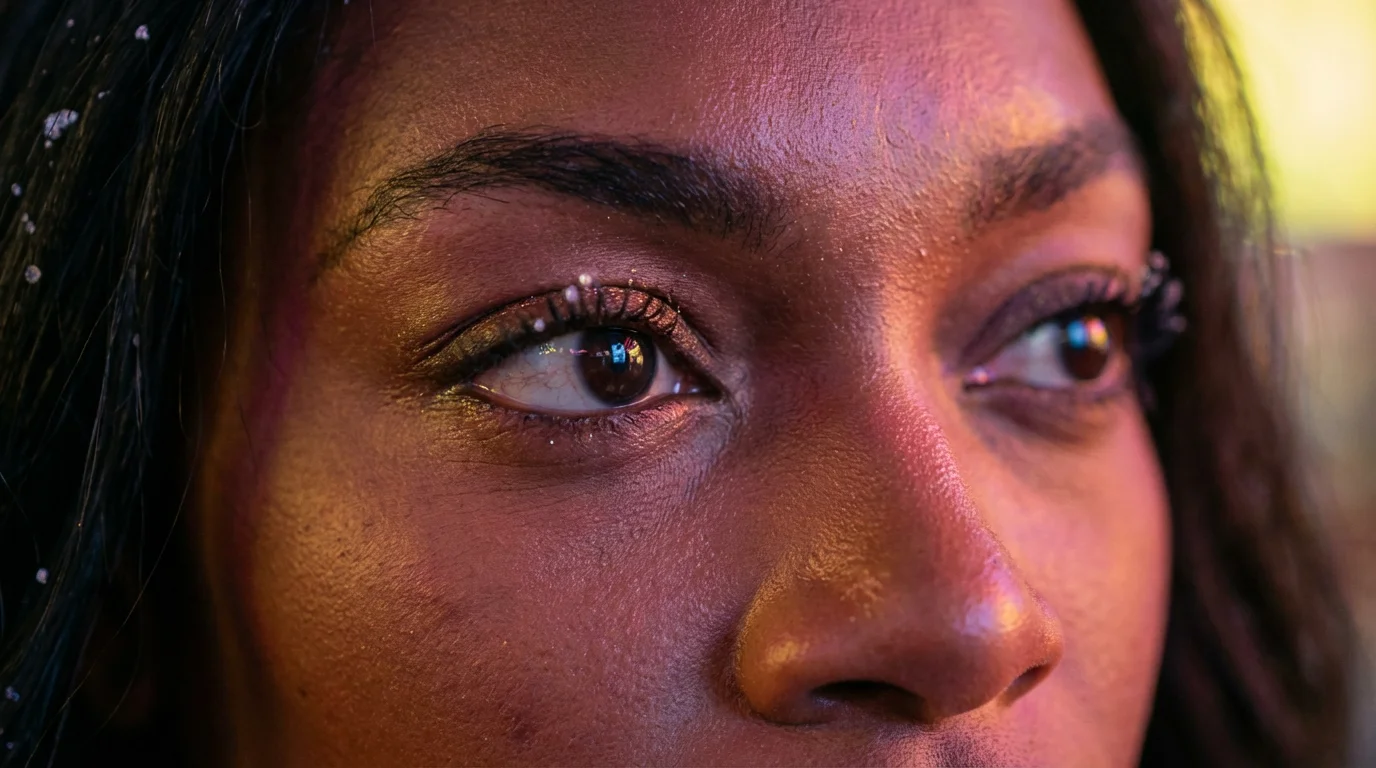
Turn one still image into a cinematic storyboard contact sheet, then pull a standalone frame from the exact panel you choose. This template is built for fast previs and shot planning while staying faithful to the original subjects, environment, lighting, and overall color grade. How it works: 1) Upload a reference image (or run the template with the included example). 2) The workflow analyzes the scene and creates a cohesive trailer-like keyframe progression with framing, camera movement, lens, and depth of field cues. 3) It renders a labeled storyboard contact sheet in a cinematic 16:9 format. 4) Choose which panel to extract by typing a position such as first position of the second row. 5) The selected panel is isolated, grid borders and captions are removed, and the image is enhanced for clarity and texture without changing the composition. You provide: one image, plus an optional text selection for the panel to extract. You get: a storyboard grid image, a clean extracted frame image, and a detailed keyframe plan you can use to build a shot list or regenerate specific frames. Use it for image-to-storyboard workflows, AI video keyframes, short film or commercial shot planning, and creating a high-quality hero frame for pitches, thumbnails, or concept frames. For best results, start with a clear subject and a readable environment, since the sequence is designed to maintain continuity rather than invent new elements.