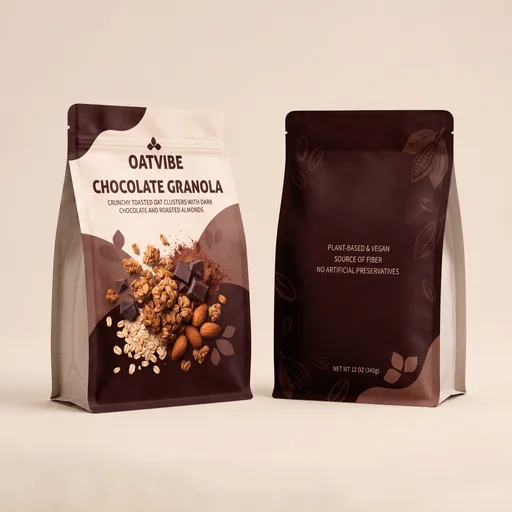
Video Object Replacement for Prop Swaps

Swap an object in your video everywhere it appears, without editing frame by frame. This template is built for creators and video editors who want fast, frame-consistent object replacement for short clips, whether you are making a surreal meme edit, a prop swap, or a product-style variation while keeping the original shot, camera movement, lighting, and background as unchanged as possible. A demo video and example instructions are included so you can run it instantly. You get an edited video output with the object swapped across the clip. The exported video has no audio. For best results, name the target object clearly and describe the replacement details like material, color, and interaction such as held, floating, or bouncing so the edit stays believable in motion.