
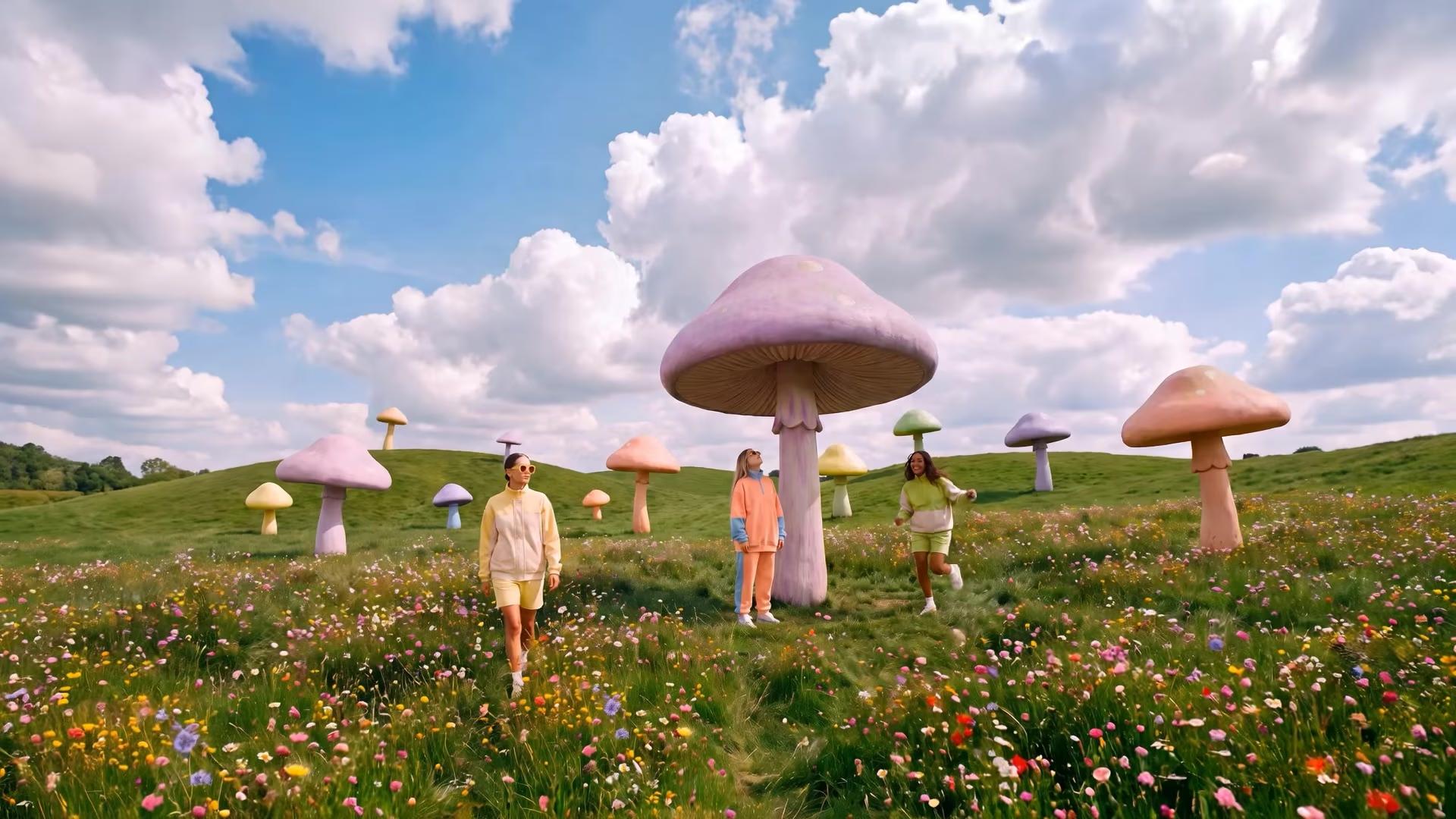

Kling 3.0 Omniでキャラクター主体のビデオを作成

プロンプト、視覚参照、および音声を使用して、キャラクター、声、シーンをつなぎます。AI Playgroundで始めて、その後Picsart Flowでさらにバージョンを作成します。
  • キャラクターを一貫して保つ
  • 参照を使ってガイドする
  • Flowでさらに構築
Start
End
Ref
Video
シーンを説明 — Kling 3.0 Omniで生成

Kling 3.0 Omniでさらに作成

  • ビデオとネイティブ音声を同時に生成

  • キャラクターと声の参照を接続したまま保つ

  • 最大15秒までのマルチショットストーリーを構築

  • 開始フレームと終了フレームを使って動きを指示

  • 5言語でのリップシンク対応ダイアログをサポート

  • コミットする前にバージョンを比較

なぜPicsart

モデル選択を完成したビデオに変える

Picsartビデオのアイデアから1つのワークスペースで完成したカットに進む。
32プロバイダーからの175以上のAIモデル
その作業に適したビデオモデルを選ぶ
プロンプトと参照をプロジェクトと一緒に保つ
コミットする前に方向性を比較
Picsart Flowで繰り返し可能なビデオワークフローを構築
ビデオテンプレートから始めて、自分のものにする
同じプロジェクトでキャプションと音声を完成
別々のツールビデオワークフローを別々のツールに渡す。
モデルを変更するためにアカウントを切り替える
方向性をテストするためにツール間を飛び回る
すべてのツールでブリーフを再説明
共有コンテキストなしで結果を比較
すべてのバージョンのためにワークフローを再構築
別のツールでテンプレートを探す
プロジェクトを別のエディターに移す

PicsartでKling 3.0 Omniを使用して作成

How to

ビデオブリーフから始める

シーンから必要な主題、アクション、フレーミング、結果を書きます。

ステップ1: Picsart AI PlaygroundでのKling 3.0 Omniビデオブリーフの開始
  • 15秒ビデオストーリー
  • 1080pビデオ出力
  • 5リップシンク言語
  • 175以上比較するAIモデル

1つのブリーフをKling 3.0 Omniビデオの指示に変える

モデルに特化した方向性のためにKling 3.0 Omniを使用し、その後同じブリーフをビデオモデル全体で比較してからコミットします。

PicsartでのKling 3.0 Omniビデオ指示
Kling 3.0 オムニ
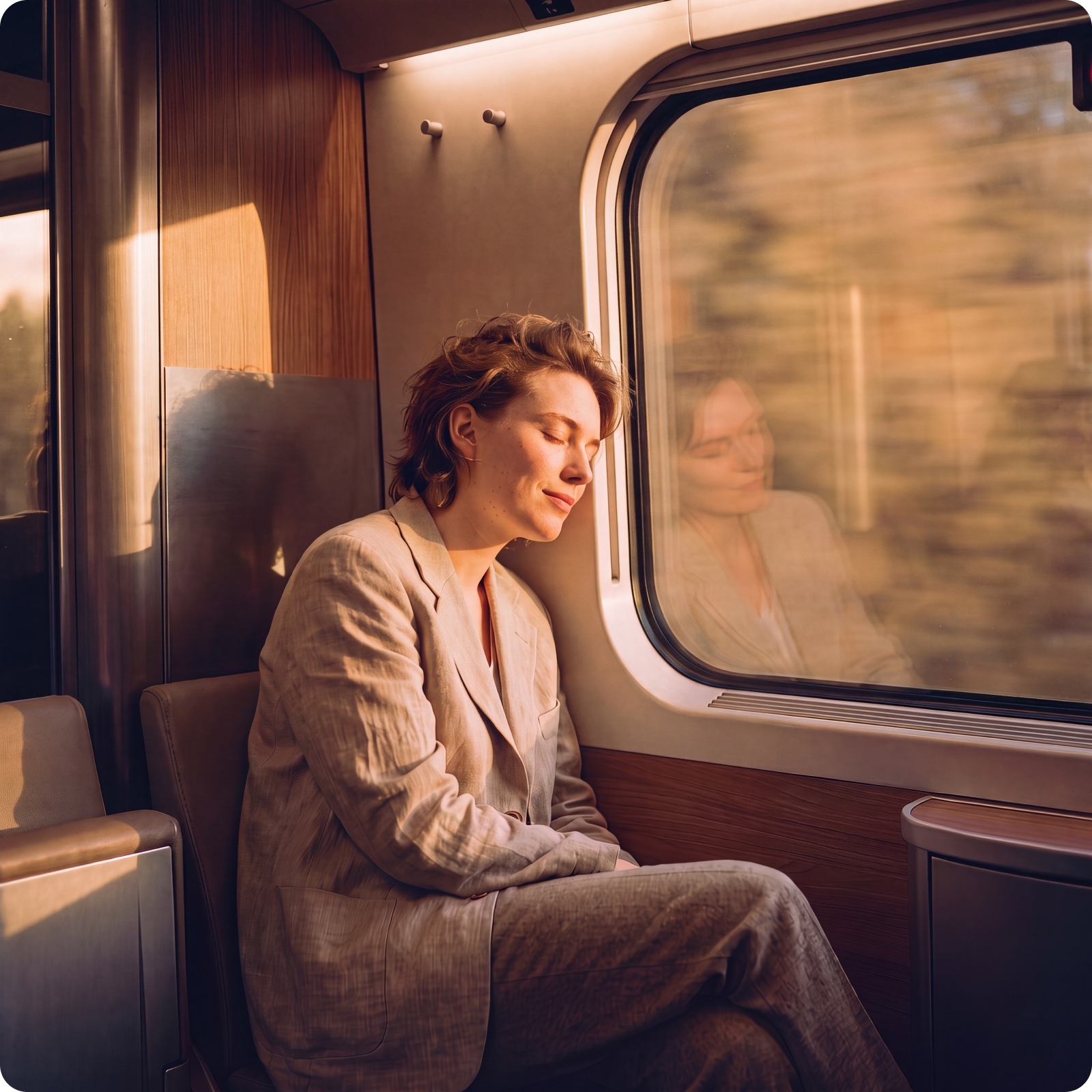
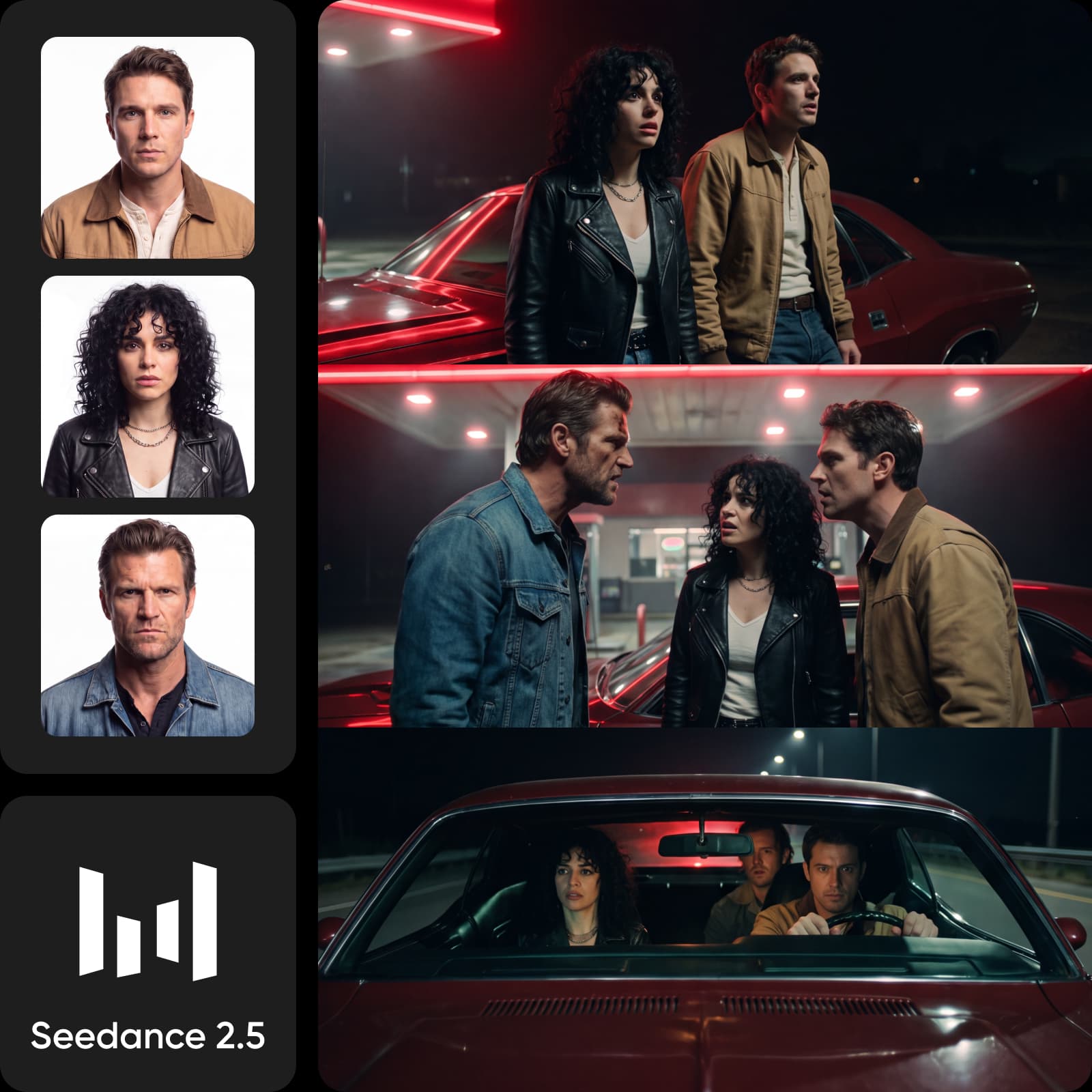
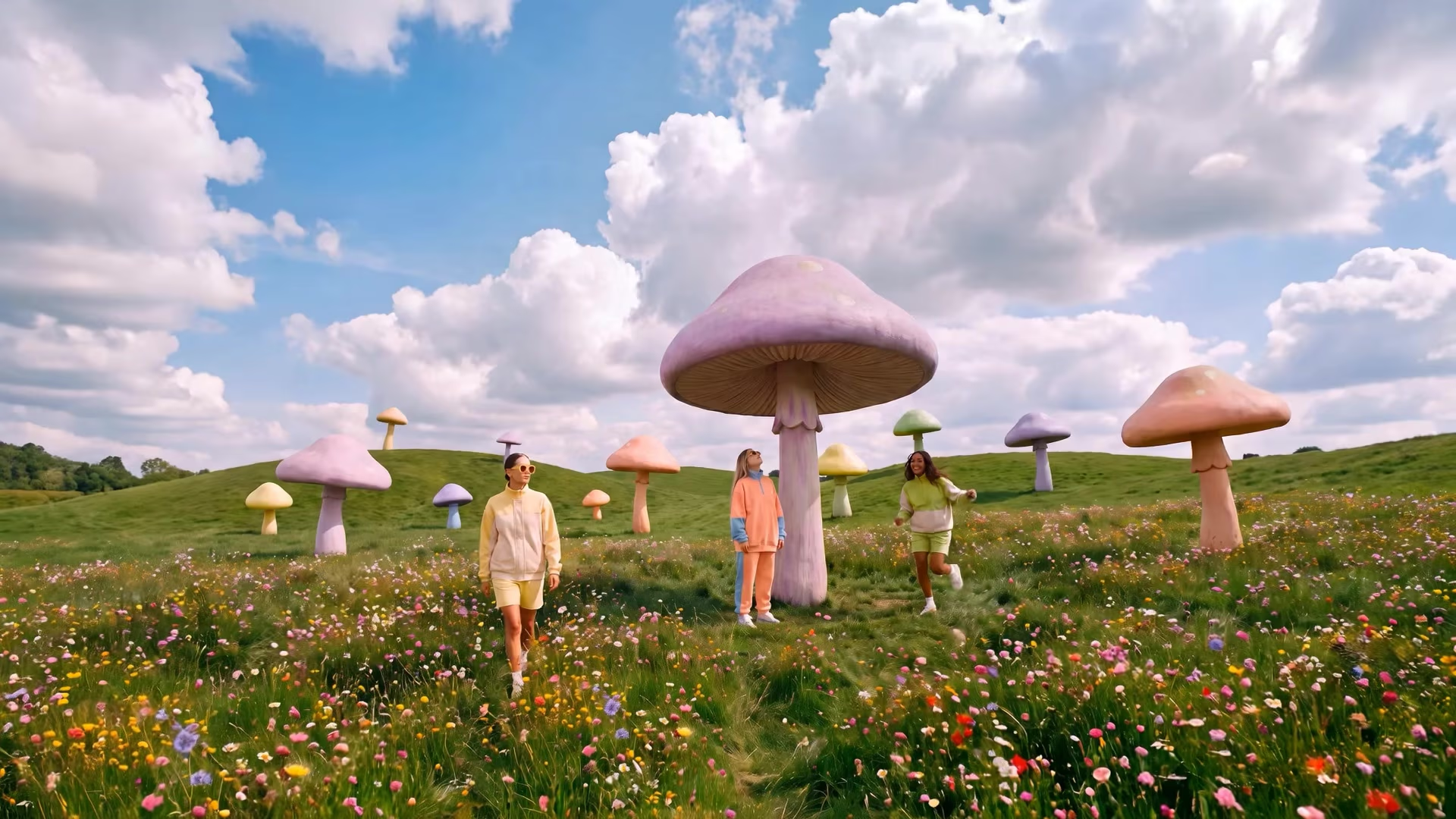
キャラクターを認識可能に保つ視覚および音声の参照を使用して再発するキャラクターをシーン全体で認識可能に保つ。
PicsartでのKling 3.0 Omniビデオ指示
Kling 3.0 オムニ
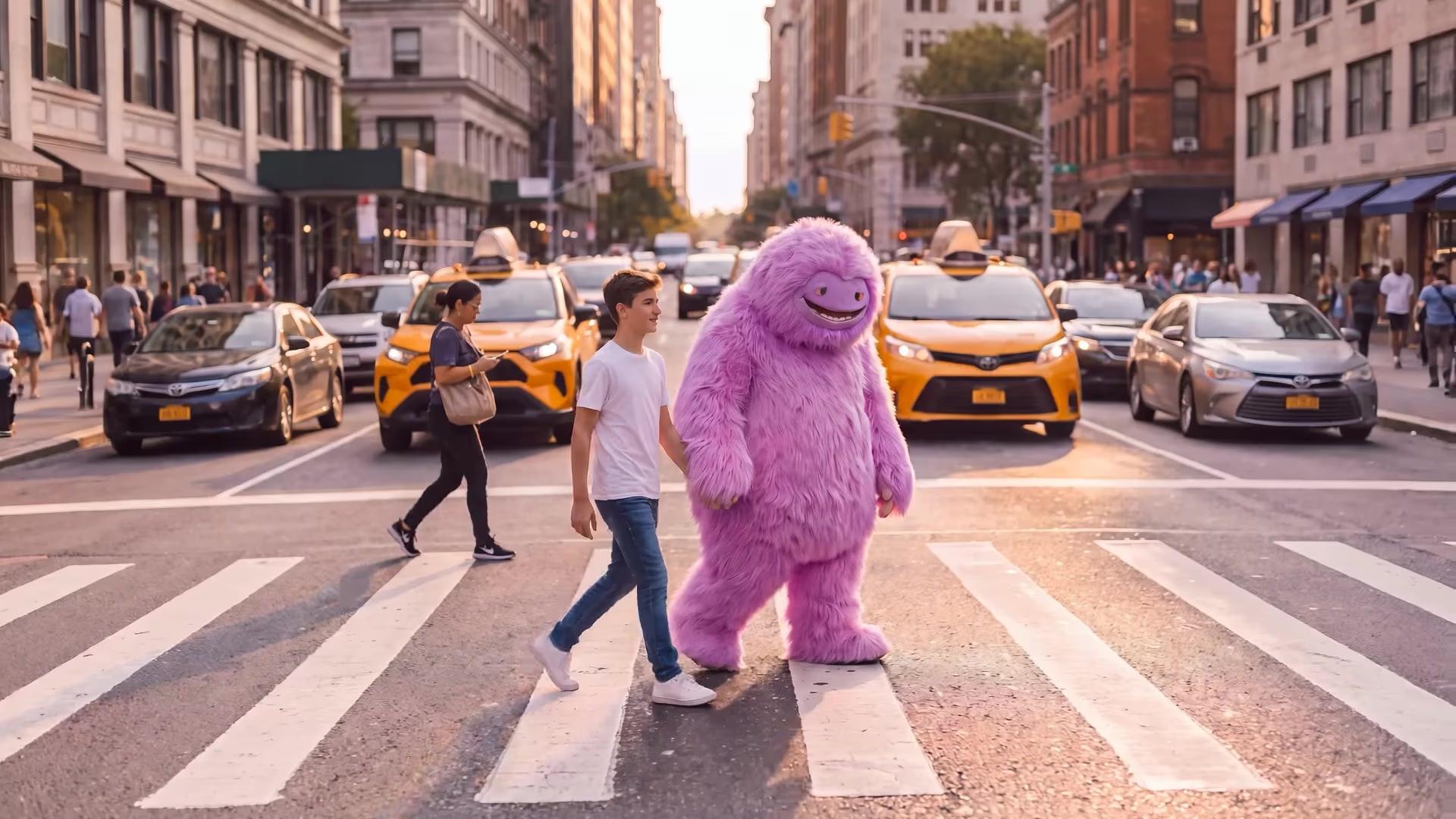
ダイアログ付きのシーンを構築その瞬間に属する音声で話されるシーンを生成。
PicsartでのKling 3.0 Omniビデオ指示
Kling 3.0 オムニ
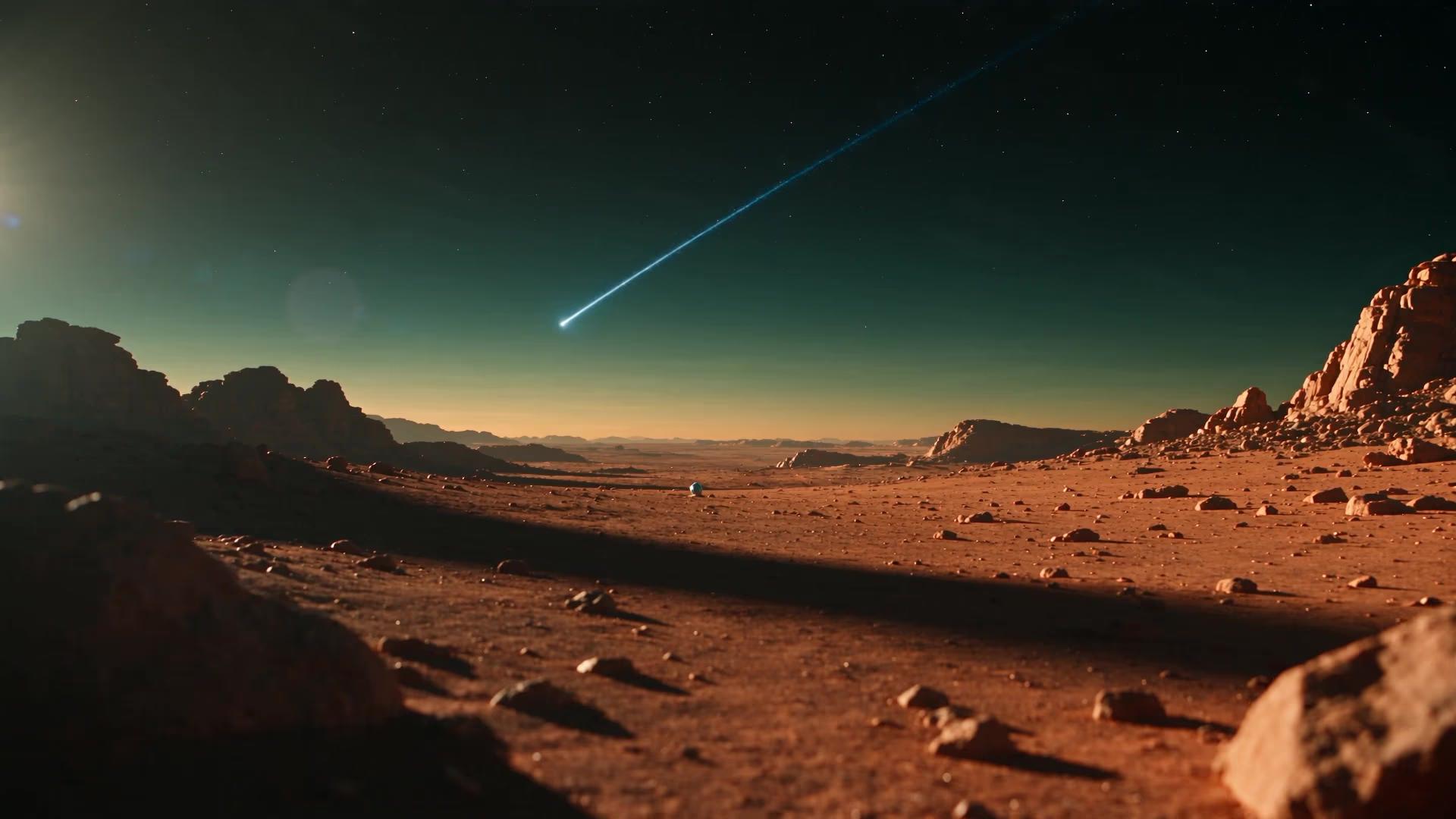
マルチショットストーリーを計画物語ブリーフを接続されたビートに変え、その後最も強いカットを選ぶ。

Kling 3.0 Omniを他のビデオモデルと比較

Kling 3.0 Omniから始めて、その後現在のビデオ、画像、および音声モデルを、ブリーフが必要とする結果に基づいて比較します。

PicsartでKling 3.0 Omniの結果を形作り続ける

Kling 3.0 Omniで作成し、ブリーフが異なる処理を必要とする場合は別のモデルを比較し、その後同じPicsartワークスペースでビデオを完成させます。
  • コミットする前にモデルを比較
  • Picsartで最強のバージョンを編集
  • 次のカットを1つのワークスペースで進め続ける
Picsart AI PlaygroundでのKling 3.0 Omniビデオワークフロー
4.9/5(6,946件のレビュー)
G2レビューG2 Spring 2026 Leader badgeG2 Spring 2026 Momentum Leader badgeG2 Spring 2026 Fastest Implementation badge

レビュアーがビデオとAIツールをどのように使用しているかを見る

これらのG2レビューはビデオテンプレート、ビデオ編集、およびAIツールに言及しています。

ビデオとサムネイルを編集

「ビデオ編集オプションがあり、ビデオを編集したりポスターのサムネイルを簡単に作成したりできるのが気に入っています。」

Rukish R., エグゼクティブチーム · G2
ビデオテンプレートから始める

「ビデオテンプレートをよく使用してアイデアを素早くまとめます。」

Simon T., オペレーションマネージャー · G2

AIツールを使用

「...強力なAIツールを持っています。」

Jatin Kumar S., 会議司会者 · G2

作業に合ったプランを選択

クレジット、クリエイティブツール、制限、および支払いの詳細を生成する前に、以下のプランカードをレビューします。

SAVE UP TO 45%

Pro

Most popular

AI tools for everyday creative work.

$15 $10.5/mo
Billed yearly
You save $54 with yearly
Trending models
Full access
  • Seedance 2.04K 15s
  • Seedream 5.52K
  • MiniMax H32K 15s
  • GPT Image 2.6Fast
  • Access to all photo & video editing features
  • Advanced background & object removal
  • Parallel video generations with the world's most powerful AI video models
  • Unlimited image generations with Flex.2 Klein
  • 1-tap image enhancer
  • Millions of stock photos & Getty video clips
  • Selection of trendy fonts, text styles & stickers
  • Thousands of premium templates
  • Support for 3+ brand kits
  • Bulk edit up to 50 images at once
  • 100 GB of cloud storage
New features:
  • 15+ creative AI agents that plan, execute, and deliver — across video, brand, localization, and more
  • Auto-generate content from your terminal or agent with the Picsart CLI
  • Use Picsart inside Claude Code, Cursor, and ChatGPT via MCP

Ultra

Most powerful

Heavy AI usage for creators & teams.

$45 $24.5/mo
Billed yearly
You save $246 with yearly
Trending models
Full access
  • Seedance 2.51080p 30s
  • Seedream 5.52K
  • MiniMax H32K 15s
  • GPT Image 2.6Fast
  • 200+ leading AI video, image, and audio models (Kling 3.0, Nano Banana, MiniMax H3, Seedance 2.5 & more)
  • Parallel video generations with the world's most powerful AI video models
  • Early access to advanced AI features
  • Unlimited image generations with Flex.2 Klein
  • Option to buy add-on credits that never expire
  • Up to 6.5 million Getty stock videos
  • Bulk edit up to 100 images at once
  • Support for 10+ brand kits
  • Create ad variations & localize
  • Track ads performance
  • Add team seats
  • 300 GB of cloud storage per seat
New features:
  • 15+ creative AI agents that plan, execute, and deliver — across video, brand, localization, and more
  • Auto-generate content from your terminal or agent with the Picsart CLI
  • Use Picsart inside Claude Code, Cursor, and ChatGPT via MCP

作成する前にKling 3.0 Omniを確認

初めてKling 3.0 Omniを生成する前に重要な回答を見つけます。

  • Kling 3.0 Omniは、KuaishouのマルチモーダルAIビデオモデルです。プロンプト、視覚参照、クリップ、および音声を使用して、同期された音、リップシンクされた対話、そして一貫したキャラクターアイデンティティを持つビデオを生成します。