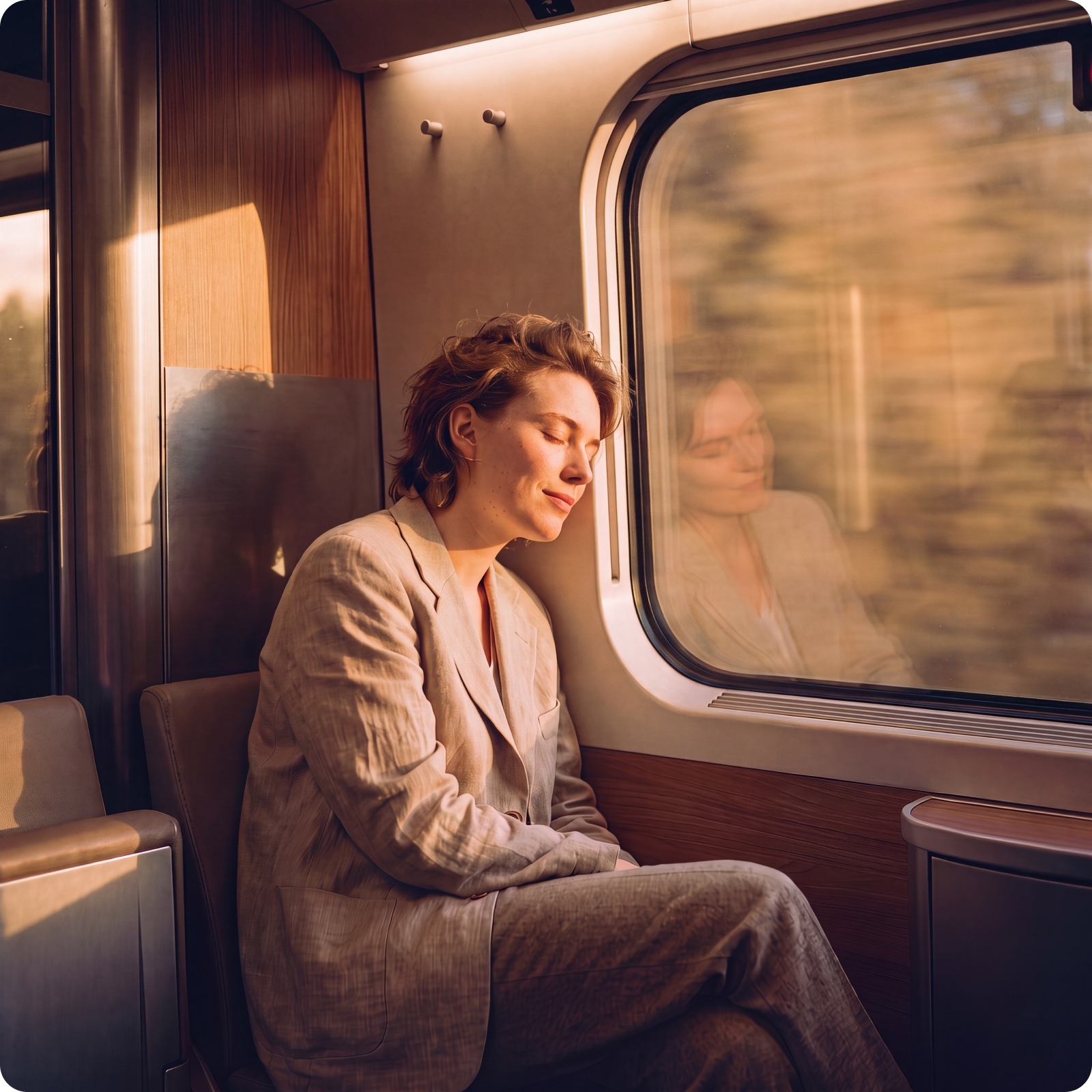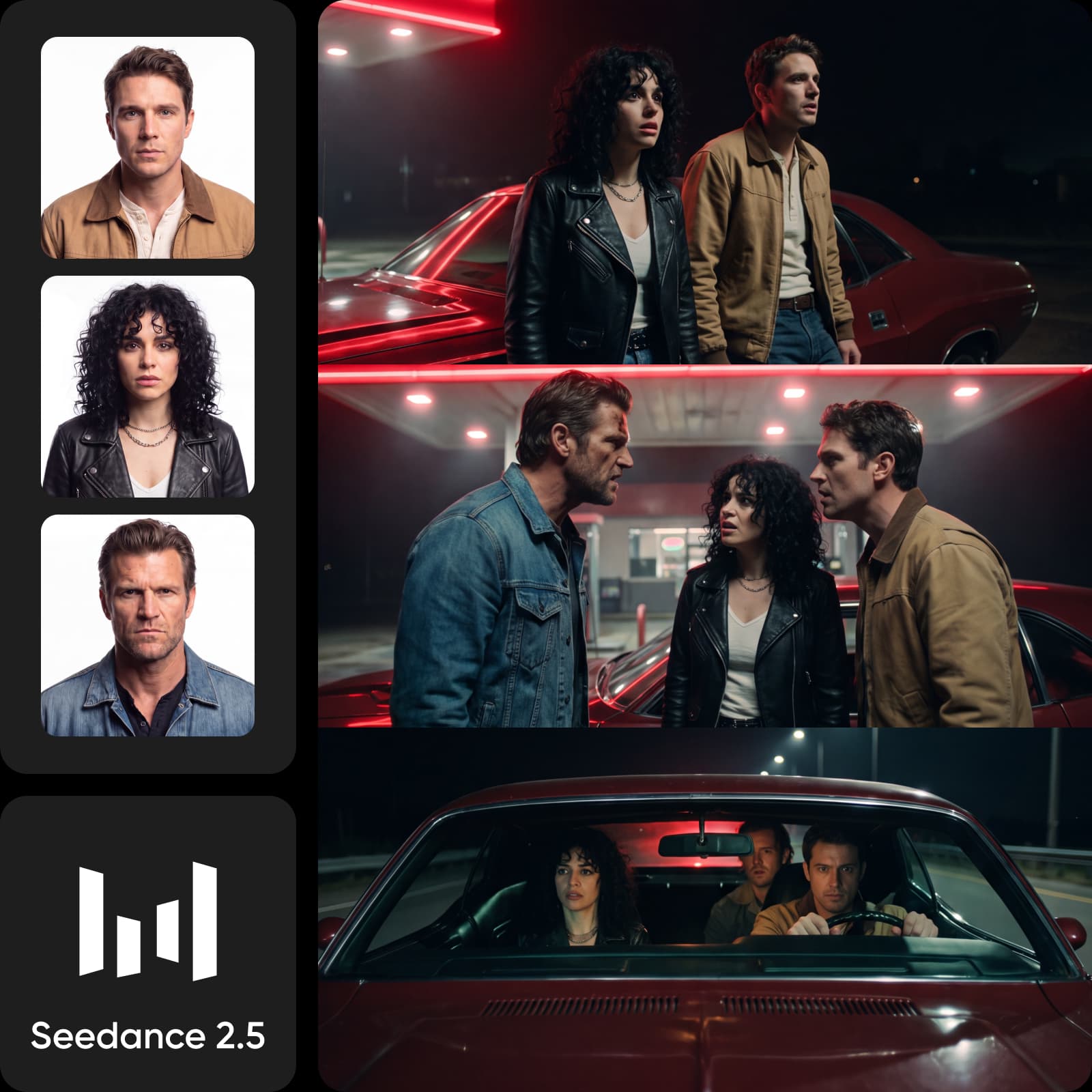
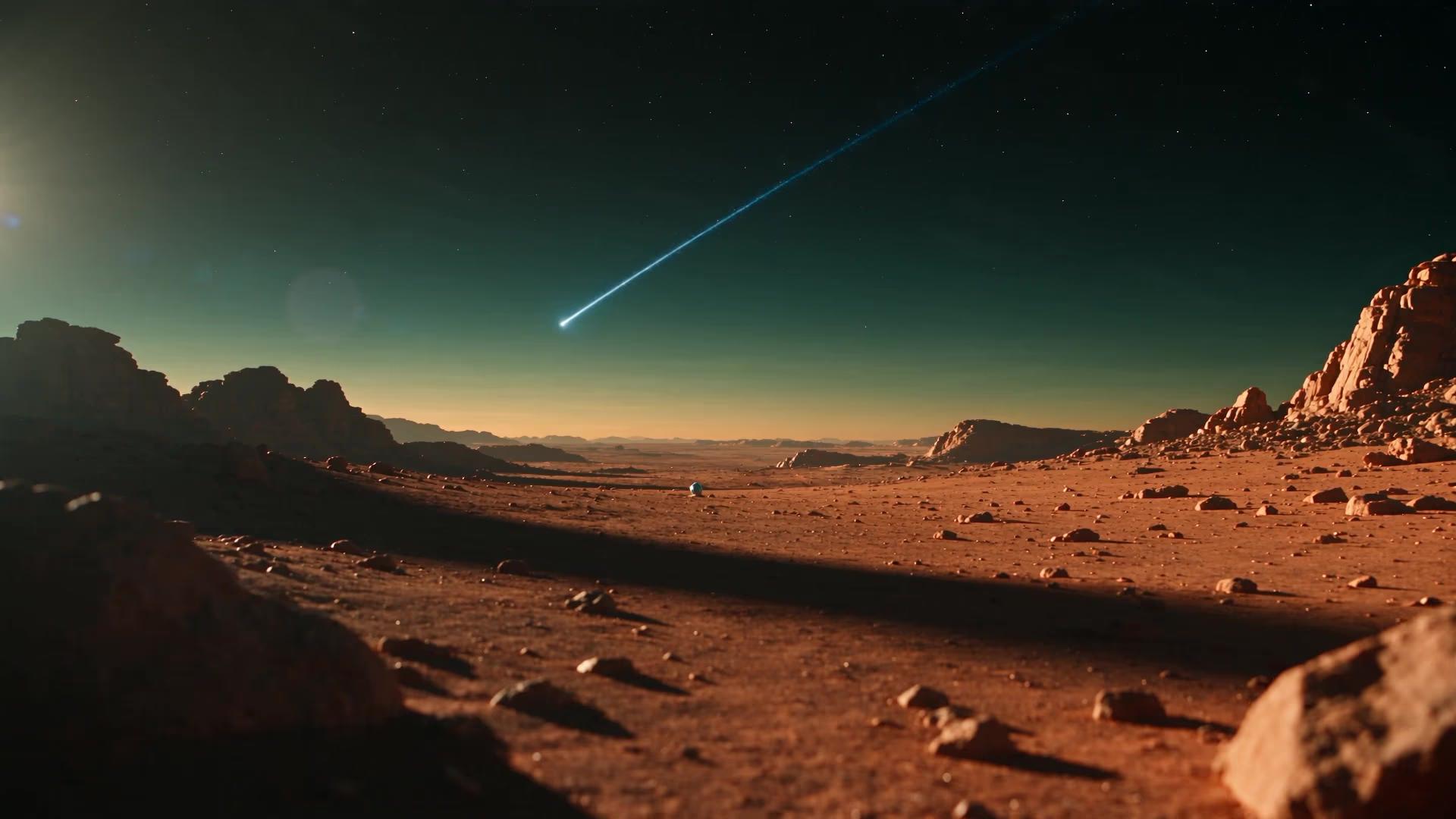


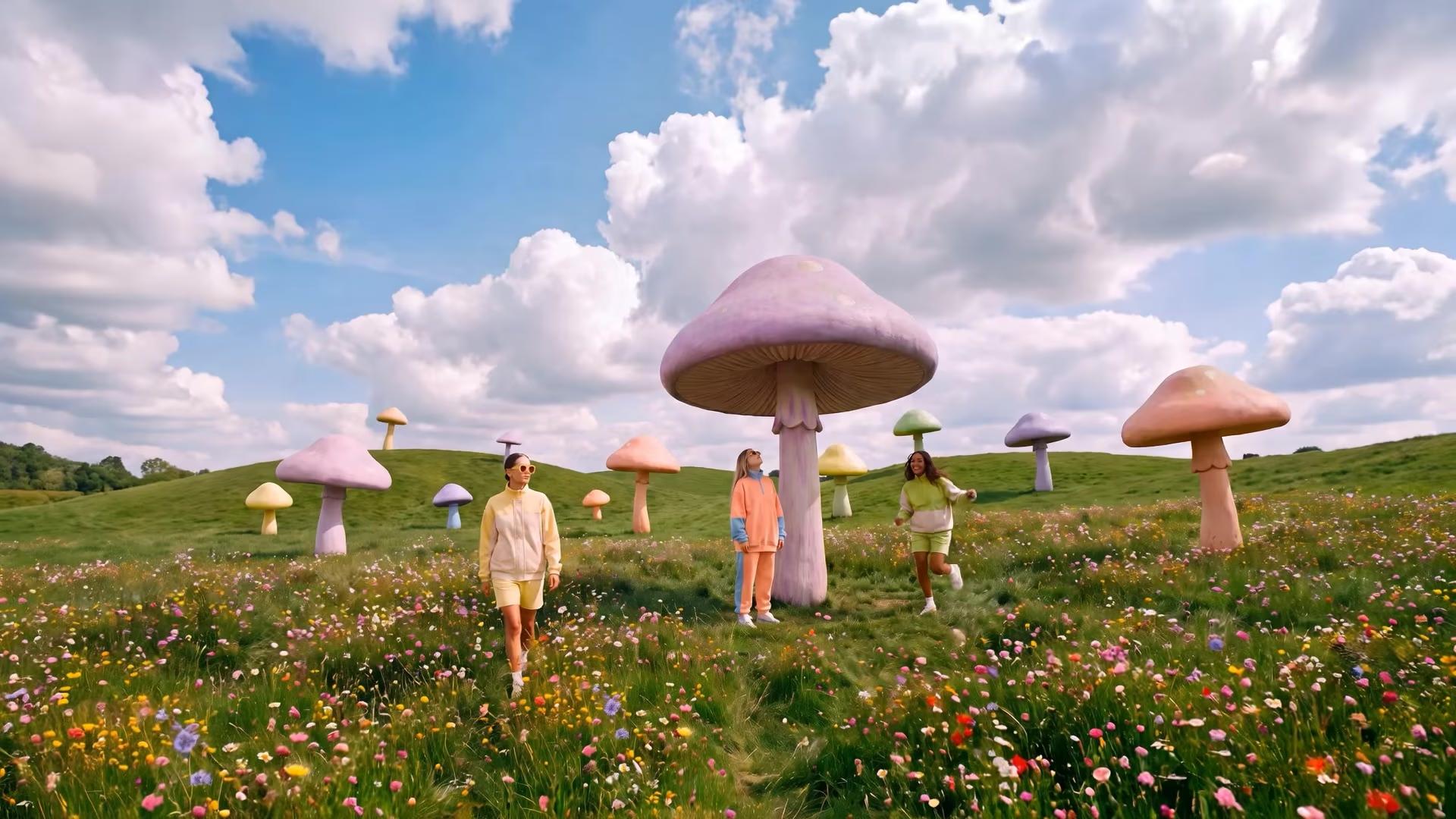




Veo 3.1を使って音付きのシネマティックビデオを作成

ショットを書き、動きをディレクトし、対話、音楽、環境音、エフェクトと一緒にビデオを生成します。その後、AI Playgroundで結果を比較します。
  • 音付きビデオを作成
  • 音と動きをディレクト
  • AI Playgroundで比較
Start
End
Ref
シーンを説明 - Veo 3.1で生成

Veo 3.1でさらに作成

  • ネイティブオーディオ付きで4Kビデオを生成

  • シーンに対話、音楽、効果音を一致させる

  • ビジュアル参照で一貫性をガイド

  • ソーシャルフォーマット用のネイティブ縦型ビデオを作成

  • 詳細なカメラと動きの指示に従う

  • 同じワークスペースでビデオ作成を継続

なぜPicsart

モデル選択を完成されたビデオに変える

Picsartビデオアイデアから完成したカットまでを1つのワークスペースで進行。
32社からの175+ AIモデル
仕事に適したビデオモデルを選ぶ
プロジェクトと一緒にプロンプトと参照を保持
決定する前に指示を比較
Picsart Flowで再現可能なビデオワークフローを構築
ビデオテンプレートから始めて、自分のものにする
同じプロジェクトでキャプションとオーディオを仕上げる
別々のツールビデオワークフローを別々のツールで分割。
モデルを変更するためにアカウントを切り替え
ツールを切り替えて指示をテスト
各ツールでブリーフを再説明
共有コンテキストなしで結果を比較
各バージョンのワークフローを再構築
別のツールでテンプレートを探す
プロジェクトを別のエディタに移行

PicsartでVeo 3.1を使用して作成

How to

ビデオブリーフから始める

シーンから必要な主体、アクション、フレーミング、結果を書きます。

ステップ1: Picsart AI PlaygroundでのVeo 3.1ビデオブリーフの開始
  • 4Kビデオ出力
  • 3ビジュアル参照
  • 9:16ネイティブ縦型出力
  • 175+比較するAIモデル

1つのブリーフをVeo 3.1ビデオ指示に変える

モデル固有の方向を使用してVeo 3.1を利用し、コミットする前に同じブリーフをビデオモデル間で比較します。

音付きシーンを書く完成したシーンで聞きたい画像と音を説明します。
縦型ソーシャルカットを作成ソーシャル・ファーストのクリエイティブ指示のためにネイティブ縦型出力を使用。
繰り返されるテーマをガイドするキャラクター、オブジェクト、または設定が認識できるままである必要がある場合にビジュアル参照を追加。

Veo 3.1を他のビデオモデルと比較

Veo 3.1から始めて、ブリーフが必要とする結果に基づいて現在のビデオ、画像、オーディオモデルを比較します。

PicsartでVeo 3.1の結果を形作り続ける

Veo 3.1を使用して作成し、ブリーフが異なる処理を必要とする場合は別のモデルを比較し、その後ビデオを同じPicsartワークスペースで仕上げます。
  • コミットする前にモデルを比較
  • Picsartで最強のバージョンを編集
  • 次のカットを1つのワークスペースで進行し続ける
Picsart AI PlaygroundでのVeo 3.1ビデオワークフロー
4.9/5(6,946件のレビュー)
G2レビューG2 Spring 2026 Leader badgeG2 Spring 2026 Momentum Leader badgeG2 Spring 2026 Fastest Implementation badge

レビュアーがビデオとAIツールをどのように使うかを確認

これらのG2レビューはビデオテンプレート、ビデオ編集、AIツールに言及しています。

ビデオとサムネイルを編集

“ビデオ編集オプションがあり、簡単にビデオを編集し、ポスタースムネイルを作成できるのが気に入っています。”

Rukish R., エグゼクティブチーム · G2

ビデオテンプレートから始める

“ビデオテンプレートをよく使ってアイデアを素早くまとめることができます。”

Simon T., オペレーションマネージャー · G2

AIツールを使用

“...強力なAIツールで。”

Jatin Kumar S., 会議主催者 · G2

作業に合ったプランを選ぶ

クレジット、クリエイティブツール、制限、請求詳細を現在のプランカードで確認し、生成する前にレビューします。

SAVE UP TO 45%

Pro

Most popular

AI tools for everyday creative work.

$15 $10.5/mo
Billed yearly
You save $54 with yearly
Trending models
Full access
  • Seedance 2.04K 15s
  • Seedream 5.52K
  • MiniMax H32K 15s
  • GPT Image 2.6Fast
  • Access to all photo & video editing features
  • Advanced background & object removal
  • Parallel video generations with the world's most powerful AI video models
  • Unlimited image generations with Flex.2 Klein
  • 1-tap image enhancer
  • Millions of stock photos & Getty video clips
  • Selection of trendy fonts, text styles & stickers
  • Thousands of premium templates
  • Support for 3+ brand kits
  • Bulk edit up to 50 images at once
  • 100 GB of cloud storage
New features:
  • 15+ creative AI agents that plan, execute, and deliver — across video, brand, localization, and more
  • Auto-generate content from your terminal or agent with the Picsart CLI
  • Use Picsart inside Claude Code, Cursor, and ChatGPT via MCP

Ultra

Most powerful

Heavy AI usage for creators & teams.

$45 $24.5/mo
Billed yearly
You save $246 with yearly
Trending models
Full access
  • Seedance 2.51080p 30s
  • Seedream 5.52K
  • MiniMax H32K 15s
  • GPT Image 2.6Fast
  • 200+ leading AI video, image, and audio models (Kling 3.0, Nano Banana, MiniMax H3, Seedance 2.5 & more)
  • Parallel video generations with the world's most powerful AI video models
  • Early access to advanced AI features
  • Unlimited image generations with Flex.2 Klein
  • Option to buy add-on credits that never expire
  • Up to 6.5 million Getty stock videos
  • Bulk edit up to 100 images at once
  • Support for 10+ brand kits
  • Create ad variations & localize
  • Track ads performance
  • Add team seats
  • 300 GB of cloud storage per seat
New features:
  • 15+ creative AI agents that plan, execute, and deliver — across video, brand, localization, and more
  • Auto-generate content from your terminal or agent with the Picsart CLI
  • Use Picsart inside Claude Code, Cursor, and ChatGPT via MCP

作成前にVeo 3.1をチェック

最初のVeo 3.1生成の前に重要な回答を探します。

  • Veo 3.1は、Google DeepMindのシネマティックビデオ用AIビデオモデルで、同期したオーディオを提供します。音を別のステップとして扱うのではなく、ビデオと一緒に対話、音楽、環境音、エフェクトを生成できます。