How to create faceless YouTube history videos with Picsart Storyline
What you'll learn
What is Picsart Storyline?
Common use cases
Create your faceless history video step by step
STEP 1: Open Picsart Storyline
- On web: Open the Storyline link and start a new project from the current product surface.
STEP 2: Write your narrative prompts
Structure your story in 4-8 scene prompts. Each prompt should describe one moment in the narrative:
- Scene setting: Describe the location and time period clearly
- Character details: Include age, clothing, and expression for consistency
- Action or moment: What's happening in this specific scene
- Visual style: Add keywords like 'cinematic', 'dramatic lighting', or 'historical painting style'
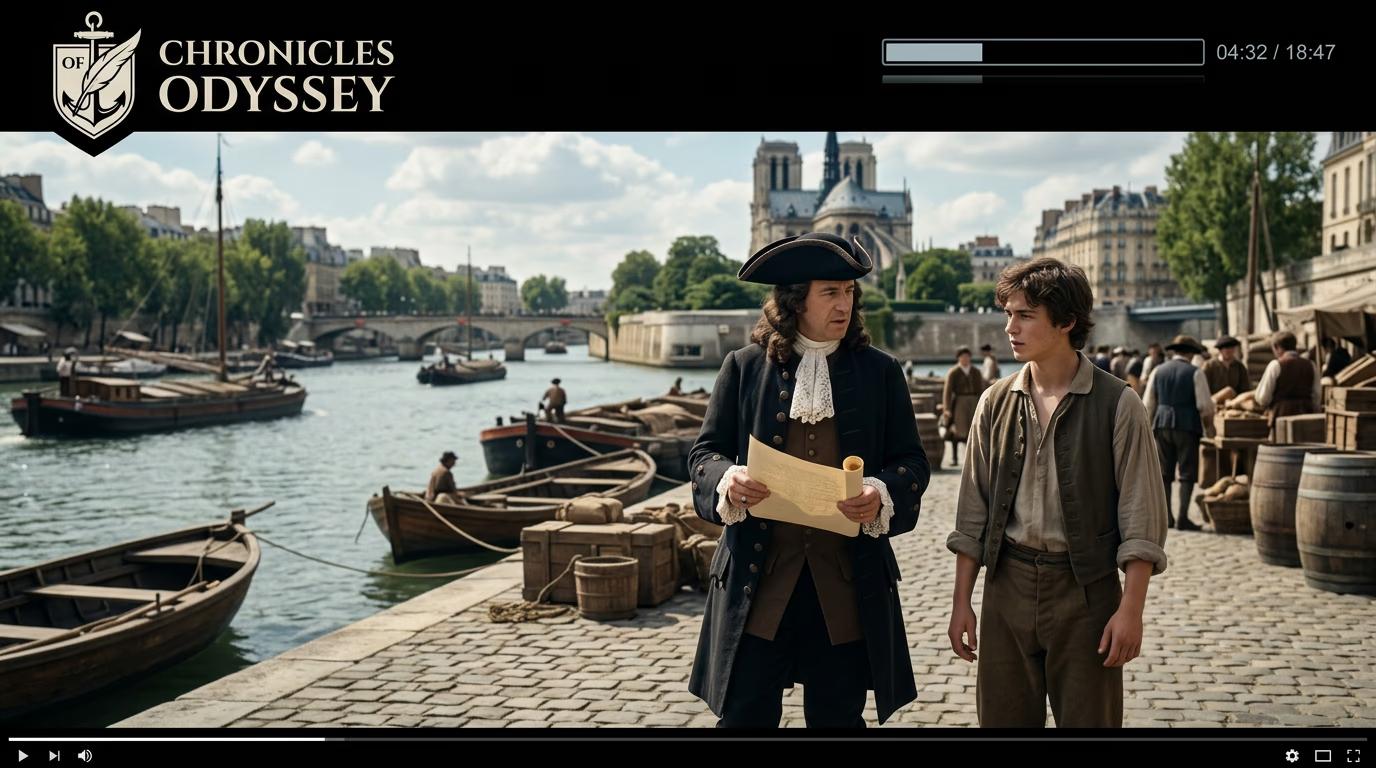
STEP 3: Generate scenes and add voiceover
Generate your scenes, review the sequence, and add narration or timing adjustments before export.
STEP 4: Review and export
Check that your video tells a clear story: Not satisfied with a scene? Regenerate individual frames or adjust prompts for better results.
- Verify character consistency across all scenes
- Check that voiceover timing matches scene transitions
- Confirm aspect ratio matches your platform (16:9 for YouTube, 9:16 for Shorts)
Tips for best results
💡 Use specific time periods in prompts
Instead of 'ancient times', write '1st century Roman Empire' or 'Medieval England, 1200s'. The AI generates more accurate clothing, architecture, and atmosphere when you provide specific dates or eras.
💡 Keep character descriptions identical
Copy-paste the exact same character description across scenes. Change only the action or setting. This helps the AI maintain visual consistency throughout your video.
💡 Script your narration before generating
Write your voiceover script first, then create scene prompts that match what you're saying. This prevents awkward mismatches between narration and visuals.
💡 Test different aspect ratios
Generate a 9:16 version for Shorts and a 16:9 version for main channel uploads. The same story can perform differently depending on format and platform.
Aspect ratio guide for video platforms
Frequently asked questions

Ready to tell history?
Turn your narrative ideas into engaging faceless videos with AI-generated scenes and voiceover.
Start creating now