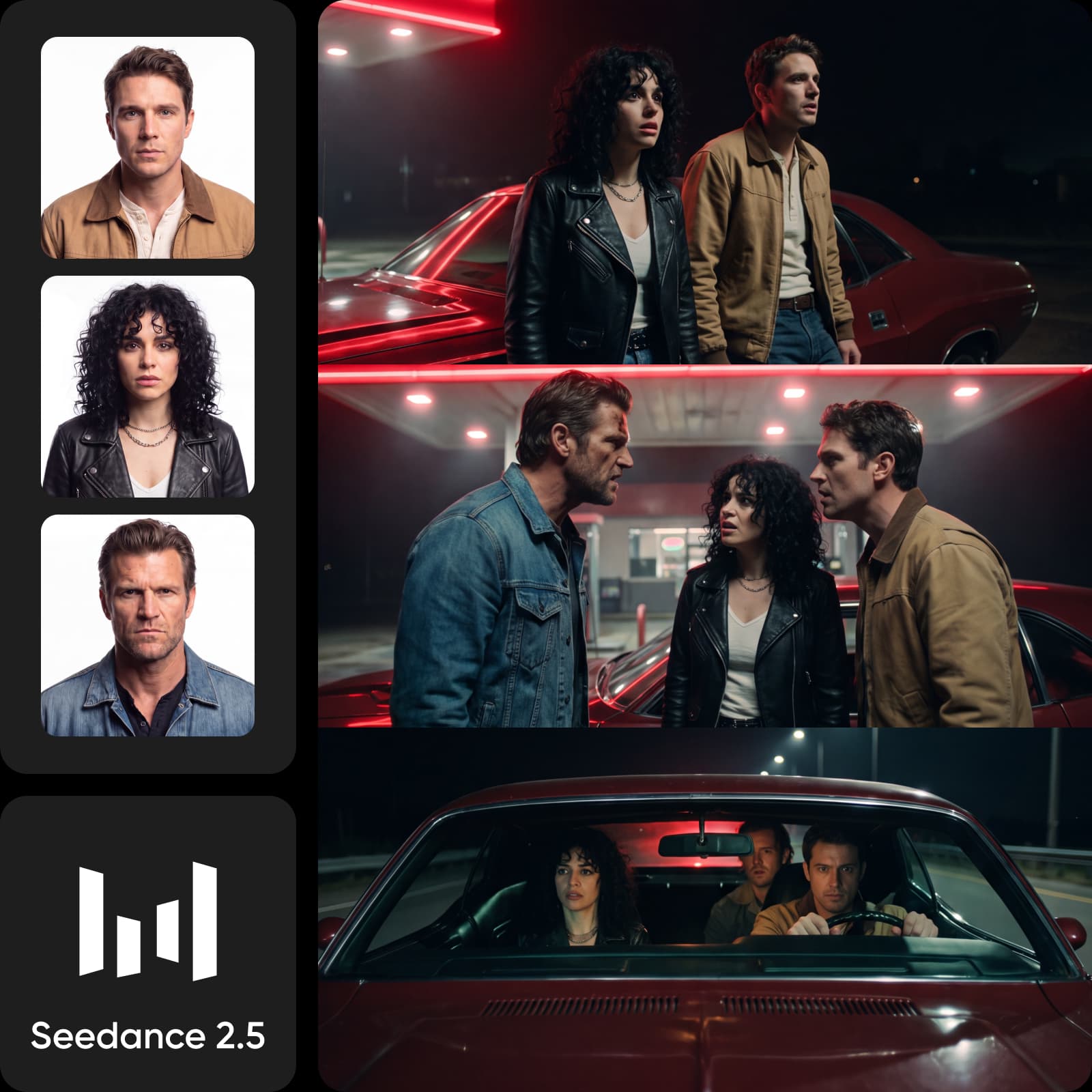



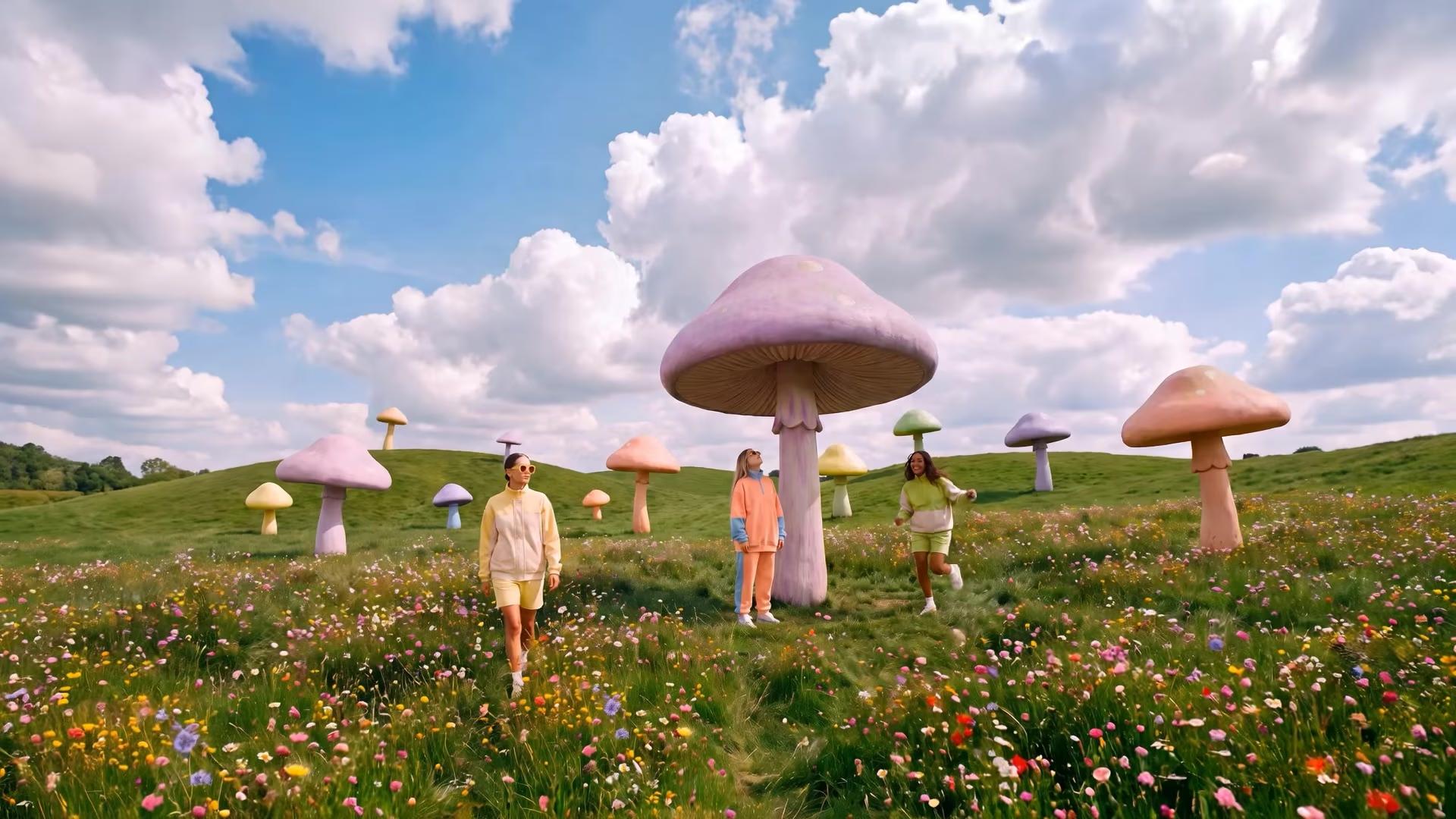




使用 Veo 3.1 创建带声音的电影级视频

编写镜头、指导动作,同步生成对话、音乐、环境声音和效果的视频。然后在 AI Playground 中比较结果。
  • 创建带声音的视频
  • 指导声音和动作
  • 在 AI Playground 中进行比较
Start
End
Ref
描述你的场景 — 使用 Veo 3.1 生成

使用 Veo 3.1 创造更多

  • 生成 4K 视频,带有原生音频

  • 将对话、音乐和音效与场景匹配

  • 使用视觉参考指导一致性

  • 为社交格式创建原生竖屏视频

  • 根据详细的摄像头和动作指令

  • 让视频生成在同一工作区进行

为什么选择 Picsart

将模型选择变成完成的视频

Picsart在一个工作区内从视频创意到完成剪辑。
来自 32 个提供商的 175+ AI 模型
选择适合工作的影片模型
将提示和参考保持在项目中
在提交前比较方向
在 Picsart Flow 中构建可重复的视频工作流程
从视频模板开始,然后将其变成自己的
在同一项目中完成字幕和音频
分开的工具在分开的工具中分解视频工作流程。
切换账号以更改模型
在工具之间跳转以测试方向
在每个工具中重新解释简报
在没有共享上下文的情况下比较结果
为每个版本重建工作流程
在单独的工具中查找模板
将项目移到另一个编辑器

在 Picsart 中使用 Veo 3.1 创建

How to

从视频简介开始

编写你需要的场景的主体、动作、构图和结果。

步骤 1:在 Picsart AI Playground 中开始 Veo 3.1 视频简介
  • 4K视频输出
  • 3视觉参考
  • 9:16原生竖屏输出
  • 175+可比较的 AI 模型

将 1 个简介变成 Veo 3.1 视频方向

使用 Veo 3.1 进行模型特定方向,然后在提交前在各视频模型之间比较相同的简介。

撰写带声音的场景描述你想在最终场景中看到的画面和听到的声音。
创建竖版社交剪辑使用原生竖屏输出进行以社交为先的创意方向。
引导重复出现的主题当角色、物体或设置需要保持可识别时添加视觉参考。

将 Veo 3.1 与其他视频模型进行比较

从 Veo 3.1 开始,然后根据你的简介需求将当前视频、图像和音频模型进行比较。

在 Picsart 中持续塑造 Veo 3.1 的结果

使用 Veo 3.1 创建,在简介需要不同处理时比较其他模型,然后在同一 Picsart 工作空间中完成视频。
  • 在提交前比较模型
  • 在 Picsart 中编辑最强版本
  • 在一个工作区中保持下一个剪辑不间断
Picsart AI Playground 中的 Veo 3.1 视频工作流程
4.9/5(6,946 条评价)
G2 评价G2 Spring 2026 Leader badgeG2 Spring 2026 Momentum Leader badgeG2 Spring 2026 Fastest Implementation badge

看看评价者如何使用视频和 AI 工具

这些 G2 评价提到视频模板、视频编辑和 AI 工具。

编辑视频和缩略图

“我喜欢有视频编辑选项,我们可以轻松编辑视频和制作海报缩略图。”

Rukish R., 执行团队 · G2

从视频模板开始

“我常用视频模板快速实现一个想法。”

Simon T., 运营经理 · G2

使用 AI 工具

“……凭借其强大的 AI 工具。”

Jatin Kumar S., 演讲者 · G2

选择适合工作的计划

在生成前查看下面的计划卡片以了解当前积分、创意工具、限制和计费详情。

SAVE UP TO 45%

Pro

Most popular

AI tools for everyday creative work.

$15 $10.5/mo
Billed yearly
You save $54 with yearly
Trending models
Full access
  • Seedance 2.04K 15s
  • Seedream 5.52K
  • MiniMax H32K 15s
  • GPT Image 2.6Fast
  • Access to all photo & video editing features
  • Advanced background & object removal
  • Parallel video generations with the world's most powerful AI video models
  • Unlimited image generations with Flex.2 Klein
  • 1-tap image enhancer
  • Millions of stock photos & Getty video clips
  • Selection of trendy fonts, text styles & stickers
  • Thousands of premium templates
  • Support for 3+ brand kits
  • Bulk edit up to 50 images at once
  • 100 GB of cloud storage
New features:
  • 15+ creative AI agents that plan, execute, and deliver — across video, brand, localization, and more
  • Auto-generate content from your terminal or agent with the Picsart CLI
  • Use Picsart inside Claude Code, Cursor, and ChatGPT via MCP

Ultra

Most powerful

Heavy AI usage for creators & teams.

$45 $24.5/mo
Billed yearly
You save $246 with yearly
Trending models
Full access
  • Seedance 2.51080p 30s
  • Seedream 5.52K
  • MiniMax H32K 15s
  • GPT Image 2.6Fast
  • 200+ leading AI video, image, and audio models (Kling 3.0, Nano Banana, MiniMax H3, Seedance 2.5 & more)
  • Parallel video generations with the world's most powerful AI video models
  • Early access to advanced AI features
  • Unlimited image generations with Flex.2 Klein
  • Option to buy add-on credits that never expire
  • Up to 6.5 million Getty stock videos
  • Bulk edit up to 100 images at once
  • Support for 10+ brand kits
  • Create ad variations & localize
  • Track ads performance
  • Add team seats
  • 300 GB of cloud storage per seat
New features:
  • 15+ creative AI agents that plan, execute, and deliver — across video, brand, localization, and more
  • Auto-generate content from your terminal or agent with the Picsart CLI
  • Use Picsart inside Claude Code, Cursor, and ChatGPT via MCP

在创建前检查 Veo 3.1

在您第一次生成 Veo 3.1 之前找到重要的答案。

  • Veo 3.1 是 Google DeepMind 的 AI 视频模型,用于具有同步音频的电影级视频。它可以在视频中生成对话、音乐、环境声音和效果,而不是将声音作为单独步骤处理。