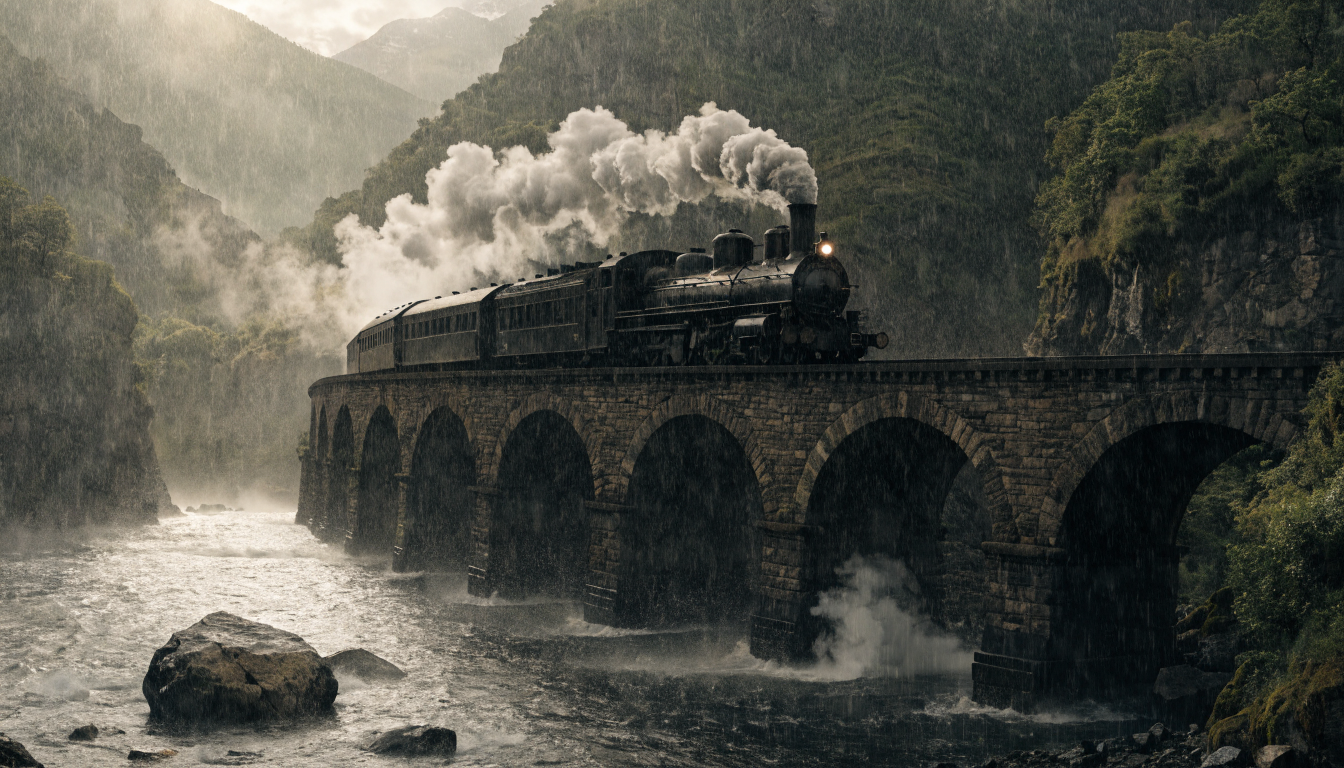
Hunyuan V3
Hunyuan · Image · Text → Image
Infographic-friendly generation with readable text and cfg control.
hunyuan-v3Workflow: hunyuan-image/v3/text-to-imageOverview
Alongside the unified model APIs, we expose compatibility APIs that take each vendor's original parameters exactly as the vendor defines them — nothing renamed, nothing reshaped on the way through.
That makes them the shortest path onto Picsart if you already work with the vendor directly: the request bodies you've already written keep working as they are. You keep their parameter names and defaults, and you get the vendor's full parameter set rather than the subset that is shared across every model.
The cost is that a request is written for one vendor — switching models later means rewriting it, and results come back in the vendor's own shape. When you'd rather write once and change models freely, use the unified API.
Make a request
Call the workflow with ai.apis.run() in TypeScript, or hit /workflows/{workflow}/execute directly — params is passed through untouched either way.
These endpoints are addressed by workflow name rather than model id: the one in this model's header, since one model runs as one workflow. Authentication is unchanged — your Picsart API key as a bearer token (see Authentication).
import { createClient, ApiRunMode } from '@picsart/ai-sdk';

const ai = createClient({
  apiKey: process.env.PICSART_API_KEY,
  apiUrl: 'https://api.picsart.com',
});

// Calls the 'hunyuan-image/v3/text-to-image' workflow directly — params are sent as-is.
const { result, usage } = await ai.apis.run('hunyuan-image/v3/text-to-image', {
  prompt: "200mm telephoto through crowd gaps; subject laughing, candid; creamy background compression, color pop from a single bold garment, catchlight in eyes."
}, {
  mode: ApiRunMode.SYNC,
});

console.log(result); // workflow-specific output
console.log(usage?.credits); // credits charged
Parameters
12 parameters, sent inside params. These are the vendor's own names, so they line up one-for-one with the vendor's documentation. Required ones must be supplied; the rest fall back to their defaults.
| Parameter | Type | Required | Default | Details |
|---|---|---|---|---|
guidance_scaleControls how much the model adheres to the prompt. Higher values mean stricter adherence. | number | no | 7.5 | 1–20 |
output_formatThe format of the generated image. | string | no | png | jpegpng |
num_imagesThe number of images to generate. | integer | no | 1 | 1–4 |
enable_prompt_expansionWhether to enable prompt expansion. This will use a large language model to expand the prompt with additional details while maintaining the original meaning. | boolean | no | false | e.g. true |
num_inference_stepsNumber of denoising steps. | integer | no | 28 | 1–50 |
negative_promptThe negative prompt to guide the image generation away from certain concepts. | string | no | | e.g. blurry, low quality, watermark, signature |
promptThe text prompt for image-to-image. | string | yes | — | e.g. 200mm telephoto through crowd gaps; subject laughing, candid; creamy background compression, color pop from a single bold garment, catchlight in eyes. |
image_sizeThe desired size of the generated image. | ImageSize | string | no | square_hd | — |
seedRandom seed for reproducible results. If None, a random seed is used. | integer | no | — | — |
sync_modeIf `True`, the media will be returned as a data URI and the output data won't be available in the request history. | boolean | no | false | — |
enable_safety_checkerIf set to true, the safety checker will be enabled. Disabling it requires account authorization; unauthorized requests are always checked. | boolean | no | true | — |
optionsPlatform-specific options for safety checks and Picsart Drive integration. | object | no | — | — |
└ safety_checksSafety check configuration. | object | no | — | — |
└ enabledEnable or disable text safety checks. Defaults to true. | boolean | no | true | — |
└ drivePicsart Drive storage options. When provided, the result will be saved to the user's Drive. | object | no | — | — |
└ nameFilename to save the result as in Picsart Drive. | string | yes | — | — |
└ attributesAdditional file metadata attributes. | object | no | — | — |
└ folderDestination folder in Picsart Drive. | object | no | — | — |
Response
Over HTTP the output arrives inside a status envelope, at response.result. ai.apis.run() unwraps that envelope for you and resolves to { result, usage } instead. Either way the resultitself is the vendor's own shape.
{
  "result": {
    "seed": 0,
    "images": [
      {
        "content_type": "image/png",
        "url": "https://v3b.fal.media/files/b/kangaroo/uIKrZHT6LaGqgXoxtBSn7.png"
      }
    ]
  }
}