


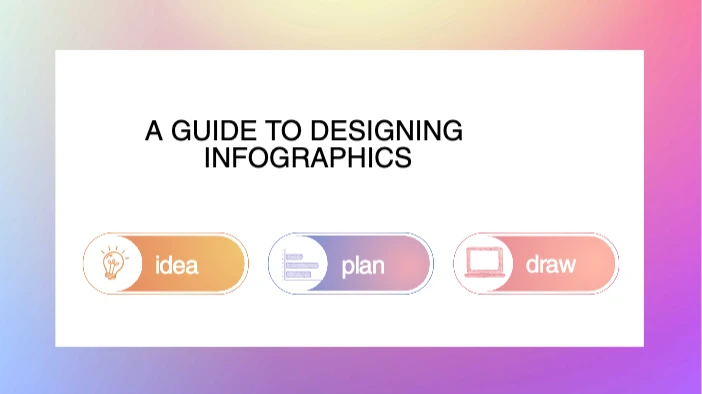


Free YouTube Thumbnail templates to customize
A YouTube thumbnail is the preview image shown next to your video on YouTube. It appears in search results, recommendations, and playlists. Before viewers read a title or description, they see the thumbnail. That’s why YouTube thumbnail design matters so much. YouTube Thumbnail templates help simplify the process. Instead of starting from a blank screen, you work with layouts that already follow basic design rules. This makes it easier to create a thumbnail for YouTube, even if you don’t have design experience. 🎯
How to customize a YouTube thumbnail
Edit your text
Use the Text Editor to update your headline or key phrase. Keep it short and easy to read.Adjust your colors
Apply built-incolor palettes to match your channel style and improve contrast.Choose readable fonts
Pick bold, simplefonts that stay clear on small screens.Clean up the background
Use the Background Remover to remove distractions and focus on the subject. ✂️Add graphics or icons
Include small accents with the Sticker Maker to guide attention.Try new visuals
If you don’t have the right image, experiment with the AI Image Generator.Improve image quality
Boost clarity using the AI Image Enhancer before exporting.Save and export
Download your finished thumbnail in the recommended size, ready to upload. 🖼️
Designing YouTube thumbnails with Picsart
Picsart brings everything you need into one place. 🎨 You can start with free YouTube Thumbnail templates or create a custom YouTube thumbnail from scratch.
The tools are easy to use, even for beginners, but flexible enough for creators who like to adjust details. It works well for quick designs, testing ideas, or keeping thumbnails consistent across your channel.
Who can use these YouTube Thumbnail templates
These YouTube Thumbnail templates are made for anyone who wants their videos to look clear, clickable, and professional.
👥 They’re useful for:
YouTubers and content creators
Streamers, vloggers, and podcasters
Brands and marketers
Educators and course creators
Anyone creating video content
If you publish videos in any format, these templates help you design faster without losing quality.
FAQHow do I make an image fit a YouTube thumbnail?
Resize it to the correct dimensions and keep important elements centered.
What is the best format for YouTube thumbnails?
JPG or PNG files work best.
How do you create the perfect YouTube thumbnail?
Focus on clarity, contrast, and one clear idea.
What is the best size for YouTube thumbnails?
1280 × 720 pixels is the standard.
Yes! You can use free YouTube thumbnail templates to get started, and premium templates are available if you want more styles, features, and customization options.
Start creating
🚀 Browse YouTube Thumbnail templates, customize your design, and create a free YouTube thumbnail in minutes. Explore the YouTube thumbnail design hub and start turning views into clicks.