YouTube Thumbnail Maker: Create Click-Worthy AI Thumbnails
Make YouTube thumbnails on the Picsart Flow canvas, where AI models connect into ready-made workflows. Pick one for your niche or build your own, then rerun it with a new photo or headline for every upload.
Power your thumbnails with leading AI image models
How to make a thumbnail for YouTube with AI
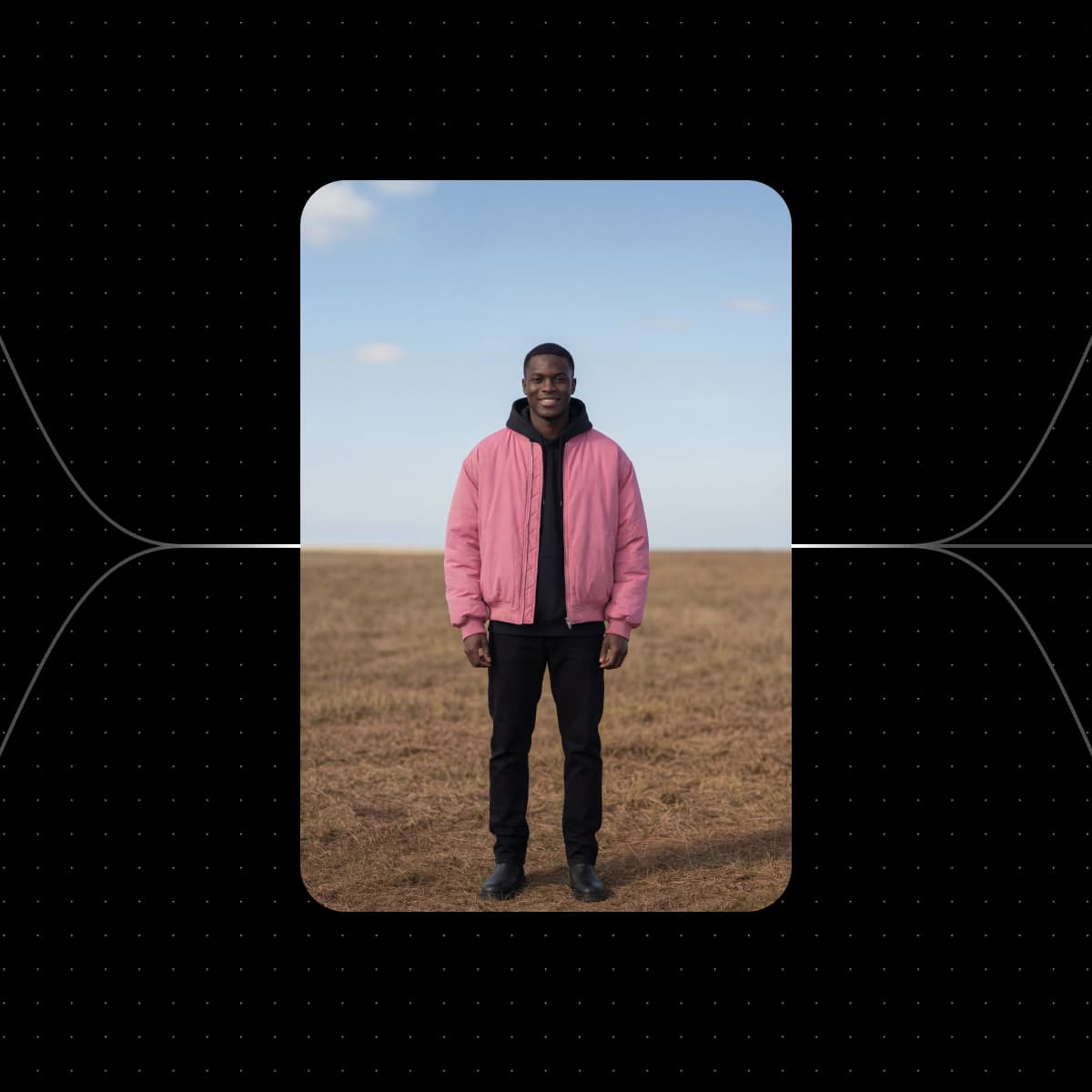
Start with an AI thumbnail maker workflow for your niche
Pick the thumbnail workflow closest to your video, swap in your photos, and run it. Change any step and run it again until it looks right.


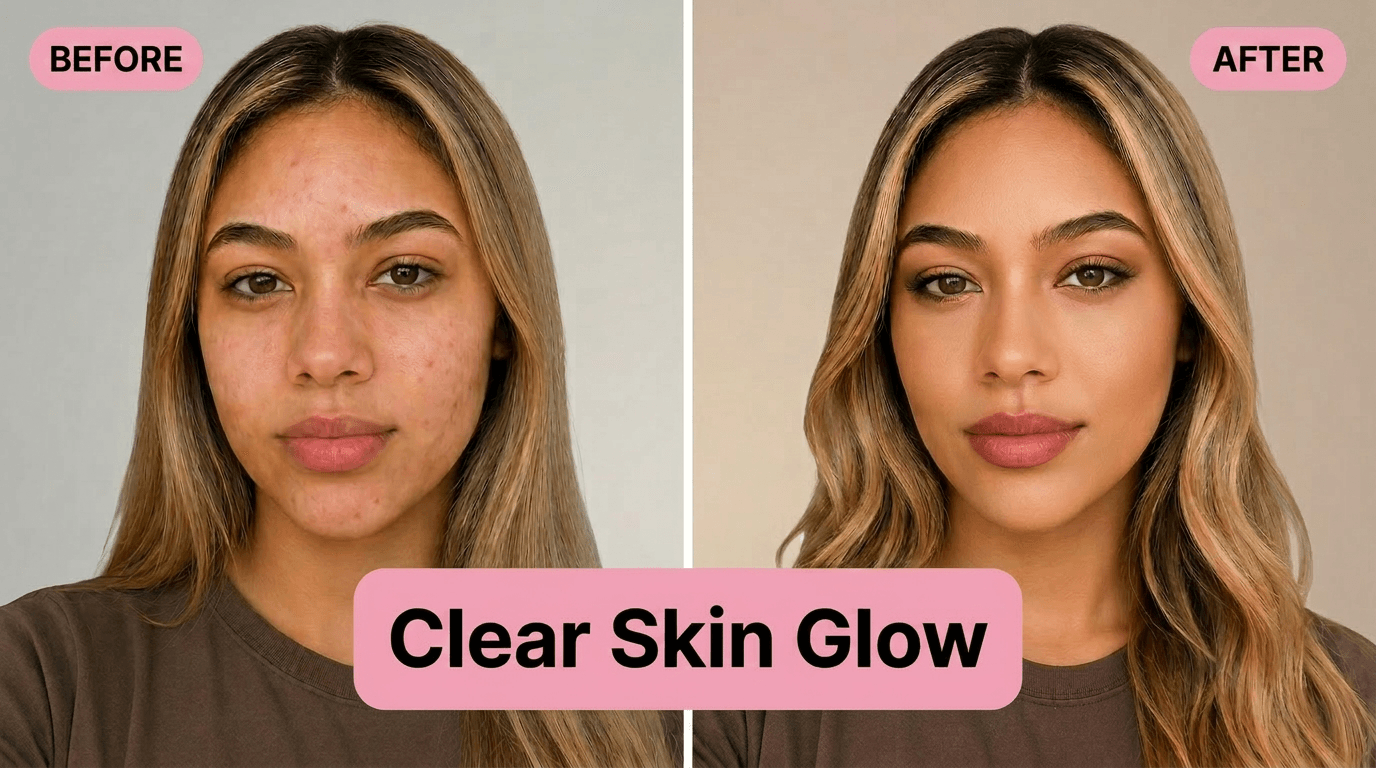
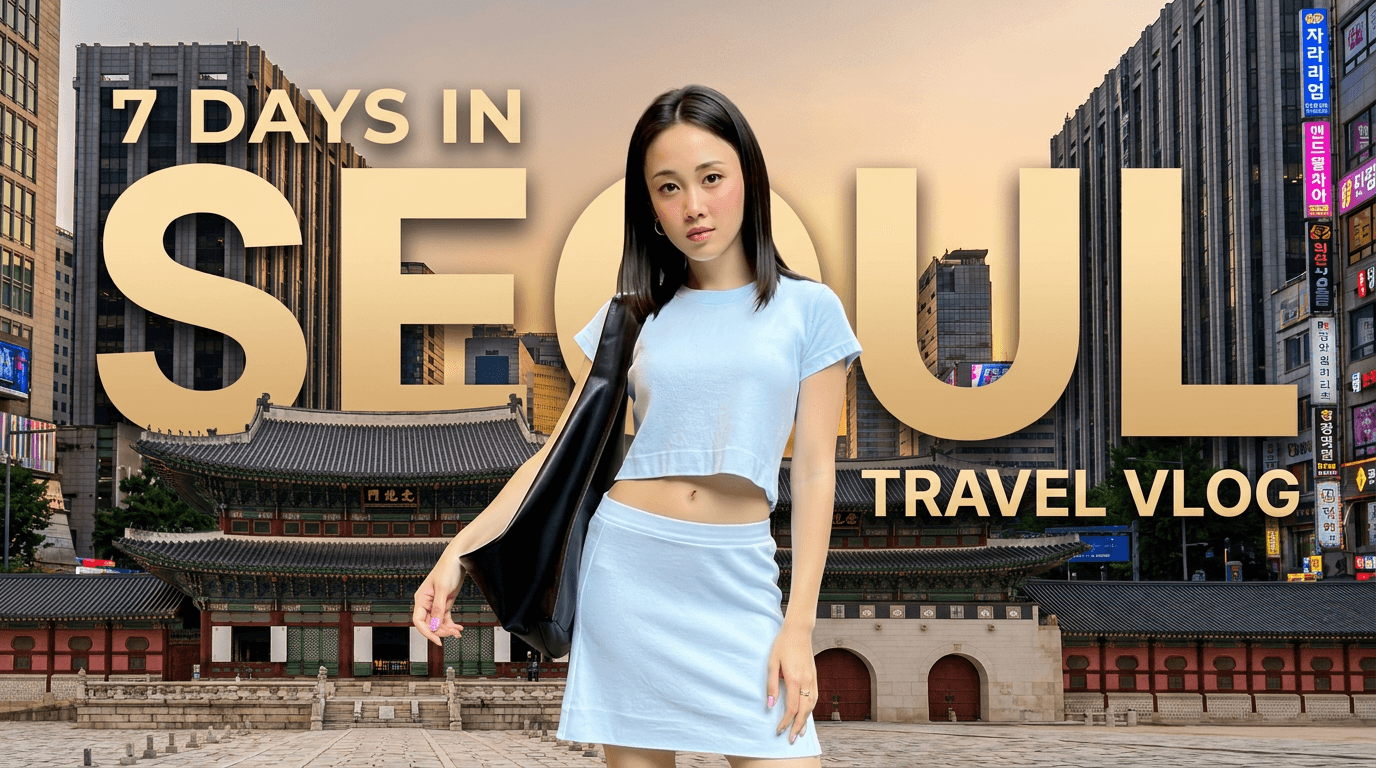

Amplify your clicks and views with AI YouTube thumbnails
Trying to go viral or grow your channel? Your YouTube thumbnail is what gets the click. Picsart Flow has ready-made AI workflows for the styles that stand out, from big reaction faces to before-and-after splits and bold headlines. Pick one for your niche, run it with your own photos, and get a thumbnail built to grab attention in the feed. More views can also mean income: earn from your YouTube videos with Picsart Earn, which pays on performance with no subscriber threshold.

Tap into an easy-to-use YouTube thumbnail maker with AI
Bloggers, streamers, podcasters, and influencers all need thumbnails that make a strong first impression. Picsart Flow keeps it simple: open a workflow, swap in your photos and headline, and run it while the workflow handles the AI models. The same approach powers Flow's AI workflows for marketing and content creation, where one workflow turns into video ads, UGC clips, and social posts. Working with an editor? Invite them to the same canvas, and keep a crowded canvas in order with color tags, frames, and search. This YouTube thumbnail creator fits a hobby channel, side hustle, or business.

Explore ready-made thumbnail workflows or create custom designs
Already have an idea in mind? Start from a blank Flow canvas and connect the AI models you want into your own thumbnail workflow. Right-click model search, one-drag connections to several nodes, and full-chain reruns help you assemble thumbnail workflows quickly. Need inspiration instead? Explore ready-made workflows for food, fitness, beauty, travel, and more, then adjust any step to make the custom design yours.

Put your face in every thumbnail with AI workflows
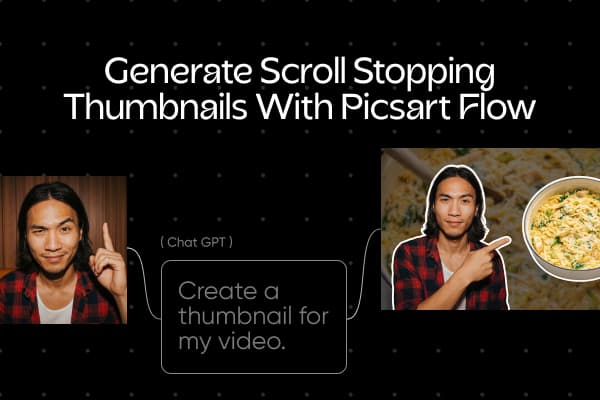
Many creators put their own face on every thumbnail, and Flow workflows are built for it. Drop in your portrait and the workflow builds the thumbnail around you, from a surprised reaction to a cinematic travel cover. Save your face as a Picsart Drive asset, and the Asset node brings it, with every saved view, into each workflow you run, so your look stays consistent from one upload to the next.
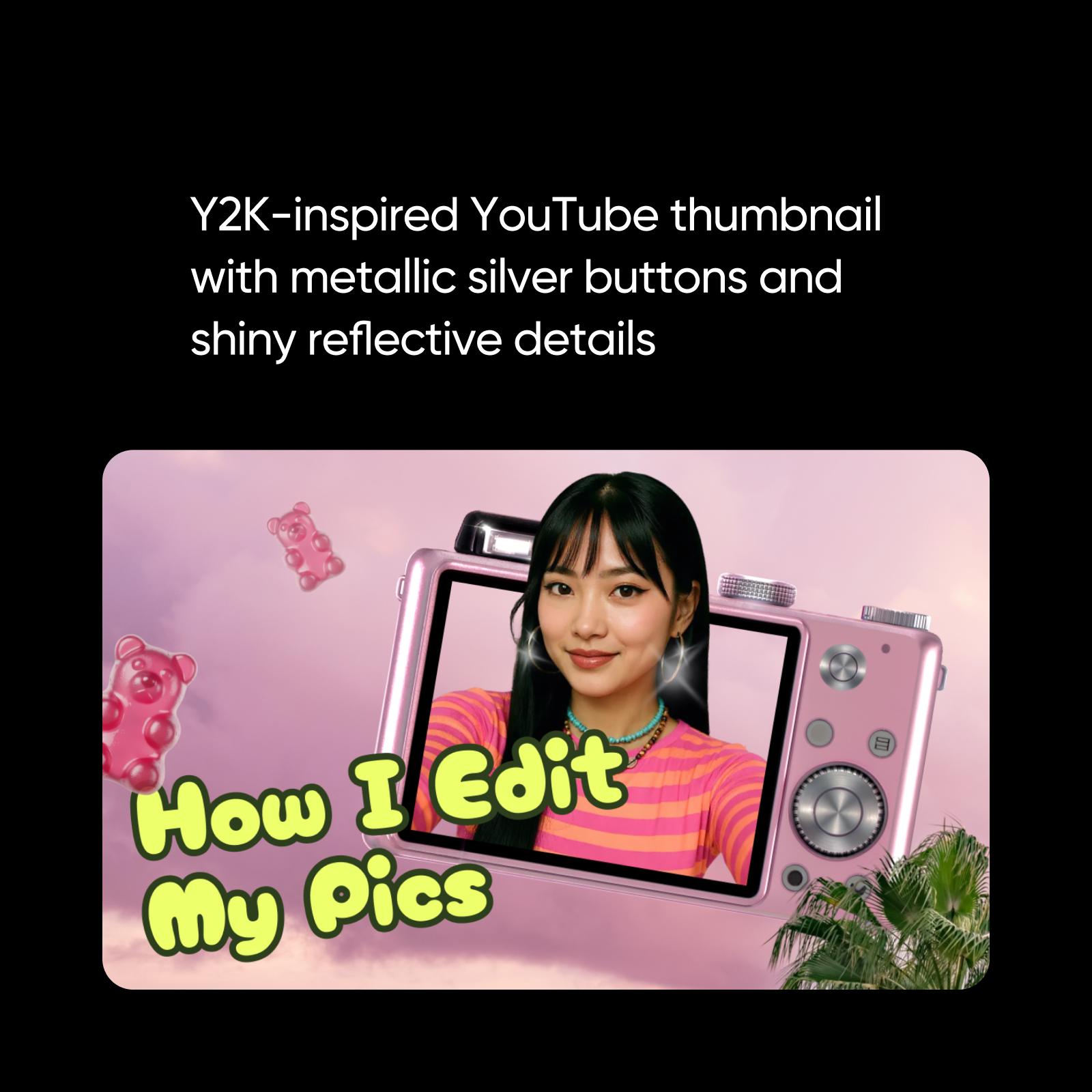
Set your thumbnails apart with AI image generation and upscaling
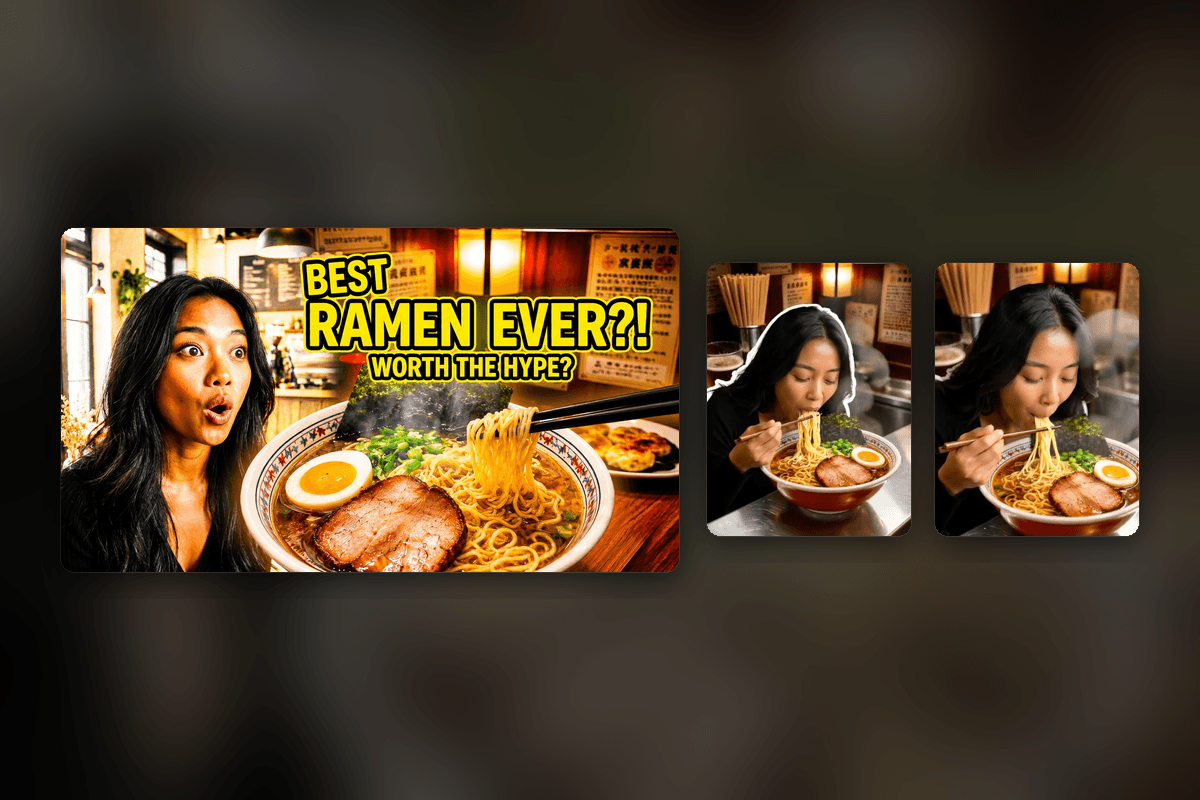
Not sure which visual fits your video? Describe it in an image node and generate a background, scene, or character with AI models, adding a past thumbnail as a reference to keep your style. Already have the shot? Send it through an upscale node for a sharper image. Run a few versions side by side and keep the one that still reads clearly at phone size. Flow works as an AI thumbnail generator and enhancer in one place.
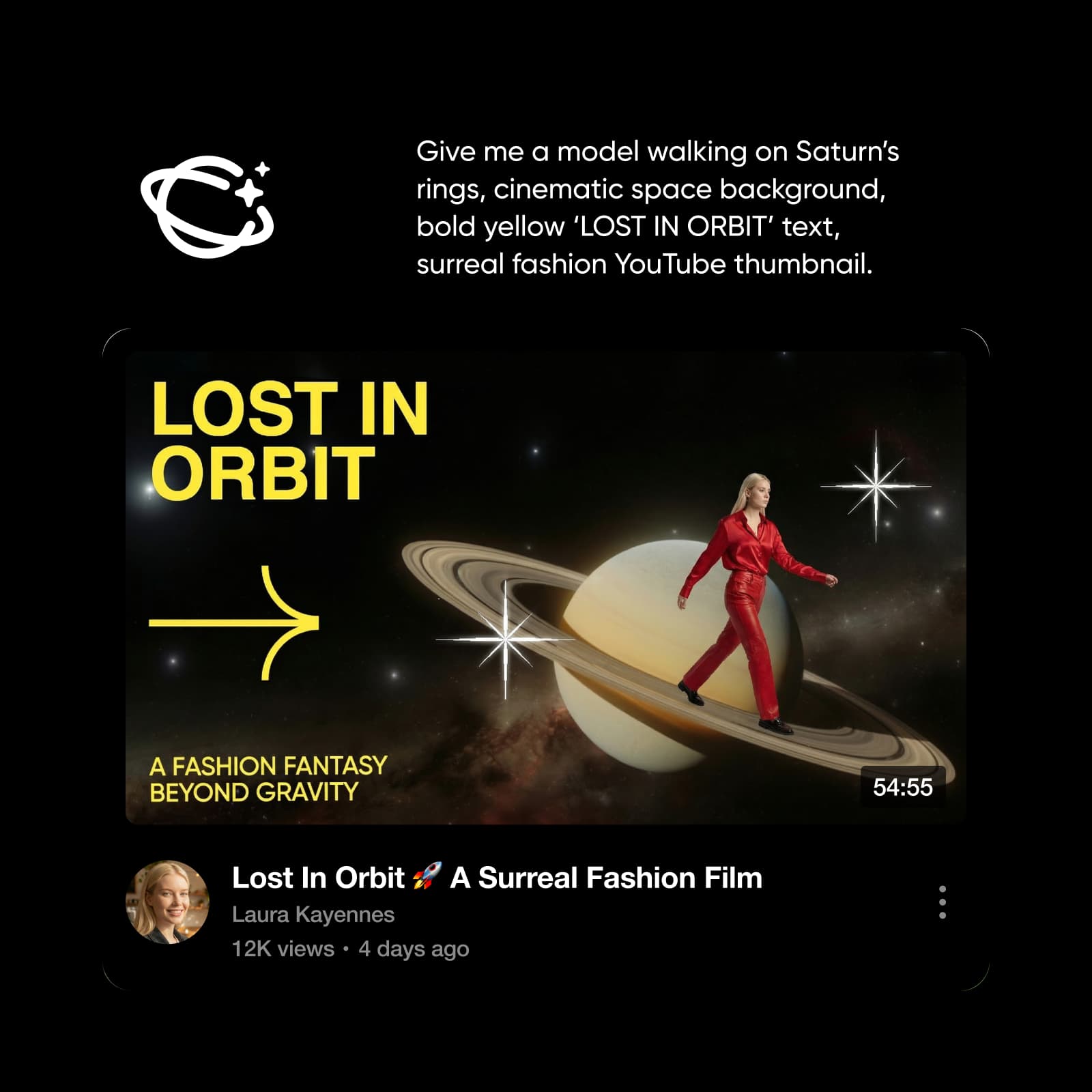
Edit AI thumbnail templates to match your brand
A consistent look helps viewers recognize your videos. Edit any thumbnail template result on the canvas, where Inpaint works like a thumbnail editor: brush over an area to swap the headline, logo, or background, and the rest stays pixel-identical. Use Outpaint to expand the shot to 16:9 for YouTube or 9:16 for Shorts. Each edit lands on a new node, and the same generative editing toolkit can also relight a clip or re-shoot a photo from a new camera angle.
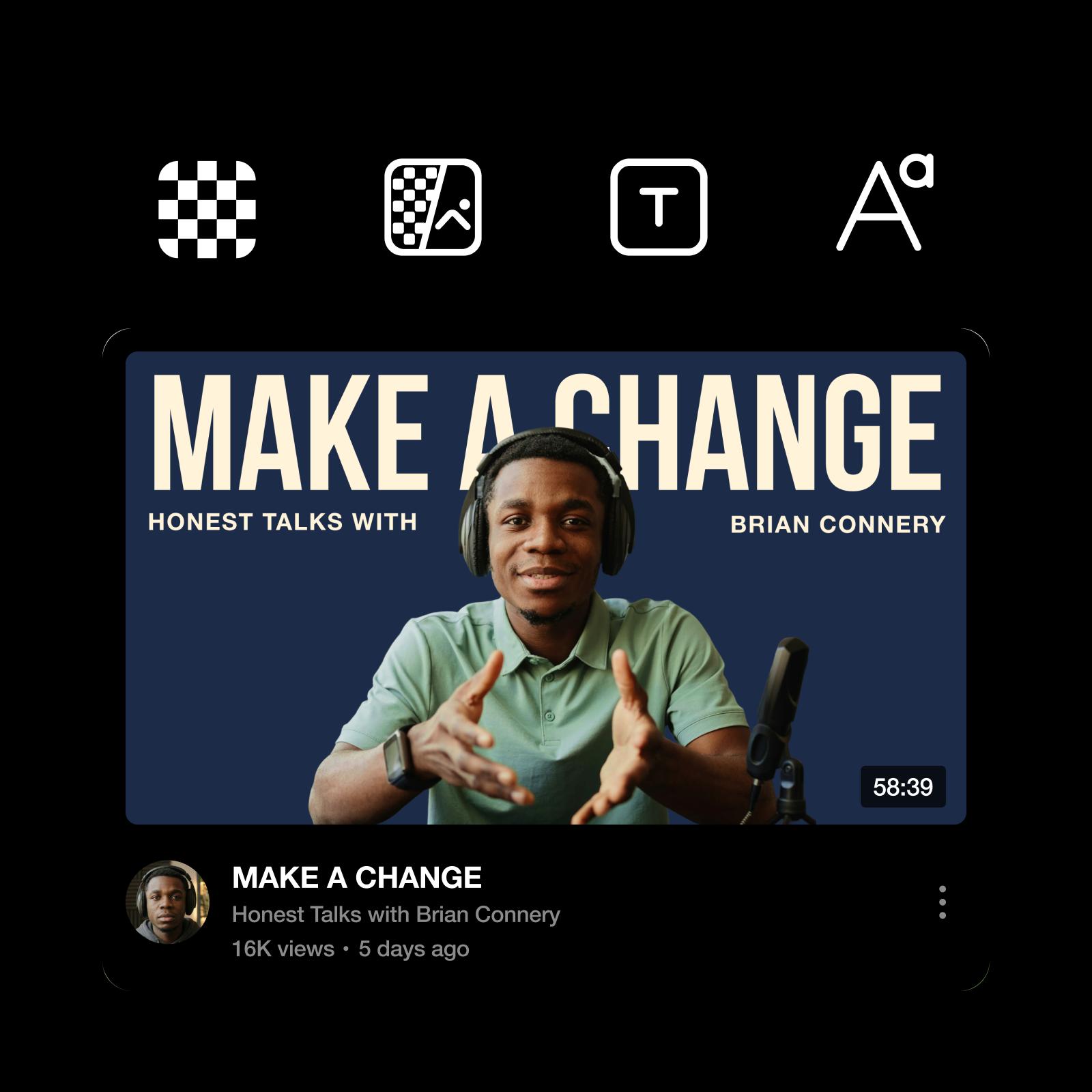
Practical tips for eye-catching, high-CTR YouTube thumbnails
Design thumbnails that earn the click at a glance. Most viewers see your thumbnail at phone size, so focus on what matters most:
- Use bold, readable fonts that stay clear at small sizes.
- Rely on high contrast to separate text and visuals fast.
- Size it at 3840 x 2160 for videos or 2160 x 3840 for Shorts, as JPG or PNG.


YouTube Thumbnail Maker FAQs
Yes, free YouTube thumbnails start with the AI credits already included in your Picsart plan. Picsart Flow runs on credits, so you only use them when you generate, and Flow shows the estimated cost before each run. Need more? Buy a one-off credit pack anytime and keep creating.
Design YouTube thumbnails for social channels and creator content
Pro
Most popularAI tools for everyday creative work.
Ultra
Most powerfulHeavy AI usage for creators & teams.
Enterprise
Custom AI solutions for large organizations.
- Volume discounts on credit rate
- On-demand top-ups
Pair your thumbnail with the rest of your brand
Keep your channel and socials consistent with Picsart's other makers.