
A consistent brand, without a design team
I use Picsart to maintain a consistent brand look for my small business.
Ramanpreet S. · G2 Picsart Codex plugin
Generate images, video, and audio with plain language from Codex. One Picsart Codex plugin install unlocks 140+ frontier models: Flux, Sora, Kling, ElevenLabs, and more. No model switches, no extra integrations, no extra cost. New models land automatically. Create and refine assets inside your Codex project.
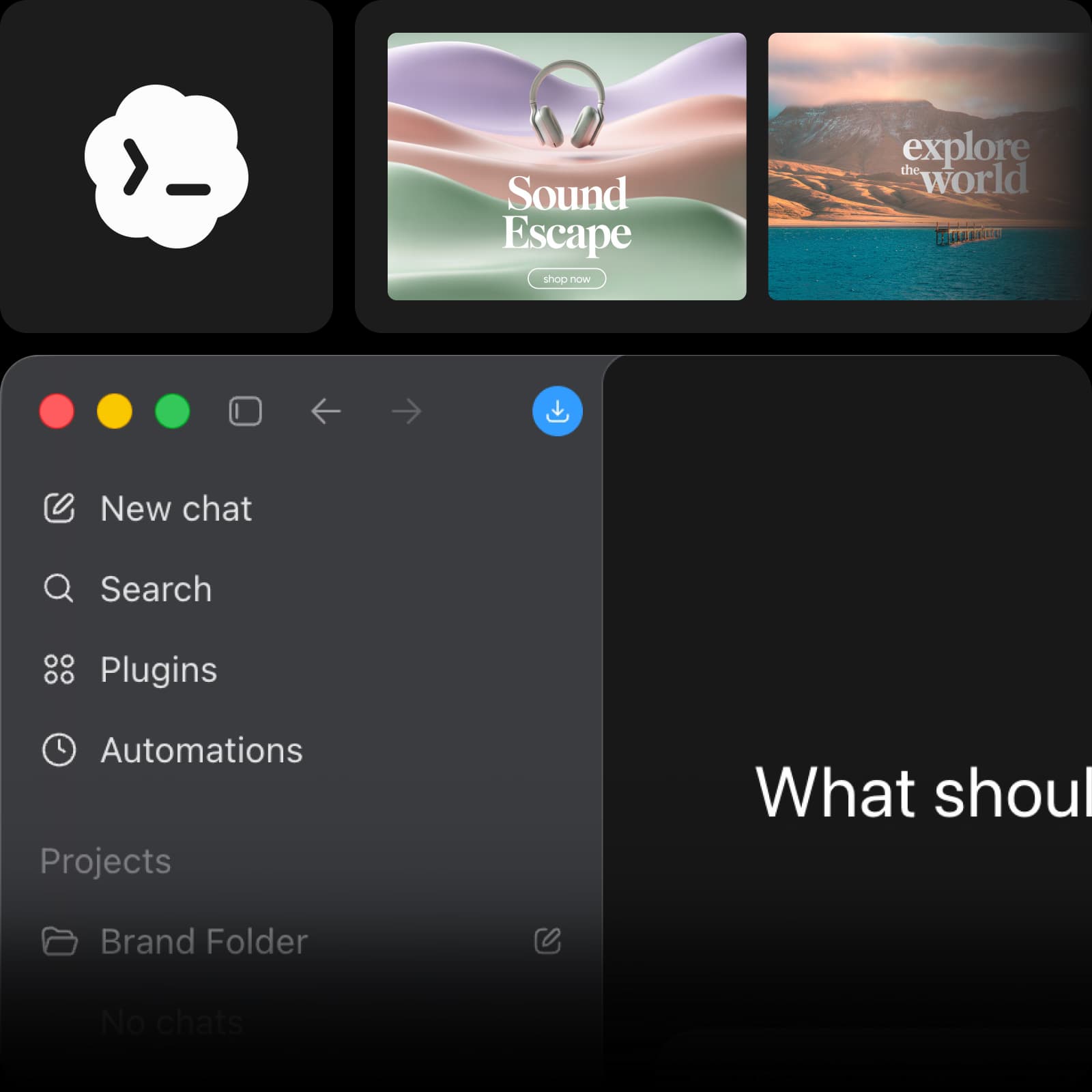


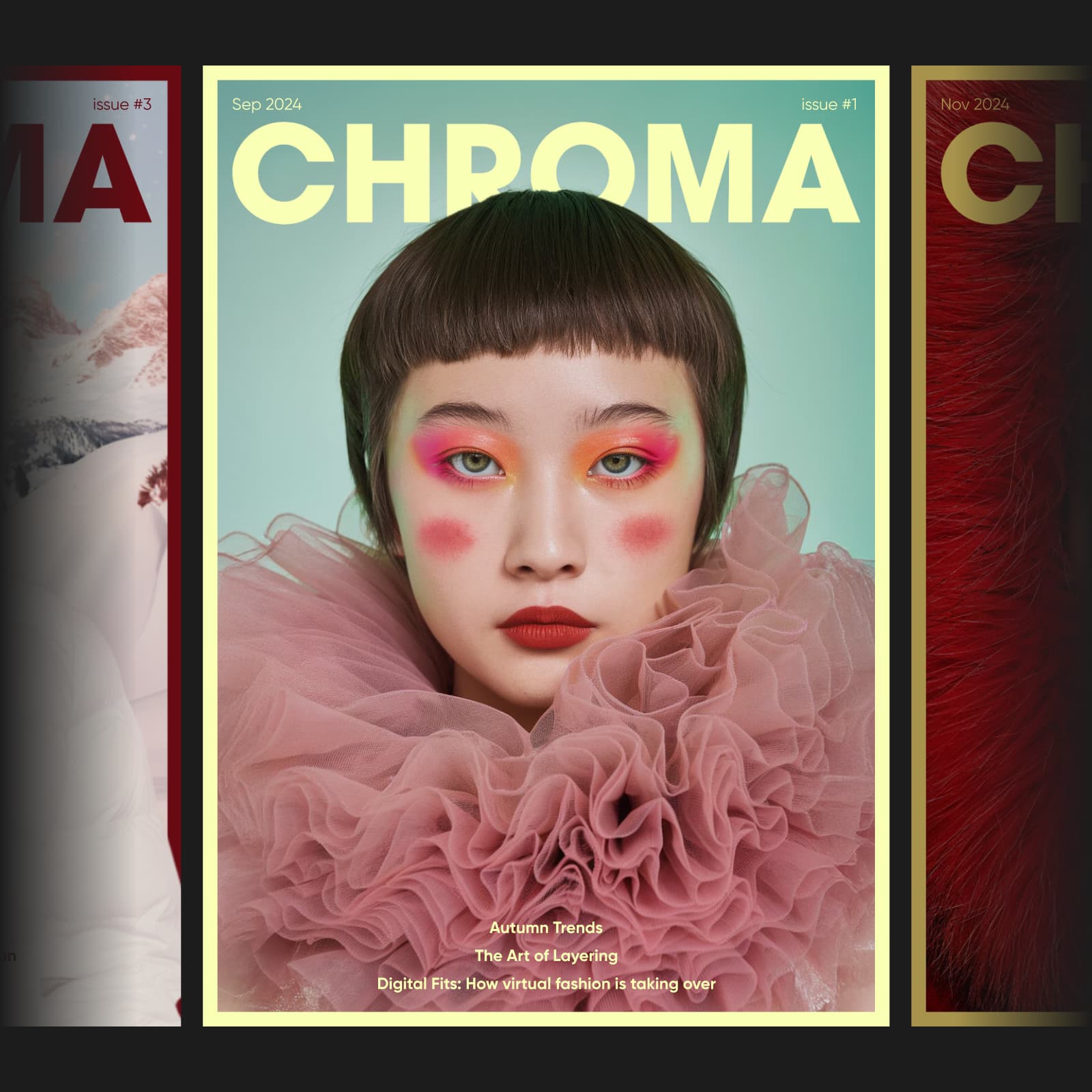

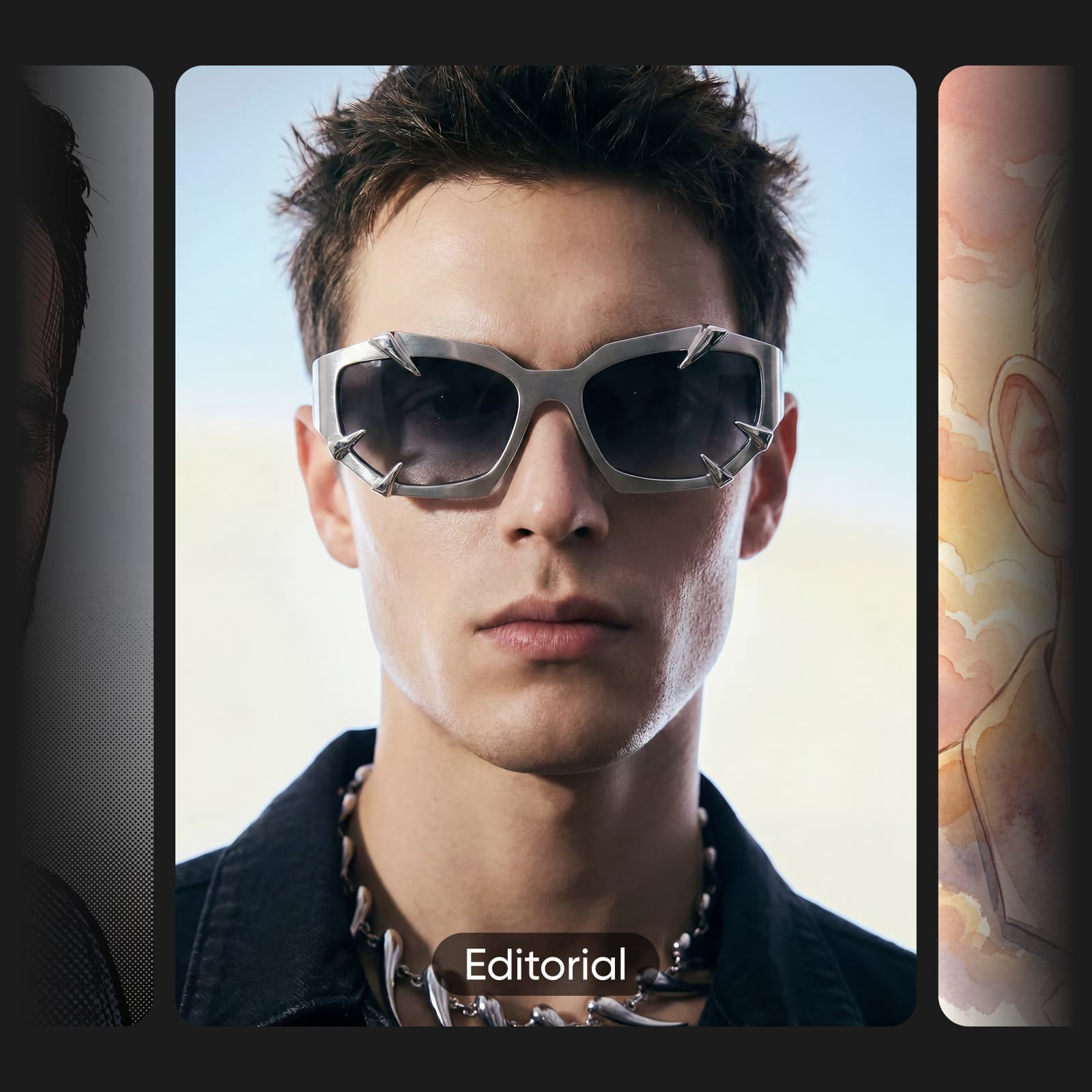
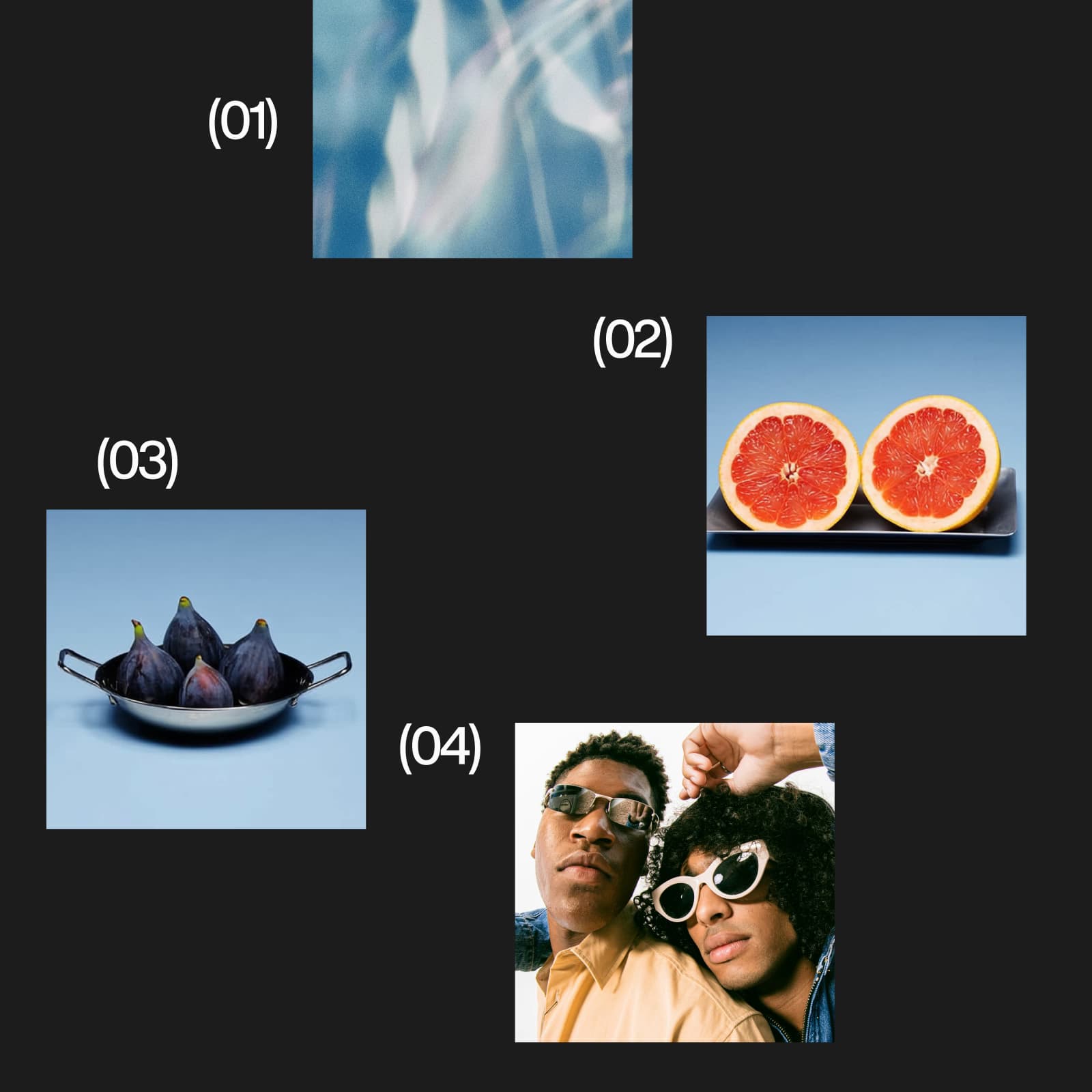

Install the Picsart plugin, connect your account, and start creating in Codex.
Bring Picsart into the AI assistant you use. Explore creative workflows, setup steps, and the right connection for your platform.
The Picsart Codex plugin connects OpenAI Codex to 140+ generative models. Ask Codex to generate images, remove backgrounds, or create video using plain language. Install the plugin and connect your Picsart account to bring image, video, and audio tools into your project workflow.
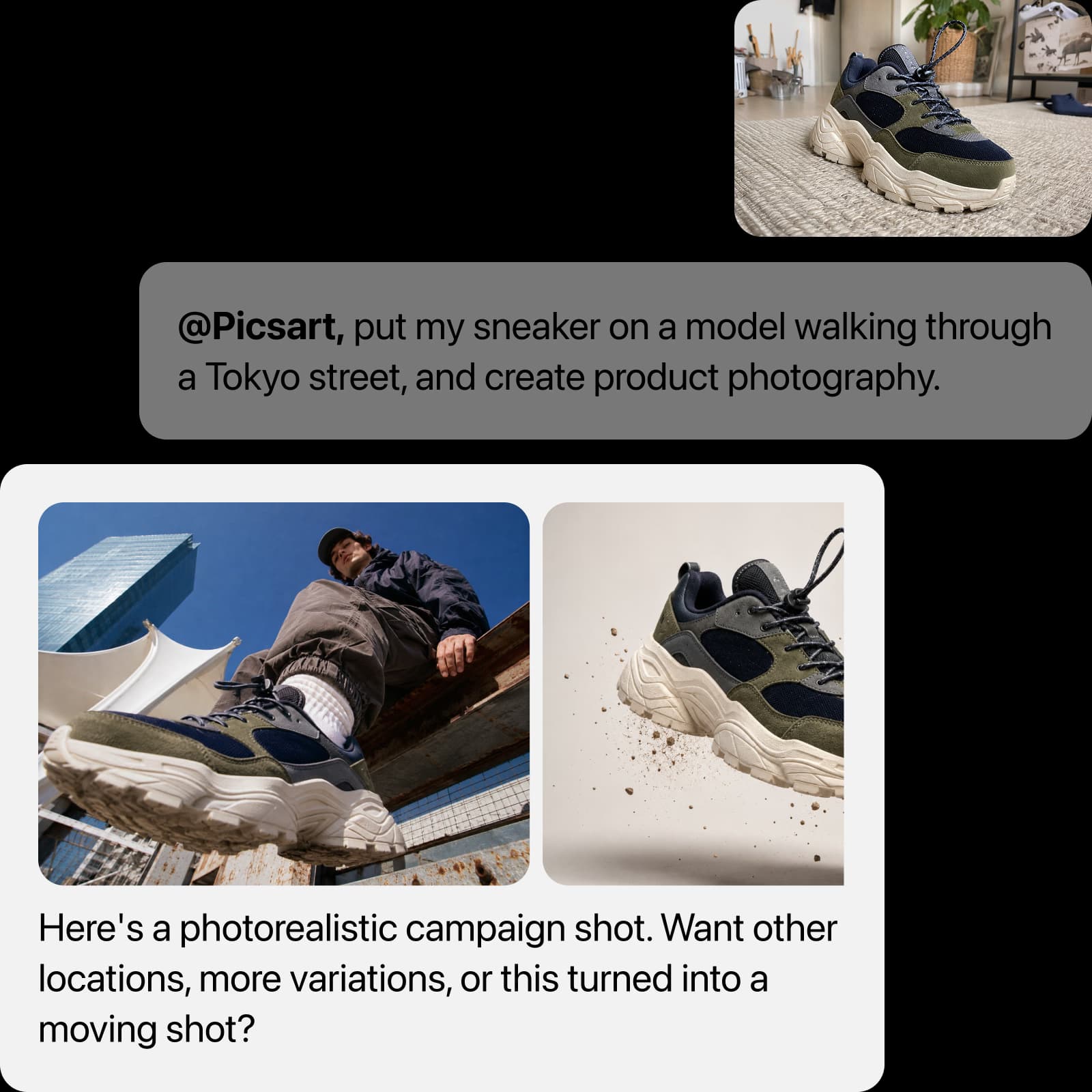
Ask Codex in plain language to create images, videos, or audio. Results land straight in your repo. No context switching, no API setup. Image generation, video creation, background removal, upscaling: all via one Picsart Codex plugin install with 140+ models on tap.
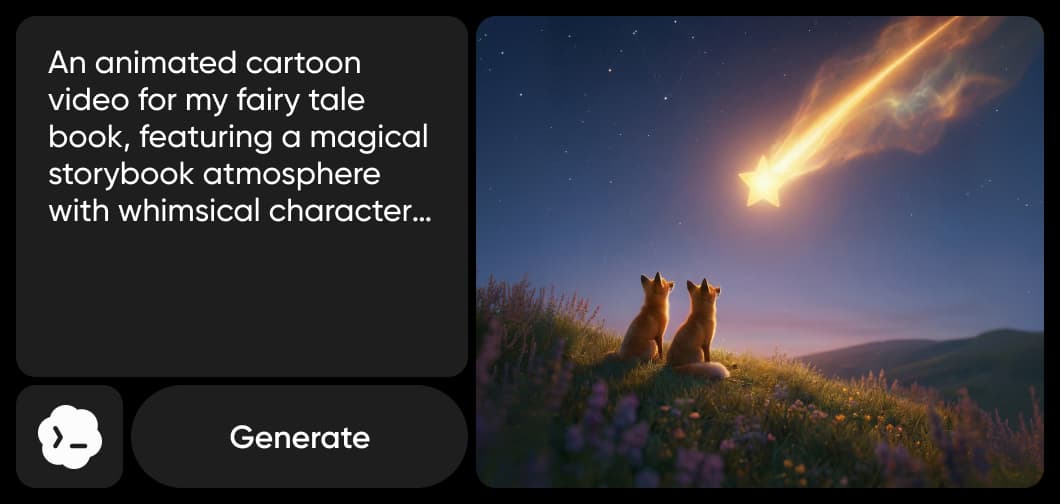
Access Flux, Sora, Kling, Veo, GPT Image, Nano Banana, ElevenLabs, and dozens more without switching tools or paying per-model. Picsart's curated model stack spans image, video, and audio generation. Models update automatically as new frontier versions ship. Spin up image-to-video, text-to-speech, or batch asset pipelines inside your agent, all from the same plugin. No separate credentials, no lock-in.
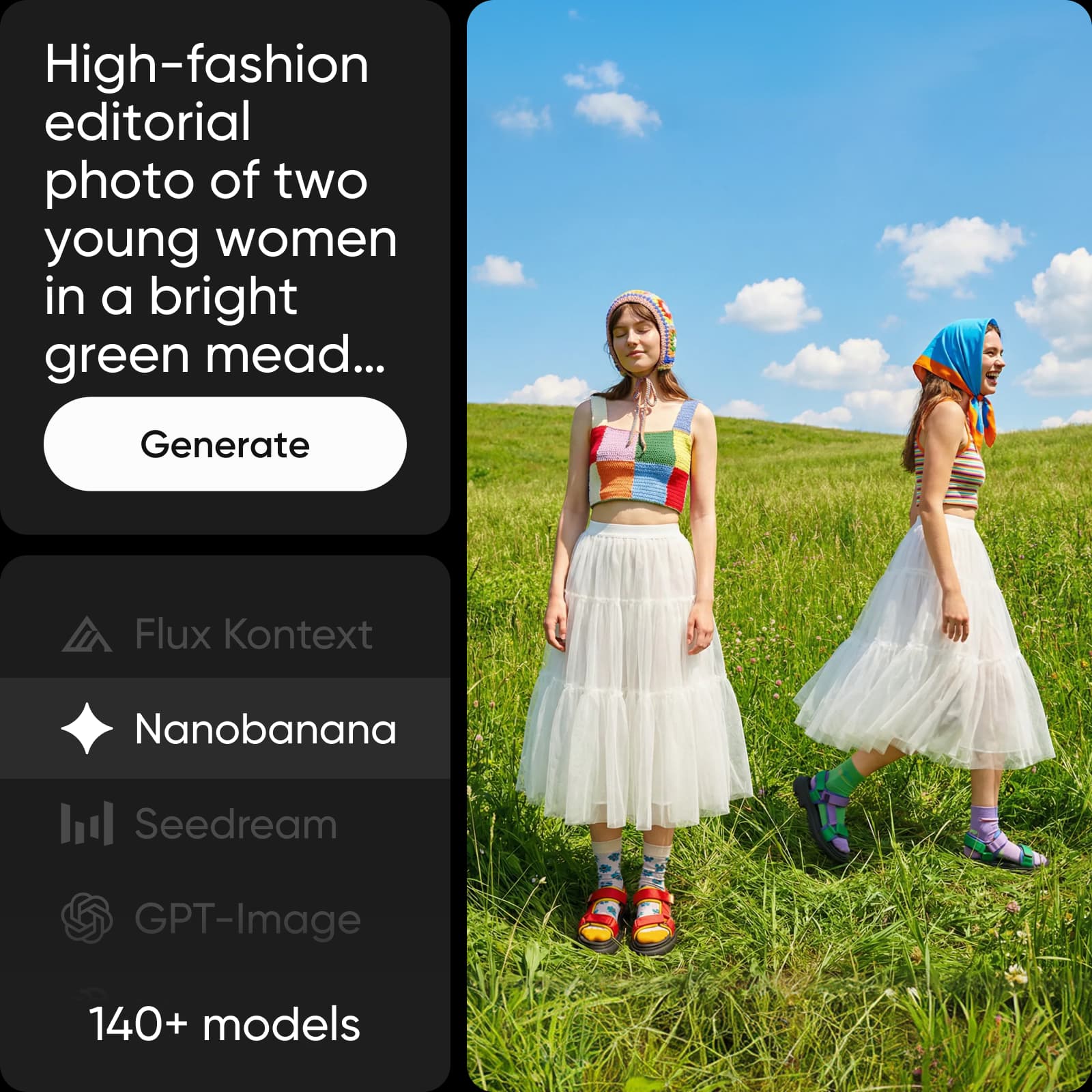
Ask Codex to create a hero image for your landing page, prepare product photos for your catalog, or generate a voiceover for a demo. Give the Picsart plugin your project context, reference files, output sizes, and preferred folder. Review the credit estimate before creating, then use Codex to bring the approved assets into your project.
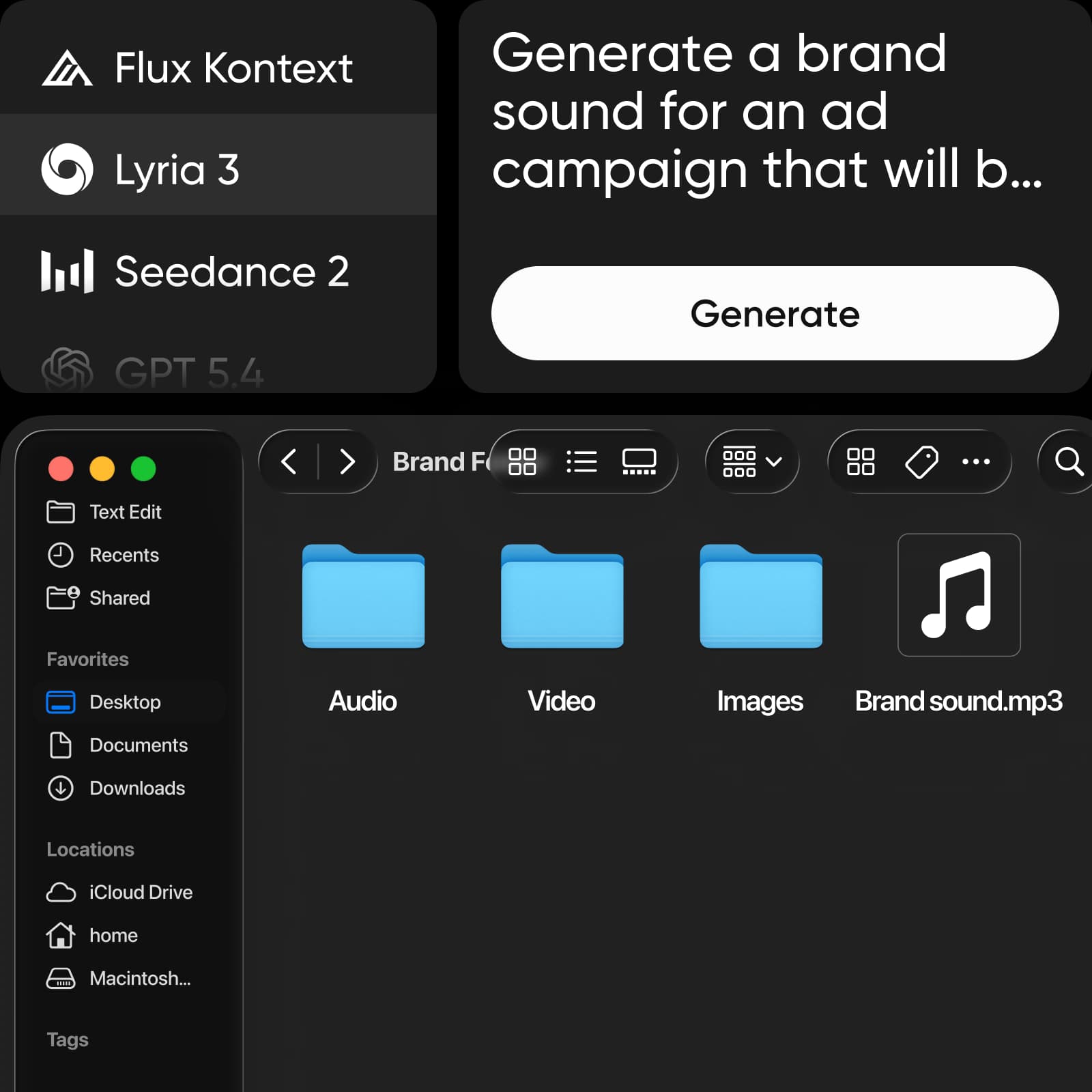
Keep your brief, project files, and creative revisions in the same Codex conversation. Use the Picsart plugin to explore images, video, and audio, then build on the direction you choose. Reuse your project context and style guidance for the next asset, and review each result before adding it to your work.
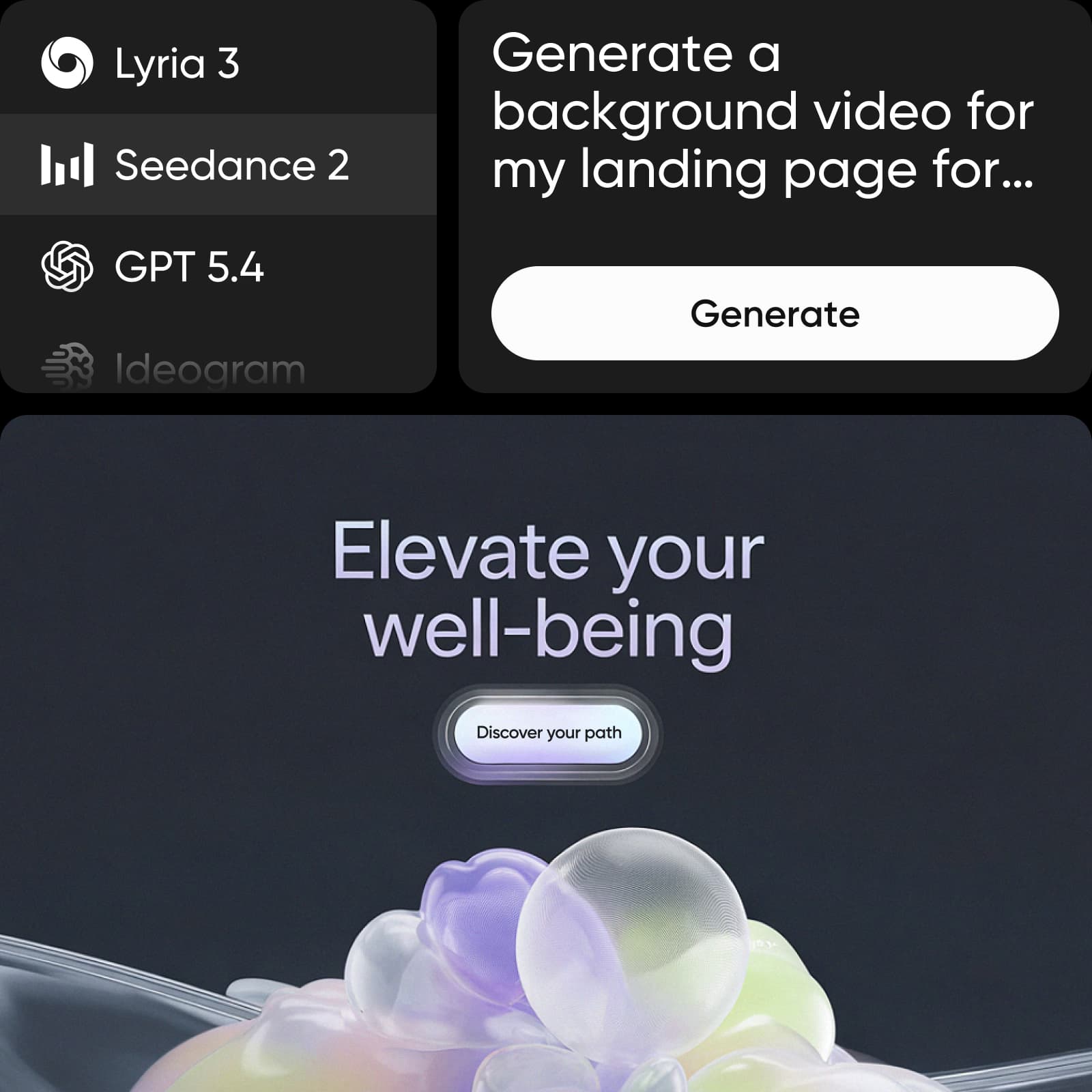
Review excerpts about Picsart from creators and small businesses.
I use Picsart to maintain a consistent brand look for my small business.
Ramanpreet S. · G2I can create anything I need to sell online
Ubah A. · Trustpilot60–100K TikTok views and 20K likes.
Panagiotis P. · TrustpilotPicsart for Codex is a plugin that brings Picsart's creative tools into OpenAI Codex. Generate images, video, and audio inside your Codex workflow using plain-language commands. Access 140+ frontier models including Flux, Sora, Kling, Veo, GPT Image, ElevenLabs, and more, all from a single install with no extra cost as new models are added.
AI tools for everyday creative work.
Heavy AI usage for creators & teams.
Custom AI solutions for large organizations.