Explore the latest AI models for images, video, and audio
Explore image, video, and audio model workflows in Picsart. Choose your starting material, test a result, and refine it for the project you have in mind.
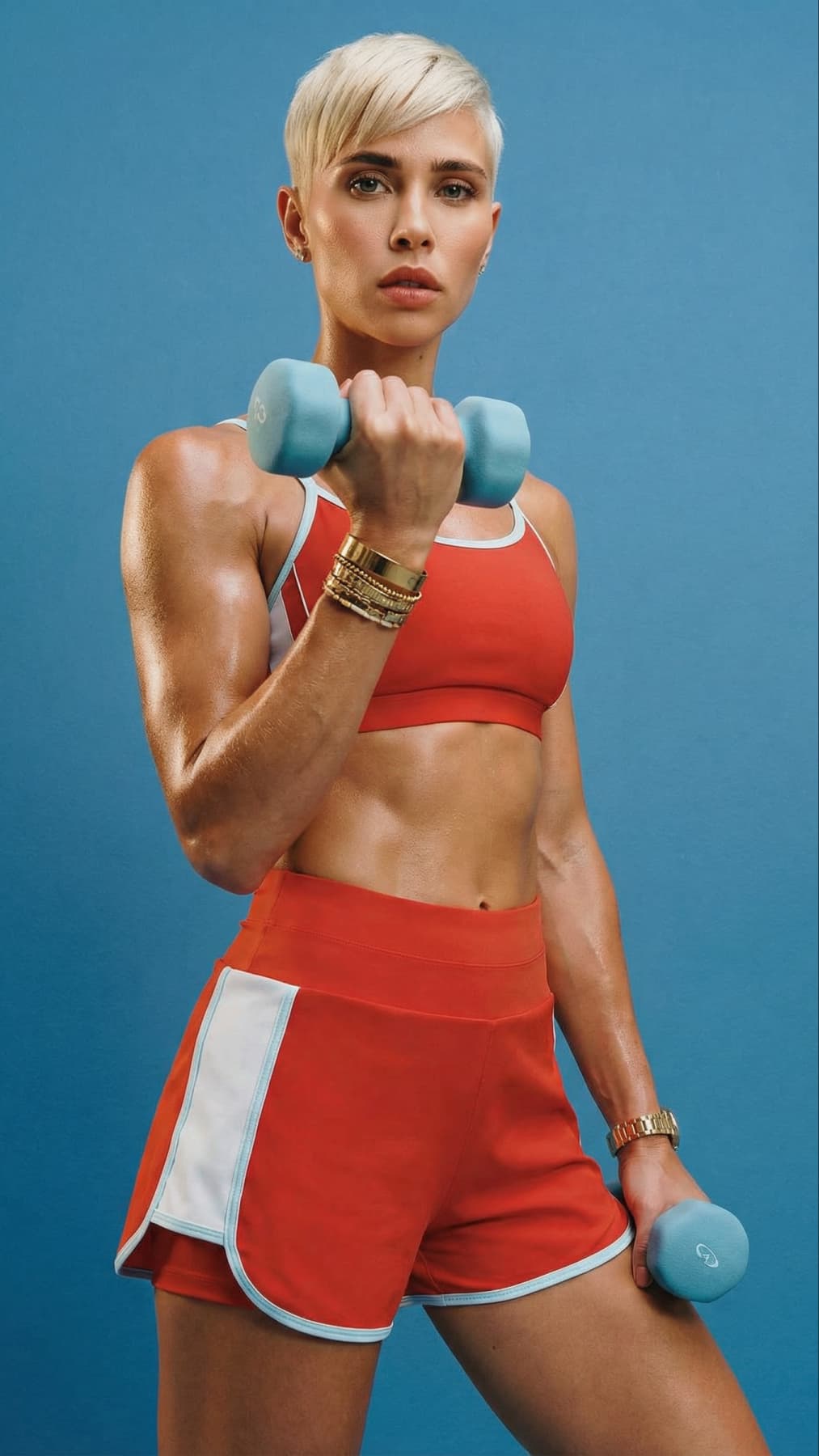
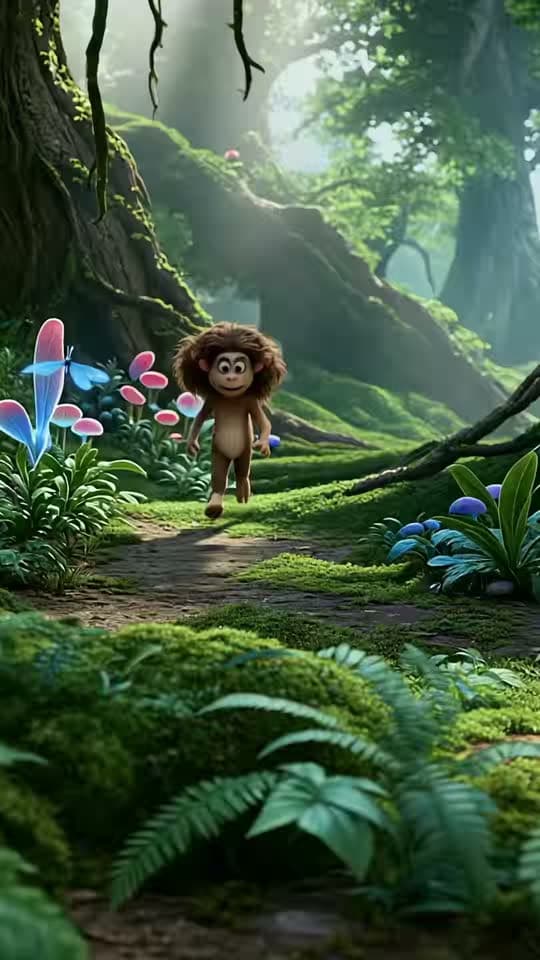

Explore AI models by workflow
Choose a category, then find the page that fits your next step.


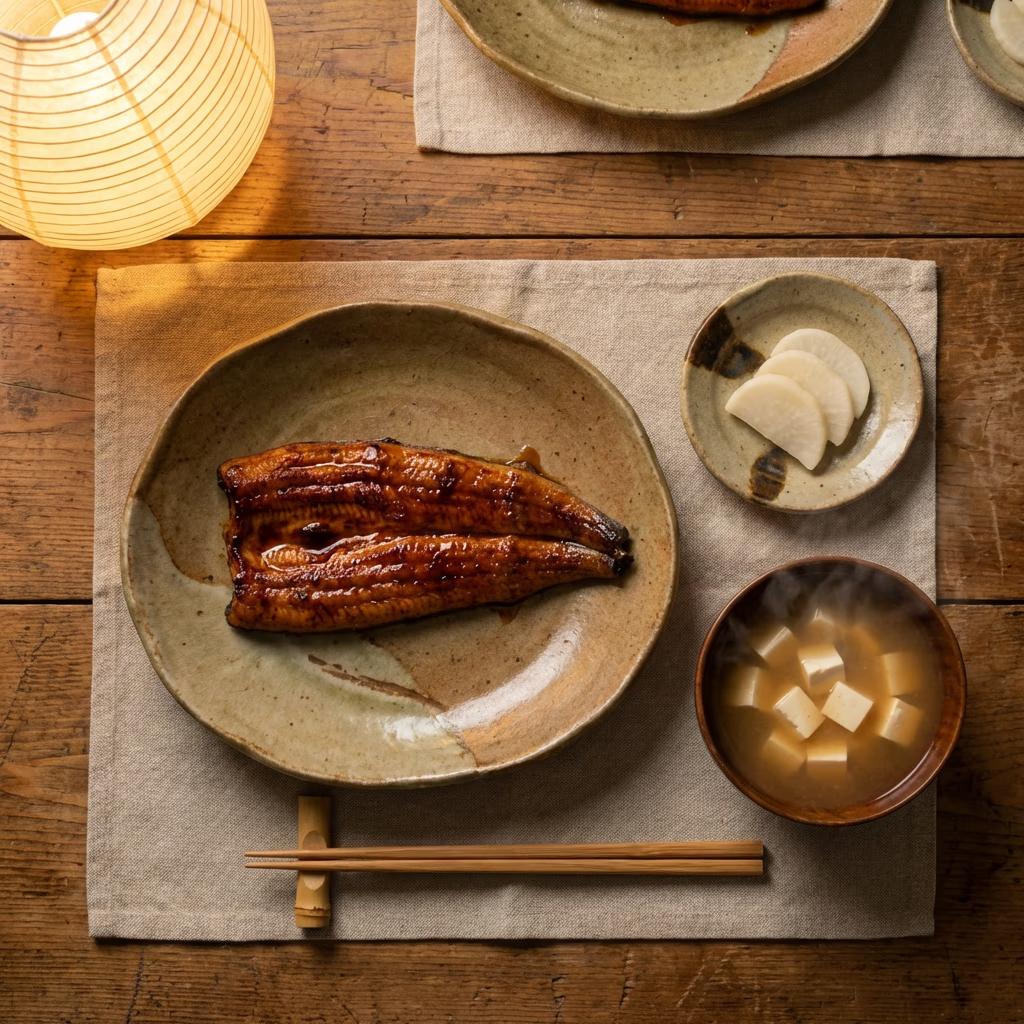


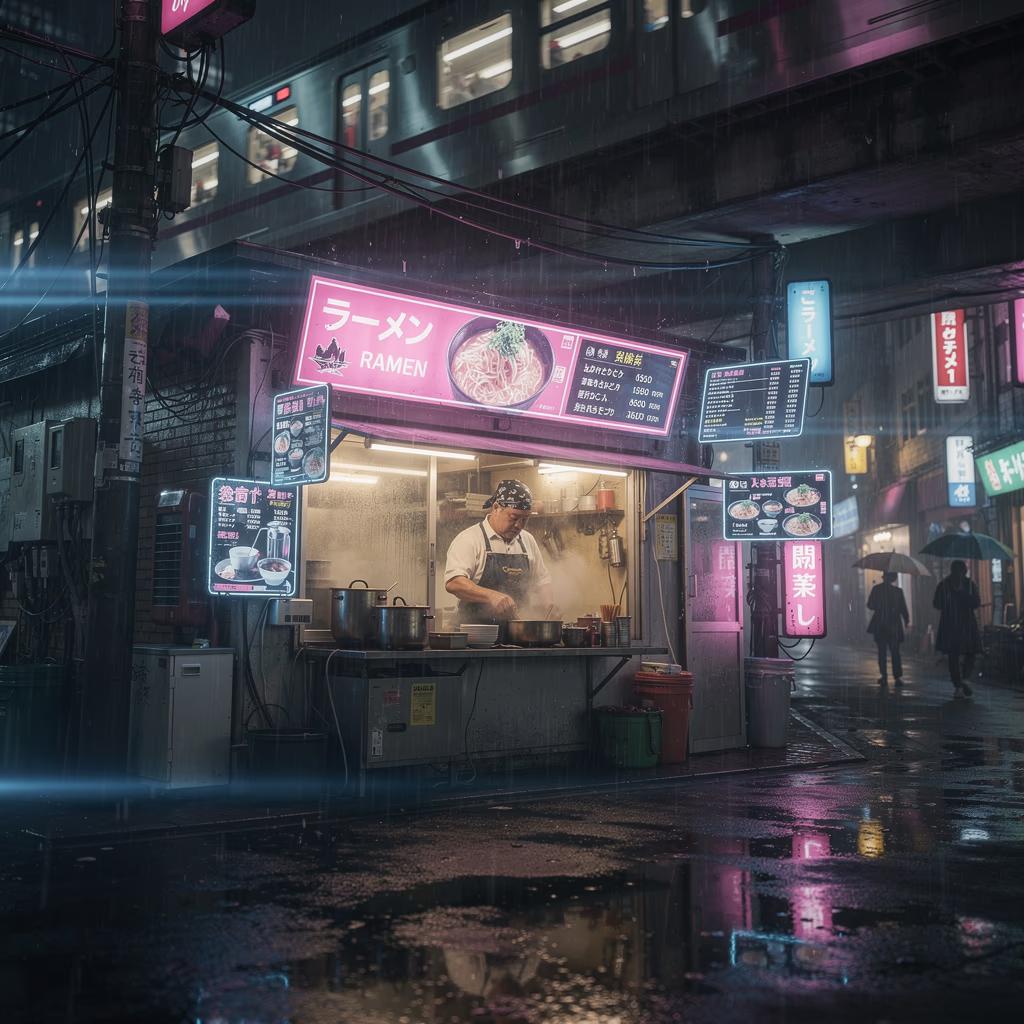






References for model exploration
Browse Library assets for a starting point or visual reference.


Latest image models for sharper ideas
Compare the newest models for text accuracy, photoreal detail, design control, and fast iteration.


Latest video models for motion and storytelling
Compare the newest models for cinematic clips, image-to-video, character consistency, and ad-ready motion.


Latest audio models for music, voice, and sound
Explore the newest tools for full tracks, voiceovers, sound effects, and finishing touches.


Compare models by workflow and output
See how leading image and video models differ on control, consistency, speed, and creative range.


Explore every AI model
Browse every AI model page connected to this hub.
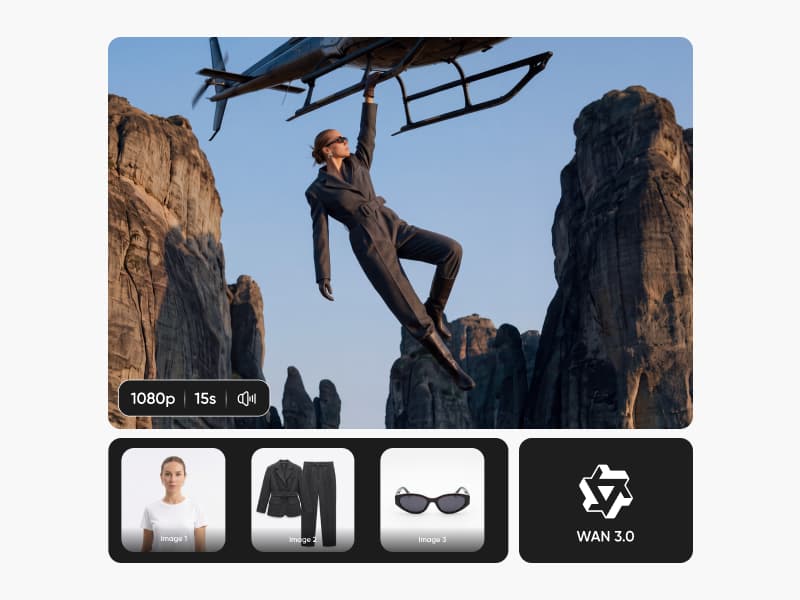
WAN 3.0
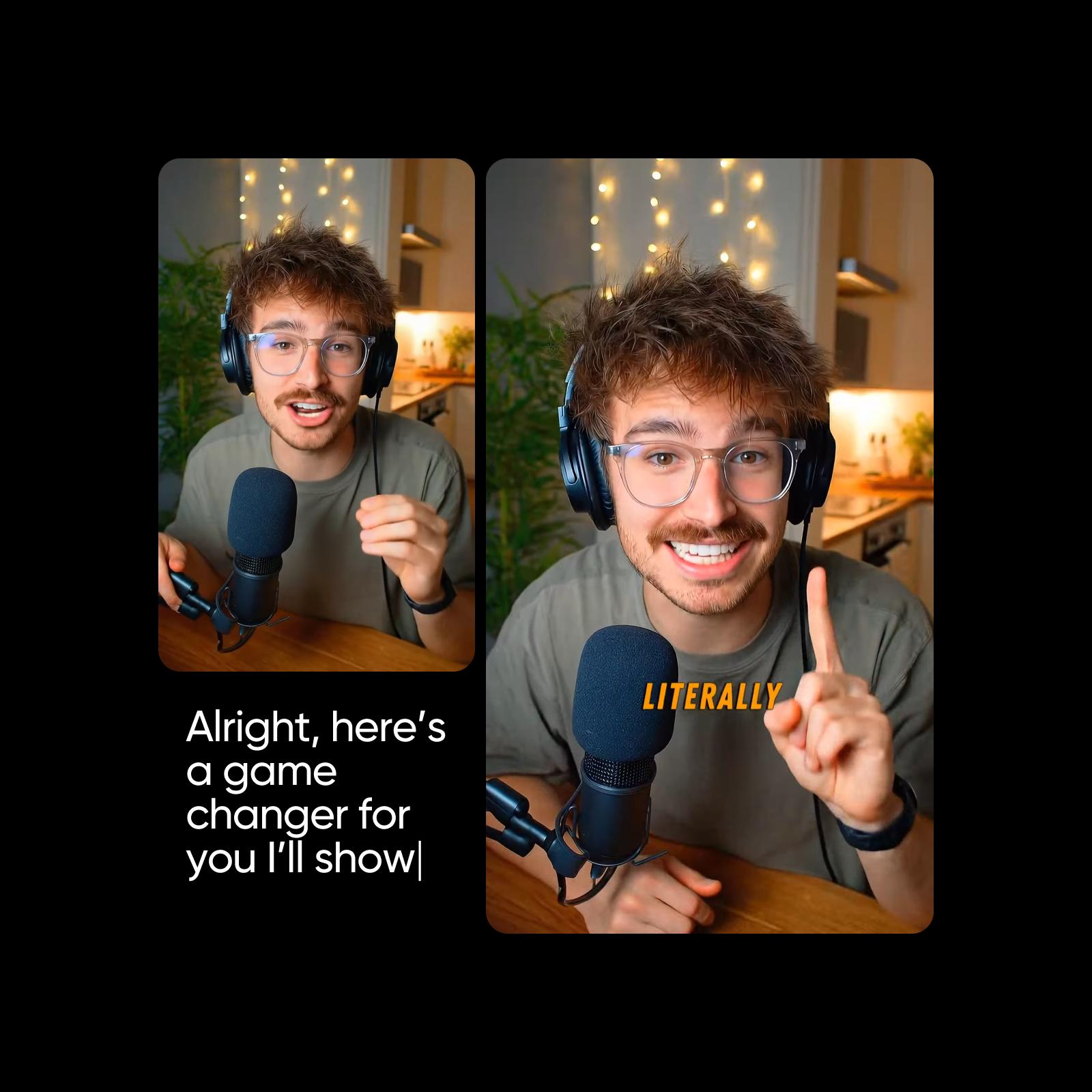
Runway Gen 4
Seedance 1 Pro Fast
Seedance 1 Pro
Async Flash v1.0
Kling V2
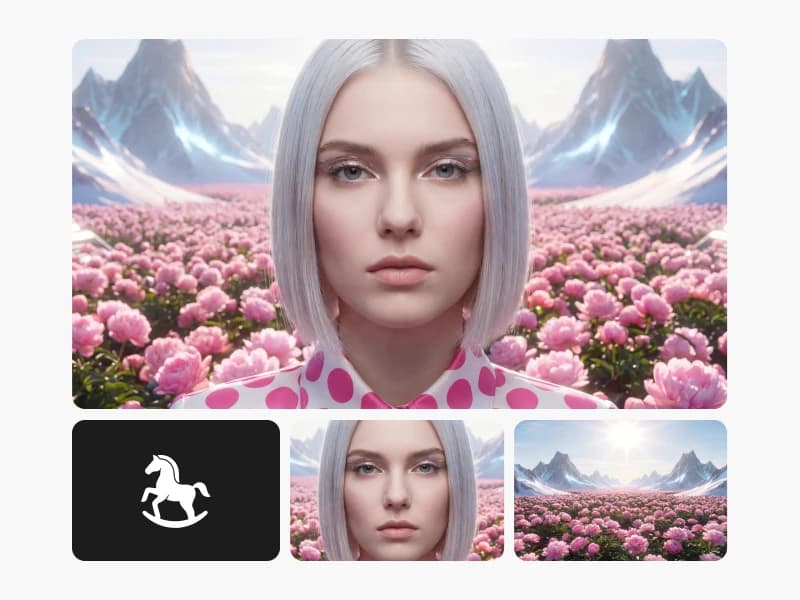
HappyHorse 1.0
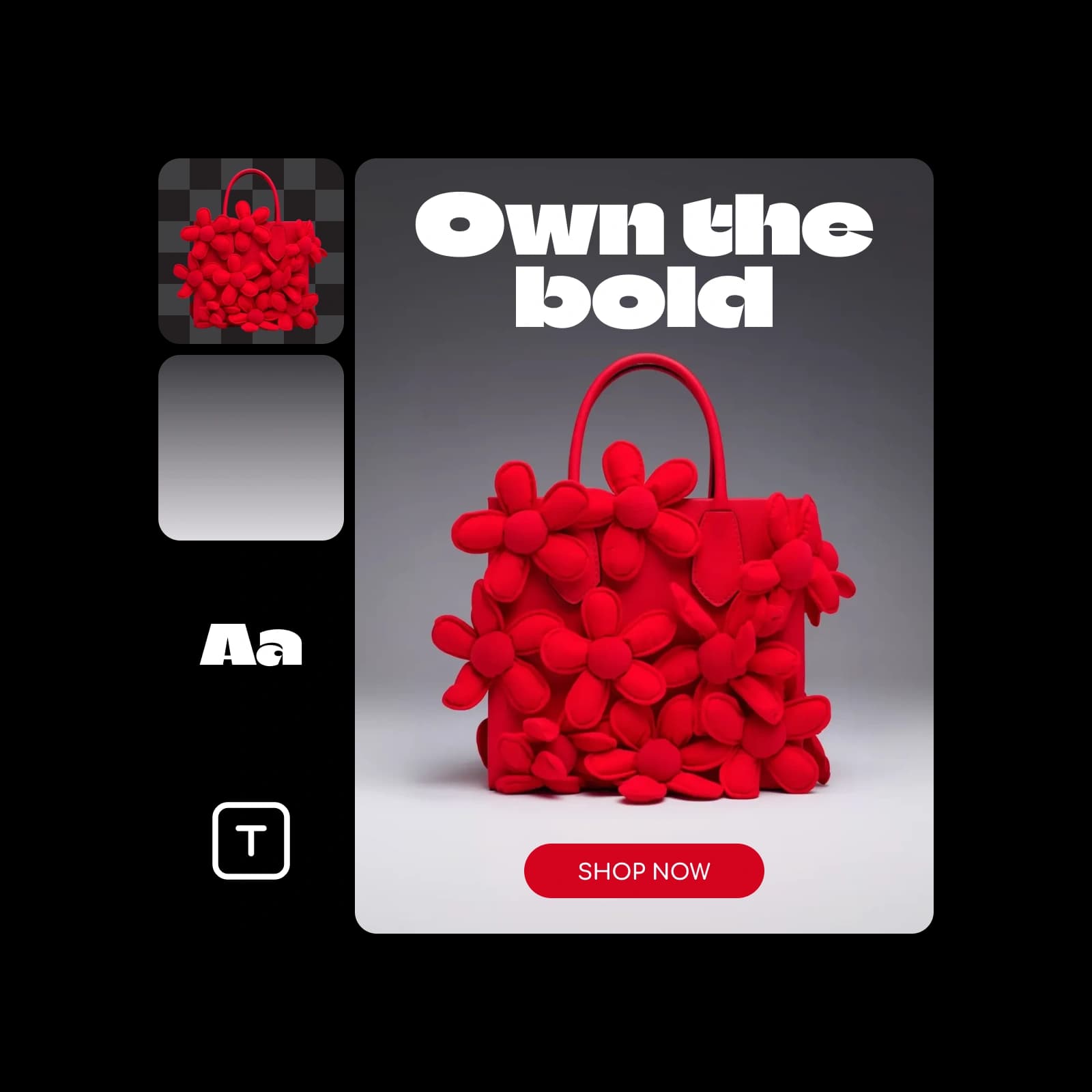
Pika Frames
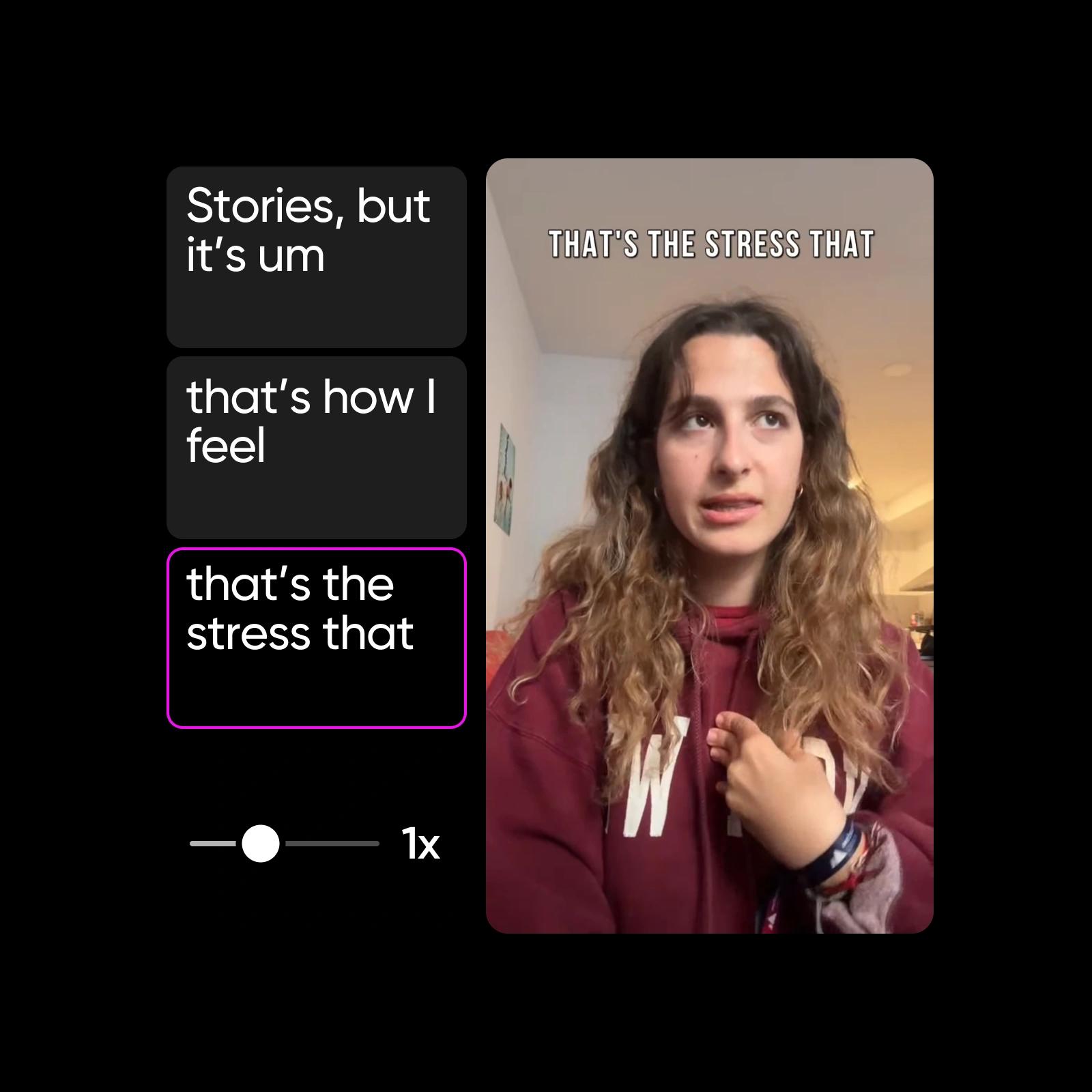
Veo 3.1 Fast
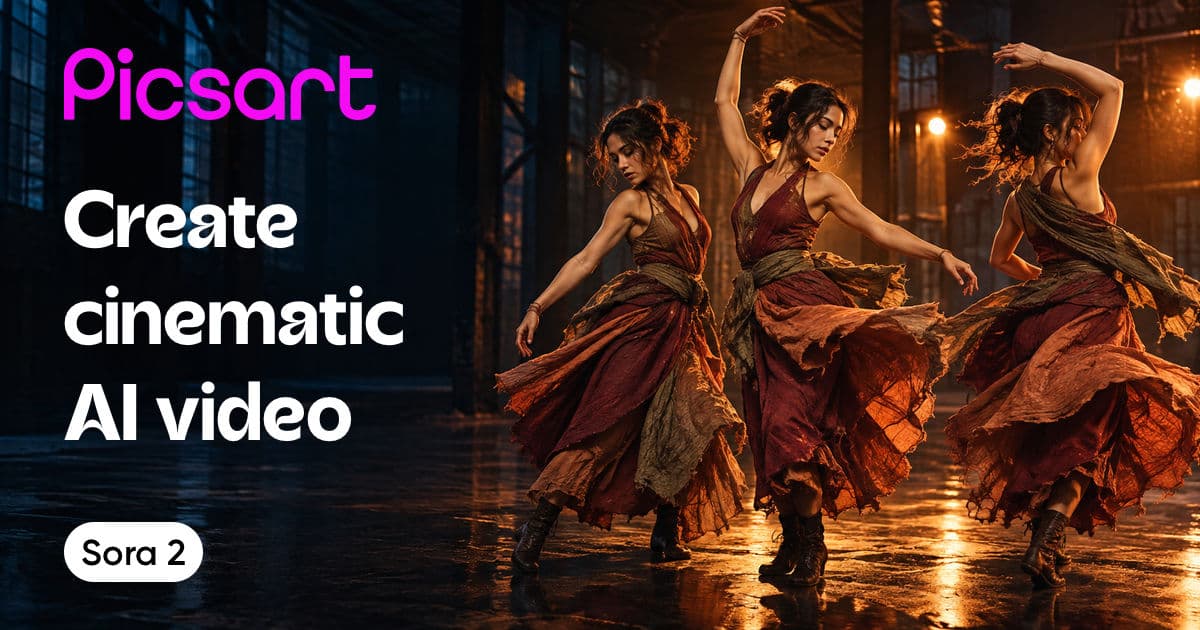
Sora 2
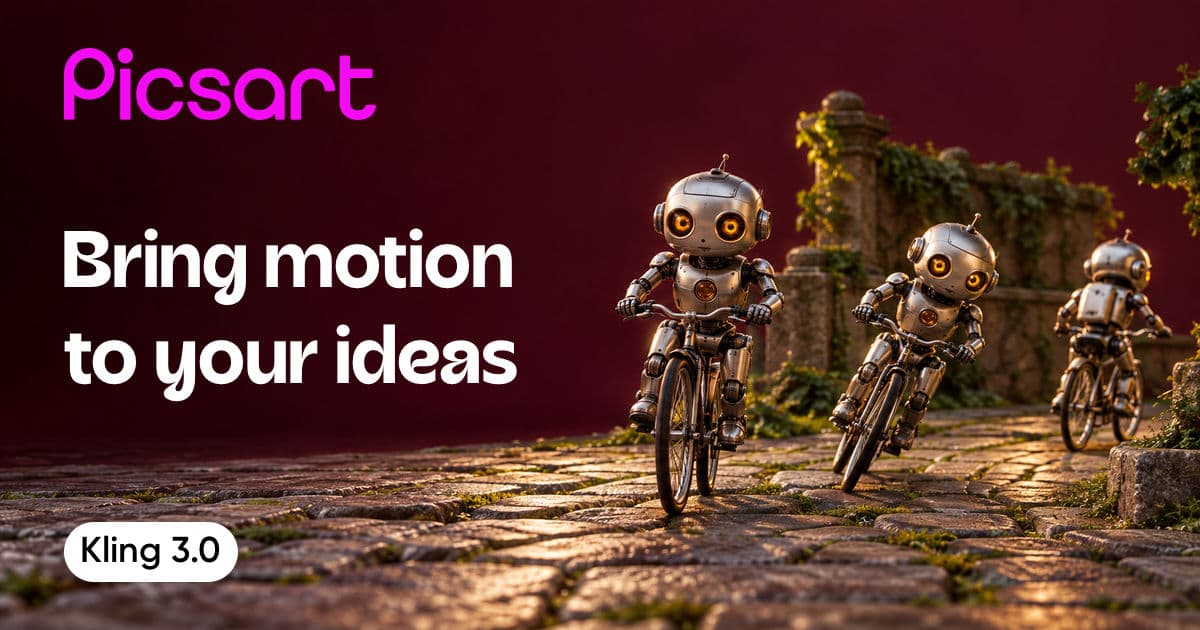
Kling 3.0
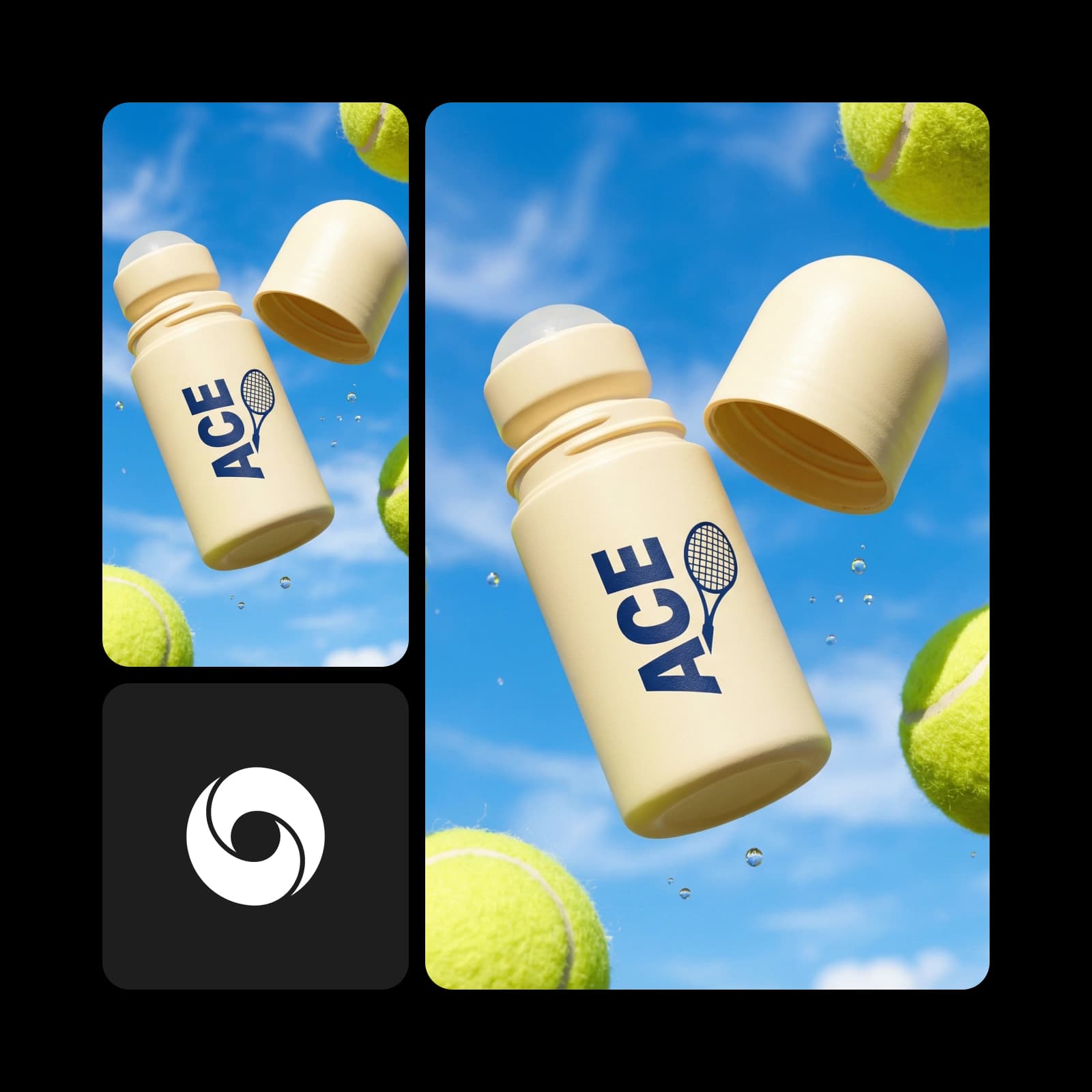
Veo 3.1
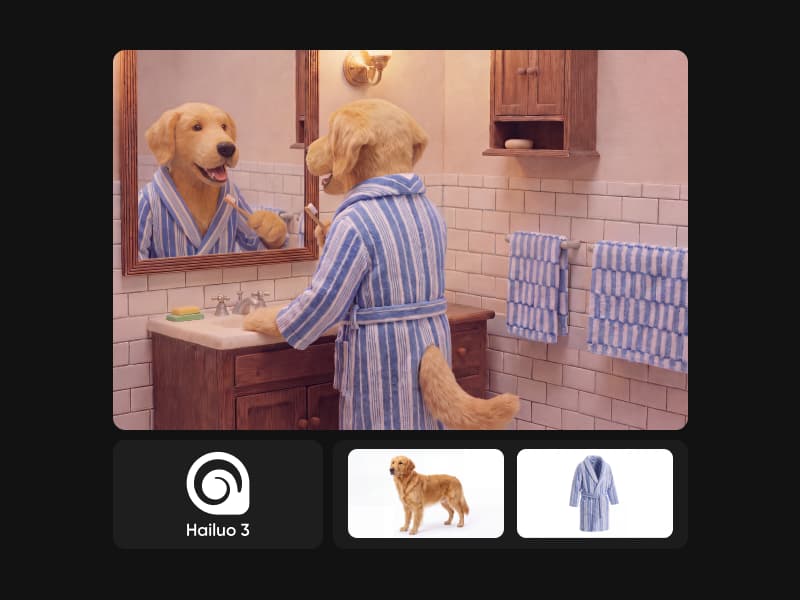
MiniMax H3 (Hailuo 3)
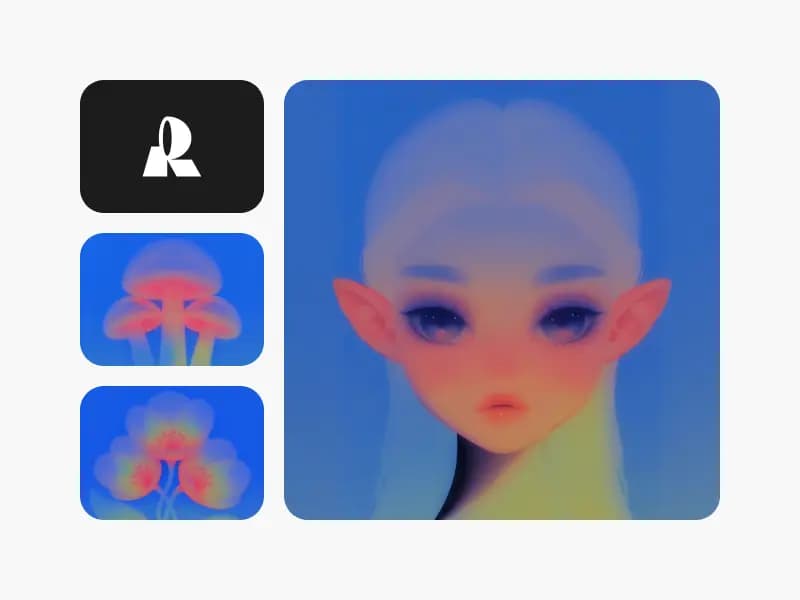
Muse Image 1.0
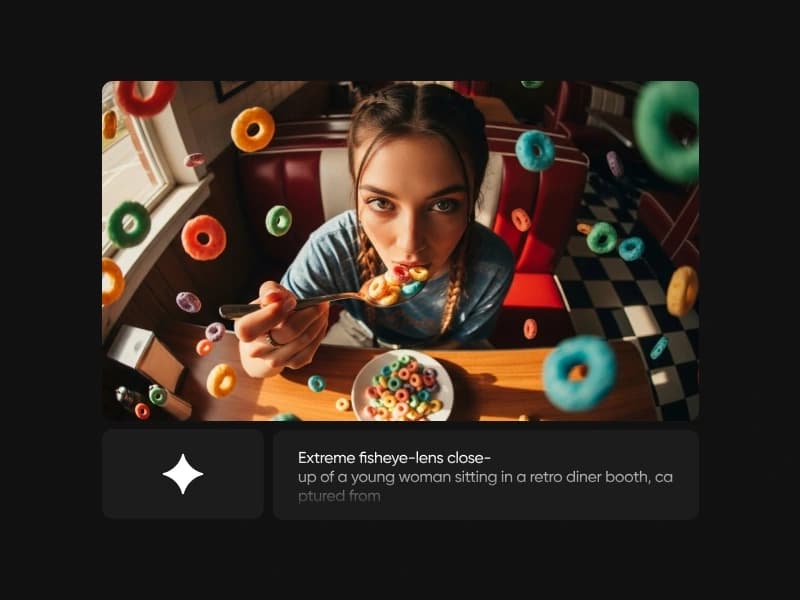
Imagen 4.0
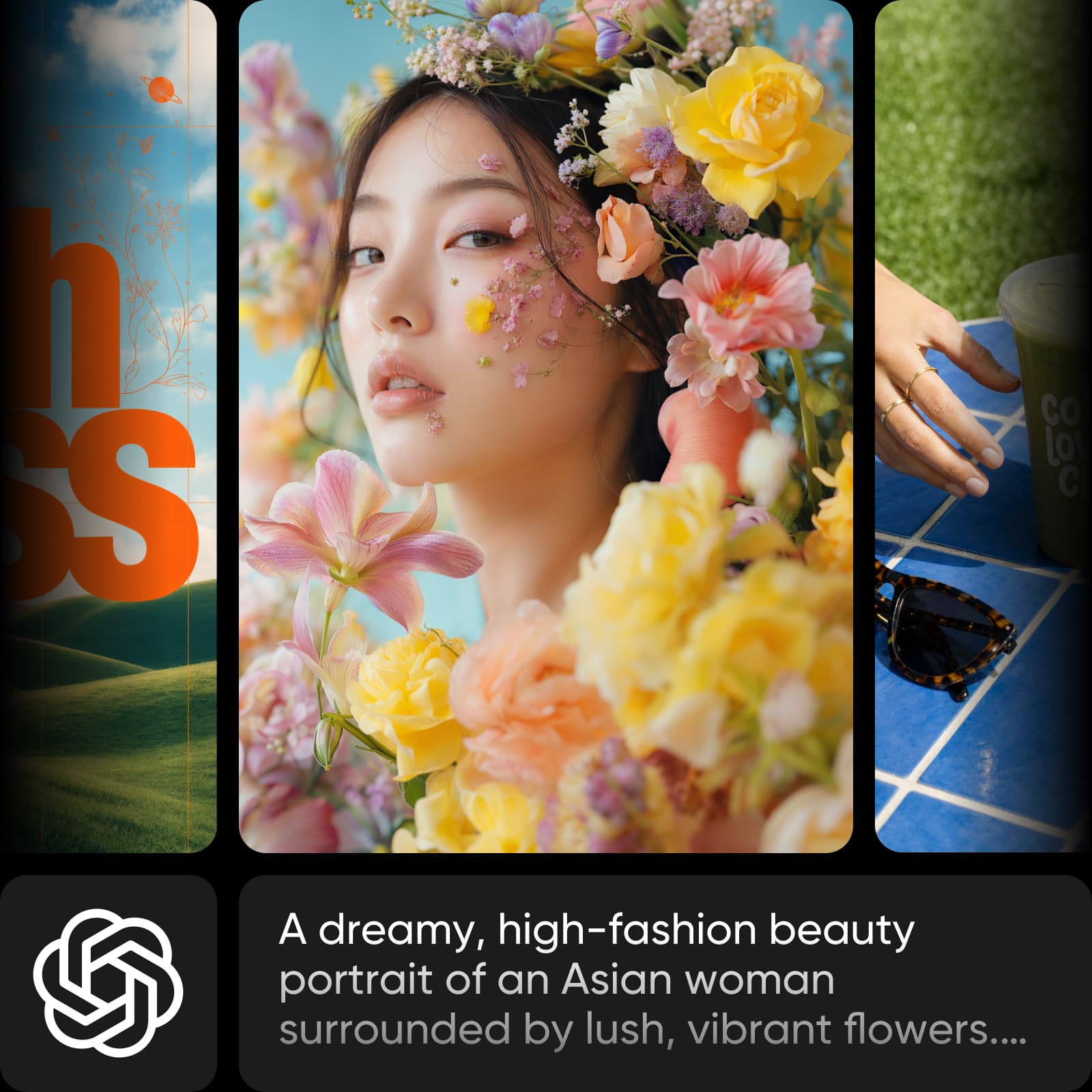
Gemini 3.8 Flash TTS
Gemini 3.8 Flash-Lite TTS
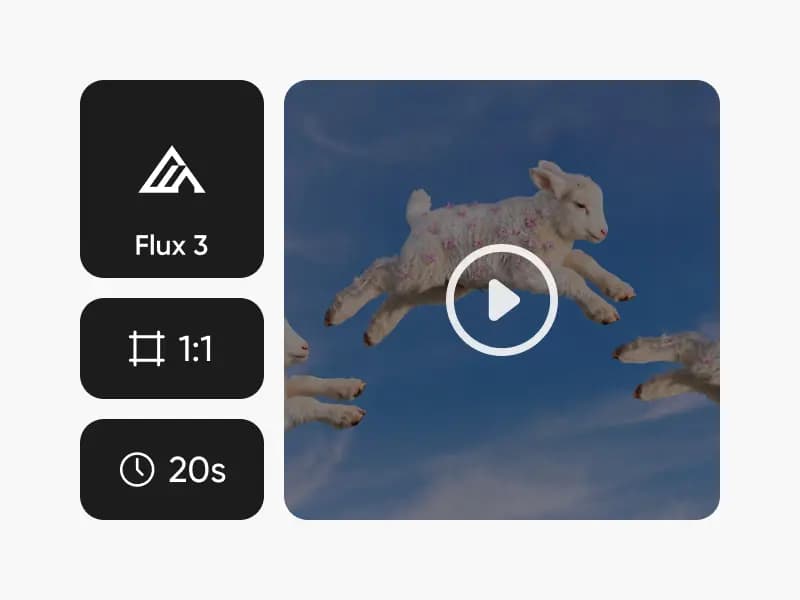
Flux Video Edit
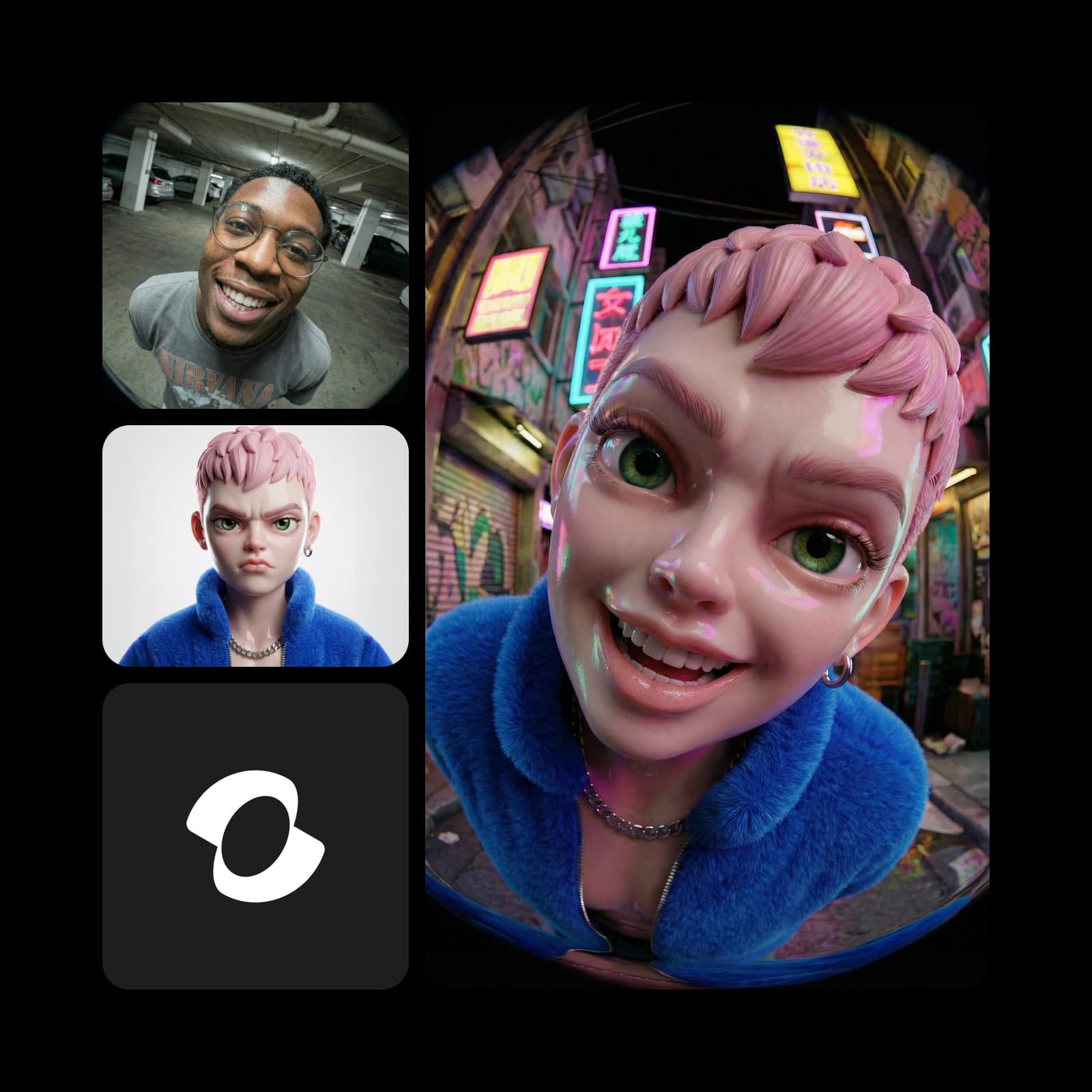
MiniMax H3 Max Ref-to-Video
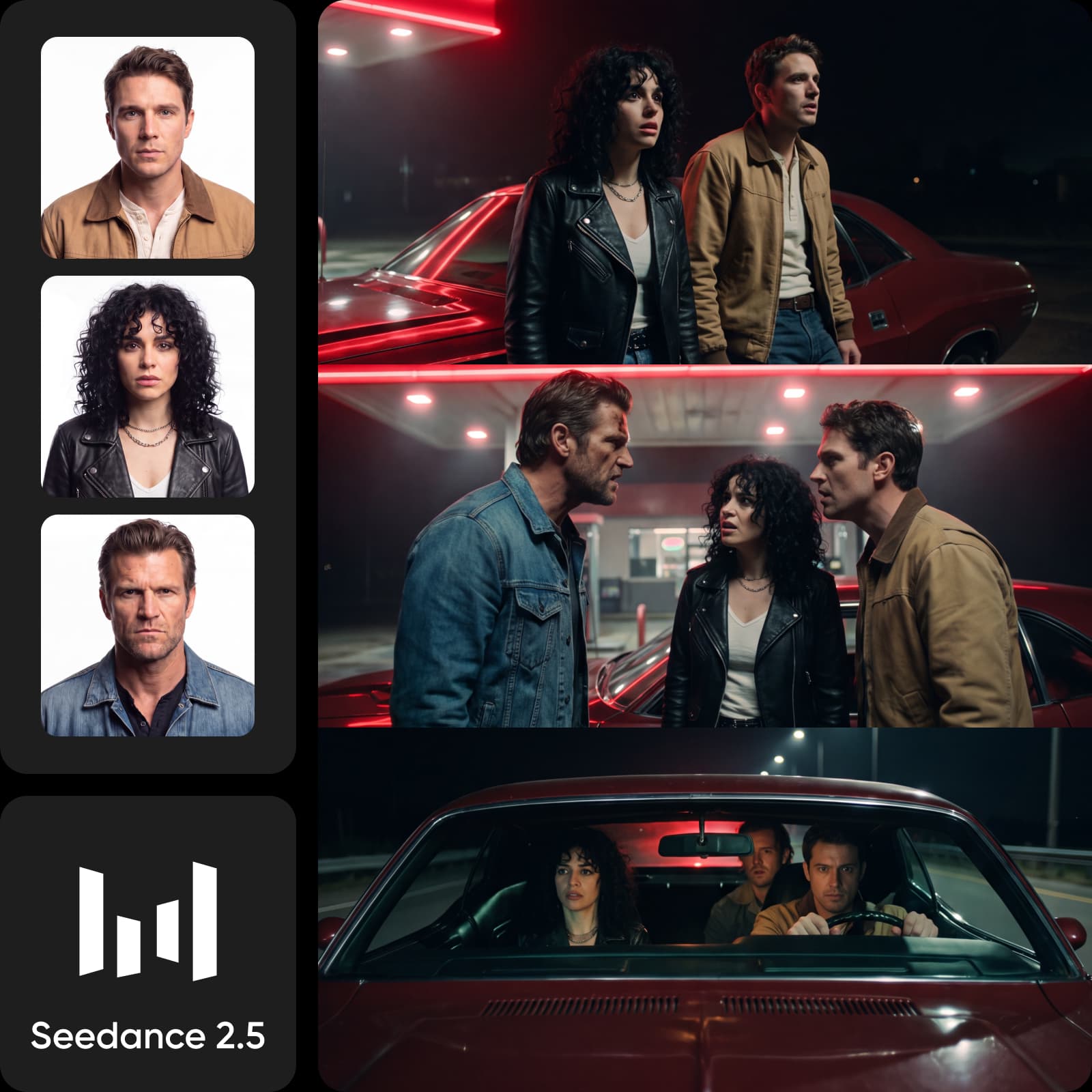
MiniMax H3 Max Turbo
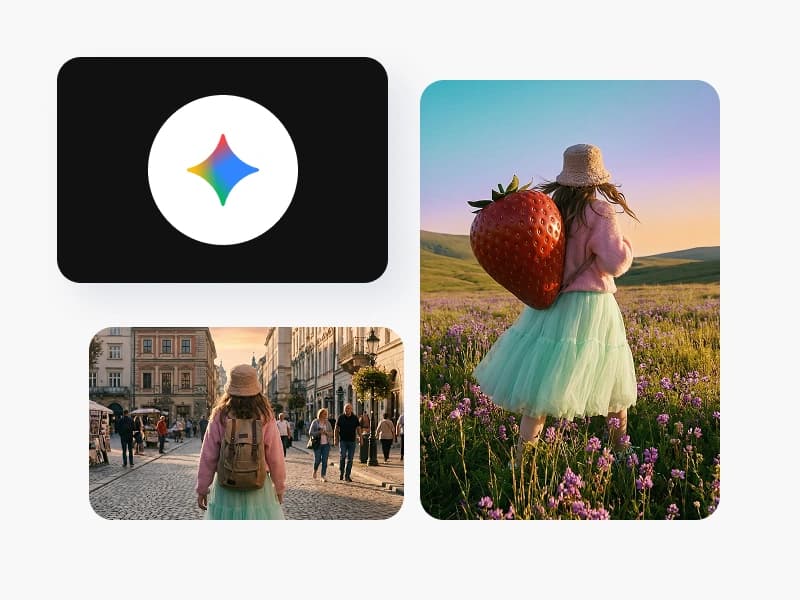
Nano Banana 2 Lite
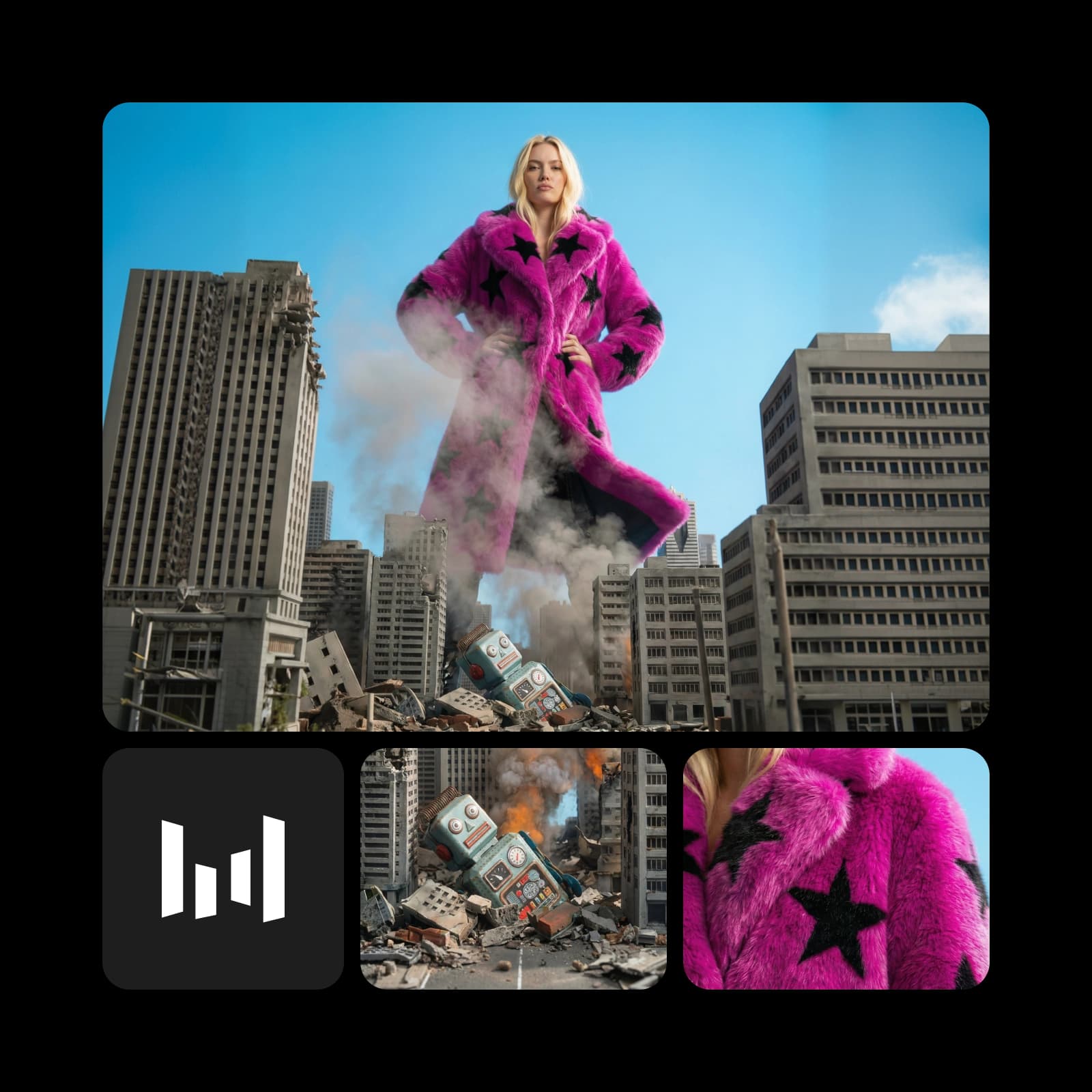
Seedance 2.0 Mini Video Extend
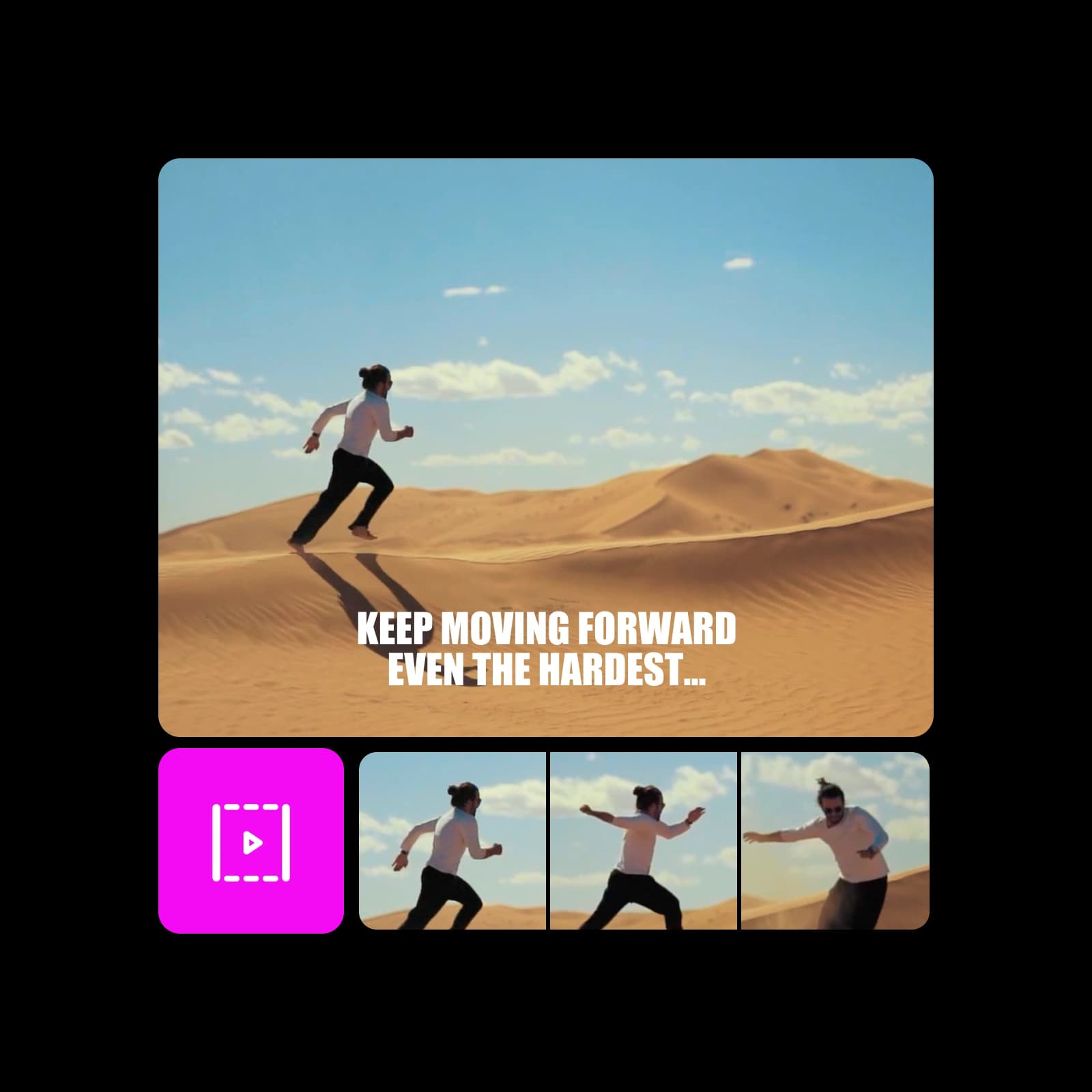
Happy Horse 1.1 Ref-to-Video

Recraft V4 Pro
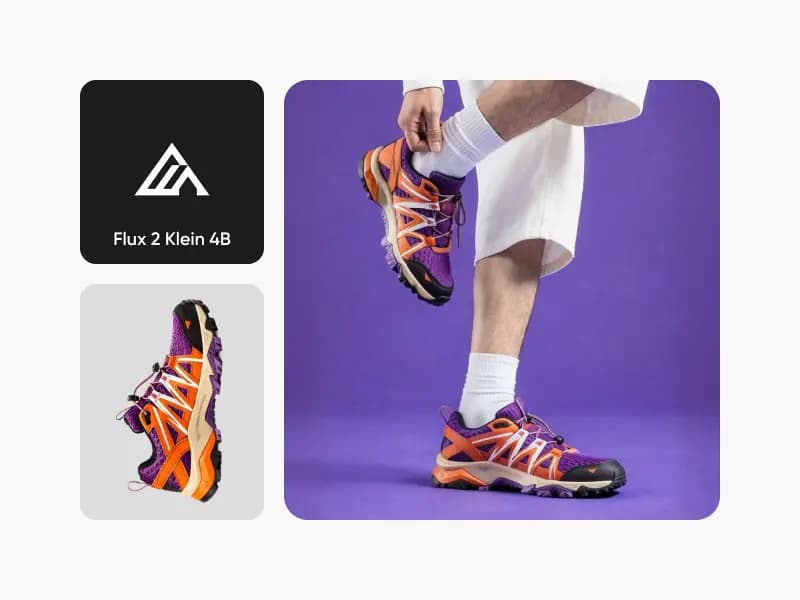
Flux 2 Klein 4B
Kling O1 Image

Kling V2 New
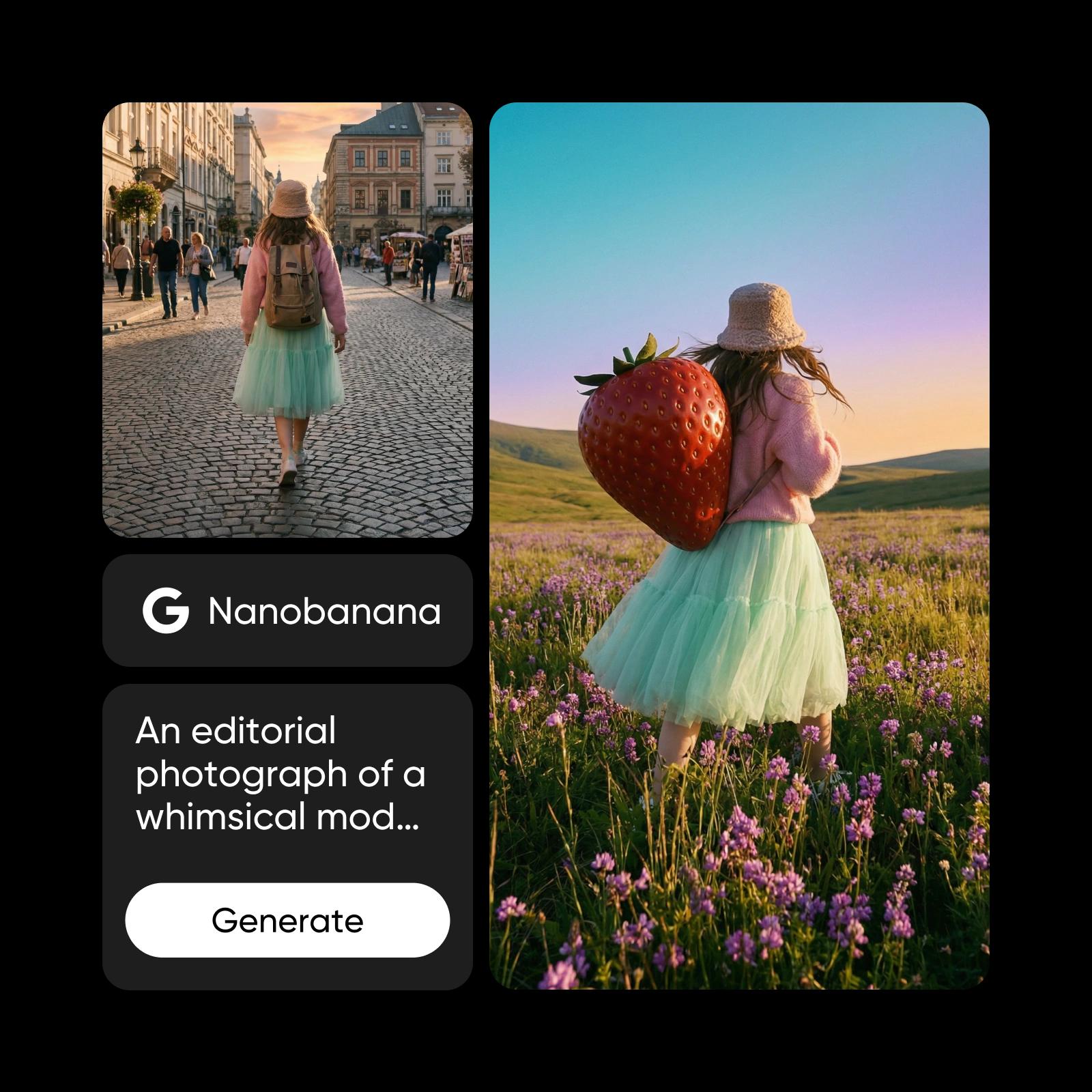
Qwen 2 Pro
Qwen 2
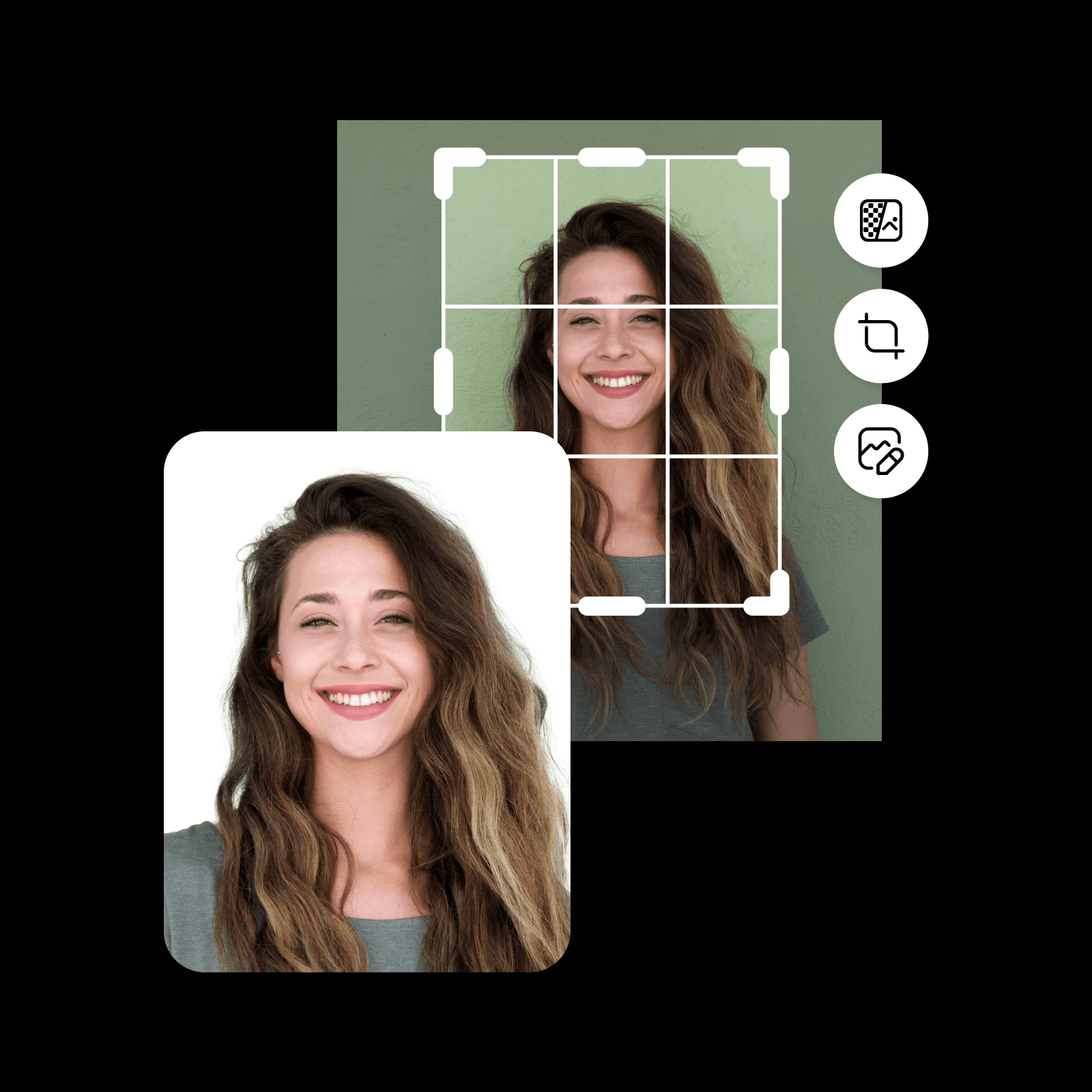
Ideogram Character
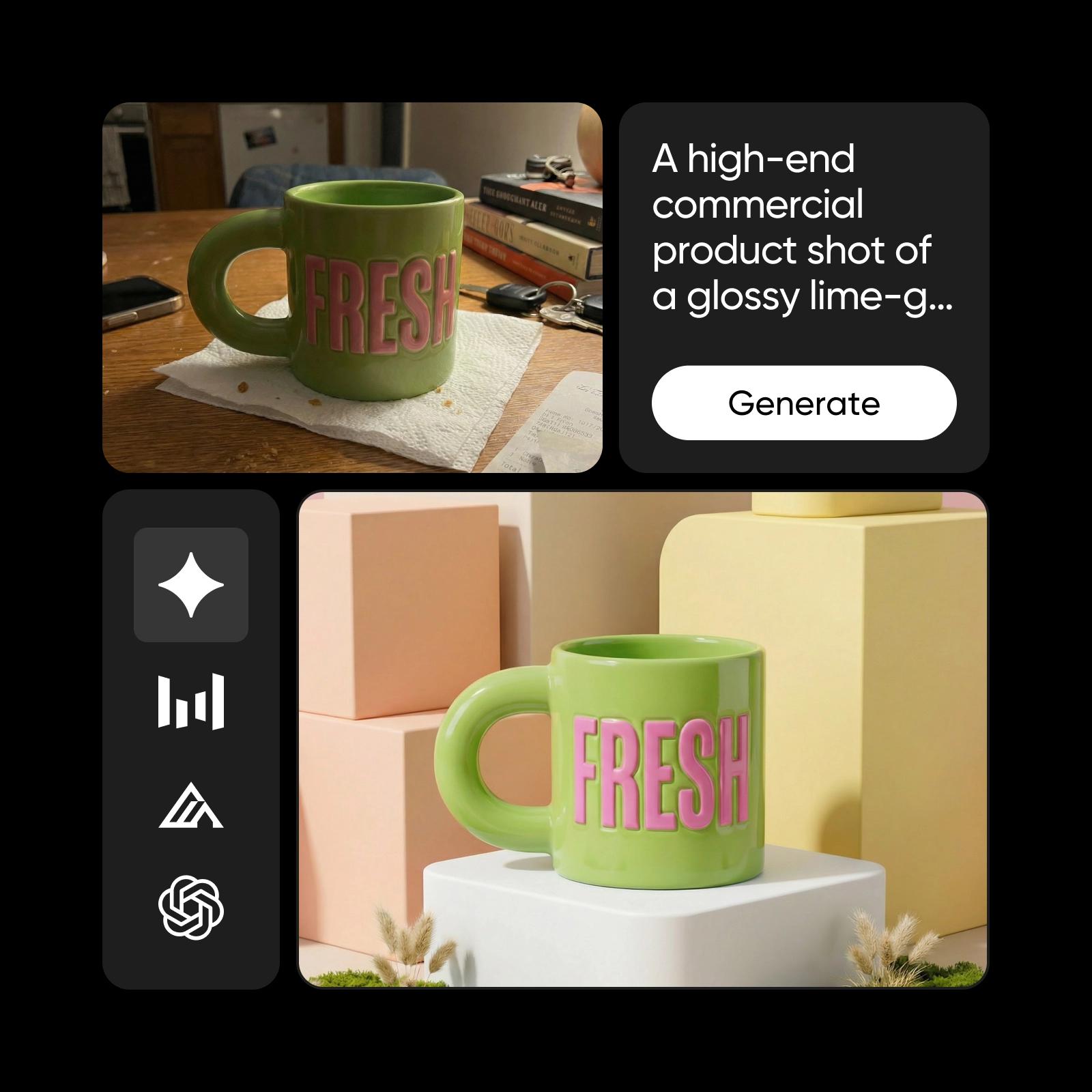
Seedream 4.0
Recraft V4.1

Questions about ai models
Choose the output first. Use an image model for still visuals, a video model for motion, and an audio workflow for spoken or sound-based content. The model menu and selected workflow determine which inputs and settings are available.