1. Home
  2. HappyHorse 1.0

HappyHorse 1.0: #1 Ranked AI Video Model - Now on Picsart

HappyHorse 1.0 is now live on Picsart. The #1-ranked AI video model generates video and audio in a single unified pass - synchronized dialogue, sound effects, and ambient audio in 7 languages, all created alongside the visuals. No post-production audio sync needed. Available now in AI Playground, AI Video Generator, and Flow.

Start generating
Discover more from Picsart
Google OmniLuma Ray 2KlingDALL-E 3GPT Image 1.5Flux 2 ProIdeogram 3.0 FlashImagen 4.0 UltraRecraft V4Nano Banana ProSeedream 4.5Kling 3.0Luma Ray 2Runway Gen 4Sora 2Veo 3.1

Use Picsart anywhere

Install the app, or bring Picsart into the AI workspaces your team already uses.

Use Picsart with

  • ChatGPT / Codex
  • Claude
  • Terminal
  • Cursor
  • OpenClaw
  • Hermes

Download the app

Download on the App StoreGET IT ON Google PlayGet it from Microsoft

Follow Picsart

Pinterest
AICPA SOC

Create

  • AI Image Generator
  • AI Video Generator
  • AI Playground
  • Flow
  • AI Photo Editor
  • AI Video Editor
  • AI Agents
  • Content Library
  • AI Models

Creators

  • Earn with Picsart
  • Earn campaigns
  • Clipping
  • For Brands
  • Video Studio
  • Tutorials
  • Challenges

Connect

  • ChatGPT / Codex
  • MCP setup
  • Command line
  • Developers
  • Google Drive

Business

  • Pricing
  • Enterprise
  • Industries
  • Quicktools

Company

  • Support
  • Careers
  • About us
  • Blog
  • Press Center
Terms of UsePrivacy PolicyInternet-Based AdvertisingCommunity GuidelinesDMCASecurity PolicyAccessibility
© 2026 PicsArt, Inc.


What is HappyHorse 1.0?

HappyHorse 1.0 is a 15B-parameter unified single-stream Transformer and the first AI video model to generate video and audio in a single forward pass, rather than adding audio separately. It produces synchronized dialogue, sound effects, and ambient audio from the first frame, outputs native 1080p video across multiple aspect ratios (16:9, 9:16, 4:3, 21:9, 1:1) in 5-8 second clips, supports 7 languages (English, Mandarin, Cantonese, Japanese, Korean, German, French), and ranked #1 on Artificial Analysis’ blind-test leaderboard on April 8, 2026, surpassing Seedance 2.0.


How HappyHorse 1.0 Works Inside Picsart

HappyHorse 1.0 is integrated across Picsart's creative platform. Compare it against 130+ other AI models with the same prompt in AI Playground. Generate video with native audio from text or image prompts in AI Video Generator - dialogue, ambient sound, and music are generated alongside the visuals automatically. Connect HappyHorse 1.0 to automated creative workflows in Flow - chain it with editing, resizing, and export steps for batch video production.


What you can create with other leading models

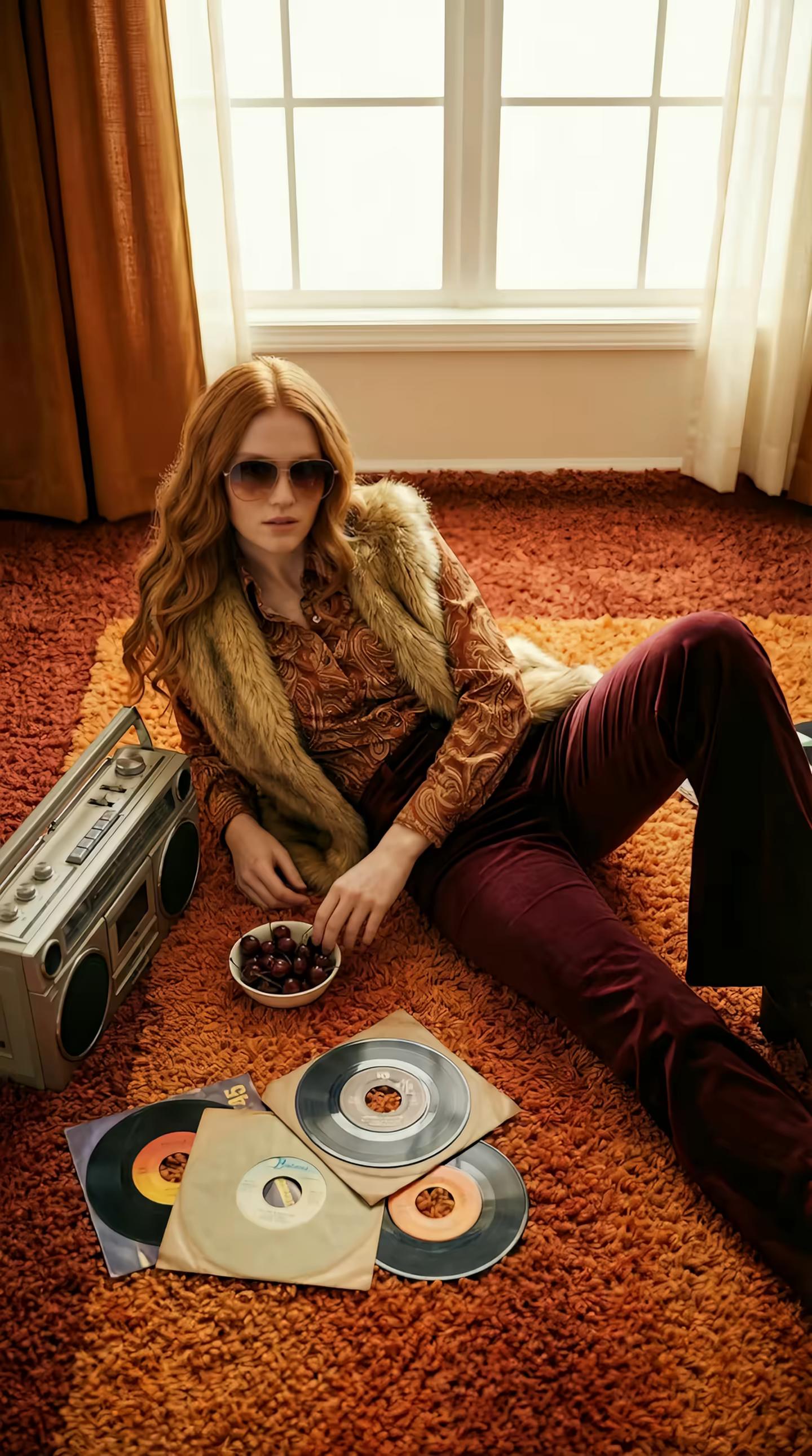
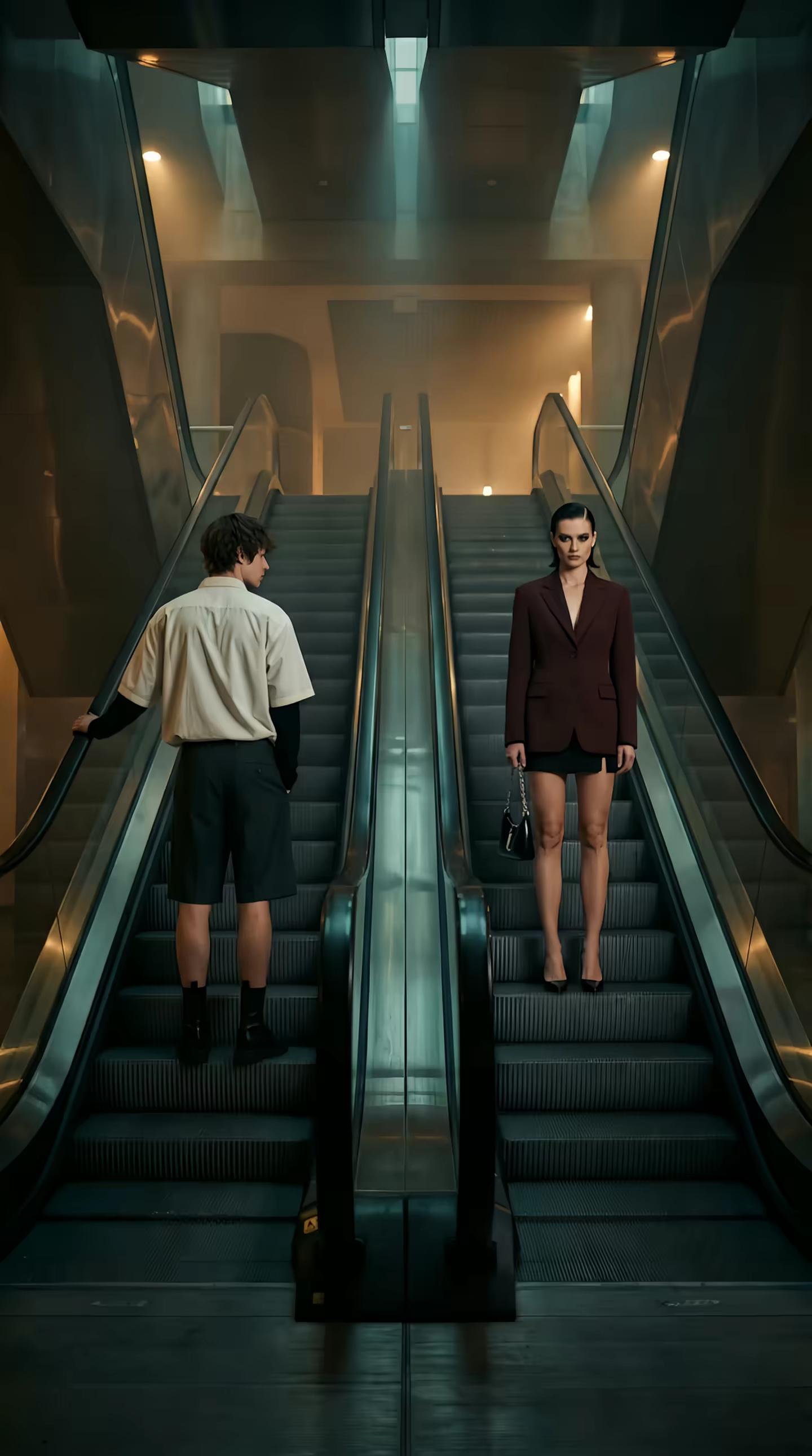
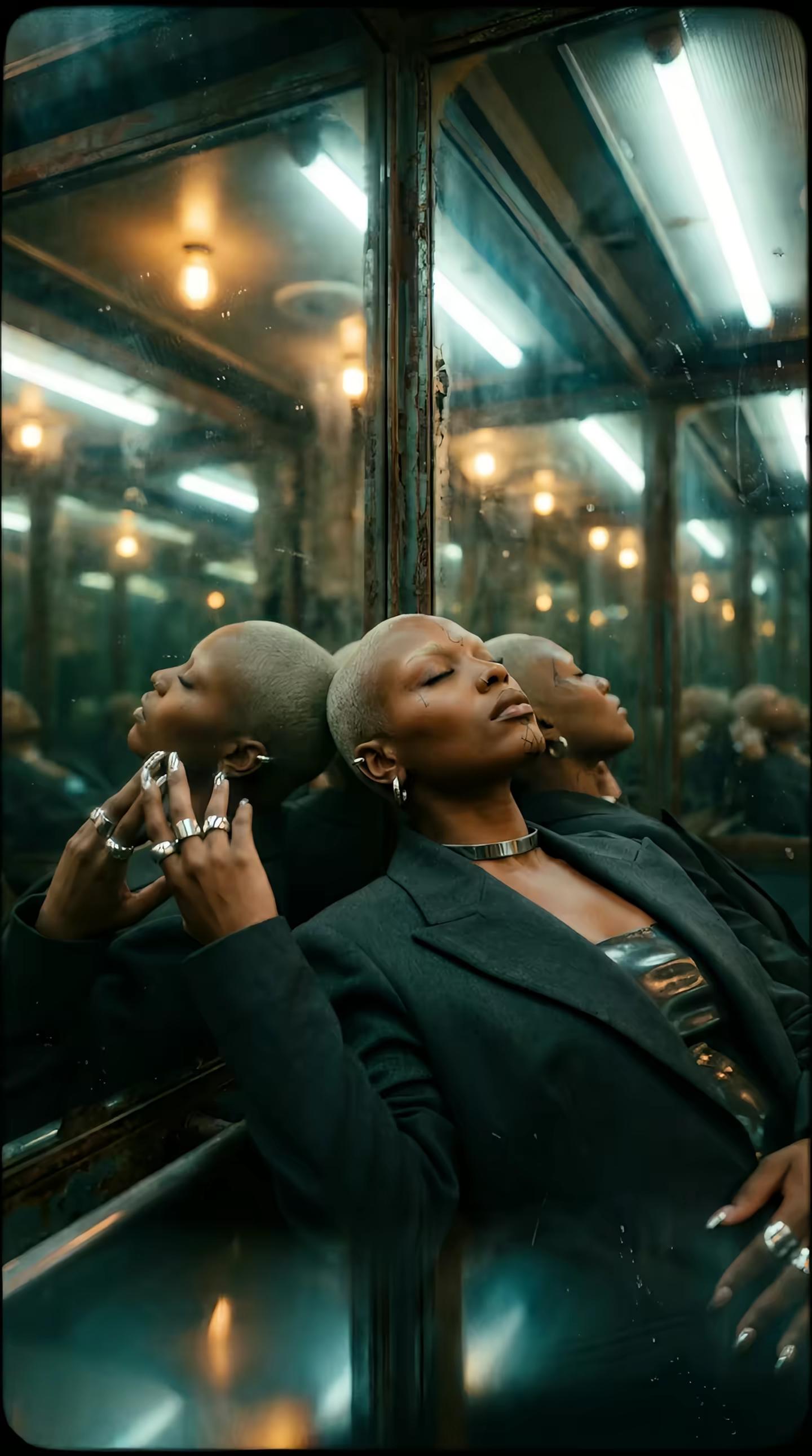
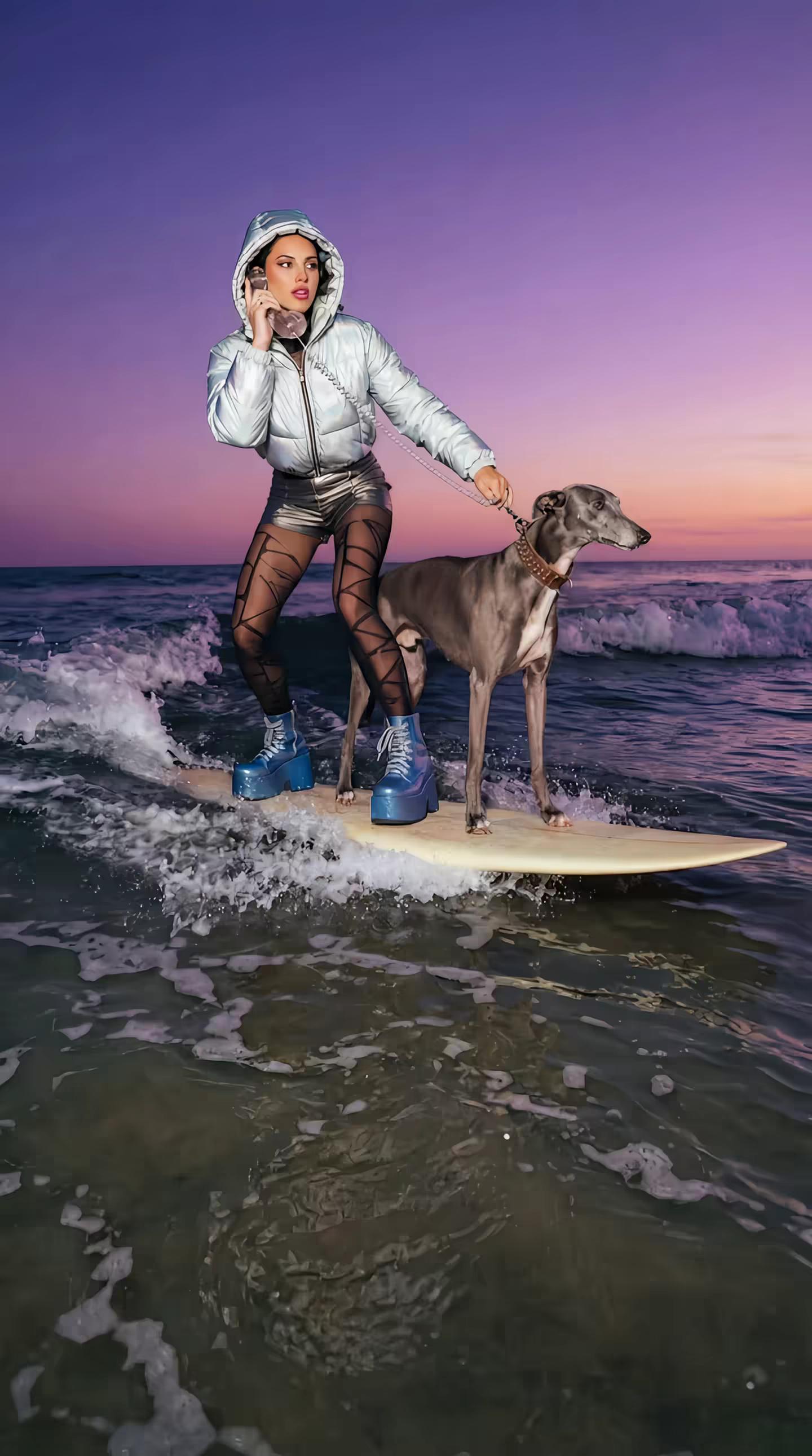
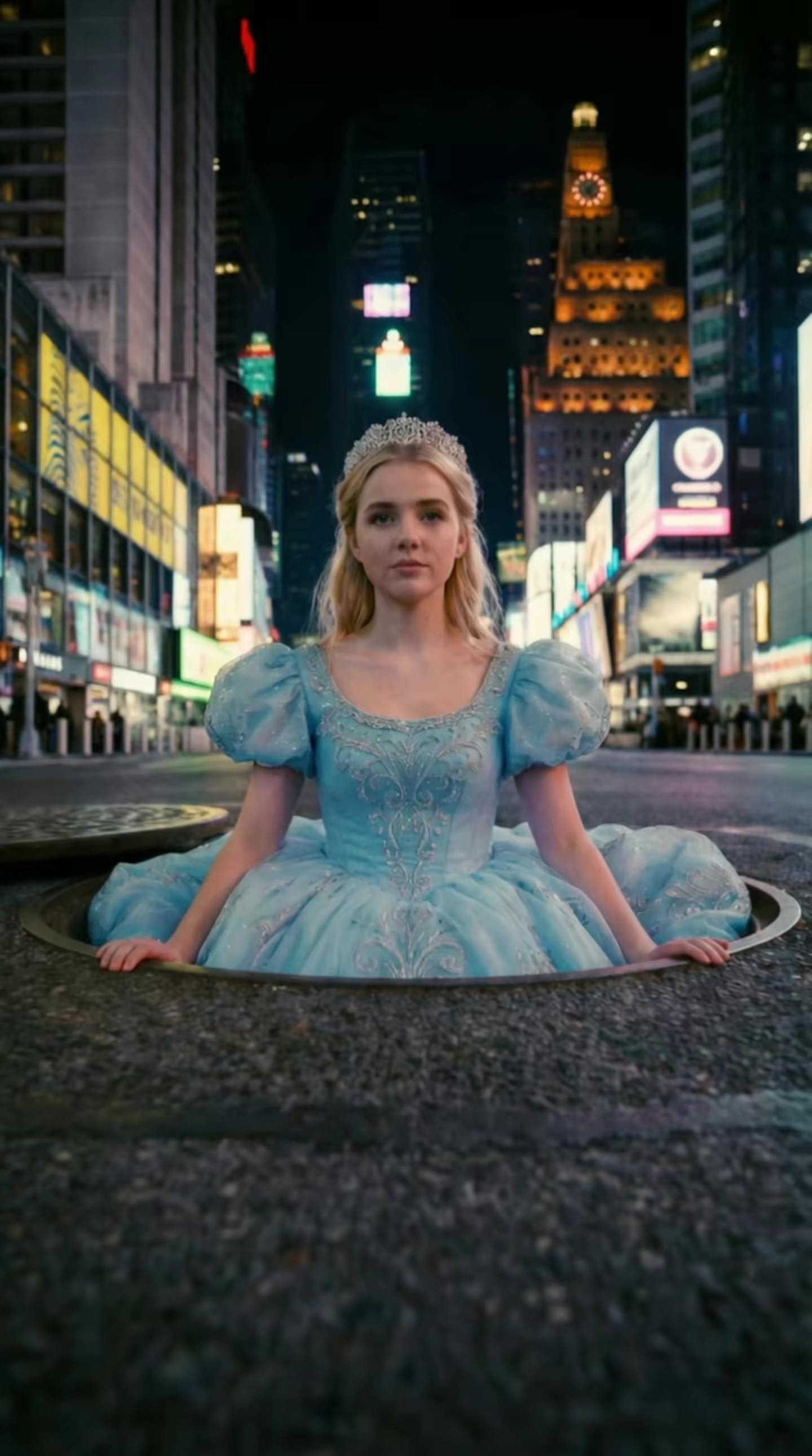
Generate videos where characters speak, environments have ambient audio, and sound effects match the action - all created in a single generation pass. No separate audio recording, no lip-sync post-processing. HappyHorse 1.0 generates video and audio as one unified output.
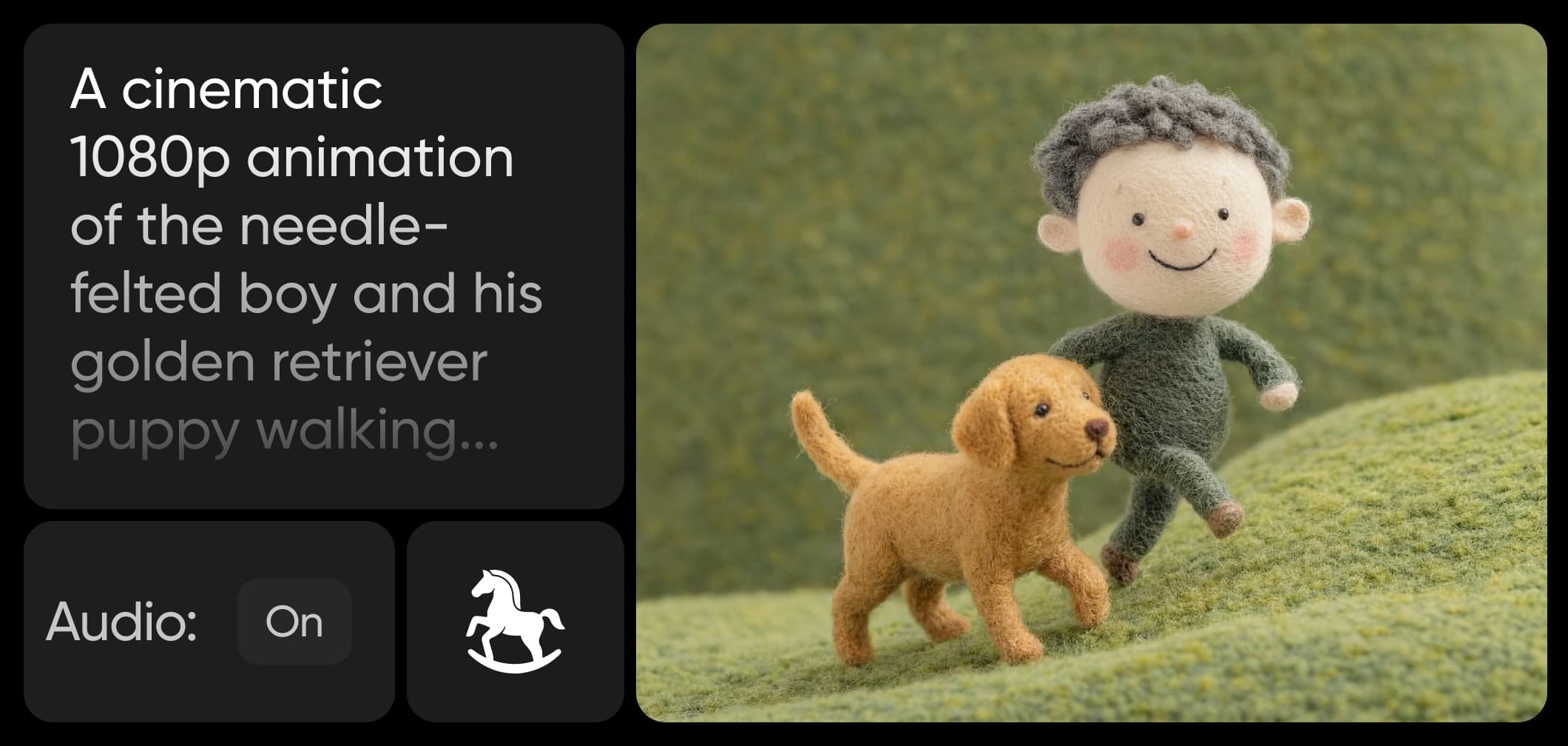
HappyHorse 1.0 native audio-video generation

Why HappyHorse 1.0 matters for creators

HappyHorse 1.0 addresses a core AI video limitation: audio. While most models generate silent video, HappyHorse produces dialogue, sound effects, and music in a single pass with accurate lip-sync and scene-matched audio. Ranked #1 on Artificial Analysis’ leaderboard ahead of Seedance 2.0, it combines top-tier visuals with speed, generating 1080p clips in seconds. With 15B parameters and support for 7 languages, it’s built for multi-market content — now available on Picsart.


HappyHorse 1.0 Inside the Picsart Ecosystem

HappyHorse 1.0 joins 90+ AI models on Picsart, alongside Kling 3.0, Veo 3.1, Runway Gen 4, Seedance 2.0, and other leading video models. Picsart's multi-model approach lets creators choose the right tool for each job: use HappyHorse 1.0 when you need native audio-video generation, switch to Kling 3.0 Omni for reference-based character work, or try Veo 3.1 for cinematic stability — all from one platform, across AI Playground, AI Video Generator, and Flow.


other leading models FAQ

HappyHorse 1.0 is a 15-billion-parameter AI video model. It's the first model to jointly generate video and audio in a single forward pass, producing synchronized dialogue, sound effects, and ambient audio alongside the visuals. It debuted at #1 on the Artificial Analysis blind-test leaderboard in April 2026.

HappyHorse 1.0 is developed by an independent research lab. The model is open-source with a commercial license.

Most AI video models generate silent video, requiring separate audio tools for voiceover and sound design. HappyHorse 1.0 generates video and audio together in one pass - dialogue, ambient sound, music, and lip-synced speech are all produced as a unified output. It also supports 7 languages natively, more than any other video model.

HappyHorse 1.0 generates native lip-synced audio in 7 languages: English, Mandarin, Cantonese, Japanese, Korean, German, and French. Each language includes natural accent and dialect support. Audio is generated alongside the video, not dubbed in post.

HappyHorse 1.0 generates native 1080p video in clips of 5–8 seconds. It supports multiple aspect ratios: 16:9 (landscape), 9:16 (portrait), 4:3, 21:9 (ultrawide), and 1:1 (square). All outputs include synchronized audio.

HappyHorse 1.0 is available in three Picsart tools: AI Video Generator (direct text/image-to-video with native audio), AI Playground (open creative experimentation), and Flow (automated multi-step video pipelines). Picsart is an official launch partner.

Access to HappyHorse 1.0 depends on your Picsart plan. It's available across AI Video Generator, AI Playground, and Flow, with availability varying by subscription tier. Check Picsart pricing for current details.

Yes. Videos generated through Picsart's tools powered by HappyHorse 1.0 can be used for marketing, social media, brand content, advertising, and other commercial purposes under Picsart's terms of service. HappyHorse 1.0 itself is also open-source with a commercial license.


More AI models to use

Luma Ray 2 AI Model

Luma Ray 2

Photorealistic AI video generation with lifelike motion and natural physics.

Runway Gen 4 AI Model

Runway Gen 4

Cinematic AI video generation with consistent characters and realistic motion.

Kling 3.0 AI Model

Kling 3.0

Cinematic AI video generation with advanced motion control and next-level realism.

Picsart AI video Generator

AI Video Generator

Generate custom videos with AI by just writing a short description of your vision.

AI voiceover generator

AI Voice Generator

Turn your script into natural AI voiceovers in seconds.

AI video editor

AI Video Editor

Discover the easiest way to create videos with AI.

Start generating videos with HappyHorse 1.0
PricingSave big

Explore more models like HappyHorse 1.0

Compare HappyHorse 1.0 with other video and audio models for motion, sound, and campaign work.

SESeedance 2.0New
Next-gen cinematic video with optional audio and reference image. Up to 4K.Reference inputAudio4KCinematicSee model
SESeedance 2.0 FastNew
SESeedance 2.0 Video EditNew
SESeedance 2.0 Fast Video EditNew
WAWan 2.7
KLKling V3
KLKling V3 TurboNew
KLKling V2.6
KLKling V3 Omni
KLKling Video O1New
KLKling Motion Control V3
KLKling Motion Control 2.6
SESeedance 2.0New
SESeedance 2.0New
SESeedance 2.0New
SESeedance 2.0New
SESeedance 2.0New

Video and audio, generated together

Dumpling
Nugget
Indigo Sphinx
Truffle
Woolf
Tofu
Prescott
Paris
Silver Scarab
Sloane
Fast cinematic video with audio, reference images, and start/end frame control.Reference inputAudioFast generationCinematicSee model
Edit video — replace subjects, add or remove objects, restyle scenes with reference images.Video editingReference inputVideo generationSee model
Fast video edit — modify scenes with reference images.Video editingReference inputFast generationSee model
Wan 2.7 T2V — up to 15s at 1080p with audio input and prompt enhancement.Text to videoAudio1080pCinematicSee model
Long-form video up to 15s with native audio and start/end frame control.AudioCinematicVideo generationSee model
Faster V3 variant — long-form video up to 15s with native audio, start/end frame control, and 720p/1080p output.Audio1080pFast generationCinematicSee model
Mature pipeline with audio and pro-tier rendering.
AudioPro qualityCinematic
See model
Flexible generation across creative styles using V3 Omni architecture, with optional 4K output.
4KCinematicVideo generation
See model
O1-architecture video generation with 5 or 10 second output.CinematicVideo generationSee model
Map body movement from a video clip onto a portrait photo — V3 quality.CinematicPhotorealVideo generationSee model
Transfer body movement from a reference video onto a portrait photo.Reference inputCinematicPhotorealSee model
Next-gen cinematic video with optional audio and reference image. Up to 4K.Reference inputAudio4KCinematicSee model
SESeedance 2.0 FastNew
Fast cinematic video with audio, reference images, and start/end frame control.Reference inputAudioFast generationCinematicSee model
SESeedance 2.0 Video EditNew
Edit video — replace subjects, add or remove objects, restyle scenes with reference images.Video editingReference inputVideo generationSee model
SESeedance 2.0 Fast Video EditNew
Fast video edit — modify scenes with reference images.Video editingReference inputFast generationSee model
WAWan 2.7
Wan 2.7 T2V — up to 15s at 1080p with audio input and prompt enhancement.Text to videoAudio1080pCinematicSee model
KLKling V3
Long-form video up to 15s with native audio and start/end frame control.AudioCinematicVideo generationSee model
KLKling V3 TurboNew
Faster V3 variant — long-form video up to 15s with native audio, start/end frame control, and 720p/1080p output.Audio1080pFast generationCinematicSee model
KLKling V2.6
Mature pipeline with audio and pro-tier rendering.AudioPro qualityCinematicSee model
KLKling V3 Omni
Flexible generation across creative styles using V3 Omni architecture, with optional 4K output.4KCinematicVideo generationSee model
KLKling Video O1New
O1-architecture video generation with 5 or 10 second output.CinematicVideo generationSee model
KLKling Motion Control V3
Map body movement from a video clip onto a portrait photo — V3 quality.CinematicPhotorealVideo generationSee model
KLKling Motion Control 2.6
Transfer body movement from a reference video onto a portrait photo.Reference inputCinematicPhotorealSee model
Next-gen cinematic video with optional audio and reference image. Up to 4K.Reference inputAudio4KCinematicSee model
SESeedance 2.0 FastNew
Fast cinematic video with audio, reference images, and start/end frame control.Reference inputAudioFast generationCinematicSee model
SESeedance 2.0 Video EditNew
Edit video — replace subjects, add or remove objects, restyle scenes with reference images.Video editingReference inputVideo generationSee model
SESeedance 2.0 Fast Video EditNew
Fast video edit — modify scenes with reference images.Video editingReference inputFast generationSee model
WAWan 2.7
Wan 2.7 T2V — up to 15s at 1080p with audio input and prompt enhancement.Text to videoAudio1080pCinematicSee model
KLKling V3
Long-form video up to 15s with native audio and start/end frame control.AudioCinematicVideo generationSee model
KLKling V3 TurboNew
Faster V3 variant — long-form video up to 15s with native audio, start/end frame control, and 720p/1080p output.Audio1080pFast generationCinematicSee model
KLKling V2.6
Mature pipeline with audio and pro-tier rendering.AudioPro qualityCinematicSee model
KLKling V3 Omni
Flexible generation across creative styles using V3 Omni architecture, with optional 4K output.4KCinematicVideo generationSee model
KLKling Video O1New
O1-architecture video generation with 5 or 10 second output.CinematicVideo generationSee model
KLKling Motion Control V3
Map body movement from a video clip onto a portrait photo — V3 quality.CinematicPhotorealVideo generationSee model
KLKling Motion Control 2.6
Transfer body movement from a reference video onto a portrait photo.Reference inputCinematicPhotorealSee model
Next-gen cinematic video with optional audio and reference image. Up to 4K.Reference inputAudio4KCinematicSee model
SESeedance 2.0 FastNew
Fast cinematic video with audio, reference images, and start/end frame control.Reference inputAudioFast generationCinematicSee model
SESeedance 2.0 Video EditNew
Edit video — replace subjects, add or remove objects, restyle scenes with reference images.Video editingReference inputVideo generationSee model
SESeedance 2.0 Fast Video EditNew
Fast video edit — modify scenes with reference images.Video editingReference inputFast generationSee model
WAWan 2.7
Wan 2.7 T2V — up to 15s at 1080p with audio input and prompt enhancement.Text to videoAudio1080pCinematicSee model
KLKling V3
Long-form video up to 15s with native audio and start/end frame control.AudioCinematicVideo generationSee model
KLKling V3 TurboNew
Faster V3 variant — long-form video up to 15s with native audio, start/end frame control, and 720p/1080p output.Audio1080pFast generationCinematicSee model
KLKling V2.6
Mature pipeline with audio and pro-tier rendering.AudioPro qualityCinematicSee model
KLKling V3 Omni
Flexible generation across creative styles using V3 Omni architecture, with optional 4K output.4KCinematicVideo generationSee model
KLKling Video O1New
O1-architecture video generation with 5 or 10 second output.CinematicVideo generationSee model
KLKling Motion Control V3
Map body movement from a video clip onto a portrait photo — V3 quality.CinematicPhotorealVideo generationSee model
KLKling Motion Control 2.6
Transfer body movement from a reference video onto a portrait photo.Reference inputCinematicPhotorealSee model
Next-gen cinematic video with optional audio and reference image. Up to 4K.Reference inputAudio4KCinematicSee model
SESeedance 2.0 FastNew
Fast cinematic video with audio, reference images, and start/end frame control.Reference inputAudioFast generationCinematicSee model
SESeedance 2.0 Video EditNew
Edit video — replace subjects, add or remove objects, restyle scenes with reference images.Video editingReference inputVideo generationSee model
SESeedance 2.0 Fast Video EditNew
Fast video edit — modify scenes with reference images.Video editingReference inputFast generationSee model
WAWan 2.7
Wan 2.7 T2V — up to 15s at 1080p with audio input and prompt enhancement.Text to videoAudio1080pCinematicSee model
KLKling V3
Long-form video up to 15s with native audio and start/end frame control.AudioCinematicVideo generationSee model
KLKling V3 TurboNew
Faster V3 variant — long-form video up to 15s with native audio, start/end frame control, and 720p/1080p output.Audio1080pFast generationCinematicSee model
KLKling V2.6
Mature pipeline with audio and pro-tier rendering.AudioPro qualityCinematicSee model
KLKling V3 Omni
Flexible generation across creative styles using V3 Omni architecture, with optional 4K output.4KCinematicVideo generationSee model
KLKling Video O1New
O1-architecture video generation with 5 or 10 second output.CinematicVideo generationSee model
KLKling Motion Control V3
Map body movement from a video clip onto a portrait photo — V3 quality.CinematicPhotorealVideo generationSee model
KLKling Motion Control 2.6
Transfer body movement from a reference video onto a portrait photo.Reference inputCinematicPhotorealSee model
Next-gen cinematic video with optional audio and reference image. Up to 4K.Reference inputAudio4KCinematicSee model
SESeedance 2.0 FastNew
Fast cinematic video with audio, reference images, and start/end frame control.Reference inputAudioFast generationCinematicSee model
SESeedance 2.0 Video EditNew
Edit video — replace subjects, add or remove objects, restyle scenes with reference images.Video editingReference inputVideo generationSee model
SESeedance 2.0 Fast Video EditNew
Fast video edit — modify scenes with reference images.Video editingReference inputFast generationSee model
WAWan 2.7
Wan 2.7 T2V — up to 15s at 1080p with audio input and prompt enhancement.Text to videoAudio1080pCinematicSee model
KLKling V3
Long-form video up to 15s with native audio and start/end frame control.AudioCinematicVideo generationSee model
KLKling V3 TurboNew
Faster V3 variant — long-form video up to 15s with native audio, start/end frame control, and 720p/1080p output.Audio1080pFast generationCinematicSee model
KLKling V2.6
Mature pipeline with audio and pro-tier rendering.AudioPro qualityCinematicSee model
KLKling V3 Omni
Flexible generation across creative styles using V3 Omni architecture, with optional 4K output.4KCinematicVideo generationSee model
KLKling Video O1New
O1-architecture video generation with 5 or 10 second output.CinematicVideo generationSee model
KLKling Motion Control V3
Map body movement from a video clip onto a portrait photo — V3 quality.CinematicPhotorealVideo generationSee model
KLKling Motion Control 2.6
Transfer body movement from a reference video onto a portrait photo.Reference inputCinematicPhotorealSee model

Generate AI visuals with HappyHorse 1.0

Pro

Most popular

AI tools for everyday creative work.

$15 $10.5/mo
Billed yearly
You save $54 with yearly
Trending models
Full access
  • Nano Banana Pro180 MP
  • Nano Banana 290 MP
  • Kling 3.01080p 30s
  • Seedance 2.51080p 12s
Free access
  • Flux.2 KleinUnlimited access
  • Access to all photo & video editing features
  • Advanced background & object removal
  • Parallel video generations with the world's most powerful AI video models
  • Unlimited image generations with Flex.2 Klein
  • 1-tap image enhancer
  • Millions of stock photos & Getty video clips
  • Selection of trendy fonts, text styles & stickers
  • Thousands of premium templates
  • Support for 3+ brand kits
  • Bulk edit up to 50 images at once
  • 100 GB of cloud storage
New features:
  • Auto-generate content from your terminal or agent with the Picsart CLI
  • Use Picsart inside Claude Code, Cursor, and ChatGPT via MCP — coming soon
  • AI agents for multi-step workflows and batch generation — coming soon

Ultra

Most powerful

Heavy AI usage for creators & teams.

$45 $24.5/mo
Billed yearly, per seat
You save $246 with yearly
Trending models
Full access
  • Nano Banana Pro180 MP
  • Nano Banana 290 MP
  • Kling 3.01080p 30s
  • Seedance 2.51080p 12s
Free access
  • Flux.2 KleinUnlimited access
  • Everything in Pro
  • Early access to advanced AI features
  • Leading AI models to design & automate workflows (Nano Banana, Veo 3, Seedance 2.0 & more)
  • Parallel video generations with the world's most powerful AI video models
  • Unlimited image generations with Flex.2 Klein
  • Support for 10+ brand kits
  • Add team seats
  • Create ad variations and localize
  • Track ads performance
  • 2000 credits for API services
  • Bulk edit up to 100 images at once
  • 300 GB of cloud storage per seat
New features:
  • Auto-generate content from your terminal or agent with the Picsart CLI
  • Use Picsart inside Claude Code, Cursor, and ChatGPT via MCP — coming soon
  • AI agents for multi-step workflows and batch generation — coming soon

Enterprise

Custom AI solutions for large organizations.

Custom credit volume
  • Volume discounts on credit rate
  • On-demand top-ups
Custom
Contact for pricing
  • Access to photo & video editor SDKs
  • Mobile web SDK support
  • Prepaid or pay-as-you-go creative APIs
  • Embed professional-grade editing into your product or workflow
  • Fully configurable editing experience
  • White-label to match your brand
  • Support for built-in marketing, e-commerce & printing use cases
  • Bring your own assets: images, templates & fonts
  • Enterprise-grade security, SLAs & support
  • Dedicated account manager

Understand video model choices

Learn how to compare video models, motion, and outputs.

Video models

How to choose the right AI video model for your content

4 minIntermediate
How to balance speed and quality in AI video models preview
Video models

How to balance speed and quality in AI video models

4 minIntermediate
How to get the best quality from each video model preview
Video models

How to get the best quality from each video model

5 minAdvanced
How to stay updated with new AI video model features preview
Video models

How to stay updated with new AI video model features

3 minBeginner
See all tutorials