Google Omni: video and synchronized audio in one AI pass
Google Omni is Google's unified multimodal AI - a single model that generates video and synchronized audio in one pass. From production-ready clips to chat-based frame editing and class-leading on-screen text, Google Omni reshapes how creators ship video.
- Create video and sound together
- Refine scenes through conversation
- Render readable on-screen text









What is Google Omni?
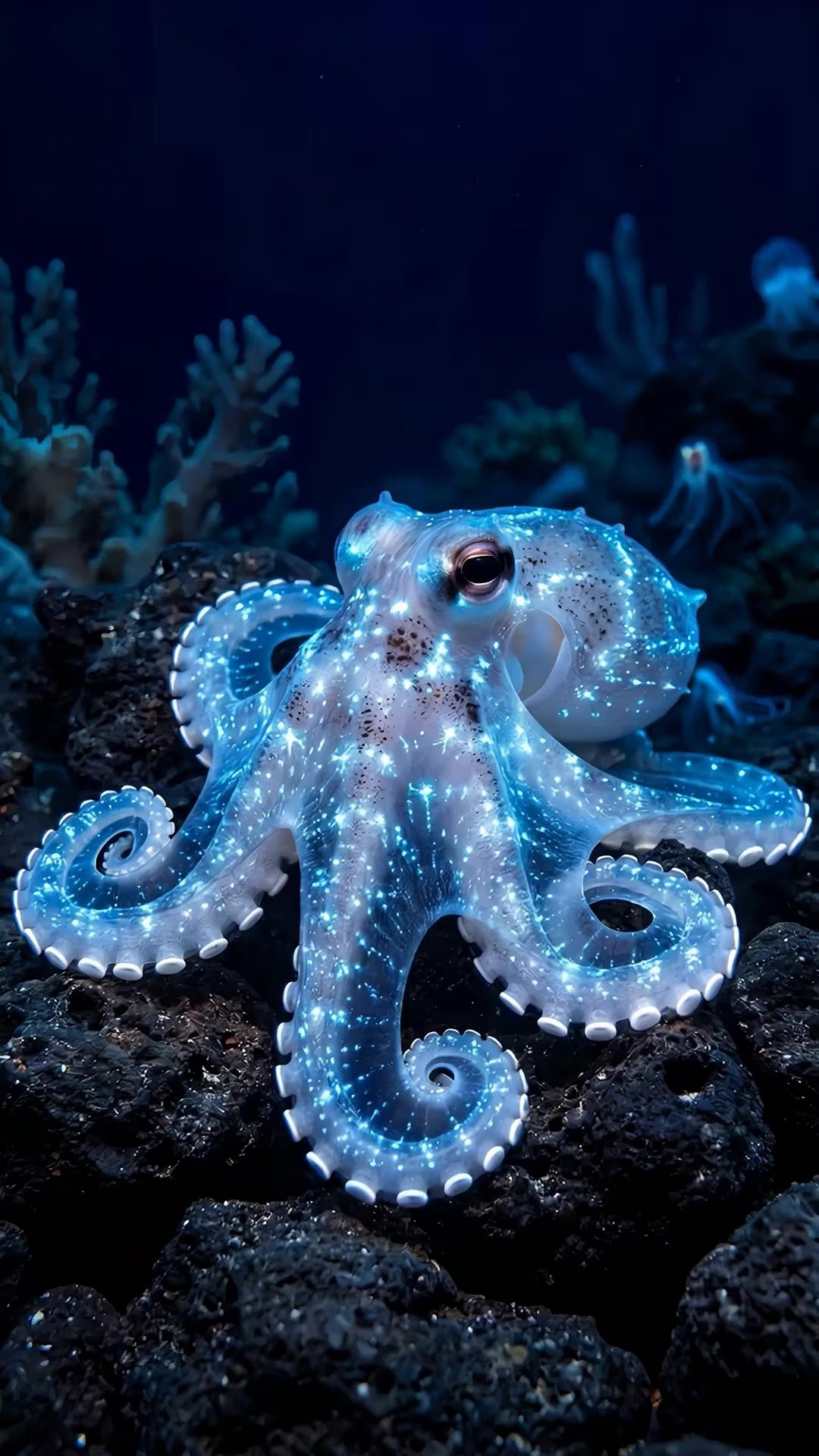
Google Omni is Google's next-generation unified multimodal model - a single system that natively handles text, image, video, and audio. Unlike traditional pipelines that stitch a video generator together with a separate audio model, Google Omni emits picture and synchronized sound in a single generation pass. Google Omni is available in Picsart through the AI Playground, the AI Video Generator, and Flow — generate video with synchronized audio, then refine it right where you work.
Video and audio in one AI pass
Google Omni generates 1080p video and synchronized audio in a single denoising pass - no second-pass TTS, no Foley grafted on after the fact. Footsteps land on splash frames, dialogue matches lip shapes, and ambient room tone stays consistent with the scene. The result feels filmed and mixed, not generated.
What you can create with Google Omni
Chat-edit any frame
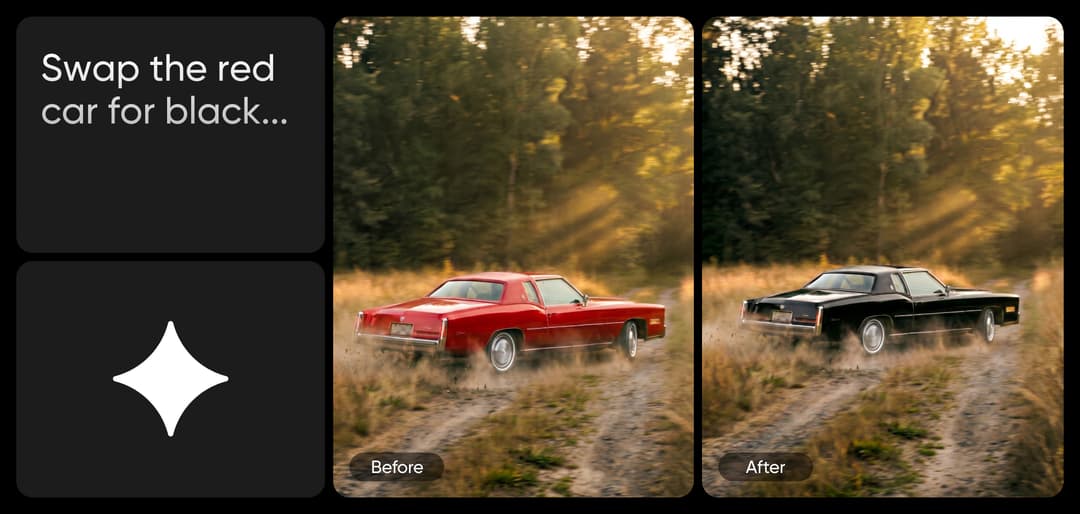
Chat-edit any frame with Google Omni
Forget timelines and masking. Generate a clip with Google Omni, then describe the change in plain English - Omni rewrites only the frames you ask about and keeps the rest pixel-stable. Swap an object, change a wardrobe color, adjust a line of dialogue, remove a logo. It's the closest thing to talking your edits into existence.
Render perfect on-screen text
Google Omni's class-leading text rendering brings clean, consistent typography to AI video - equations on a blackboard, captions on a tutorial, UI elements in a product demo, calls-to-action on an ad. Letters hold their shape across every frame, with perfect spelling and crisp legibility.
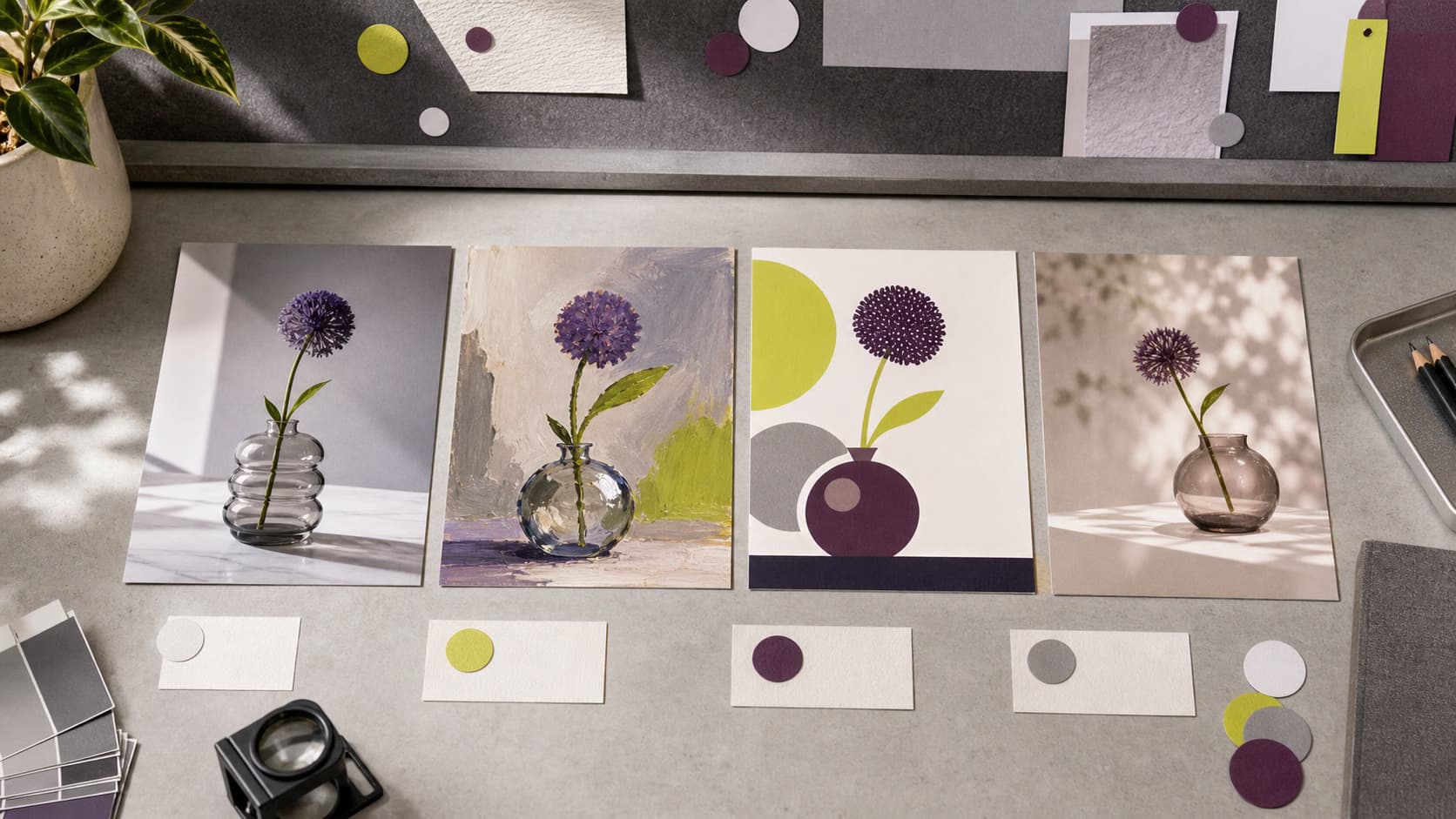
Understand image model choices
Learn how to compare image models and choose an output.

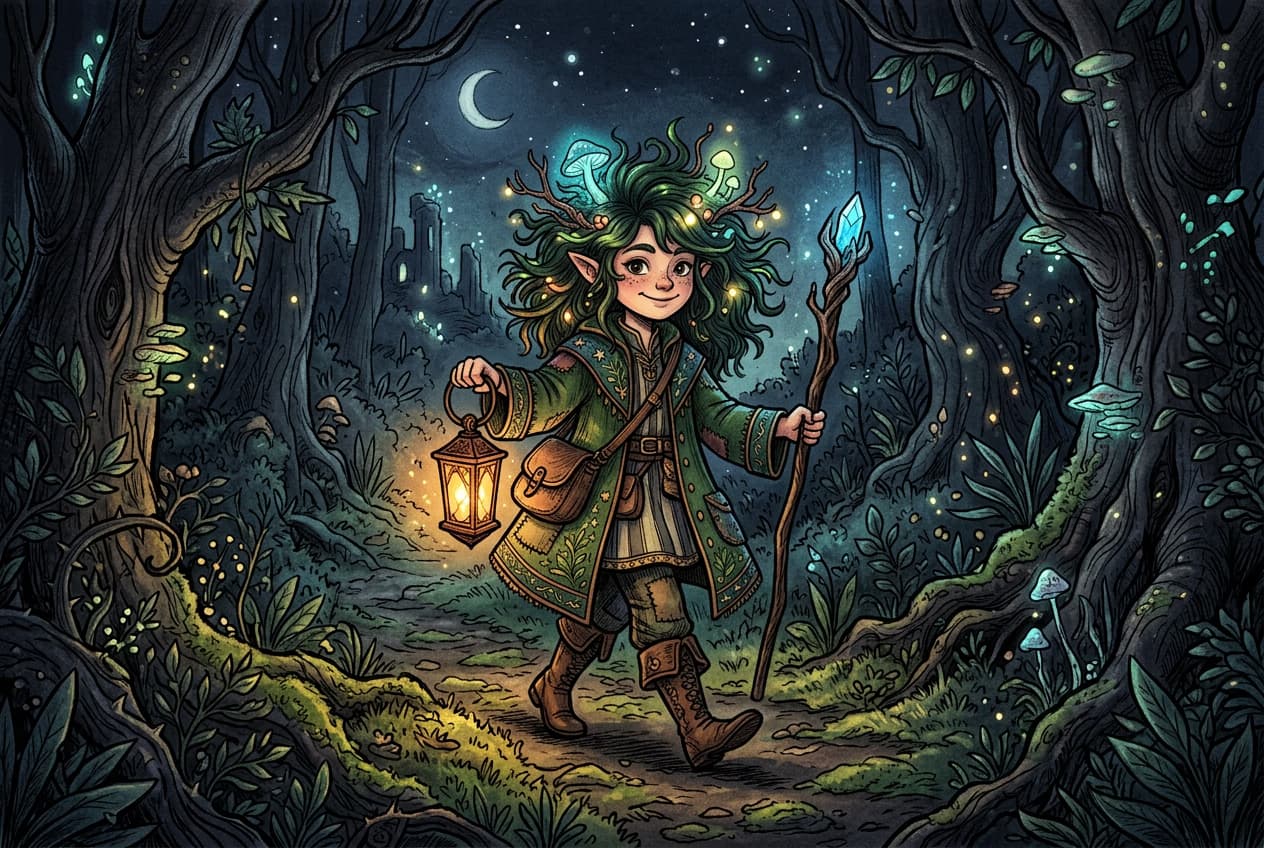

Explore more models like Google Omni
Compare Google Omni with other video and audio models for motion, sound, and campaign work.
Google Omni FAQ
Google Omni is Google's unified multimodal AI model - a single system that natively handles text, image, video, and audio. It generates 1080p video with synchronized audio in one pass, edits clips through chat, and renders class-leading on-screen text.
Generate AI visuals with Google Omni
Pro
Most popularAI tools for everyday creative work.
Ultra
Most powerfulHeavy AI usage for creators & teams.
Enterprise
Custom AI solutions for large organizations.
- Volume discounts on credit rate
- On-demand top-ups