Generate photorealistic images with AI models
What you'll learn
What makes an image photorealistic?
Common use cases
Create photorealistic images step by step
STEP 1: Select a photorealism model
- On web: Go to picsart.com/image-models → Choose from realism-focused models
- On mobile: Open Picsart → AI Tools → AI Image → Model selector
STEP 2: Choose model by subject type
Different models excel at different subjects:
- Imagen 4 Ultra: Best overall photorealism — exceptional lighting, skin texture, and material accuracy
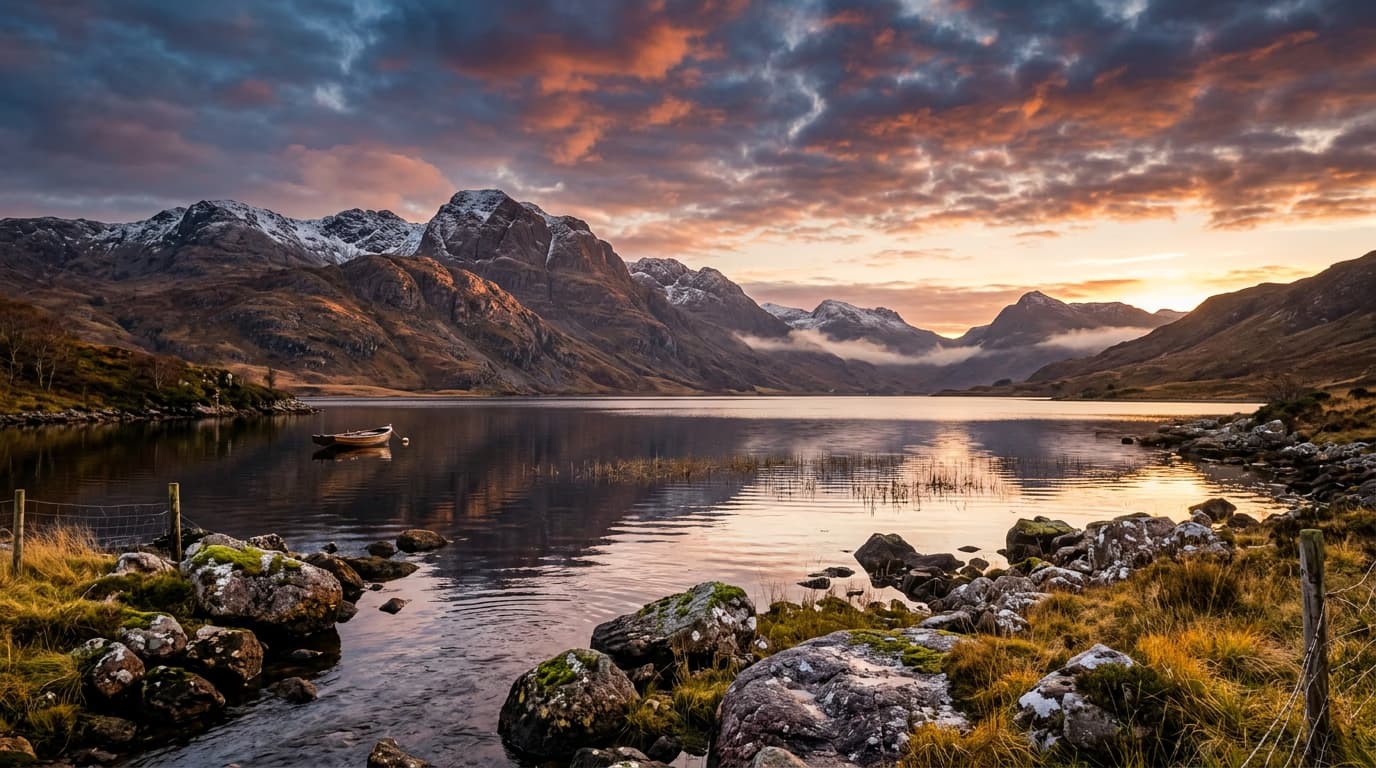
- Flux 2 Pro: Strong at natural scenes and environmental photography — great dynamic range
- GPT Image 1.5: Excellent for product photography — clean backgrounds, accurate materials
- Flux 2 Max: High-detail photorealism — good for architectural and technical subjects
- Imagen 4.0: Balanced quality and speed — reliable for most photorealistic needs
STEP 3: Write camera-focused prompts
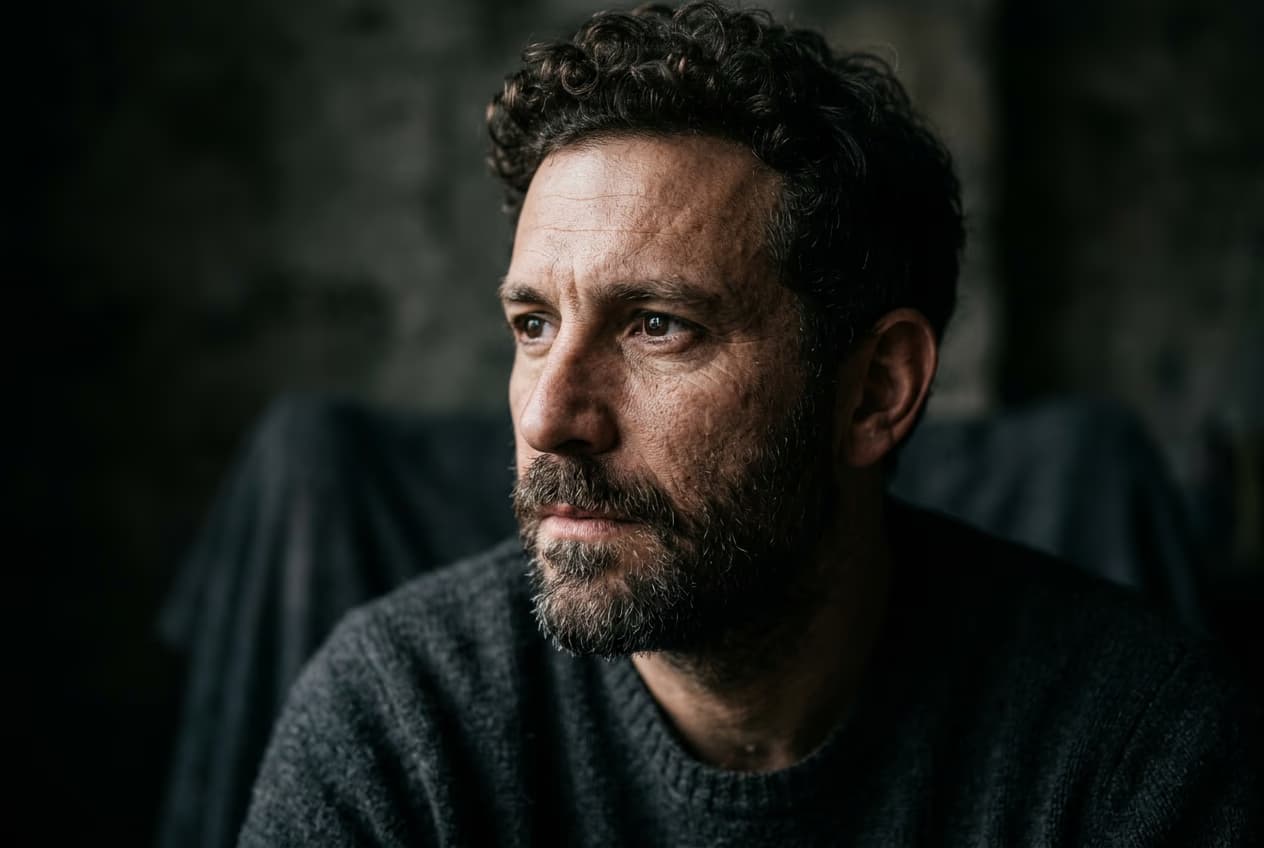
Structure prompts like photo descriptions. Include camera settings, lighting type, and lens characteristics. Example: "professional photo of [subject], shot on 50mm f/1.8, natural window light, shallow depth of field, shot on Canon EOS R5." Technical photography terms force the model into photorealistic mode and give you control over the aesthetic.
STEP 4: Check realism indicators
Verify the image passes the realism test: Still looks artificial? Add imperfection keywords: "slight motion blur," "film grain," "natural skin texture," or "uneven lighting." Perfect images read as fake.
- Look at lighting — shadows should have soft edges and realistic falloff
- Check textures — skin, fabric, and materials should show subtle detail, not be too smooth
- Verify physics — reflections, depth of field, and perspective should feel natural
Tips for best results
💡 Add camera and lens details
Include technical specs like "shot on 85mm f/1.4" or "wide-angle 24mm lens." These keywords tell the model what perspective and depth of field to use. Different focal lengths create different looks, just like real photography.
💡 Specify lighting conditions explicitly
Don't just say "good lighting." Use "golden hour sunlight," "soft studio lighting," or "overcast natural light." Specific lighting descriptions produce more convincing results than vague terms.
💡 Include subtle imperfections
Add realism keywords: "slight film grain," "natural skin pores," "minor lens distortion," or "subtle motion blur." Perfect images look computer-generated. Real photos have small flaws that make them believable.
💡 Reference photography styles
Mention photography genres: "editorial photography," "documentary style," "fashion photography," or "street photography." This gives the model a reference framework for composition and aesthetic choices.
Photorealism prompt components
Frequently asked questions

Ready for realism?
Create photographic images that look like they came from a professional camera.
Start creating