AI image models used by Picsart
Choose an image model around your subject, style, and inputs. Test a clear prompt, inspect the result, and refine your image for its final use.
Explore AI image models
Choose a category, then find the page that fits your next step.


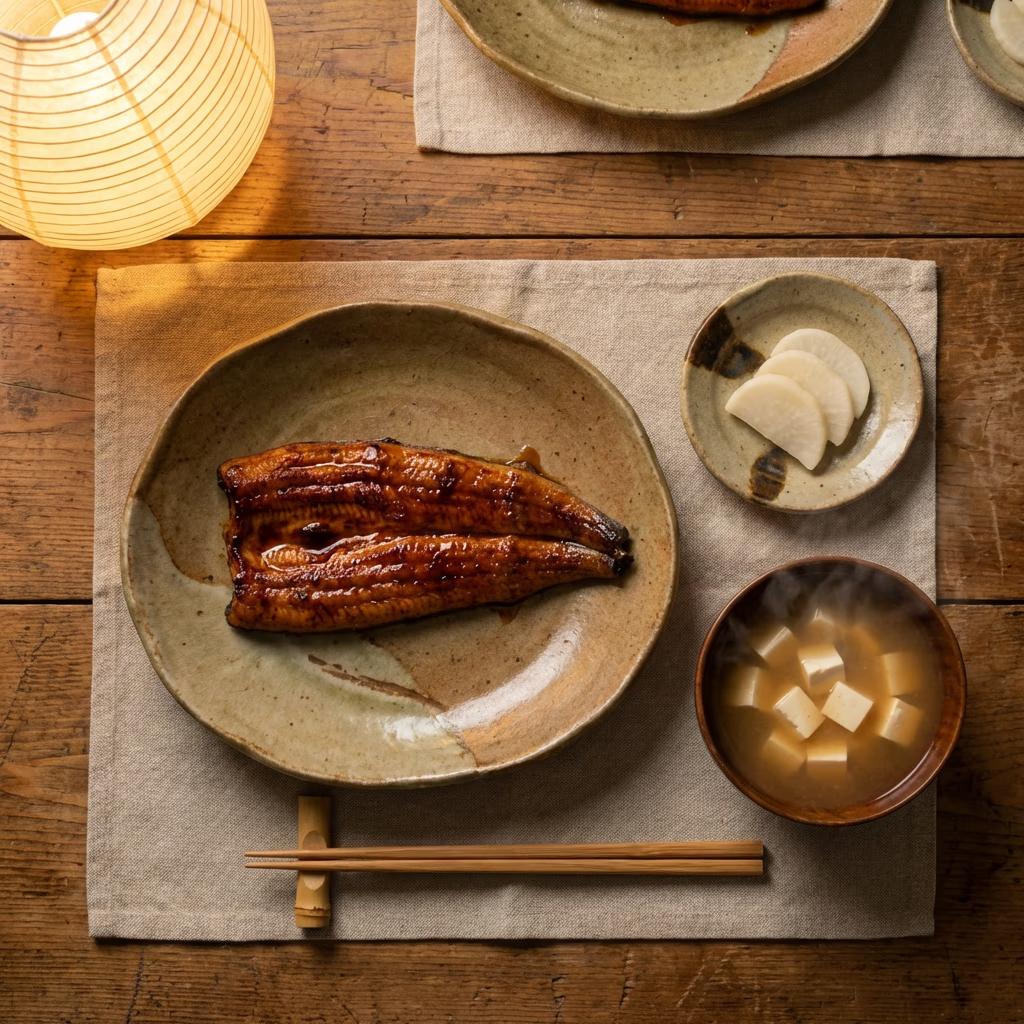




References for image generation
Browse Library assets for a starting point or visual reference.


Latest image models to try
Group new and prominent image model pages for faster discovery.


Prompt-to-image workhorses
Give creators a clearer route to model pages used for everyday generation.


Design and product image models
Surface model pages that fit design, product visuals, and more controlled outputs.


Compare image models
Help users choose between image models before spending time on prompts.


Explore every AI image model
Browse every AI image model page connected to this hub.
Kling V2
Muse Image 1.0
Imagen 4.0
Gemini 3.8 Flash TTS
Gemini 3.8 Flash-Lite TTS
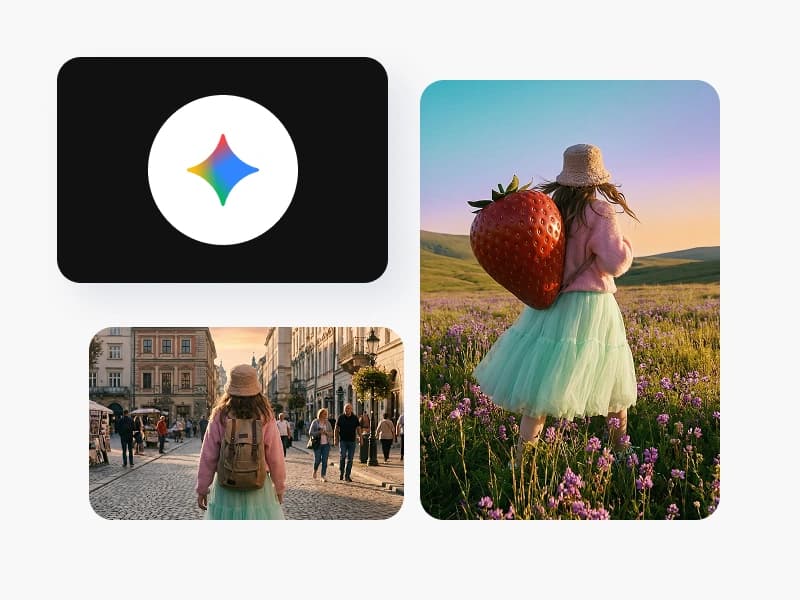
Nano Banana 2 Lite
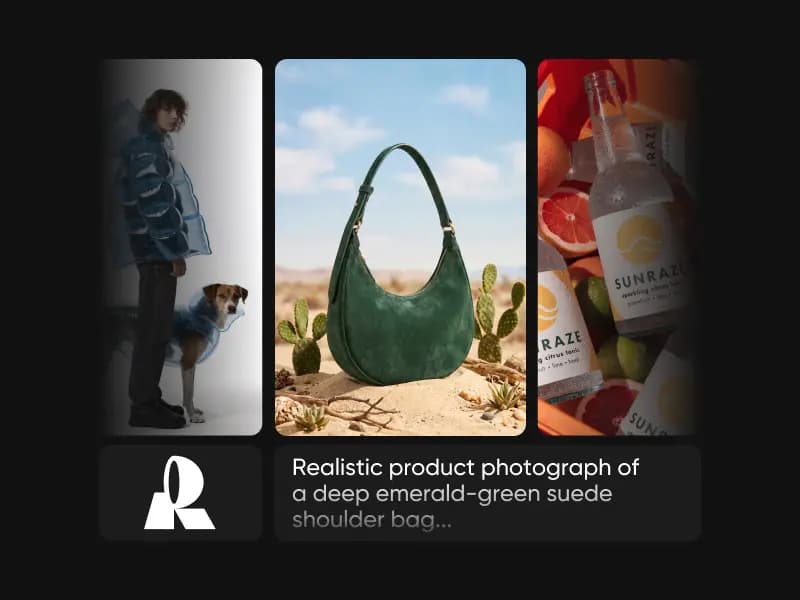
Recraft V4 Pro
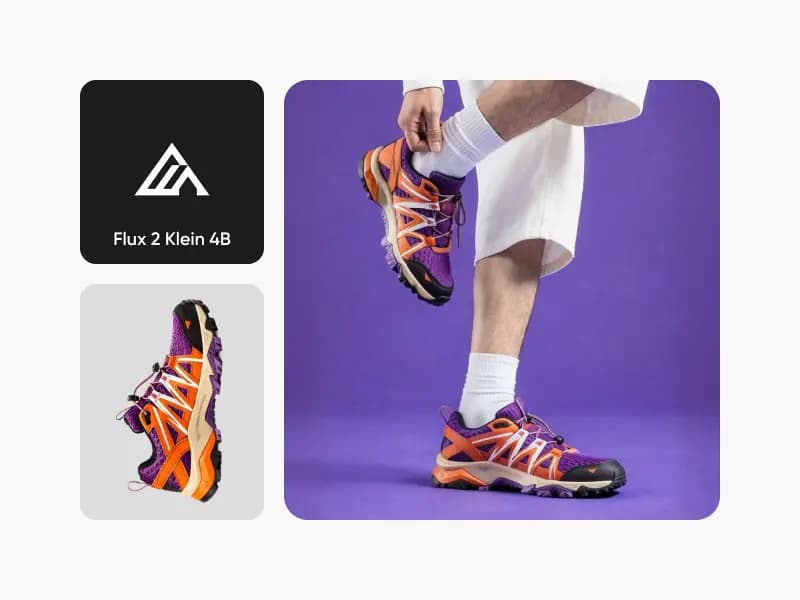
Flux 2 Klein 4B
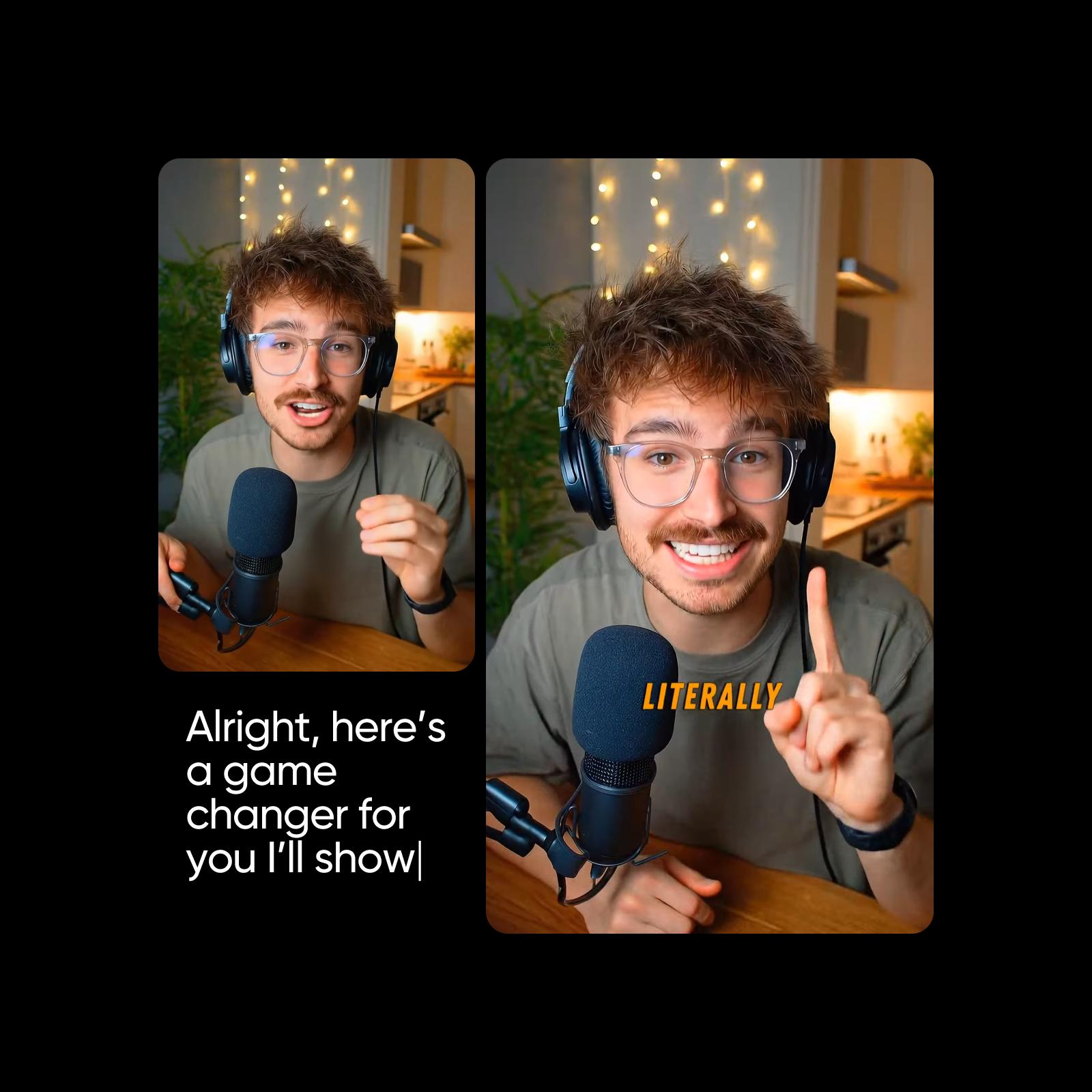
Kling O1 Image

Kling V2 New
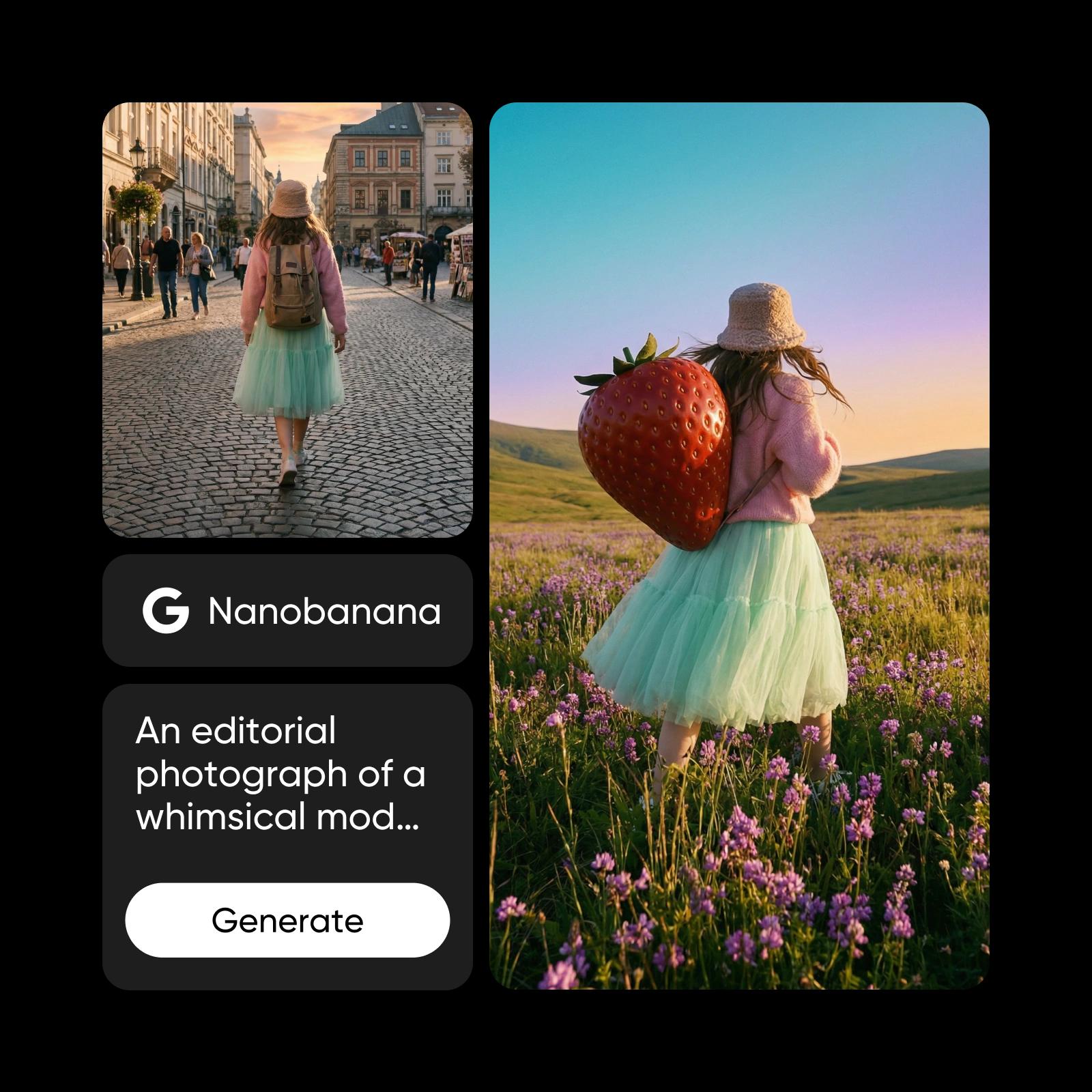
Qwen 2 Pro
Qwen 2
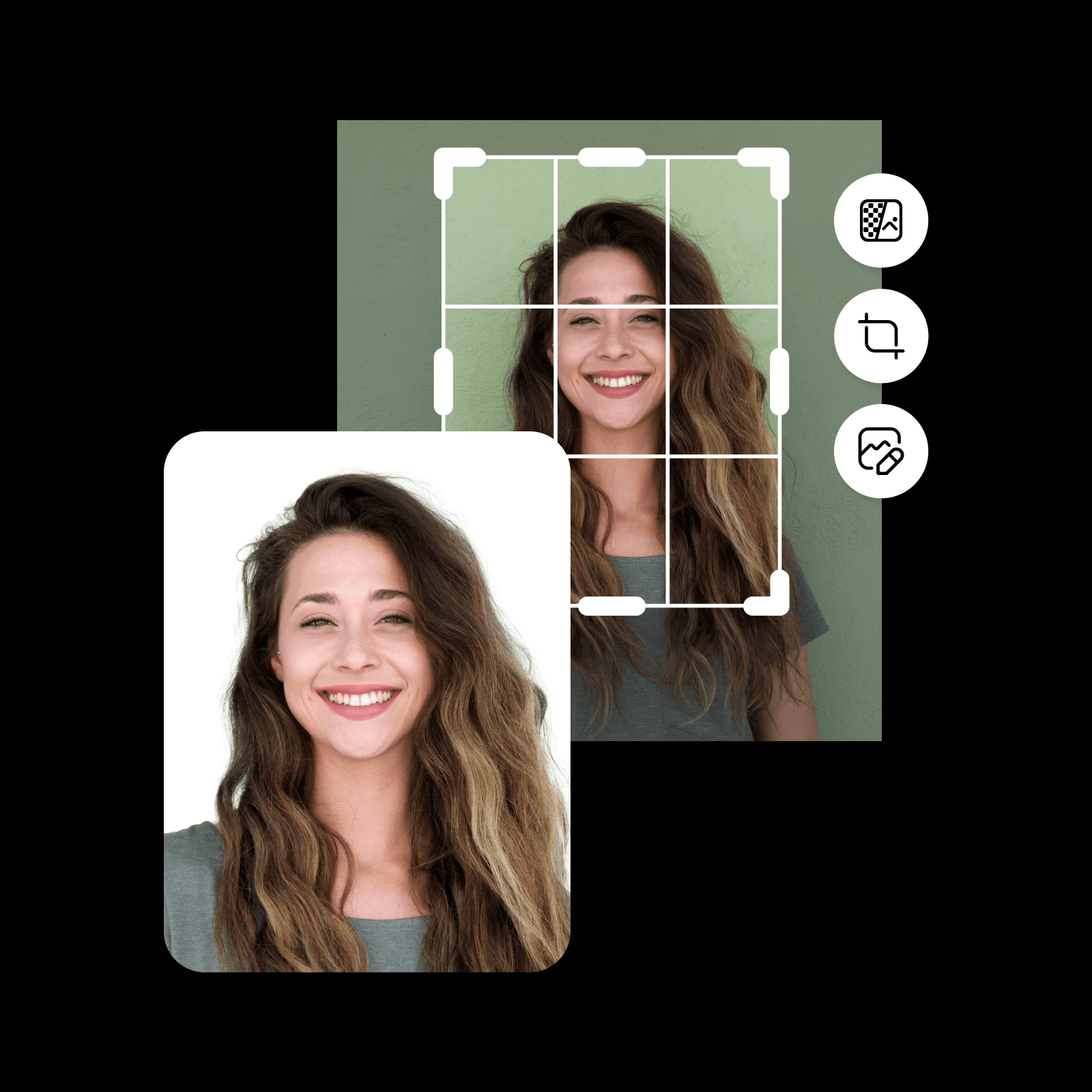
Ideogram Character
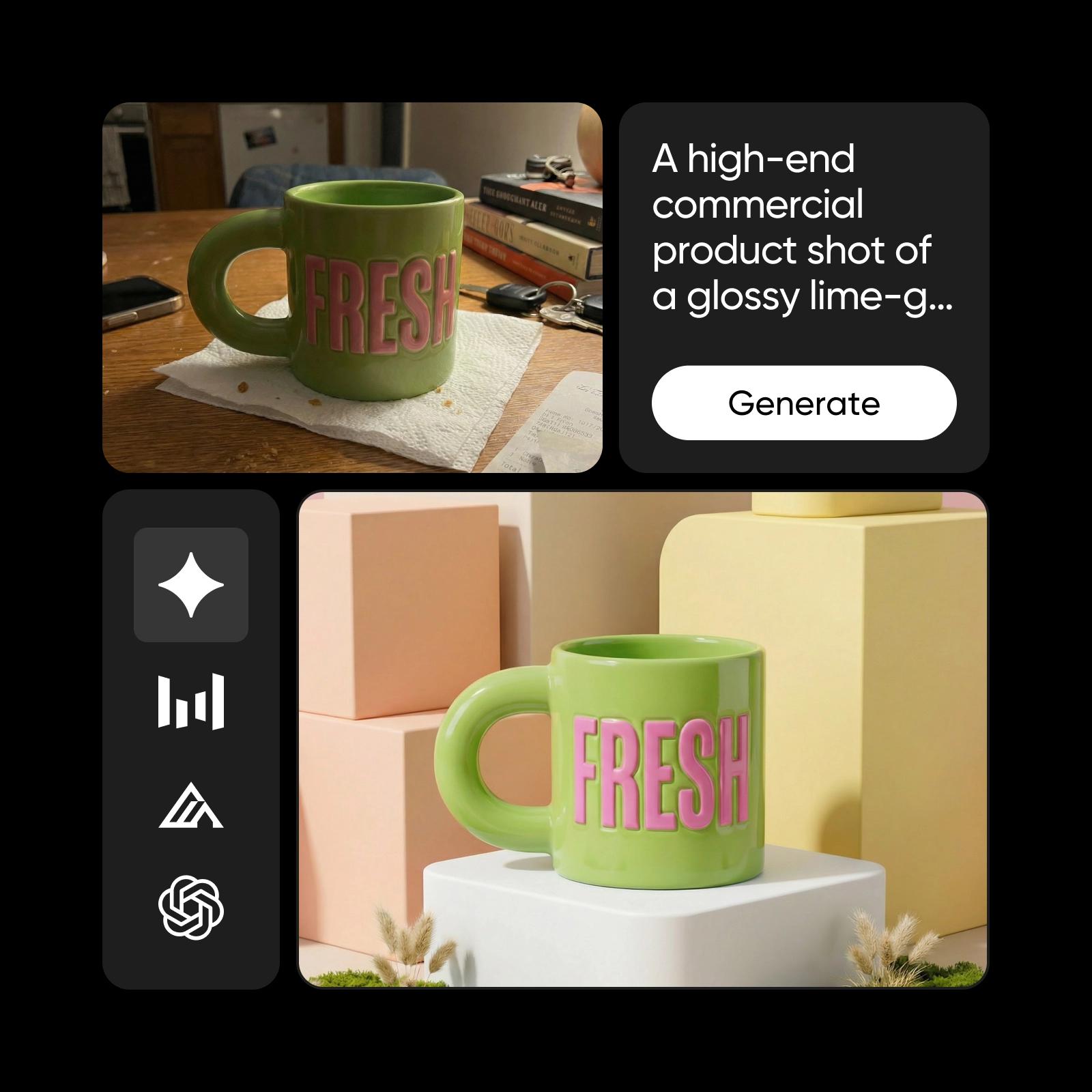
Seedream 4.0
Recraft V4.1

Recraft V3

Flux Pro
GPT Image 1
DALL-E 3
Flux 2 Flex

Flux Kontext Pro

Flux Kontext Max
Flux 2 Max

Luma Uni-1
Ideogram 3.0 Flash
Kling V2.1

Ideogram V2a
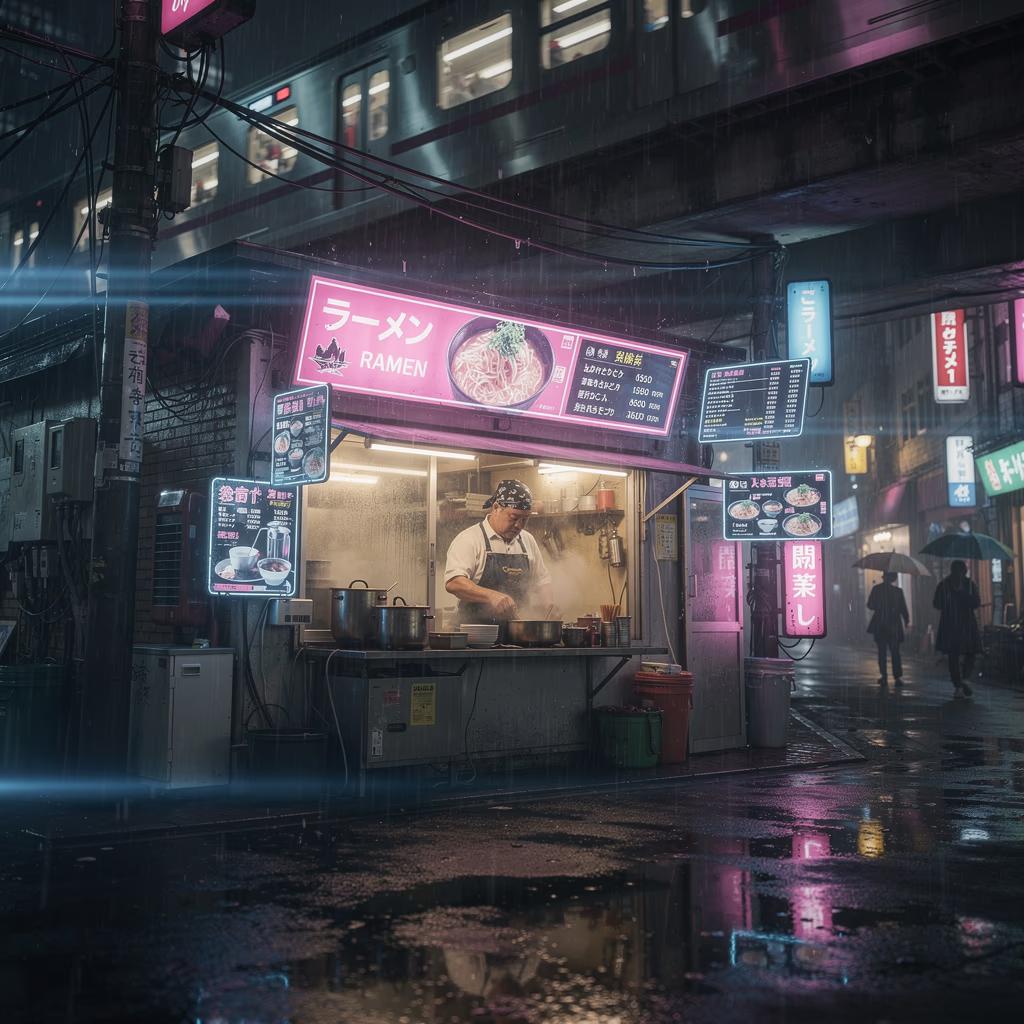
Flux Pro Ultra
Kling V1.5
GPT Image 2.5
Nano Banana 2

Runway Gen4 Image

Questions about image models
Test the details that matter in your brief: composition, instruction following, text legibility, and preservation of a reference subject where supported. Inspect the output at its intended size and repeat important tests before deciding.