Seedream 5.0 Flash: edit an image exactly where you point
Seedream 5.0 Flash is the fast, lower-cost tier of ByteDance Seed's Seedream 5.0 family, and the first image model you can simply point at. Circle the part you want changed, or pass a precise coordinate, and the edit happens there and nowhere else. It generates from text or reference images, writes text natively in multiple languages, and can hand a finished design back as up to 16 editable layers instead of one flat file. Available now in Picsart's AI Playground.
- Point to the area you want to edit
- Generate readable multilingual text
- Refine images with reference inputs

Made with Seedream 5.0 Flash


Meet Seedream 5.0 Flash, ByteDance Seed's fast image model
Seedream 5.0 Flash is the fast, lower-cost half of ByteDance Seed's Seedream 5.0 pairing: Pro takes the jobs where image quality decides everything, Flash takes the ones where latency and cost do. It generates from a prompt, from a single reference image or from several blended together, and renders text natively in multiple languages rather than approximating it. Both models share the same two standout abilities, and they are the reason to reach for this family at all: you can point at the part of an image you want changed, and you can ask for the result back in layers.

What you can make with Seedream 5.0 Flash
Ad banners
Build hero banners and campaign visuals with the headline rendered directly into the image, then circle the one element that tested badly and swap it without regenerating the frame around it.

Stop describing the edit. Draw on the image instead
Every other image model makes you write your way to the right spot - "the mug on the left, no, the other one" - and accept whatever it decides you meant. Seedream 5.0 Flash lets you mark it. Scribble a circle, sketch a shape or doodle straight onto the reference image, and the model reads the marked area, replaces what is inside it and blends the result back into the original scene. Prefer precision to freehand? Drop a point or draw a box and pass the coordinates instead. Replace an object, reposition an element, repaint one corner - the rest of the frame stays as it was, because you never asked it to change.

Get a design back in pieces, not baked flat
Generated images usually arrive welded shut: one flat file, and any change means starting over. Seedream 5.0 Flash pulls a single image apart into a base plus up to 16 separate layers - subjects, background, type, decorative elements - each one a transparent PNG that keeps its own shape. It hands back where every layer sits, what order they stack in and what each one contains, so they drop straight onto a canvas ready to move, resize, recolour or swap. Let the model find the elements itself, or box the exact regions you want pulled out. A poster stops being a render and becomes a file you can work in.
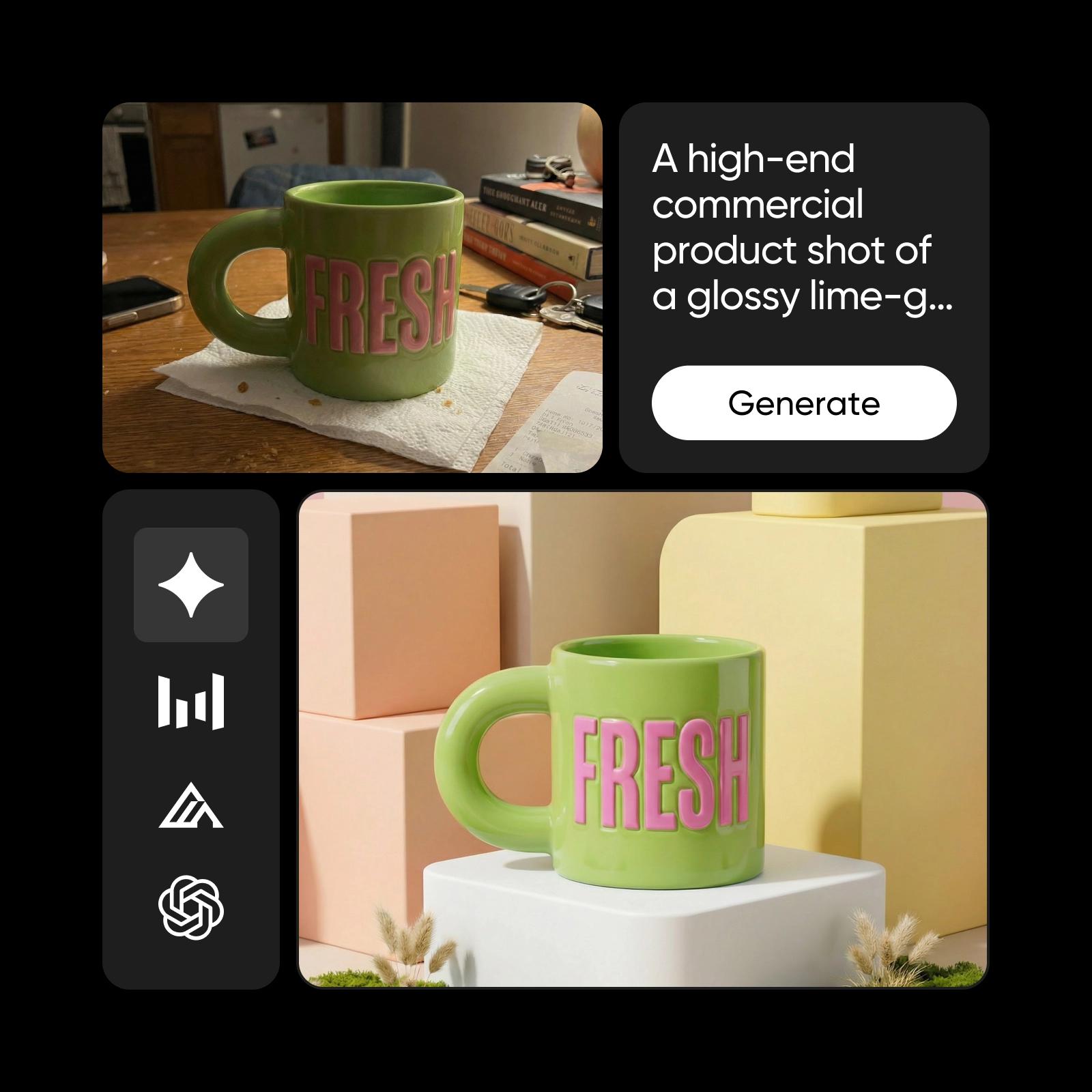
Where Seedream 5.0 Flash lives in Picsart
Open the AI Playground, pick Seedream 5.0 Flash and start - no API key, no model configuration, nothing to install. Bring a reference image or start from a line of text, mark the edits you want, and carry the result straight into the editor to finish. Need maximum fidelity on a hero image instead of speed? Seedream 5.0 Pro is the quality tier of the same family, one switch away.
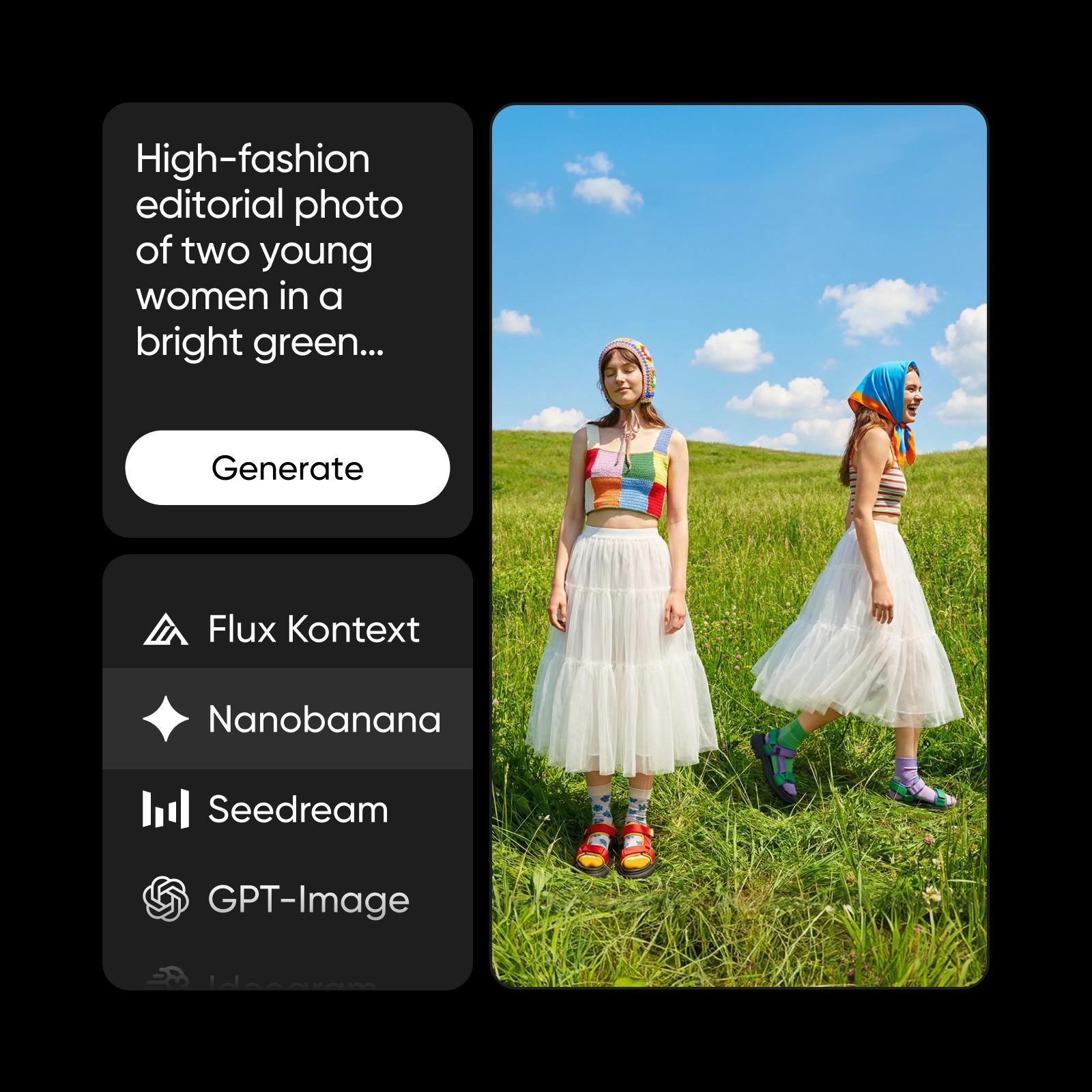
Understand image model choices
Learn how to compare image models and choose an output.
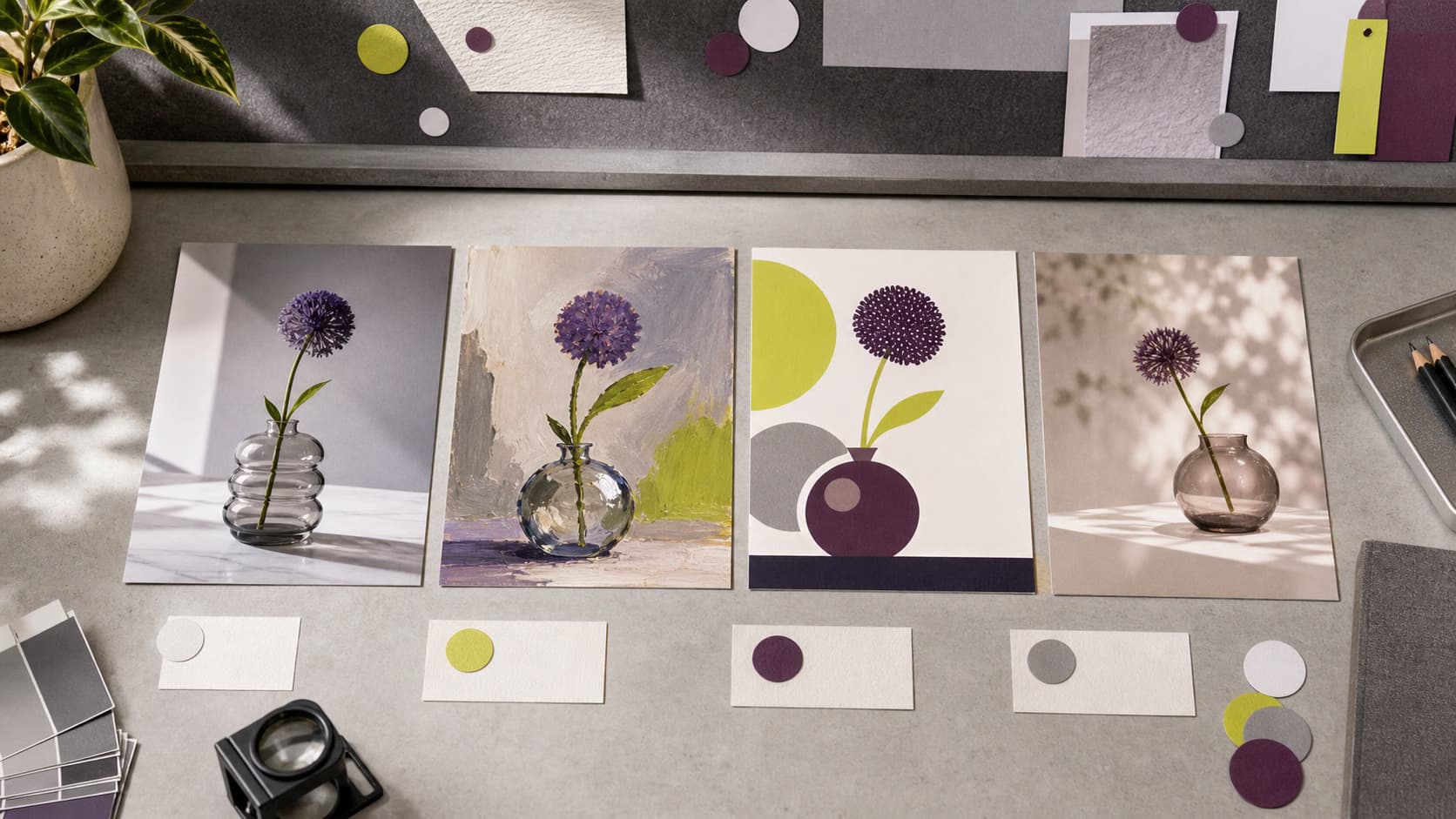

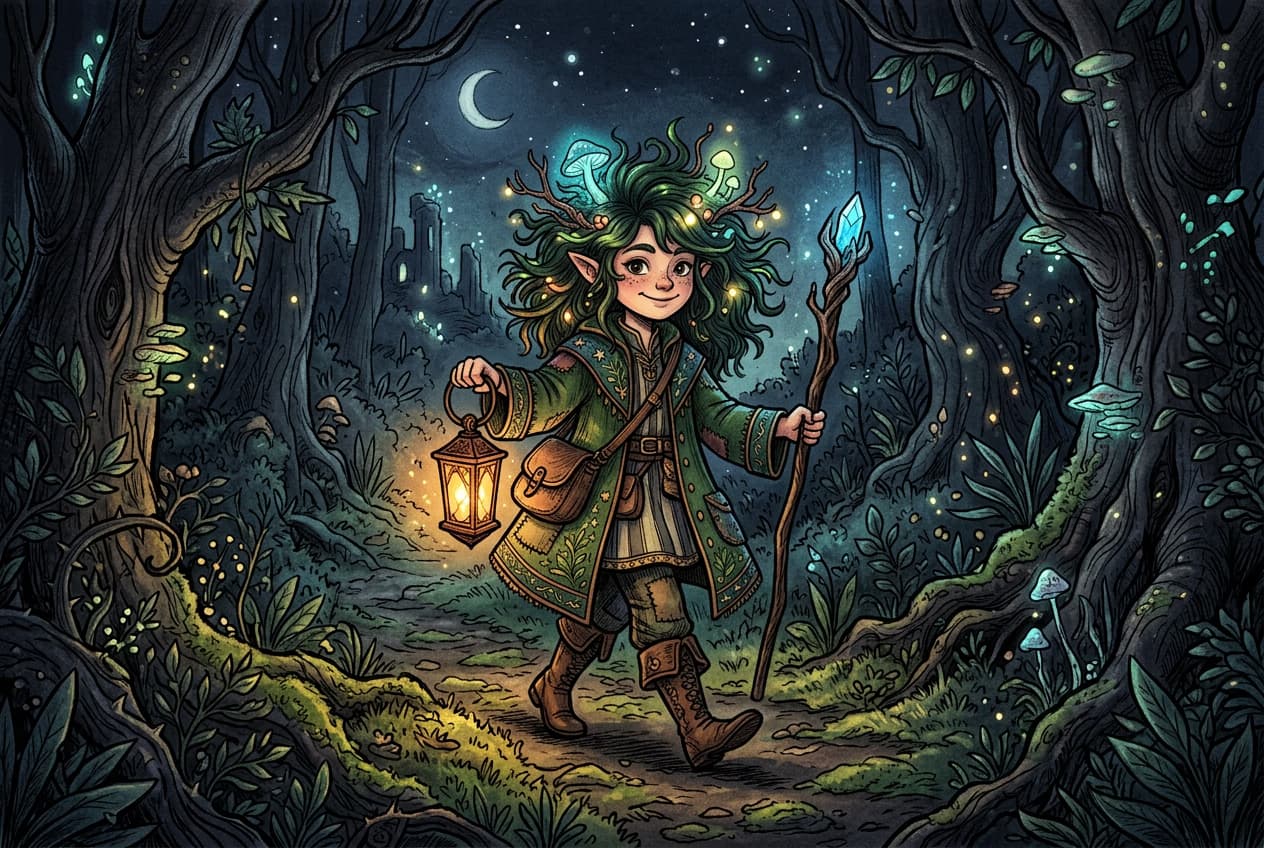

Explore more models like Seedream 5.0 Pro
Compare Seedream 5.0 Pro with other image models for campaign visuals, design assets, and creative tests.
Seedream 5.0 Flash FAQ
It is the fast, lower-cost tier of ByteDance Seed's Seedream 5.0 image family, released in September 2026. It generates images from text or from reference images, writes text natively in multiple languages, edits an image at a spot you mark rather than one you describe, and can hand a finished design back as up to 16 separate layers.
Generate AI visuals with Seedream 5.0 Pro
Pro
Most popularAI tools for everyday creative work.
Ultra
Most powerfulHeavy AI usage for creators & teams.