logo
AI Image
AI Video
Library
Solutions
Community
MCP & CLI
Pricing
  1. Home
  2. Video Tools
  3. Add music to video

Add music to video online

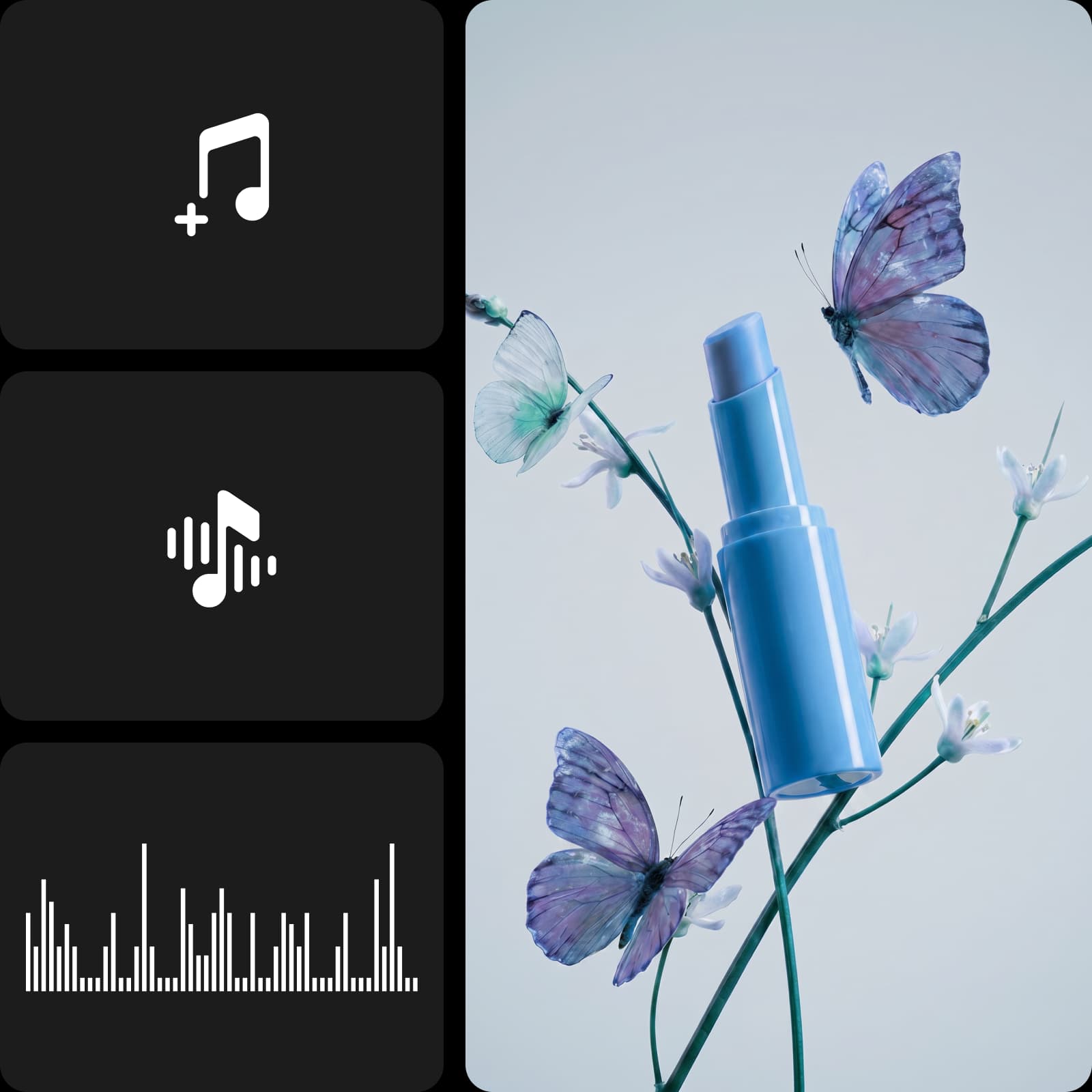
Create custom, copyright-safe music with AI or browse ready-to-use tracks. Add voiceovers, sound effects, and background audio to your video in one fast, simple online editor.

Add audio to video

animated seaside town video with added music
portrait video with plush toys and added music
outdoor headphones video with added music
3D character neon video with added music
cherry blossom video with added music
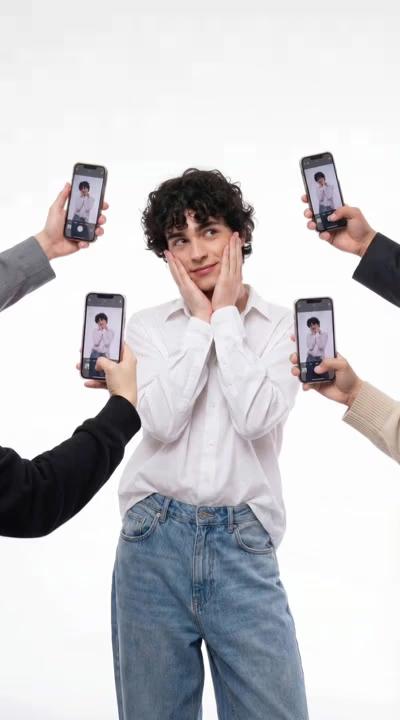
social media pose video with added music
sunset dancing video with added music
surreal mushroom video with added music
headphones video with added music
add music icon

Fast music adding

Add music to video in seconds using a simple editor that keeps sound and visuals perfectly in sync.

audio editing icon

Intuitive audio editing

Add audio to video using an intuitive editor that makes it easy to test tracks and control volume across different moments.

microphone icon

Flexible voiceover workflow

Turn written text into spoken audio by selecting a voice, without recording or extra equipment.


How to add music to video

1

Open the Apps panel

In the left sidebar, click Apps to browse available editing tools.

2

Search for Audio

3

Add music or voiceover

4

Adjust and export

Add music to video to set the tone

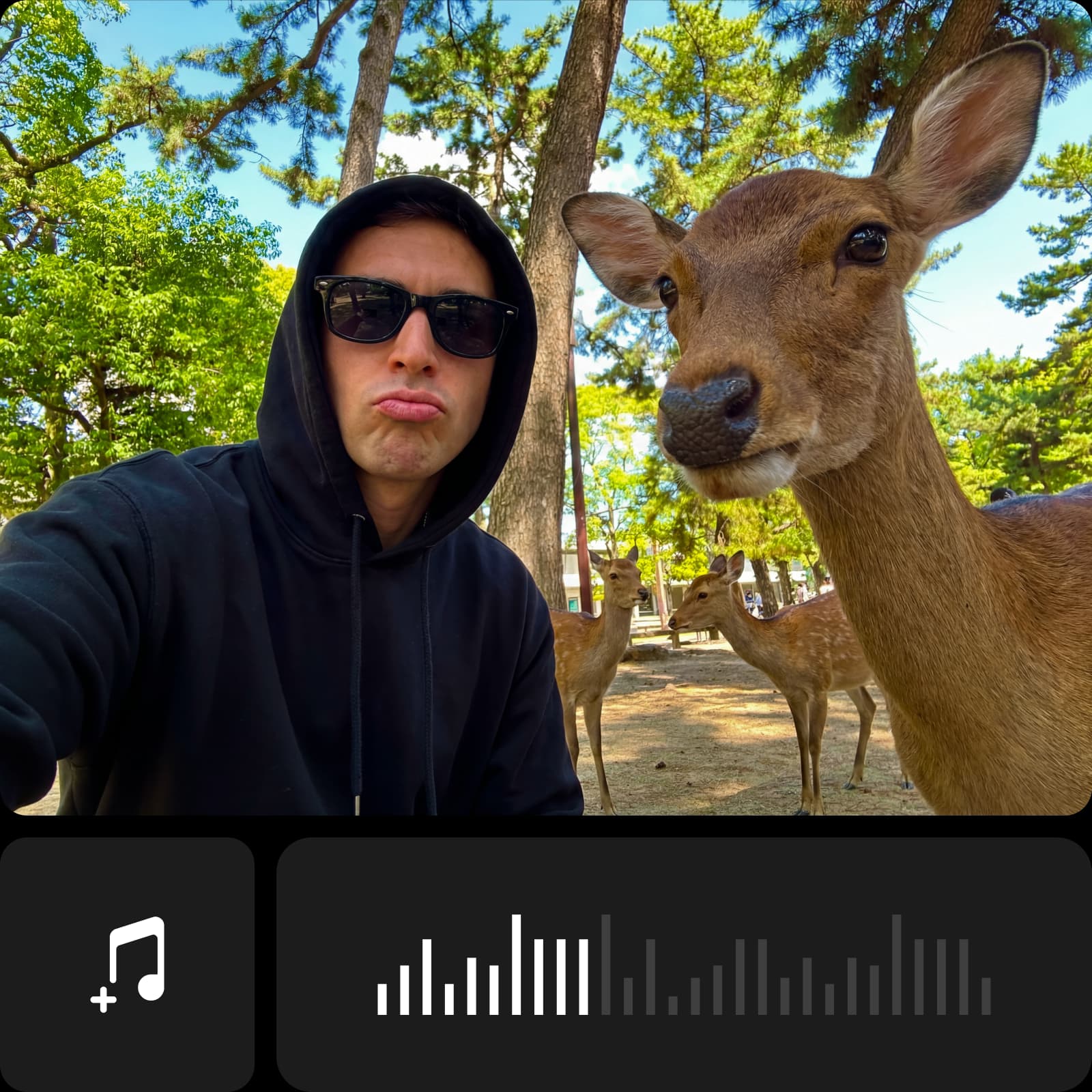
Music helps structure a video and guide how scenes connect. With this Video Music Editor, you can add music to video online without technical skills or software installs. Select a track, place it where it fits, and adjust timing and volume to support your video’s flow, no matter if you’re editing personal clips or everyday content.


Add audio to video with trending tracks

Using current audio styles helps videos stay aligned with today’s content formats. When you add audio to video with popular audio options, your clips feel more relevant across platforms. Choose background music for videos from a broad range of categories, adjust volume levels, and place tracks precisely where they support each part of your video.


Personalize videos with AI-generated audio

Turn written text into natural voice-overs directly in the editor. With the AI Audio Generator, you can add voiceover to video by choosing from voices suited for ads, trailers, vlogs, news, or meditation. Fine-tune delivery with pauses or emotion changes, then adjust timing, placement, and volume - no recording or extra tools needed.


Use background music for reels, vlogs, ads, and more

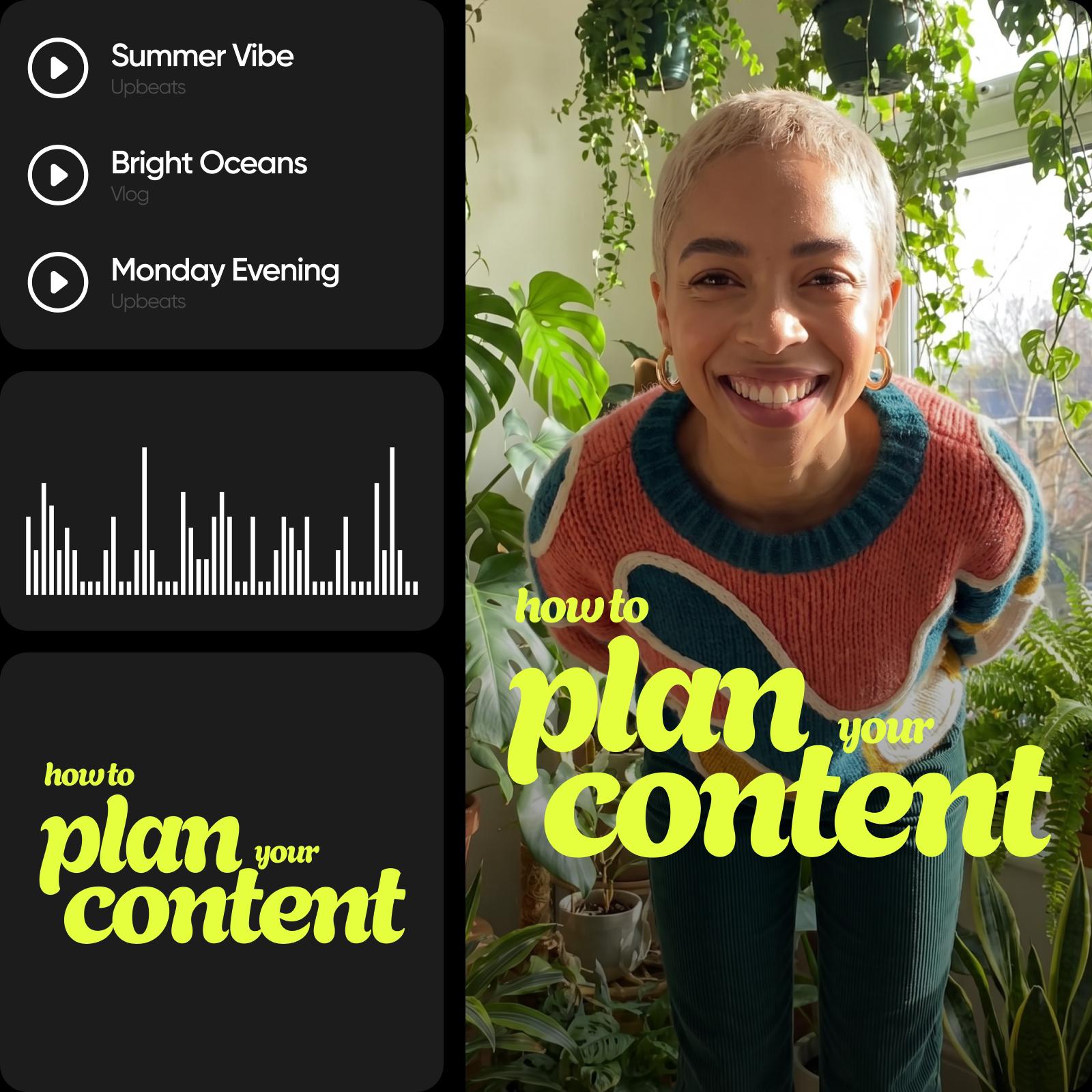
Add music to videos to support structure and consistency across different formats. For reels and TikTok videos, background music for videos helps align clips with common content styles and keeps edits cohesive. In vlogs, sound creates continuity from start to finish. For ads and promotional clips, music helps deliver messages clearly and keeps videos focused and professional.


Strengthen your content with more video editing tools

Adding music sets the foundation, but it’s only part of the editing process. After setting the sound, you can continue refining your video using built-in video editing tools. Trim video clips for cleaner structure, add text to video for clarity, adjust visuals, and fine-tune details - all within the same Video Editor, without switching tools or workflows.


Turn ideas into sound and story

Create and customize audio that brings your video to life with music, voiceovers, and precise editing tools.

Generate original AI music

Create unique, copyright-safe tracks from 25 mood options, so your video always sounds fresh and never repeated.

Turn text into a voiceover

Convert your script into natural narration with multiple voice styles, ready to drop into your video.

Offer a royalty-free music library

Browse tracks by mood, genre, or tempo to quickly find the right sound for any video.

Enable precise audio editing

Drag, trim, and position audio on a timeline to match every beat, cut, and scene.

Support multiple audio layers

Combine music, voiceover, and sound effects to build a rich, balanced audio experience.

Control volume and fade

Adjust audio level and add smooth fade-in and fade-out between scenes.

Add sound effect

Enhance your video with impacts, transitions, and ambient sound for more depth.

Export in high quality

Download your video with embedded audio in original resolution, ready to share.

Adding music was straightforward, and adjusting timing and volume felt intuitive from the start.
- Liam R., Video content creator
I was able to match background music to my clips without overthinking the process.
- Sofia M., Social media manager
The audio tools helped me keep my videos consistent without recording voiceovers myself.
-Daniel K., Small business owner

Add music to video FAQ

A good app makes it easy to add music to videos online, control timing and volume, and work without downloads. Picsart lets you do all of this in one simple editor.

Upload your video, choose a music track or audio file, place it on the timeline, and adjust timing and volume until it fits your video.

The tool supports common audio formats, so you can easily upload and use most standard music and sound files.

Yes. You can adjust audio levels to balance background music, voiceovers, and original video sound.

Yes. You can place audio precisely on the timeline and fine-tune when it starts and ends to match each scene.

More tools to love

image of a boy with a sense of creativity text on it

Add Text to Video

Easily add text to videos online to achieve stunning edits.

AI text to video for free

AI Text-to-Video

Turn written prompts into scroll-stopping content with Picsart’s Text-to-Video AI.

online AI image to video generator

AI Image-to-Video

Turn any image into a dynamic video with AI.

remove object from video

Video Object Remover

Get rid of unnecessary details from your videos with the help of AI.

remove video background online and free

Video Background Remover

Erase video backgrounds with Picsart’s AI-powered Video Background Remover. 

add subtitles to videos online for free

Add Subtitles to Video

Generate accurate subtitles for any video in seconds.

From clips to content.
Create video subtitlesMake video textRemove backgroundsErase video objectsTry images to videoEdit videosGenerate AI videosExplore AI video filtersDiscover stock videosChange videos with AI

Get the free app

Download on the App StoreGET IT ON Google PlayGet it from Microsoft
Pinterest
AICPA SOC

Explore

  • AI Image Generator
  • AI Video Generator
  • AI Playground
  • AI Image Models
  • AI Video Models
  • AI Photo Editor
  • Templates
  • Design Tools

Solutions

  • For Enterprise
  • For Developers
  • For Google Drive
  • For specific Industries
  • Quicktools
  • AI Avatar
  • Pricing

Company

  • Support
  • Careers
  • About us
  • Earn with Picsart
  • Blog
  • Press Center
Terms of UsePrivacy PolicyDo Not SellInternet-Based AdvertisingCommunity GuidelinesDMCASecurity PolicyAccessibility
© 2026 PicsArt, Inc.

Make videos with sound with AI video models

Use video models to transform clips, footage, and prompts into videos with sound for social, ads, and creative workflows.

Seedance 2.0New
Next-gen cinematic video with optional audio and reference image. Up to 1080p.Reference inputAudio1080pCinematicSee model
Seedance 2.0 FastNew
Fast cinematic video with audio, reference images, and start/end frame control.Reference inputAudioFast generationCinematicSee model
Seedance 2.0 Video EditNew
Edit video — replace subjects, add or remove objects, restyle scenes with reference images.Video editingReference inputVideo generationSee model
Seedance 2.0 Fast Video EditNew
Fast video edit — modify scenes with reference images.Video editingReference inputFast generationSee model
Sora 2 Pro
Up to 1080p with strong physical realism and optional reference image.Reference input1080pPro qualityCinematicSee model
Sora 2
Naturalistic 720p video with lifelike motion and character detail.CinematicVideo generationSee model
Wan 2.7
Wan 2.7 T2V — up to 15s at 1080p with audio input and prompt enhancement.Text to videoAudio1080pCinematicSee model
Kling V3
Long-form video up to 15s with native audio and start/end frame control.AudioCinematicVideo generationSee model
Kling V2.6
Mature pipeline with audio, adjustable cfg, and standard/pro rendering.AudioPro qualityCinematicSee model
Kling V3 Omni
Flexible generation across creative styles using V3 Omni architecture, with optional 4K output.4KCinematicVideo generationSee model
Kling V3 Turbo
Faster V3 variant — long-form video up to 15s with native audio, start/end frame control, and 720p/1080p output.Audio1080pFast generationCinematicSee model
Kling Video O1
O1-architecture video generation with 5 or 10 second output.CinematicVideo generationSee model
Seedance 2.0New
Next-gen cinematic video with optional audio and reference image. Up to 1080p.Reference inputAudio1080pCinematicSee model
Seedance 2.0 FastNew
Fast cinematic video with audio, reference images, and start/end frame control.Reference inputAudioFast generationCinematicSee model
Seedance 2.0 Video EditNew
Edit video — replace subjects, add or remove objects, restyle scenes with reference images.Video editingReference inputVideo generationSee model
Seedance 2.0 Fast Video EditNew
Fast video edit — modify scenes with reference images.Video editingReference inputFast generationSee model
Sora 2 Pro
Up to 1080p with strong physical realism and optional reference image.Reference input1080pPro qualityCinematicSee model
Sora 2
Naturalistic 720p video with lifelike motion and character detail.CinematicVideo generationSee model
Wan 2.7
Wan 2.7 T2V — up to 15s at 1080p with audio input and prompt enhancement.Text to videoAudio1080pCinematicSee model
Kling V3
Long-form video up to 15s with native audio and start/end frame control.AudioCinematicVideo generationSee model
Kling V2.6
Mature pipeline with audio, adjustable cfg, and standard/pro rendering.AudioPro qualityCinematicSee model
Kling V3 Omni
Flexible generation across creative styles using V3 Omni architecture, with optional 4K output.4KCinematicVideo generationSee model
Kling V3 Turbo
Faster V3 variant — long-form video up to 15s with native audio, start/end frame control, and 720p/1080p output.Audio1080pFast generationCinematicSee model
Kling Video O1
O1-architecture video generation with 5 or 10 second output.CinematicVideo generationSee model
Seedance 2.0New
Next-gen cinematic video with optional audio and reference image. Up to 1080p.Reference inputAudio1080pCinematicSee model
Seedance 2.0 FastNew
Fast cinematic video with audio, reference images, and start/end frame control.Reference inputAudioFast generationCinematicSee model
Seedance 2.0 Video EditNew
Edit video — replace subjects, add or remove objects, restyle scenes with reference images.Video editingReference inputVideo generationSee model
Seedance 2.0 Fast Video EditNew
Fast video edit — modify scenes with reference images.Video editingReference inputFast generationSee model
Sora 2 Pro
Up to 1080p with strong physical realism and optional reference image.Reference input1080pPro qualityCinematicSee model
Sora 2
Naturalistic 720p video with lifelike motion and character detail.CinematicVideo generationSee model
Wan 2.7
Wan 2.7 T2V — up to 15s at 1080p with audio input and prompt enhancement.Text to videoAudio1080pCinematicSee model
Kling V3
Long-form video up to 15s with native audio and start/end frame control.AudioCinematicVideo generationSee model
Kling V2.6
Mature pipeline with audio, adjustable cfg, and standard/pro rendering.AudioPro qualityCinematicSee model
Kling V3 Omni
Flexible generation across creative styles using V3 Omni architecture, with optional 4K output.4KCinematicVideo generationSee model
Kling V3 Turbo
Faster V3 variant — long-form video up to 15s with native audio, start/end frame control, and 720p/1080p output.Audio1080pFast generationCinematicSee model
Kling Video O1
O1-architecture video generation with 5 or 10 second output.CinematicVideo generationSee model
Seedance 2.0New
Next-gen cinematic video with optional audio and reference image. Up to 1080p.Reference inputAudio1080pCinematicSee model
Seedance 2.0 FastNew
Fast cinematic video with audio, reference images, and start/end frame control.Reference inputAudioFast generationCinematicSee model
Seedance 2.0 Video EditNew
Edit video — replace subjects, add or remove objects, restyle scenes with reference images.Video editingReference inputVideo generationSee model
Seedance 2.0 Fast Video EditNew
Fast video edit — modify scenes with reference images.Video editingReference inputFast generationSee model
Sora 2 Pro
Up to 1080p with strong physical realism and optional reference image.Reference input1080pPro qualityCinematicSee model
Sora 2
Naturalistic 720p video with lifelike motion and character detail.CinematicVideo generationSee model
Wan 2.7
Wan 2.7 T2V — up to 15s at 1080p with audio input and prompt enhancement.Text to videoAudio1080pCinematicSee model
Kling V3
Long-form video up to 15s with native audio and start/end frame control.AudioCinematicVideo generationSee model
Kling V2.6
Mature pipeline with audio, adjustable cfg, and standard/pro rendering.AudioPro qualityCinematicSee model
Kling V3 Omni
Flexible generation across creative styles using V3 Omni architecture, with optional 4K output.4KCinematicVideo generationSee model
Kling V3 Turbo
Faster V3 variant — long-form video up to 15s with native audio, start/end frame control, and 720p/1080p output.Audio1080pFast generationCinematicSee model
Kling Video O1
O1-architecture video generation with 5 or 10 second output.CinematicVideo generationSee model
Seedance 2.0New
Next-gen cinematic video with optional audio and reference image. Up to 1080p.Reference inputAudio1080pCinematicSee model
Seedance 2.0 FastNew
Fast cinematic video with audio, reference images, and start/end frame control.Reference inputAudioFast generationCinematicSee model
Seedance 2.0 Video EditNew
Edit video — replace subjects, add or remove objects, restyle scenes with reference images.Video editingReference inputVideo generationSee model
Seedance 2.0 Fast Video EditNew
Fast video edit — modify scenes with reference images.Video editingReference inputFast generationSee model
Sora 2 Pro
Up to 1080p with strong physical realism and optional reference image.Reference input1080pPro qualityCinematicSee model
Sora 2
Naturalistic 720p video with lifelike motion and character detail.CinematicVideo generationSee model
Wan 2.7
Wan 2.7 T2V — up to 15s at 1080p with audio input and prompt enhancement.Text to videoAudio1080pCinematicSee model
Kling V3
Long-form video up to 15s with native audio and start/end frame control.AudioCinematicVideo generationSee model
Kling V2.6
Mature pipeline with audio, adjustable cfg, and standard/pro rendering.AudioPro qualityCinematicSee model
Kling V3 Omni
Flexible generation across creative styles using V3 Omni architecture, with optional 4K output.4KCinematicVideo generationSee model
Kling V3 Turbo
Faster V3 variant — long-form video up to 15s with native audio, start/end frame control, and 720p/1080p output.Audio1080pFast generationCinematicSee model
Kling Video O1
O1-architecture video generation with 5 or 10 second output.CinematicVideo generationSee model
Seedance 2.0New
Next-gen cinematic video with optional audio and reference image. Up to 1080p.Reference inputAudio1080pCinematicSee model
Seedance 2.0 FastNew
Fast cinematic video with audio, reference images, and start/end frame control.Reference inputAudioFast generationCinematicSee model
Seedance 2.0 Video EditNew
Edit video — replace subjects, add or remove objects, restyle scenes with reference images.Video editingReference inputVideo generationSee model
Seedance 2.0 Fast Video EditNew
Fast video edit — modify scenes with reference images.Video editingReference inputFast generationSee model
Sora 2 Pro
Up to 1080p with strong physical realism and optional reference image.Reference input1080pPro qualityCinematicSee model
Sora 2
Naturalistic 720p video with lifelike motion and character detail.CinematicVideo generationSee model
Wan 2.7
Wan 2.7 T2V — up to 15s at 1080p with audio input and prompt enhancement.Text to videoAudio1080pCinematicSee model
Kling V3
Long-form video up to 15s with native audio and start/end frame control.AudioCinematicVideo generationSee model
Kling V2.6
Mature pipeline with audio, adjustable cfg, and standard/pro rendering.AudioPro qualityCinematicSee model
Kling V3 Omni
Flexible generation across creative styles using V3 Omni architecture, with optional 4K output.4KCinematicVideo generationSee model
Kling V3 Turbo
Faster V3 variant — long-form video up to 15s with native audio, start/end frame control, and 720p/1080p output.Audio1080pFast generationCinematicSee model
Kling Video O1
O1-architecture video generation with 5 or 10 second output.CinematicVideo generationSee model