Plugins and apps

Create with Picsart in the tools you already use

Turn the ideas in your AI conversations into images, video, and audio. Find your assistant below, follow its setup guide, and keep creating where your work happens.

  • Creative tools inside your workflow
  • Setup guides for each connection
Illustrative Picsart creative workflow artwork from the approved MCP landing page
G2 Spring 2026 Leader badgeG2 Spring 2026 Momentum Leader badgeG2 Spring 2026 Fastest Implementation badge

Choose the assistant you create with

Find the Picsart connection for your AI workflow. Each page explains what you can make, how to connect, and which account or credits you need.

ChatGPTTurn a conversation into campaign images, product media, clips, and voiceovers.
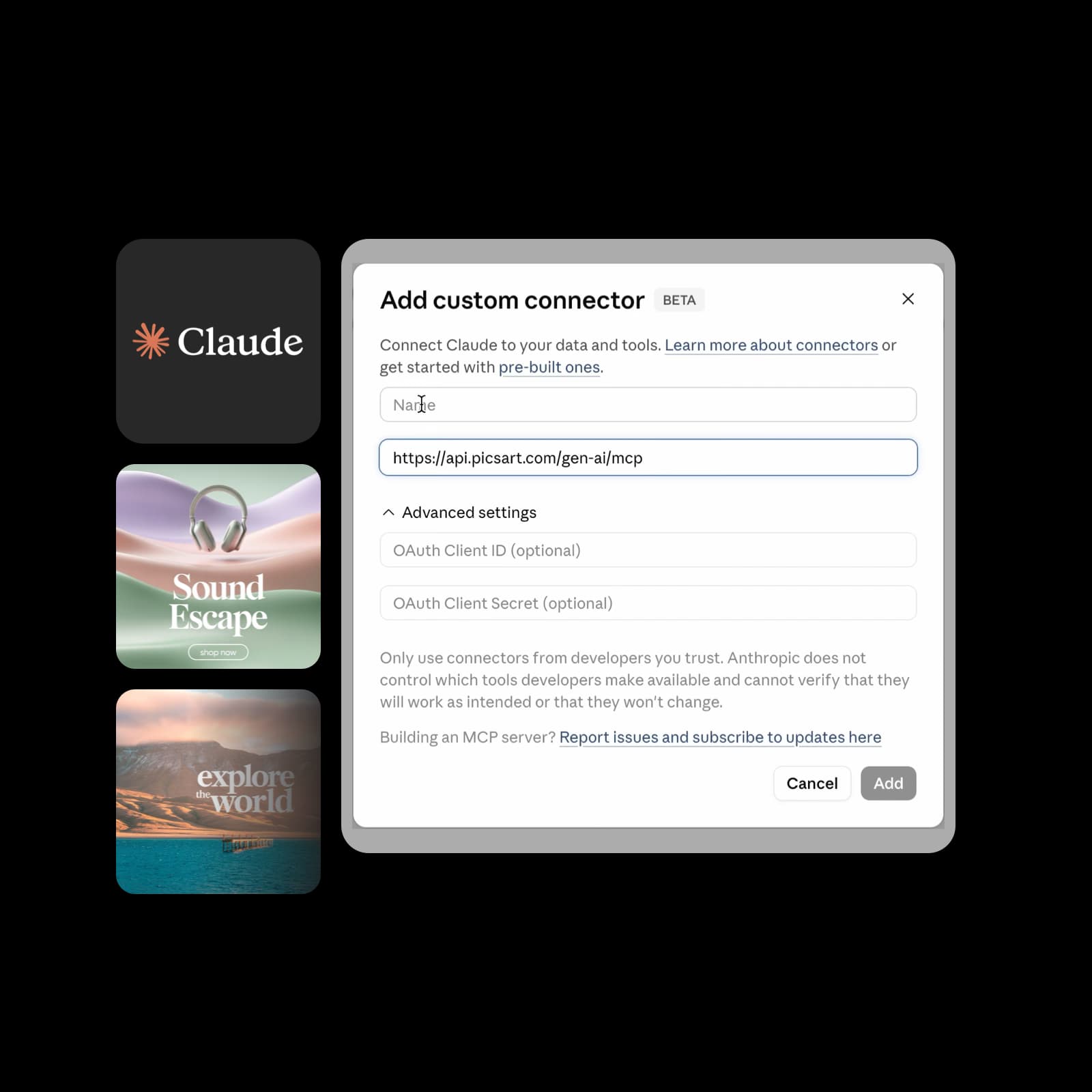
ClaudeTake a thoughtful brief into visual directions, editorial assets, and narration.
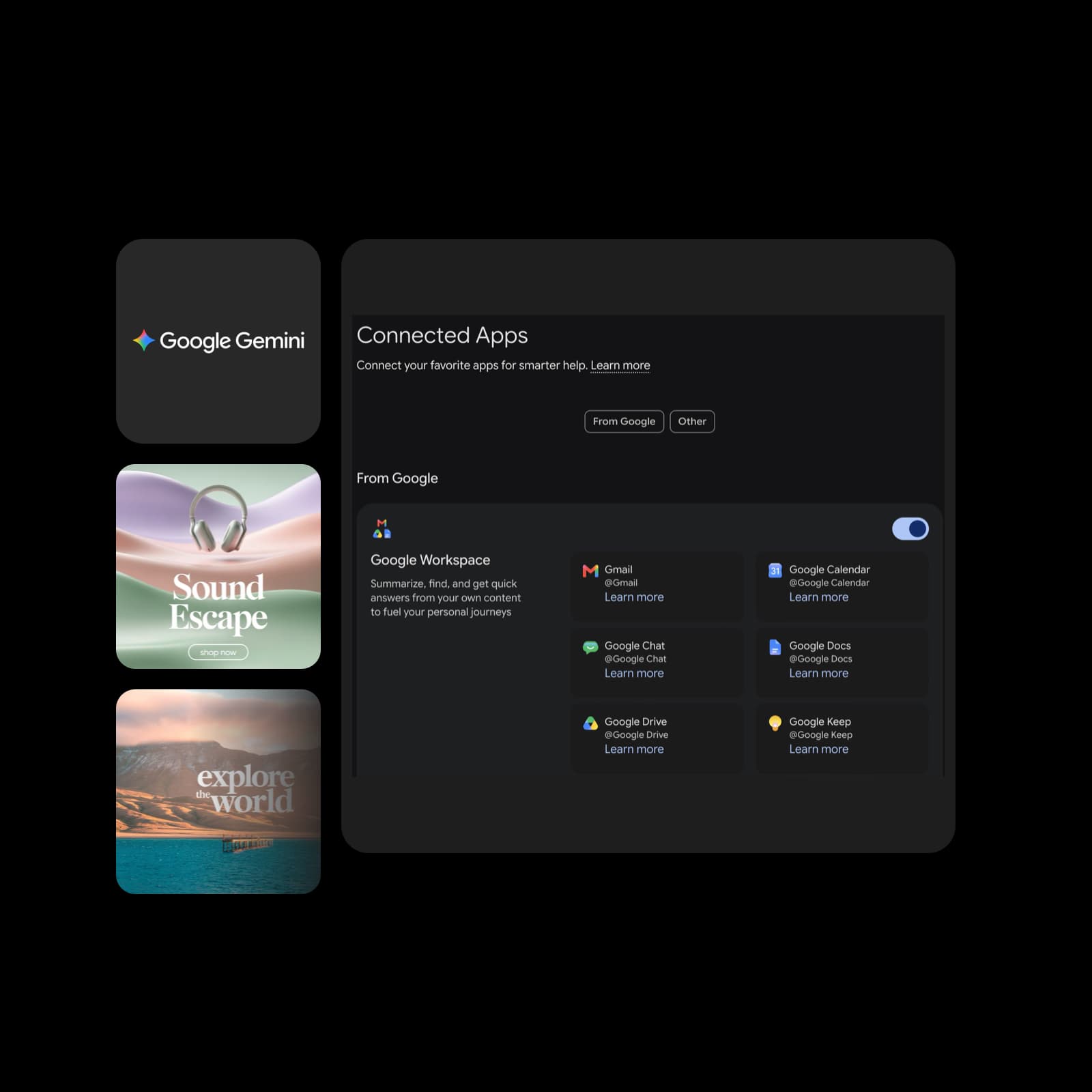
Google GeminiBring creative output into your planning, presentations, and content ideas.

From a conversation to something you can use

Bring a focused brief, shape the result, and keep your next project moving.

  • Make the assets you need

    Create campaign images, product concepts, short clips, or narration with the tools available through your connection.

  • Keep your creative direction

    Describe the palette, style, and details that matter. Review each result and ask for a focused revision.

  • Stay close to your work

    Choose an assistant connection, a store integration, or a desktop workspace that fits the way you create.

Start creating in three steps

Each assistant has its own connection flow. Start with the instructions for the one you use.

How to

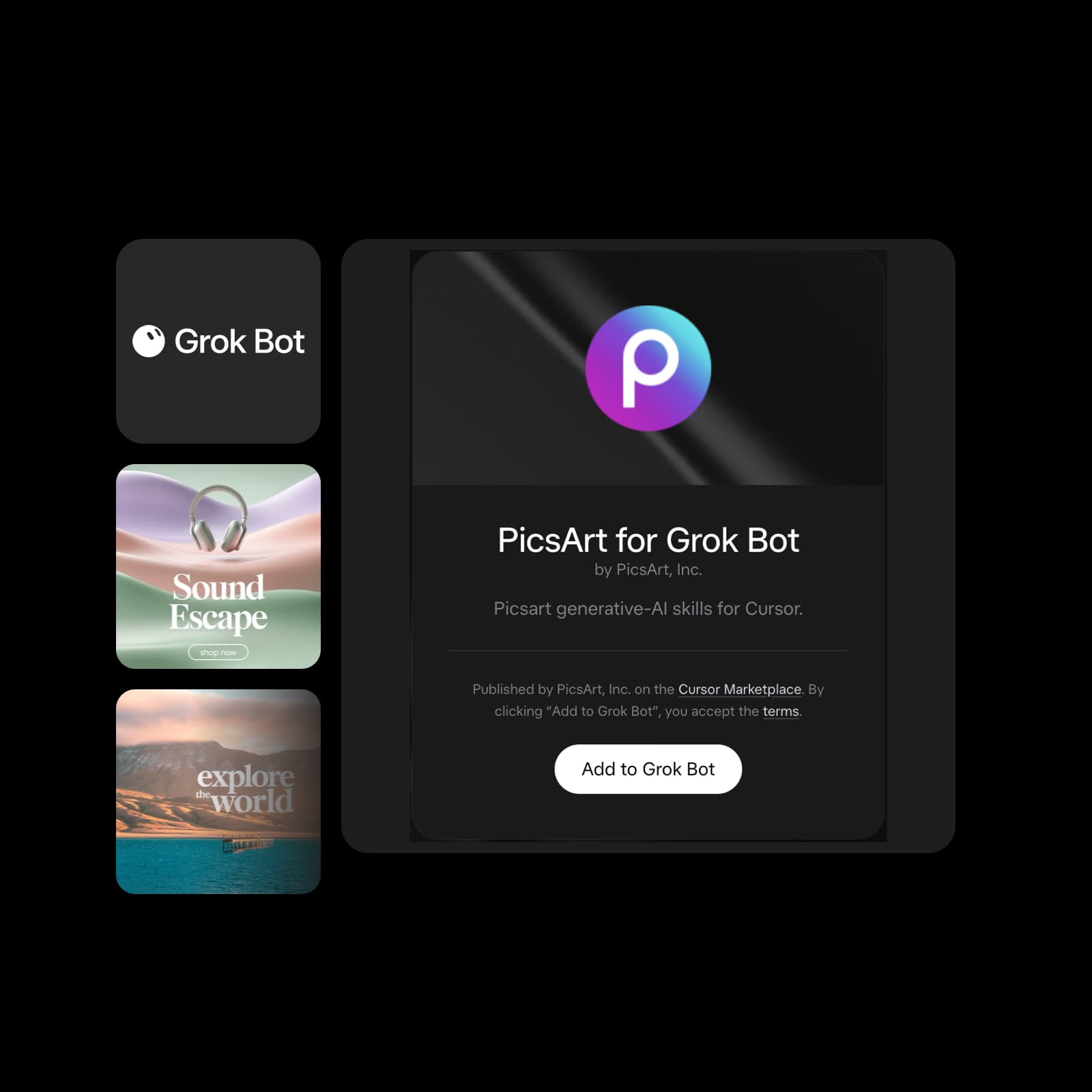
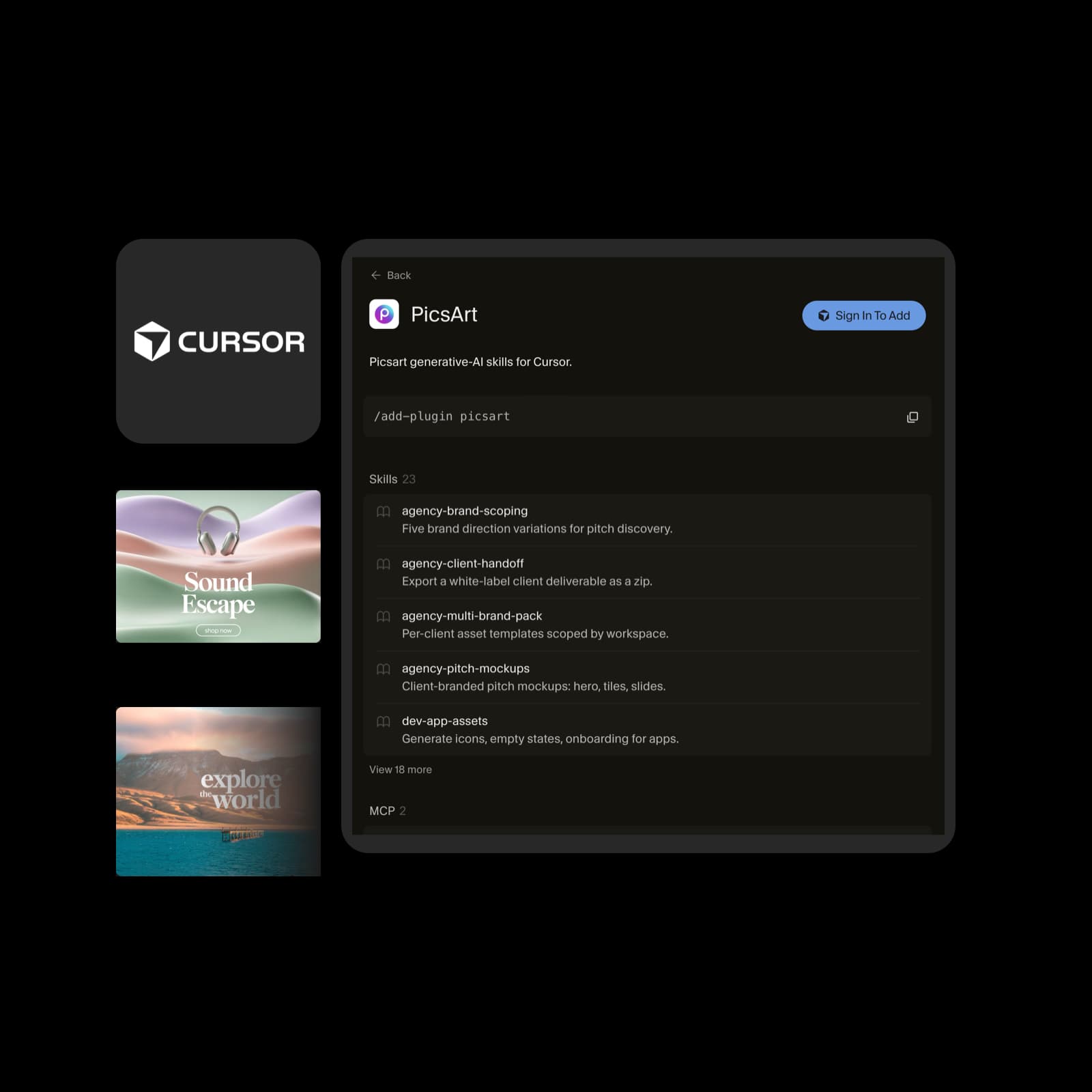
Choose your assistant

Open the plugin page for your AI assistant or coding tool. Check its supported features, account requirements, and setup instructions.

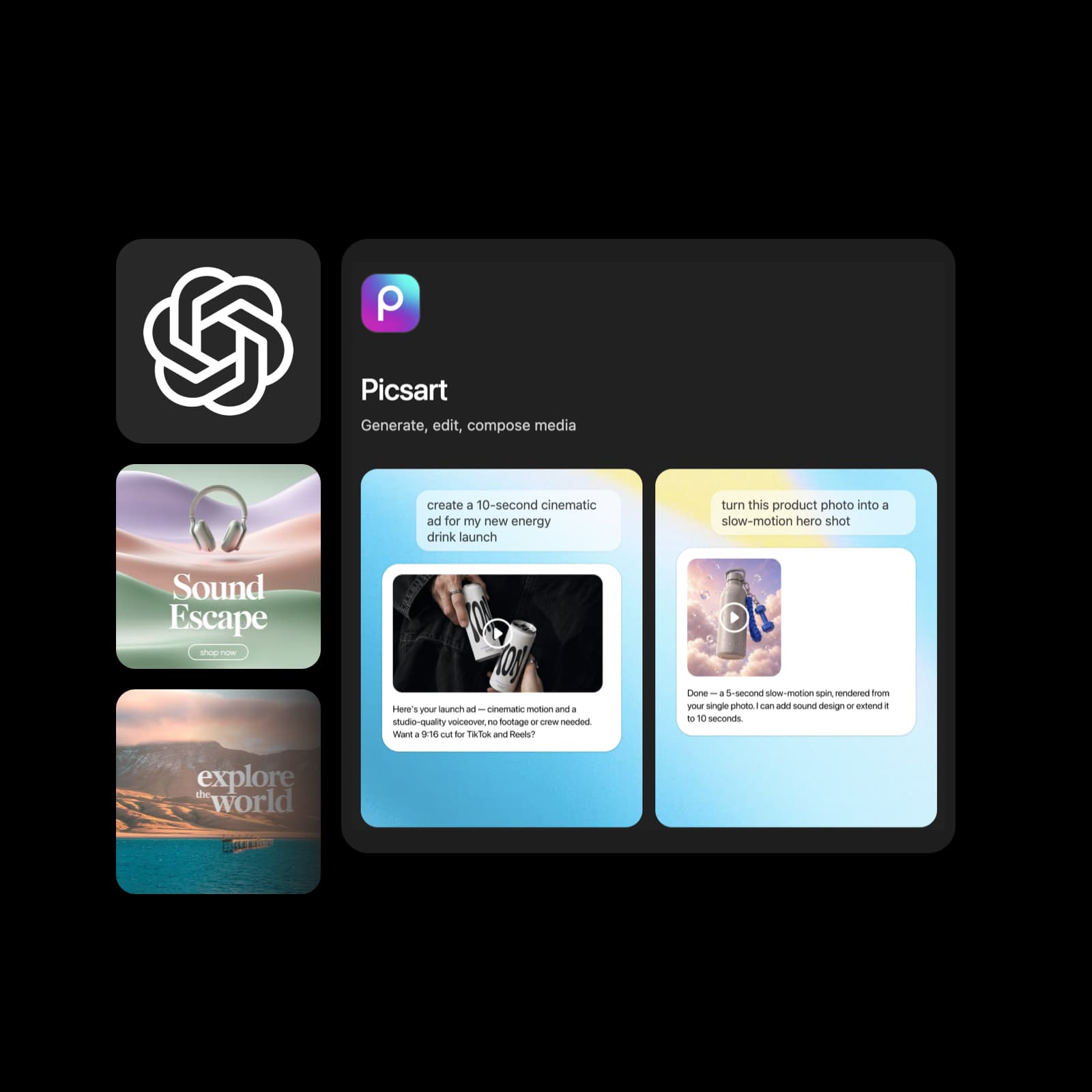
Picsart's ChatGPT plugin listing and illustrative creative examples; other assistants have different connection screens

More ways to bring Picsart into your workflow

Create in a desktop workspace or connect Picsart to an automation workflow.

Availability varies by integration. Explore the linked page for its current setup and supported features.

Keep creative work in one workspace

Use AI Playground Desktop for image, video, and audio creation on Mac or Windows. Bring in local files, explore models, and continue shaping your result.

Explore desktop app
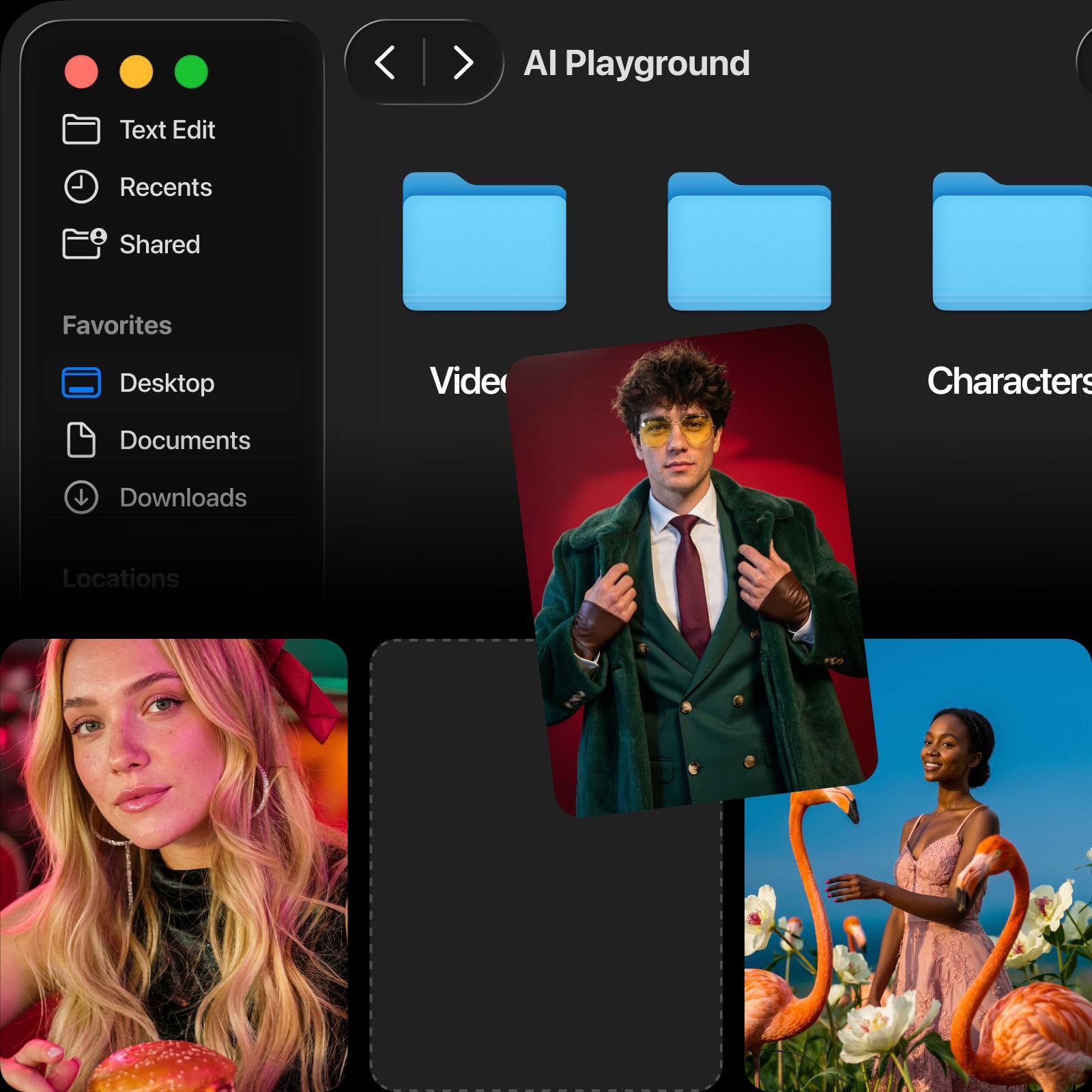
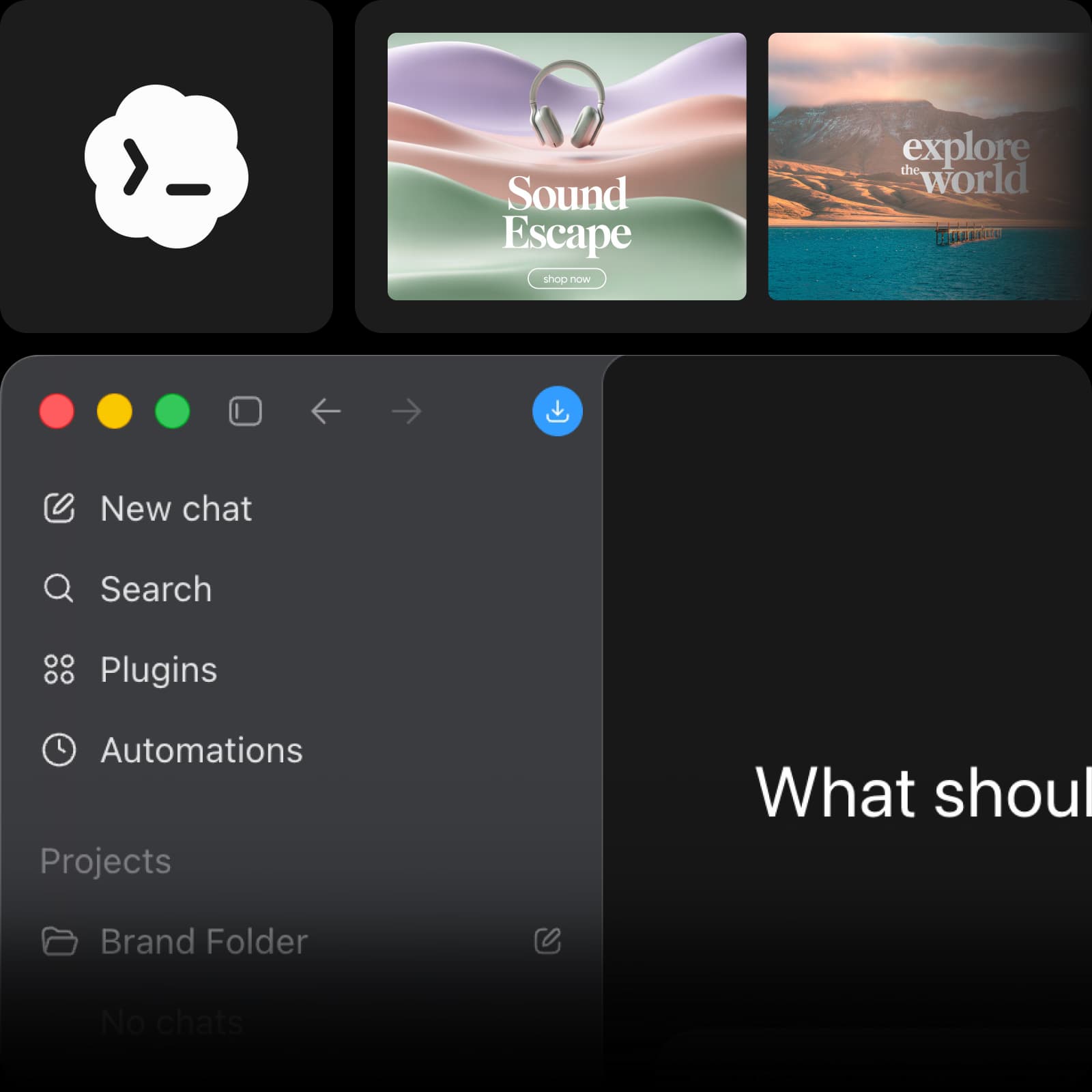
AI Playground Desktop workspace and creative examples from its approved landing page

What creators make with Picsart

Review excerpts about Picsart from creators and small businesses.

A consistent brand, without a design team

I use Picsart to maintain a consistent brand look for my small business.

Ramanpreet S. · G2

Everything I need to sell online

I can create anything I need to sell online

Ubah A. · Trustpilot

60–100K TikTok views

60–100K TikTok views and 20K likes.

Panagiotis P. · Trustpilot

Questions about Picsart plugins

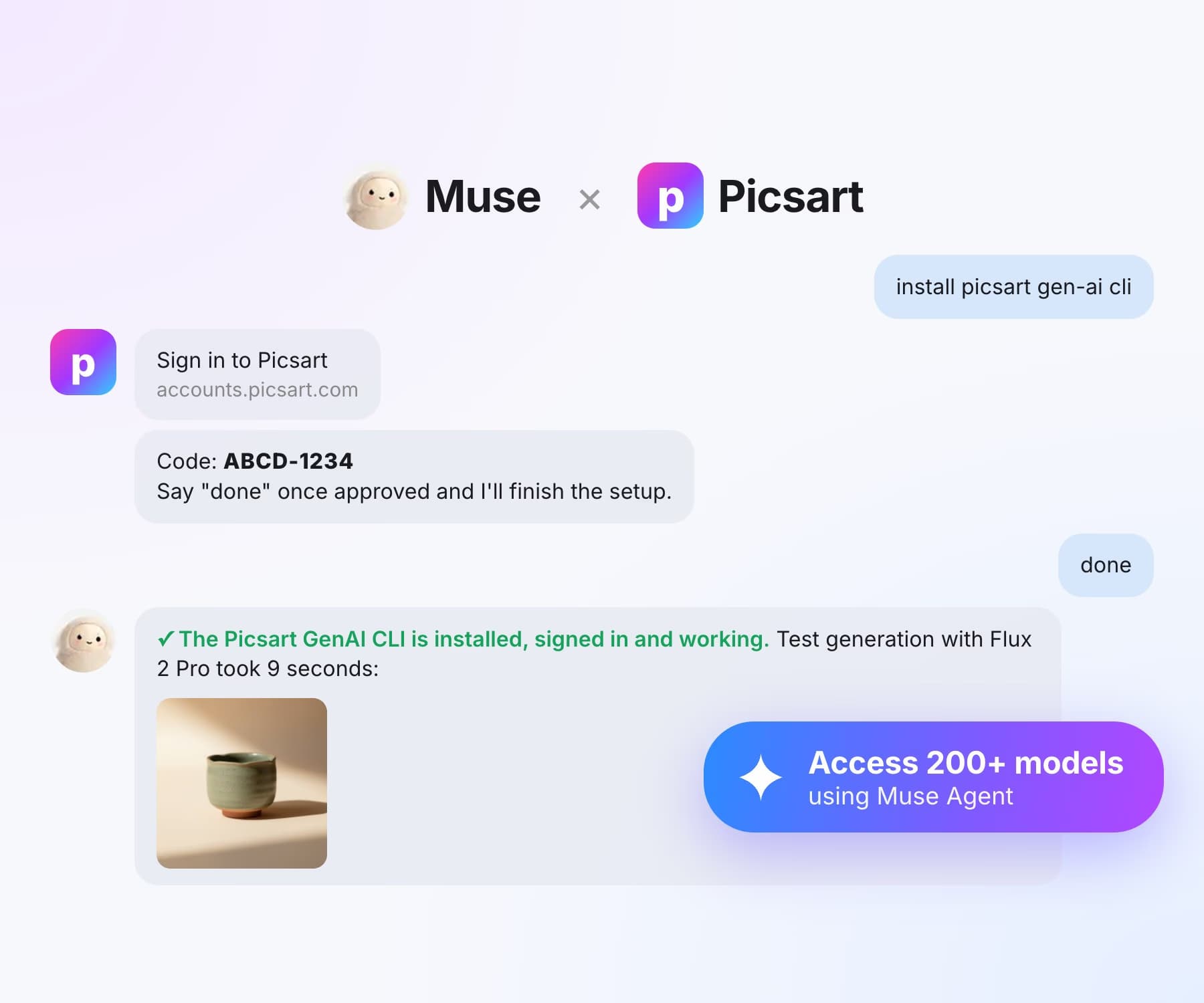
  • Explore the dedicated pages for ChatGPT, Claude, Google Gemini, Grok Bot, Cursor, Codex, and Muse. Each connection has its own setup and availability requirements.