NEW: Seedream 5.5 is HERE. Refine images while keeping the details you love.

Picsart Creative APIs desktop app for macOS and Linux

Use the legacy Creative APIs desktop beta to access Picsart image tools from a desktop workspace. The public v1.0.0 release provides macOS and Linux packages and uses a Picsart API key.

This page covers the Creative APIs beta, a separate product from the newer Picsart desktop apps. The artwork illustrates API-key setup.
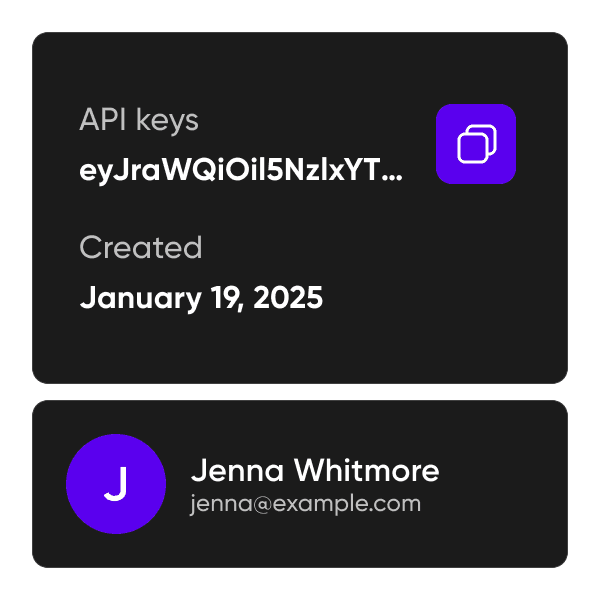
Illustrative API-key setup card, not a desktop app screenshot

Image tools in the legacy desktop workflow

  • Prepare image subjects

    The legacy app guide covers removing and changing image backgrounds.

  • Enhance source images

    Use the app’s available upscaling and enhancement options, then inspect the result at the size you need.

  • Explore generated images

    The guide includes prompt-based image generation. Available tools and processing costs depend on the app and your API account.

Set up the desktop beta

  • 1. Choose your platform

    Open the official GitHub release and select the macOS or Linux package. Check release information and compatibility before installing.

  • 2. Connect your API account

    Follow the API-key guide and enter your key in the app. Keep the key private.

  • 3. Test a representative image

    Start with one image, check the available action and credit requirements, and review the output before processing more files.

Desktop beta questions

  • This is the legacy Creative APIs desktop beta distributed through its own GitHub repository. For the newer desktop offering, see Picsart desktop apps.