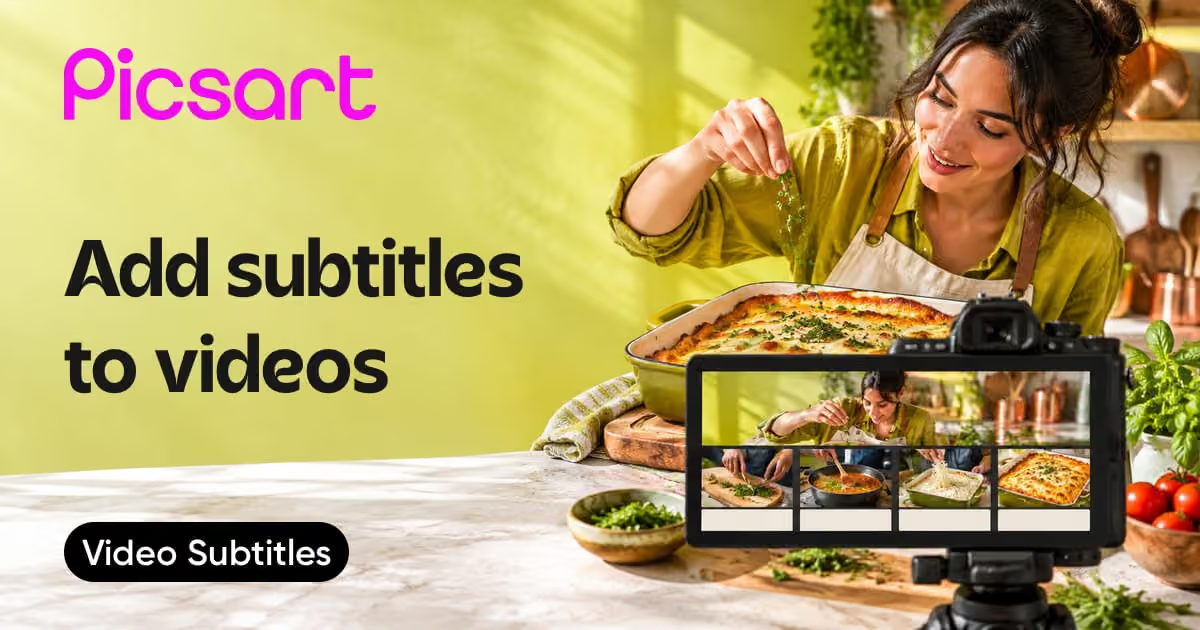
A clip, an image, an idea. Make it a video.
Edit footage you already have, generate a new scene, or turn a still image into motion. Choose your starting point and find the Picsart tools for your next video.
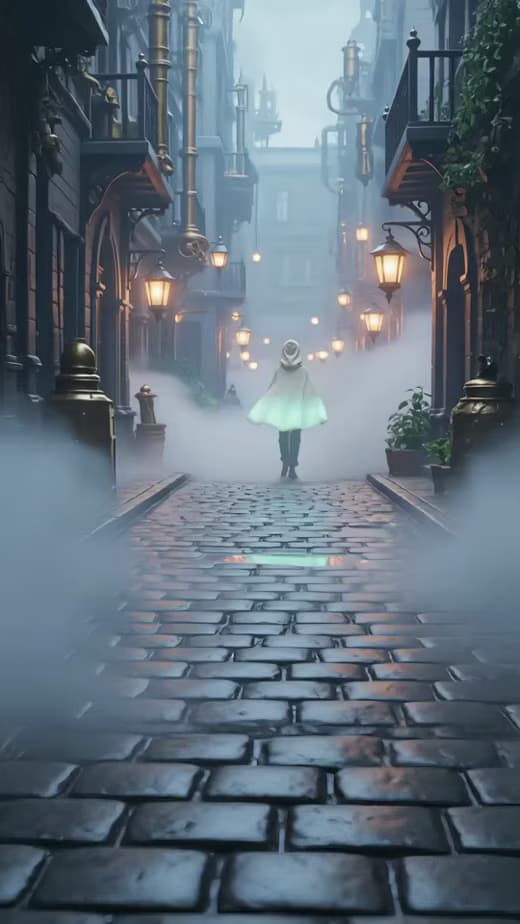
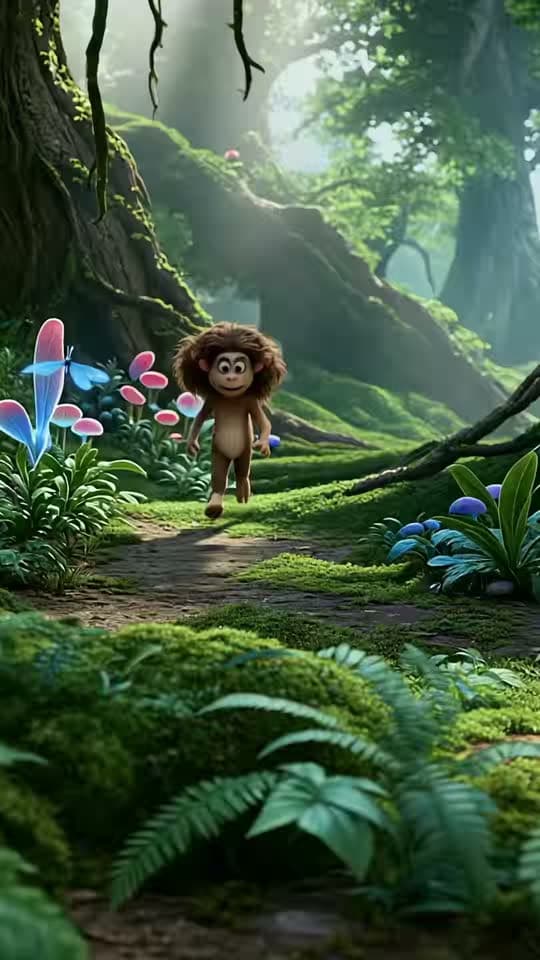
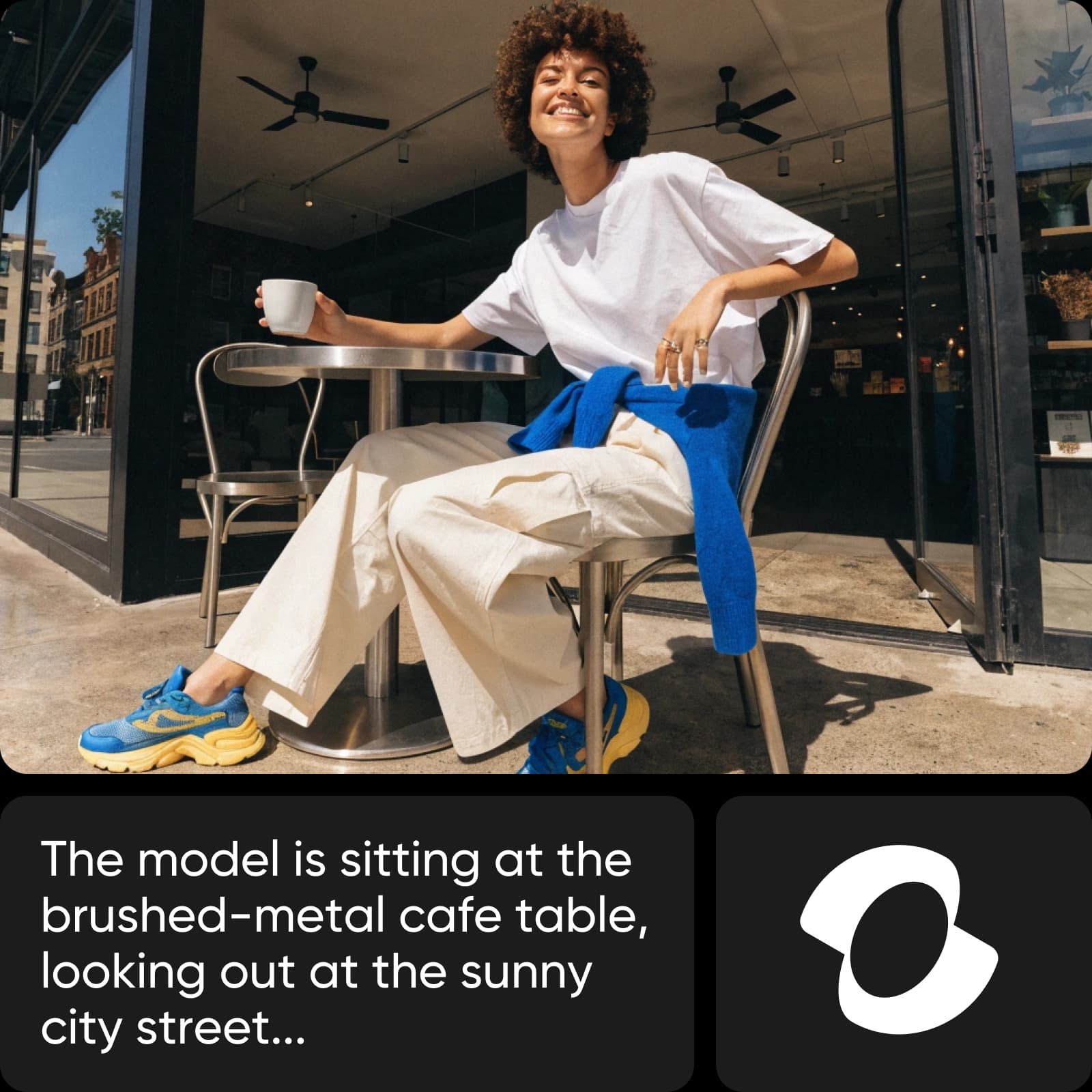
What do you want your video to do?
Choose a category, then find the page that fits your next step.



Visual references for your video
Browse Library assets for a starting point or visual reference.


Choose a starting point. Build your video.
The right workflow depends on what you already have.
Turn your footage into a story
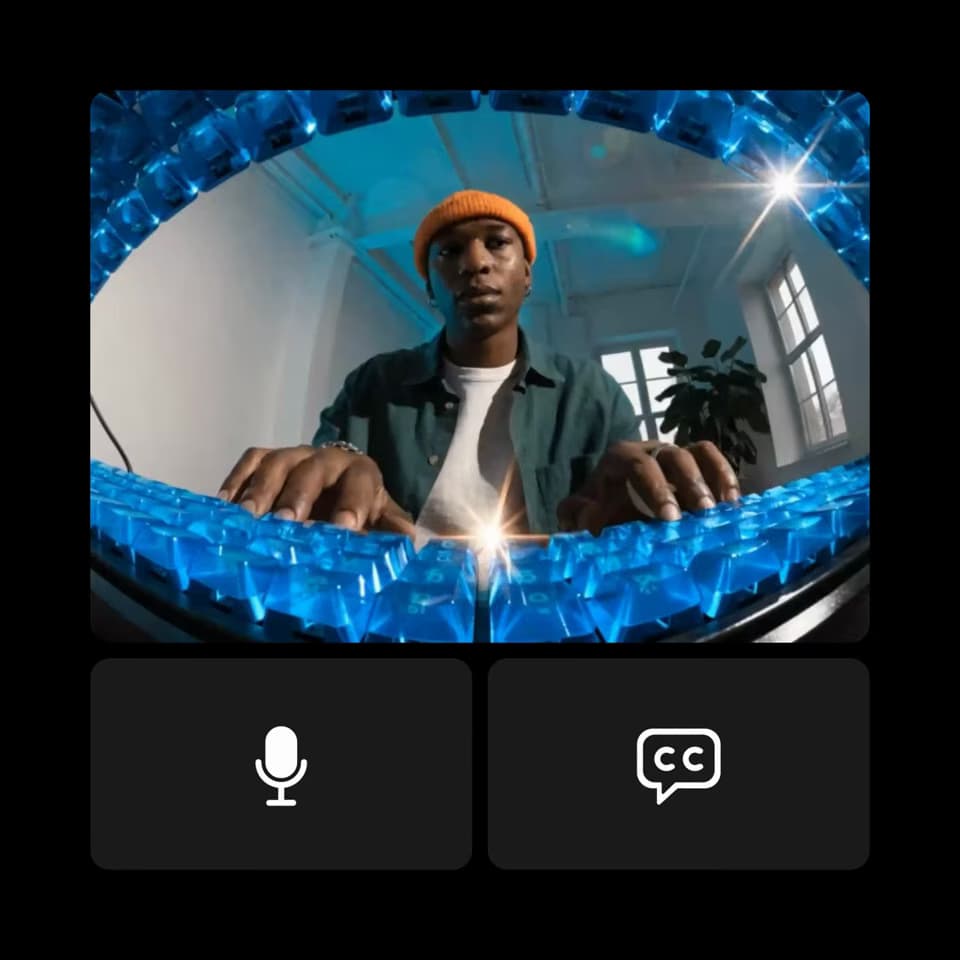
Start with the clips you already have. Trim the parts you do not need, arrange the sequence, and add text or sound in the video editor. Focus on what your viewer should see first and what should happen next.
Create a scene from a description
Describe your subject, its action, the setting, and the movement you want. Review the generated clip, then refine the prompt or settings. Available lengths and controls depend on the model you choose.
Improve the clip you already have
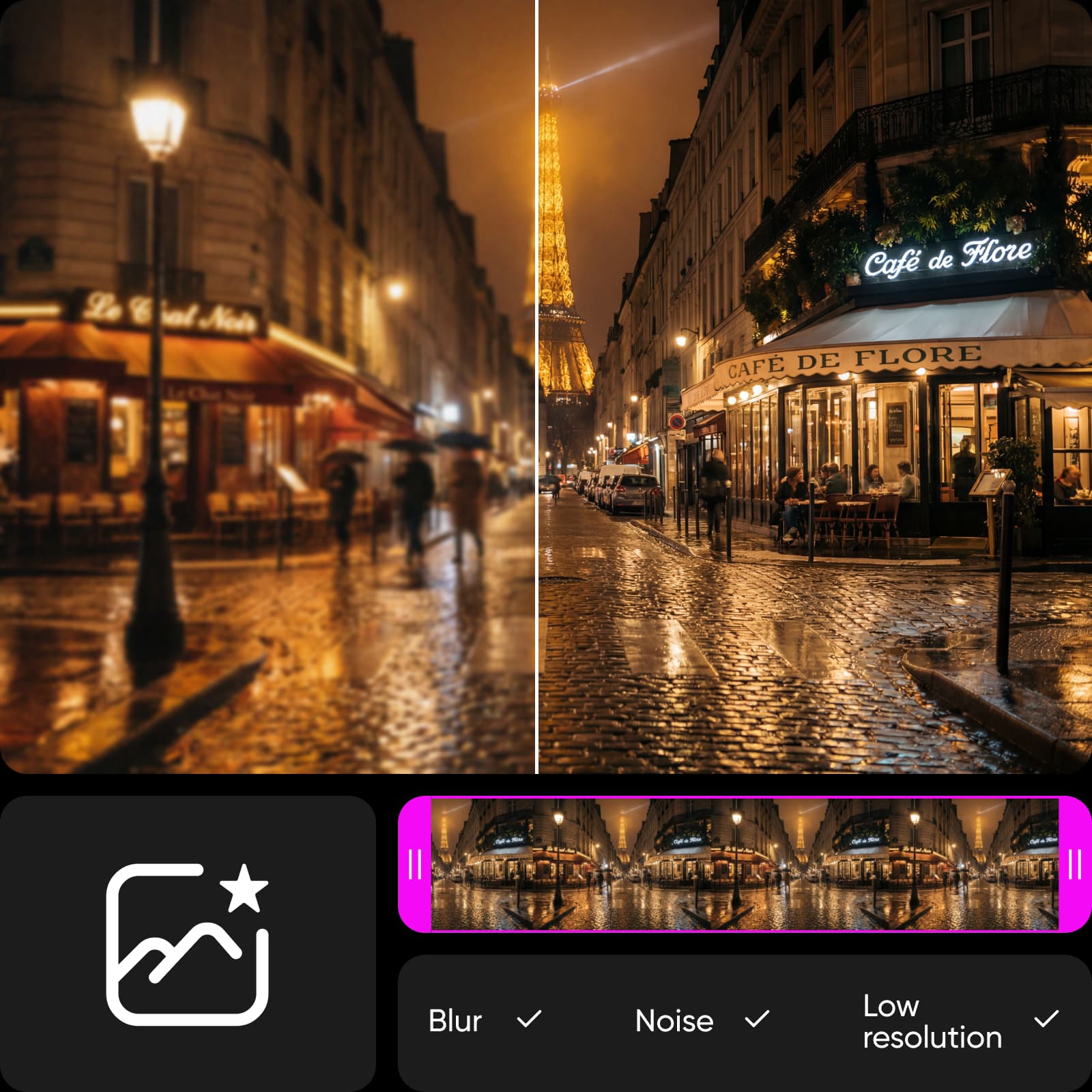
When the footage needs a clearer finish, try Video Enhancer. Compare the result with your original and check important details. Enhancement changes the look of footage; it cannot fix every recording problem.
Compare video platforms
Explore video creation and editing workflows across platforms.
Questions about choosing a video tool
Choose the video editor to trim and arrange footage you already have. Choose AI Video Generator to create a new clip from a description, image-to-video to animate a still image, or Video Enhancer to improve the appearance of existing footage.
Browse all video tools
Explore every video tool connected to this hub.