Merge videos online

Combine multiple videos into one polished edit with Picsart. Upload your footage, arrange each clip in the order you want, and merge videos in just a few clicks. When you’re done, export your finished video in high quality with no watermark and no software to download.

Rated Excellent by Picsart creators

See what people say about Picsart on Trustpilot.

Recognized on G2G2 Spring 2026 Leader badgeG2 Spring 2026 Momentum Leader badgeG2 Spring 2026 Fastest Implementation badge
  • Keeps every clip crisp

    Your merged video keeps the original sharpness of every clip.

  • Mix MP4, MOV, and more

    Combine popular formats, portrait or landscape, without converting them first.

  • Works free in your browser

    Merge videos online for free, with no software to install and no watermark.

How to merge videos

How to

Upload your videos

Add the clips you want to merge from your device, or simply drag and drop them into Picsart.
Upload your videos

Combine videos online in the order you want

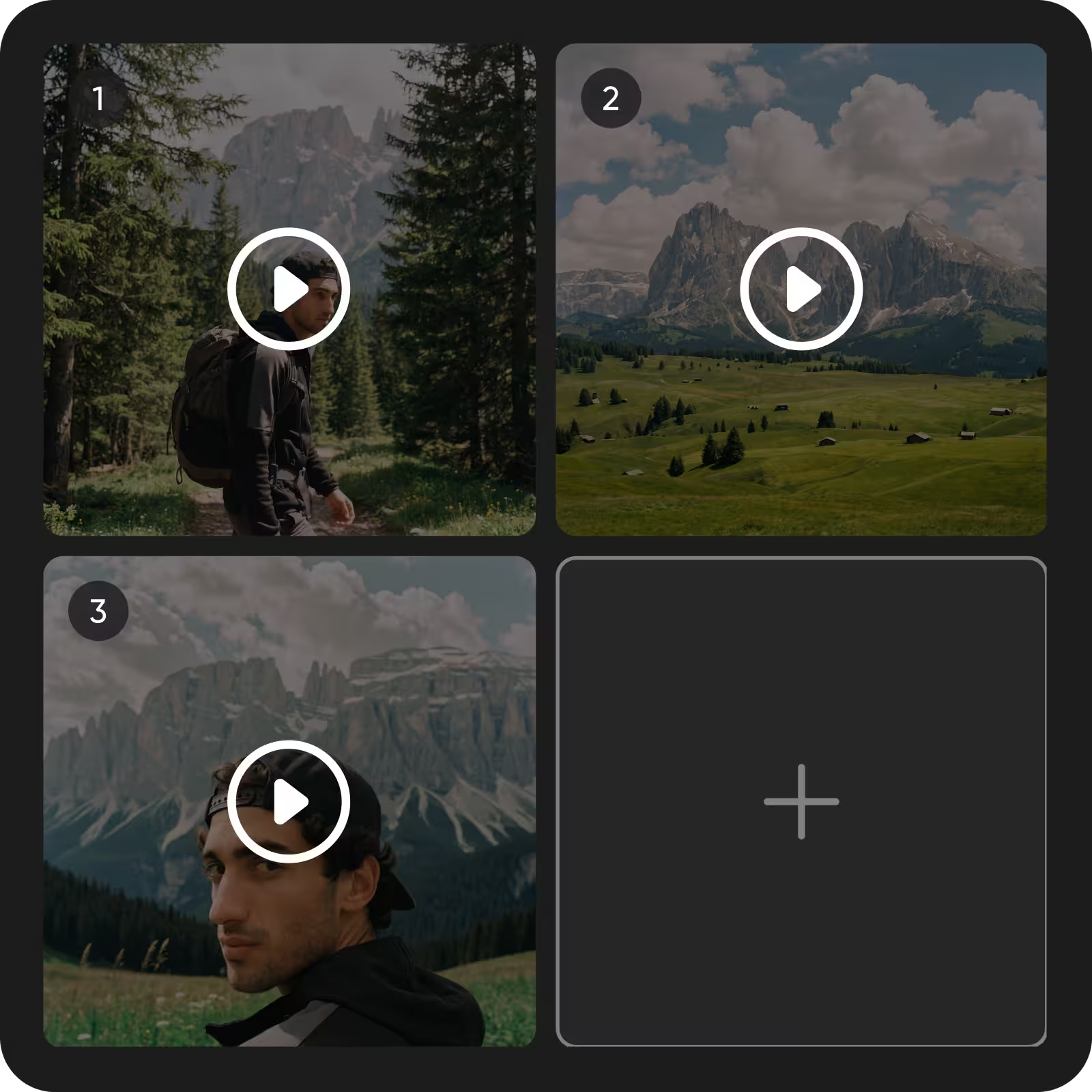
Picsart’s video merger shows every clip as a numbered block, so you always see the play order. Drag a block to a new spot until the clips connect the way the story flows. You can combine video clips online and rearrange them as often as you like. When the order is right, merge every clip into one video, stitched together in a single file.

  • Every clip numbered in play order
  • The story flows the way you planned

Merge multiple videos into one

Two clips are only the start. Click the Add clip tile to bring in the next video, and it joins the sequence as its own numbered block. This video combiner keeps every clip in one place, so you can keep adding clips, putting every part of the story in place. Then combine videos into one finished file and export it.

  • Add clips one after another
  • Each clip easy to find by its number

Combine two videos with different sizes

When you’re combining clips from different phones or cameras, they rarely share one shape. Pick one size for the merged video, either matching the first clip or set to your own width and height. Clips that don’t fill the frame sit on a transparent background by default.

  • Portrait and landscape clips in one frame
  • Your own size when you need it

Check the merged video before you export

Before you export, the bar under the preview shows the merged video’s resolution, frame rate, and length, and it updates as you add clips. Once your clips are merged, the AI video editor lets you change the result by describing the edit, like swapping an object or restyling the scene. The same tool lets you merge video files in a desktop or mobile browser.

  • Resolution, fps, and length at a glance
  • No surprises after you download

Videos merged with Picsart

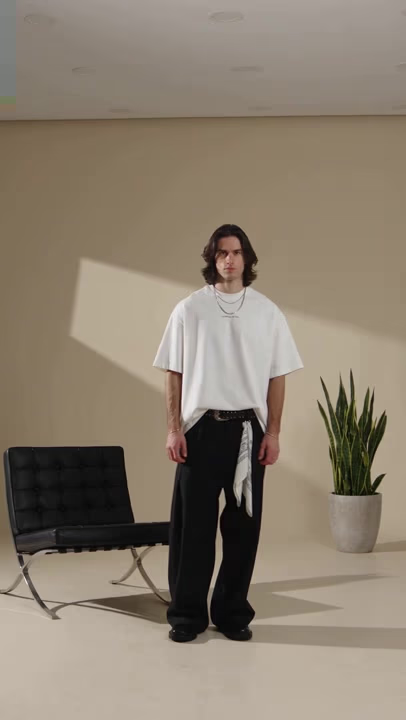
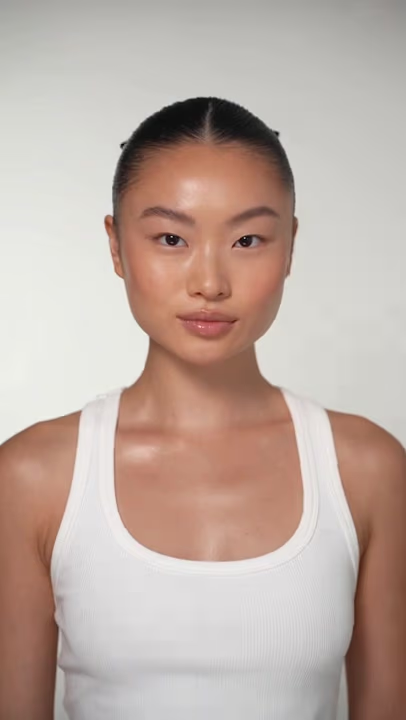
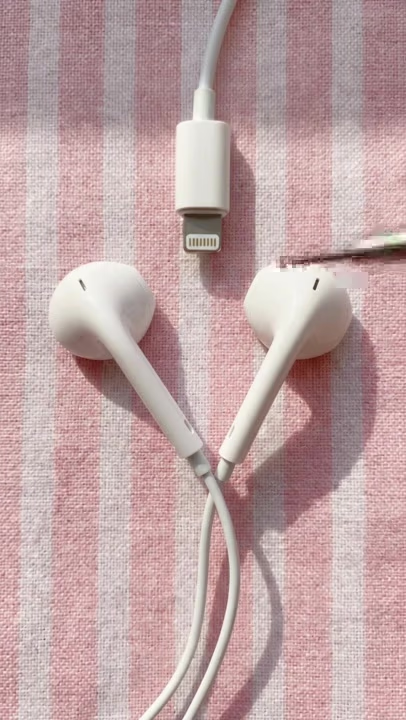
Clips joined into one video with the Picsart video joiner.

promo video 1
promo video 2
promo video 3

Discover ways to merge videos

Social reels and compilations
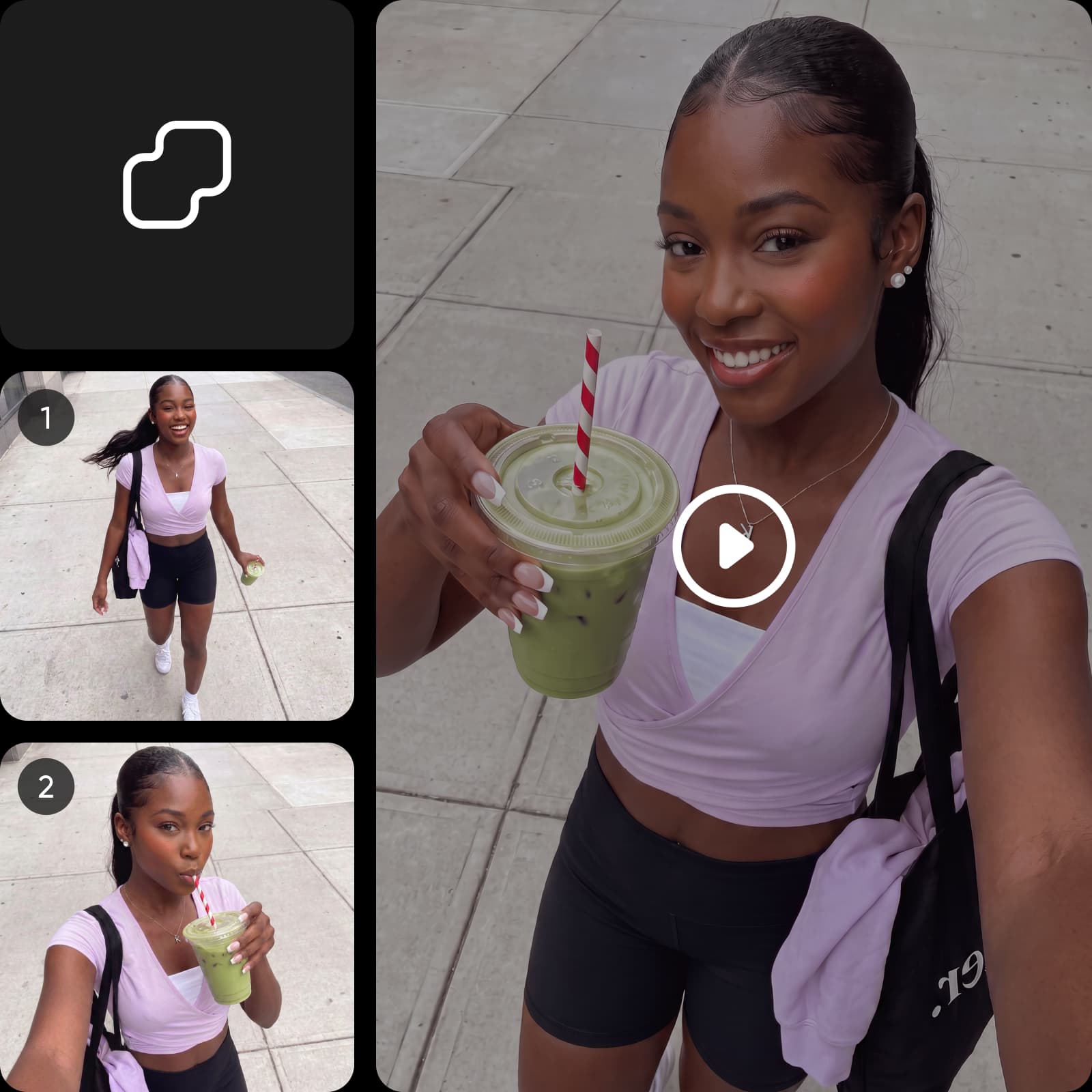
Combine your favorite clips into one scroll-ready video for TikTok, Instagram Reels, or YouTube Shorts. Bring highlights, reactions, and memorable moments together in a smooth sequence.
Merge videos
Social reels and compilations

Merge videos FAQ

  • Upload your clips to Picsart’s video merger, arrange them in the order you want, and make any final edits. Then merge the videos into one clip and export your finished video as an MP4.

Generate videos for every creative idea

SAVE UP TO 50%

Pro

Most popular

AI tools for everyday creative work.

$15 $10.5/mo
Billed yearly
You save $54 with yearly
Trending models
Full access
  • Seedance 2.04K 15s
  • Seedream 5.52K
  • MiniMax H32K 15s
  • GPT Image 2.6Fast
  • Access to all photo & video editing features
  • Advanced background & object removal
  • Parallel video generations with the world's most powerful AI video models
  • Unlimited image generations with Flex.2 Klein
  • 1-tap image enhancer
  • Millions of stock photos & Getty video clips
  • Selection of trendy fonts, text styles & stickers
  • Thousands of premium templates
  • Support for 3+ brand kits
  • Bulk edit up to 50 images at once
  • 100 GB of cloud storage
New features:
  • 15+ creative AI agents that plan, execute, and deliver — across video, brand, localization, and more
  • Auto-generate content from your terminal or agent with the Picsart CLI
  • Use Picsart inside Claude Code, Cursor, and ChatGPT via MCP

Ultra

Most powerful

Heavy AI usage for creators & teams.

$45 $24.5/mo
Billed yearly
You save $246 with yearly
Trending models
Full access
  • Seedance 2.51080p 30s
  • Seedream 5.52K
  • MiniMax H32K 15s
  • GPT Image 2.6Fast
  • 200+ leading AI video, image, and audio models (Kling 3.0, Nano Banana, MiniMax H3, Seedance 2.5 & more)
  • Parallel video generations with the world's most powerful AI video models
  • Early access to advanced AI features
  • Unlimited image generations with Flex.2 Klein
  • Option to buy add-on credits that never expire
  • Up to 6.5 million Getty stock videos
  • Bulk edit up to 100 images at once
  • Support for 10+ brand kits
  • Create ad variations & localize
  • Track ads performance
  • Add team seats
  • 300 GB of cloud storage per seat
New features:
  • 15+ creative AI agents that plan, execute, and deliver — across video, brand, localization, and more
  • Auto-generate content from your terminal or agent with the Picsart CLI
  • Use Picsart inside Claude Code, Cursor, and ChatGPT via MCP