Image
Video
Library
Creators
Solutions
Community
MCP & CLI
Pricing
  1. Home
  2. Video Tools
  3. Reverse video

Reverse video online in seconds

Turn any clip into a smooth rewind with Picsart's free online Video Reverser. Upload your video, reverse it in one click, adjust the playback speed, and download a high-quality result with no watermark or sign-up required.

Reverse videos
reverse video in seconds

Reverses with one click

Upload your video and apply the reverse effect instantly. No timeline editing or complicated controls - just one click, and your clip plays backwards.

Works online for free

Reverse videos directly in your browser with no app to install, no signup to create, and no watermark on your finished export.

Gives you speed control

Slow playback for dramatic rewinds, speed it up for fast-paced action, or create smooth boomerang loops that fit your creative style.


Reverse video effects made with Picsart
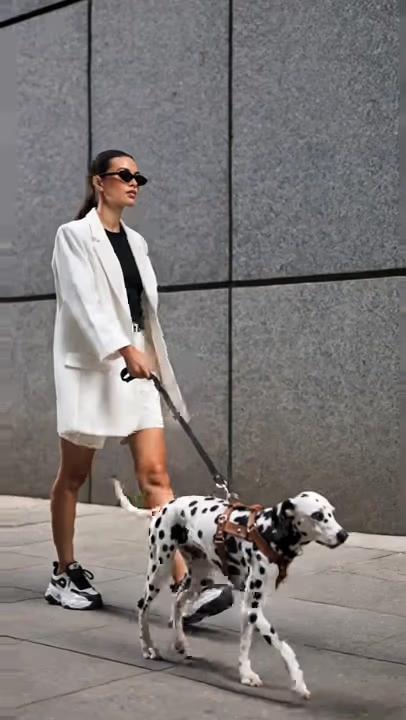
promo video 1
promo video 2
promo video 3
promo video 4
promo video 5
promo video 6
promo video 7
promo video 8
Upload your video

Upload your video

Drag and drop your clip or choose a file from your device. Picsart supports popular formats like MP4, MOV, WebM, and more.

Reverse video
Upload your video

Play any video backwards instantly

Turn any clip into a reverse video in just a few clicks. Picsart's online Video Reverser flips your footage so every scene plays from end to beginning, creating smooth rewind effects, creative reveals, and attention-grabbing social content. Simply upload your video, apply the reverse effect, and let Picsart handle the rest.

Reverse video

Reverse videos online for free

Skip the downloads and start editing right away. Picsart lets you reverse videos online from any desktop or mobile browser, with no app or signup required. Export your finished video in high quality with no watermark, so it's ready to share the moment you're done.

Try it free

Gives you complete playback control

Go beyond a simple reverse effect. Slow your video down for a dramatic rewind, speed it up to add energy, or create a seamless boomerang loop. Reverse playback to match your style and make every moment feel more dynamic.

Reverse video

Reverse video with sound or without it

Go beyond a simple reverse effect. Slow your video down for a dramatic rewind, speed it up to add energy, or create a seamless boomerang loop. Fine-tune the playback to match your style and make every moment feel more dynamic.

Reverse video

From quick reverses to full edits

The reverse video maker lives inside Picsart Video Studio, so you're one click from trimming, adding text, music, transitions, and effects. Start by reversing your video in seconds, then keep creating in Picsart Video Studio. Whether you need a simple rewind or a polished final edit, everything you need is in one place.

Reverse video

Discover ways to use reverse video

Social media trends
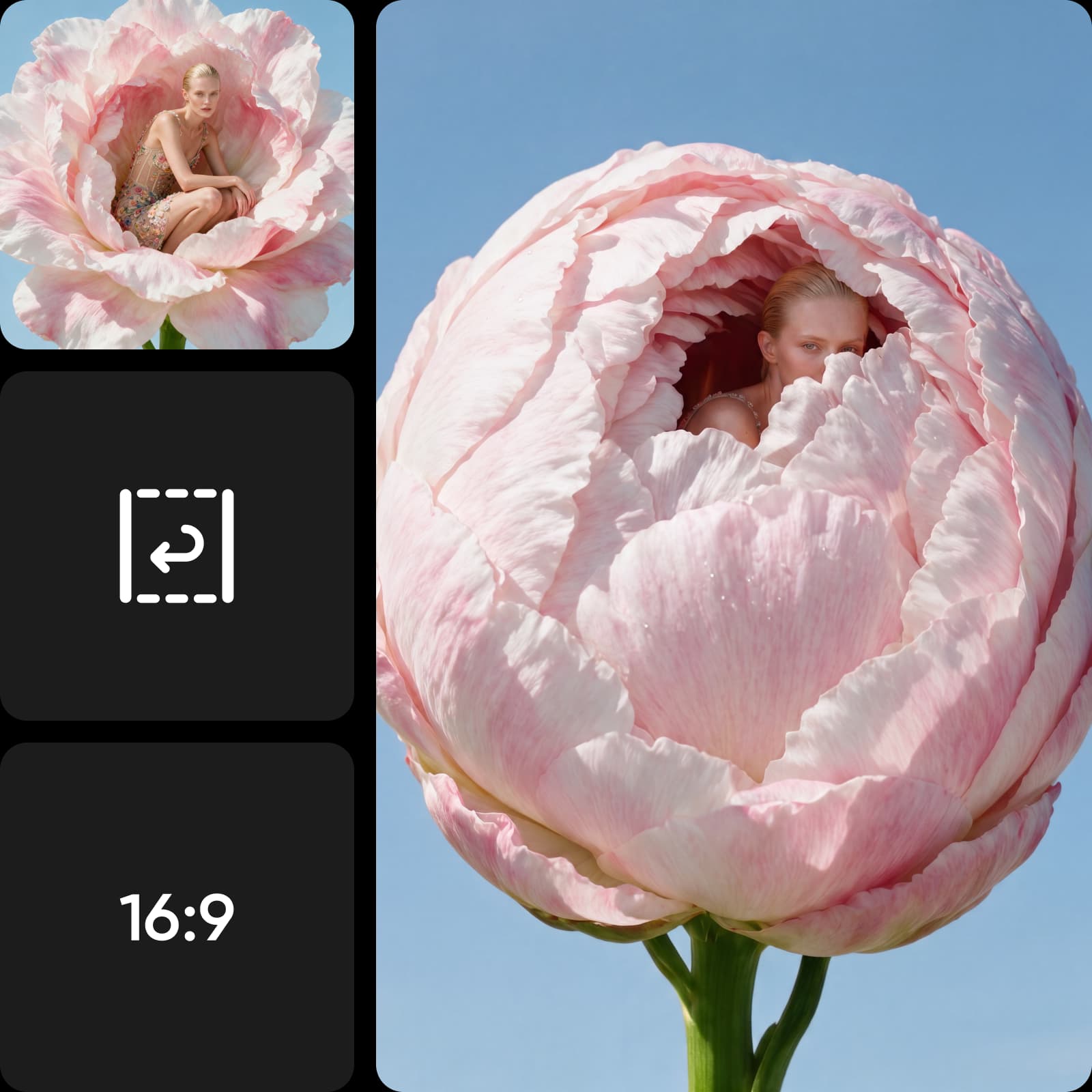
Create eye-catching reverse videos for TikTok, Instagram Reels, and YouTube Shorts. Add satisfying rewind transitions that help your content stand out in the feed.

Reverse video
Social media trends

Reverse video FAQ

01

How do I reverse a video?

Upload your clip to Picsart's Video Reverser, apply the reverse effect, adjust the speed if you like, and download. The whole process takes seconds in your browser - no editing skills needed.
02

Is Picsart's Video Reverser free?

Yes. You can reverse video online for free with Picsart - no signup required to start, and no watermark on your export.
03

Can I reverse a video online without a watermark?

Yes. Picsart reverses your video and exports it cleanly, with no watermark and no loss of quality.
04

Can I reverse a video with sound?

Yes. You can reverse the audio along with the footage, or mute it and add your own track.
05

How do I reverse a video on an iPhone or Android?

Open Picsart's reverse video tool in any mobile browser, upload the clip from your camera roll, reverse it, and save - no app to download.

Generate videos for every creative idea

Put your videos to work

Turn images into videosCreate animated GIFsEdit AI-generated videosApply video filtersRemove video backgroundsCreate video slideshowsGenerate AI Video AvatarsAdd music to videosGenerate content with AICreate video advertisementsDesign social media adsRemove objects from videosExplore all AI tools

Use Picsart anywhere

Install the app, or bring Picsart into the AI workspaces your team already uses.

Use Picsart with

  • ChatGPT / Codex
  • Claude
  • Terminal
  • Cursor
  • OpenClaw
  • Hermes

Download the app

Download on the App StoreGET IT ON Google PlayGet it from Microsoft

Follow Picsart

Pinterest
AICPA SOC

Create

  • AI Image Generator
  • AI Video Generator
  • AI Playground
  • Flow
  • AI Photo Editor
  • AI Video Editor
  • AI Agents
  • Content Library
  • AI Models

Creators

  • Earn with Picsart
  • Clipping
  • For Brands
  • Video Studio
  • Tutorials
  • Challenges

Connect

  • ChatGPT / Codex
  • MCP setup
  • Command line
  • Developers
  • Google Drive

Business

  • Pricing
  • Enterprise
  • Industries
  • Quicktools

Company

  • Support
  • Careers
  • About us
  • Blog
  • Press Center
Terms of UsePrivacy PolicyDo Not SellInternet-Based AdvertisingCommunity GuidelinesDMCASecurity PolicyAccessibility
© 2026 PicsArt, Inc.