logo
AI Image
AI Video
Library
Solutions
Community
MCP & CLI
Pricing
  1. Home
  2. Video Tools
  3. Video Background Remover

Free Video Background Remover

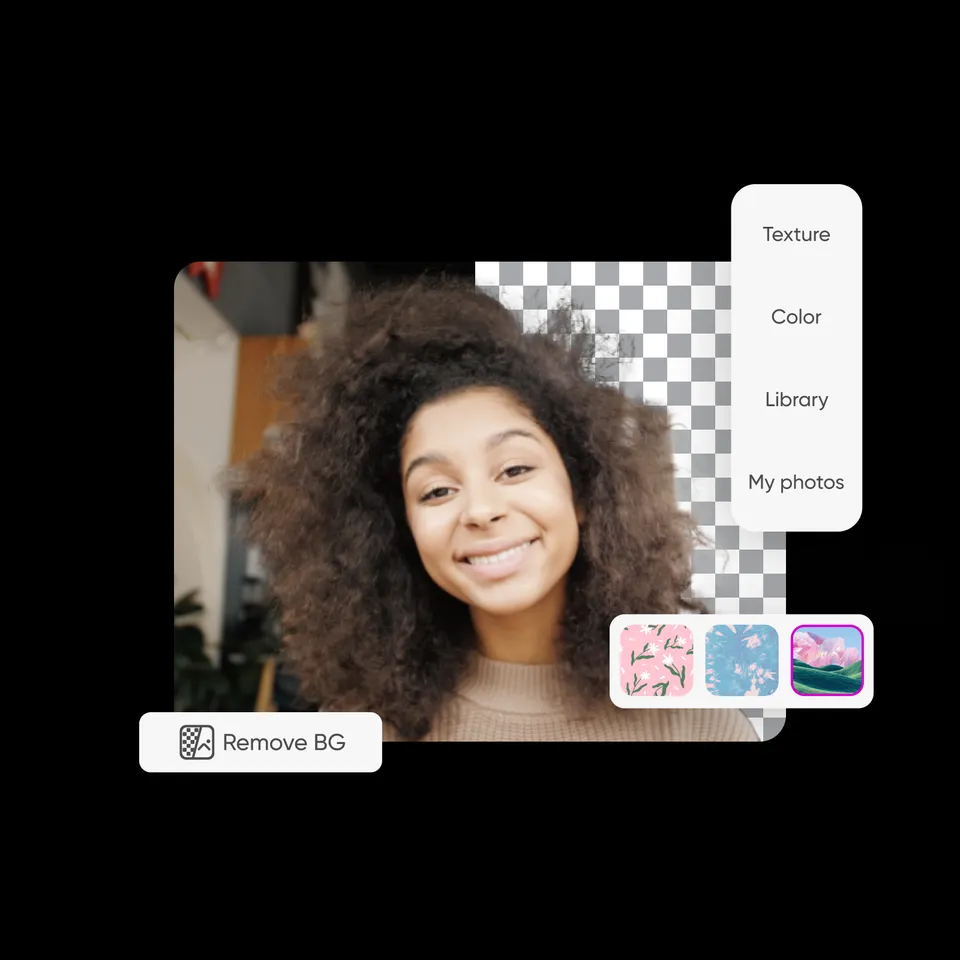
Effortlessly erase video backgrounds with Picsart’s AI-powered Video Background Remover. No video editing skills or software necessary, everything is perfectly automated, precise, and beginner-friendly.
icon for video background removal

Easy video background removal

Remove background from a video easily without using complicated tools.

icon for free to use

Free to use

Enjoy cost-effective video background removals with Picsart. 

icon for AI

Simple and intuitive interface

Streamline video background removal with an easy-to-use tool.

How to remove video backgrounds with Picsart

1

Upload your video

Use the Browse files button above to select a video. 

2

Preview the result

3

Download

Automate video background removals with AI 

Upload a video and remove the background with just one move with Picsart's Video Background Remover. The AI-powered technology detects backgrounds and makes them vanish in an instant, at zero cost. It's all done automatically and in an instant. Let the tool work its magic while you save time and cut back on manual labor. 

Remove video backgrounds
automatic video background removal

Replace video background with custom backdrops

Not only can you use the video background changer to remove backgrounds easily, the tool also lets you replace the background with different colors. Push the envelope even more by adding your own backgrounds or colors that are completely customized. 

Remove video backgrounds 
change video background online

Effortlessly replace green screens

Replace even green screen backgrounds with any image easily using Picsart's Video Background Remover. Imagine transporting a presenter to a volcanic mountain, showcasing your product in a bustling cityscape, or creating other mind-bending visual effects. Tap into an AI-powered green screen removal technology to craft engaging and captivating video content.

Remove video backgrounds
remove and replace green screens

Create video tutorials with unique backgrounds

Picsart's Video Background Remover helps tutors and instructors create professional training videos quickly. Change backgrounds to enhance your on-screen appearance, use slides from your presentation, or select appealing images. Put the fun back in tutorials by adding captions and generating context-based backgrounds using Picsart's smart background tool.

Remove video backgrounds 
educational video tutorials with custom backgrounds

Elevate product marketing with video background removal

Make sure your product leaves a convincing first impression by using Picsart's Video Background Remover. Add overlays, animations, text, and other assets to create stand-out interactive product demos. Pair the tool with Picsart’s video ad maker to put together engaging video ads that can't be beat, and let your products shine bright against any background.

Remove video backgrounds
remove video background to create interesting marketing materials

Do more than video background removals

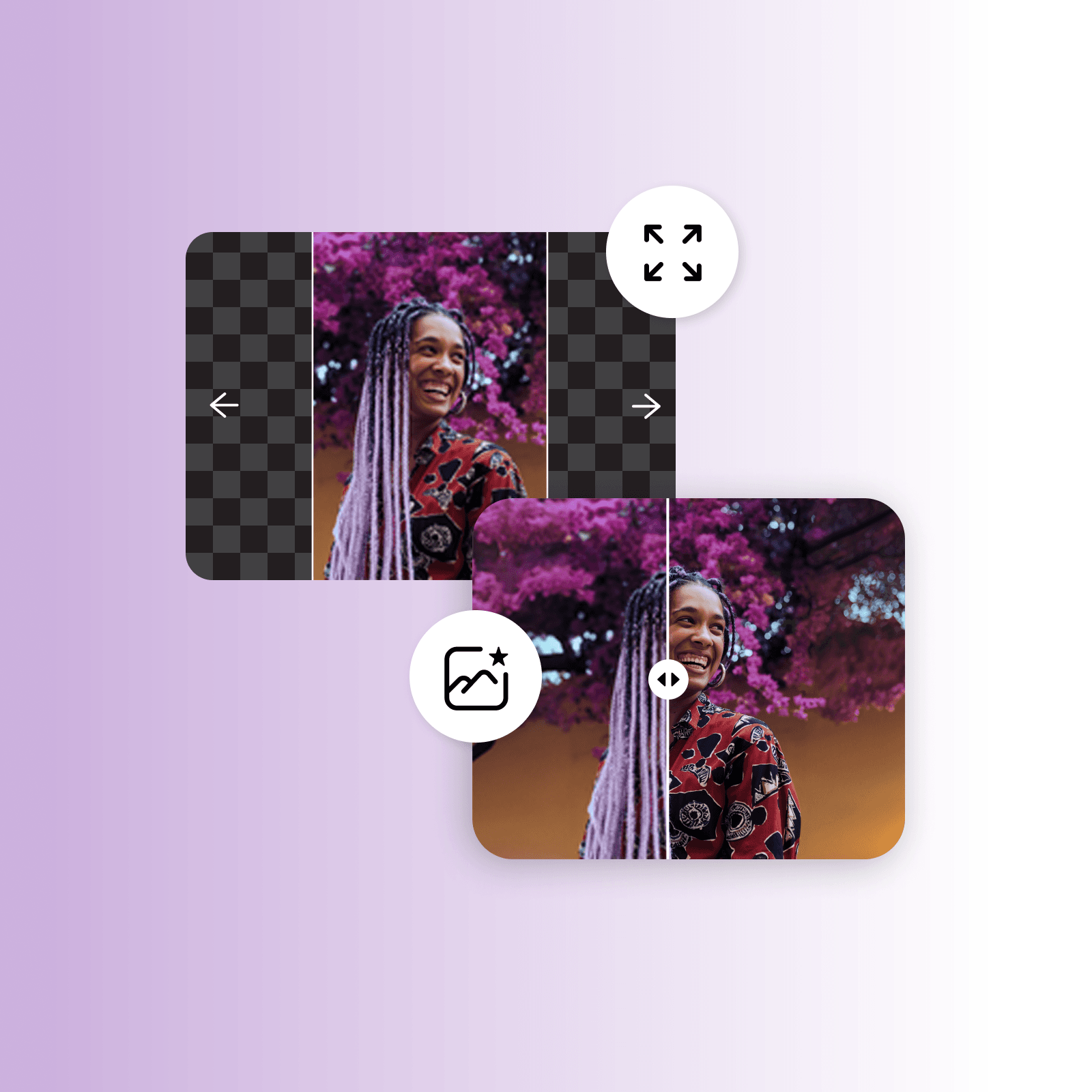
Level up with Picsart's easy-to-use editing tools. Become a pro at removing backgrounds from videos and images with AI. Play around with tools like the image extender, AI filters, text editor, and more. Delete objects from videos and depixelate photos in a flash. Break the mold in enhancing content. 

Remove video backgrounds 
more than video background remover


Free Video Background Remover by Picsart

Use Picsart's free Video Background Remover to get rid of video backgrounds, change product shots for your storefront, enhance social media marketing, and up the ante with product demos and presentations. Fish for ideas with Picsart's other AI tools like the image extender, the AI writer, the cartoon character maker, and more. 

Remove video backgrounds 

Video Background Remover FAQ

A Video Background Remover lets you erase the original backdrop from your video and replace it with something else, like a solid color or a custom visual.

The easiest way to remove the background from a video is to use a free online video background remover tool like the one from Picsart. 

Yes, using an AI-powered video background remover, you can remove any color from your video. 

Yes, Picsart’s Video Background Remover is a free tool.

No. Thanks to its capabilities, AI will detect and remove video backgrounds without sacrificing quality.

Yes, once the video background removal is done, you can replace it with other images and even colors. 


More tools from Picsart you can try

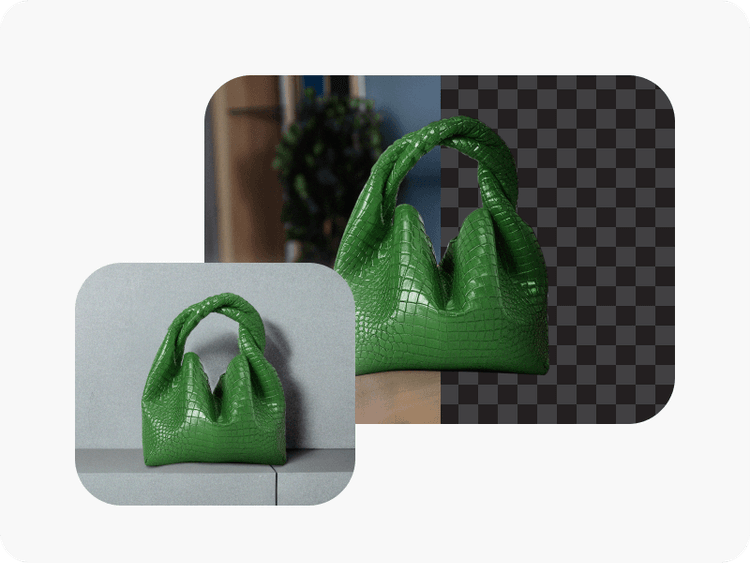
background remover tool in Picsart photo editor

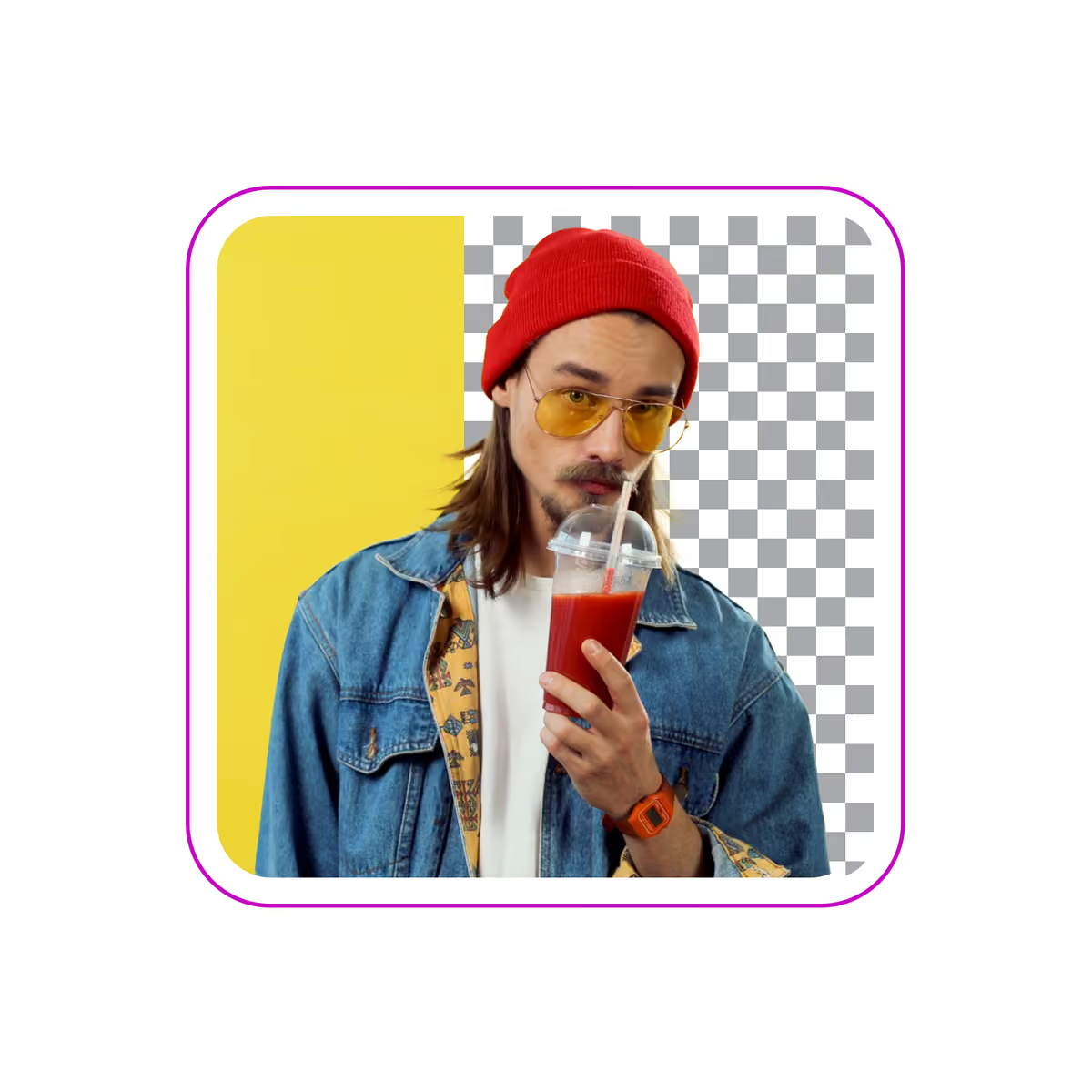
Background remover

Masterfully erase the background with AI or make it transparent.

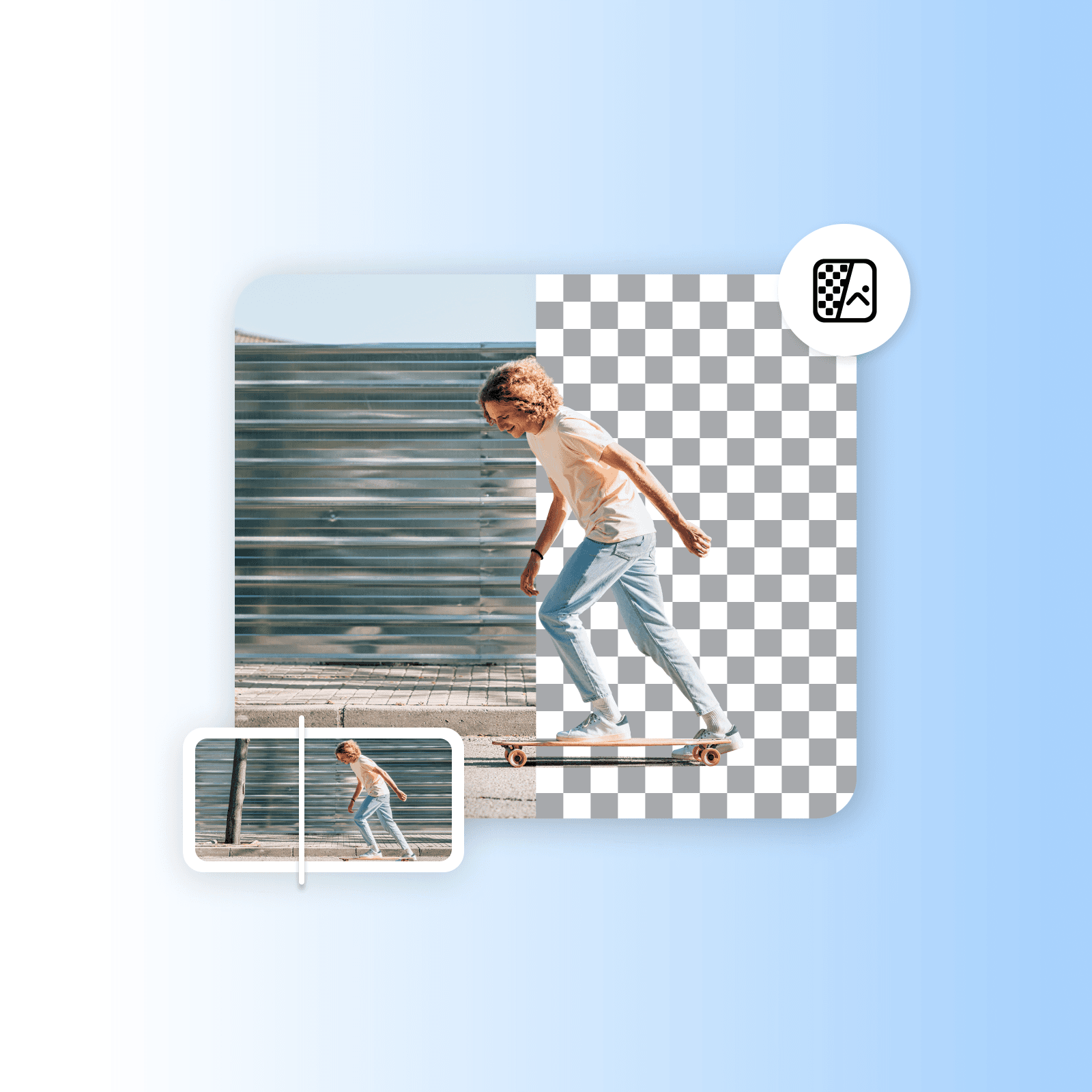
background changer

Background changer

Swap up the backdrop with your own photo or select from Picsart’s library. 

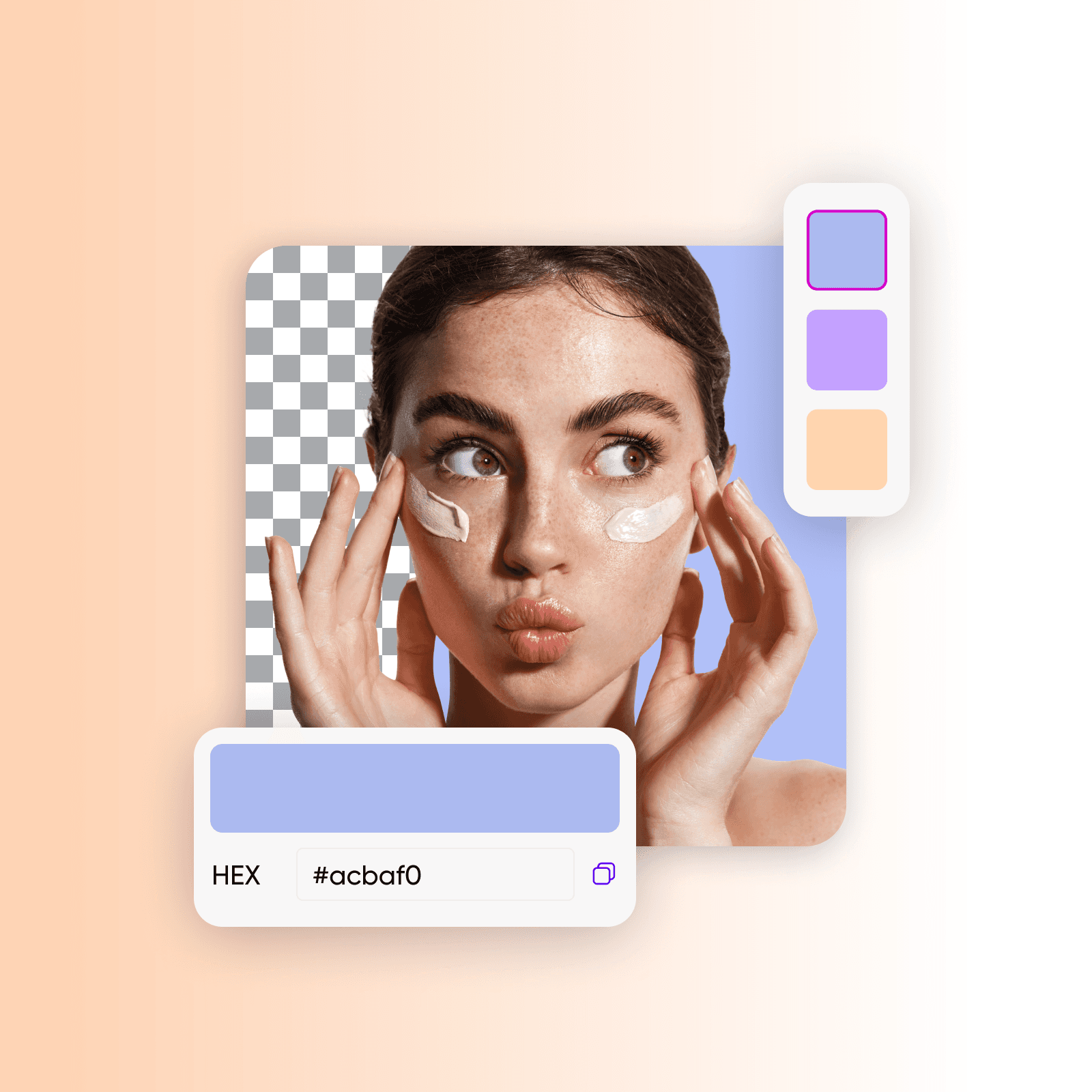
Color picker by Picsart

Color picker

Instantly find the exact color tone code you are looking for. 

 Sharpen images with Picsart

Sharpen image

Instantly find the exact color tone code you are looking for. 

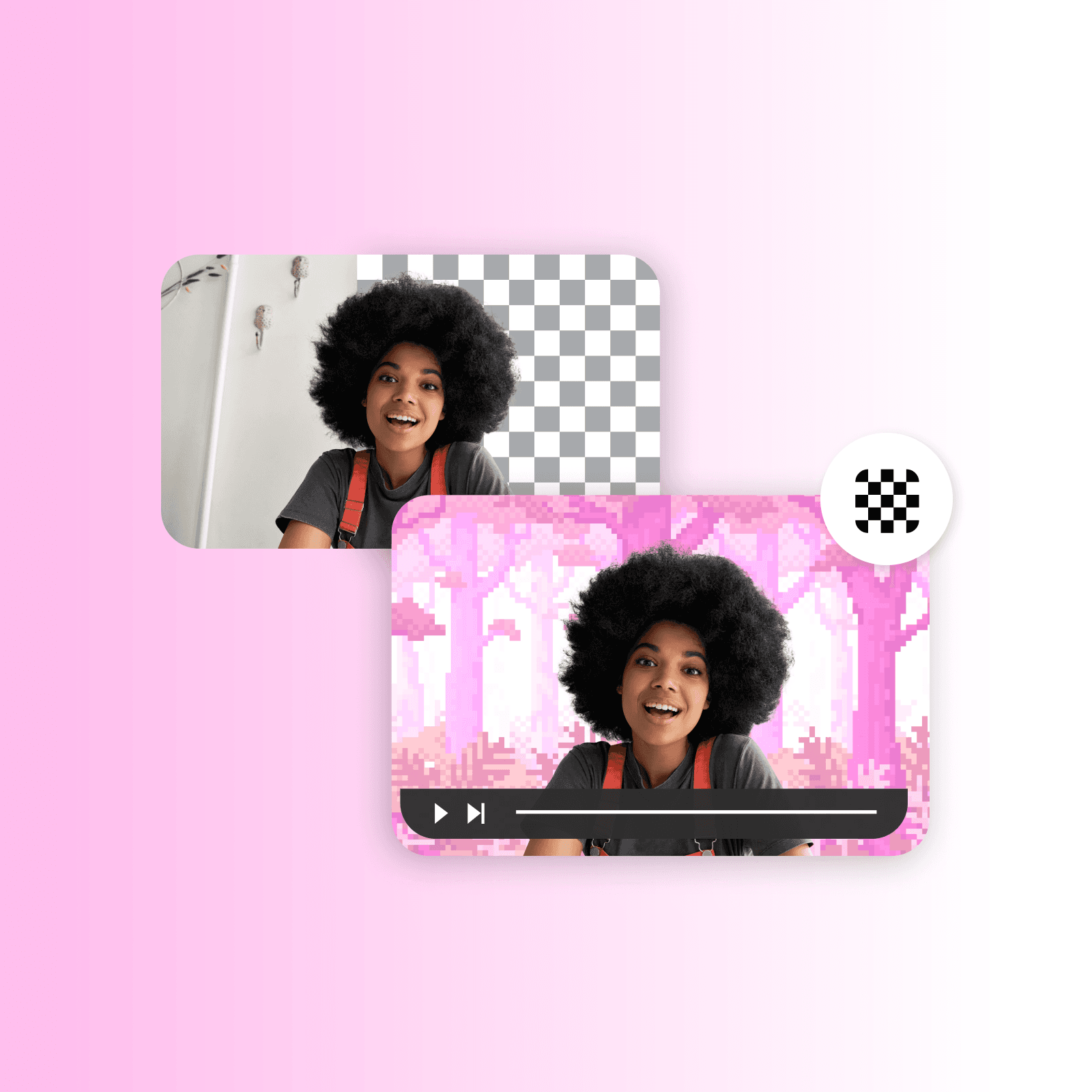
video ad maker

Video ad maker

Create engaging video ads in seconds using AI.


black and white filters

Video object eraser

Get rid of unnecessary details from your videos with the help of AI.

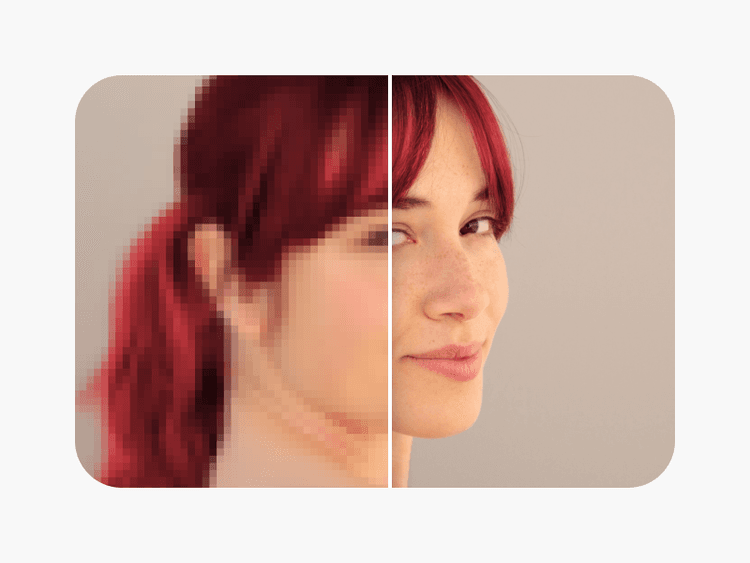
unpixelate images online

Unpixelate images

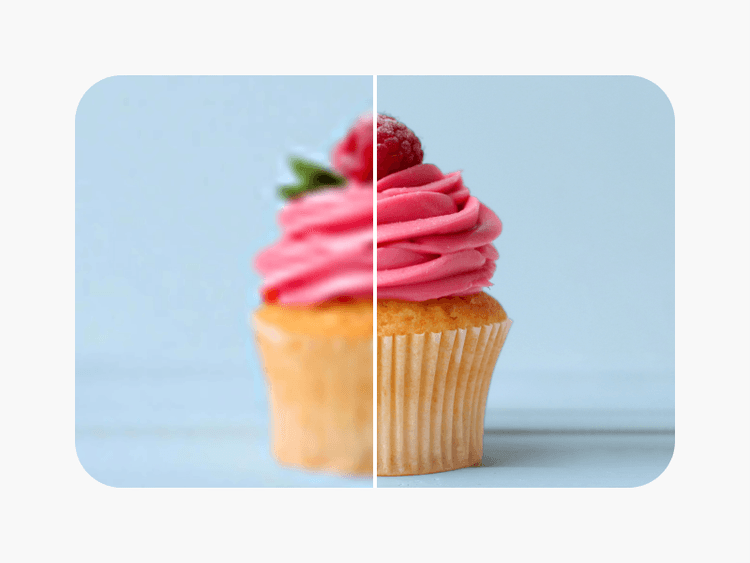
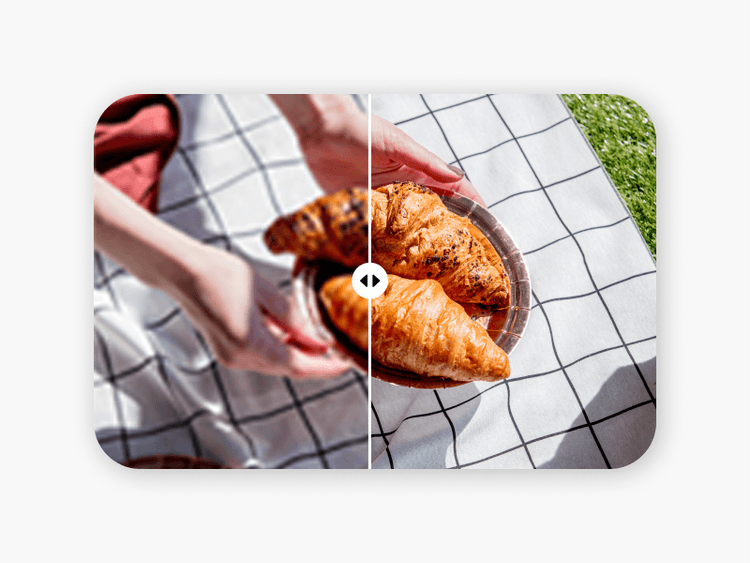
Clear up images using Picsart’s AI-powered image enhancer.

Generate backgrounds with Picsart's AI background generator

AI background

Generate unique backgrounds from scratch with just a prompt.

improve image clarity with Picsart’s unblur tool

Unblur image

Bid farewell to blurry photos with AI blur removal.

Other relevant video editing tools

Remove objects from videosEdit videos onlineRemove image backgroundsCreate video contentAdd video filtersGenerate AI backgroundsTurn images into videosAdd music to videosResize your videosCrop video contentTrim video clipsExplore video tools

Get the free app

Download on the App StoreGET IT ON Google PlayGet it from Microsoft
Pinterest
AICPA SOC

Explore

  • AI Image Generator
  • AI Video Generator
  • AI Playground
  • AI Image Models
  • AI Video Models
  • AI Photo Editor
  • Templates
  • Design Tools

Solutions

  • For Enterprise
  • For Developers
  • For Google Drive
  • For specific Industries
  • Quicktools
  • AI Avatar
  • Pricing

Company

  • Support
  • Careers
  • About us
  • Earn with Picsart
  • Blog
  • Press Center
Terms of UsePrivacy PolicyDo Not SellInternet-Based AdvertisingCommunity GuidelinesDMCASecurity PolicyAccessibility
© 2026 PicsArt, Inc.

Understand background edits

Learn how to remove, replace, and clean up backgrounds.

How to remove backgrounds from photos with AI preview
Backgrounds

How to remove backgrounds from photos with AI

3 minBeginner
How to replace backgrounds with AI-generated scenes preview
Backgrounds

How to replace backgrounds with AI-generated scenes

4 minIntermediate
How to generate custom backgrounds from text descriptions preview
Backgrounds

How to generate custom backgrounds from text descriptions

4 minIntermediate
How to create product photography backgrounds with AI preview
Backgrounds

How to create product photography backgrounds with AI

4 minIntermediate
How to make virtual backgrounds for video calls preview
Backgrounds

How to make virtual backgrounds for video calls

3 minBeginner
Backgrounds

How to replace product photo backgrounds at scale with AI agents

4 minAdvanced
See all tutorials

Make background-free videos with AI video models

Use video models to transform clips, footage, and prompts into background-free videos for social, ads, and creative workflows.

Seedance 2.0New
Next-gen cinematic video with optional audio and reference image. Up to 1080p.Reference inputAudio1080pCinematicSee model
Seedance 2.0 FastNew
Fast cinematic video with audio, reference images, and start/end frame control.Reference inputAudioFast generationCinematicSee model
Seedance 2.0 Video EditNew
Edit video — replace subjects, add or remove objects, restyle scenes with reference images.Video editingReference inputVideo generationSee model
Seedance 2.0 Fast Video EditNew
Fast video edit — modify scenes with reference images.Video editingReference inputFast generationSee model
Sora 2 Pro
Up to 1080p with strong physical realism and optional reference image.Reference input1080pPro qualityCinematicSee model
Sora 2
Naturalistic 720p video with lifelike motion and character detail.CinematicVideo generationSee model
Wan 2.7
Wan 2.7 T2V — up to 15s at 1080p with audio input and prompt enhancement.Text to videoAudio1080pCinematicSee model
Kling V3
Long-form video up to 15s with native audio and start/end frame control.AudioCinematicVideo generationSee model
Kling V2.6
Mature pipeline with audio, adjustable cfg, and standard/pro rendering.AudioPro qualityCinematicSee model
Kling V3 Omni
Flexible generation across creative styles using V3 Omni architecture, with optional 4K output.4KCinematicVideo generationSee model
Kling V3 Turbo
Faster V3 variant — long-form video up to 15s with native audio, start/end frame control, and 720p/1080p output.Audio1080pFast generationCinematicSee model
Kling Video O1
O1-architecture video generation with 5 or 10 second output.CinematicVideo generationSee model
Seedance 2.0New
Next-gen cinematic video with optional audio and reference image. Up to 1080p.Reference inputAudio1080pCinematicSee model
Seedance 2.0 FastNew
Fast cinematic video with audio, reference images, and start/end frame control.Reference inputAudioFast generationCinematicSee model
Seedance 2.0 Video EditNew
Edit video — replace subjects, add or remove objects, restyle scenes with reference images.Video editingReference inputVideo generationSee model
Seedance 2.0 Fast Video EditNew
Fast video edit — modify scenes with reference images.Video editingReference inputFast generationSee model
Sora 2 Pro
Up to 1080p with strong physical realism and optional reference image.Reference input1080pPro qualityCinematicSee model
Sora 2
Naturalistic 720p video with lifelike motion and character detail.CinematicVideo generationSee model
Wan 2.7
Wan 2.7 T2V — up to 15s at 1080p with audio input and prompt enhancement.Text to videoAudio1080pCinematicSee model
Kling V3
Long-form video up to 15s with native audio and start/end frame control.AudioCinematicVideo generationSee model
Kling V2.6
Mature pipeline with audio, adjustable cfg, and standard/pro rendering.AudioPro qualityCinematicSee model
Kling V3 Omni
Flexible generation across creative styles using V3 Omni architecture, with optional 4K output.4KCinematicVideo generationSee model
Kling V3 Turbo
Faster V3 variant — long-form video up to 15s with native audio, start/end frame control, and 720p/1080p output.Audio1080pFast generationCinematicSee model
Kling Video O1
O1-architecture video generation with 5 or 10 second output.CinematicVideo generationSee model
Seedance 2.0New
Next-gen cinematic video with optional audio and reference image. Up to 1080p.Reference inputAudio1080pCinematicSee model
Seedance 2.0 FastNew
Fast cinematic video with audio, reference images, and start/end frame control.Reference inputAudioFast generationCinematicSee model
Seedance 2.0 Video EditNew
Edit video — replace subjects, add or remove objects, restyle scenes with reference images.Video editingReference inputVideo generationSee model
Seedance 2.0 Fast Video EditNew
Fast video edit — modify scenes with reference images.Video editingReference inputFast generationSee model
Sora 2 Pro
Up to 1080p with strong physical realism and optional reference image.Reference input1080pPro qualityCinematicSee model
Sora 2
Naturalistic 720p video with lifelike motion and character detail.CinematicVideo generationSee model
Wan 2.7
Wan 2.7 T2V — up to 15s at 1080p with audio input and prompt enhancement.Text to videoAudio1080pCinematicSee model
Kling V3
Long-form video up to 15s with native audio and start/end frame control.AudioCinematicVideo generationSee model
Kling V2.6
Mature pipeline with audio, adjustable cfg, and standard/pro rendering.AudioPro qualityCinematicSee model
Kling V3 Omni
Flexible generation across creative styles using V3 Omni architecture, with optional 4K output.4KCinematicVideo generationSee model
Kling V3 Turbo
Faster V3 variant — long-form video up to 15s with native audio, start/end frame control, and 720p/1080p output.Audio1080pFast generationCinematicSee model
Kling Video O1
O1-architecture video generation with 5 or 10 second output.CinematicVideo generationSee model
Seedance 2.0New
Next-gen cinematic video with optional audio and reference image. Up to 1080p.Reference inputAudio1080pCinematicSee model
Seedance 2.0 FastNew
Fast cinematic video with audio, reference images, and start/end frame control.Reference inputAudioFast generationCinematicSee model
Seedance 2.0 Video EditNew
Edit video — replace subjects, add or remove objects, restyle scenes with reference images.Video editingReference inputVideo generationSee model
Seedance 2.0 Fast Video EditNew
Fast video edit — modify scenes with reference images.Video editingReference inputFast generationSee model
Sora 2 Pro
Up to 1080p with strong physical realism and optional reference image.Reference input1080pPro qualityCinematicSee model
Sora 2
Naturalistic 720p video with lifelike motion and character detail.CinematicVideo generationSee model
Wan 2.7
Wan 2.7 T2V — up to 15s at 1080p with audio input and prompt enhancement.Text to videoAudio1080pCinematicSee model
Kling V3
Long-form video up to 15s with native audio and start/end frame control.AudioCinematicVideo generationSee model
Kling V2.6
Mature pipeline with audio, adjustable cfg, and standard/pro rendering.AudioPro qualityCinematicSee model
Kling V3 Omni
Flexible generation across creative styles using V3 Omni architecture, with optional 4K output.4KCinematicVideo generationSee model
Kling V3 Turbo
Faster V3 variant — long-form video up to 15s with native audio, start/end frame control, and 720p/1080p output.Audio1080pFast generationCinematicSee model
Kling Video O1
O1-architecture video generation with 5 or 10 second output.CinematicVideo generationSee model
Seedance 2.0New
Next-gen cinematic video with optional audio and reference image. Up to 1080p.Reference inputAudio1080pCinematicSee model
Seedance 2.0 FastNew
Fast cinematic video with audio, reference images, and start/end frame control.Reference inputAudioFast generationCinematicSee model
Seedance 2.0 Video EditNew
Edit video — replace subjects, add or remove objects, restyle scenes with reference images.Video editingReference inputVideo generationSee model
Seedance 2.0 Fast Video EditNew
Fast video edit — modify scenes with reference images.Video editingReference inputFast generationSee model
Sora 2 Pro
Up to 1080p with strong physical realism and optional reference image.Reference input1080pPro qualityCinematicSee model
Sora 2
Naturalistic 720p video with lifelike motion and character detail.CinematicVideo generationSee model
Wan 2.7
Wan 2.7 T2V — up to 15s at 1080p with audio input and prompt enhancement.Text to videoAudio1080pCinematicSee model
Kling V3
Long-form video up to 15s with native audio and start/end frame control.AudioCinematicVideo generationSee model
Kling V2.6
Mature pipeline with audio, adjustable cfg, and standard/pro rendering.AudioPro qualityCinematicSee model
Kling V3 Omni
Flexible generation across creative styles using V3 Omni architecture, with optional 4K output.4KCinematicVideo generationSee model
Kling V3 Turbo
Faster V3 variant — long-form video up to 15s with native audio, start/end frame control, and 720p/1080p output.Audio1080pFast generationCinematicSee model
Kling Video O1
O1-architecture video generation with 5 or 10 second output.CinematicVideo generationSee model
Seedance 2.0New
Next-gen cinematic video with optional audio and reference image. Up to 1080p.Reference inputAudio1080pCinematicSee model
Seedance 2.0 FastNew
Fast cinematic video with audio, reference images, and start/end frame control.Reference inputAudioFast generationCinematicSee model
Seedance 2.0 Video EditNew
Edit video — replace subjects, add or remove objects, restyle scenes with reference images.Video editingReference inputVideo generationSee model
Seedance 2.0 Fast Video EditNew
Fast video edit — modify scenes with reference images.Video editingReference inputFast generationSee model
Sora 2 Pro
Up to 1080p with strong physical realism and optional reference image.Reference input1080pPro qualityCinematicSee model
Sora 2
Naturalistic 720p video with lifelike motion and character detail.CinematicVideo generationSee model
Wan 2.7
Wan 2.7 T2V — up to 15s at 1080p with audio input and prompt enhancement.Text to videoAudio1080pCinematicSee model
Kling V3
Long-form video up to 15s with native audio and start/end frame control.AudioCinematicVideo generationSee model
Kling V2.6
Mature pipeline with audio, adjustable cfg, and standard/pro rendering.AudioPro qualityCinematicSee model
Kling V3 Omni
Flexible generation across creative styles using V3 Omni architecture, with optional 4K output.4KCinematicVideo generationSee model
Kling V3 Turbo
Faster V3 variant — long-form video up to 15s with native audio, start/end frame control, and 720p/1080p output.Audio1080pFast generationCinematicSee model
Kling Video O1
O1-architecture video generation with 5 or 10 second output.CinematicVideo generationSee model