

Saved my old photos in seconds! I uploaded a bunch of blurry family pictures, thinking they were beyond repair but Picsart’s Unpixelate tool brought back faces and details I hadn’t seen in years. It’s like time-travel for my photos!
Jamie R., PhotographerUnpixelate Images online with Picsart
Unpixelate image files and polish up even the smallest details to a high shine with trailblazing AI technology in seconds - all in a single step.
Why use image unpixelation?



How to unpixelate an image
How to
Upload an image
Use the Browse files button in the header to upload your image.
Upload and fix pixelated images fast
Remove pixels from image files and uncover the hidden details in your photos in an instant! Use Picsart's picture pixel remover to enhance photo quality and give your images new life with little to no effort on your end.
- Start with the image you want to improve

After
Enhance, restore and Unpixelate Images with AI
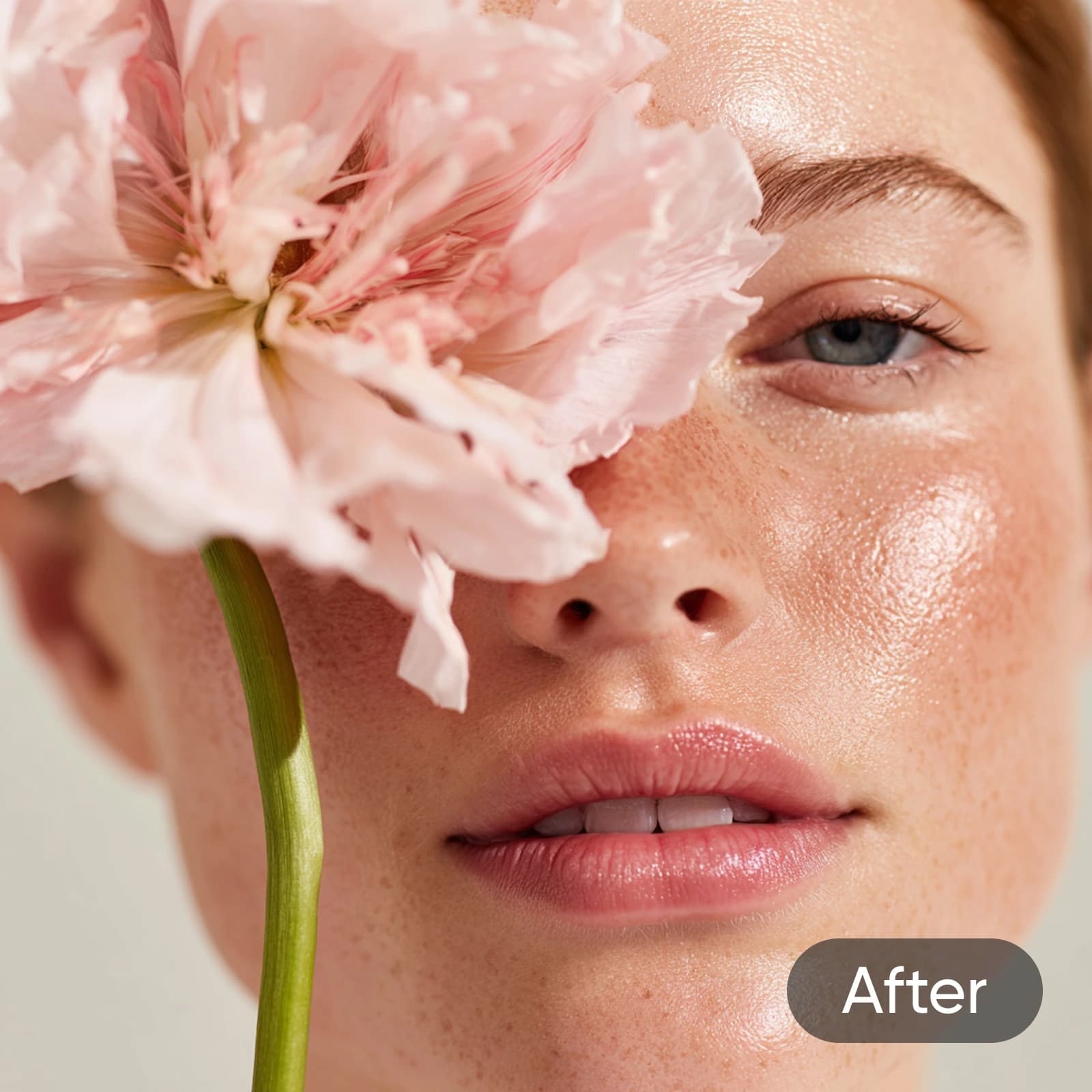
Picsart's AI-powered image depixelizer lets you improve resolution, sharpen images, and enhance the overall quality of your photos. The intuitive, fast-processing AI can detect and remove pixels from image files automatically. Unblur images and restore old family photos to relive your precious memories as if they were taken just yesterday.


After
Unpixelate Images in batch
Got a ton of old, pixelated family photos that you want to restore? Depixelate up to 50 of them easily with Picsart's Batch Editor. Simply upload your photos and let AI do its thing. It'll detect pixelated parts, reduce blurring, touch up details, and deliver your unpixelated image files!
Remove pixelation for e-commerce storefronts
Enhance your e-commerce presence by unpixelating product photos with the image depixelizer tool, ideal for online stores, catalogs, and marketing material. Ensure a sharp product presentation and give your online storefront a professional look. Create striking before-and-after photos that bring your products and services to center stage.
- Prepare a clearer product presentation

After
Unpixelate Images for social media
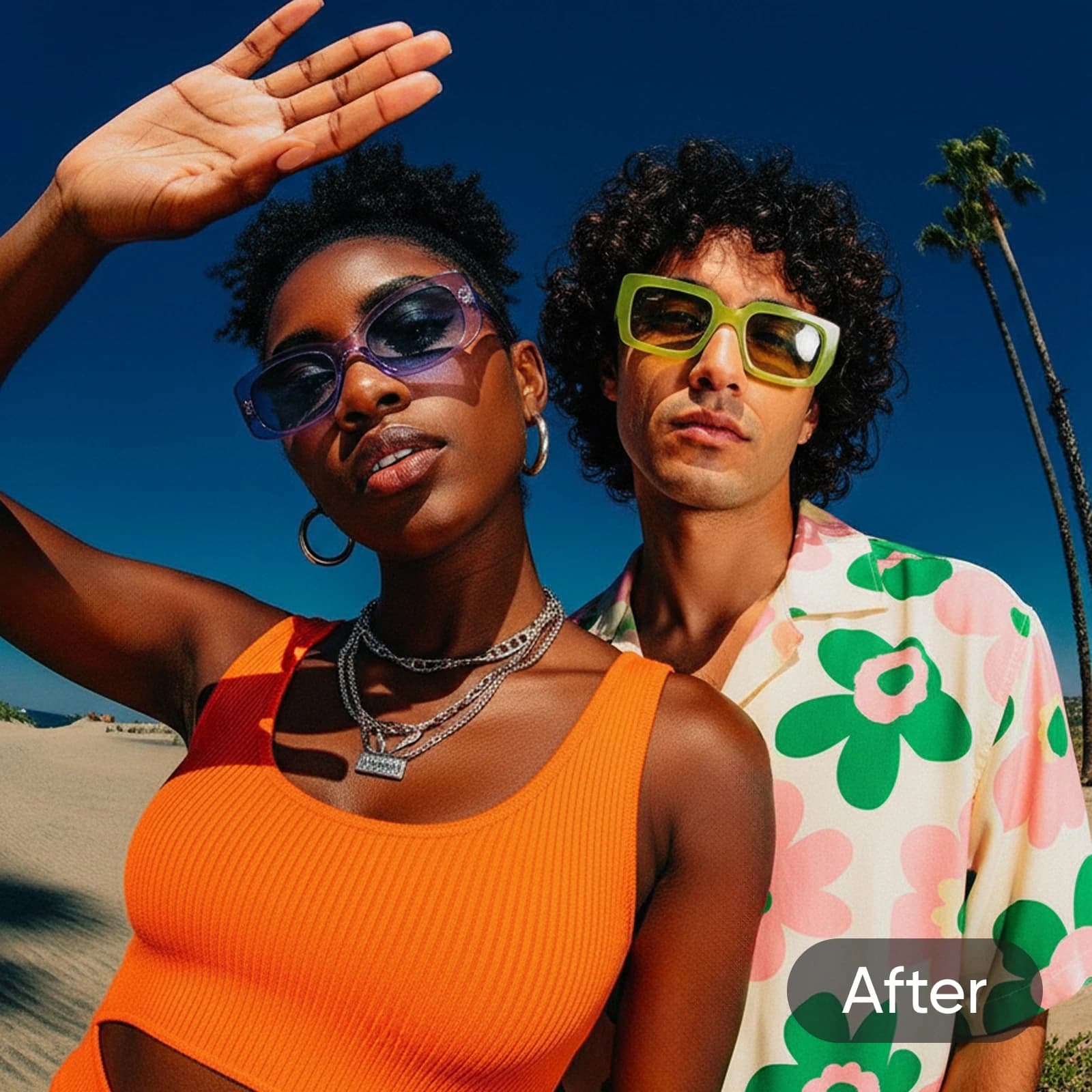
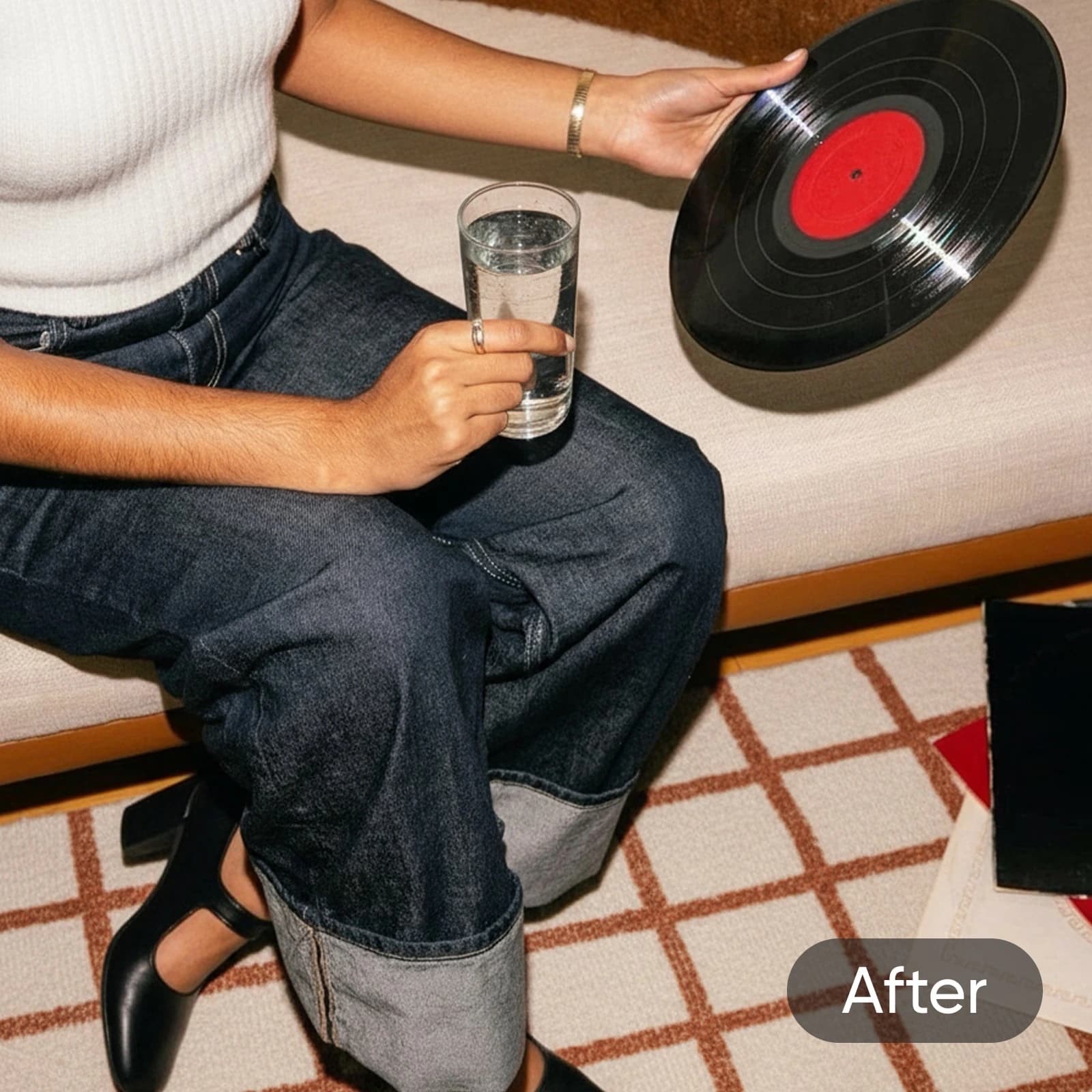
Kick your social media presence up a notch with Picsart's depixelating tool. Raise the bar with first-rate posts, ads, and presentations. Remove pixelation in any image and get it ready for large-format advertising - without losing an inch of quality. Maximize the impact of your visuals with images that are crisp, clear, and unpixelated.
After
Keep finessing with Picsart’s AI photo editor
Access an all-inclusive set of tools with Picsart’s AI photo editor. Conveniently perform easy tweaks like flipping images, to more complex edits like expanding your image beyond its original borders with the image extender tool. All this and so much more, available to you in a convenient online interface that doesn’t require any downloads.
- Continue shaping the photo after enhancement
Game-changer for my online shop. My product shots looked grainy on my website, but after running them through the AI unpixelator, they’re sharp and professional. Customers actually noticed! Totally worth it.
Tina M., Small business ownerPerfect for social posts! I use Picsart to clean up my content before posting, and the unpixelate feature is magic. Every image looks crisp and polished - no more fuzzy photos on my feed.
Leo A., Content creatorPixel remover FAQ
By unpixelation or depixelation, we refer to the process of putting pixelated images back together and restoring them. Images can get pixelated for different reasons, whether intentional or unintentional.
Restore image quality for sharper creator content
Pro
Most popularAI tools for everyday creative work.
Billed yearly
Ultra
Most powerfulHeavy AI usage for creators & teams.
Billed yearly, per seat
Enterprise
Custom AI solutions for large organizations.
Custom credit volume
- Volume discounts on credit rate
- On-demand top-ups
Custom
Contact for pricing
More tools to love from Picsart

AI Image EnhancerUpscale the resolution of one or multiple images with AI in one go.

AI SharpenBump up the image quality in seconds with the help of AI.

Unblur ImagesBid farewell to blurry photos with AI blur removal.

Photo RestorationEnhance your photo resolution quickly with AI to relive your favorite memories.

AI Image ExtenderCapture what was left out of the lens with generative AI.

Flip ImageEffortlessly flip images vertically and horizontally with Picsart’s image flipper tool.

Black and White FilterReinvent your pictures with Picsart’s high-quality black and white filters.

Face EditorAdjust your appearance in photos by reshaping your face with Picsart.

AI Photo EditorSpeed up your editing process with an AI-powered photo editor.