All-in-one Design Localization tool
Break creative barriers and expand your reach with visuals that adapt to any language or region. Instantly transform a single asset into high-performing, localized creative assets without extra tools or delays.
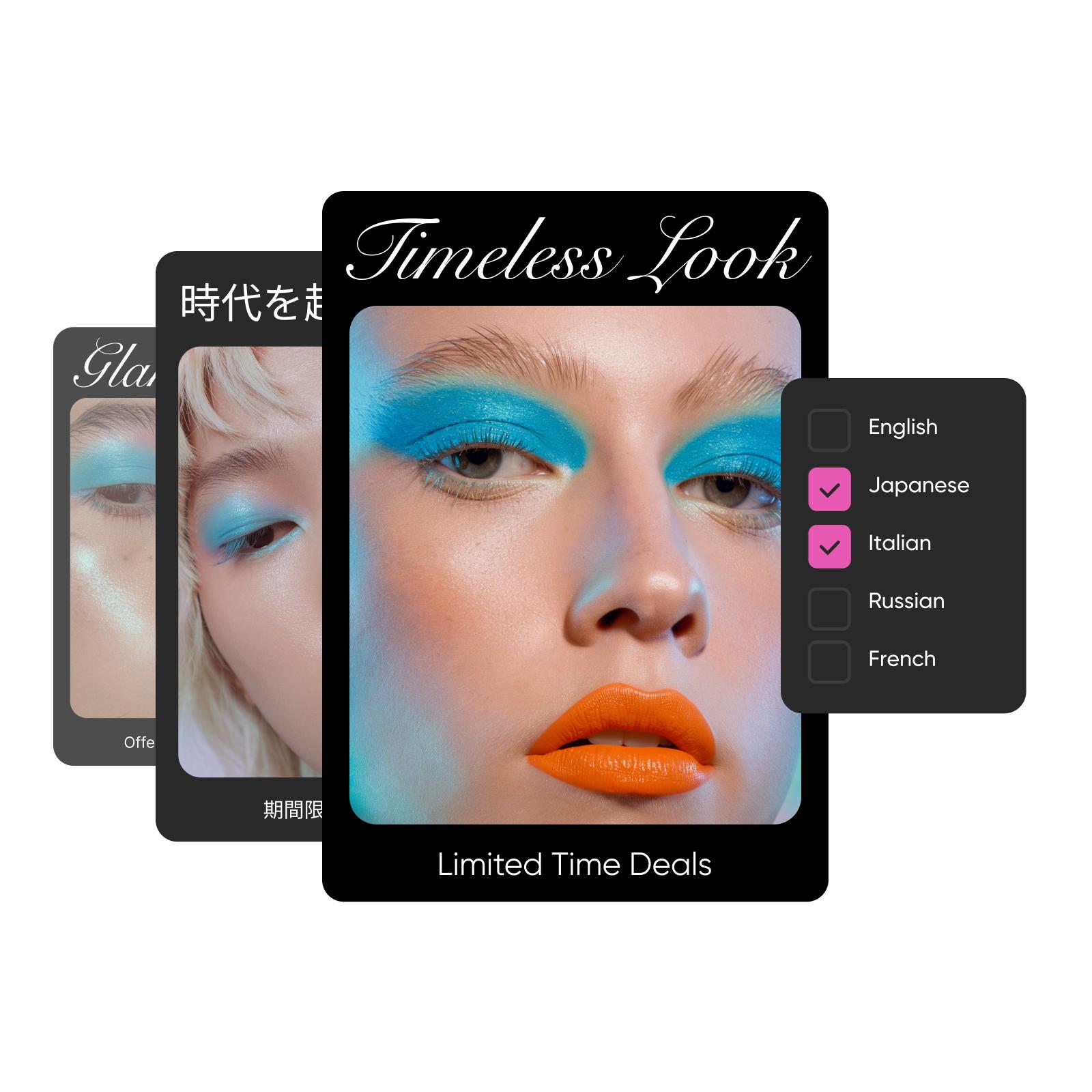
How to localize designs in seconds
How to
Select a template or your project
Start with an existing project or use a template to begin your design localization workflow.
Adapt global campaigns with speed and control
Automated marketing localization tools make it easy to adapt content for global markets with speed and accuracy. Images, messaging and creative elements adjust to each region automatically without added tools or steps, making it easier to scale campaigns while keeping creative workflows simple and consistent.
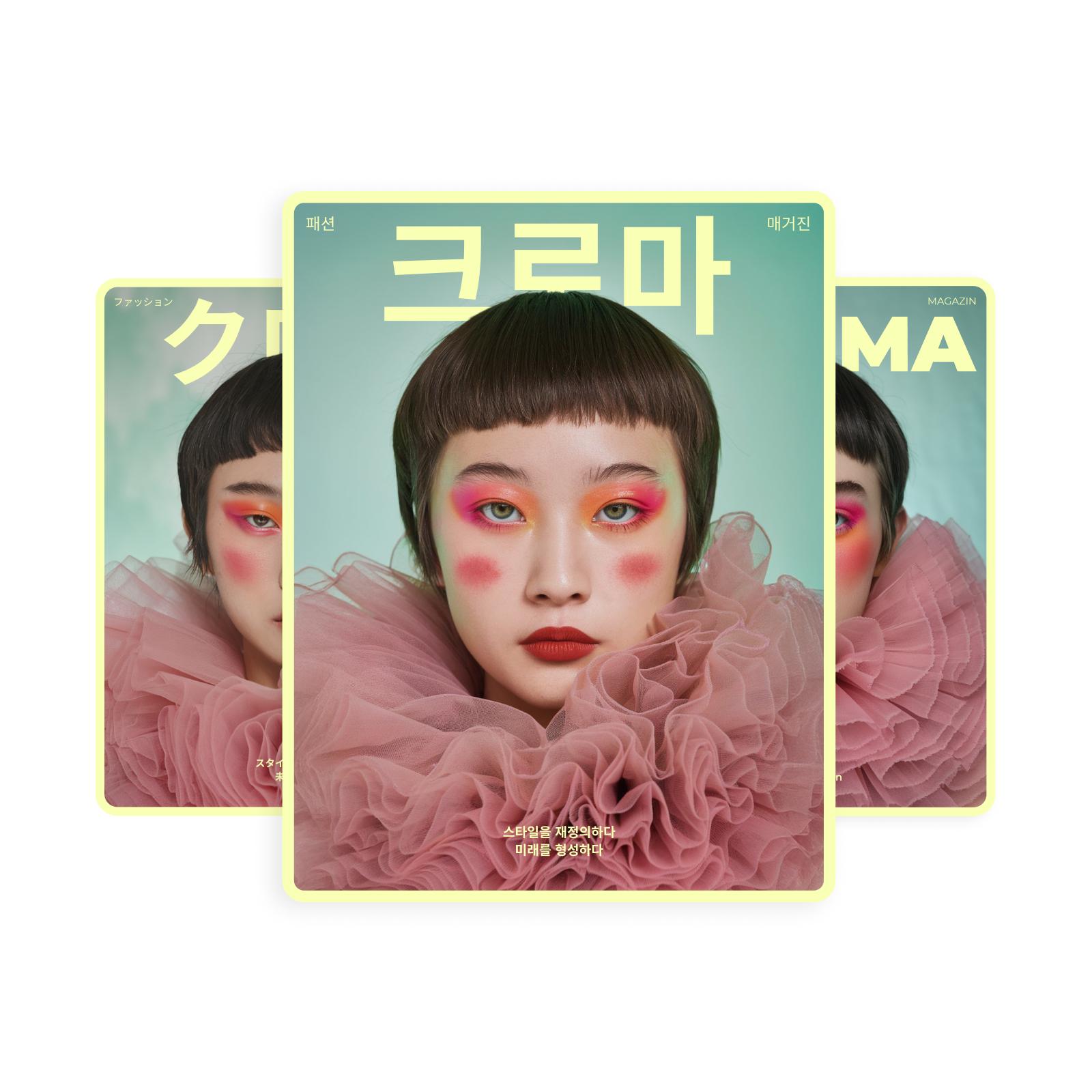
Ensure brand consistency across every market
Maintain a unified look and message, no matter where your content goes. Each localized creative asset follows your brandbook to ensure visual and messaging consistency. As you expand into new regions, your global campaigns stay cohesive, polished and true to your international branding.
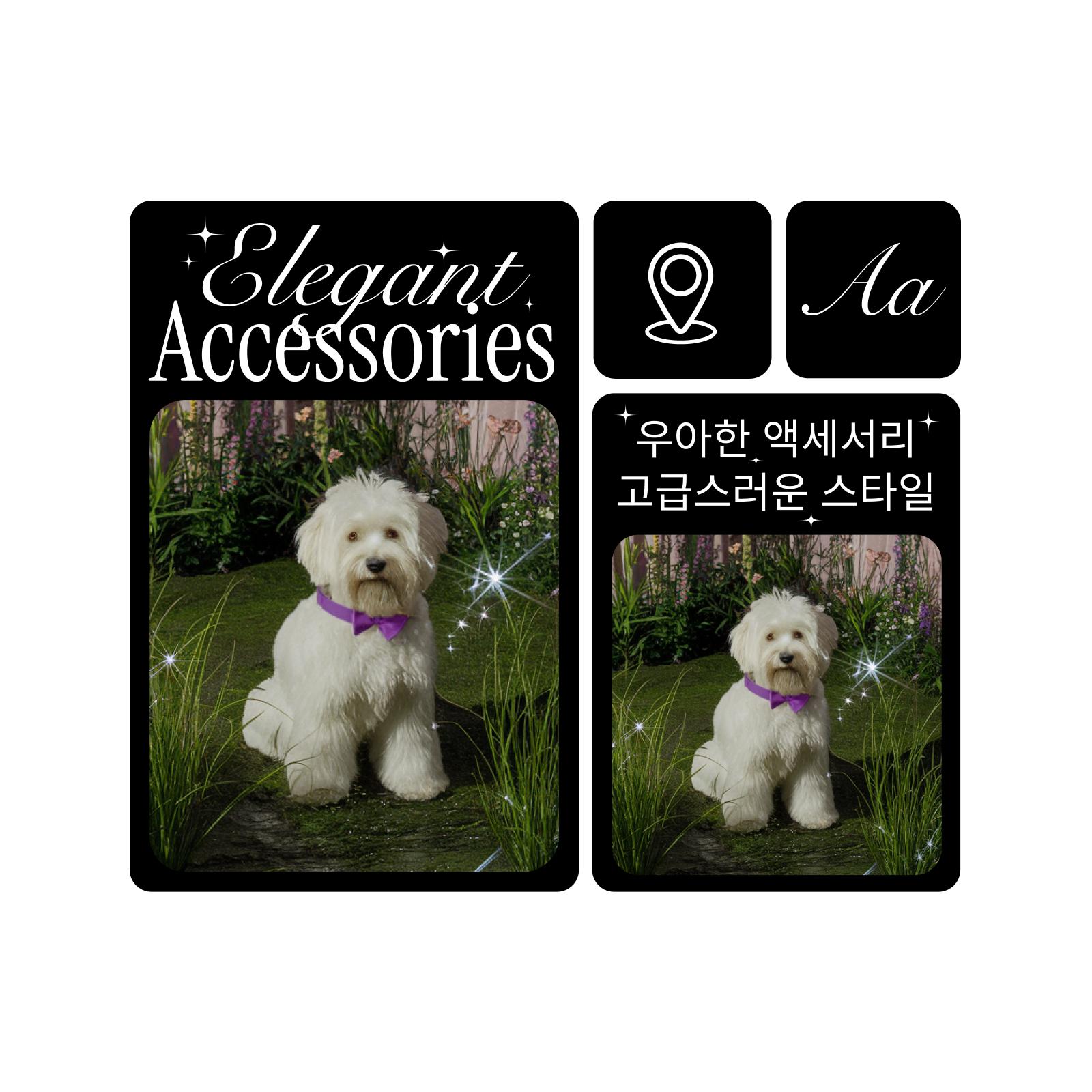
Expand into new markets effortlessly
Enter new regions with confidence. Automatic adjustments to visuals and messaging help you meet local expectations with ease. Skip the added design work - this is cultural design adaptation at scale. Launch quickly, stay consistent and connect more effectively in every geo-market you target.
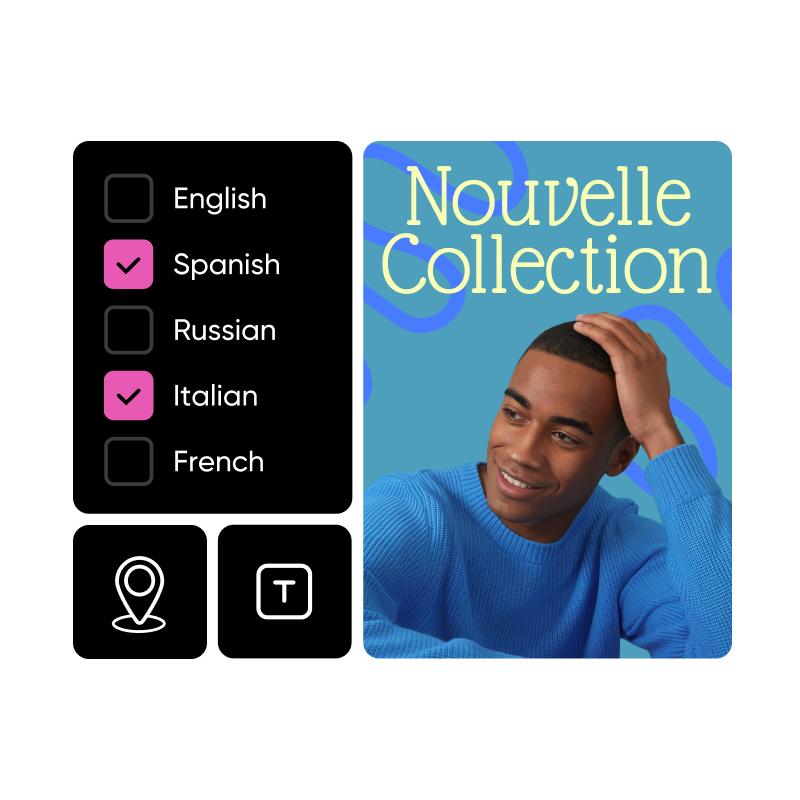
Simplify your global creative workflow
Streamline every step of your digital marketing localization process in one seamless platform. From visual translation to final delivery, reduce back-and-forth and manual edits. With everything in one connected flow, your team can work faster while preserving brand precision and cultural relevance across markets.
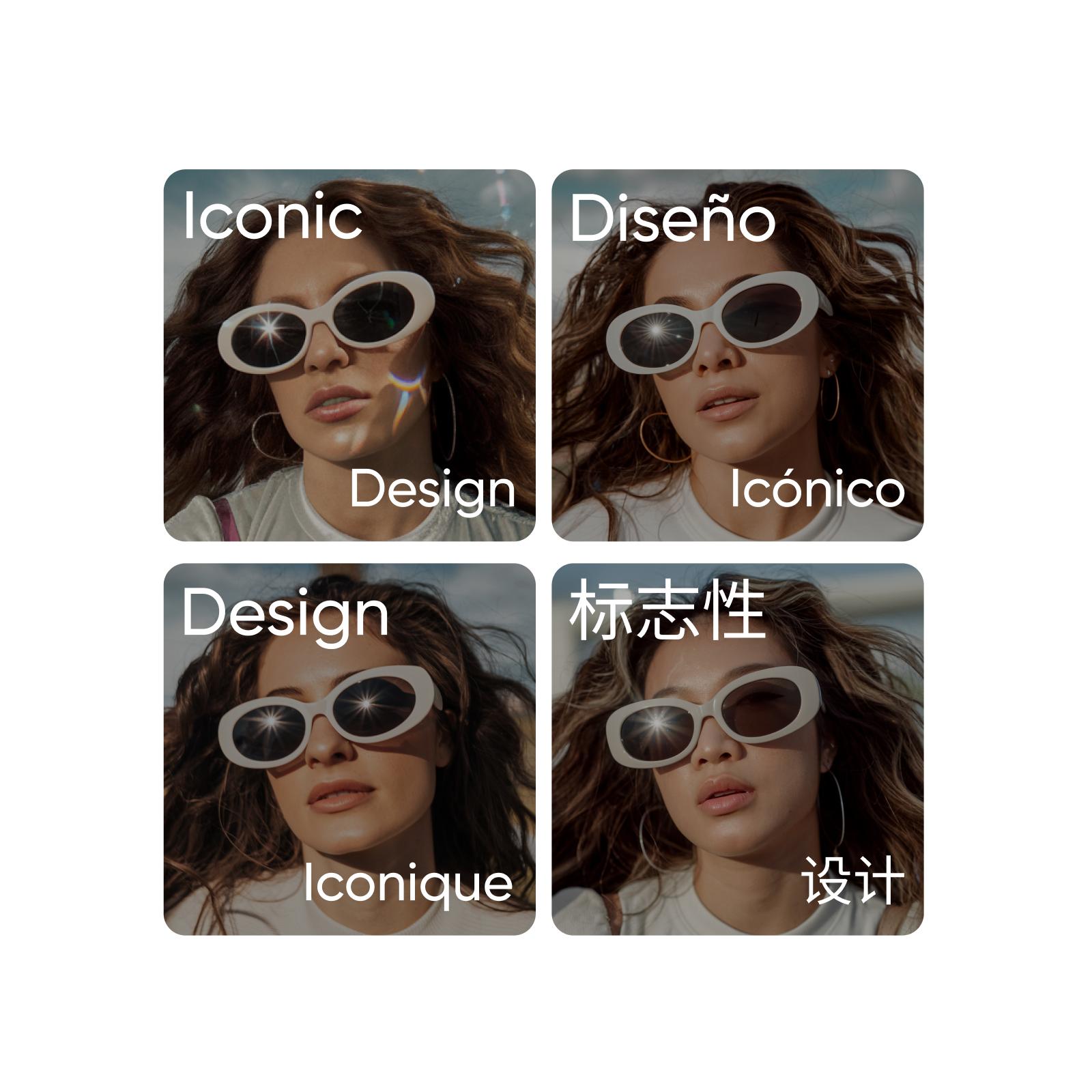
Launch faster with advanced Design Localization
Transform a single creative into high-performing content across geo-markets. With streamlined and scalable creative asset localization, teams can move faster, stay aligned and connect with global audience without any effort.
Create design localization with AI image models
Use image models to transform design localization into polished visuals, design ideas, and ready-to-edit assets.
FAQ
Design Localization is the process of adapting all creative elements - images, copy and style to reflect the language, culture and context of different regions. It ensures your content resonates with global audiences.
Adapt ad creative for markets, channels, and campaigns
Pro
Most popularAI tools for everyday creative work.
Ultra
Most powerfulHeavy AI usage for creators & teams.
Enterprise
Custom AI solutions for large organizations.
- Volume discounts on credit rate
- On-demand top-ups


