logo
AI Image
AI Video
Library
Solutions
Community
MCP & CLI
Pricing
  1. Home
  2. Image Tools
  3. Edit text in image

Edit text in image: Remove text from pictures and write your own

Edit, replace, or add words in images using the Photo Text Editor, designed for quick changes and high-quality visuals.

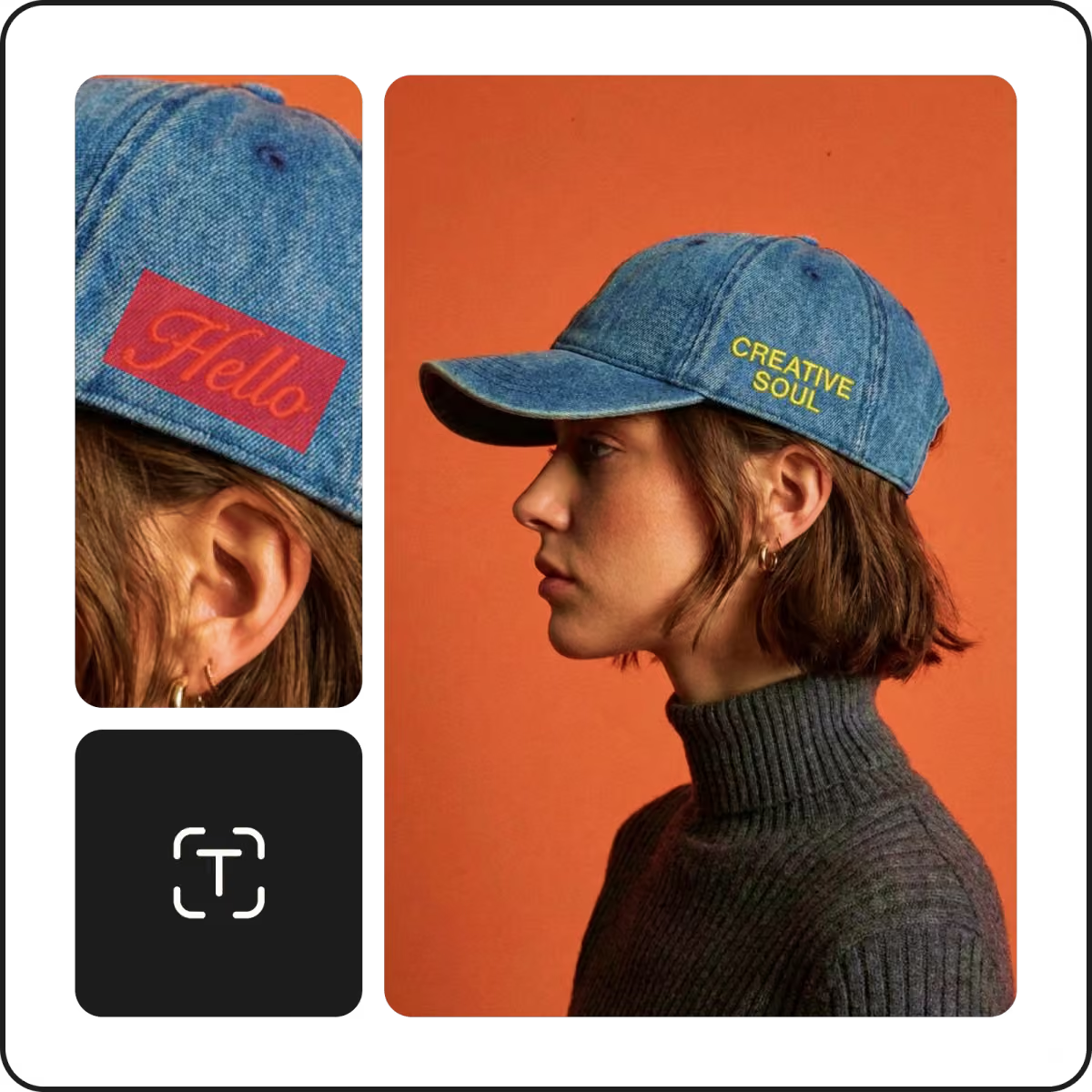
edit text in image
edit text in image
edit text in image
4.9/5
(1,379 reviews)
apple best app choice10+ million backgrounds removedandroid best app choice
icon for image editing

Quick image text edits

Edit, replace, remove, and add new text in images in an instant.

icon for font styles

Variety of font styles

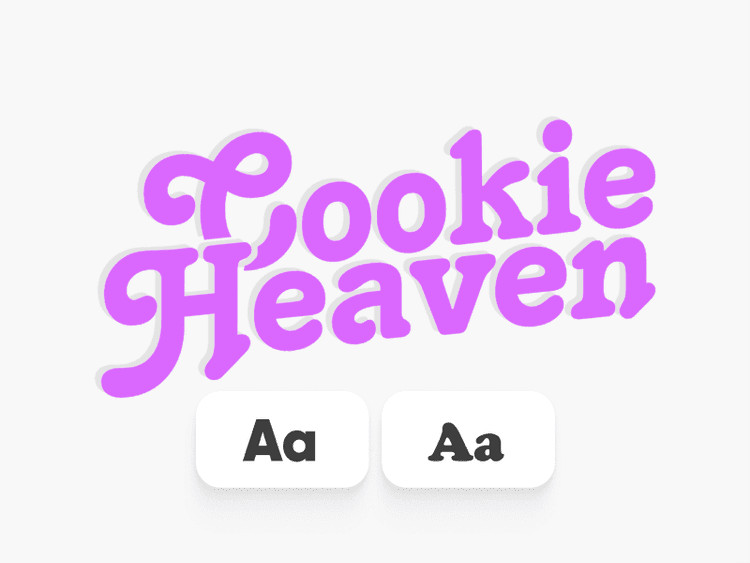
Edit a picture with text online using your choice of font style, color, and size.

icon for high resolution images

High-resolution results

 Conveniently edit words in your image and achieve a crisp look—no loss of quality.


How to edit text in an image

1

Upload your image

Upload a photo or screenshot to get started. The editor opens instantly and scans your image to prepare text for editing – no setup or manual prep needed.

2

Select the text to change

3

Remove or replace the text

4

Apply changes and export


Edit image text online and add custom wording with ease

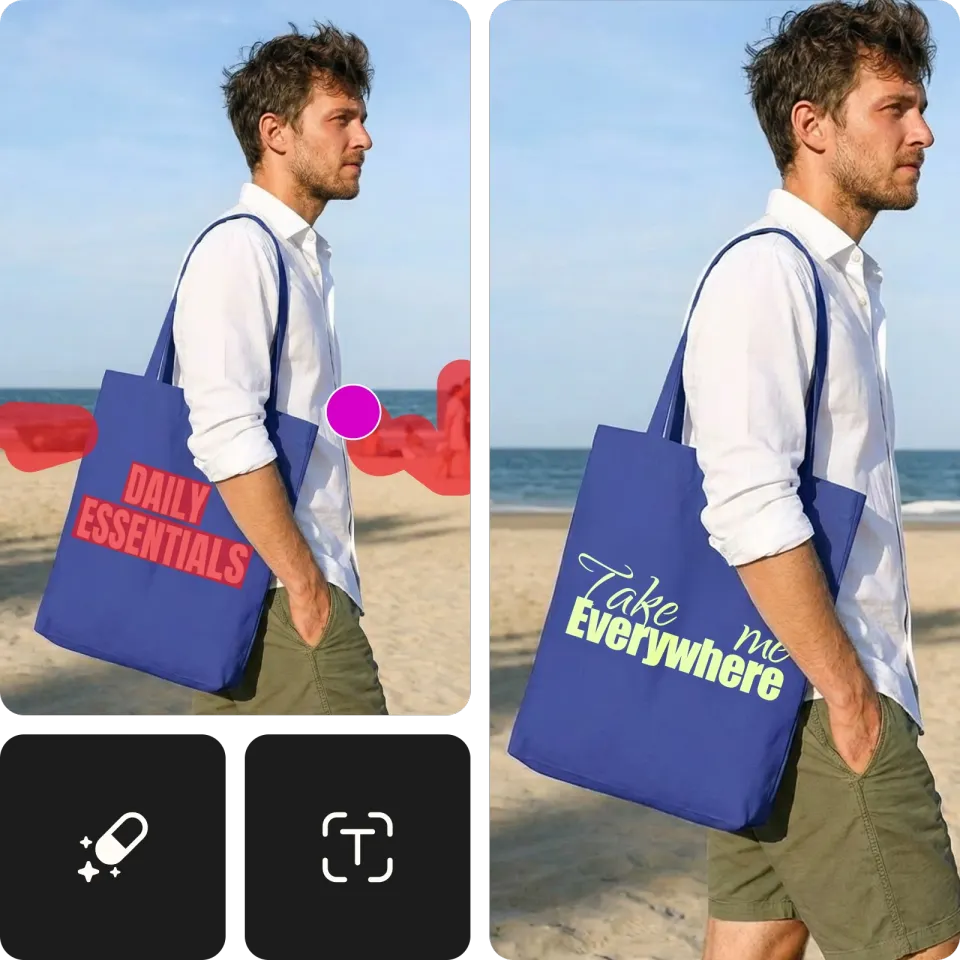
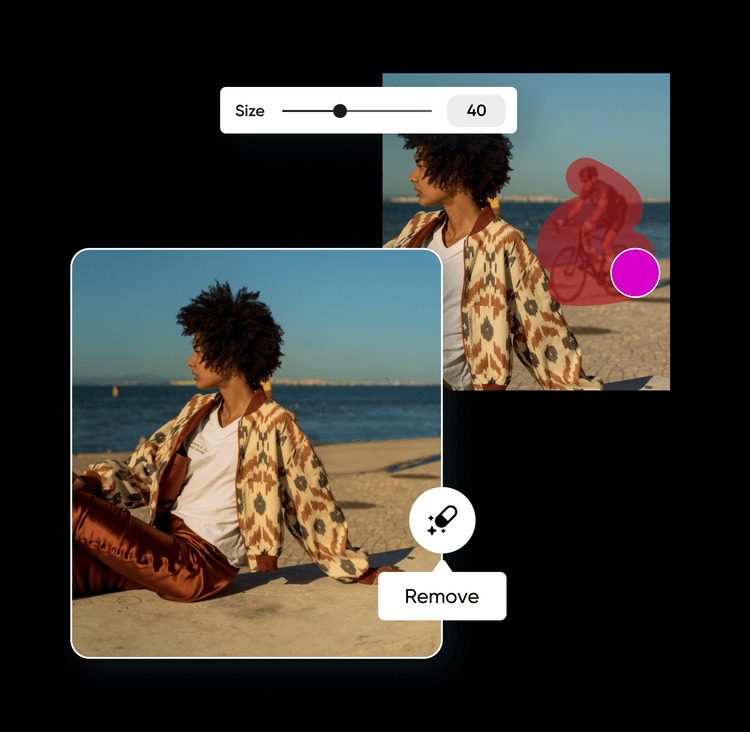
Picsart’s object remover offers a quick and easy way to eliminate unwanted elements and insert new text. Remove text to create clear photos with no words, or replace the text to repurpose visuals for different projects. The online text remover is free and user-friendly, so people of all skill levels can upload photos, mark off unwanted text, and edit words in images without any technical or design skills.

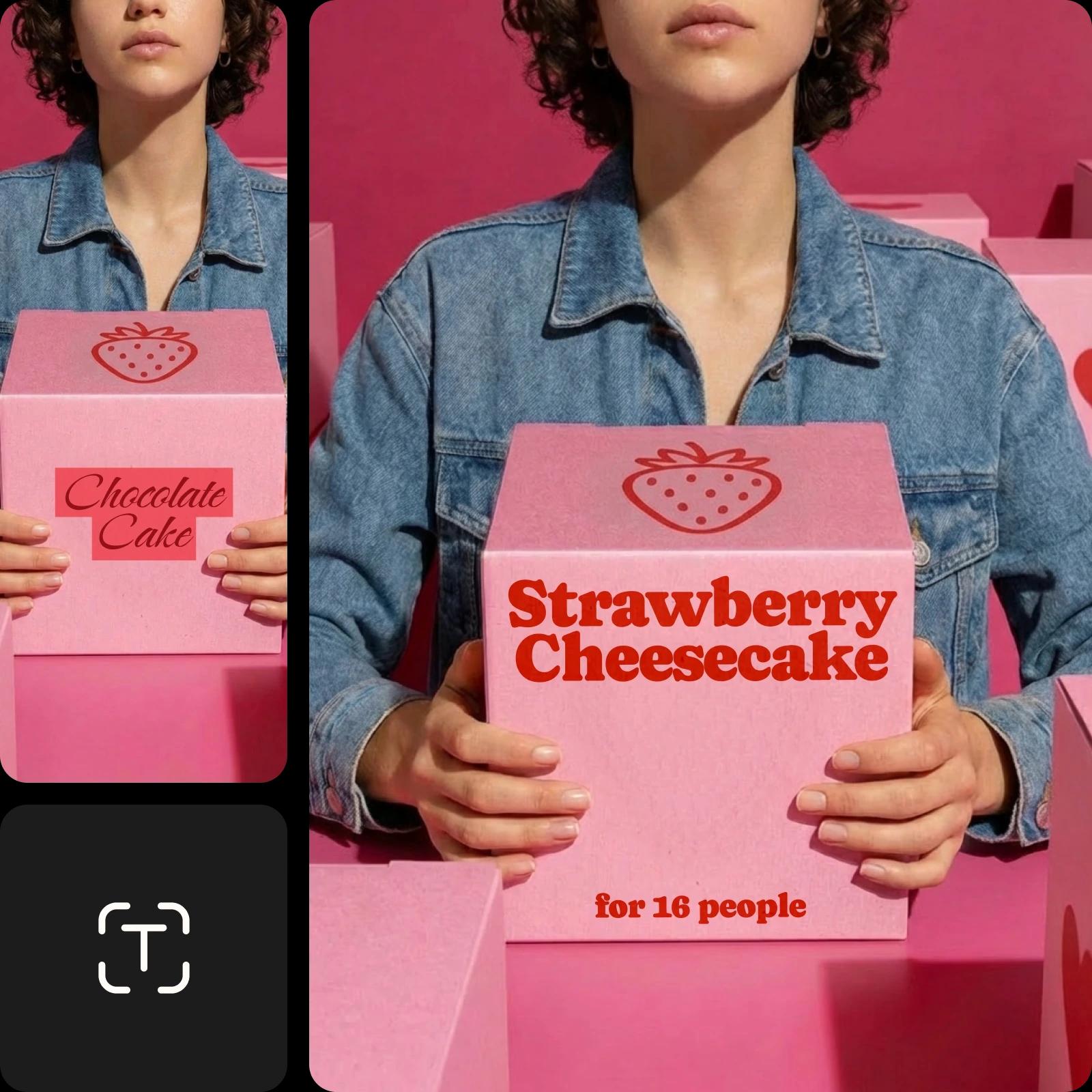
edit text in products online

Expertly edit a picture with text while maintaining clarity

Preserve the quality and authenticity of the original photo or screenshot. When you edit image text, the object remover precisely matches the textures and colors of the background to keep the revised photo sharp and vivid. Explore Picsart’s extensive font library to choose a new font style, color, and size, or match the existing font to achieve the perfect look in your edited photo.

edit the product text in picture online

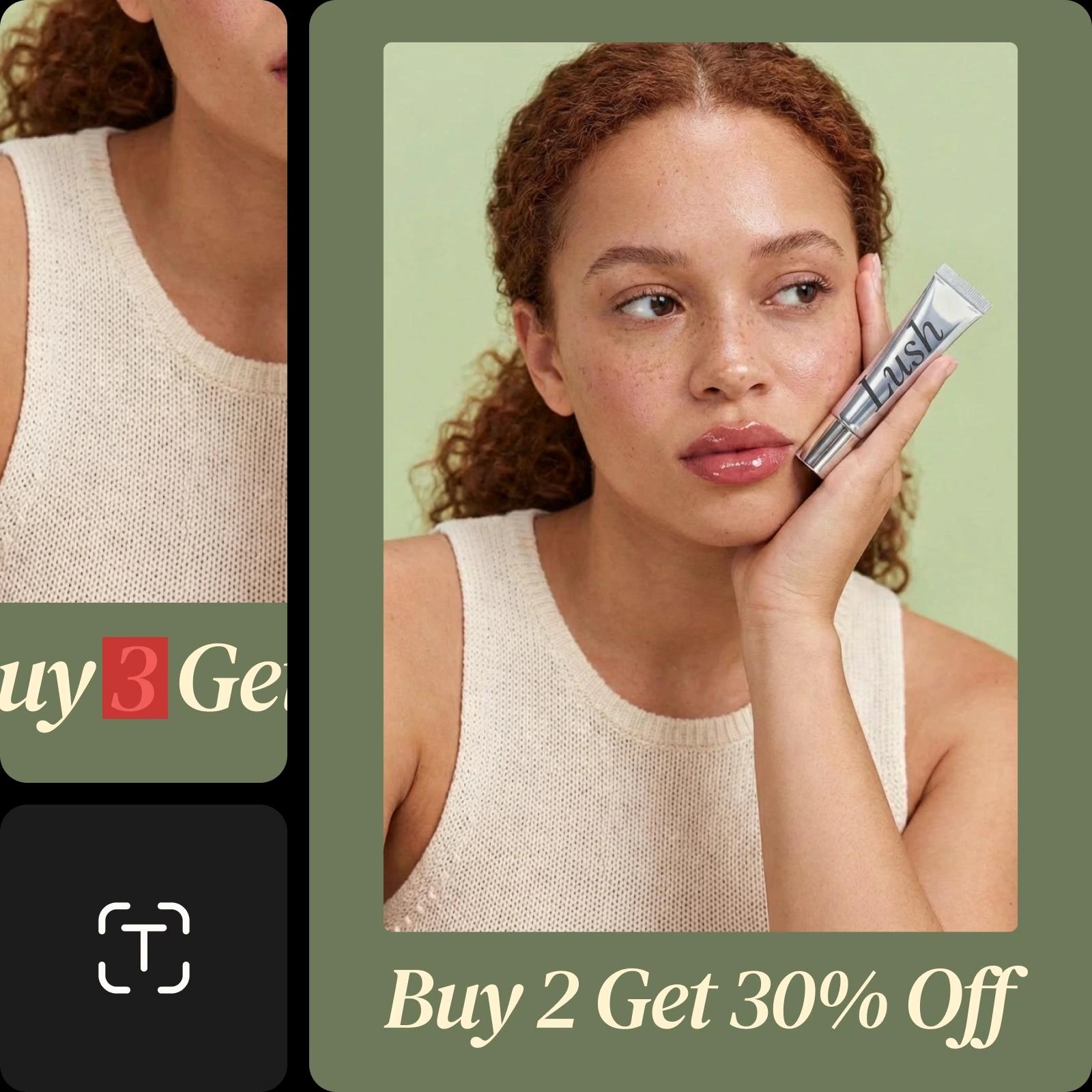
Create visuals with custom text for marketing materials

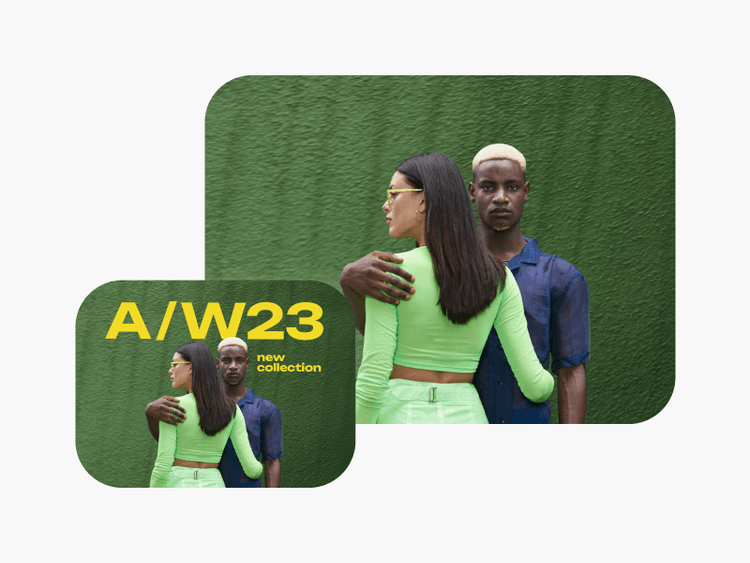
Change text in images for business and marketing to save time and effort. From brochures to price sheets to memes, modern businesses need a range of captivating visuals to stand out. Picsart’s screenshot text editor allows you to quickly update prices, sales information, captions, or seasonal messaging in just a few steps, boosting productivity and keeping marketing materials current.

erase and custom text in images online

Edit screenshot text online to correct typos and errors

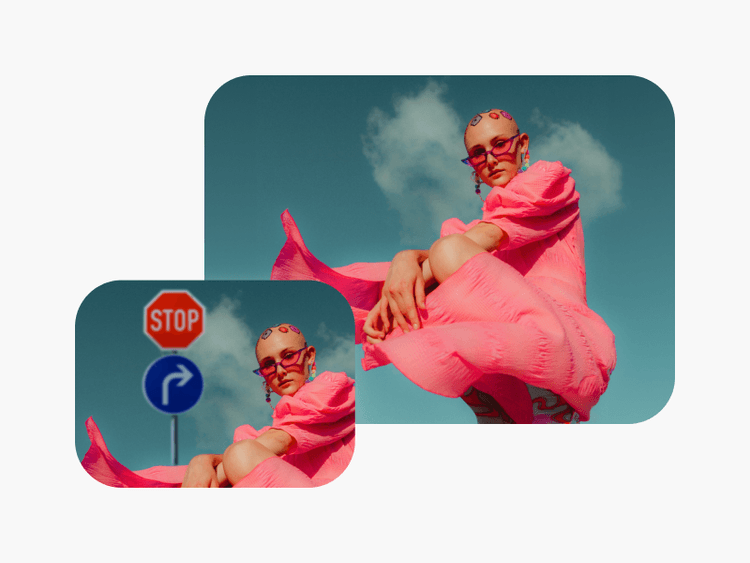
Don’t discard great images due to small mistakes. The Photo Text Editor tool helps you salvage photos, flyers, social media posts, and more. If you spot errors, simply upload the image and identify text that needs to be corrected. Eliminate misspellings, blurry words, and other errors, and then download the updated version without redesigning the entire visual.

edit screenshot text quickly

Make personalized brand materials with the Photo Text Editor

Design visuals that showcase your brand message or personal creativity while leaving out anything unwanted. Add brand information or captions to images with Picsart’s Photo Text Editor to create unique content, such as greeting cards, invitations, and flyers. The integrated AI object remover tool lets you easily remove people from photos or clean up pictures to make more room for text and personalization.

create personalized greeting cards with photo text editor

Edit image text with AI

Edit text in image with AI by simply describing what you want to change. Write a prompt to remove existing words and replace them with new text that matches the same or preferred font, size, and style. The AI handles selection, cleanup, and replacement, delivering natural-looking edits in seconds.


Photo Text Editor FAQ

Upload your image to the Photo Text Editor and let the tool automatically detect text. Select the text using auto-detection, brush, or click-to-select tools, then remove or replace it. Customize the new text or use AI to describe changes, apply edits, and download your updated image.

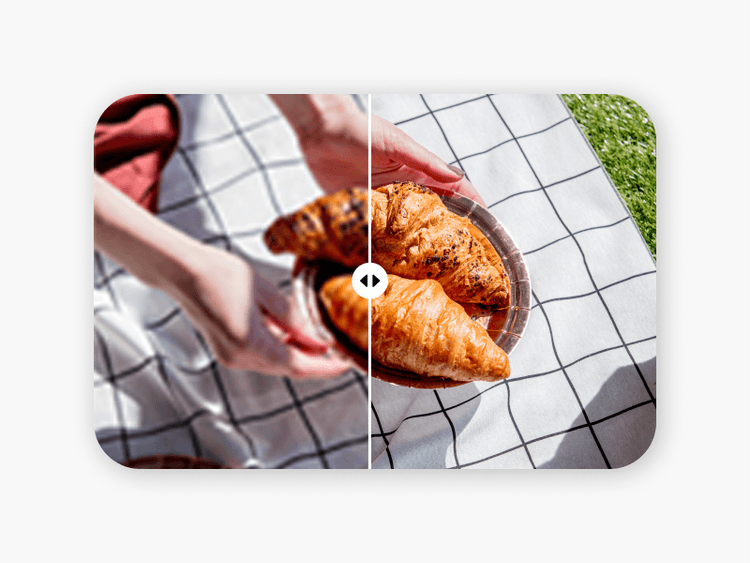
Picsart’s photo text editor does not reduce the quality of your image. However, it’s beneficial to begin by using the AI enhance tool to improve the image before making additional edits.

Picsart’s large font library makes it easy to find popular fonts and match new text to existing text in your image. Additionally, you can upload your custom fonts to Picsart with a Pro membership.

The Picsart text editor can typically remove text from images in seconds. However, the time it takes will depend on your connection speed. All editing tools work very quickly to provide nearly instant results, so it’s up to you how long you spend making enhancements.

Text editing isn’t a 100% free feature. The Picsart photo editor includes a variety of free tools for enhancing images, including the ability to add text to an image. However, changing existing text in an image requires the use of the object remover tool, which is a paid feature.


More tools to love from Picsart

black hair woman standing in a white sand with blue long piece of cloth

Object Remover

Erase unwanted objects, such as texts and backgrounds, from your images.

remove text from images

Remove Text from Image

Erase unwanted text and advertisements from any image with AI.

remove people from photos online

People Remover

Reclaim control over your photos and remove people from the background with Picsart.

cleanup pictures

Cleanup Pictures

Erase unwanted objects and people from your photos with the help of AI.

Add text to photos with Picsart

Text Editor

Complement your images with a vast library of free fonts.

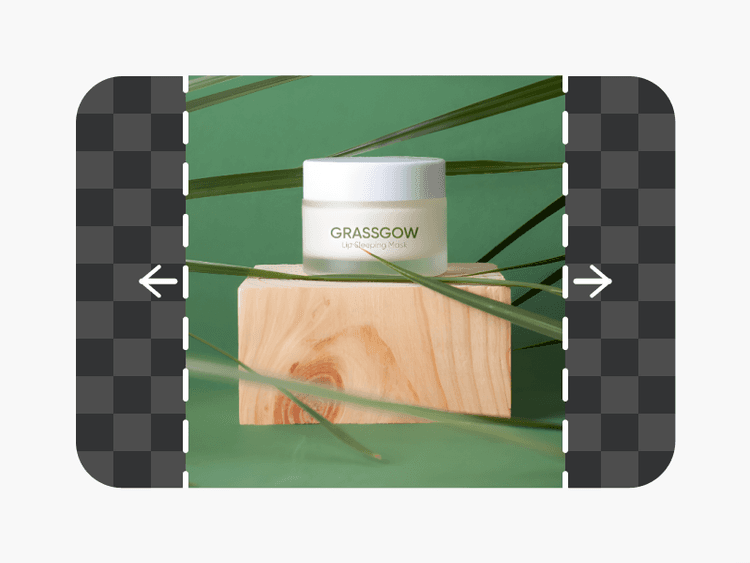
AI Image Extender

AI Image Extender

Capture what was left out of the lens with generative AI.

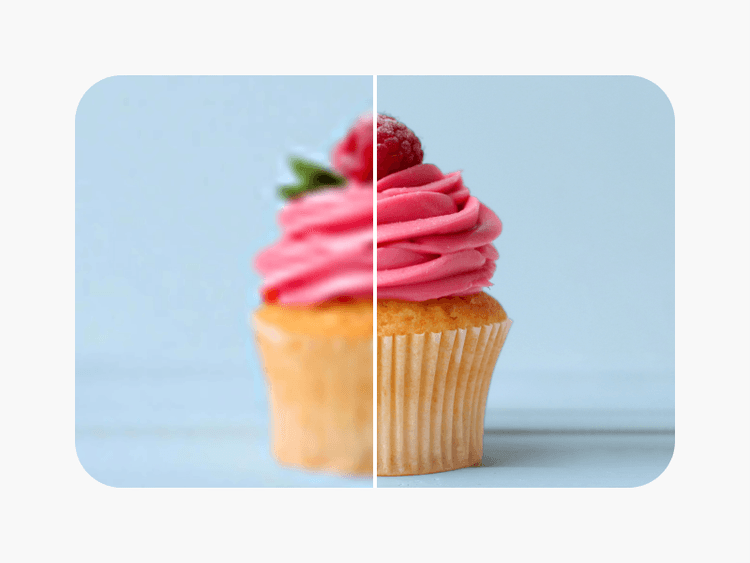
unpixelate images online

Unpixelate Images

Clear up images using Picsart’s AI-powered image enhancer.

Sharpen images with Picsart

Sharpen Images

Bump up the image quality in seconds with the help of AI.

image background color remover

Background Color Remover

Get rid of unwanted background colors in images in an instant.

Improve your image further

Remove unwanted objectsRemove text from photosClean up picturesAdd text to photosTry AI text stylesExplore font optionsCreate curved textEdit photos onlineRemove people from photosGenerate AI contentTry AI photo editing

Get the free app

Download on the App StoreGET IT ON Google PlayGet it from Microsoft
Pinterest
AICPA SOC

Explore

  • AI Image Generator
  • AI Video Generator
  • AI Playground
  • AI Image Models
  • AI Video Models
  • AI Photo Editor
  • Templates
  • Design Tools

Solutions

  • For Enterprise
  • For Developers
  • For Google Drive
  • For specific Industries
  • Quicktools
  • AI Avatar
  • Pricing

Company

  • Support
  • Careers
  • About us
  • Earn with Picsart
  • Blog
  • Press Center
Terms of UsePrivacy PolicyDo Not SellInternet-Based AdvertisingCommunity GuidelinesDMCASecurity PolicyAccessibility
© 2026 PicsArt, Inc.

Create edited text in images with AI image models

Use image models to transform edited text in images into polished visuals, design ideas, and ready-to-edit assets.

GPT Image 2New
Next-gen GPT image model with arbitrary output dimensions and multi-image input.Reference inputImage generationSee model
Nano Banana 2New
Fast 4K generation with accurate text and search-grounded accuracy.4KFast generationImage generationSee model
Nano Banana ProNew
Top-tier 4K images with precise multilingual text rendering.4KPro qualityImage generationSee model
Flux 2 FlexNew
Adaptable generation across varied visual styles at 2K.Image generationSee model
Seedream 5.0 Lite
Speedy 3K output with negative prompt and dual-image input support.Reference inputFast generationImage generationSee model
Kling 3.0 Image
Cinematic visuals with up to 4K resolution and 10 reference images.Reference input4KCinematicSee model
Kling O1 Image
O1-architecture image generation with multi-reference support.Reference inputCinematicImage generationSee model
Kling V2 New Image
Latest V2 image generation with optional restyle via image reference.Reference inputCinematicImage generationSee model
Hunyuan V3
Infographic-friendly generation with readable text and cfg control.Image generationSee model
Luma UNI-1
Luma UNI-1 — agentic image generation and editing with up to 9 reference images.Reference inputCinematicImage generationSee model
Luma UNI-1 Max
Luma UNI-1 Max — higher-quality UNI-1 variant with the same multi-reference editing controls.Reference inputCinematicImage generationSee model
Seedream 4.5
Detailed 4K renders with clean in-image text and dual-image input.Reference input4KImage generationSee model
GPT Image 2New
Next-gen GPT image model with arbitrary output dimensions and multi-image input.Reference inputImage generationSee model
Nano Banana 2New
Fast 4K generation with accurate text and search-grounded accuracy.4KFast generationImage generationSee model
Nano Banana ProNew
Top-tier 4K images with precise multilingual text rendering.4KPro qualityImage generationSee model
Flux 2 FlexNew
Adaptable generation across varied visual styles at 2K.Image generationSee model
Seedream 5.0 Lite
Speedy 3K output with negative prompt and dual-image input support.Reference inputFast generationImage generationSee model
Kling 3.0 Image
Cinematic visuals with up to 4K resolution and 10 reference images.Reference input4KCinematicSee model
Kling O1 Image
O1-architecture image generation with multi-reference support.Reference inputCinematicImage generationSee model
Kling V2 New Image
Latest V2 image generation with optional restyle via image reference.Reference inputCinematicImage generationSee model
Hunyuan V3
Infographic-friendly generation with readable text and cfg control.Image generationSee model
Luma UNI-1
Luma UNI-1 — agentic image generation and editing with up to 9 reference images.Reference inputCinematicImage generationSee model
Luma UNI-1 Max
Luma UNI-1 Max — higher-quality UNI-1 variant with the same multi-reference editing controls.Reference inputCinematicImage generationSee model
Seedream 4.5
Detailed 4K renders with clean in-image text and dual-image input.Reference input4KImage generationSee model
GPT Image 2New
Next-gen GPT image model with arbitrary output dimensions and multi-image input.Reference inputImage generationSee model
Nano Banana 2New
Fast 4K generation with accurate text and search-grounded accuracy.4KFast generationImage generationSee model
Nano Banana ProNew
Top-tier 4K images with precise multilingual text rendering.4KPro qualityImage generationSee model
Flux 2 FlexNew
Adaptable generation across varied visual styles at 2K.Image generationSee model
Seedream 5.0 Lite
Speedy 3K output with negative prompt and dual-image input support.Reference inputFast generationImage generationSee model
Kling 3.0 Image
Cinematic visuals with up to 4K resolution and 10 reference images.Reference input4KCinematicSee model
Kling O1 Image
O1-architecture image generation with multi-reference support.Reference inputCinematicImage generationSee model
Kling V2 New Image
Latest V2 image generation with optional restyle via image reference.Reference inputCinematicImage generationSee model
Hunyuan V3
Infographic-friendly generation with readable text and cfg control.Image generationSee model
Luma UNI-1
Luma UNI-1 — agentic image generation and editing with up to 9 reference images.Reference inputCinematicImage generationSee model
Luma UNI-1 Max
Luma UNI-1 Max — higher-quality UNI-1 variant with the same multi-reference editing controls.Reference inputCinematicImage generationSee model
Seedream 4.5
Detailed 4K renders with clean in-image text and dual-image input.Reference input4KImage generationSee model
GPT Image 2New
Next-gen GPT image model with arbitrary output dimensions and multi-image input.Reference inputImage generationSee model
Nano Banana 2New
Fast 4K generation with accurate text and search-grounded accuracy.4KFast generationImage generationSee model
Nano Banana ProNew
Top-tier 4K images with precise multilingual text rendering.4KPro qualityImage generationSee model
Flux 2 FlexNew
Adaptable generation across varied visual styles at 2K.Image generationSee model
Seedream 5.0 Lite
Speedy 3K output with negative prompt and dual-image input support.Reference inputFast generationImage generationSee model
Kling 3.0 Image
Cinematic visuals with up to 4K resolution and 10 reference images.Reference input4KCinematicSee model
Kling O1 Image
O1-architecture image generation with multi-reference support.Reference inputCinematicImage generationSee model
Kling V2 New Image
Latest V2 image generation with optional restyle via image reference.Reference inputCinematicImage generationSee model
Hunyuan V3
Infographic-friendly generation with readable text and cfg control.Image generationSee model
Luma UNI-1
Luma UNI-1 — agentic image generation and editing with up to 9 reference images.Reference inputCinematicImage generationSee model
Luma UNI-1 Max
Luma UNI-1 Max — higher-quality UNI-1 variant with the same multi-reference editing controls.Reference inputCinematicImage generationSee model
Seedream 4.5
Detailed 4K renders with clean in-image text and dual-image input.Reference input4KImage generationSee model
GPT Image 2New
Next-gen GPT image model with arbitrary output dimensions and multi-image input.Reference inputImage generationSee model
Nano Banana 2New
Fast 4K generation with accurate text and search-grounded accuracy.4KFast generationImage generationSee model
Nano Banana ProNew
Top-tier 4K images with precise multilingual text rendering.4KPro qualityImage generationSee model
Flux 2 FlexNew
Adaptable generation across varied visual styles at 2K.Image generationSee model
Seedream 5.0 Lite
Speedy 3K output with negative prompt and dual-image input support.Reference inputFast generationImage generationSee model
Kling 3.0 Image
Cinematic visuals with up to 4K resolution and 10 reference images.Reference input4KCinematicSee model
Kling O1 Image
O1-architecture image generation with multi-reference support.Reference inputCinematicImage generationSee model
Kling V2 New Image
Latest V2 image generation with optional restyle via image reference.Reference inputCinematicImage generationSee model
Hunyuan V3
Infographic-friendly generation with readable text and cfg control.Image generationSee model
Luma UNI-1
Luma UNI-1 — agentic image generation and editing with up to 9 reference images.Reference inputCinematicImage generationSee model
Luma UNI-1 Max
Luma UNI-1 Max — higher-quality UNI-1 variant with the same multi-reference editing controls.Reference inputCinematicImage generationSee model
Seedream 4.5
Detailed 4K renders with clean in-image text and dual-image input.Reference input4KImage generationSee model
GPT Image 2New
Next-gen GPT image model with arbitrary output dimensions and multi-image input.Reference inputImage generationSee model
Nano Banana 2New
Fast 4K generation with accurate text and search-grounded accuracy.4KFast generationImage generationSee model
Nano Banana ProNew
Top-tier 4K images with precise multilingual text rendering.4KPro qualityImage generationSee model
Flux 2 FlexNew
Adaptable generation across varied visual styles at 2K.Image generationSee model
Seedream 5.0 Lite
Speedy 3K output with negative prompt and dual-image input support.Reference inputFast generationImage generationSee model
Kling 3.0 Image
Cinematic visuals with up to 4K resolution and 10 reference images.Reference input4KCinematicSee model
Kling O1 Image
O1-architecture image generation with multi-reference support.Reference inputCinematicImage generationSee model
Kling V2 New Image
Latest V2 image generation with optional restyle via image reference.Reference inputCinematicImage generationSee model
Hunyuan V3
Infographic-friendly generation with readable text and cfg control.Image generationSee model
Luma UNI-1
Luma UNI-1 — agentic image generation and editing with up to 9 reference images.Reference inputCinematicImage generationSee model
Luma UNI-1 Max
Luma UNI-1 Max — higher-quality UNI-1 variant with the same multi-reference editing controls.Reference inputCinematicImage generationSee model
Seedream 4.5
Detailed 4K renders with clean in-image text and dual-image input.Reference input4KImage generationSee model