Image to video AI: Turn any photo into a video
Turn a photo or picture into video online, or generate one in the AI Playground. Choose from 60+ image-to-video models, with output up to 4K.
Discover the newest AI video models in the AI Playground

Control every shot with image to video AI
Direct every AI image to video clip, from subtle image animation to a full camera move. Set the frames, sound and length of each animated video.
Try image to video AI effects


How to turn a photo into a video
Use the AI Playground as an image to video converter and turn any image into a video in four steps.
Create engaging videos for product listings
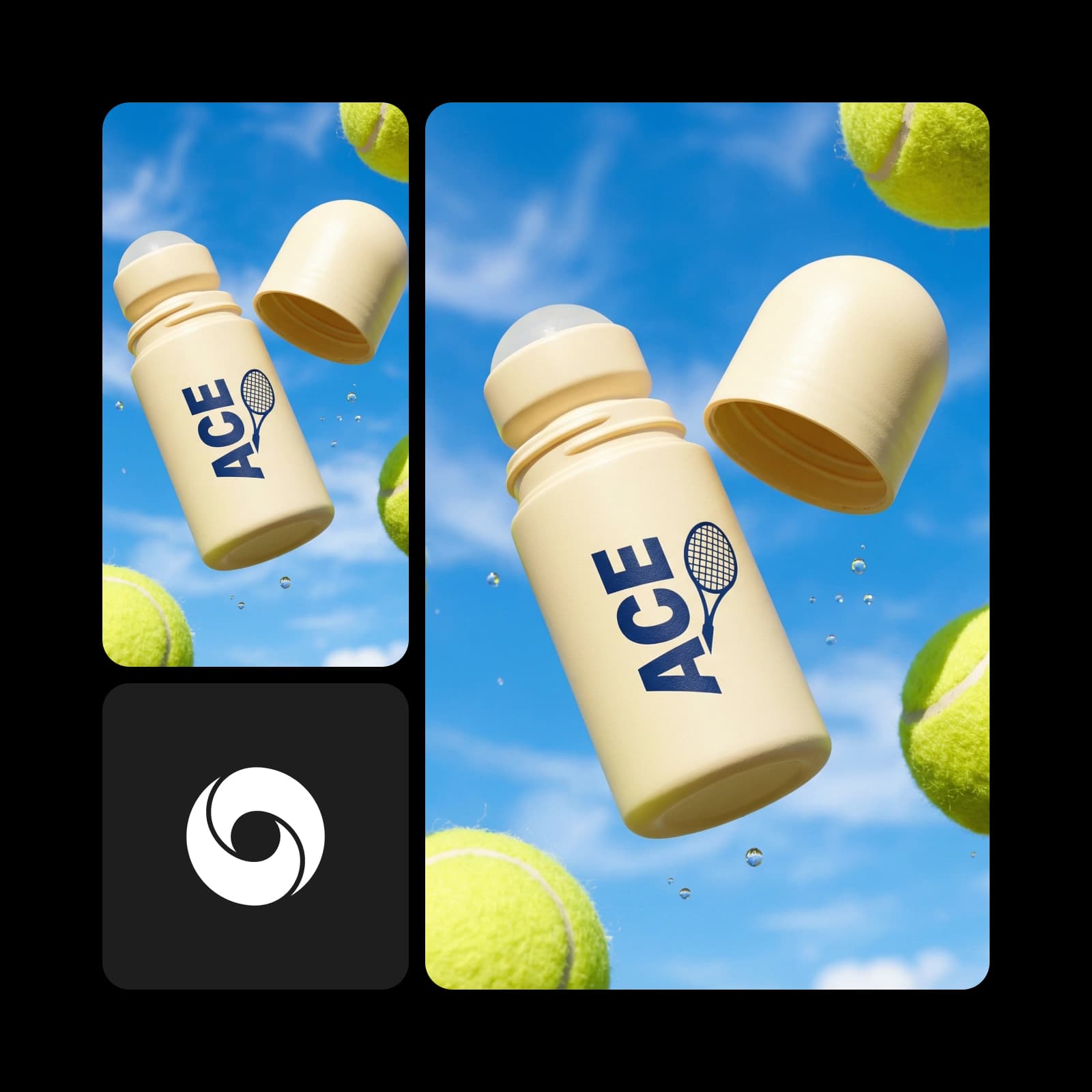
Turn plain product shots into short videos with photo to video AI, and add reference images so the label, color and shape stay exact. Kling 3.0 takes up to 4 reference images and Seedance 2.5 up to 50, so every angle matches the real product. Use the clips on store listings and in ads, in the aspect ratio each channel needs.
- Product photo or AI-generated shot as input
- Native 4K at up to 60fps with Veo 3.1
- Up to 5 reference images with Gemini Omni 1.1 Flash
Convert images to videos for events, stories, and branding
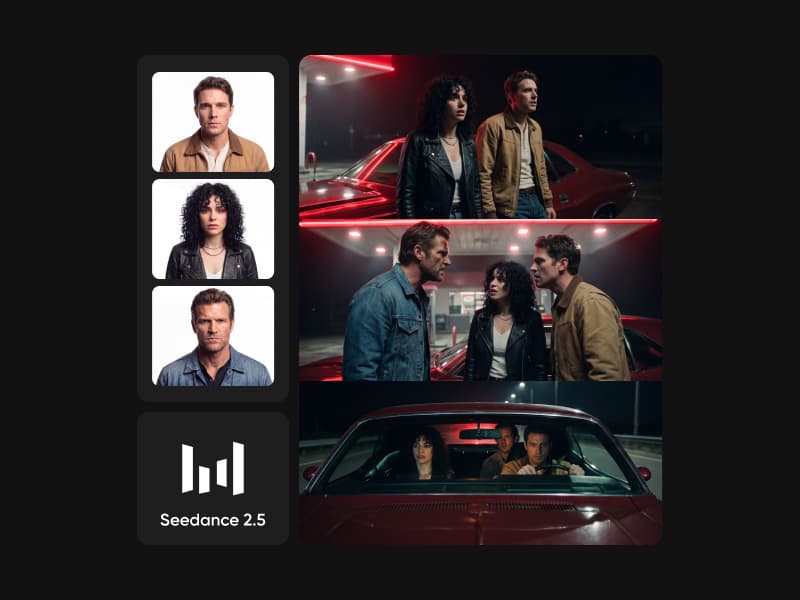
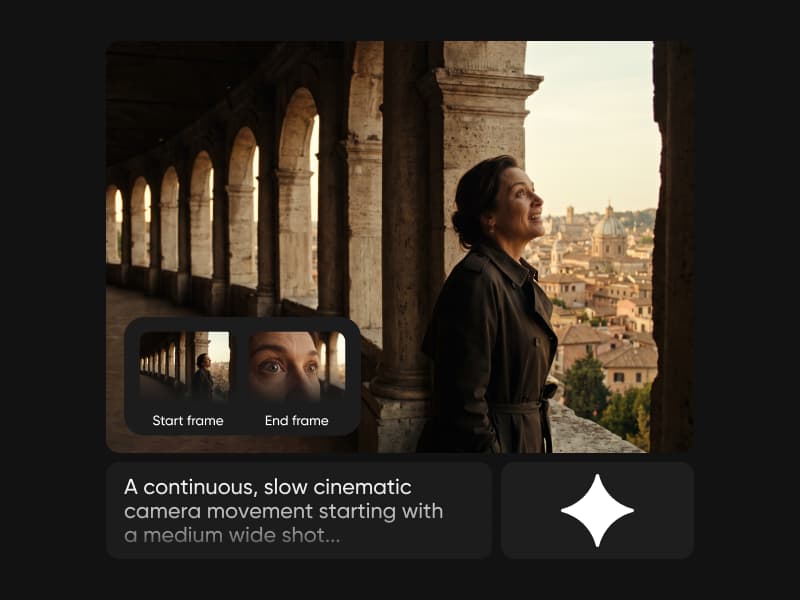
Turn an event poster or brand visual into a short clip with a slow camera push and moving light. Use AI photo to video to keep every launch, invite and story on brand. Upload a start and an end frame to decide how the shot opens and closes, and add music or sound with Veo 3.1 or Seedance 2.5.
- Fast 5 to 15-second clips with MiniMax H3 Max
- Dialogue in 20 languages with Seedance 2.5
- Camera moves set right in the prompt
Turn images into viral social video
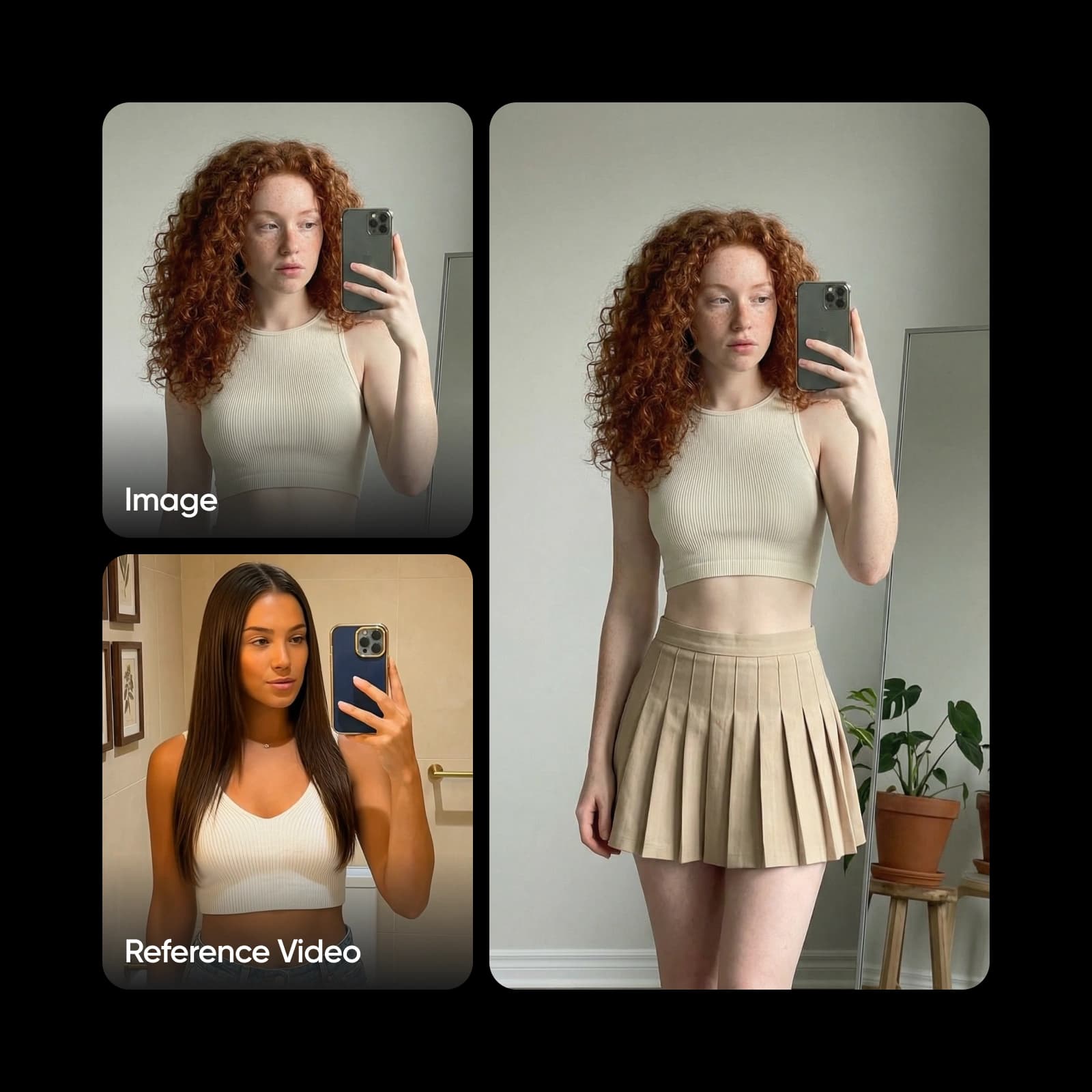
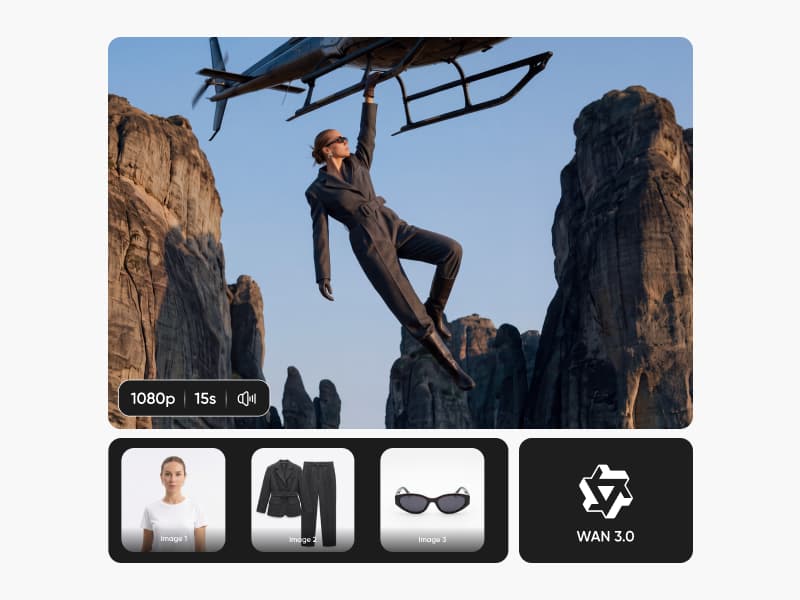
Make vertical 9:16 clips for Reels, TikTok and Shorts from a single photo. Add photo to motion video effects, like a slow orbit or a turning head, to stop the scroll. Need a longer cut? Seedance 2.5 and Wan 3.0 create one continuous 30-second shot, and Veo 3.1 renders native 4K for clips that must look sharp everywhere.
- Precise motion control with Kling 3.0
- Sound, music, and dialogue in one pass
- Preview, adjust the prompt, then download
Bring old and family photos to life
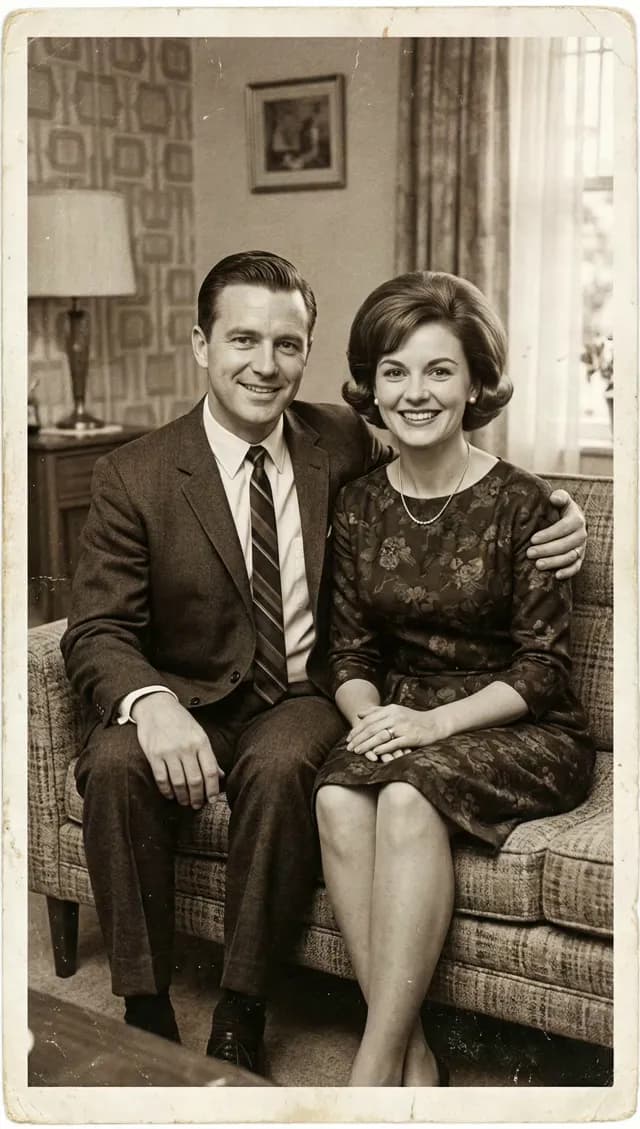
Upload a scanned family photo and add gentle motion, like a smile or a slow camera push. Keep the original look while the moment moves again. Describe one small action per prompt so faces stay natural, and use start and end frames to decide how it ends. Picture to video AI works with old prints and phone photos alike.
- Clips of 5, 10, or 15 seconds with Wan 2.7
- Reference images keep faces consistent
- Preview the moment before you download
Explore top models in the AI image to video generator
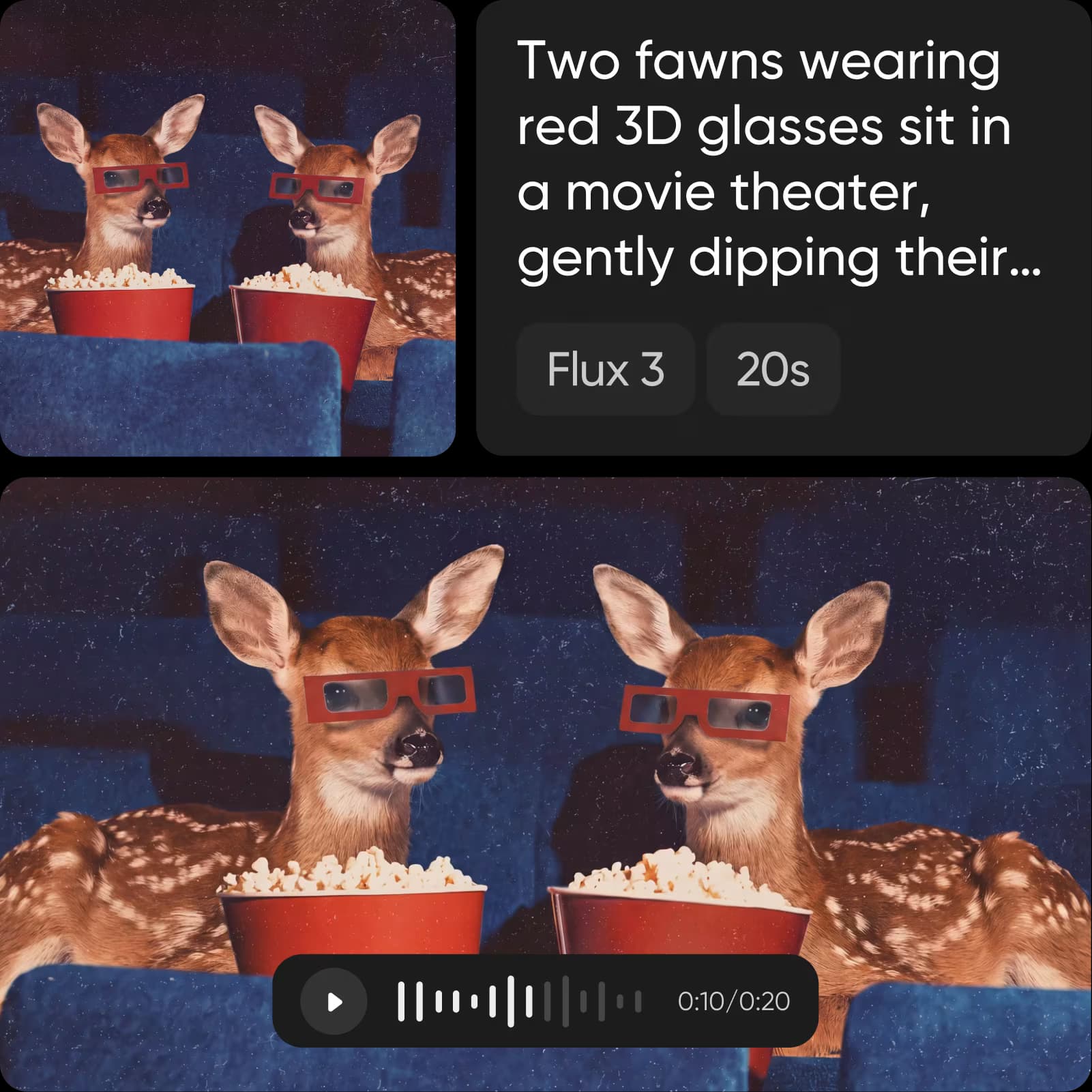
Generate video from an image with the model that fits your shot. Most video models in the AI Playground take an image, and each one has its own strengths.
Choose the plan that fits your workflow
Image to video generation runs on credits, and the cost depends on the model you choose.
Pro
Most popularAI tools for everyday creative work.
Ultra
Most powerfulHeavy AI usage for creators & teams.
Get answers about image to video AI
Picsart's image to video AI is credit-based. Each model in the AI Playground shows its credit cost before you generate, so you pay only for the clips you make. Paid plans include monthly credits, and add-on credits never expire.