Animation maker: animate photos, drawings and ideas with AI
Create animated videos from a photo, a drawing or a short idea. Flow plans the scenes, animates each one with motion and sound, and joins them into one story you can post anywhere.
- Start from a photo, drawing or prompt
- Scenes joined into one video
- Vertical or wide video
Plan, animate and finish on one canvas
Your starting image, every scene and the finished video sit side by side, connected node to node.
Use a photo, a drawing or an idea
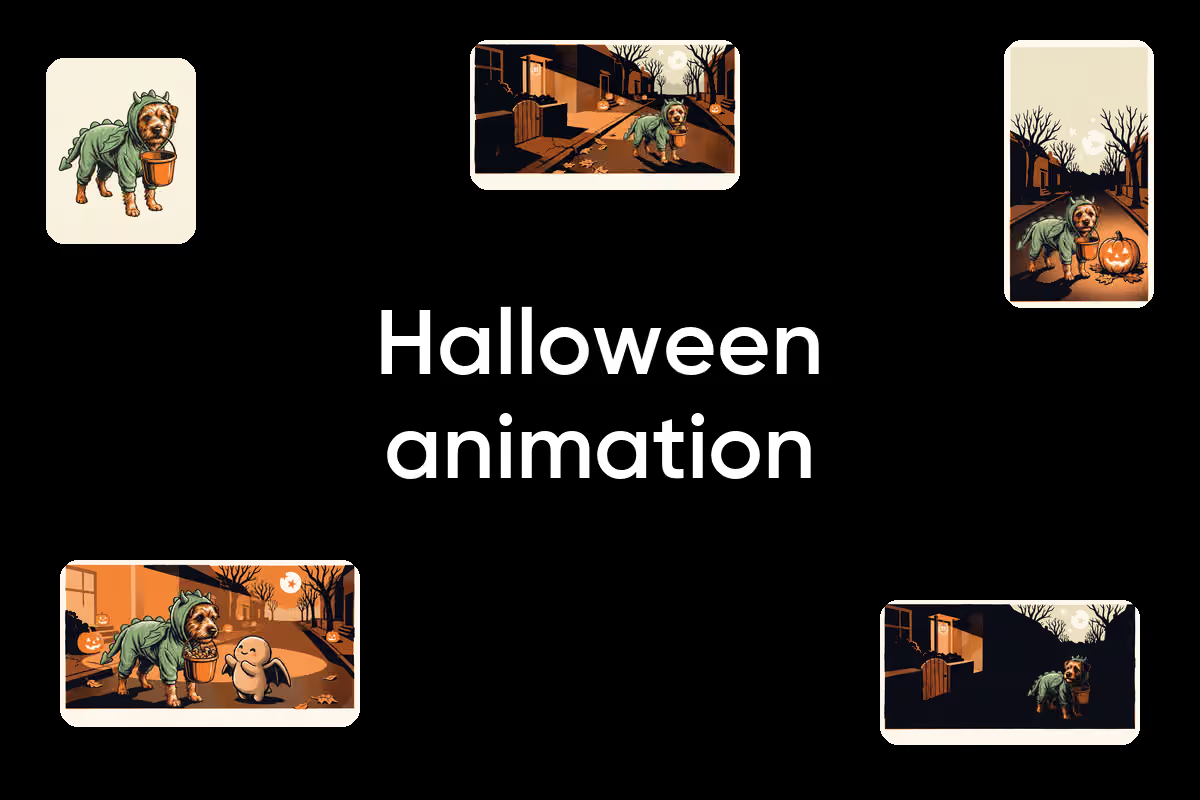
Upload a photo or a sketch, start from a template, or describe the video to Copilot and let it wire the nodes for you. An image node turns your input into keyframes in the style your prompt describes, from 3D cartoon to clay, anime or hand-drawn 2D.
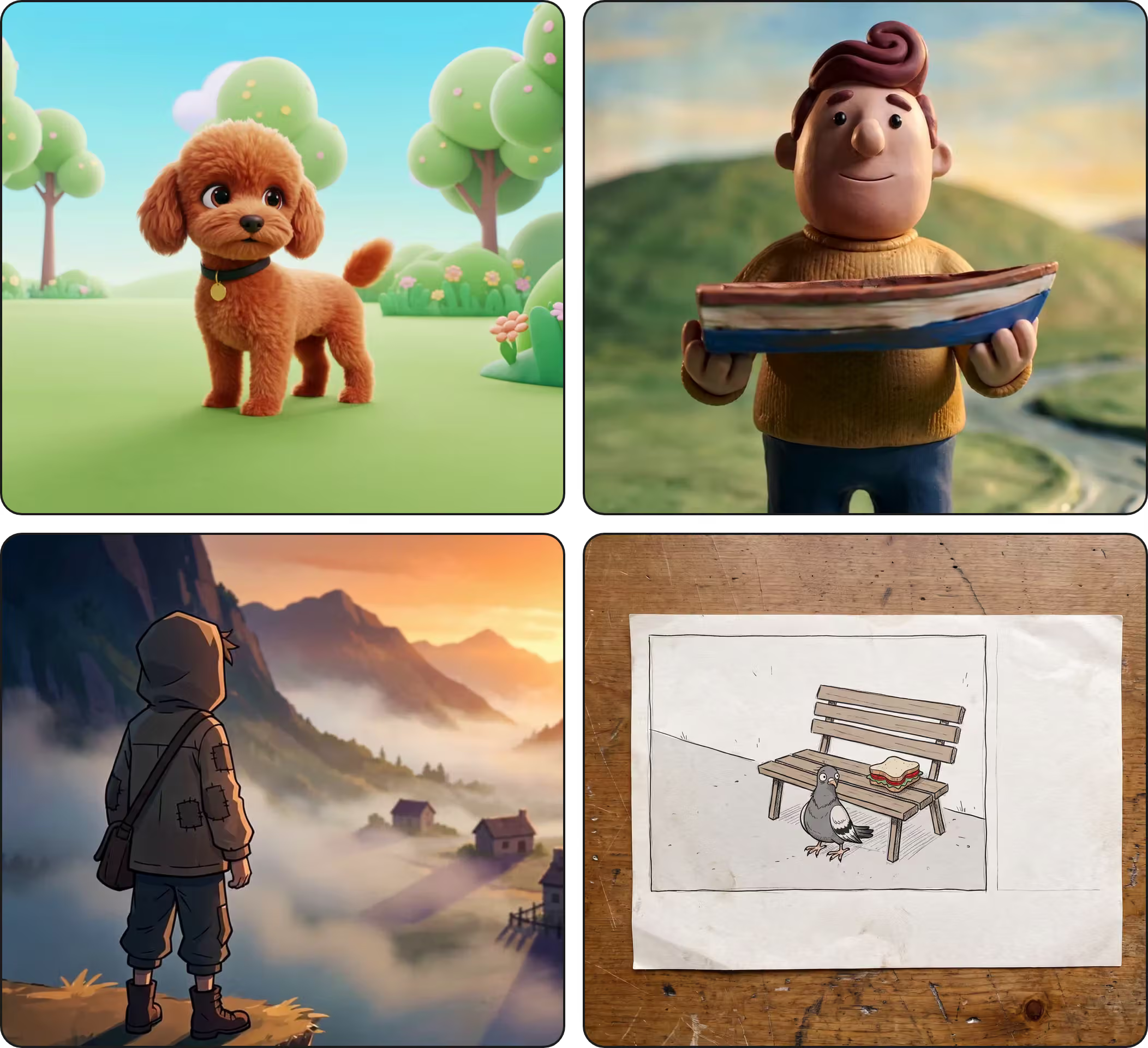
How to make an animation in Flow
How to
Pick a template or a blank canvas
Open an animation template and replace the sample image with your photo or drawing. Starting from nothing? Describe the scene in a text node, or design a character first with the cartoon character maker.
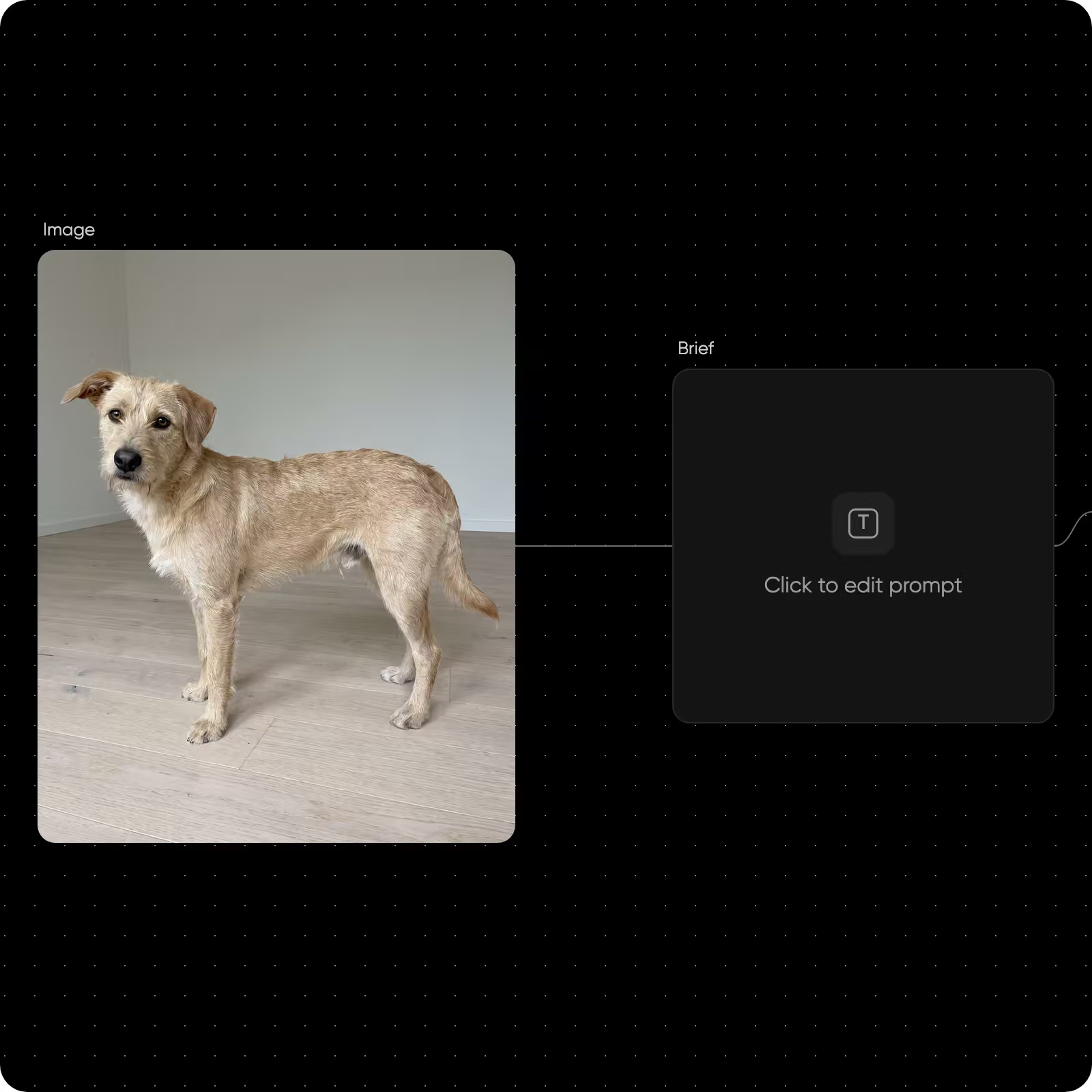
Start from an animation template
Every template is a full canvas with the nodes already connected. Swap in your own image and run it.


Turn a photo into an animation
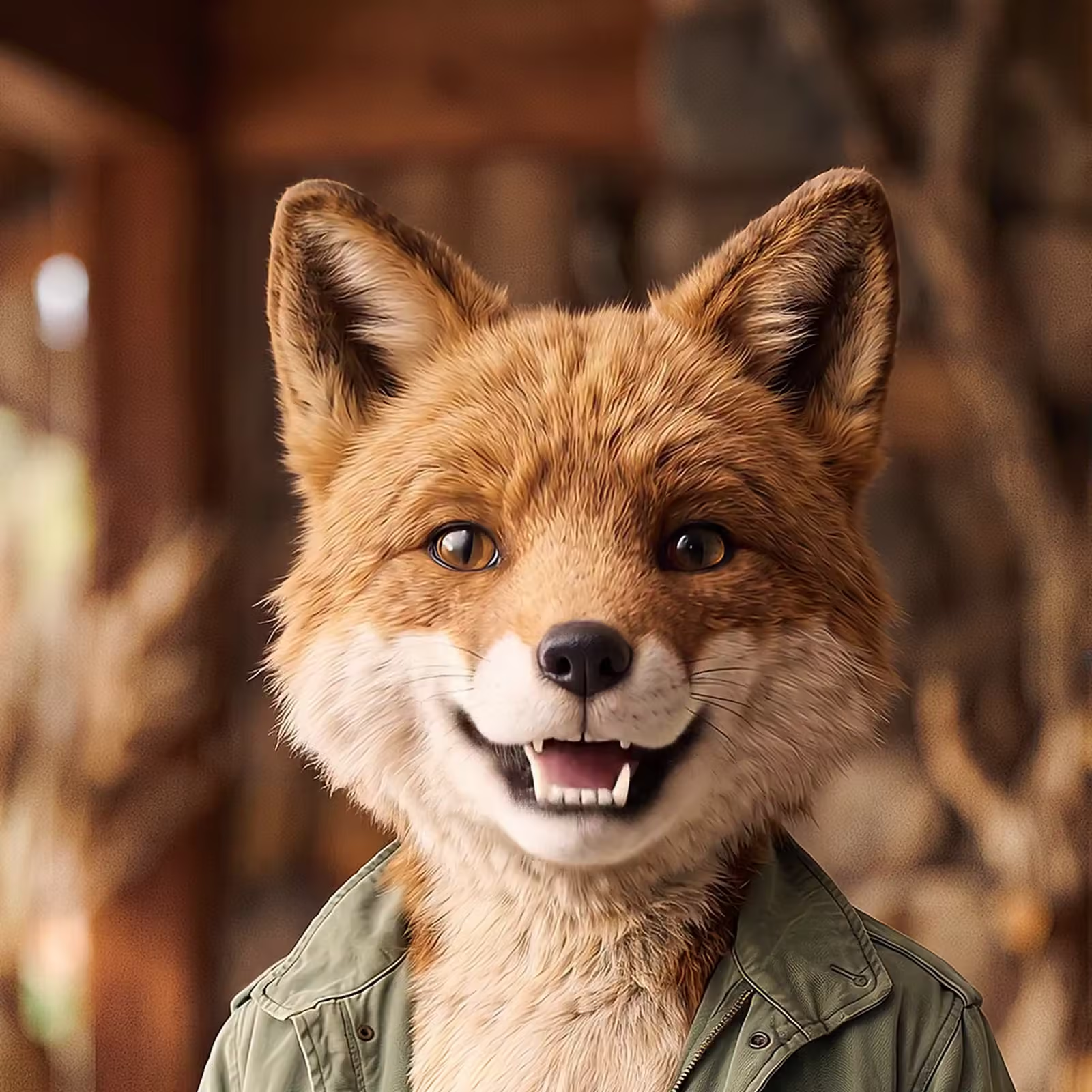
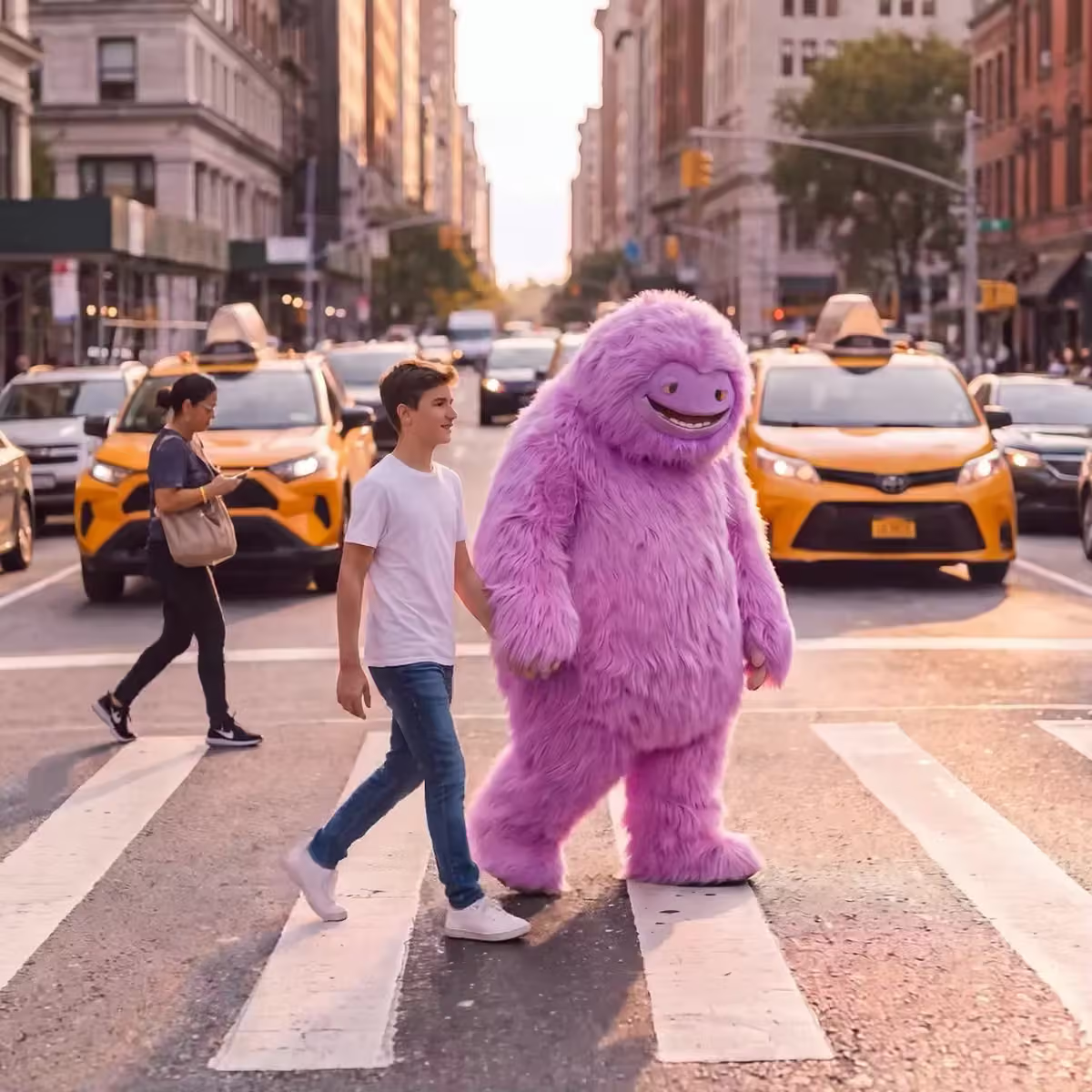
Image to animation starts with a single picture of a pet, a person or a place. Keep it realistic and add natural motion, or turn it into a cartoon animation with a template like Paws to Cartoon or KidToon Adventure. Already have a picture on the canvas? Select it and use Animate. For one quick clip from one photo, image to video lets you choose from 60+ AI models. For a loop to send in chats, the AI GIF Generator makes GIFs from a prompt.
- Realistic or cartoon
- Photo animation with sound
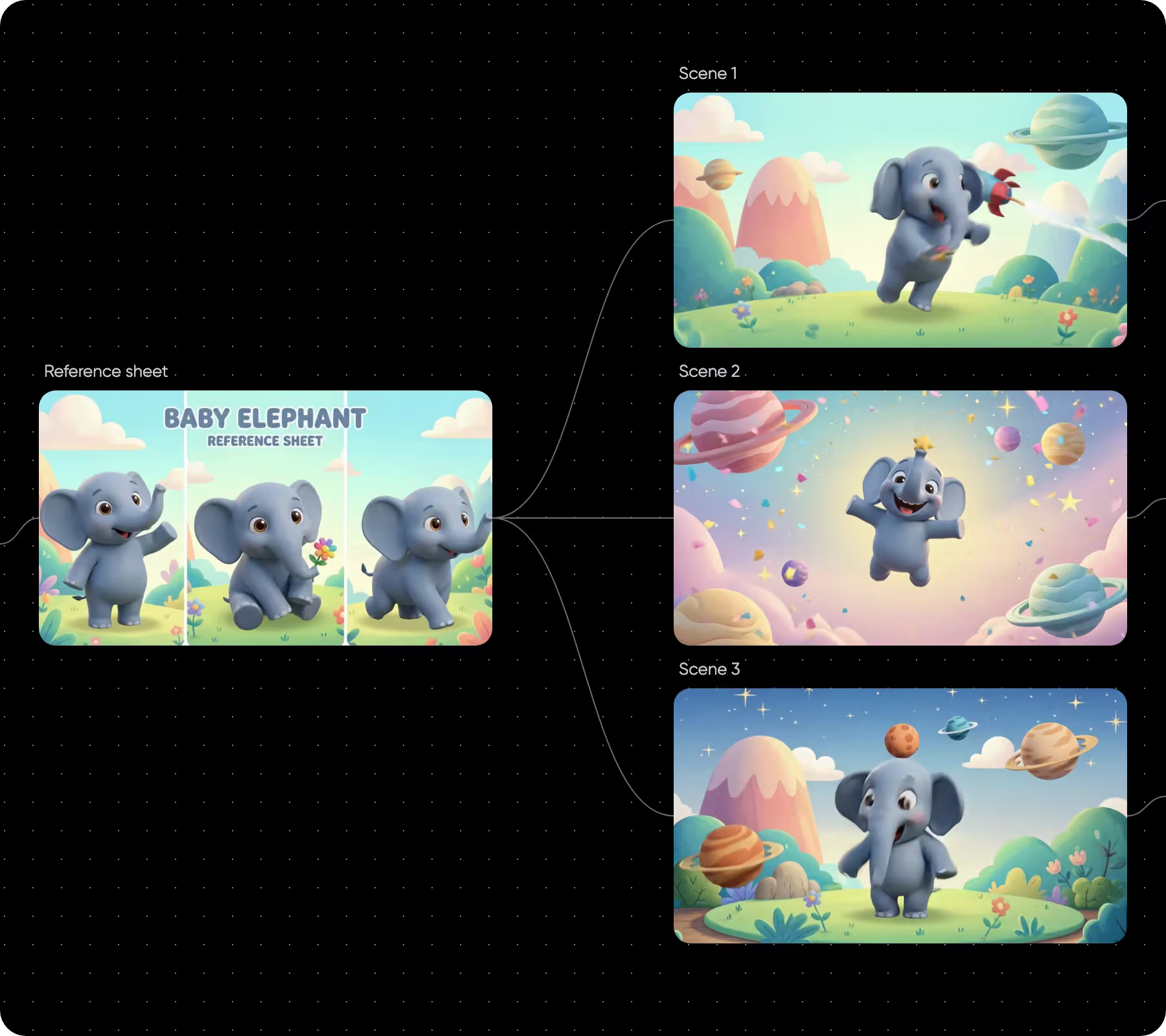
Keep every scene consistent
AI shots often drift from one to the next. In Flow, one reference feeds every keyframe and each scene can pick up from the last frame of the one before. Save a character or product in Picsart Drive and the Asset node brings every view, and even a designed voice, into any workflow.
- One reference for every scene
- Every view and voice in one Asset node
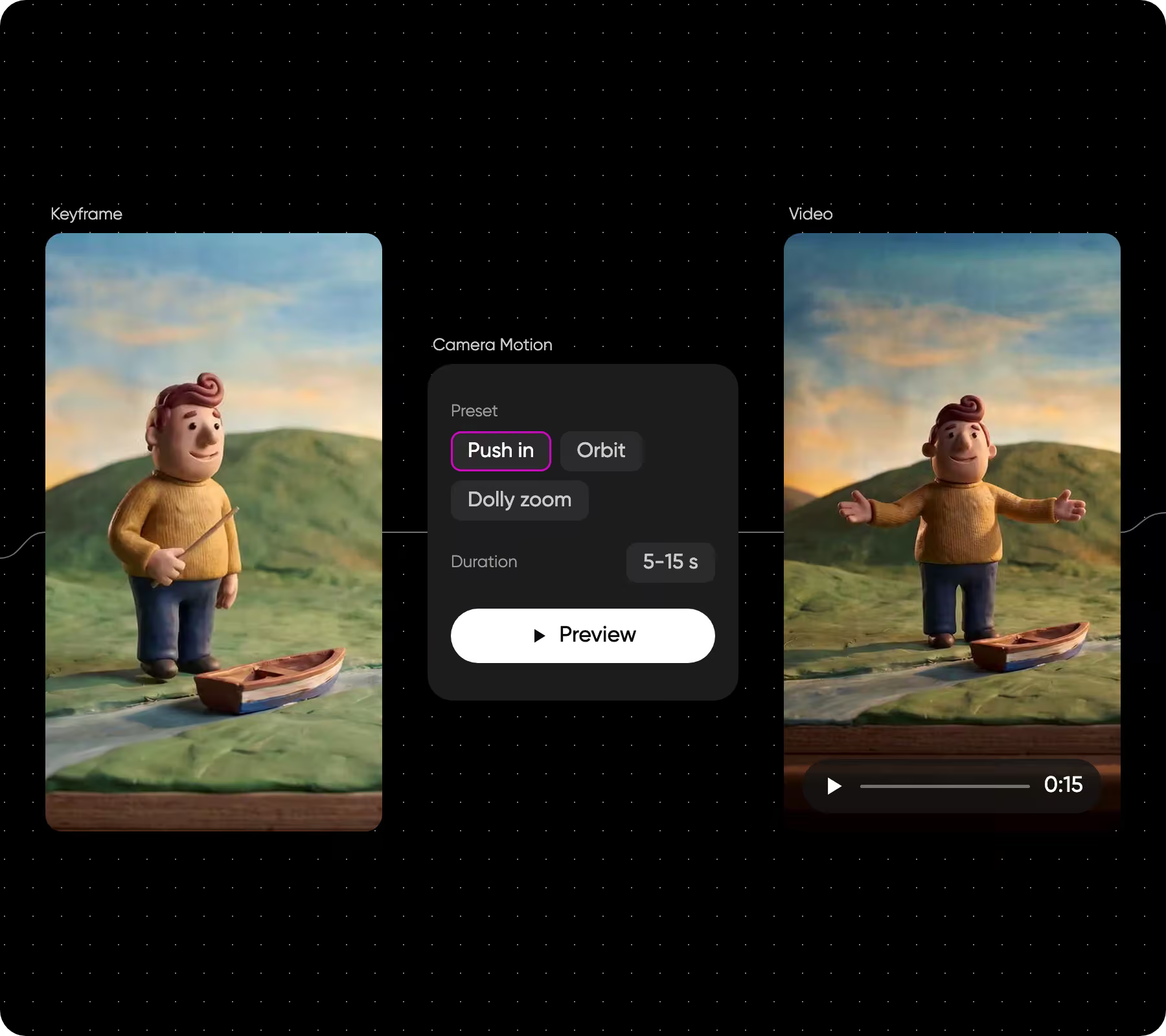
Move the camera through a still frame
Camera Motion turns a keyframe into a 5 to 15 second camera move while the scene stays as drawn. Pick one of 18 presets or plot your own path, then preview the move before you spend credits. It sits with the other generative editing tools in Flow.
- Orbit, crane, fly-by and more
- Preview before you generate
Make a whole series in one run
Planning several episodes? Select the scene nodes, change their duration or resolution together, switch the model for all of them, then rerun the chain with the total credit cost shown first. See how batch editing works.
- Edit every scene at once
- Total cost shown before you run
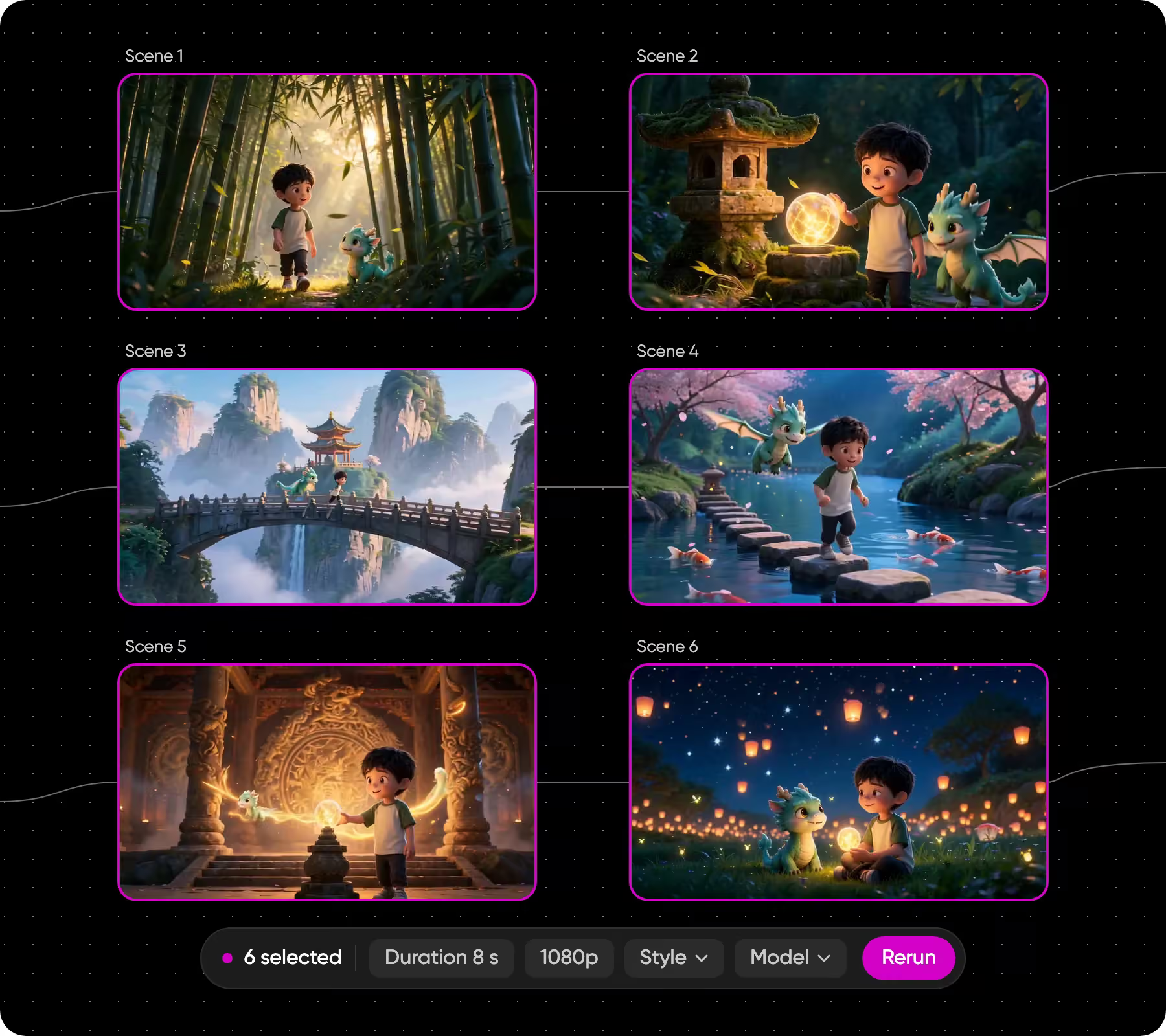
Organize a story with dozens of scenes
Longer stories grow fast. Search the canvas, color-tag scenes, add notes and frames, and arrange nodes in a tree layout so every beat is easy to find. Read more about canvas organization.
- Search, tags and notes
- Frames around each act
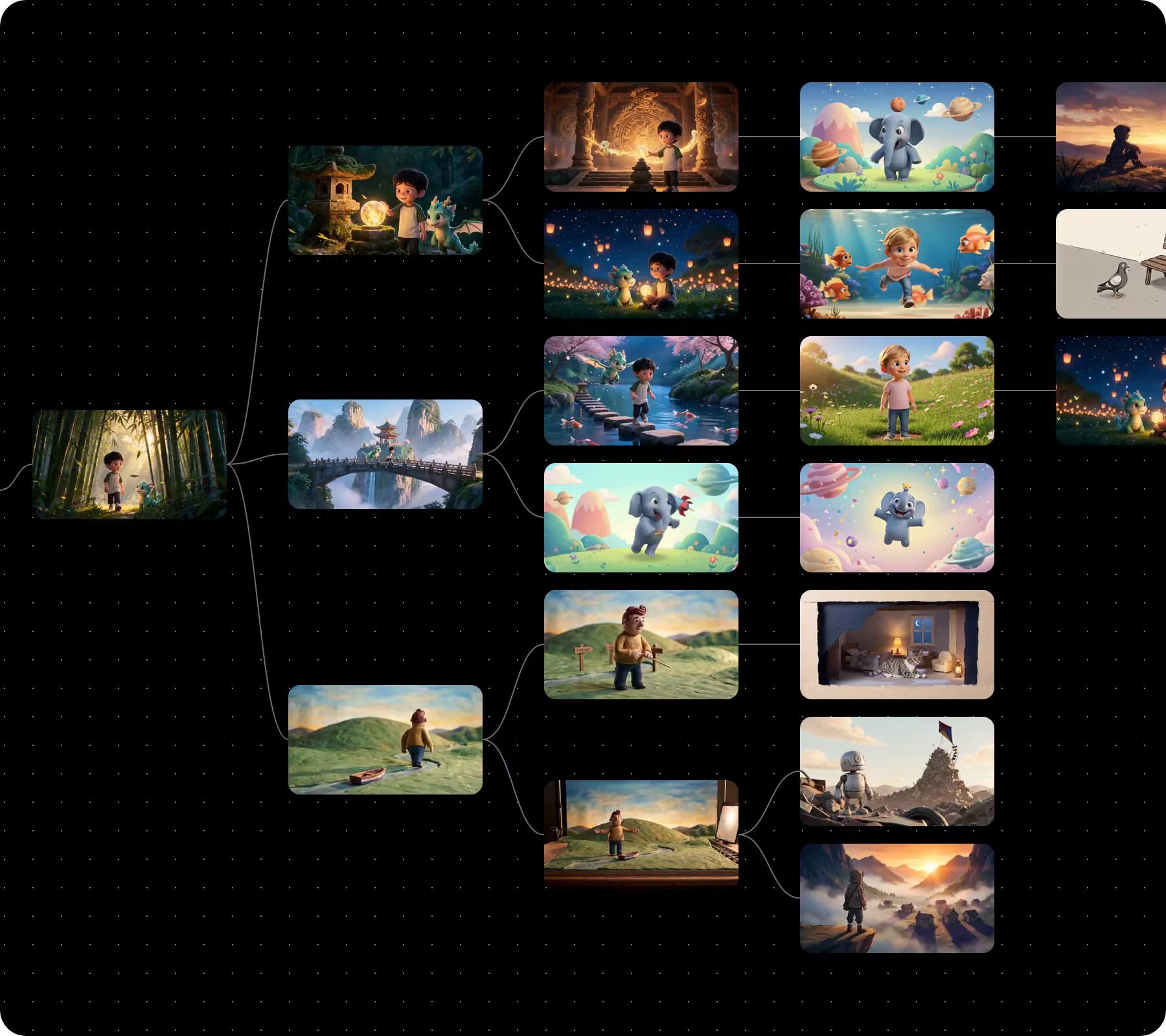
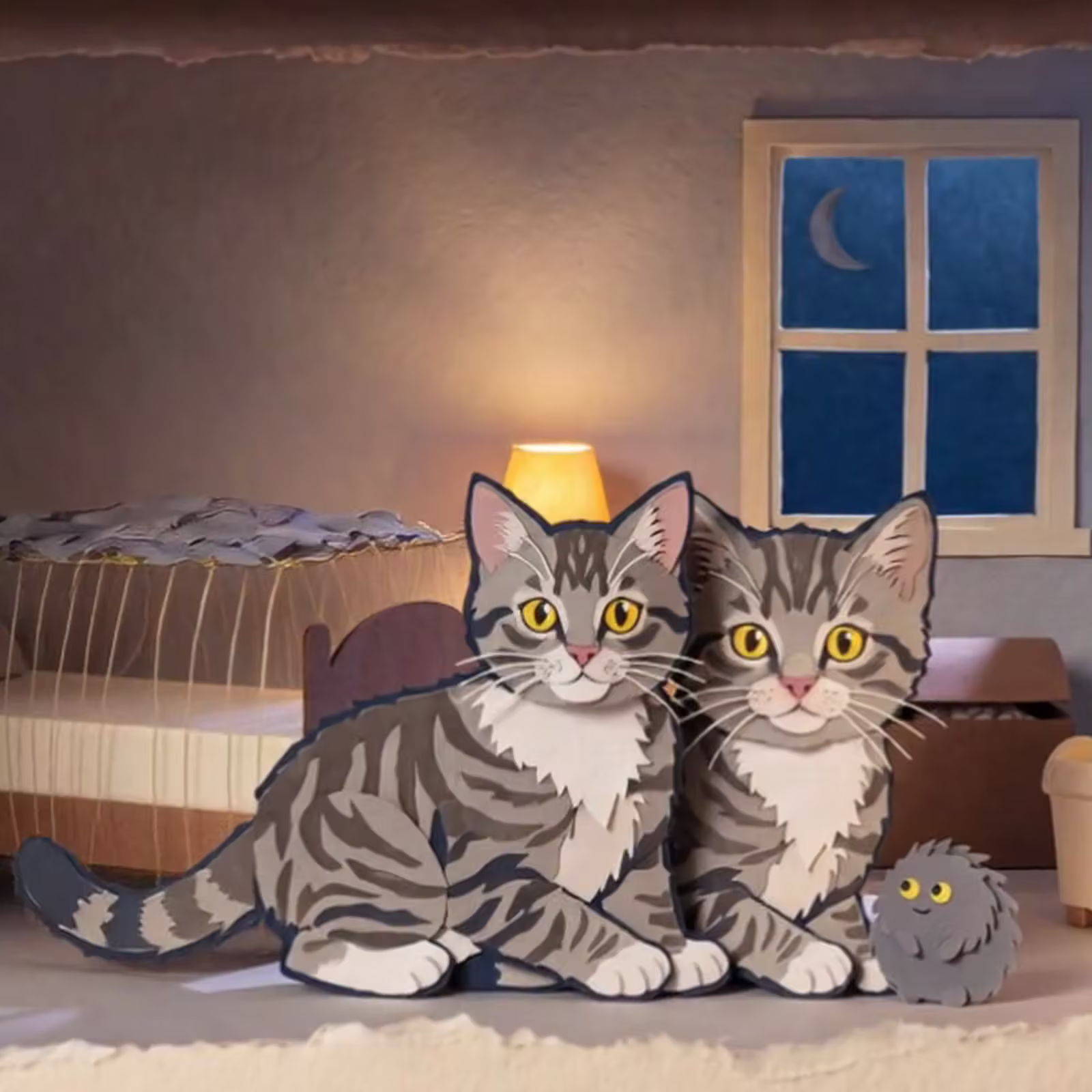
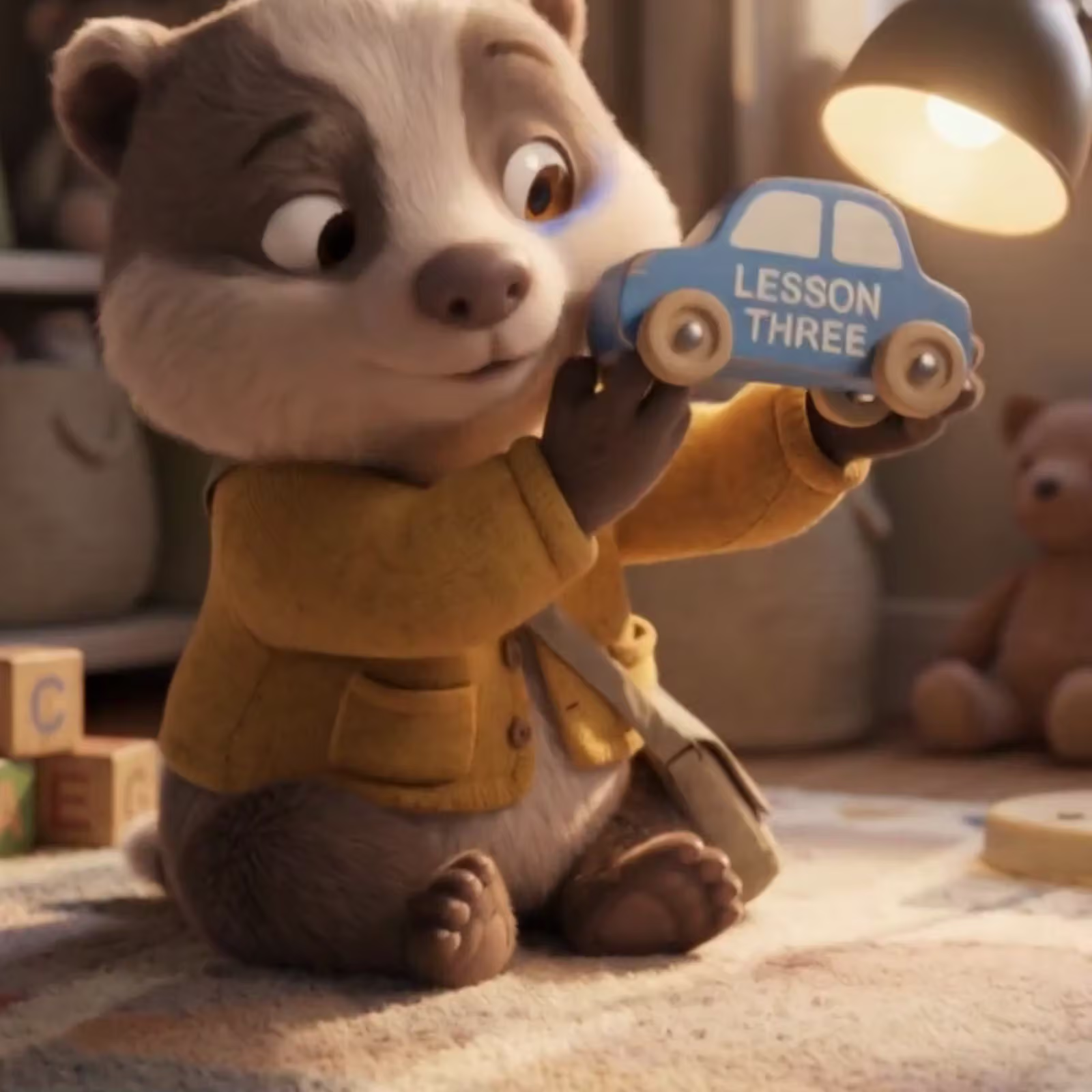
Pick the AI model behind each animation
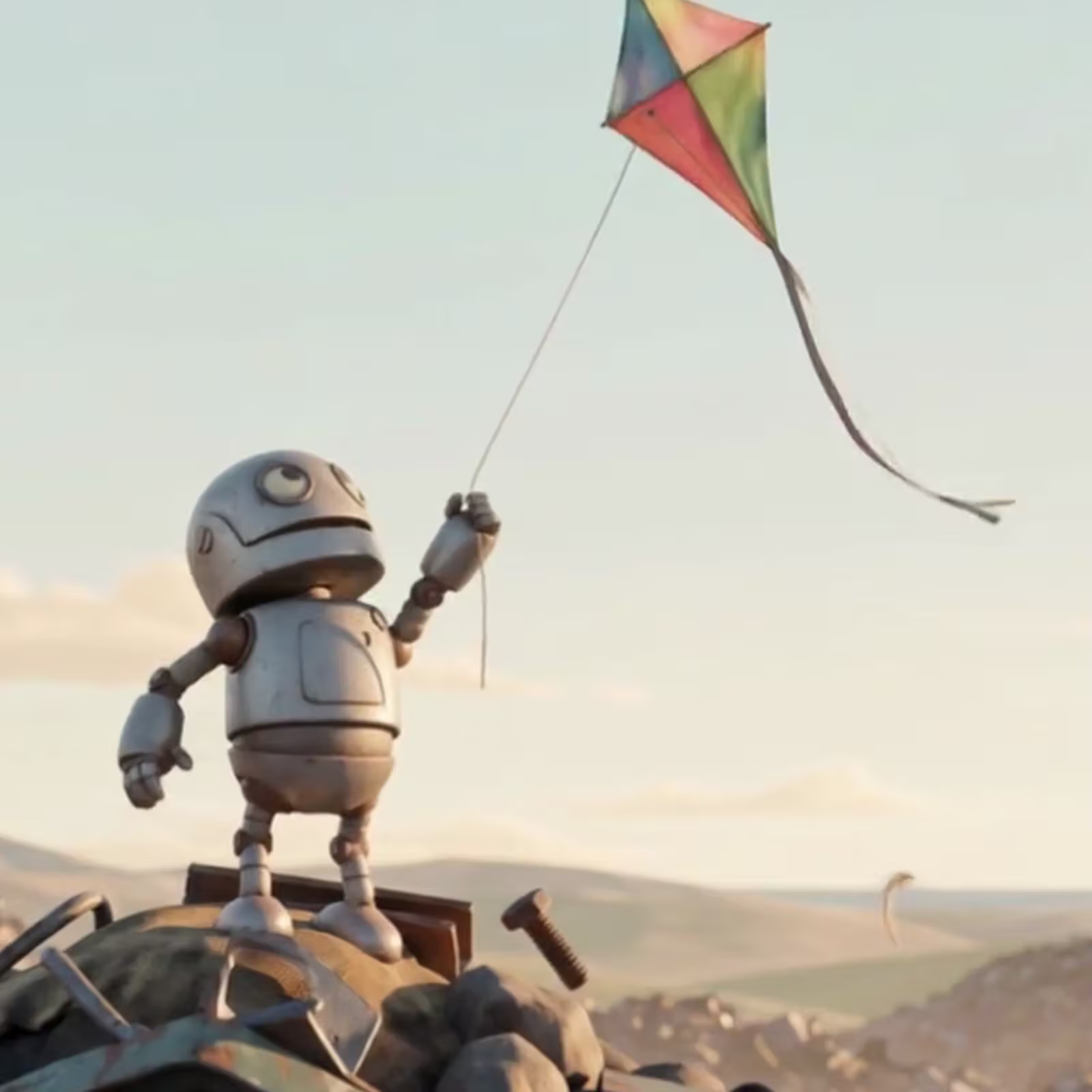
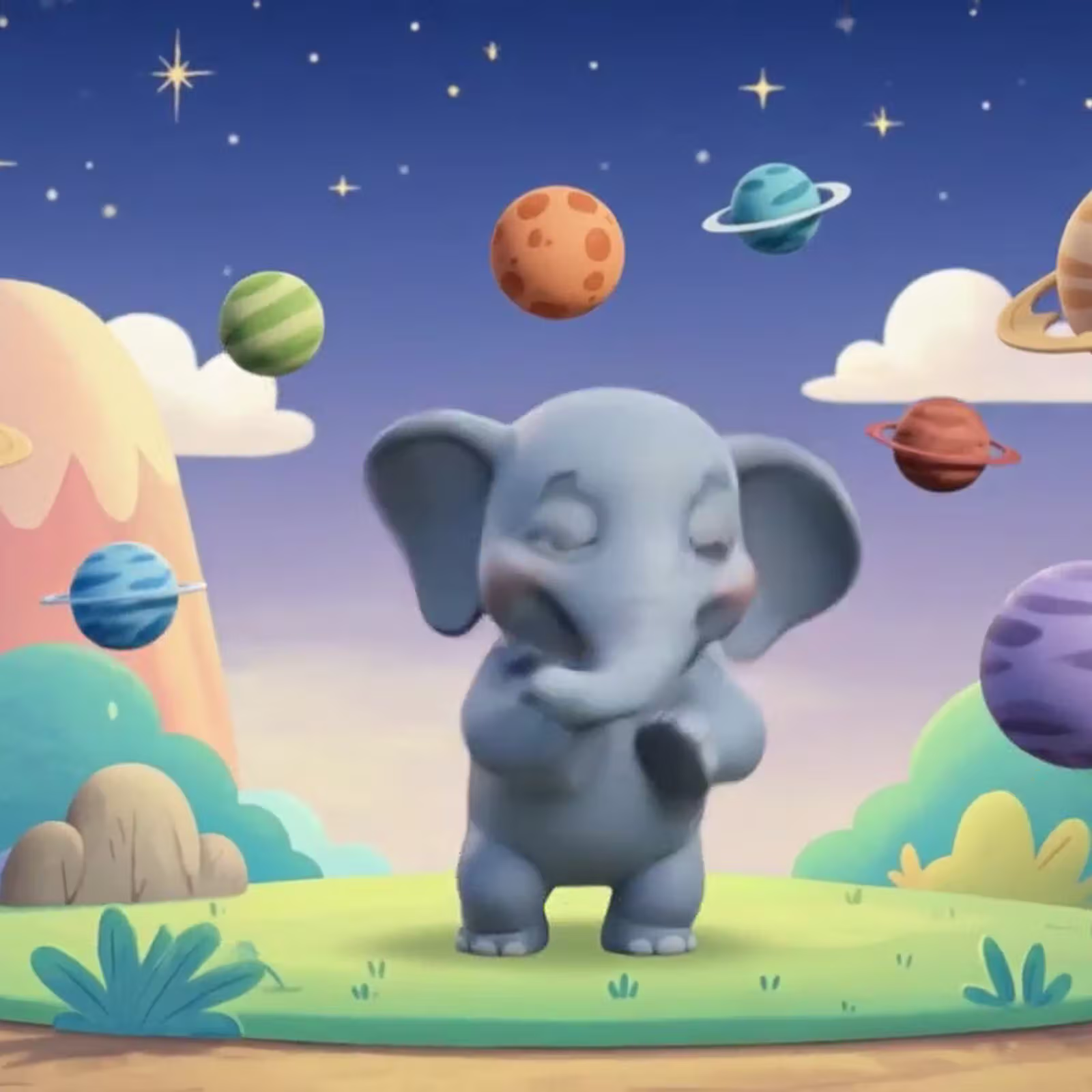
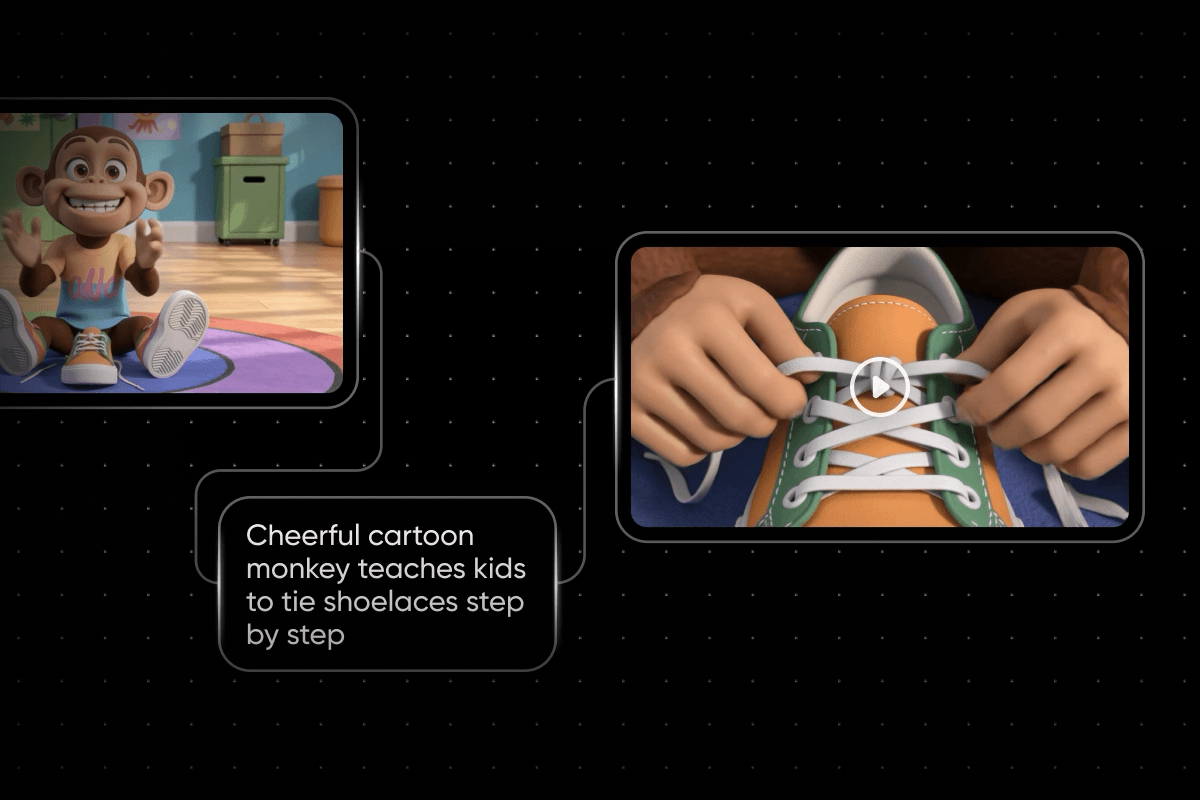
Every node on the canvas runs the model you pick, so the strongest image model can draw the keyframes and the strongest video model can move them. Nano Banana Pro: draws the reference images and keyframes. Kling 3.0: animates scenes with sound, vertical or wide. Seedance 2.5: turns keyframes into scenes with sound. ElevenLabs: voices, sound effects and original music from text.




Check how creators rate Picsart
Reviews from people who create with Picsart.






Get answers about making animations
Picsart Flow runs on AI credits, which come with Picsart plans and as one-off packs, so you can start with the credits already in your plan. The cost shows before every run, even when Copilot runs a step for you. Test one short scene first, then animate the full video.
Choose a plan for animation and video
Pro
Most popularAI tools for everyday creative work.
Ultra
Most powerfulHeavy AI usage for creators & teams.