AI Image
AI Video
Library
Solutions
Community
MCP & CLI
Pricing

Turn text into motion video instantly

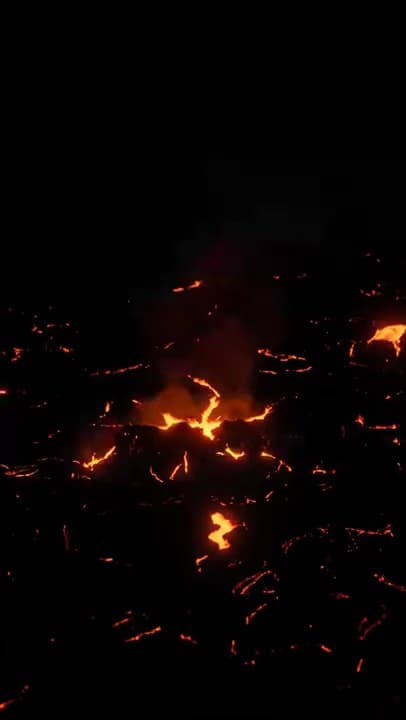
Transform static headlines into dynamic, scroll-stopping motion videos in seconds. Text Motion uses smart AI animation logic with no timelines, no keyframes, and no motion design skills required. Just type, animate, publish.

Create motion video
Make magic
Make magic
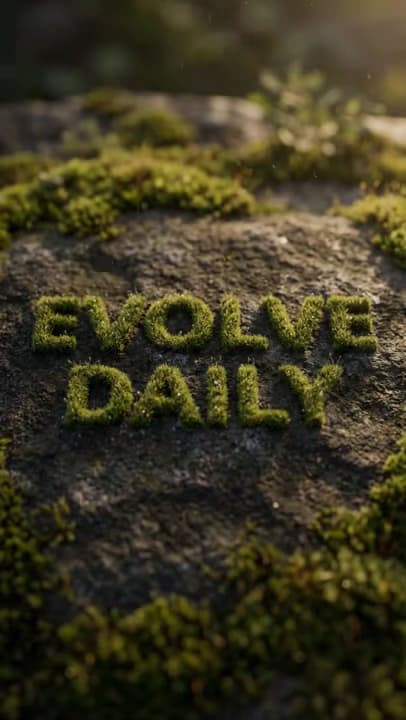
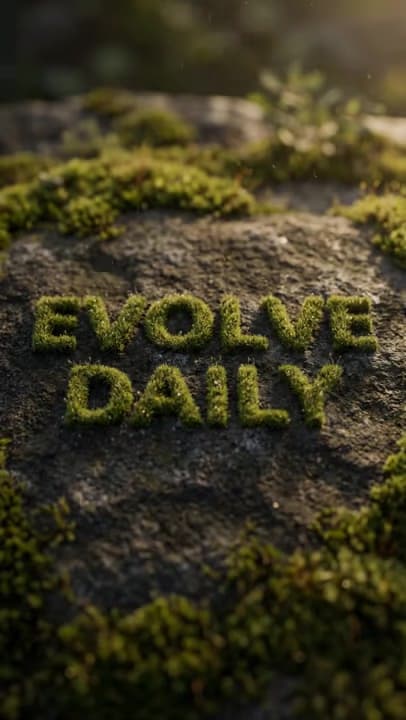
Evolve daily
Evolve daily
Born to create
Born to create
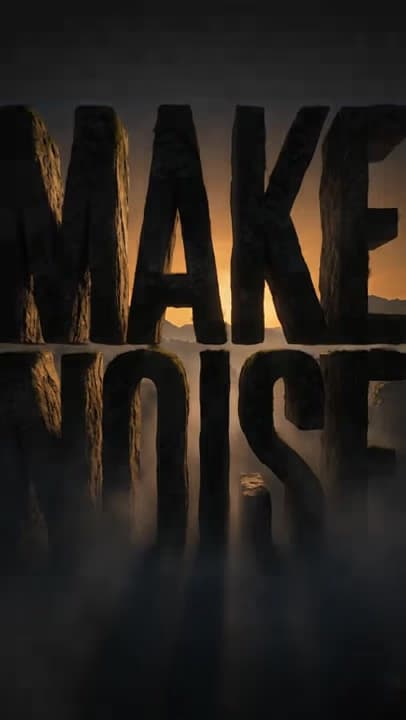
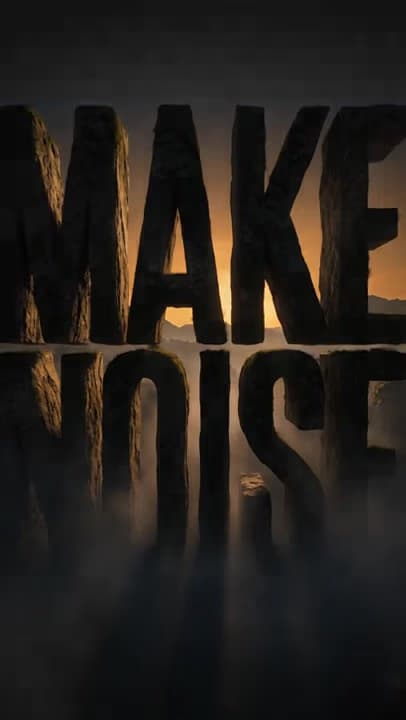
Make noise
Make noise
Set the trend
Set the trend
Stay legendary
Stay legendary
Think bigger
Think bigger

Video animations created with Picsart Text Motion

Think big
Think big
Stay legendary
Stay legendary
Set the trend
Set the trend
Make noise
Make noise
Evolve daily
Evolve daily
Born to create
Born to create

See a motion video comes to life

Watch how a simple headline transforms into a fully animated motion video - from text input to AI-powered typography animation and a scroll-ready short-form clip, all in seconds.

Try Text Motion

Power text with AI motion

Automatically apply intelligent text motion using AI powered animation logic, without manual editing or complex motion design tools.

Skip timelines and keyframes

Create smooth text motion instantly with no timelines, no keyframes, and no traditional animation software required.

Animate headlines for social

Design scroll stopping text motion videos optimized for TikTok, Reels, Stories, and high performing paid ads.

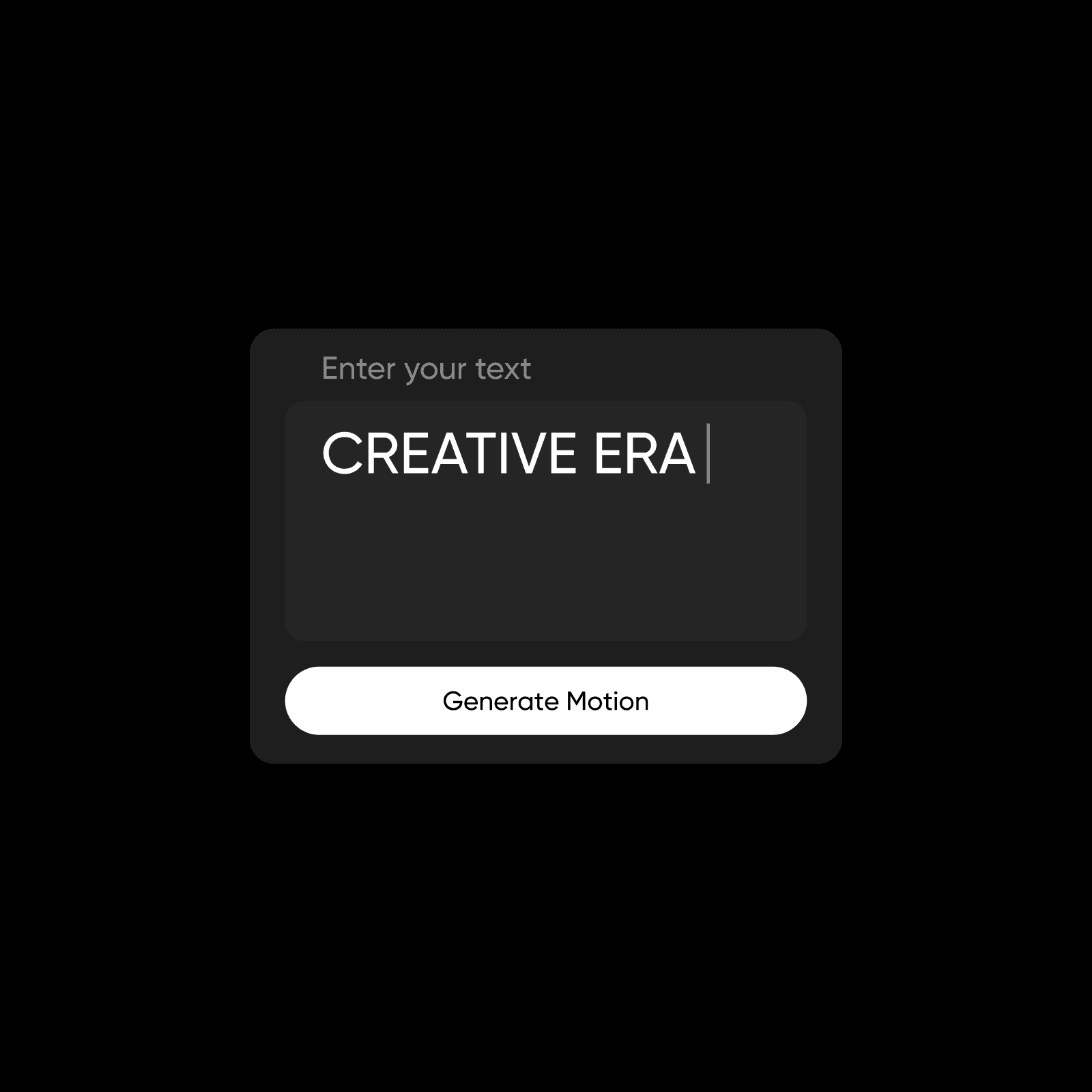
Enter your text

Enter your text

Add your headline or message to start your text animation without keyframes or manual editing.

Get started
 Enter your text

What is Text Motion and how does it work?

Text Motion is an AI-powered text animation tool that turns written headlines into animated motion video clips. It focuses on intelligent typography motion, not cinematic scene generation or script writing. You simply animate text online to amplify existing messaging, without using a full video production suite.

Customize your text motion video in seconds

Text Motion gives you hands on creative control from start to finish. Choose landscape 16:9 or portrait 9:16, then select Fast or Pro quality based on your needs. Apply your brand kit, refine art direction and lighting, and fine tune typography styling. Create animated text for Instagram with custom fonts or upload your own through the font library. You can even select a matching voice over style inside this text animation video maker.

Create text animation without After Effects

Traditional animation tools demand keyframes, timeline scrubbing, motion curves, and constant manual adjustments. That process takes time and technical skill. Text Motion replaces that complexity with automated motion logic and optimized movement patterns. You create text animation without After Effects, timelines, or motion design experience. Just enter text and generate polished results instantly.


Create high impact marketing with Text Motion

Animated text for ads
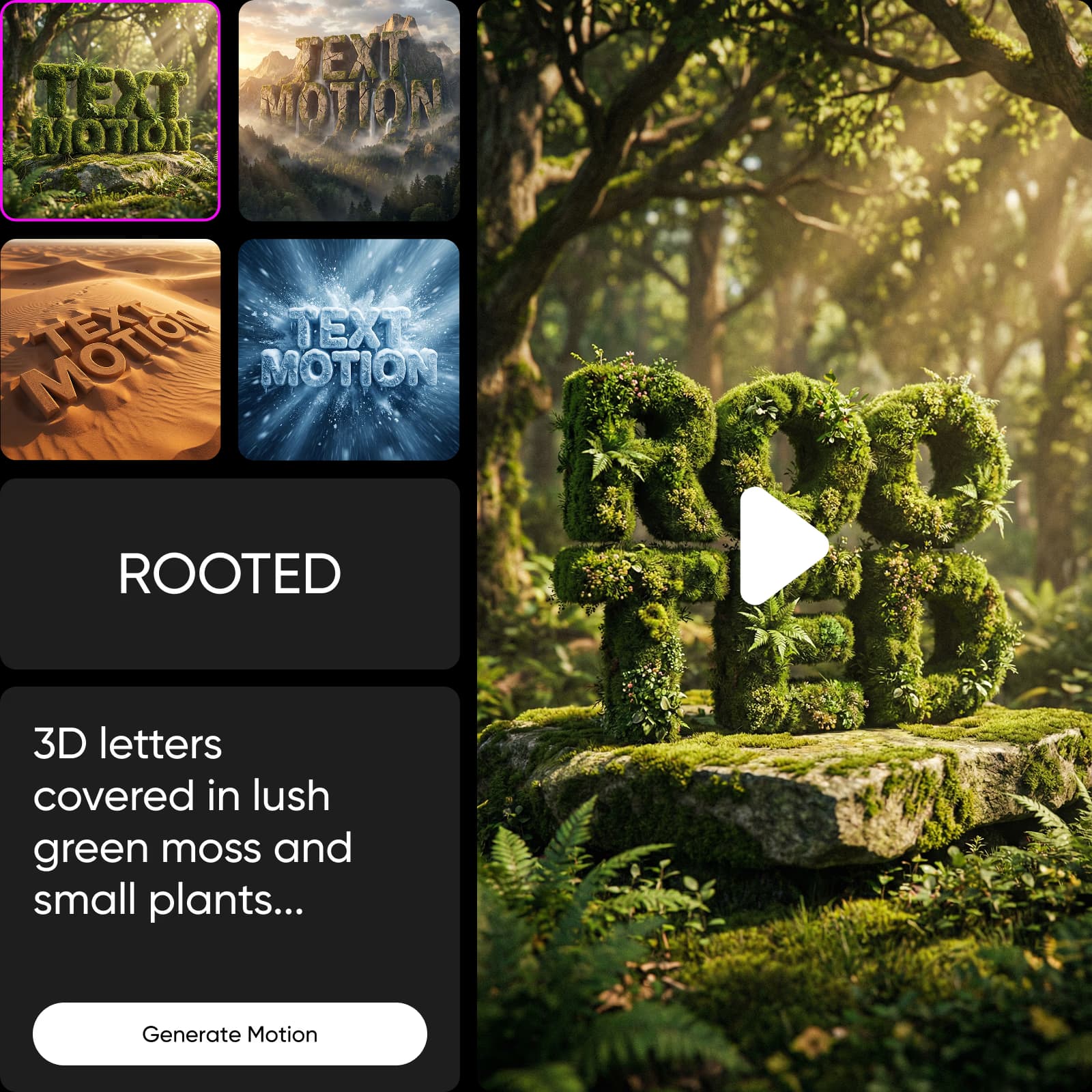
Create animated text for ads that capture attention in the first three seconds and improve click performance.

Create video motion
Animated text for ads

Discover all essential text motion features

AI powered motion

Automatically generate intelligent typography movement in seconds.

Instant headline animation

Turn static text into dynamic animated video instantly.

Flexible video formats

Switch between 16:9 landscape and 9:16 vertical layouts.

Adjustable video quality

Choose Fast for speed or Pro for enhanced refinement.

Brand kit integration

Apply consistent colors, logos, and visual identity.

Custom font control

Use built in fonts or upload your own styles.

Style customization

Refine art direction, lighting, and overall visual mood.

Export ready videos

Download short form motion videos without extra editing.


Frequently asked questions

01

What is a text animation tool?

A text animation tool turns static words into animated video using intelligent motion logic. Instead of editing frame by frame, you apply automated movement patterns that enhance readability, emphasis, and engagement across social and advertising formats.
02

How do I animate text without Adobe After Effects?

You can animate text without Adobe After Effects by using AI powered motion tools that remove timelines and keyframes. In Text Motion, simply enter your text, choose format and style, and generate polished motion instantly without technical editing skills.
03

Can I create animated headlines for ads?

Yes. Text Motion is built for animated text for ads, helping you create high impact hooks for paid campaigns, retargeting creatives, product launches, and short form performance marketing across platforms.
04

Does Text Motion support vertical video?

Yes. You can choose 9:16 vertical format for TikTok, Reels, and Stories, or 16:9 landscape for broader placements. The motion automatically adapts to your selected layout.
05

Can I customize fonts and brand styles?

Absolutely. Apply your Brand Kit, adjust typography styling, select built in fonts, or upload your own. This ensures every animated headline stays aligned with your visual identity.

Animate text and build standout video content

Use Picsart anywhere

Install the app, or bring Picsart into the AI workspaces your team already uses.

Use Picsart with

  • ChatGPT / Codex
  • Claude
  • Terminal
  • Cursor
  • OpenClaw
  • Hermes

Download the app

Download on the App StoreGET IT ON Google PlayGet it from Microsoft

Follow Picsart

Pinterest
AICPA SOC

Create

  • AI Image Generator
  • AI Video Generator
  • AI Playground
  • Flow
  • AI Photo Editor
  • AI Video Editor
  • AI Agents
  • Content Library
  • AI Models

Creators

  • Earn with Picsart
  • Clipping
  • For Brands
  • Video Studio
  • Tutorials
  • Challenges

Connect

  • ChatGPT / Codex
  • MCP setup
  • Command line
  • Developers
  • Google Drive

Business

  • Pricing
  • Enterprise
  • Industries
  • Quicktools

Company

  • Support
  • Careers
  • About us
  • Blog
  • Press Center
Terms of UsePrivacy PolicyDo Not SellInternet-Based AdvertisingCommunity GuidelinesDMCASecurity PolicyAccessibility
© 2026 PicsArt, Inc.