AI Video Editor for impactful content creation

Discover the easiest way to create videos with AI. Picsart’s AI Video Editor simplifies complex editing tasks so you can produce high-quality, share-worthy content in minutes. From TikToks and YouTube Shorts to professional marketing clips, AI video editing makes the process effortless.

  • Smarter AI-powered editing

    Create professional videos with AI video editing tools that understand your vision and deliver polished results in seconds.

  • One-click video editing with prompts

    Enhance your footage in seconds using one-click video editing - fast, simple, and designed to deliver polished results every time.

  • Visual effects (VFX) simplified

    Create quality AI videos packed with cinematic effects, sharp detail, and vibrant colors - all applied automatically to make every project stand out.

  • 47%boost in productivity with AI-driven editing tools
  • 58%average cost savings for businesses using AI-generated video tools
  • 14 hrssaved per video project with AI-powered editing
  • 35%increase in content output without extra resources

How to edit video with AI

How to

Upload your video

Select or upload a source video to start editing on canvas.

AI Video Editor for everyone

The AI Video Editor makes video editing simple and intuitive, combining advanced technology with a user-friendly design. Anyone, from beginners to professionals, can create videos with AI in minutes. Produce polished, high-quality content for social media, personal projects, or business needs with AI video editing that saves time and enhances creativity.

Create shareable AI videos

With the AI Video Editor, making engaging content is fast and simple. By automating complex tasks, the tool lets anyone create videos with AI that look professional and polished. In just a few clicks, turn your footage into shareable videos that grab attention and look professional across social media, personal projects, or customer campaigns.

Next-level cinematic AI video editing

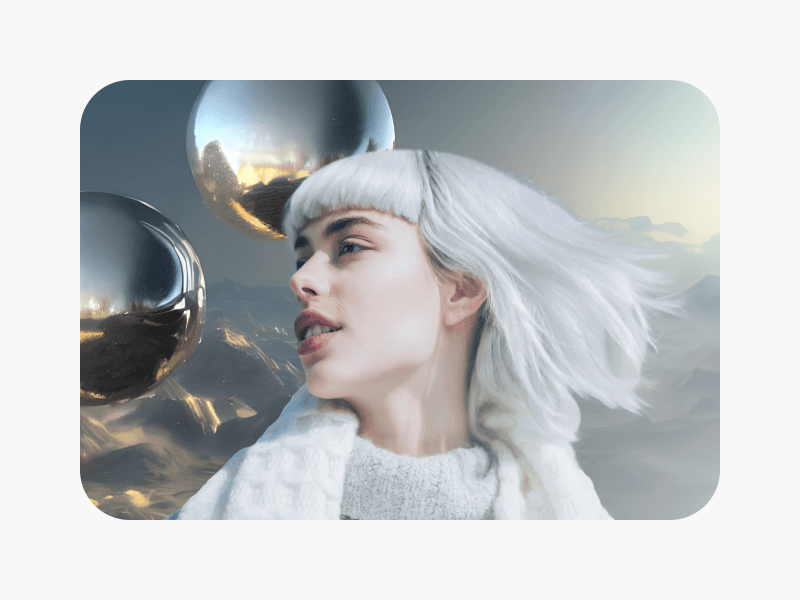
Transform your content with cinematic video effects using Picsart’s online AI Video Editor. With just a simple prompt, the tool applies color grading, visual enhancements, and dynamic effects automatically - no complex software required. Save time while achieving high-quality results, from enhancing personal memories to producing professional content with a cinematic finish.

Transform your footage into AI videos

The AI Video Editor makes it easy to enhance videos with AI - no need to start from scratch. Simply upload your footage and let advanced algorithms improve quality, add effects, and apply cinematic transformations in minutes. With AI video editing, you can upgrade personal recordings, marketing clips, or professional projects with minimal effort.

Explore powerful AI Video creation tools

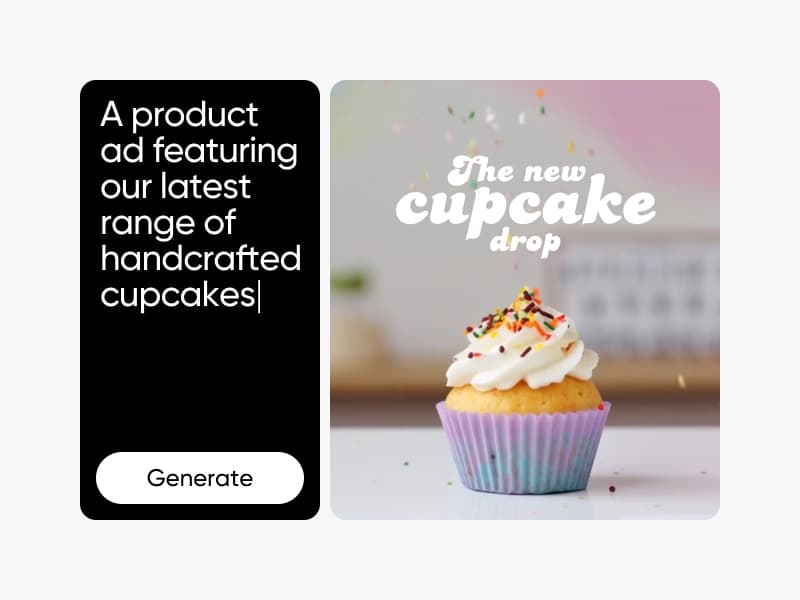
Go beyond editing with a full suite of AI video tools designed to speed up and simplify your creative process. From removing video backgrounds to turning images into videos, and even generating clips from text prompts, these AI video creation tools give you the flexibility to produce content faster and smarter. Whether you’re creating marketing campaigns, tutorials, or short AI videos, the AI video generator makes production easier than ever.

AI Video Editor for every creator

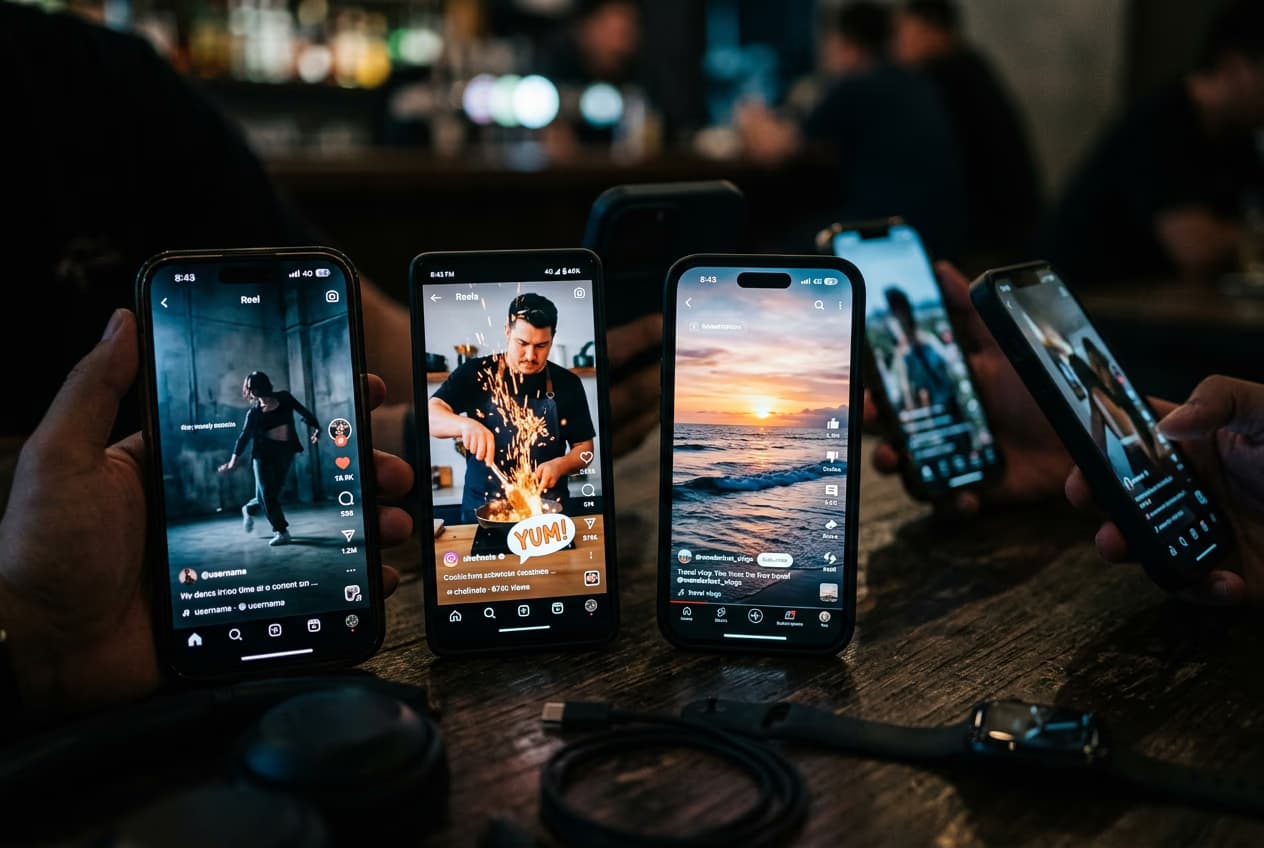
TikTok creators

Edit clips, add effects, and keep your content trending.
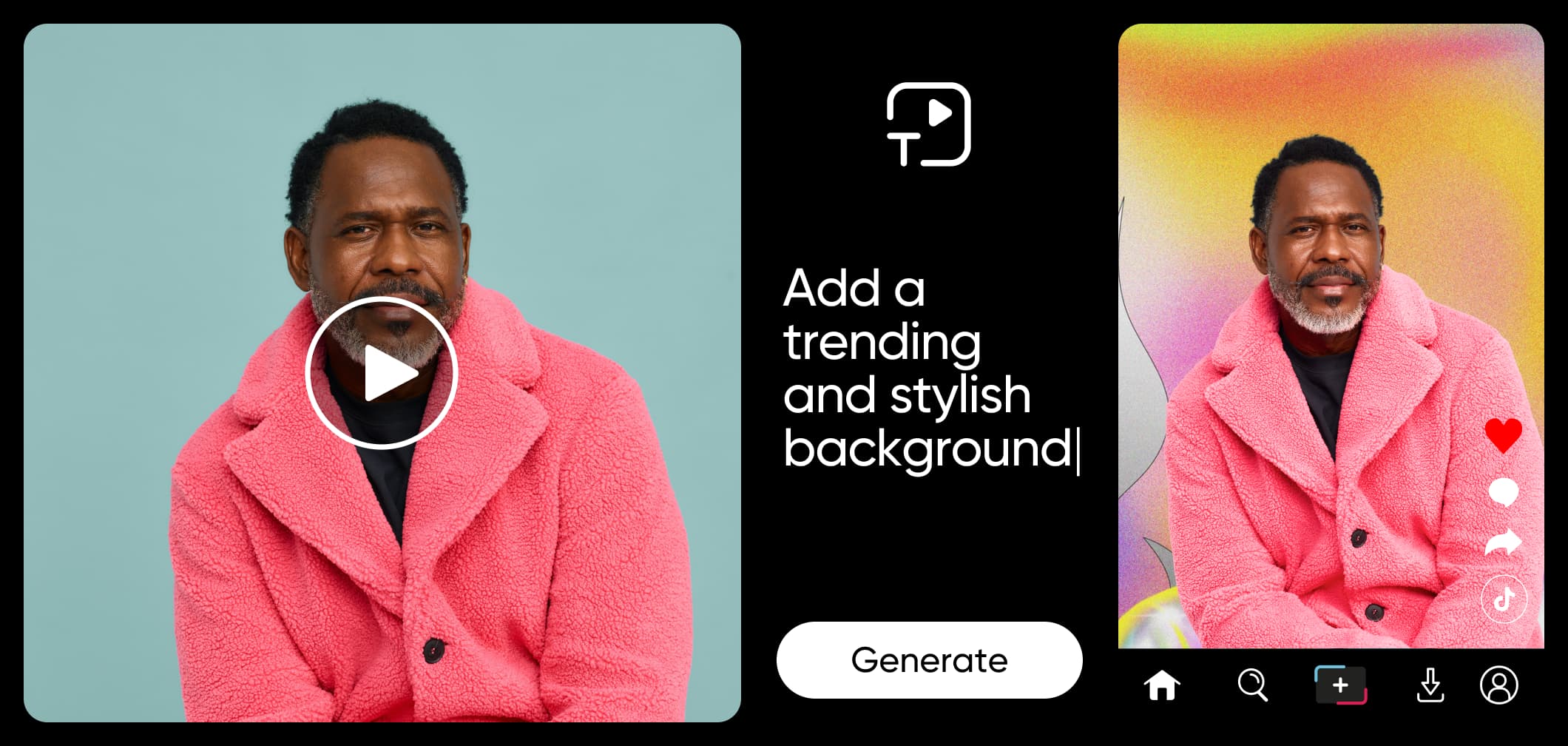
Ai video editor for tiktokers

All the AI video editing features you need

Picsart’s smart tools let you edit, enhance, and transform your videos — fast, flexible, and all in one place.

  • Smart VFX overlays

    Add cinematic effects that instantly boost the look of your videos.

  • Scene teleportation

    Switch backgrounds in seconds and transport your subject anywhere.

  • Mood and light transformation

    Change lighting and atmosphere to match any style or vibe.

  • Scene extension

    Expand your frame seamlessly for wider, more dynamic shots.

  • Object swap

    Replace unwanted items with AI-generated alternatives.

  • Subject swap

    Switch people or characters while keeping your video natural.

  • Age and style filters

    Transform appearances with creative age shifts and stylized looks.

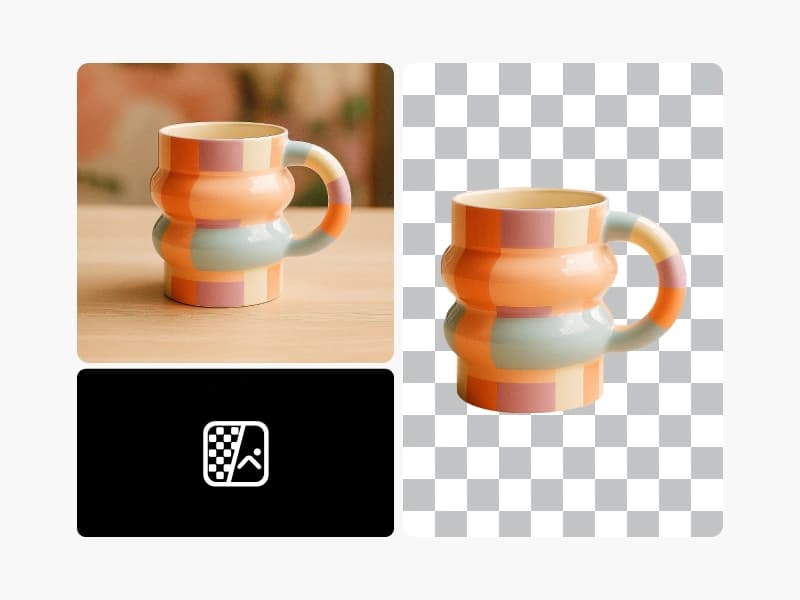
  • Background removal

    Cleanly remove or replace video backgrounds with a single tap.

AI Video Editor FAQ

  • An AI Video Editor is a tool that uses artificial intelligence to simplify video editing, automatically applying effects, enhancements, and adjustments so anyone can create professional-looking content.

    For a deeper breakdown of editing features, formats, and prompt-led workflows, read the AI Video Editor features, formats, and workflows guide.
     

Edit videos with AI for every content idea

Pro

Most popular

AI tools for everyday creative work.

$15 $10.5/mo
Billed yearly
You save $54 with yearly
  • Access to all photo & video editing features
  • Advanced background & object removal
  • Parallel video generations with the world's most powerful AI video models
  • Unlimited image generations with Flex.2 Klein
  • 1-tap image enhancer
  • Millions of stock photos & Getty video clips
  • Selection of trendy fonts, text styles & stickers
  • Thousands of premium templates
  • Support for 3+ brand kits
  • Bulk edit up to 50 images at once
  • 100 GB of cloud storage
New features:
  • Auto-generate content from your terminal or agent with the Picsart CLI
  • Use Picsart inside Claude Code, Cursor, and ChatGPT via MCP — coming soon
  • AI agents for multi-step workflows and batch generation — coming soon

Ultra

Most powerful

Heavy AI usage for creators & teams.

$45 $24.5/mo
Billed yearly, per seat
You save $246 with yearly
  • Everything in Pro
  • Early access to advanced AI features
  • Leading AI models to design & automate workflows (Nano Banana, Veo 3, Seedance 2.0 & more)
  • Parallel video generations with the world's most powerful AI video models
  • Unlimited image generations with Flex.2 Klein
  • Support for 10+ brand kits
  • Add team seats
  • Create ad variations and localize
  • Track ads performance
  • 2000 credits for API services
  • Bulk edit up to 100 images at once
  • 300 GB of cloud storage per seat
New features:
  • Auto-generate content from your terminal or agent with the Picsart CLI
  • Use Picsart inside Claude Code, Cursor, and ChatGPT via MCP — coming soon
  • AI agents for multi-step workflows and batch generation — coming soon

Enterprise

Custom AI solutions for large organizations.

Custom credit volume
  • Volume discounts on credit rate
  • On-demand top-ups
Custom
Contact for pricing
  • Access to photo & video editor SDKs
  • Mobile web SDK support
  • Prepaid or pay-as-you-go creative APIs
  • Embed professional-grade editing into your product or workflow
  • Fully configurable editing experience
  • White-label to match your brand
  • Support for built-in marketing, e-commerce & printing use cases
  • Bring your own assets: images, templates & fonts
  • Enterprise-grade security, SLAs & support
  • Dedicated account manager