How to edit videos with AI in Picsart video editor
What you'll learn
What is the Picsart AI video editor?
Common use cases
Edit your video step by step
STEP 1: Upload your video
- On web: Go to picsart.com/ai-video-editor → Click "Start editing now" → Upload your video file
- On mobile: Open Picsart → Tap "+" → Select Video → Choose your clip from gallery
STEP 2: Arrange clips on timeline
Build your video sequence using these tools:
- Timeline: Drag clips to arrange order, trim by pulling clip edges
- Layers: Stack multiple videos, images, and text on separate tracks
- Effects: Browse AI effects like background removal, filters, and VFX overlays
- Transitions: Add fades, wipes, or AI morphing between clips
- Audio: Adjust volume, add music tracks, or mute original sound
STEP 3: Apply AI enhancements
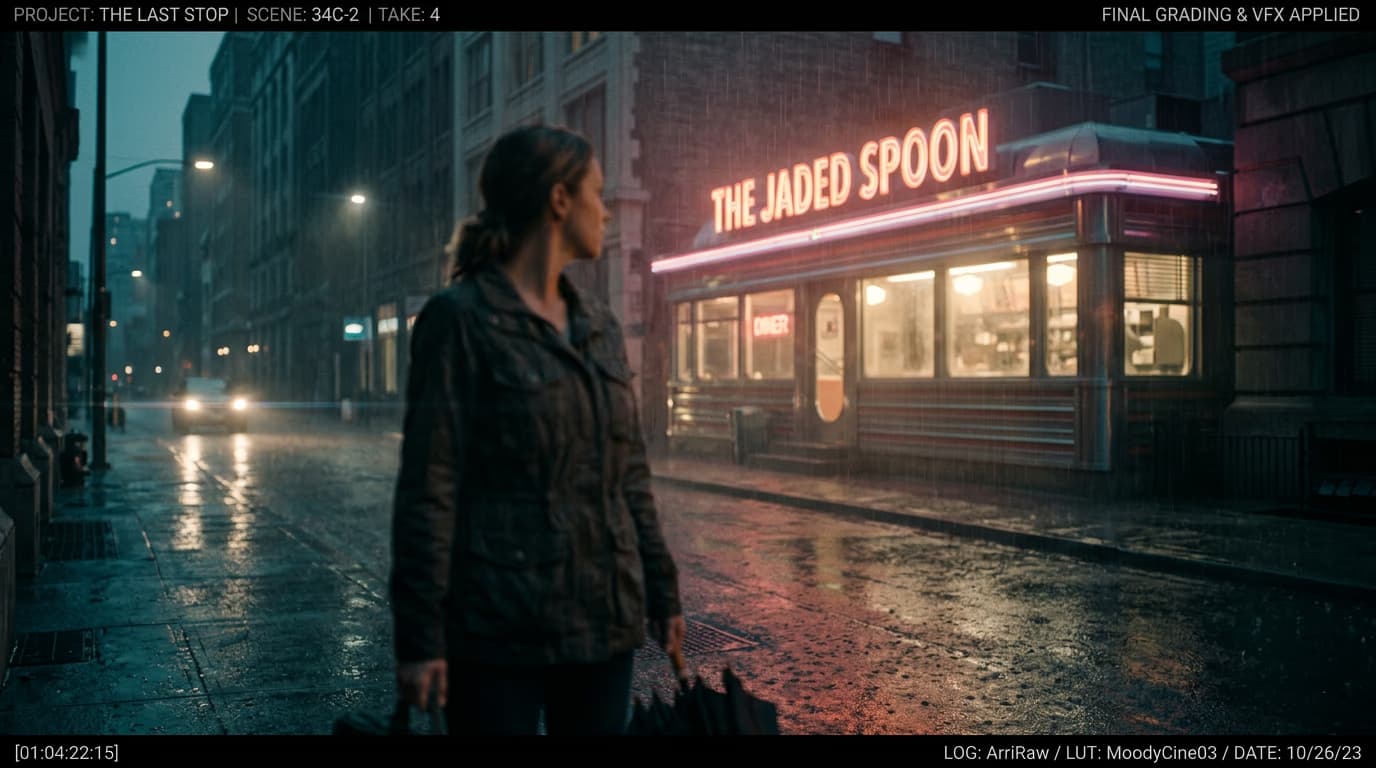
Select any clip and tap an AI effect to transform it instantly. The editor processes effects in real-time, so you'll see results immediately. Add multiple effects to the same clip or apply different effects to different sections of your timeline.
STEP 4: Preview and export
Play through your entire video to check: Not happy with something? Go back to any step, adjust, and preview again until it's perfect.
- Smooth transitions between clips without jumps
- Audio levels balanced across all sections
- Effects applied correctly without glitches
Tips for best results
💡 Start with your best clips
Choose footage with good lighting and stable shots. AI can enhance videos but works best when starting with decent quality source material.
💡 Use keyboard shortcuts
Press spacebar to play/pause, arrow keys to move frame by frame, and S to split clips. These shortcuts speed up editing significantly on web.
💡 Layer strategically
Keep your main video on the bottom layer, add B-roll and overlays in the middle, and place text or graphics on top. This organization makes editing easier.
💡 Preview at full resolution
Before exporting, watch your video at 100% zoom to catch small details or artifacts that might not show in the timeline preview.
Frequently asked questions

Ready to edit?
Transform your raw footage into polished videos with AI-powered editing tools.
Start editing now