Describe the voice or sound you want...
AI audio models used by Picsart
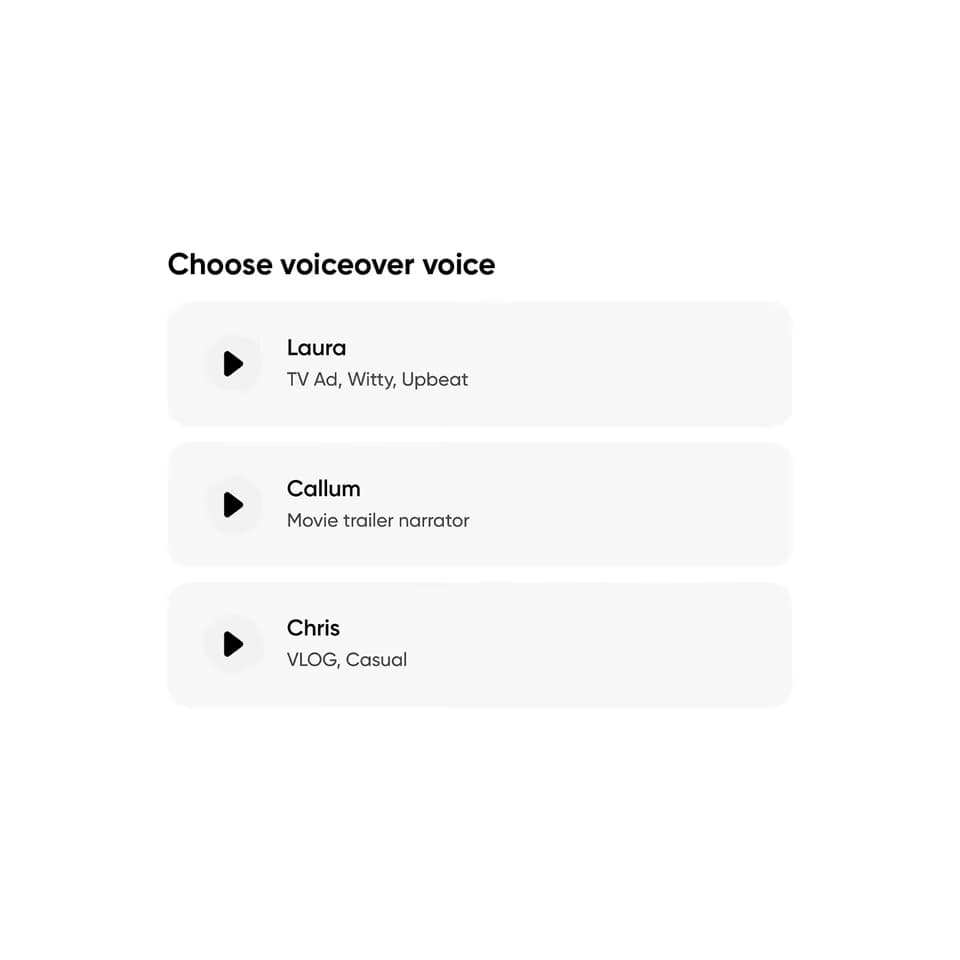
Explore voice and audio model workflows for your project. Prepare a script, choose an available voice, and review pronunciation and delivery before using the result.


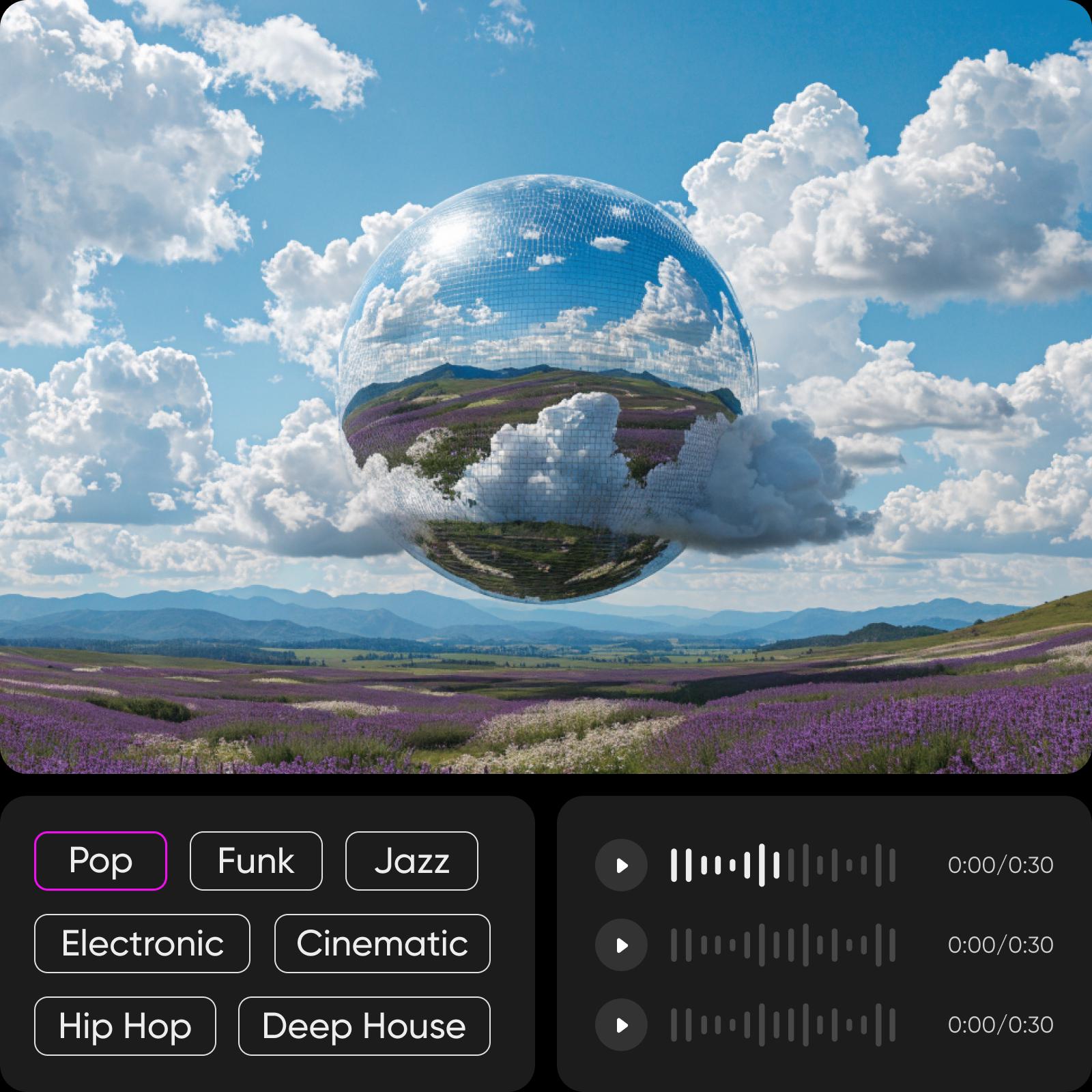
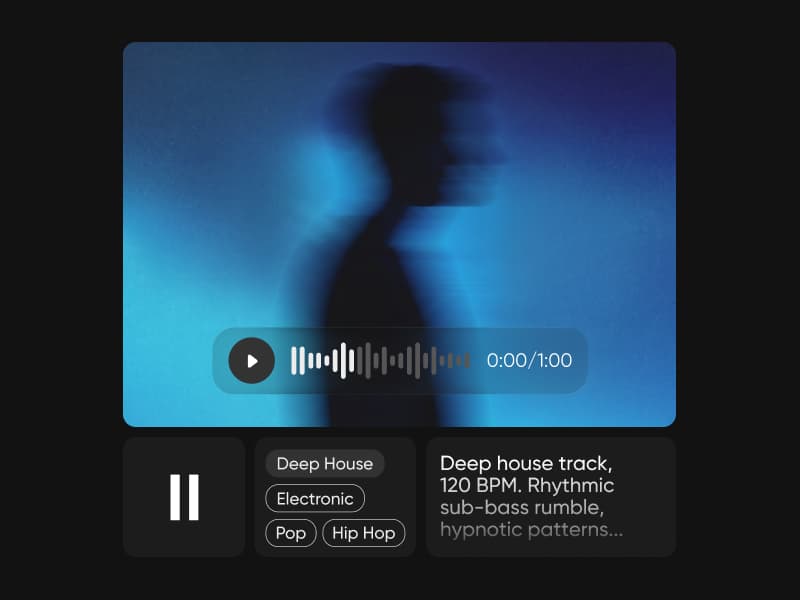
Visual inspiration for music projects
Browse Library assets for a starting point or visual reference.


Audio models for creator workflows
Keep the small audio model inventory clear and connected to sound creation tasks.


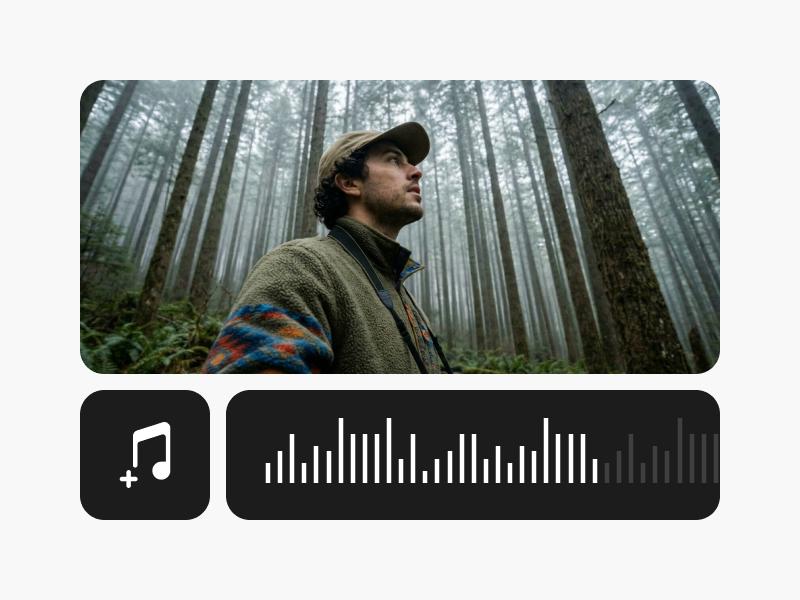


Move from sound to finished video
Route audio model visitors into video workflows where sound, captions, and voice matter.


Explore every AI audio model
Browse every AI audio model page connected to this hub.

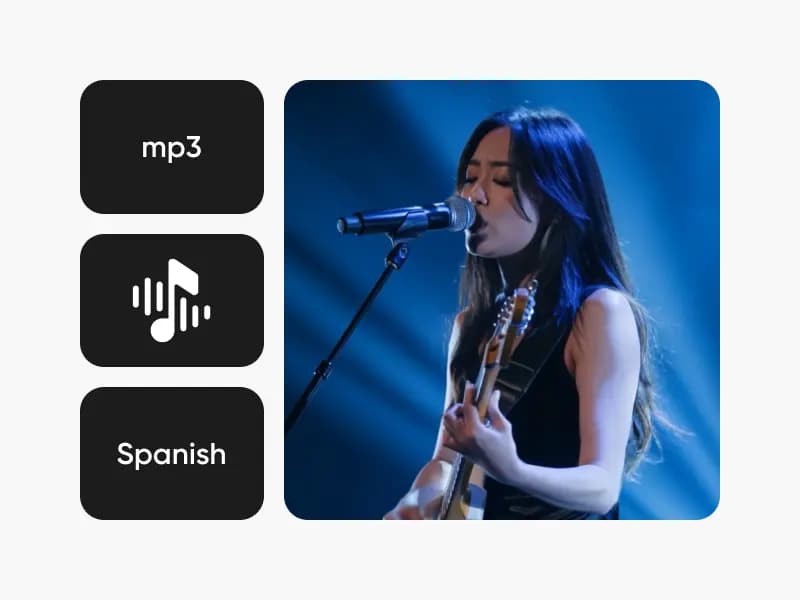
Questions about audio models
Use the same script and listen for pronunciation, clarity, pacing, and consistency. Include important names or specialist terms in your test. Judge the voice within the actual project, where music and timing can affect how well it works.