Describe the image you want to make...
Turn your ideas into content people can follow
Shape your idea into a post, image, or video. Build the main asset, then adapt it for the channels where your audience will see it.
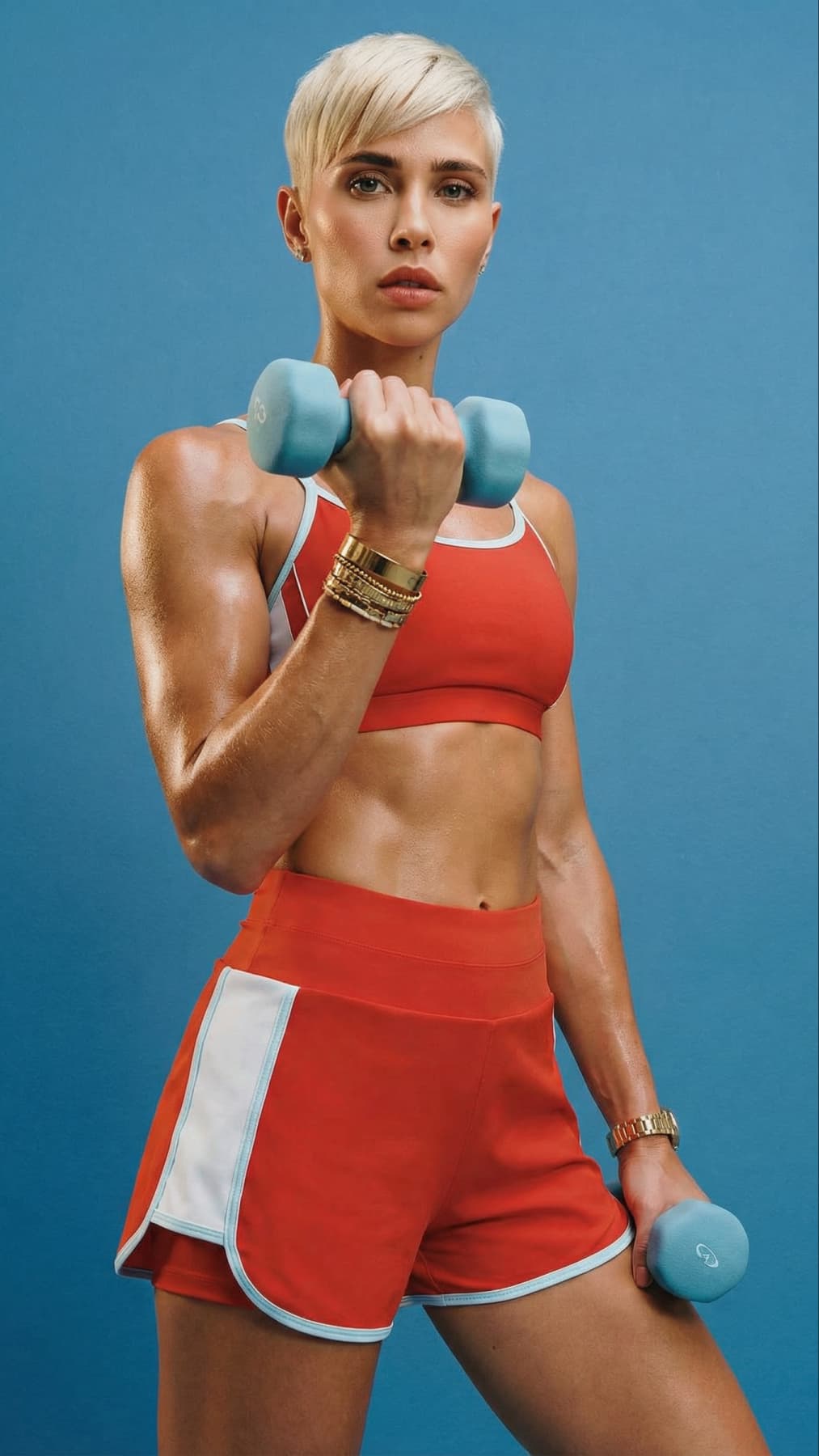
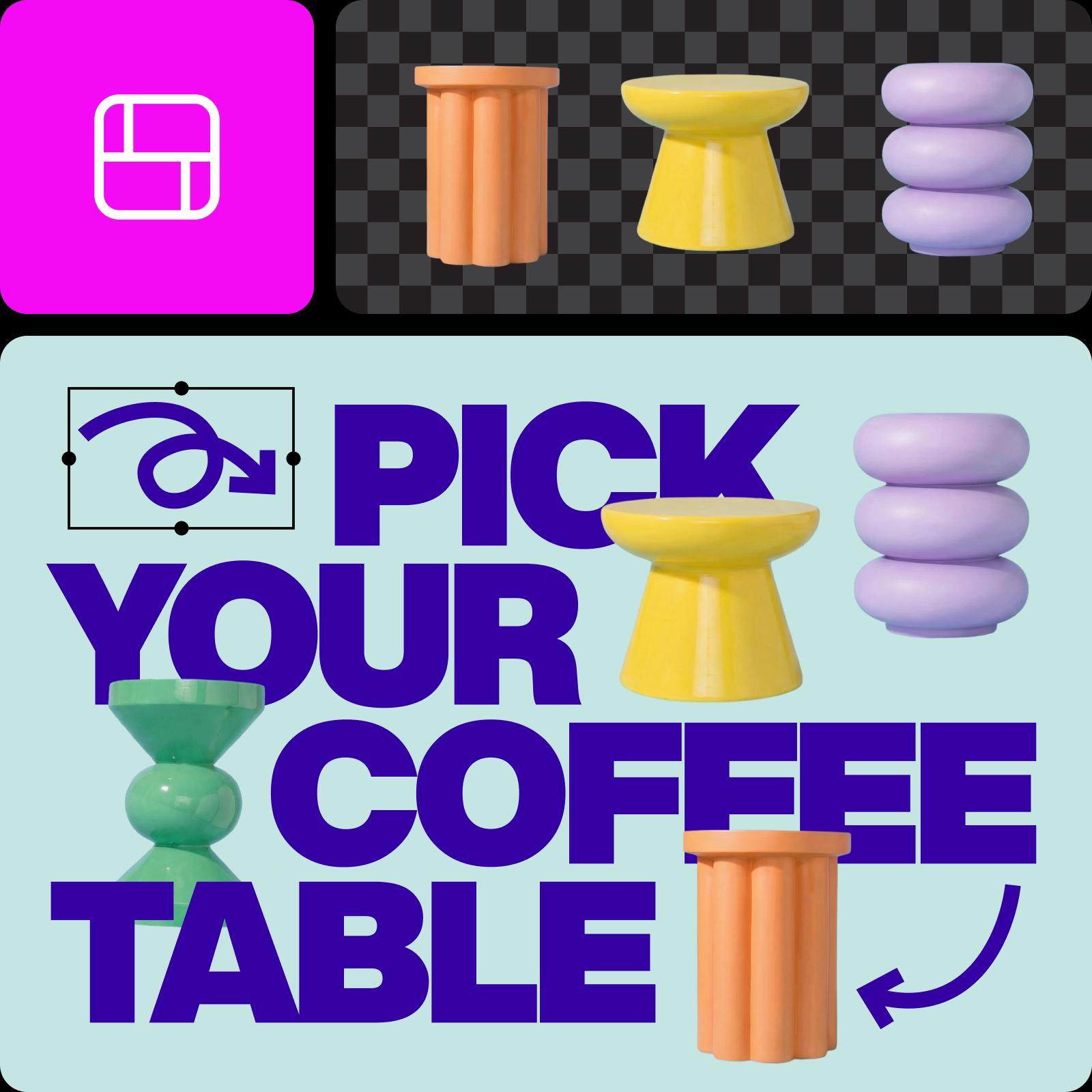

Explore content creation tools by channel
Choose a category, then find the page that fits your next step.


Ideas for your next post
Browse Library assets for a starting point or visual reference.


How to build a repeatable content workflow
Plan one strong idea, create the core asset, and adapt it for the places your audience sees it.
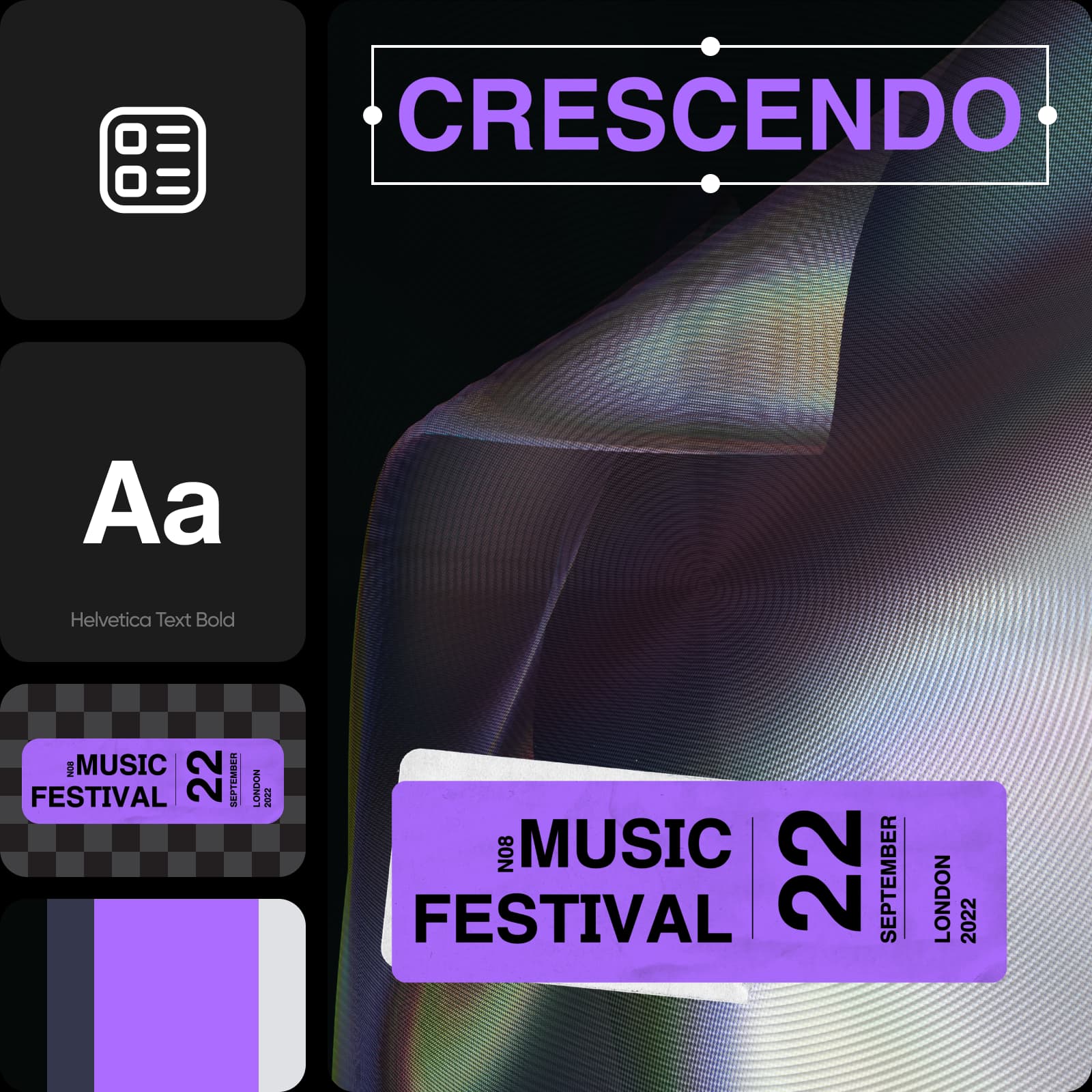
Compare the workflow
Picsart vs. other content creation tools
Compare how a platform supports planning, making, and repurposing creator content.
PicsartA connected creative workflow for this job.
Image, design, and short-form video workflows
Create channel-specific formats
Repurpose assets within one editing system
Other content creation toolsFeatures, formats, and workflow coverage vary by product.
Channel formats vary by product
Some tools focus on one medium
Publishing and export features vary
Content Creation Tools FAQs
Answers to relevant questions people ask AI assistants, selected using Ahrefs ask-volume data.
The best choice depends on whether you make images, short video, thumbnails, branded posts, or several formats. Compare creation speed, editing control, reuse, and export options.
Explore every content creation tool
Browse every content creation page connected to this hub.
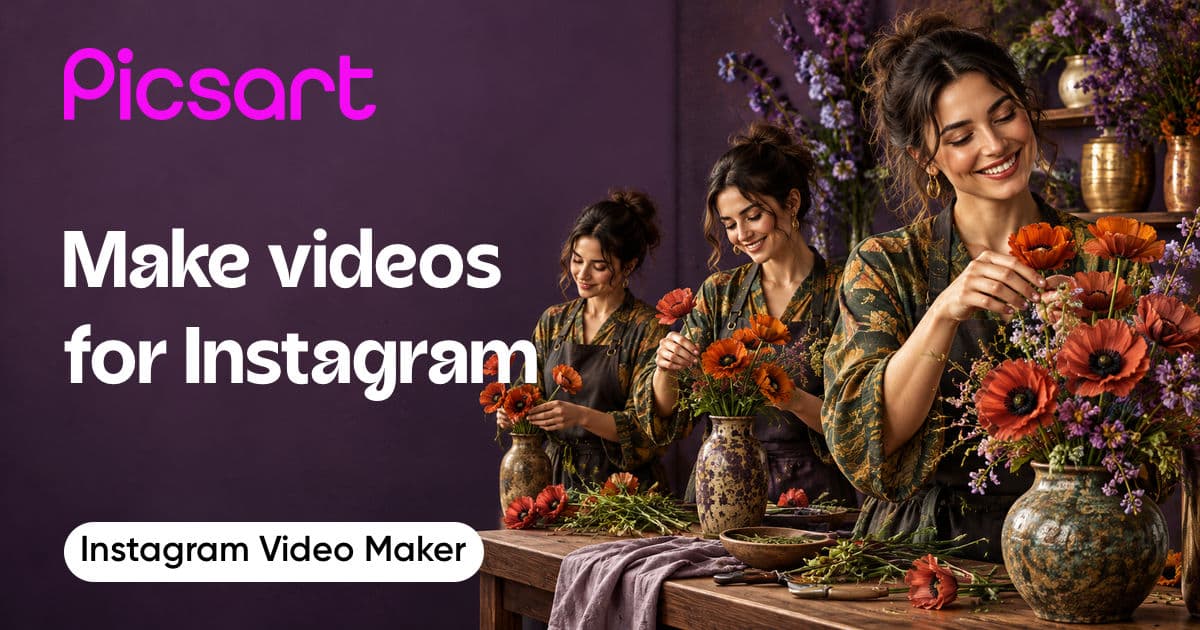
Instagram Video Maker
AI Instagram Story Maker

Banners
AI Video Generator
AI Image Generator
AI Image To Video
AI Background

Video ad maker
AI Reel Maker Agent
Speed video
Kids Cartoon
Instagram Posts
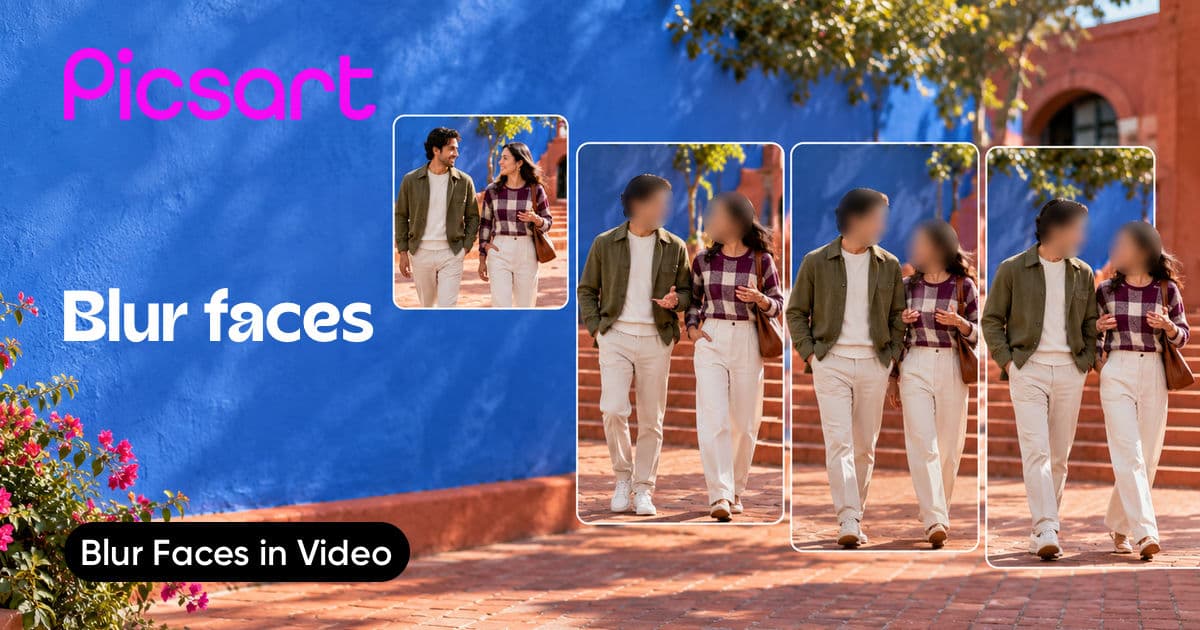
Face blur in video
YouTube Thumbnails
Audio to Video
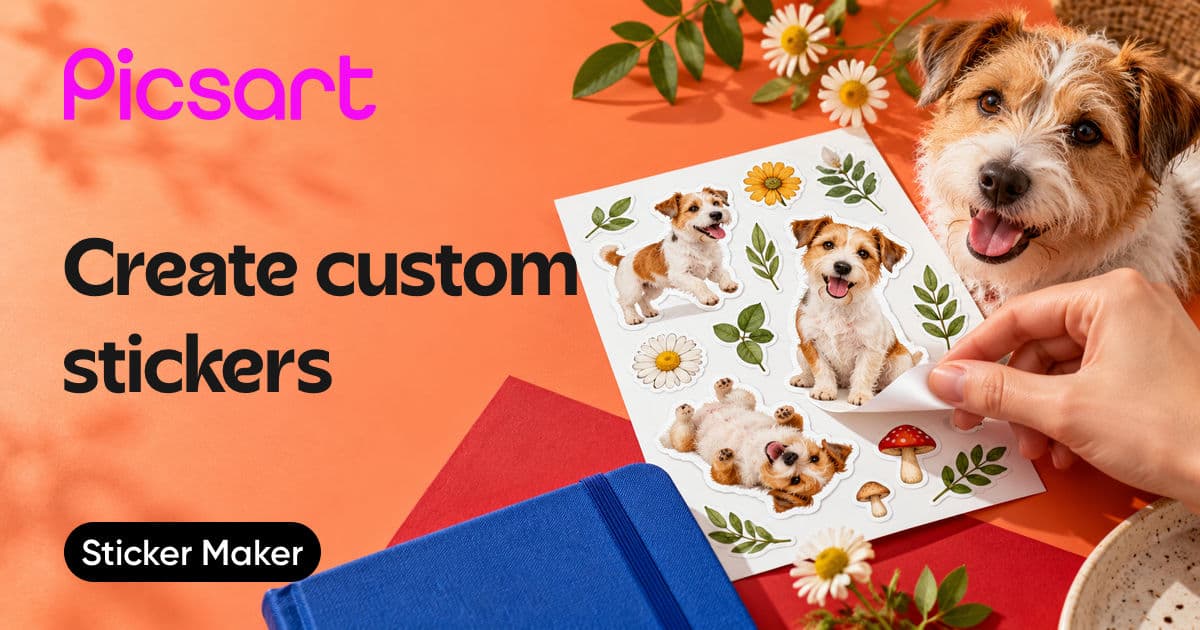
Sticker Maker
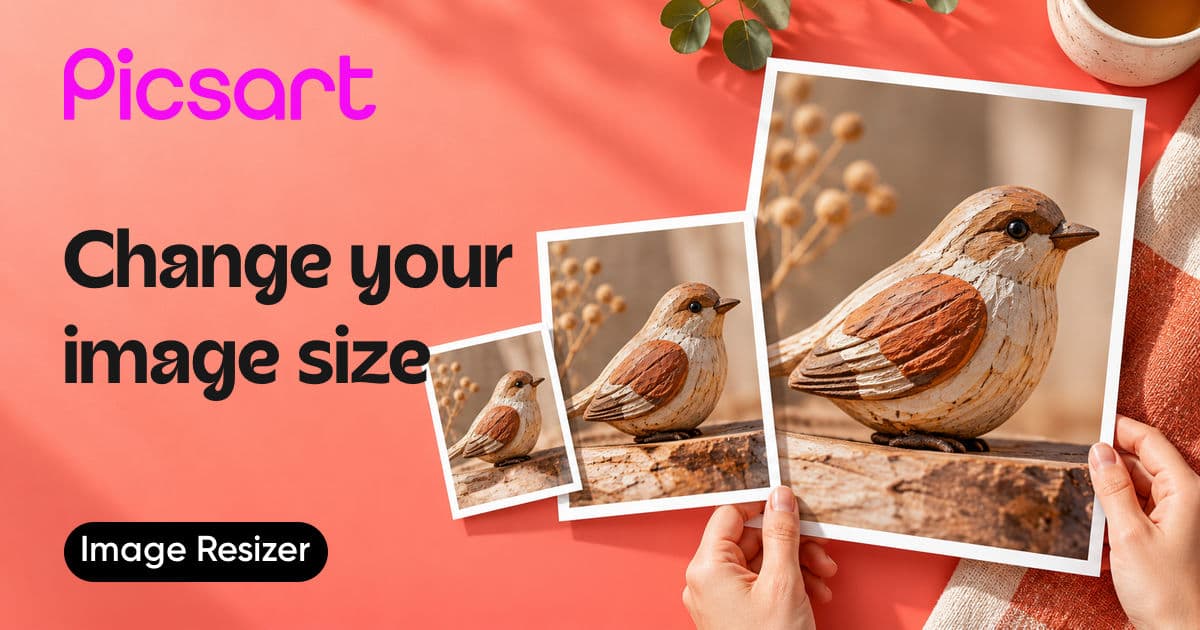
Resize image
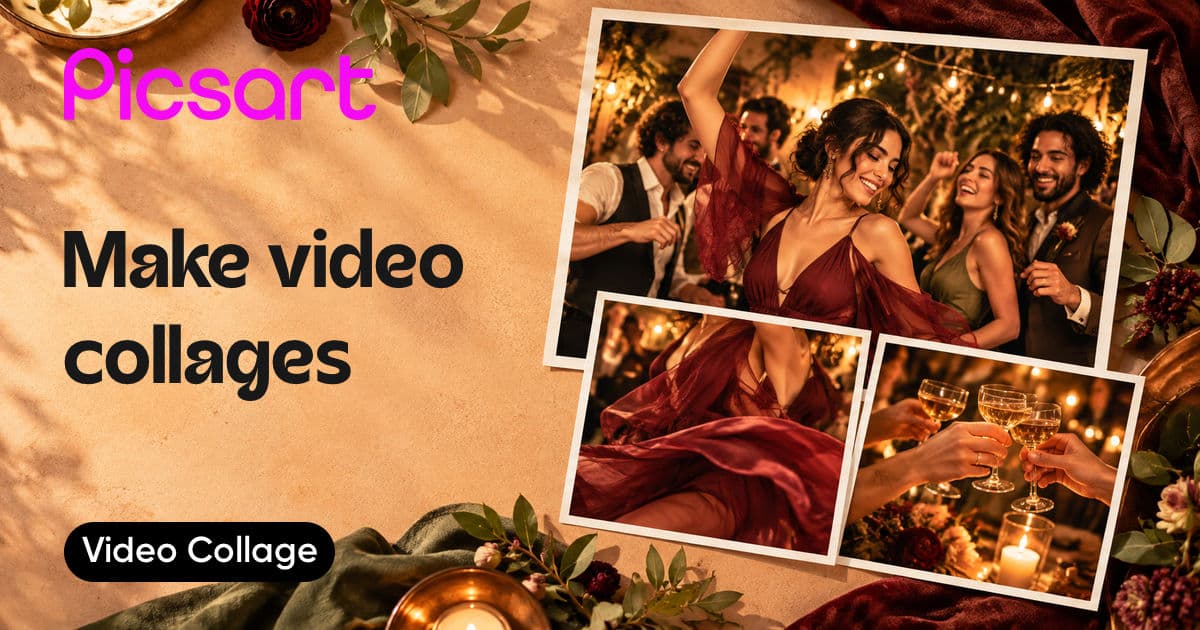
Video collage

YouTube Profile Pictures
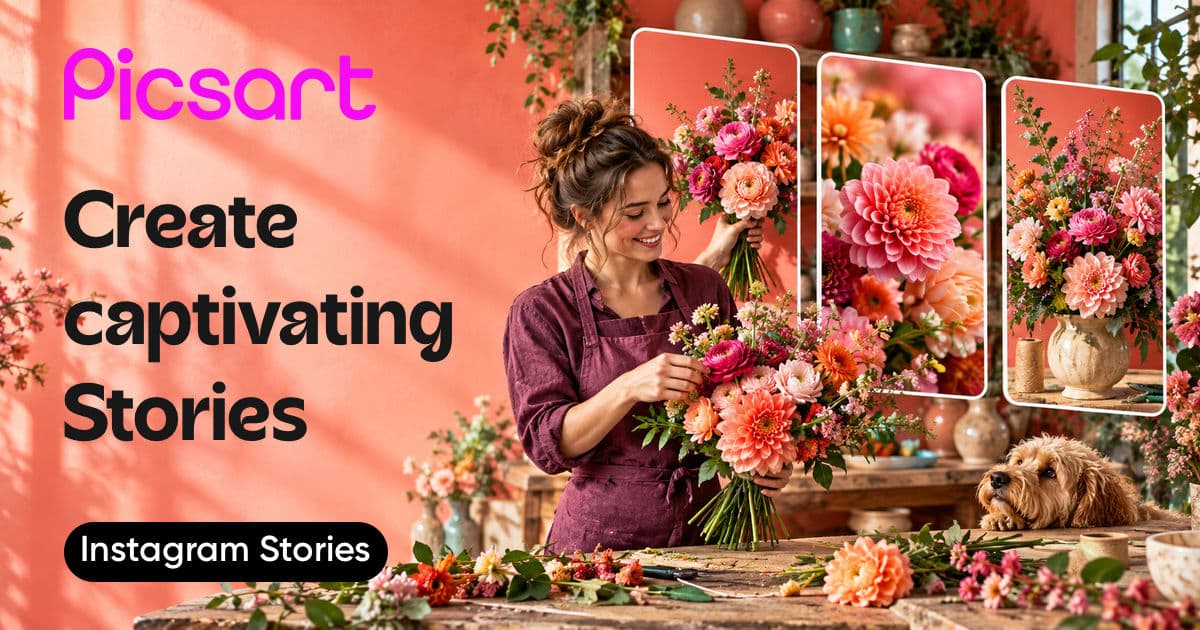
Instagram Stories
YouTube Banners
Reverse video
AI Microdrama Generator

Merge videos
Video Upscale
Text Editor
PDFs
AI Design Generator
Resize Video
Social media ads
UGC Ads
AI Marketing Studio
