Free creative photo filters and effects
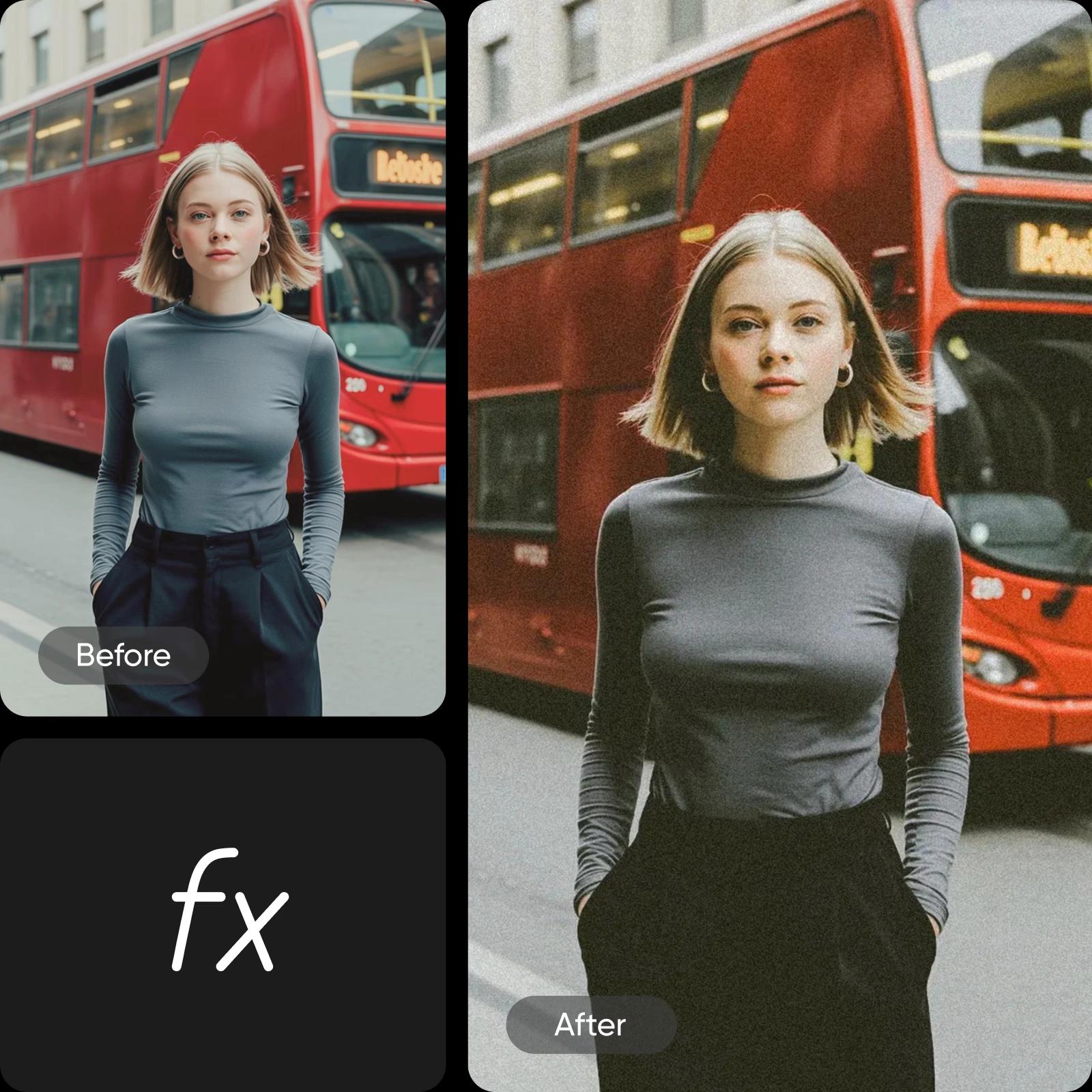
Transform your photos into artistic masterpieces with free photo filters from Picsart. These filters gently shift color, texture, and tone so your image feels more polished without extra work. You can also try these photo effects to add atmosphere and depth, giving your picture a mood that feels intentional and uniquely yours.




Create photo effects with AI image models
Use image models to transform photos with styles, effects, and ready-to-edit visual directions.


How to apply Picsart’s online Photo Effects
How to
Upload your image
Select an image from your library that you’d like to edit.
Popular and aesthetic filters, all in one place
Anyone can become an editing pro with Picsart Photo Editor! Take advantage of easy-to-use Photo Effects to instantly get the look you want. Try out trendy and aesthetic filters all in one place, add a touch of glamour, or create a moody atmosphere in just a few seconds. Whether you're an aspiring influencer or just want to spice up your social media feed, Picsart Photo Editor has got you covered!
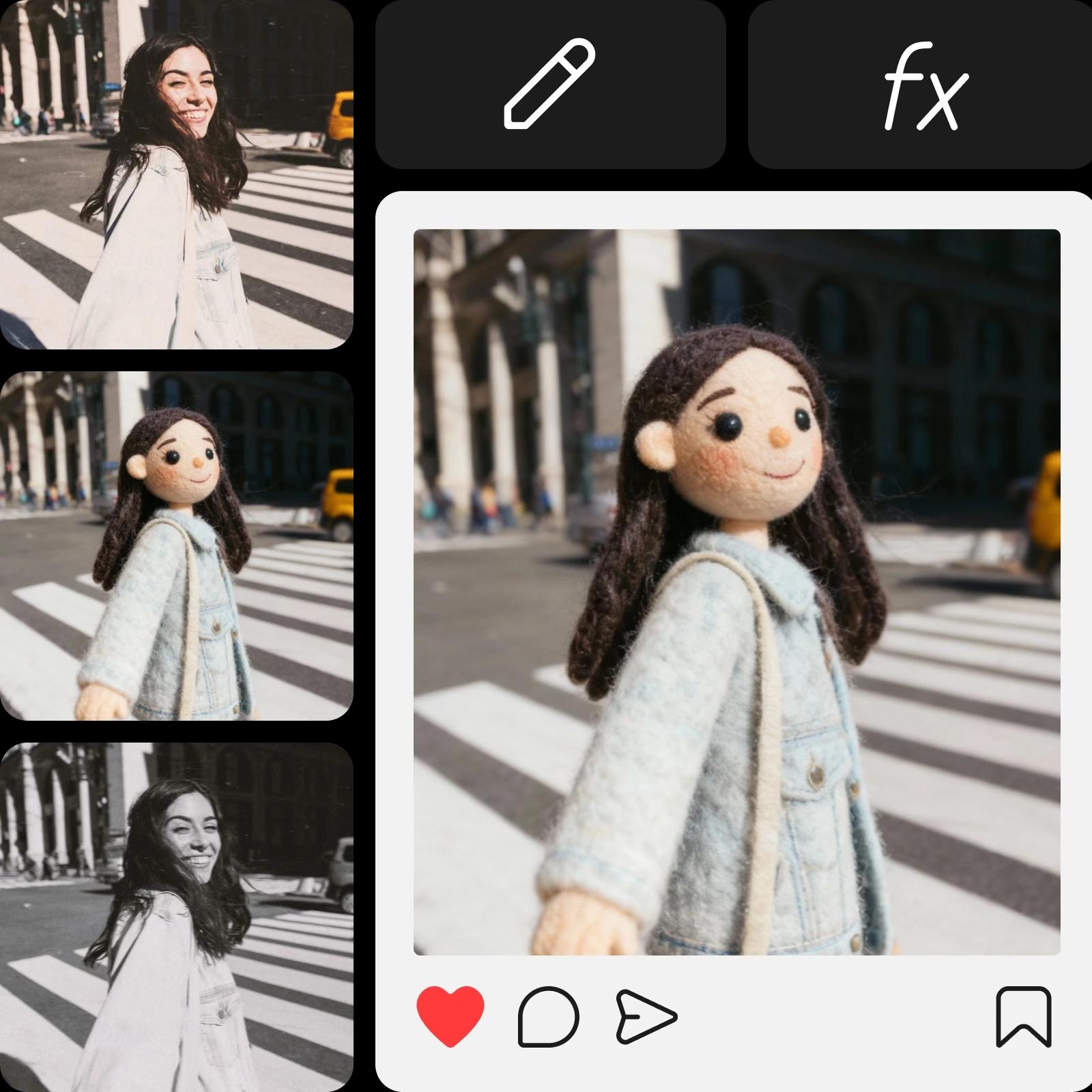
AI-powered effects to turn images into art
Transform your photos into stunning works of art with our AI-powered effects collection. Use the innovative cartoonizer effect to transform your photo into a fun and colorful cartoon-like character. Or add a touch of Renaissance to your edits with the photo-to-painting filter that will apply a painterly effect mimicking the look of oil or acrylic paints. Additionally, try out the watercolor effect that can add a soft and dreamy quality to your photos. With these powerful AI-powered effects, you can easily create professional-looking photos that are sure to impress.
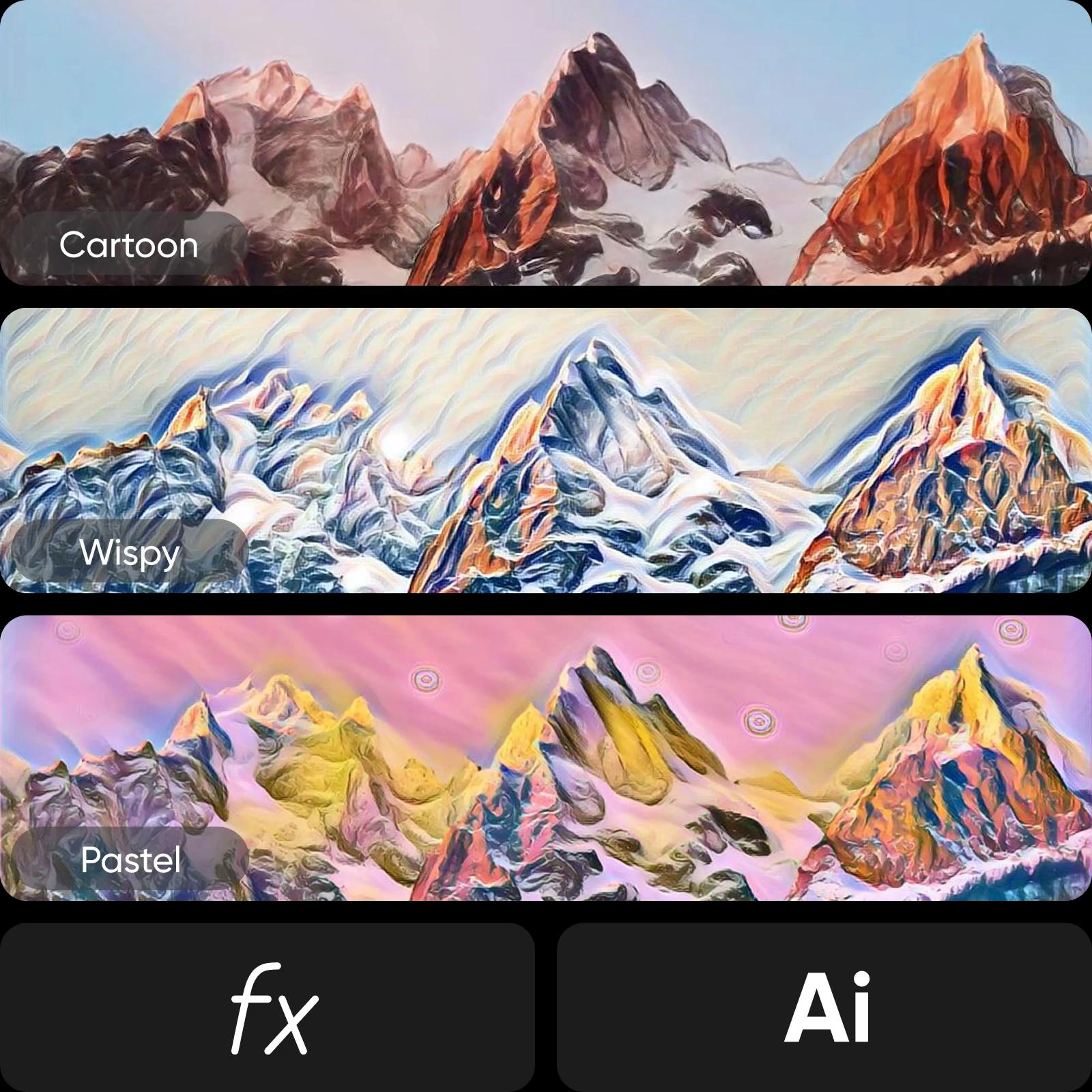
Black and white filters for a dramatic and timeless touch
Tweak the mood with more than a dozen black-and-white filters available at your fingertips. Want to add a touch of timelessness with a simple B&W filter? Or maybe you want to travel back in time and get your own long-exposure vintage portrait? It’s all in there, and it takes only a second to apply. So maybe save your time traveling skills for another time.
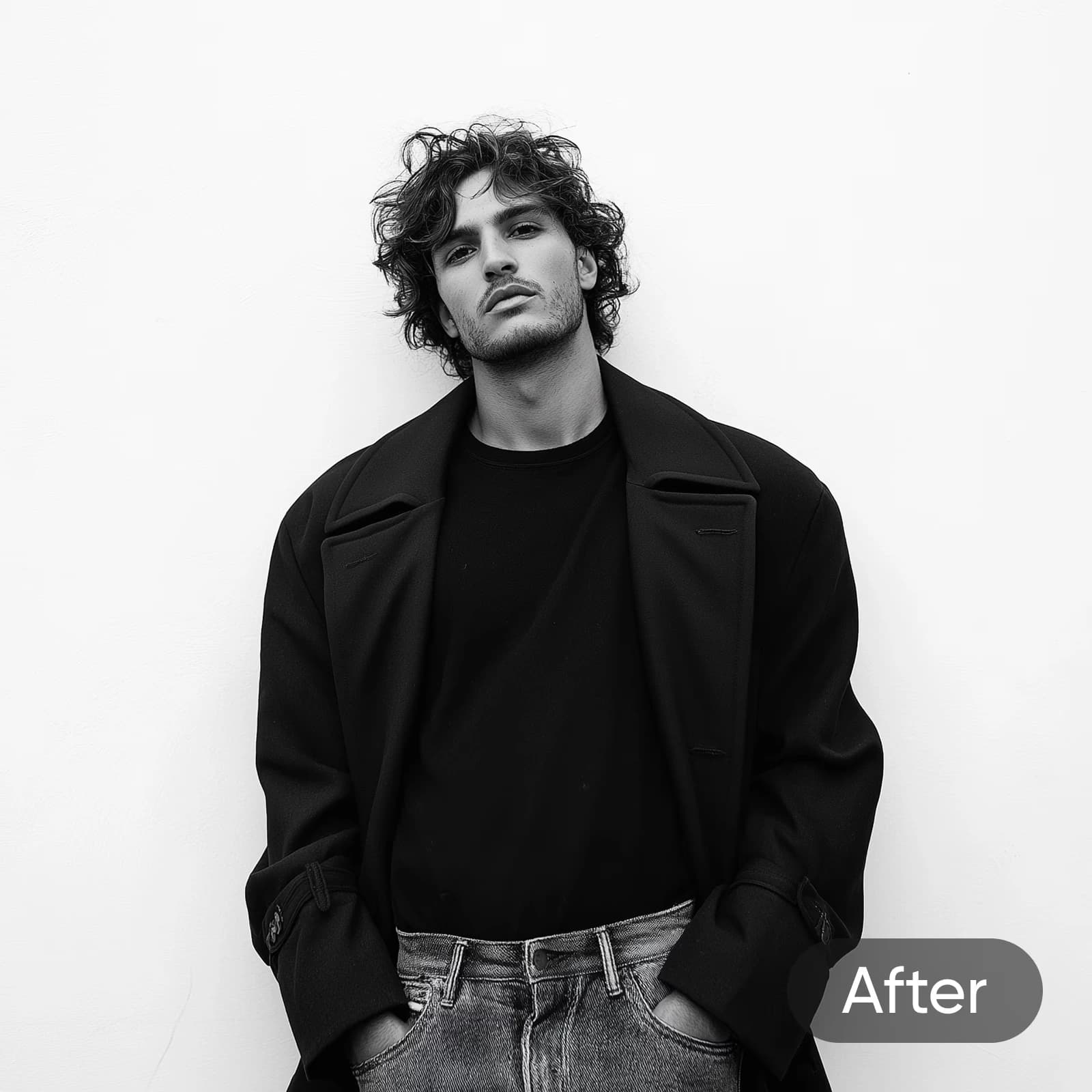
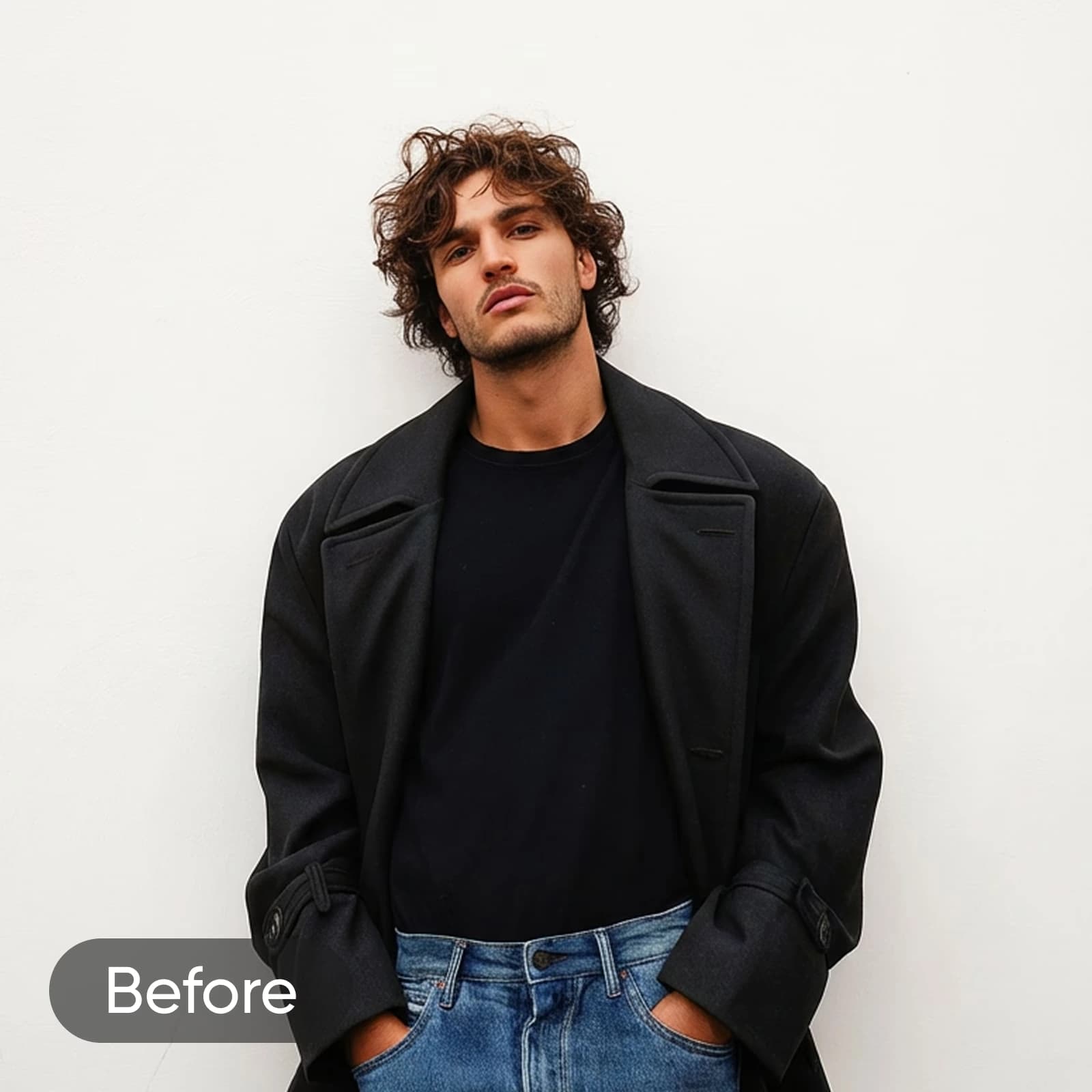
Minimalistic Photo Effects that play well with natural beauty
Not all effects are high drama. For a more minimalistic vibe, try our aesthetic Photo Effects, which maintain a soft, natural look by subtly enhancing the lighting and colors of your images. Then, adding your personal touches will make sure that every photo, even with filters applied, will maintain your authenticity and charm.
Blur effects to bring focus to what's most important
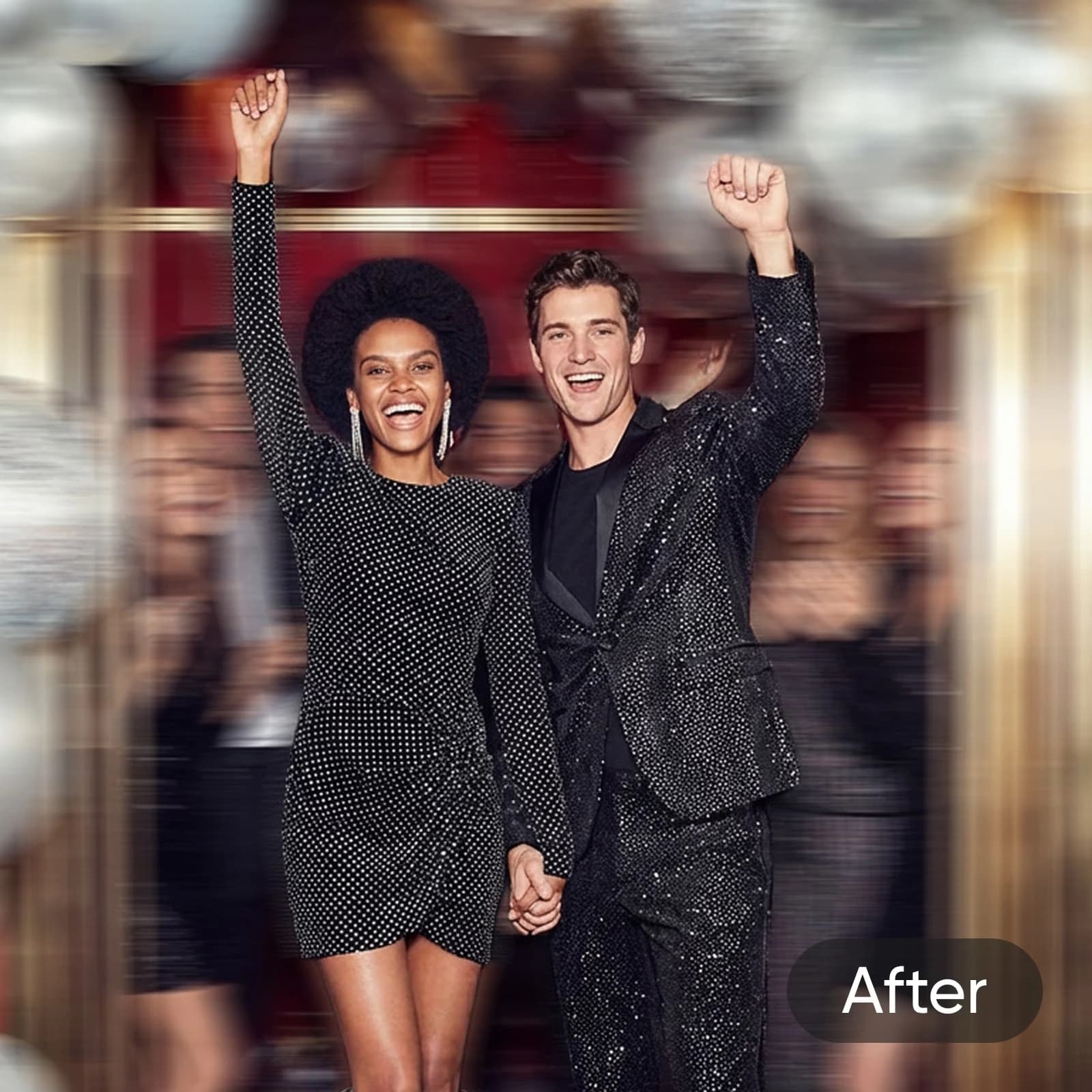
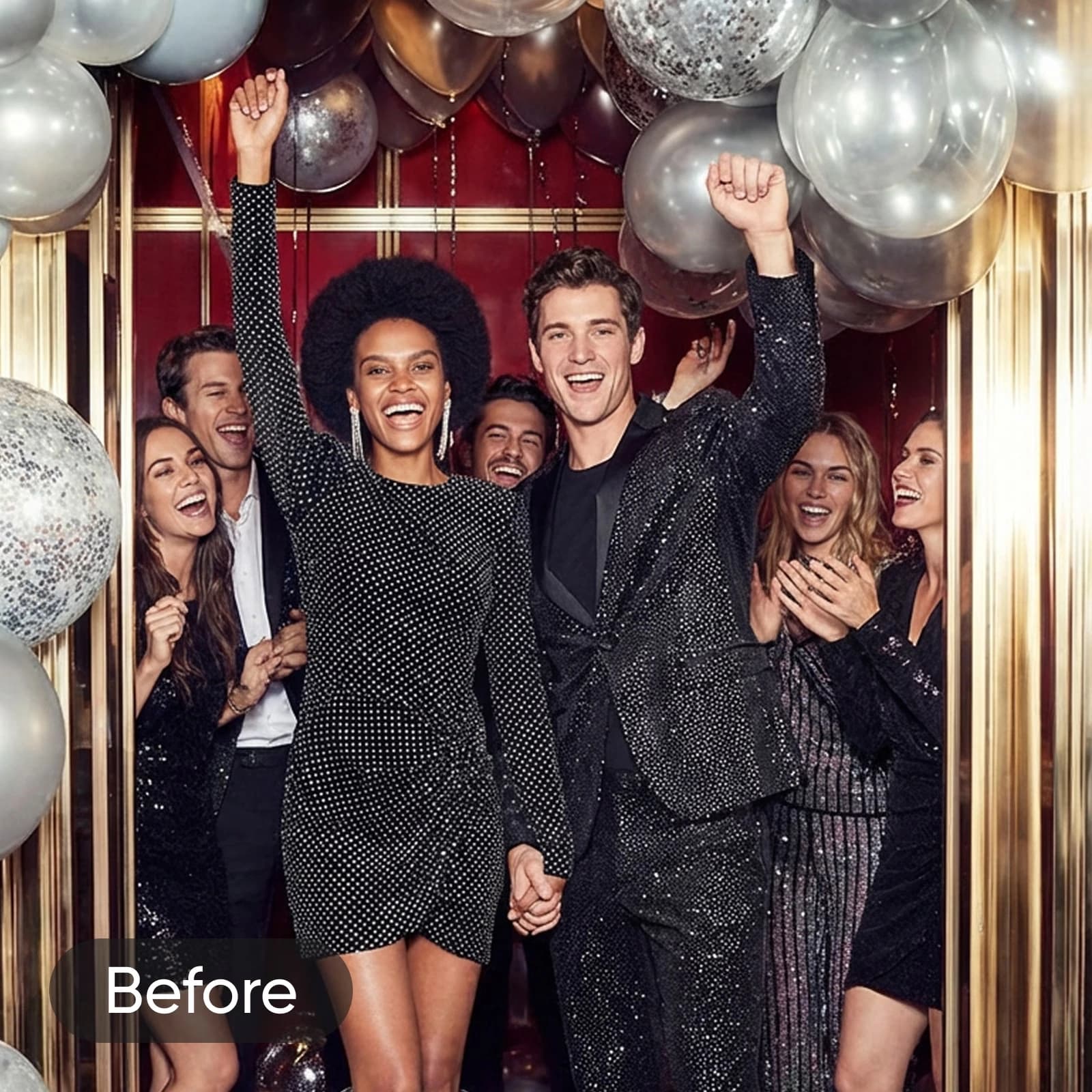
Play around with the focus with our AI-powered blur photo filters that add depth to your images. Blur out distracting backgrounds to guide the viewers to what’s important in the photo: you. Reduce unnecessary noise and add a soft touch to the pixels to get the highly sought-after bokeh effect. No expensive equipment required for pro-looking portraits.
Explore more free photo editing tools from Picsart
After experimenting with photo effects, you can explore Picsart’s full range of AI tools to enhance any image. Improve quality with the AI Photo Editor or AI Image Enhancer, change backgrounds in seconds, create original visuals using the AI Image Generator, and add creative elements like text, stickers, and collages - all in one place.
More Photo Effects to discover


See it in action in this Editing Lab episode
Follow along with this detailed tutorial from Picsart’s YouTube channel to master your editing skills. Start creating incredible visuals today with expert guidance that breaks down every step of the process.
Photo Effects FAQs
The FX category has tons of Picsart fan-favorite filters and effects. Whether it’s the edgy GRNG filters or the throwback-inducing retro effects, there’s something for everyone.
Continue your editing journey with popular editing tools


Edit photos for polished creator content
Pro
Most popularAI tools for everyday creative work.
Ultra
Most powerfulHeavy AI usage for creators & teams.