Light Photo Effects: The Secret To Gorgeous Photos
Light filters are the easiest way to give images an instant glow-up
Create light with AI image models
Use image models to transform photos with styles, effects, and ready-to-edit visual directions.
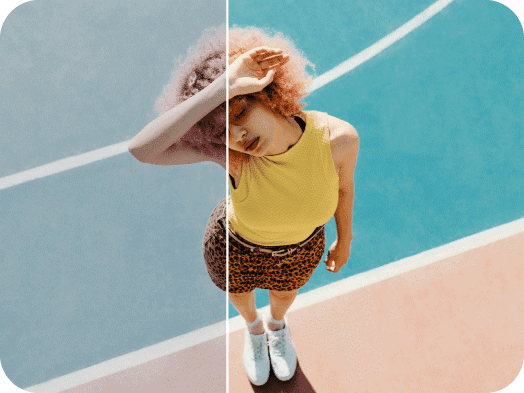
Light photo effects and filters are the most effective way to elevate your images. With one tap, you can give photos a magical glow, make background details visible, and change the overall mood of your capture. Instead of using a camera flash, which can wash out photos and be impossible to correct, applying light filters is a fail-proof method to illuminate - because they can be customized. Fully adjustable, they can be used to get the exact effect you want, from lightly subtle to brightly dramatic.
Getting the Right Light – An Essential Photography Trick
When it comes to photography, lighting is crucial. It’s what separates the great shots from the not-so-great shots. Experimenting with light can completely transform a simple photo into something extraordinary. A fluorescent light can appear harsh and lifeless, while a golden light can imbue warmth and beauty on an image. Photographs with low light levels can appear moody or injoke an air of mystery, while those with brighter light can elevate happy, summery, hidden details. But you don’t have to rely on the sun or wait for the right time of day to capture the perfect light. Picsart has an array of light filters that can give your image your desired glow in a single tap.
- Set the mood with a light effect
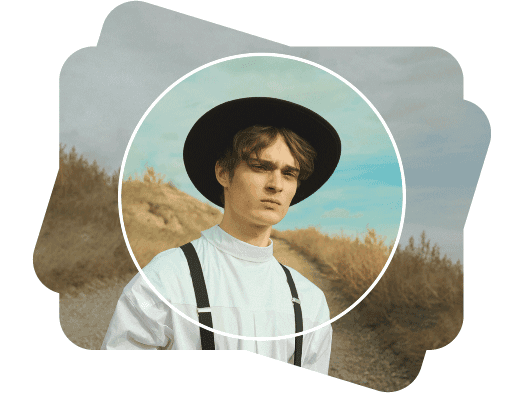
What Are Light Photo Effects?
Let’s say you have an image that you want to edit or share, but it’s missing a little something. Maybe the details are getting lost in the shadows, a focal figure looks washed out, or it’s just missing a certain aesthetic. Light photo effects are the solution. Picsart photo effects and filters are the perfect way to enhance the look of your images. Like magic, it’s all done in one tap too. Make colors more vibrant. Add subtle grain. Apply a golden glow. Emphasize shadows. Picsart light filters can do it all.
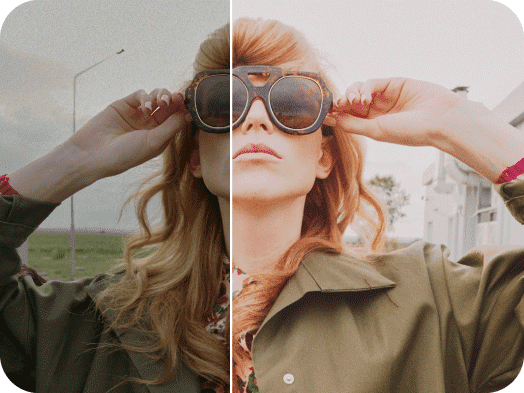
A Customizable Glow In Seconds
Picsart light effects can be used for all kinds of images. The best part? They are completely customizable. Whether you’re going for a gnarly grunge aesthetic or want to amp up those golden tones, you can adjust the intensity of any light filter to your liking. Apply stickers, add text, graphics, illustrations, and try out other photo effects and photo editing tools to get the look you want. It’s easy to adjust the level of fade, saturation, brightness, contrast of whatever filter you select. Picsart has the tools that lets you express your vision and share it with the world.
- Adjust the glow to suit your photo
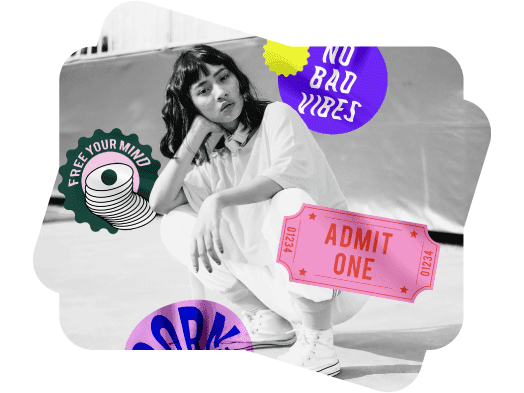
Effects To Enhance Every Image
So, what kinds of images can benefit from light photo effects? Any. Light filters can be used to bring out a certain emotion, make a shot look more artistic, or even more professional, depending on what you need. They can also be used to perfect photos captured under imperfect lighting conditions. Using a flash in low-lit surroundings can sometimes bury a photo in harsh light, but using light effects on dark shot after the fact can bring out subtle details. Apply them to your social media photos to give yourself and your subjects an instant glow. Or use them on business materials to make your product shine. No matter what the goal, light effects can help your images reach it in no time.
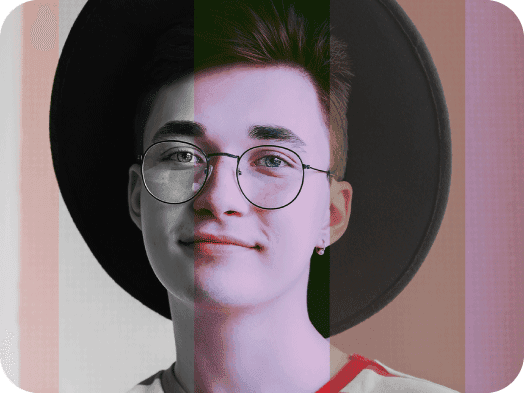
How To Use Light Effects
How to
Open the editor
Open the Picsart Editor
Picsart Featured In






Edit photos for polished creator content
Pro
Most popularAI tools for everyday creative work.
Ultra
Most powerfulHeavy AI usage for creators & teams.
Enterprise
Custom AI solutions for large organizations.
- Volume discounts on credit rate
- On-demand top-ups