Vintage filter: Add retro vibes to photos with a vintage effect
Reimagine modern photos as nostalgic memories with a vintage filter. Picsart’s free old-school filter uses a range of retro effects to make photos look vintage for timeless appeal.
Why use vintage effects?
Try trending AI effects


How to make photos look vintage
How to
Upload an image
Use the Browse files button to select and upload a photo.
Take your photos back in time with a vintage effect
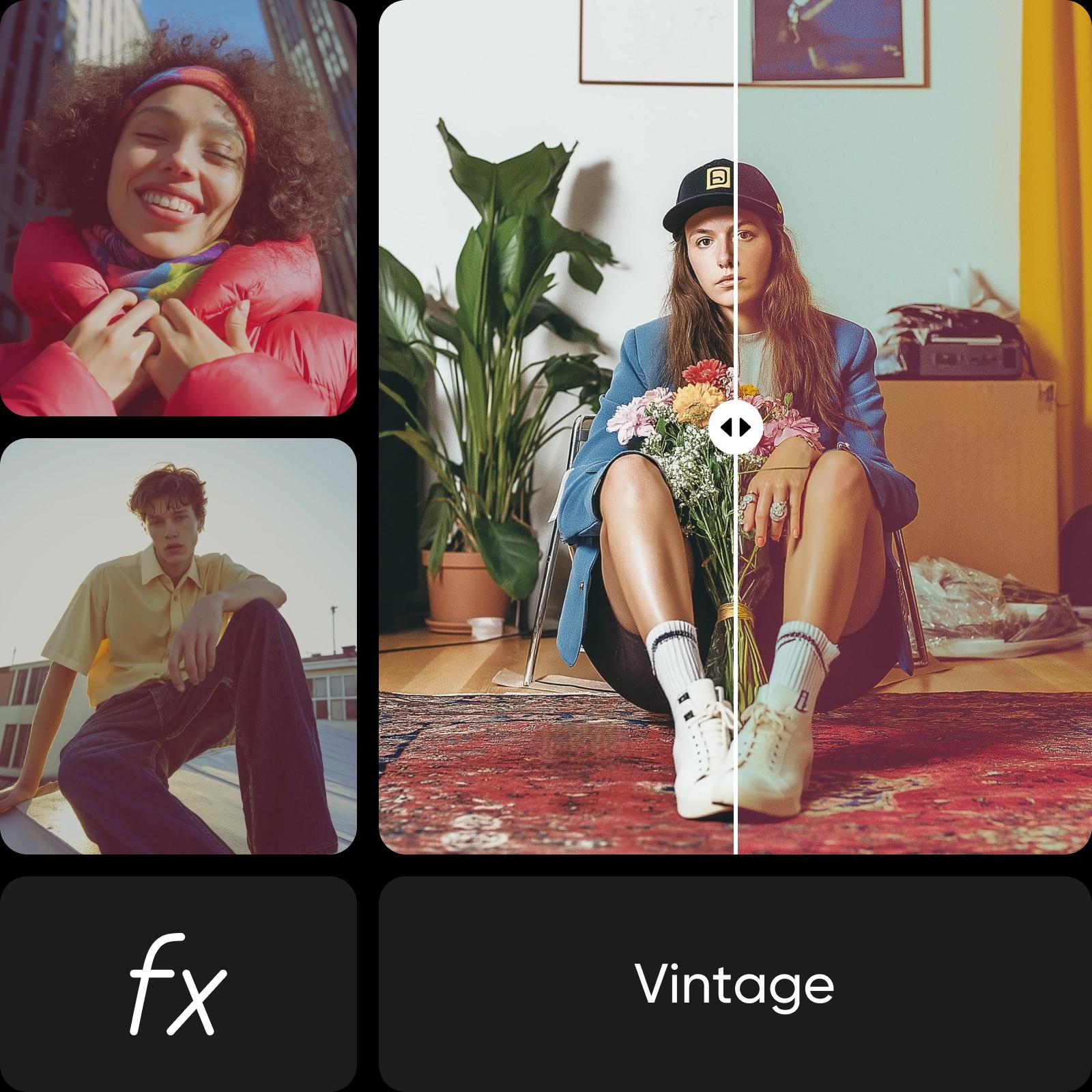
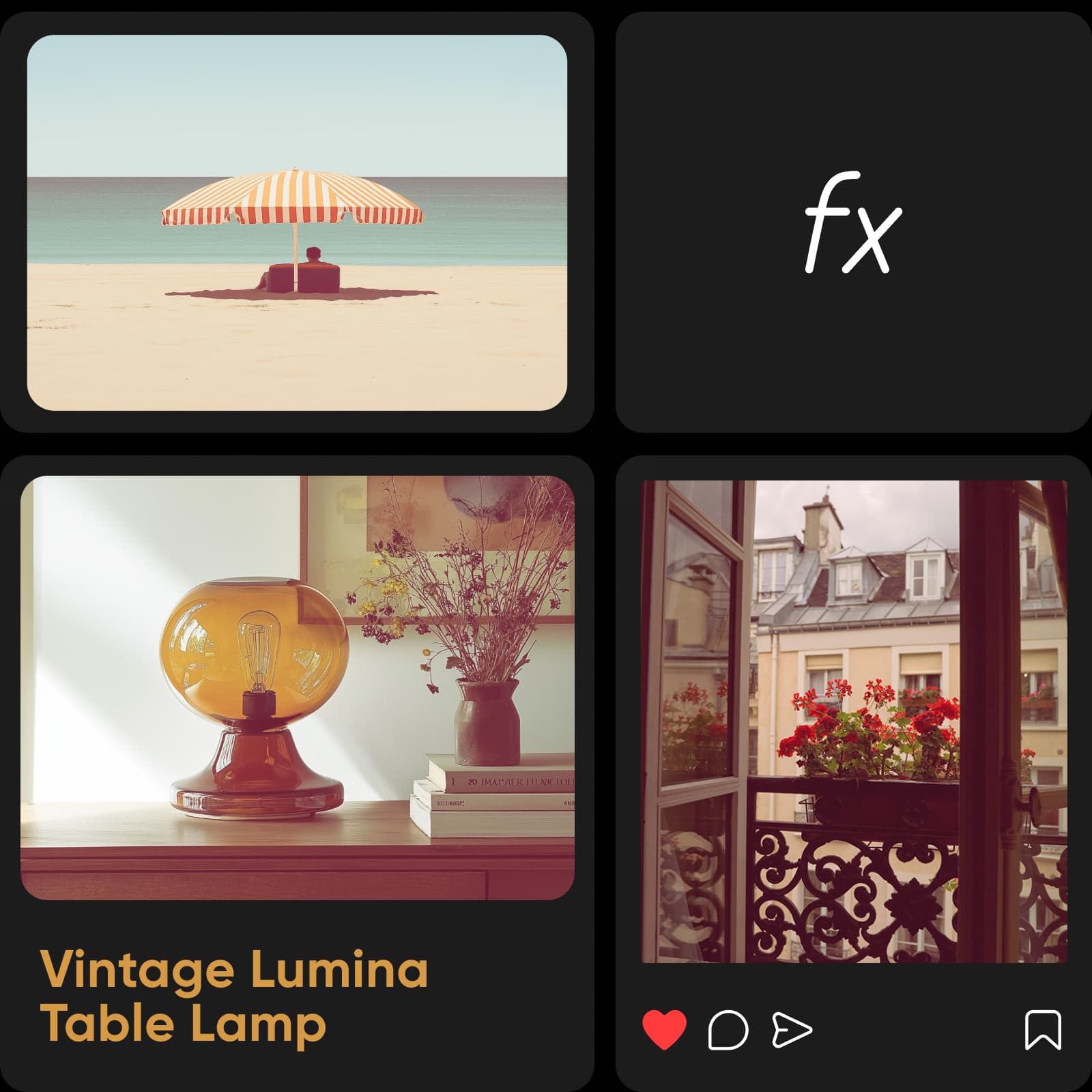
Give photos a classic, aged appearance with a vintage filter online. In a matter of seconds, apply a vintage effect for free using Picsart’s photo editor, transforming any photo into a retro, film-style image. An old picture filter replicates the beautiful and unique imperfections of vintage photos, increasing the emotional impact of every image.
- Give your photo a different era
Customize the retro filter to fit your creative vision
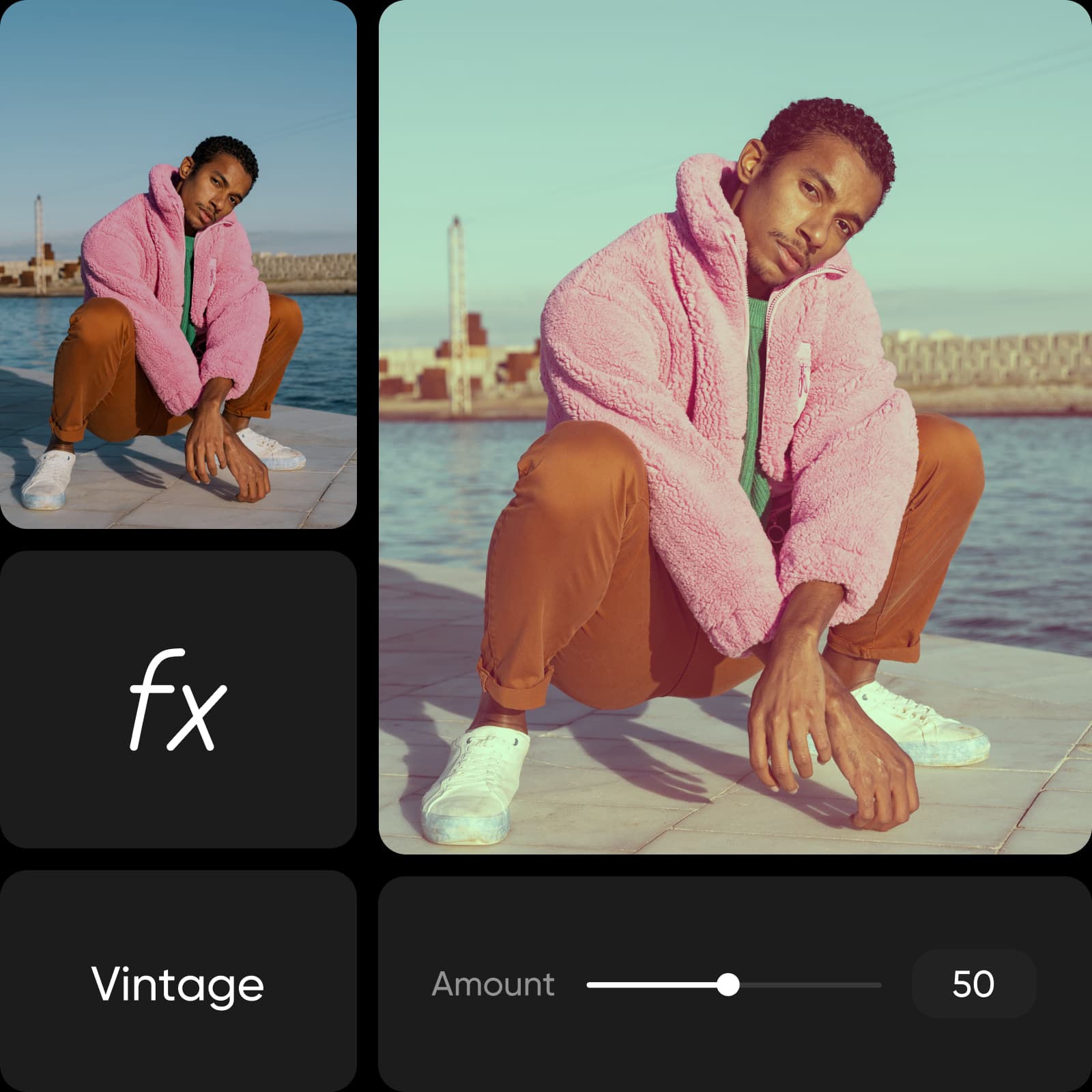
Fine-tune the vintage picture filter to create an old-school aesthetic you love. From warm sepia tones to heavily distressed vintage effects, choose the intensity of the filter to turn simple photos into captivating works of art. The vintage film filter is available in the Simple category of Picsart photo effects, where you can customize the look and feel of photos by adding grain, tweaking color balance, and more.
- Make the retro treatment your own
Preview vintage effects and artistic styles in real time
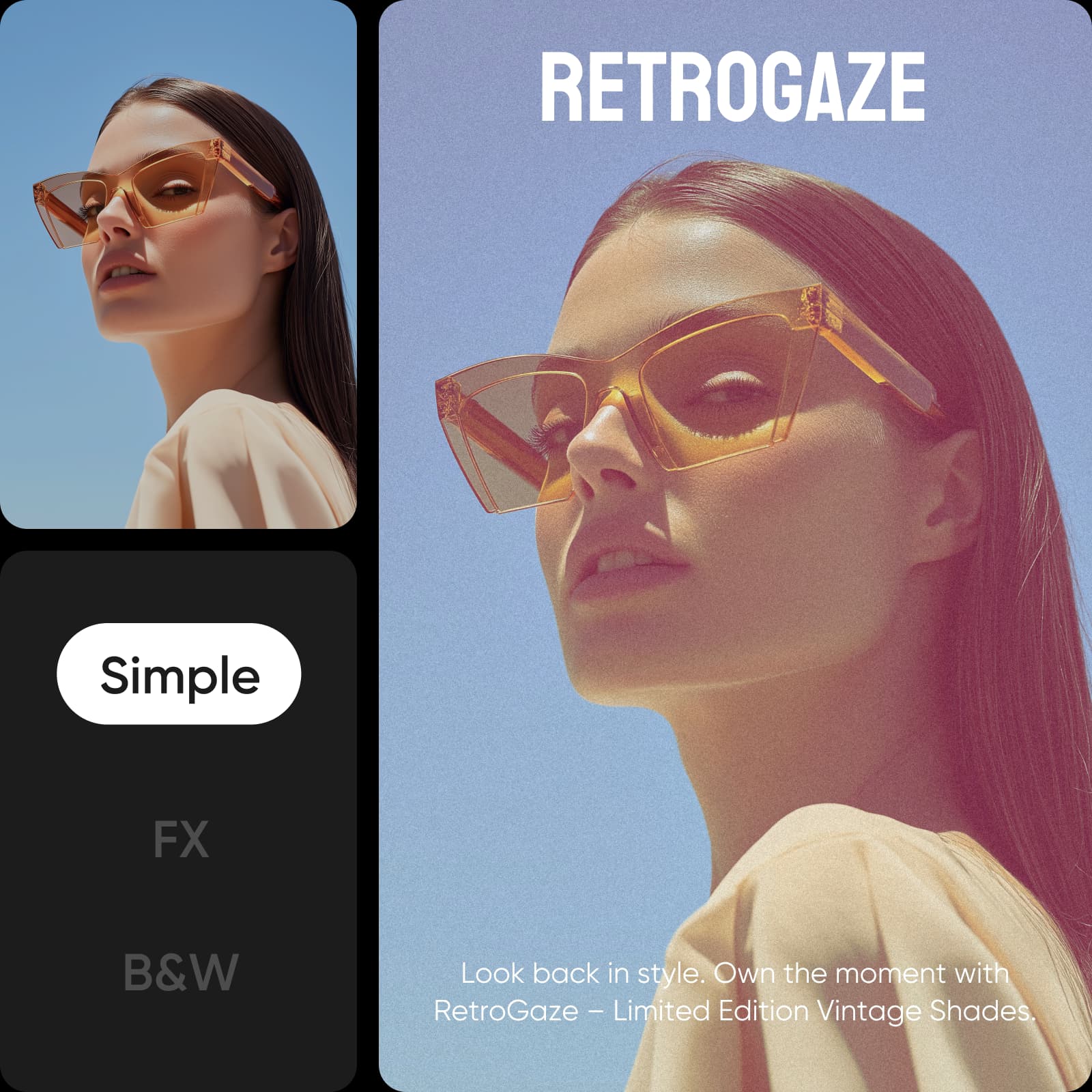
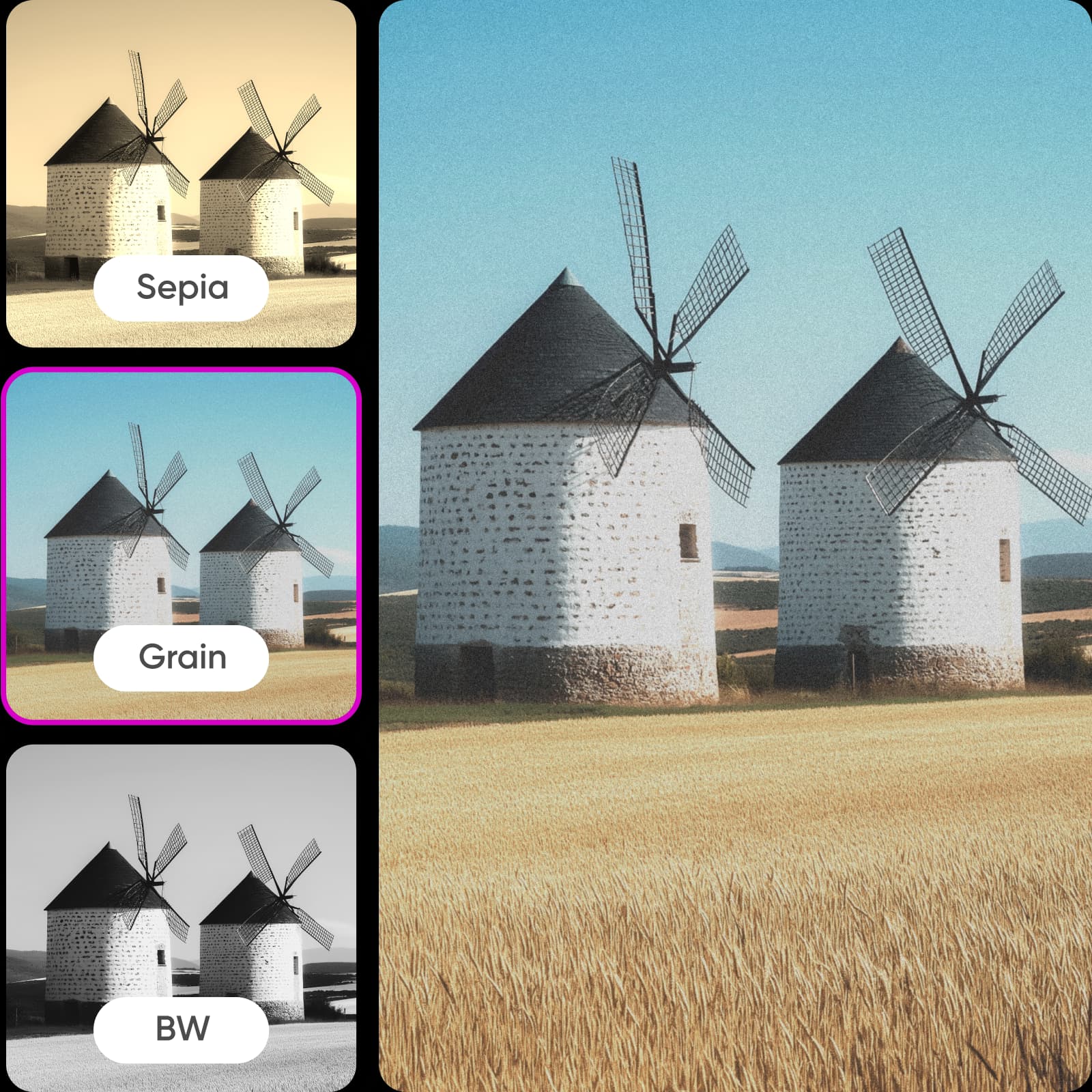
Not sure which old photo effect to use? The instant preview feature allows you to explore multiple styles from different decades and see the changes right away. Capture the sharp contrast of 1950s black-and-white photos, the warm sepia effect of a weathered 1930s photo, or the faded colors and hazy grain of 1980s photos. Rest assured that the exported images will maintain their high quality, so you can enjoy an authentic vintage aesthetic without sacrificing quality.
Never run out of ways to showcase vintage photos
Give any photo collection a nostalgic edge with the help of an old photo filter. Vintage effects offer a quick, easy way to create a sentimental mood or draw upon historic influences. With an old-camera filter, users can restyle images for a variety of uses, including:
Professional or school projects: Evoke a sense of nostalgia with your branding materials, product photo shoots, and presentations.
Social media: Stand out with unique, retro-themed posts.
Personal collections: Design scrapbooks, memory albums, or artistic photography.
- Use the finished photo in a new design
Enhance images before filtering for the best results
Achieve the highest visual quality in your vintage photo edit by enhancing images before and after filtering. Unpixelate photos and sharpen their details. Add a cartoon filter to turn vintage-themed photos into graphic art. Apply glitch effects that distort your photos in creative ways. From the image extender to the background changer, Picsart provides a suite of editing tools that make it easy to remove flaws, change elements of a photo, and add cool visual features.
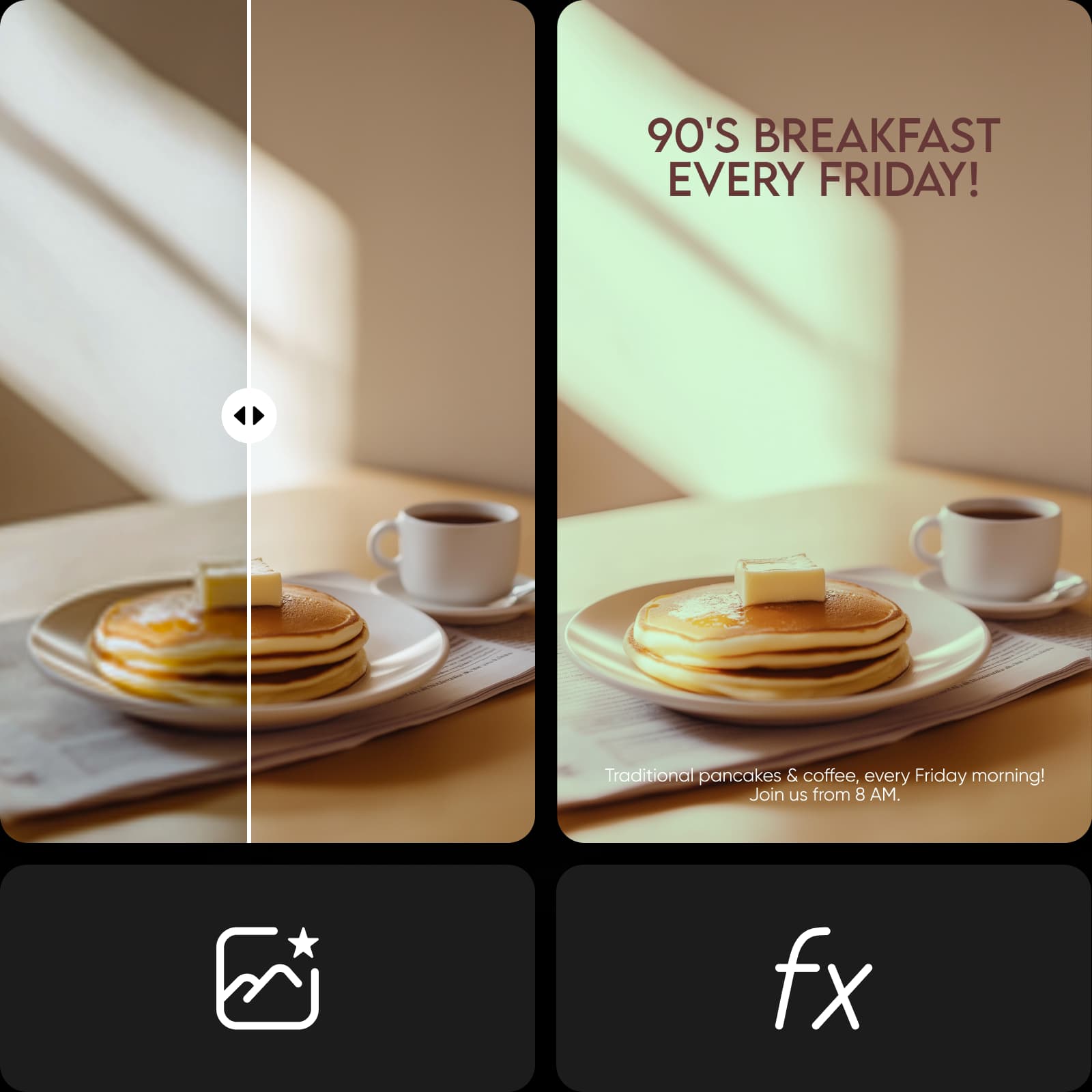
Try Picsart’s free online vintage filter for photos and more
Make vintage photos a staple of future creative projects. Go beyond nostalgic filters and take advantage of Picsart image tools to refine the look of photos and design digital and print materials for branding or personal use.
Create vintage filter with AI image models
Use image models to transform photos with styles, effects, and ready-to-edit visual directions.
Vintage filter FAQ
A vintage picture filter is a tool that changes the color, lighting, clarity, and sharpness of an image to make the photo appear aged or to resemble the photo quality produced from old film cameras.
This type of digital filter often uses several exposure techniques at once to make photos look vintage. For example, many vintage filters give photos a gray, faded, sepia, or yellowed appearance by allowing black, white, tan, brown, or pale yellow light to pass through the filter while blocking most other colors.
Another common technique is to replicate the effects of poor lighting or old lenses, such as streaks, grainy spots, low resolution, and blur. Some filters even make photos look weathered from physical damage, such as wrinkles and scratches.
Edit photos for polished creator content
Pro
Most popularAI tools for everyday creative work.
Ultra
Most powerfulHeavy AI usage for creators & teams.
Enterprise
Custom AI solutions for large organizations.
- Volume discounts on credit rate
- On-demand top-ups
More tools to love


