Sepia filter: Create sepia photos with timeless appeal
Add a sepia filter to your favorite photos to instantly create a vintage look. Picsart’s sepia filter adds a soft, brown tint, transforming everyday photos into nostalgic moments from the past.
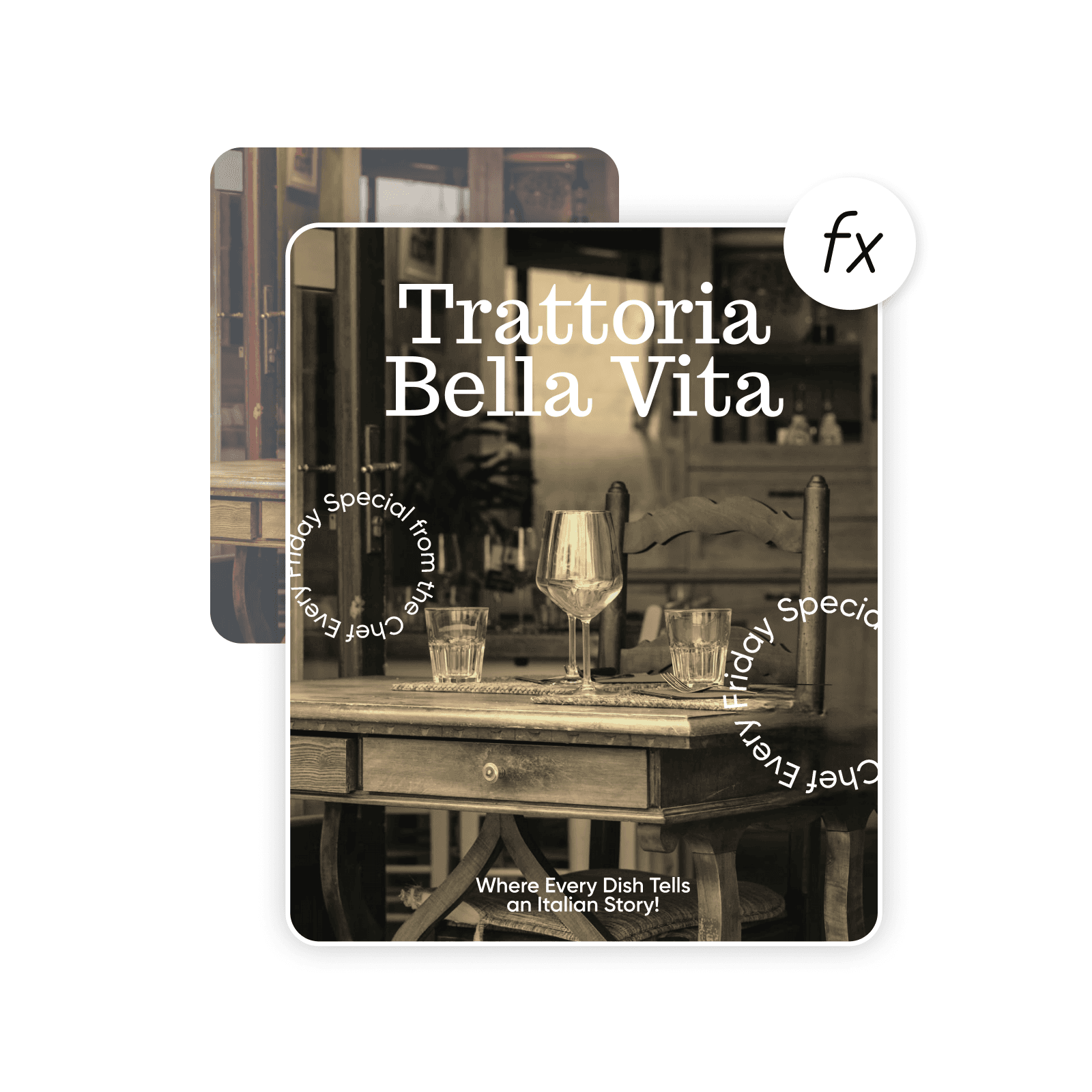
Create sepia filter with AI image models
Use image models to transform photos with styles, effects, and ready-to-edit visual directions.
How to add a sepia filter to an image
How to
Select a photo
Use the Upload an image button to select an image.
Capture timeless beauty with the sepia filter
Bring old-world charm to any image with Picsart’s sepia color filter. Adding a classic sepia tone evokes a sense of nostalgia perfect for creating vintage-style images that stand out. Imbue photos with beautiful warmth and depth to enhance their emotional impact. The sepia tone effect creates a gently aged look that transforms memories and scenes into captivating stories.
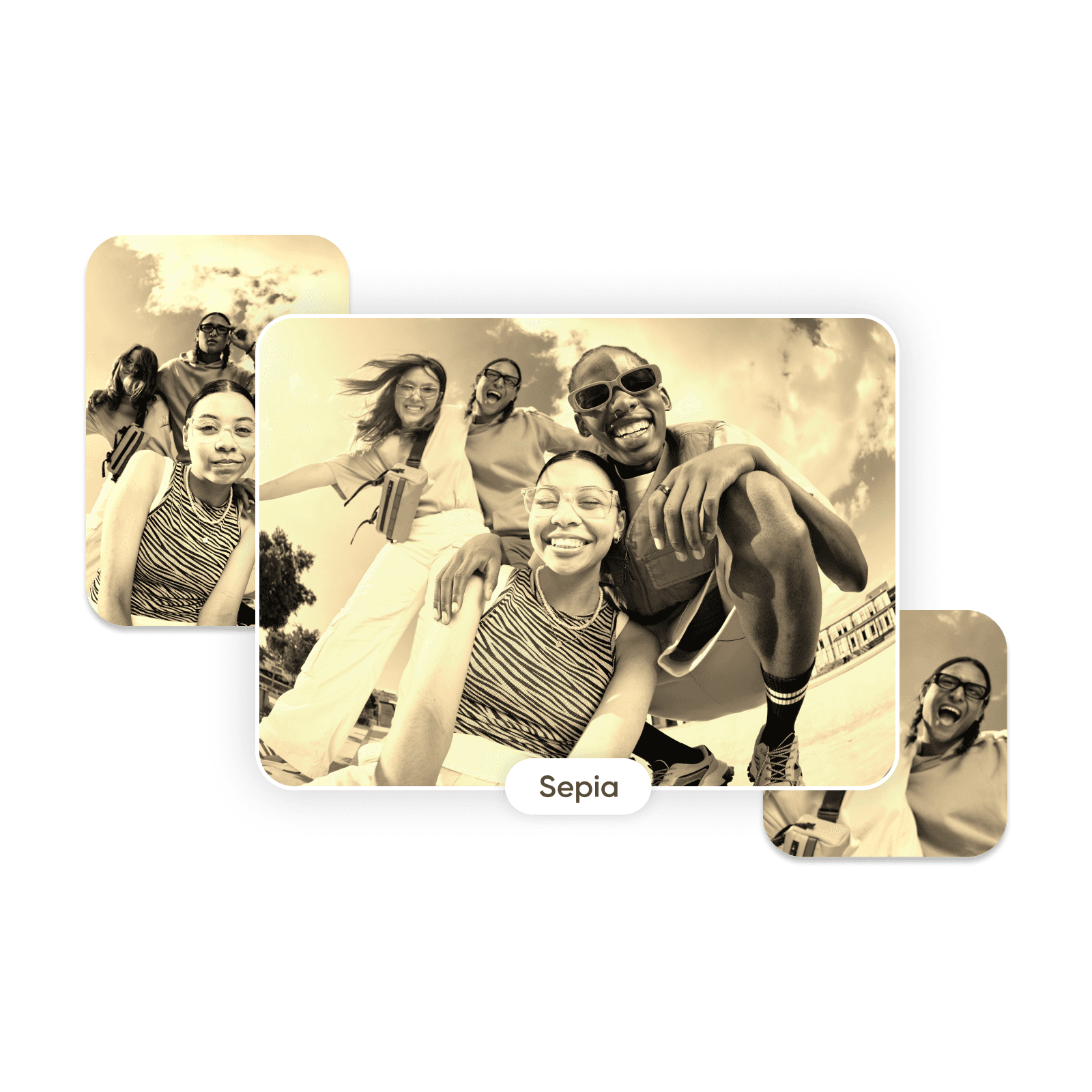
Make a photo sepia in seconds with an online sepia filter
Want to add drama and ambiance with a sepia effect? Simply upload an image and select the sepia filter from the photo effects category. The filter applies a sepia tone without sacrificing detail, preserving the clarity and quality of photos. Try it , and enjoy an instant preview. Make as many adjustments as you like with no advanced photo editing skills required.
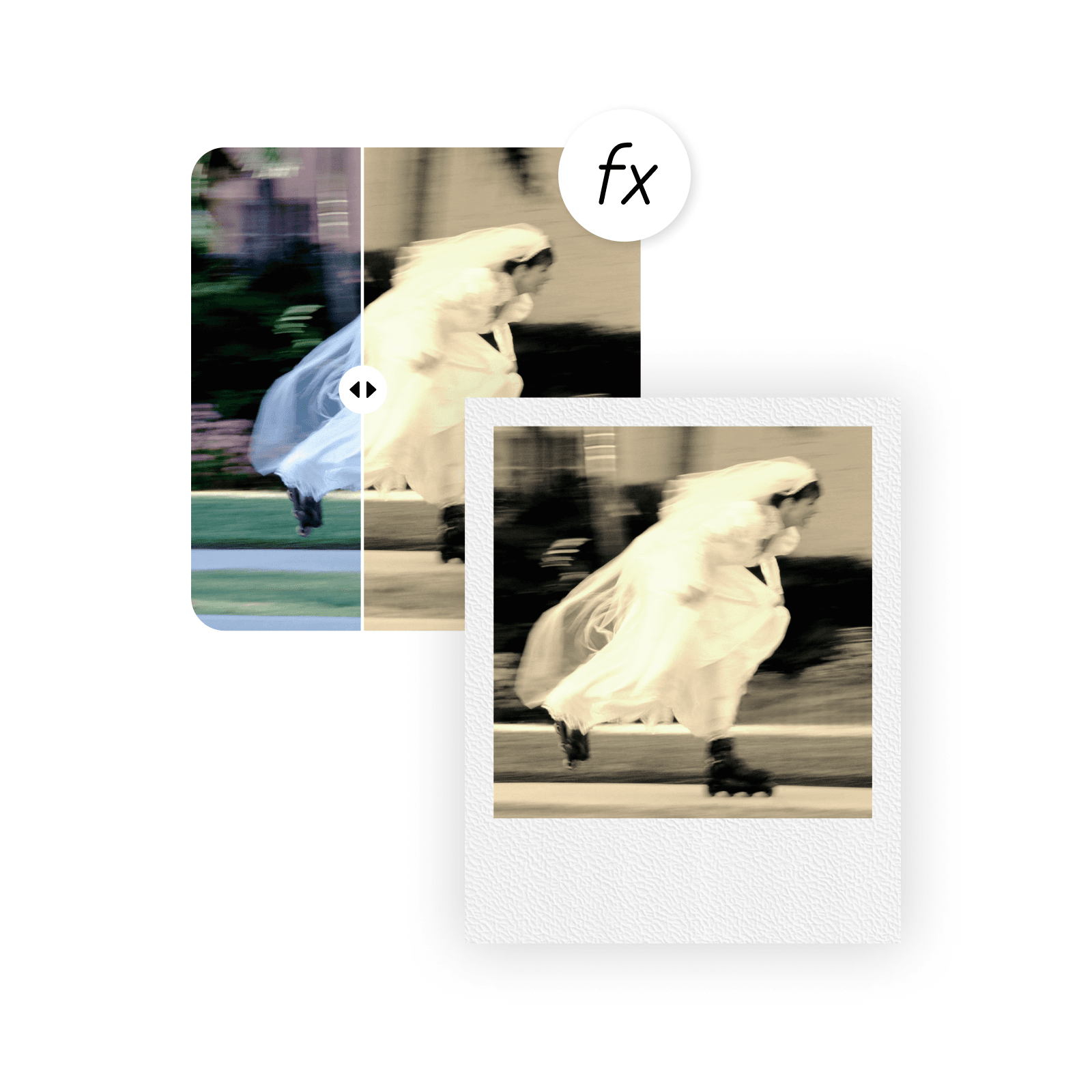
Reimagine your photos with a sepia color filter
Heighten charm and allure. Amplify romance. Embrace the sentimental. With sepia effects, it’s easy to change the mood in any style of photo. The sepia tone filter lets you enhance emotion in portraits, soften the mood of landscapes and scenery, and add splendor to event photography. Use it alongside other photo effects, such as the black-and-white filter or glitch effect, to create eye-catching photo collections.
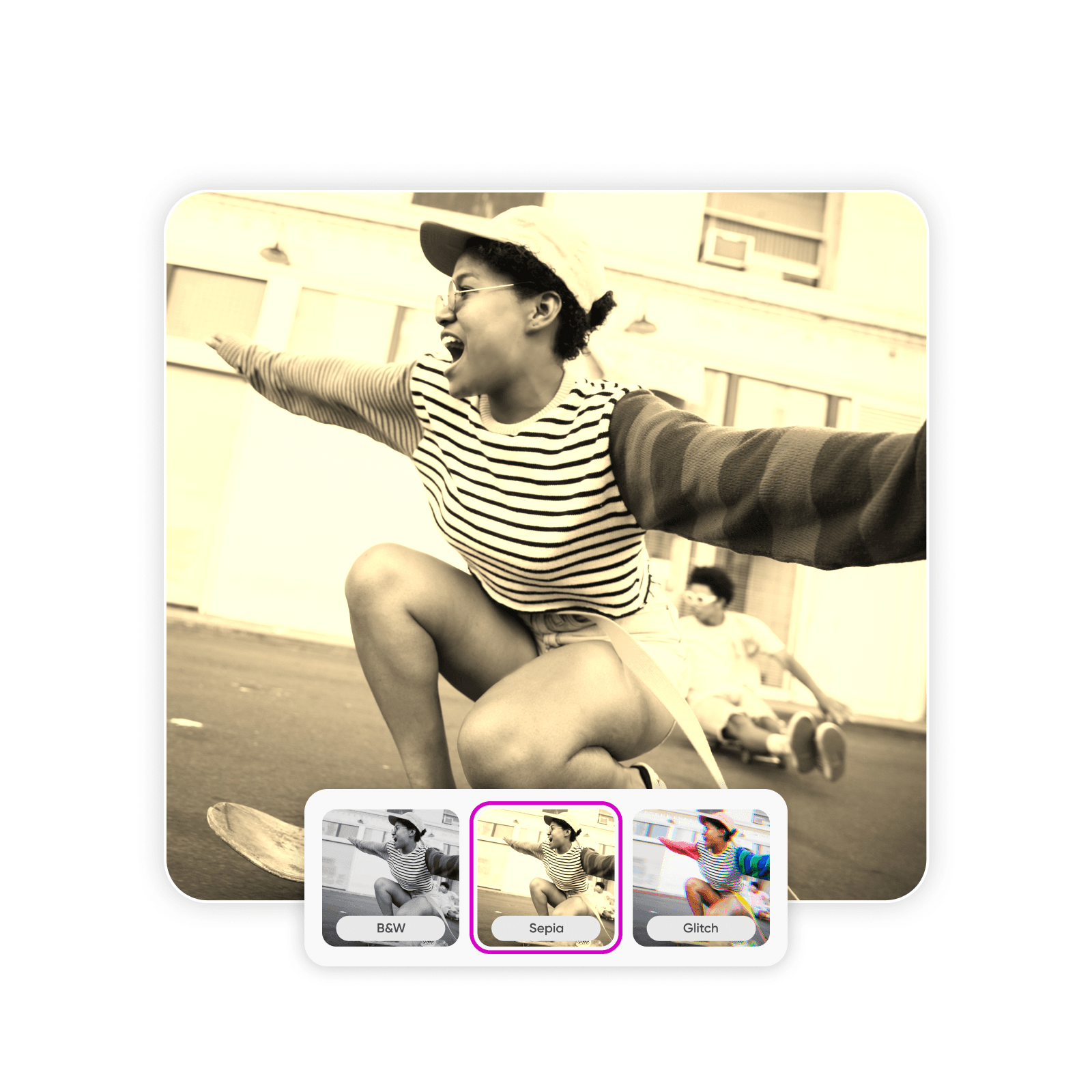
Choose the perfect sepia filter intensity
Make sepia photos as rich or subdued as you like. Picsart’s online sepia filter allows you to customize the color intensity to control the look and feel of photos. Try a soft, tan tint for a weathered look or deeper brown hues to create more contrast. Using the customizable sepia tone effect, anyone can produce memorable photos that grab attention on social media and boost engagement.
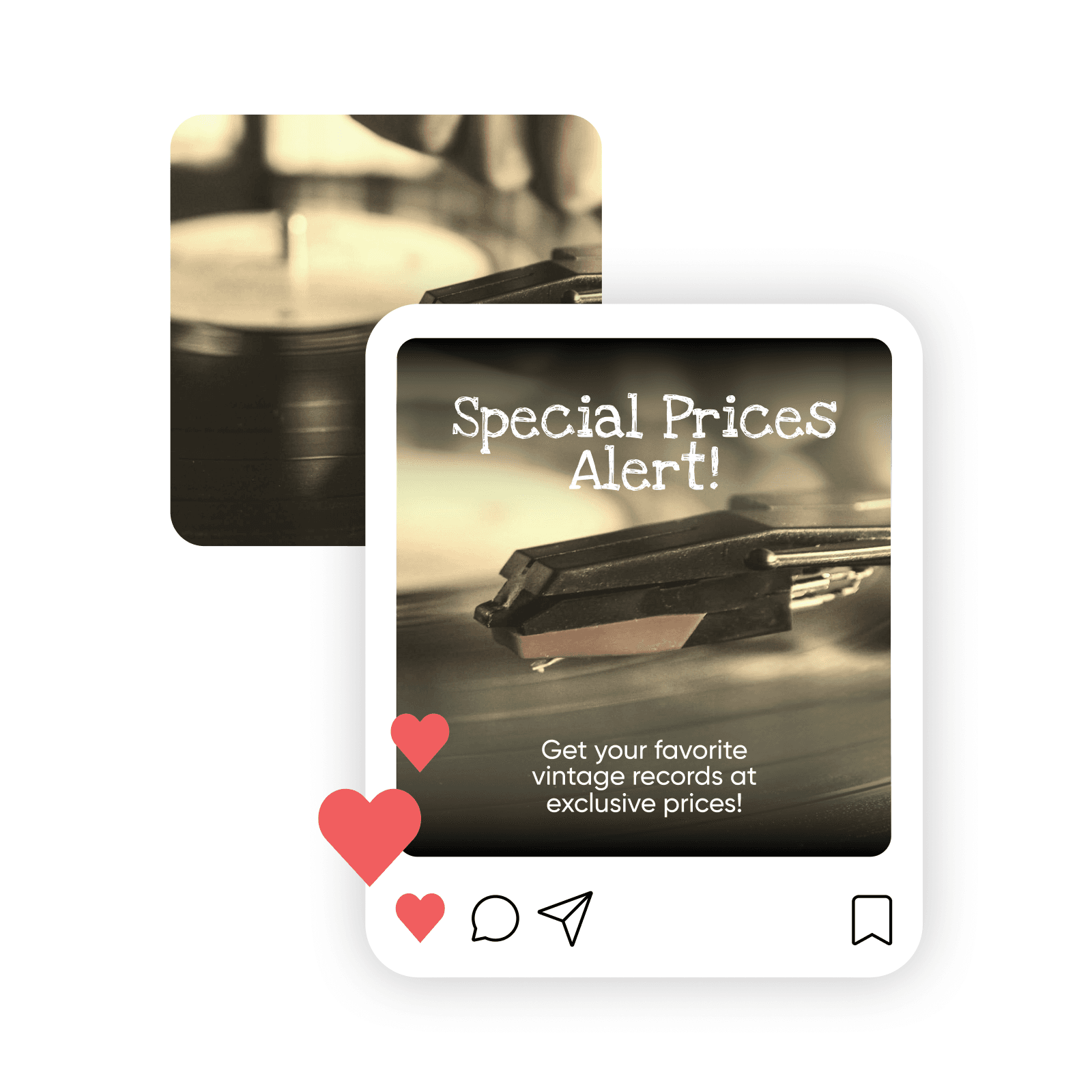
Edit, touch up, and personalize your sepia photos
Use every editing tool at your disposal to enhance sepia photos. The Picsart ai photo editor offers a range of tools for creating professional-quality images, whether you want to sharpen images, fix blemishes, add effects, or extend images with AI. Remove blur, discoloration, or graininess before adding the sepia color tone to start with a clear image and achieve the best results.
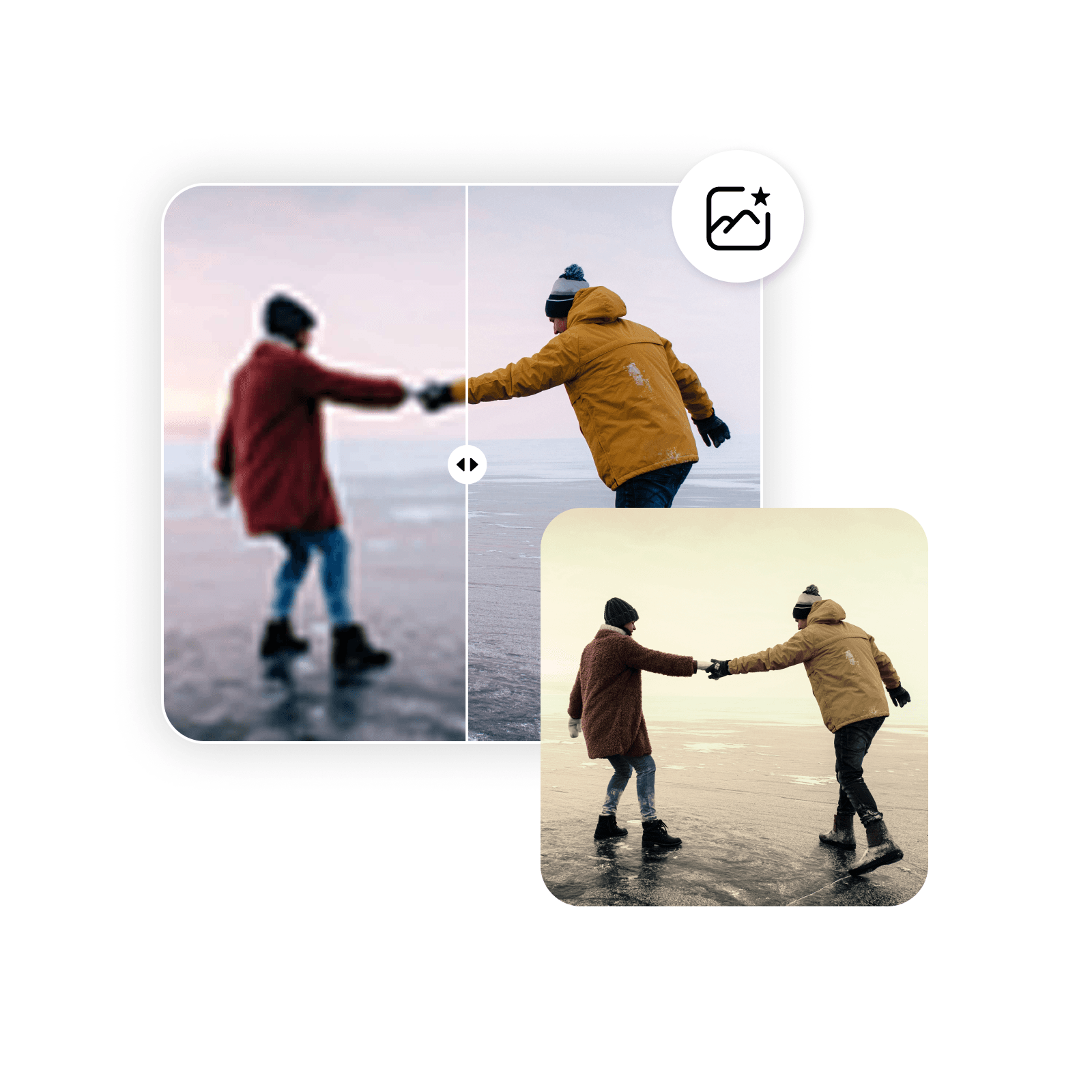
Add sepia filter and more with versatile DIY photo editing software
Need sepia photos for a website, marketing materials, social media, or personal use? Make over your whole photo collection or develop professional brand assets for your business. Picsart’s powerful set of graphic design and image tools lets you take control of creative projects from start to finish, hassle-free.
Sepia filter FAQ
A sepia color filter is a tool that changes the color and contrast of an image by allowing more brown and tan tones to pass through the filter while blocking most other colors. The end result is a photo that contains varying degrees of warm brown hues, which contrast with one another. Sepia effects are used to purposely subdue the original colors of the image to create the appearance of aging.
Edit photos for polished creator content
Pro
Most popularAI tools for everyday creative work.
Ultra
Most powerfulHeavy AI usage for creators & teams.


