
Picsart for Cursor

Build with creative assets in Cursor

Bring image, video, and audio creation into the project you're building. Add Picsart to Cursor, explore its 200+ AI model catalog, and use creative skills to turn your project context into assets.

  • Create assets that fit your project's style
  • Turn repeated creative tasks into reusable workflows
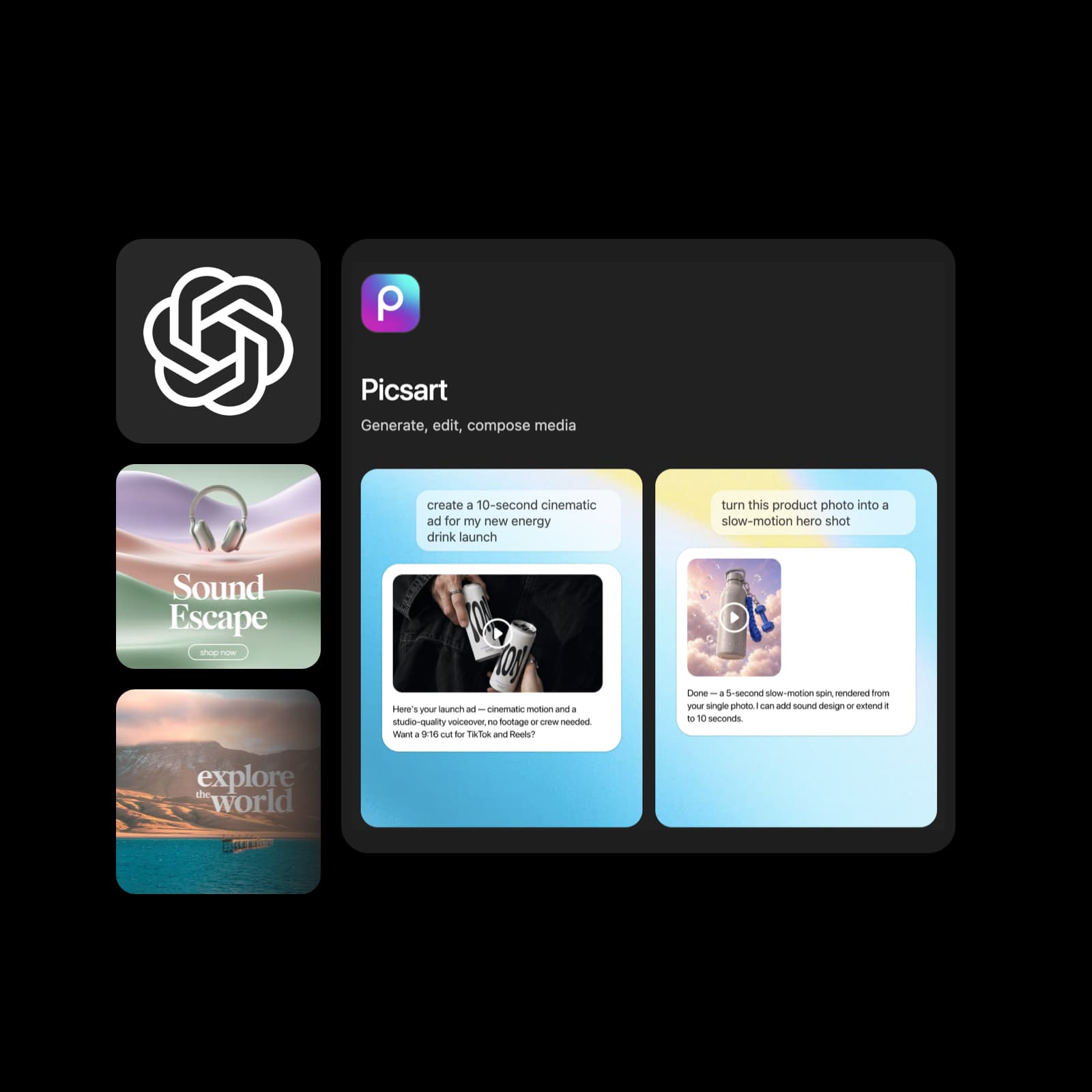
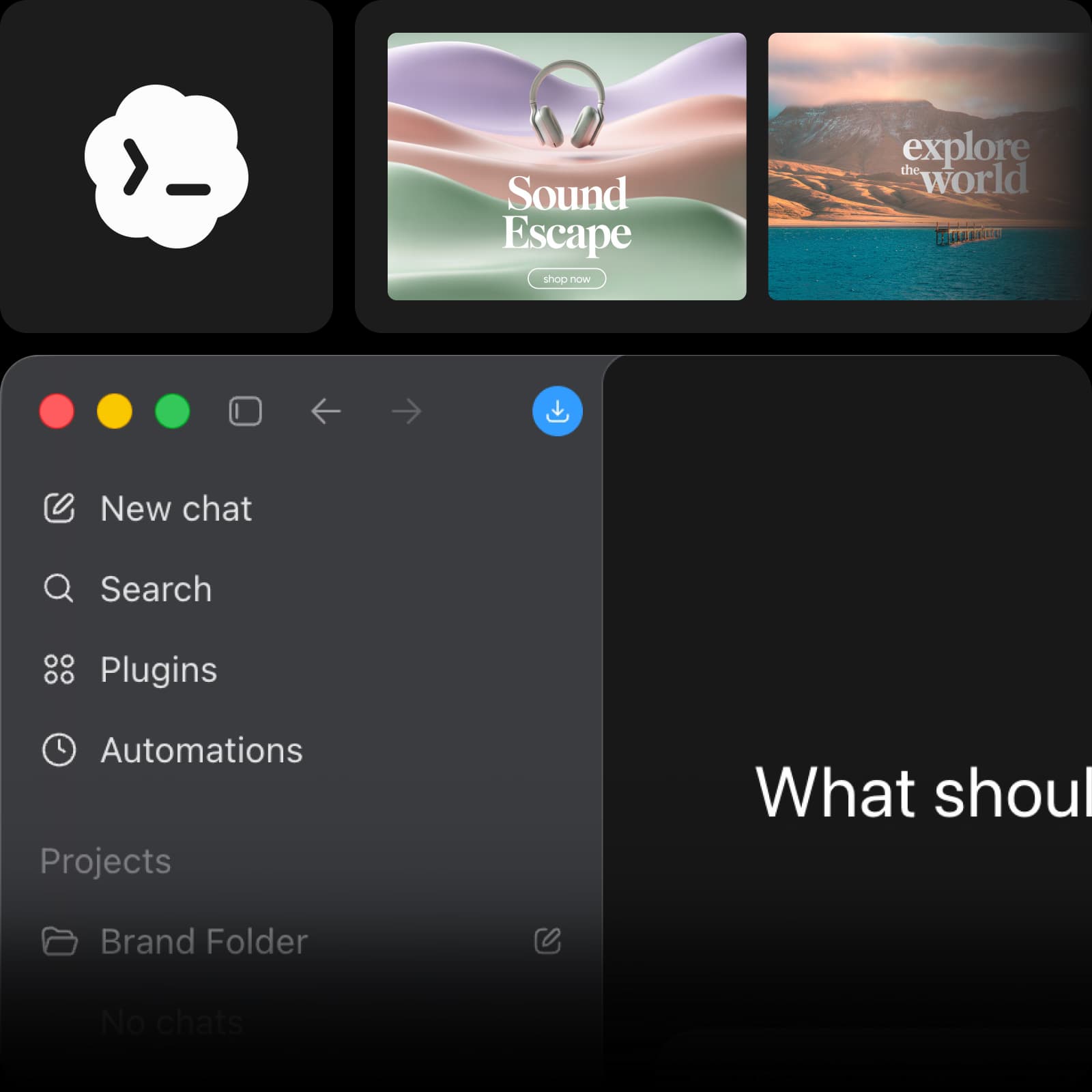
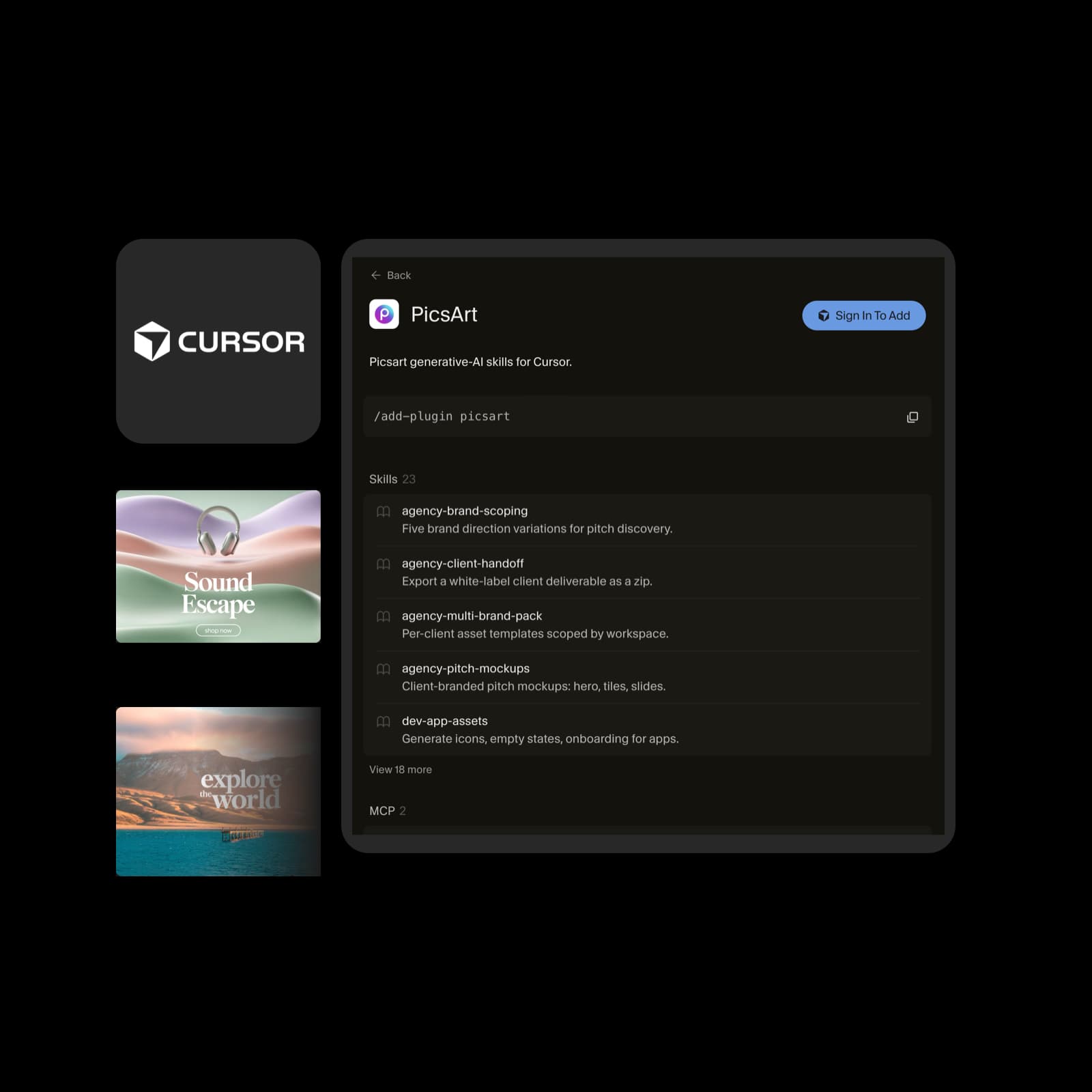
Original Cursor logo and actual Picsart marketplace listing, with illustrative artwork reused from the Codex landing page
G2 Spring 2026 Leader badgeG2 Spring 2026 Momentum Leader badgeG2 Spring 2026 Fastest Implementation badge

Made in Cursor with Picsart

Illustrative creative examples, reused from Picsart for Codex.
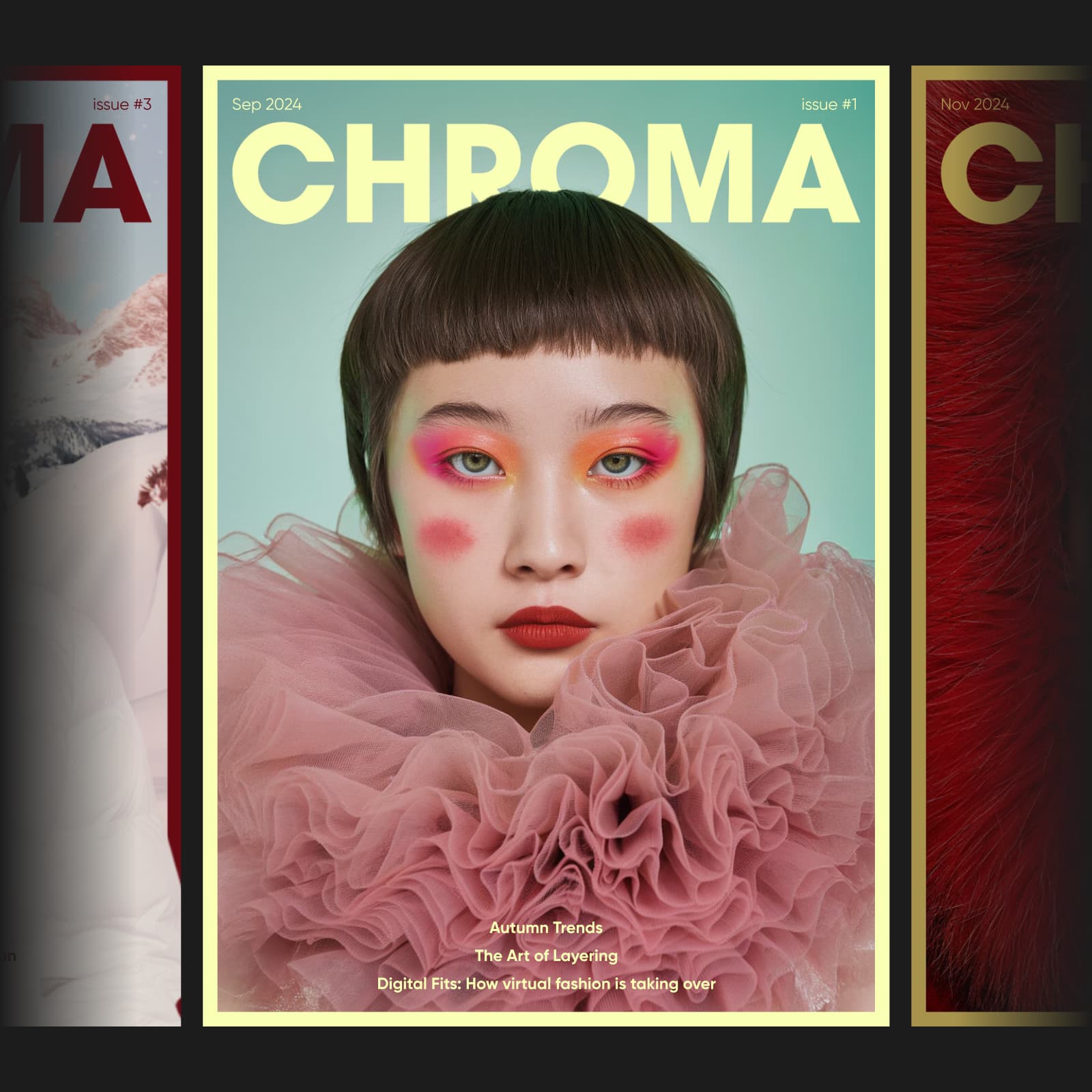
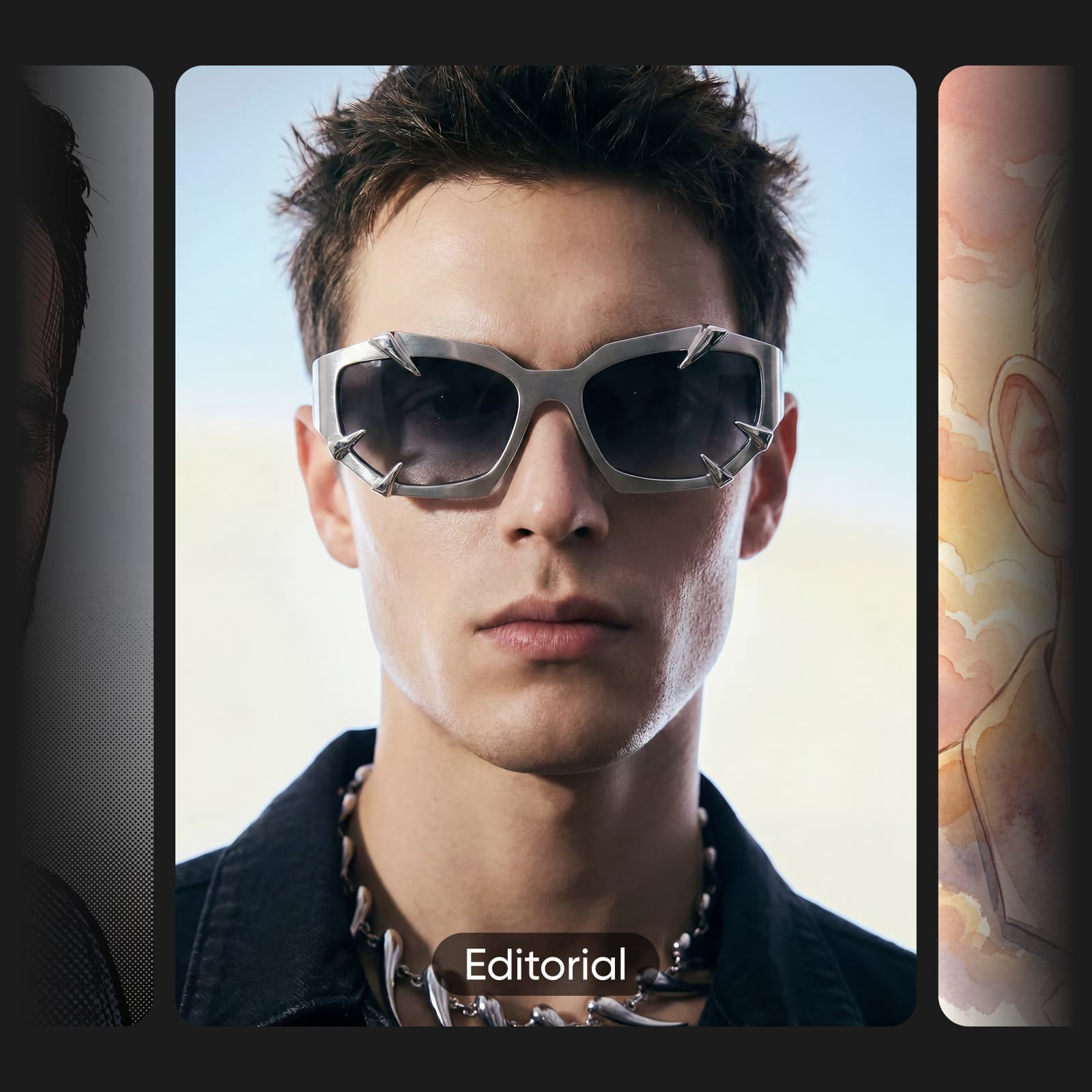
Magazine cover created with Picsart in Codex
Magazine cover
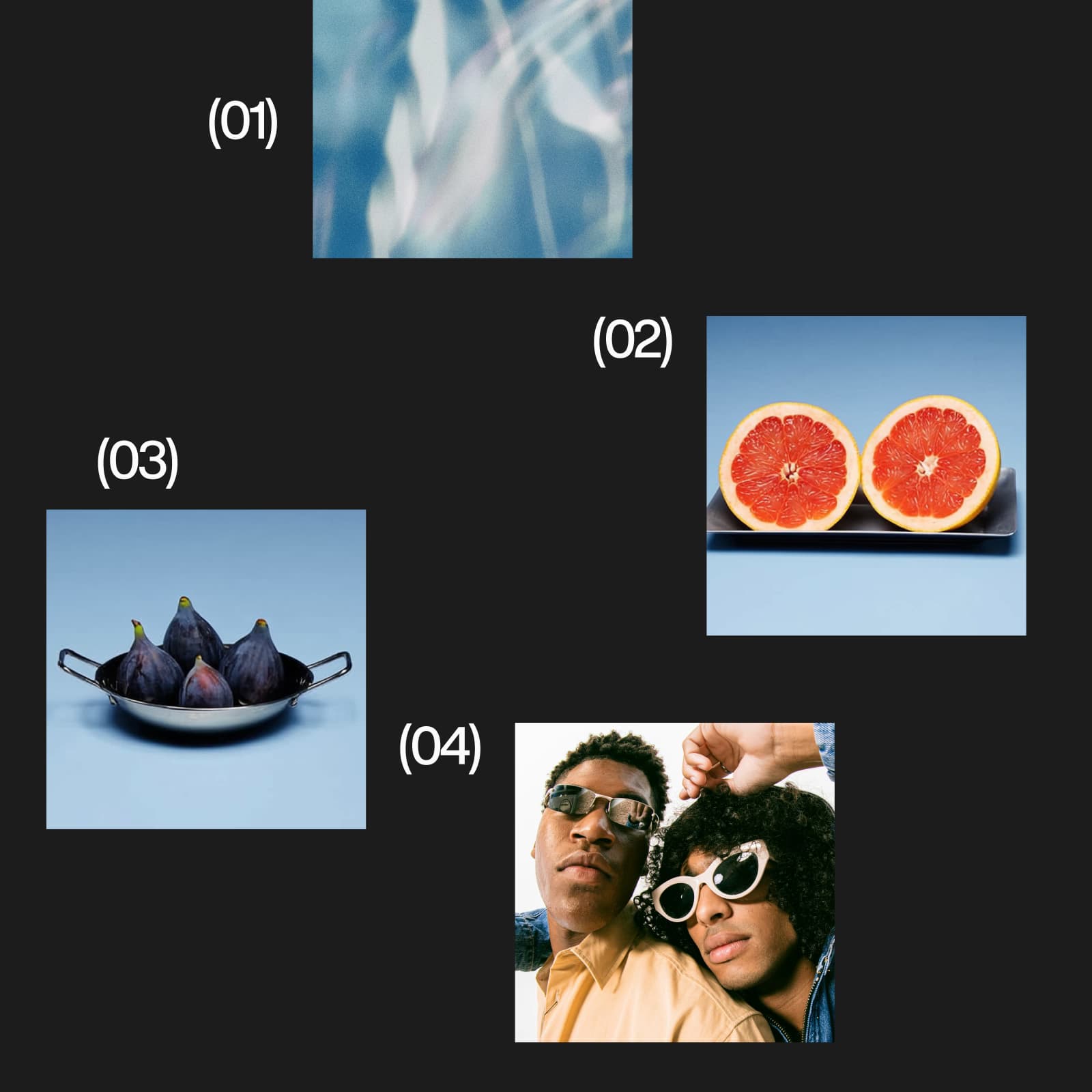
Product catalog created with Picsart in Codex
Product catalog
Portrait set created with Picsart in Codex
Portrait set

How to create with Picsart in Cursor

Connect once, start with a focused brief, and build from the result you choose.

How to

Open Picsart in Cursor

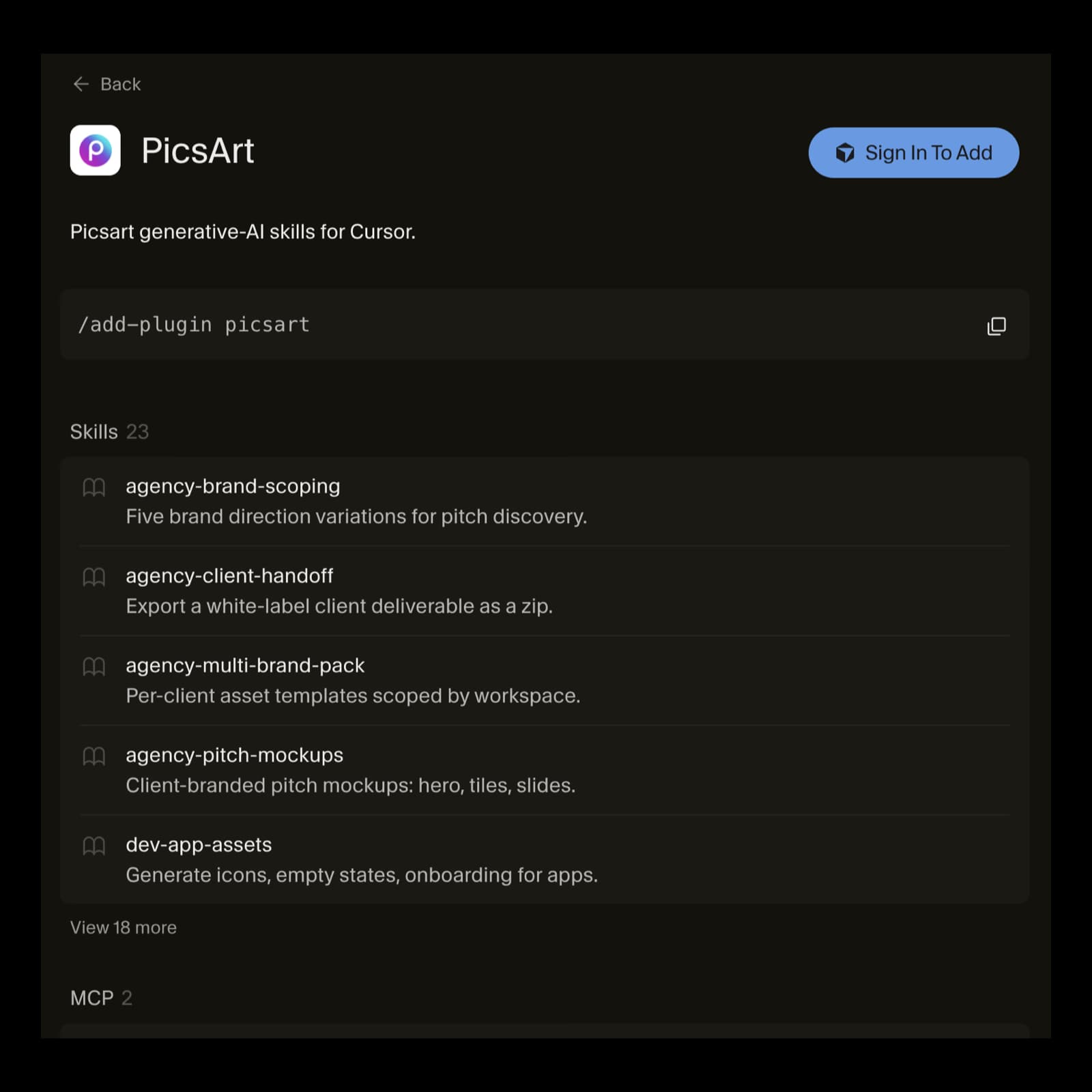
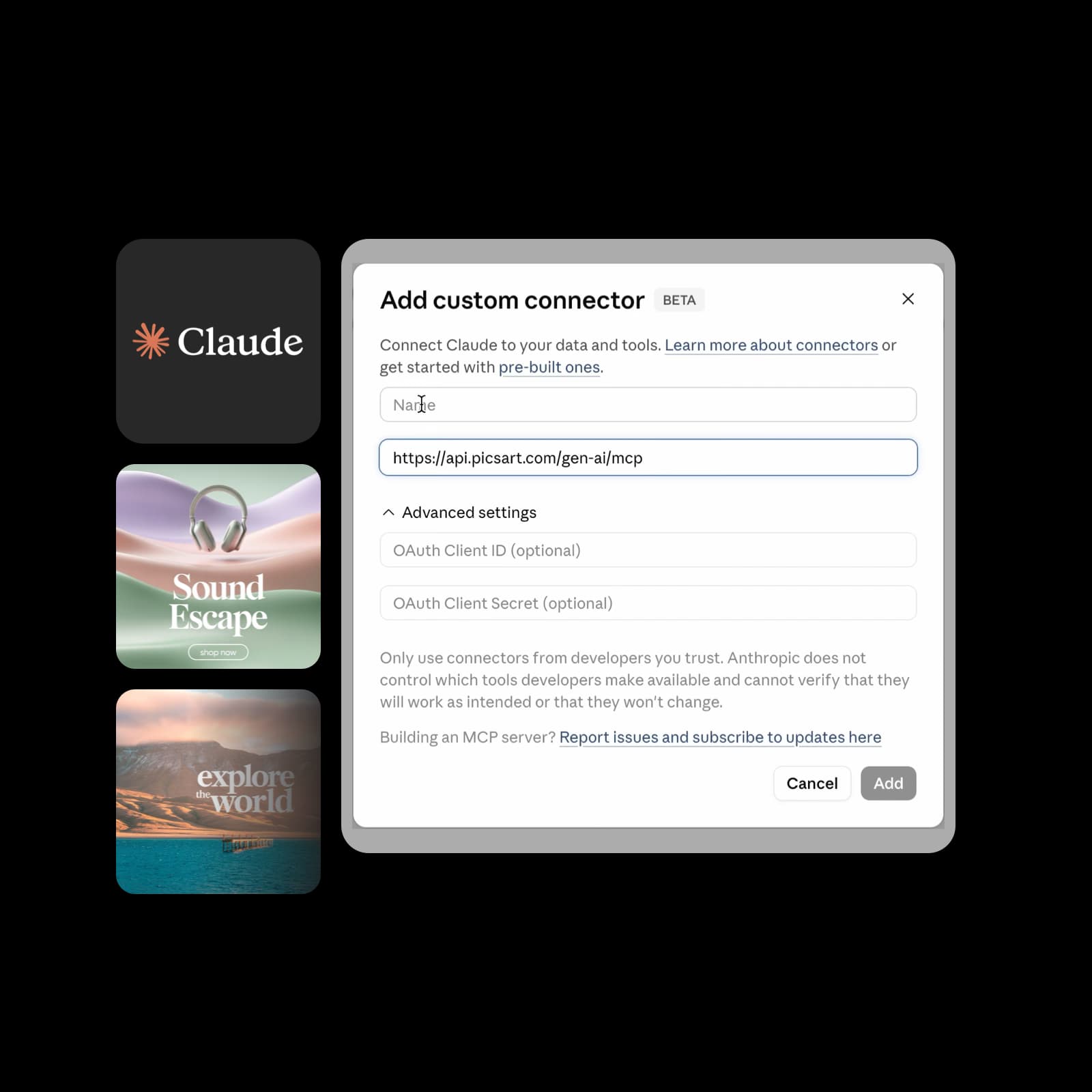
Open Picsart in the Cursor marketplace and follow the add flow. You can also use /add-plugin picsart inside Cursor.

Actual Cursor marketplace listing for the Picsart plugin, including its add command and skills

Choose a plugin for your AI workflow

Bring Picsart into the AI assistant you use. Explore creative workflows, setup steps, and the right connection for your platform.

ChatGPTTurn a conversation into campaign images, product media, clips, and voiceovers.
ClaudeTake a thoughtful brief into visual directions, editorial assets, and narration.
Google GeminiBring creative output into your planning, presentations, and content ideas.

Create where your project takes shape

Give Cursor the brief, references, dimensions, and output folder; use Picsart for the creative work.

Illustrative Picsart examples. Adapt these starter prompts to your brief and the tools available in your connection.

Create a hero that fits the page you're building

Use the page context, palette, and layout in your project to brief Picsart. Request a hero with a deliberate focal point and copy space, then review it before adding it to the page.

Try: “Use Picsart to create two hero directions for this travel landing page. Follow the project's palette, leave space for copy, and quote them first.”

Illustrative Picsart scene creative example; reused artwork, not an output captured in Cursor

Find the model for your creative direction

Explore Picsart's 200+ AI model catalog across image, video, audio, and text. These provider cards show illustrative Picsart media examples and model options. Ask your connected assistant what is available and check the cost before creating.

Browse the live model catalog
  • AI-generated image example associated with Flux 2 Pro on the Picsart MCP page
    • Flux 2 Pro
    • Flux 2 Flex
    • Flux 2 Max
  • AI-generated video example associated with Veo 3.1 on the Picsart MCP page
    • Veo 3.1
    • Veo 3.1 Fast
    • Nano Banana Pro
  • AI-generated video example associated with Kling 3.0 Pro on the Picsart MCP page
    • Kling V3
    • Kling V3 Omni
    • Kling Motion Control V3
  • AI-generated video example associated with Runway Gen 4.5 on the Picsart MCP page
    • Runway Gen 4.5
    • Runway Gen4 Ref
    • Runway Aleph 2
  • AI-generated video example associated with Sora 2 Pro on the Picsart MCP page
    • GPT Image 1.5
    • GPT Image 2
    • GPT Image 2.5 Flare
  • AI-generated video example associated with Seedance I2V on the Picsart MCP page
    • Seedance 2.0
    • Seedance 2.0 Fast
    • Seedance 2.5
  • AI-generated image example associated with Recraft V3 on the Picsart MCP page
    • Recraft V3
    • Recraft V4
    • Recraft V4.1
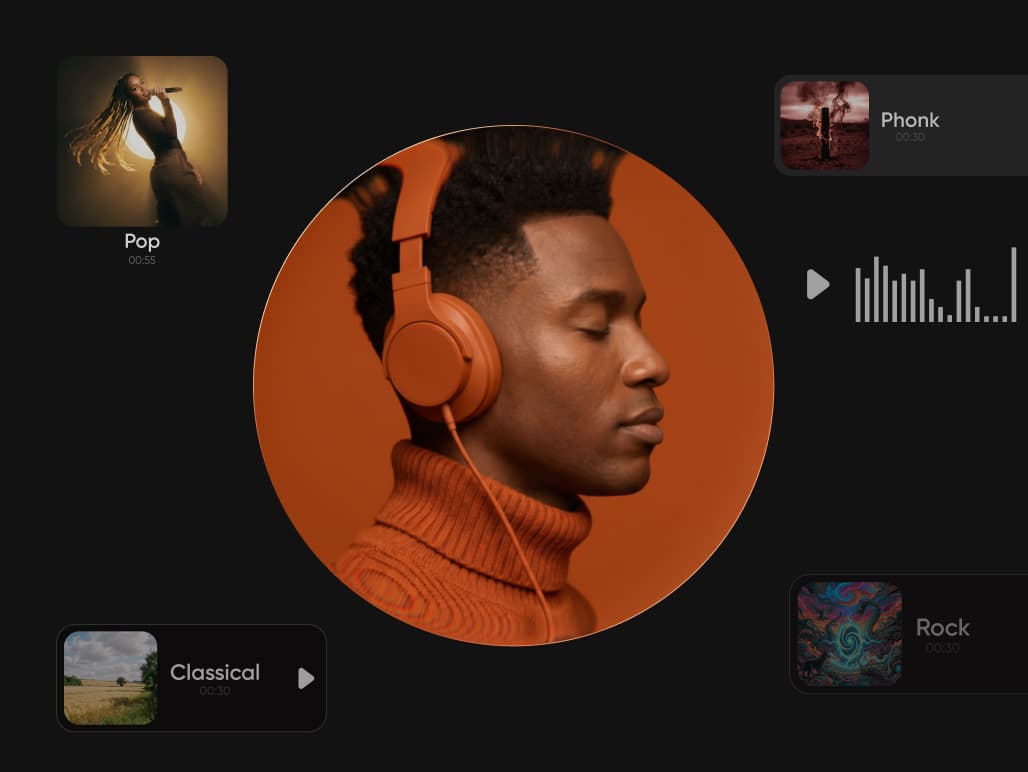
  • AI-generated audio example associated with Eleven v3 on the Picsart MCP page
    • Eleven v3
    • Eleven Multilingual v2
    • ElevenLabs Music v2

What creators make with Picsart

Review excerpts about Picsart from creators and small businesses.

A consistent brand, without a design team

I use Picsart to maintain a consistent brand look for my small business.

Ramanpreet S. · G2

Everything I need to sell online

I can create anything I need to sell online

Ubah A. · Trustpilot

60–100K TikTok views

60–100K TikTok views and 20K likes.

Panagiotis P. · Trustpilot

Questions about Picsart for Cursor

  • Open the Picsart marketplace listing and follow its add flow, or use /add-plugin picsart in Cursor. Sign in if prompted, then check the instructions for the skill you want to use.