
A consistent brand, without a design team
I use Picsart to maintain a consistent brand look for my small business.
Ramanpreet S. · G2 Picsart for Muse
Bring your creative ideas into a Muse chat with Picsart. Type install picsart gen-ai cli, approve the Picsart sign-in, and describe what you want to create.
Requires a Picsart account. Generations use Picsart credits.
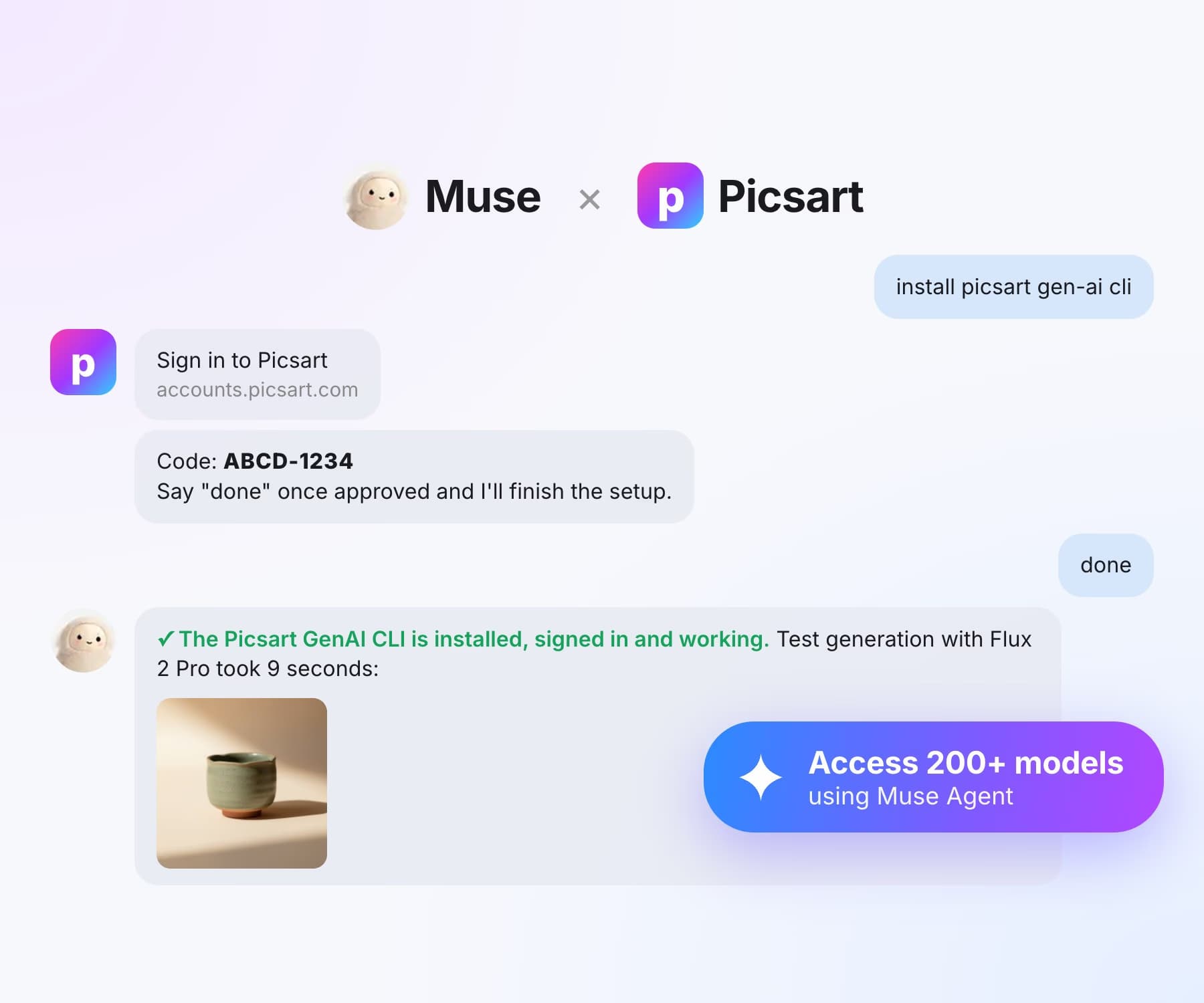



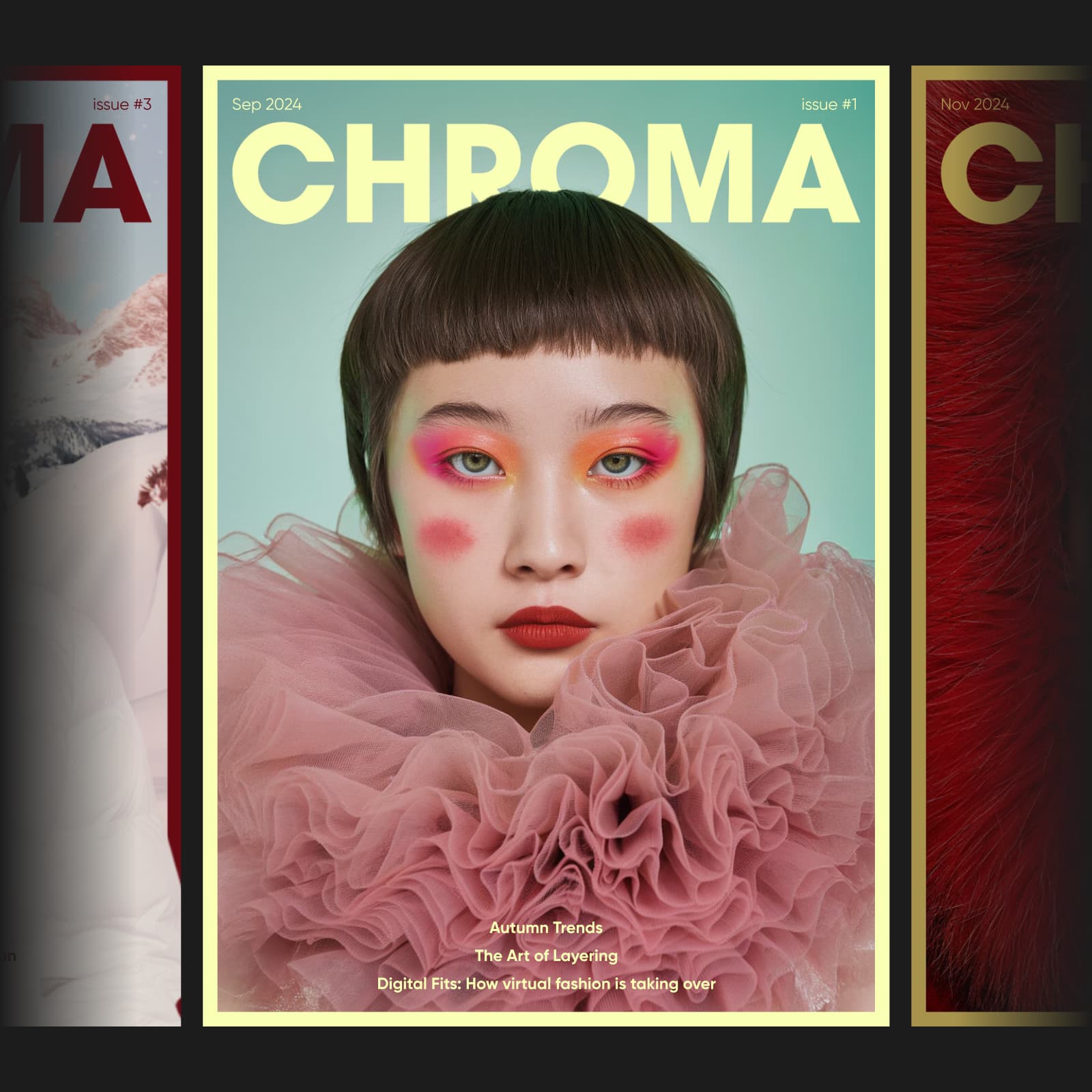
Creative ideas to try in Muse, illustrated with approved Picsart examples reused from Picsart for Codex.


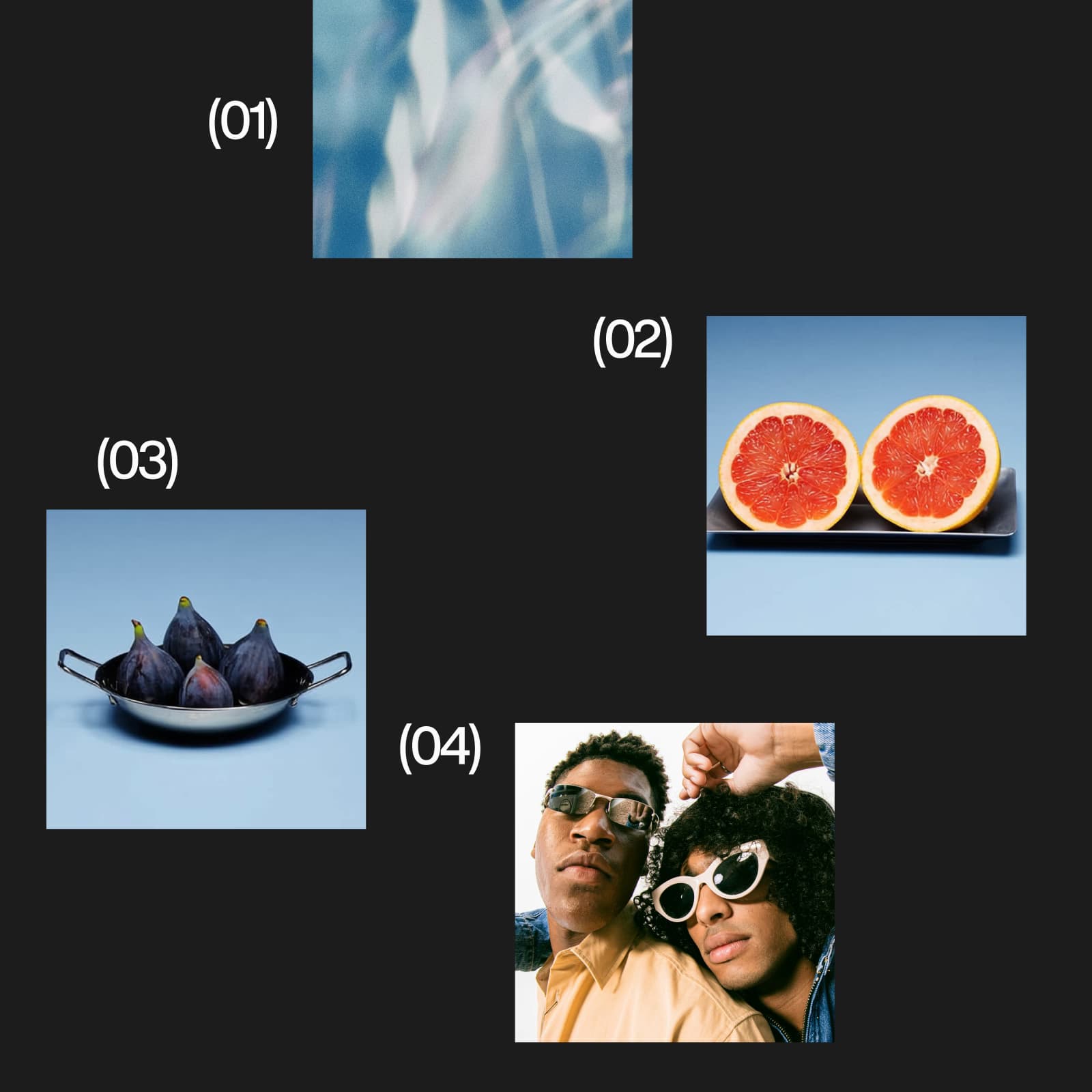

Muse runs the Picsart command line tool for you. Follow these 3 steps to connect your account and create your first asset.
Illustrative Picsart examples. Adapt these starter prompts to your brief and the tools available in your connection.
Use Muse to organize your audience and message, then ask Picsart for a visual concept that fits the brief. Start with a direction you can review before creating variations.
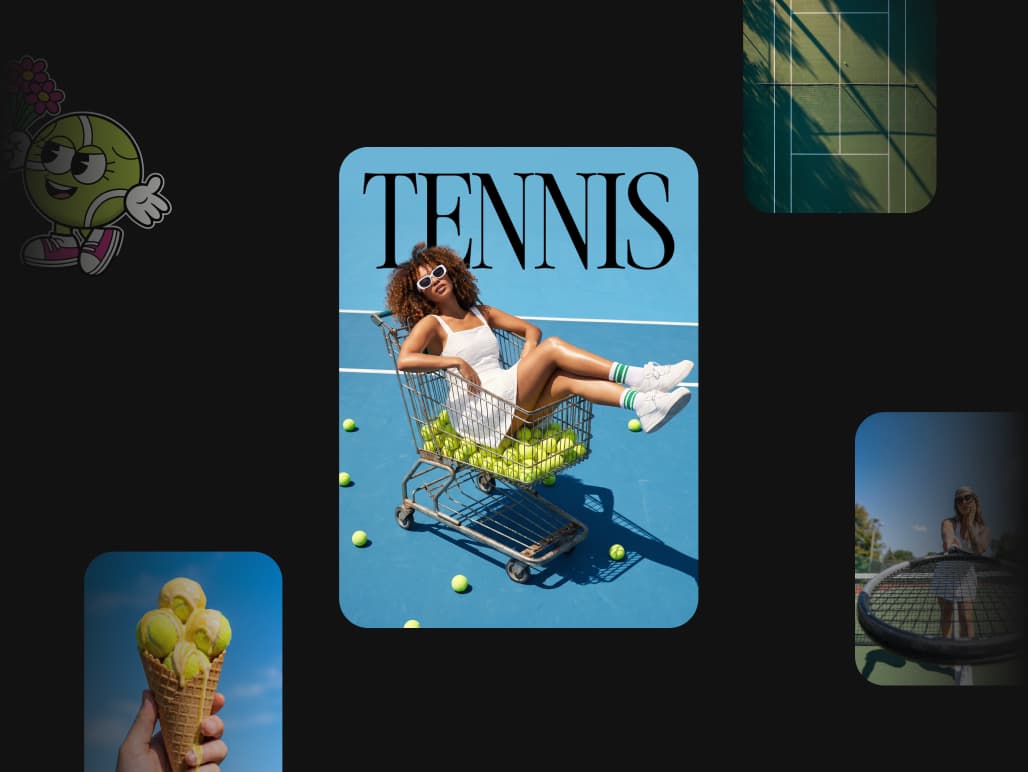
Try: 'Use Picsart to create a playful summer tennis campaign with a blue court, editorial portraits, and matching lifestyle details. Show model options and cost first.'
Browse Picsart's model catalog, then ask Muse which options are available through your connection. Check the credit estimate before creating.
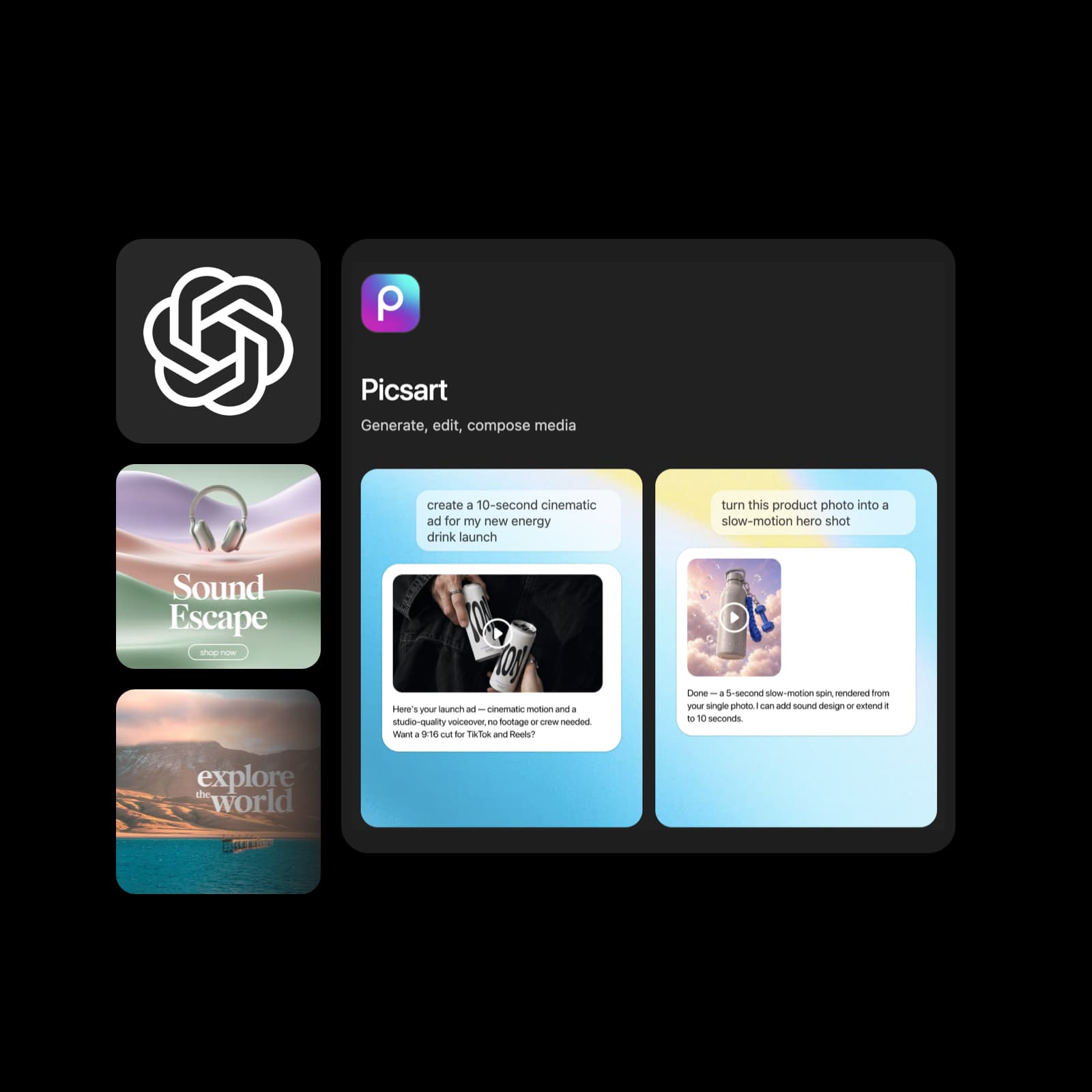
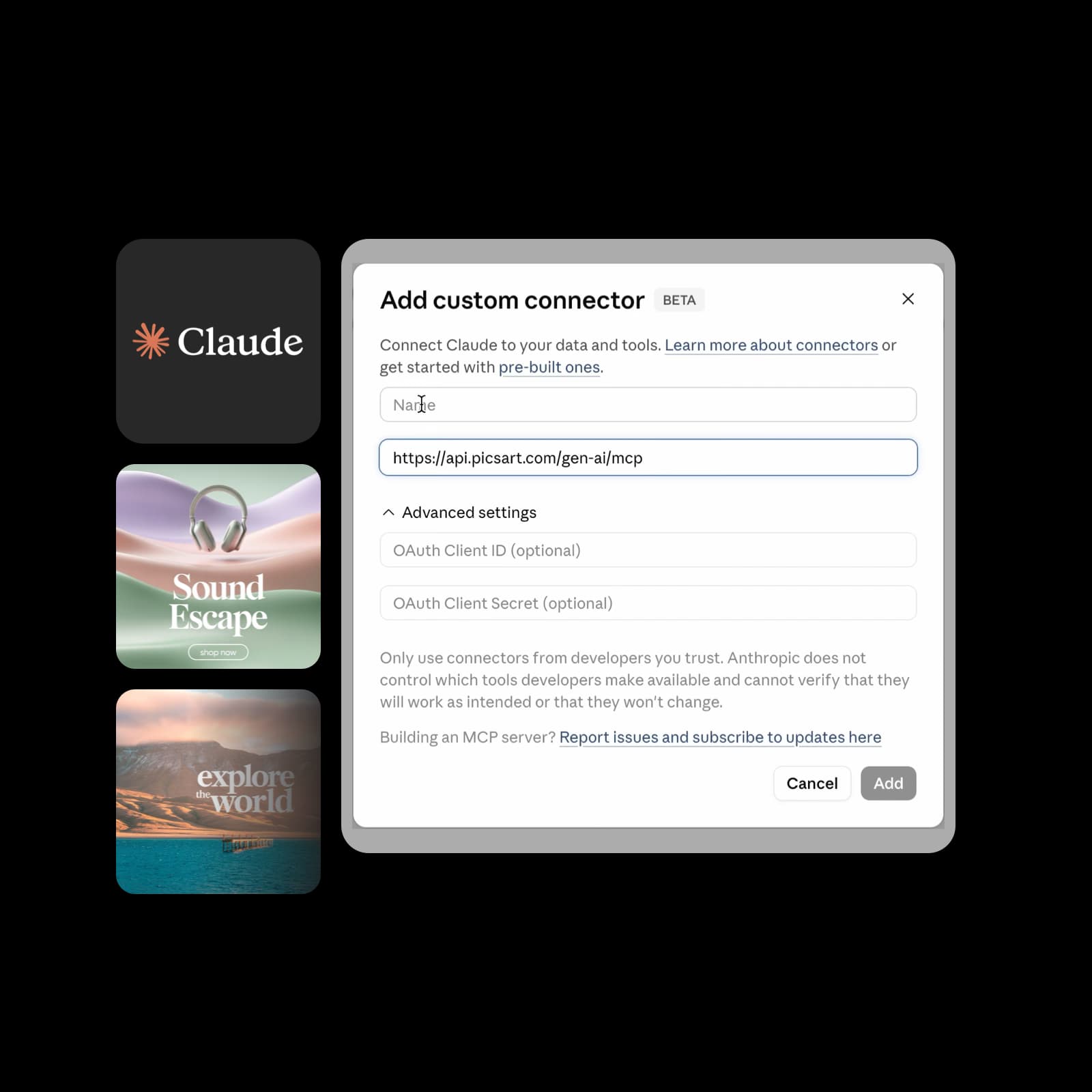
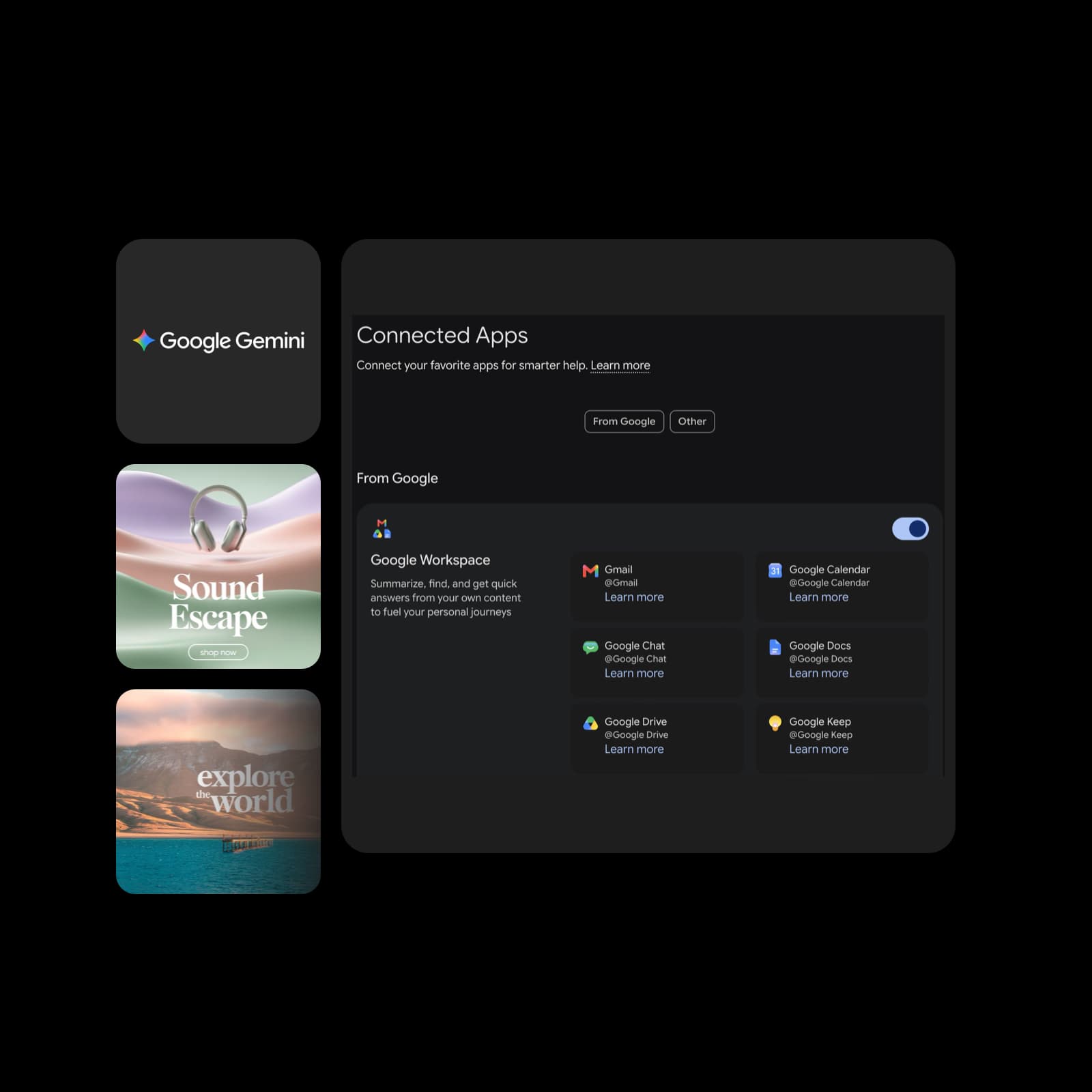
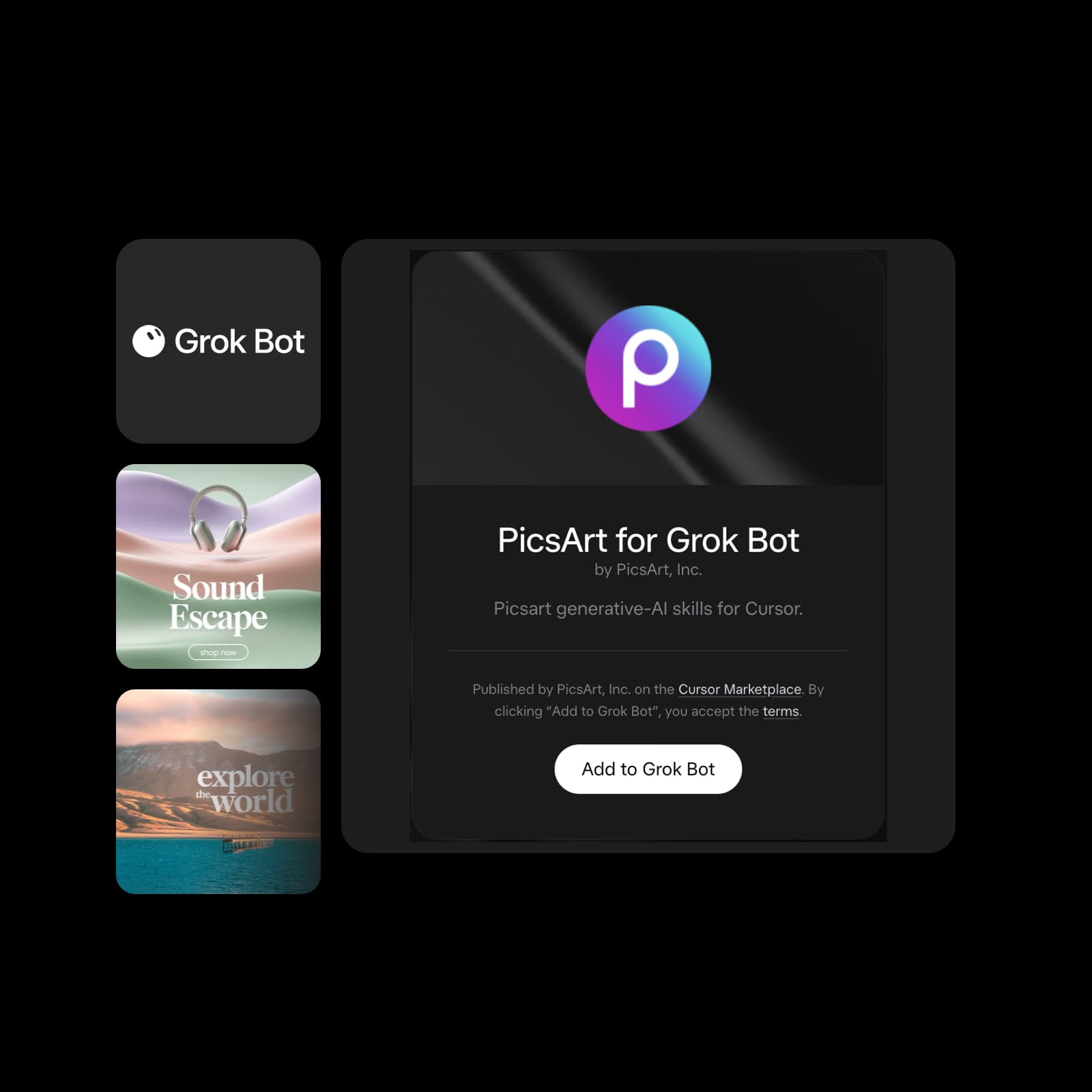
Bring Picsart into the AI assistant you use. Explore creative workflows, setup steps, and the right connection for your platform.
Review excerpts about Picsart from creators and small businesses.
I use Picsart to maintain a consistent brand look for my small business.
Ramanpreet S. · G2I can create anything I need to sell online
Ubah A. · Trustpilot60–100K TikTok views and 20K likes.
Panagiotis P. · TrustpilotSend install picsart gen-ai cli. Muse installs the Picsart GenAI CLI and shows a Picsart sign-in link with a code.
Explore another Picsart connection or find more setup details.