Your image, your next move
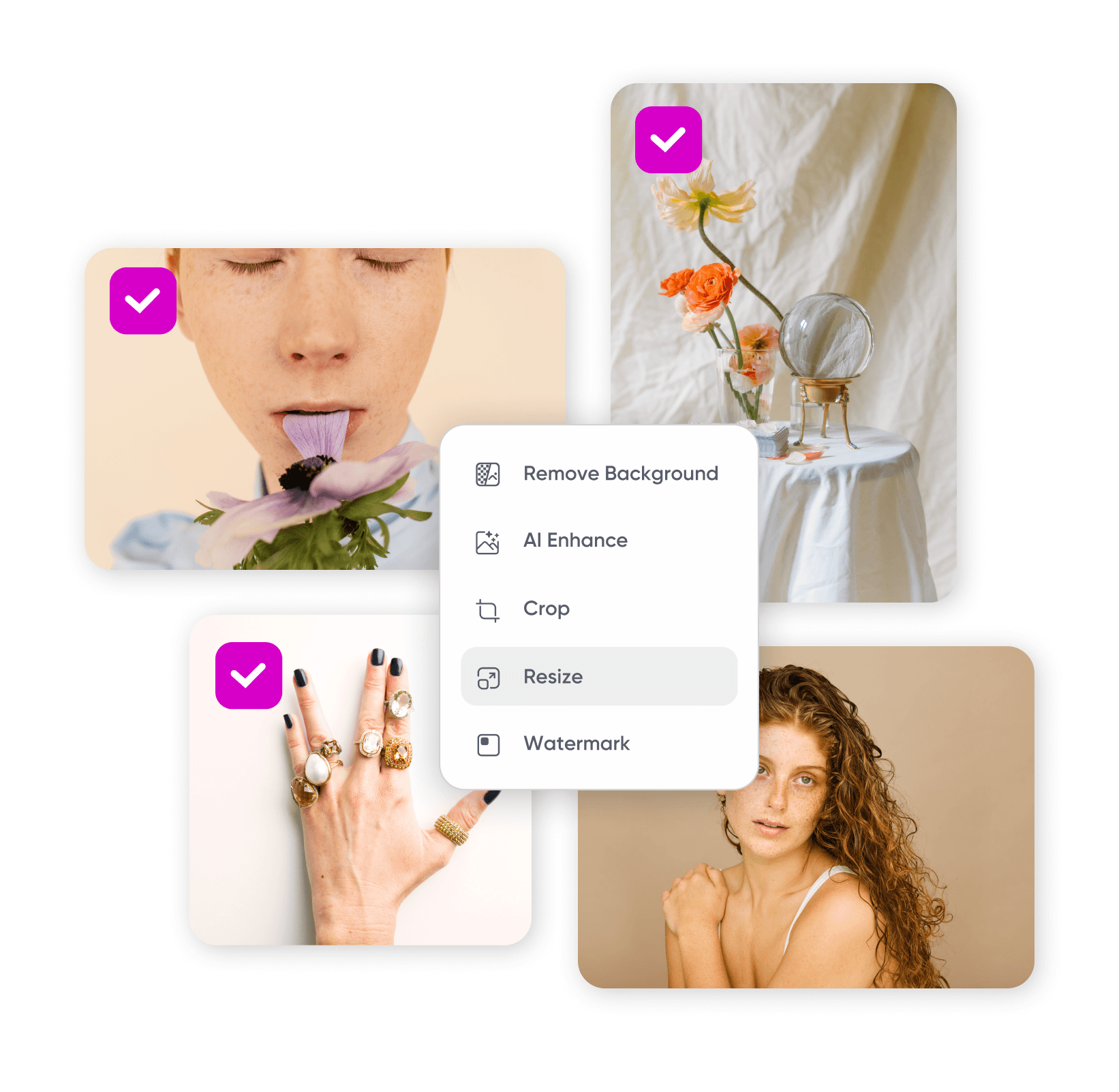
Edit a photo, create an image from an idea, or bring more detail to a favorite shot. Choose what you want to do and find the Picsart tools to get there.
What would you like to change?
Choose a category, then find the page that fits your next step.






Portrait ideas to explore
Browse Library assets for a starting point or visual reference.


Find your path from idea to image
Your starting point tells you which tool to use.
Keep the photo. Change the feeling.
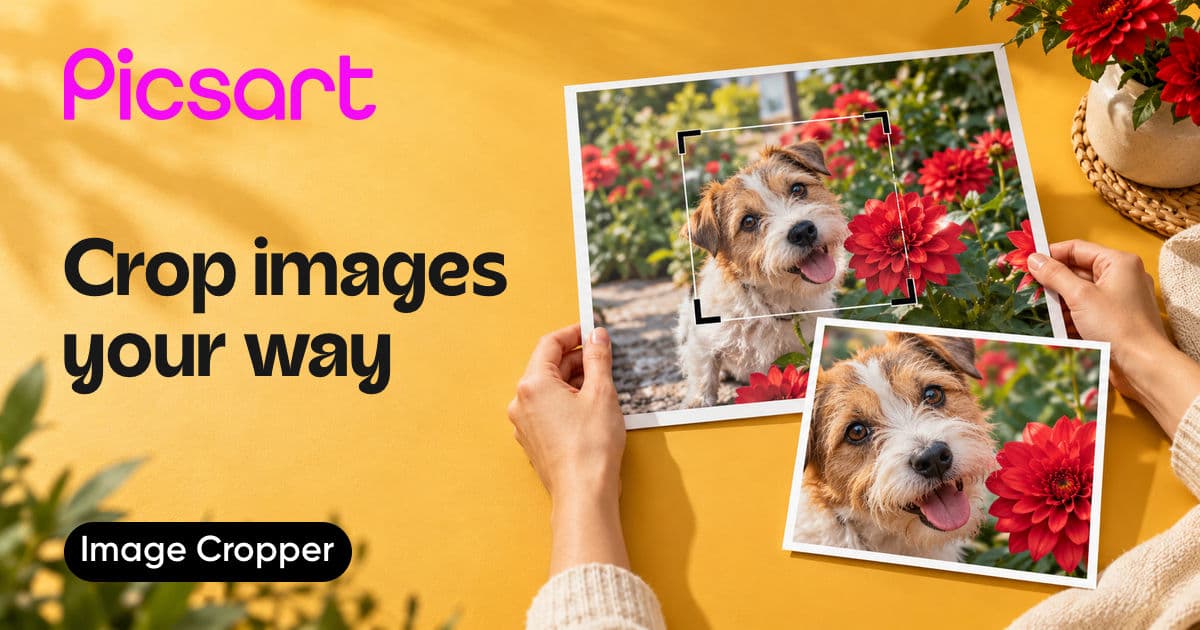
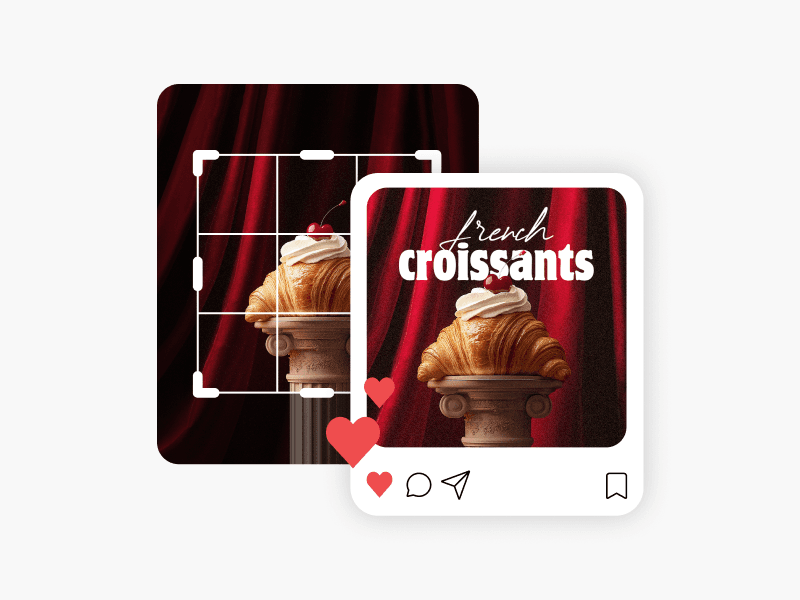
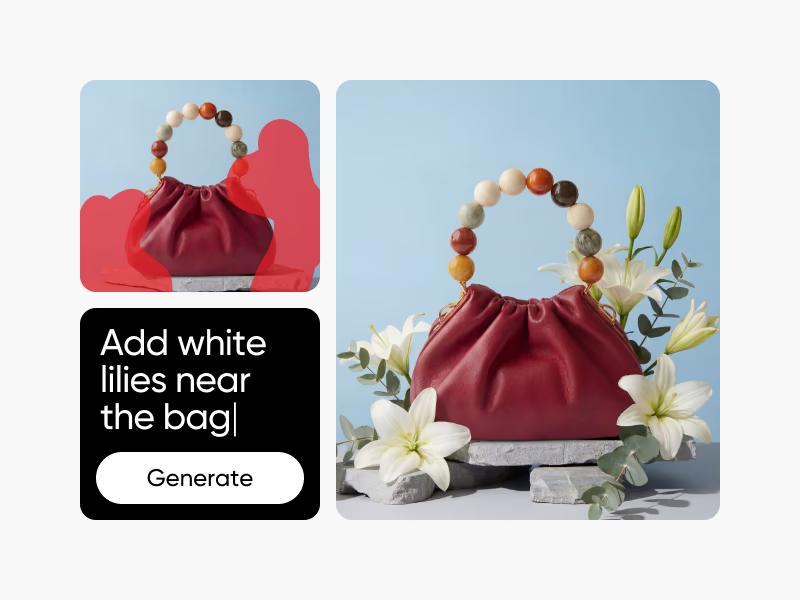
A good starting image can become a different story. Adjust the framing and color, add text, or try effects in the photo editor. Choose AI Photo Editor when you want to describe a change in words.
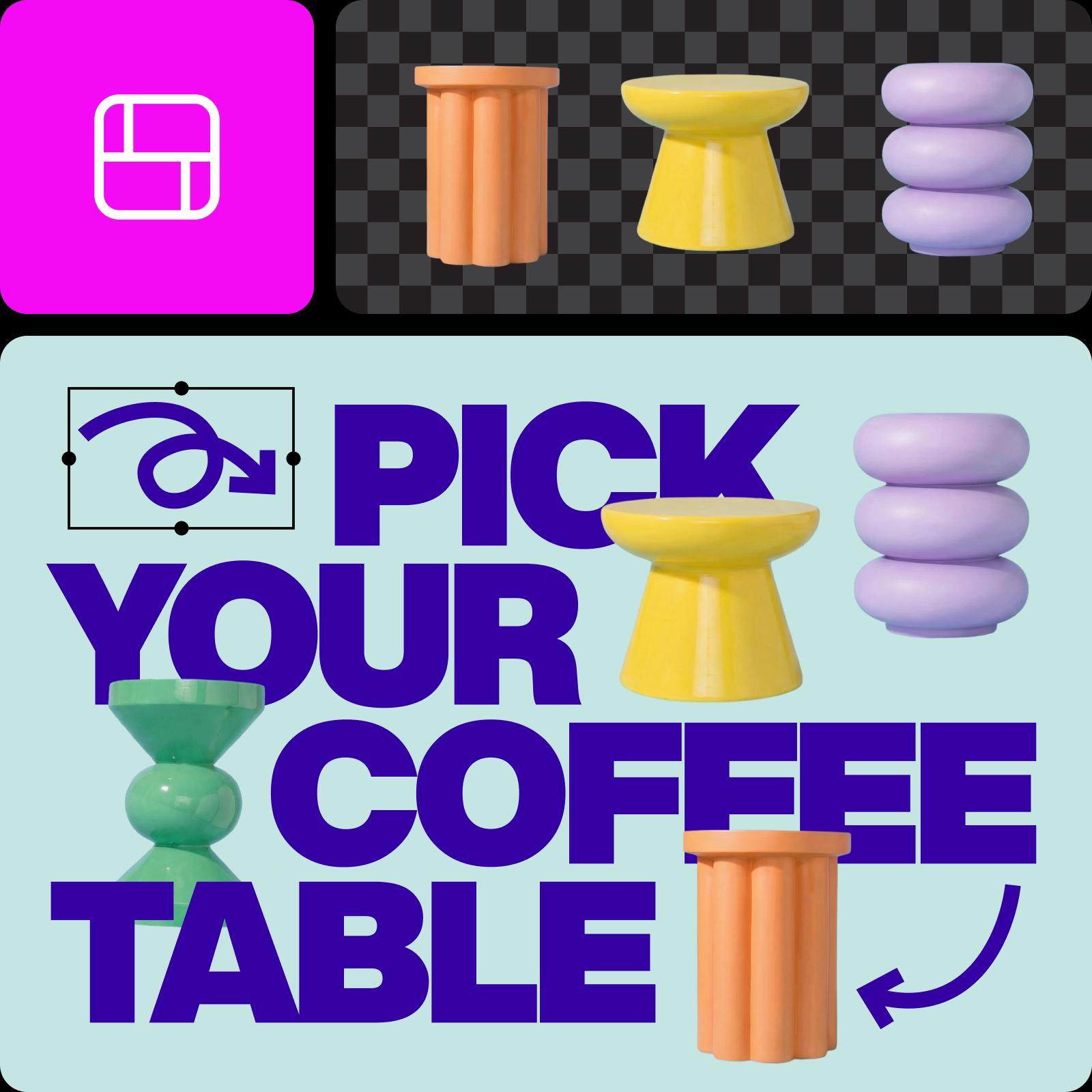
Make the image you have in mind
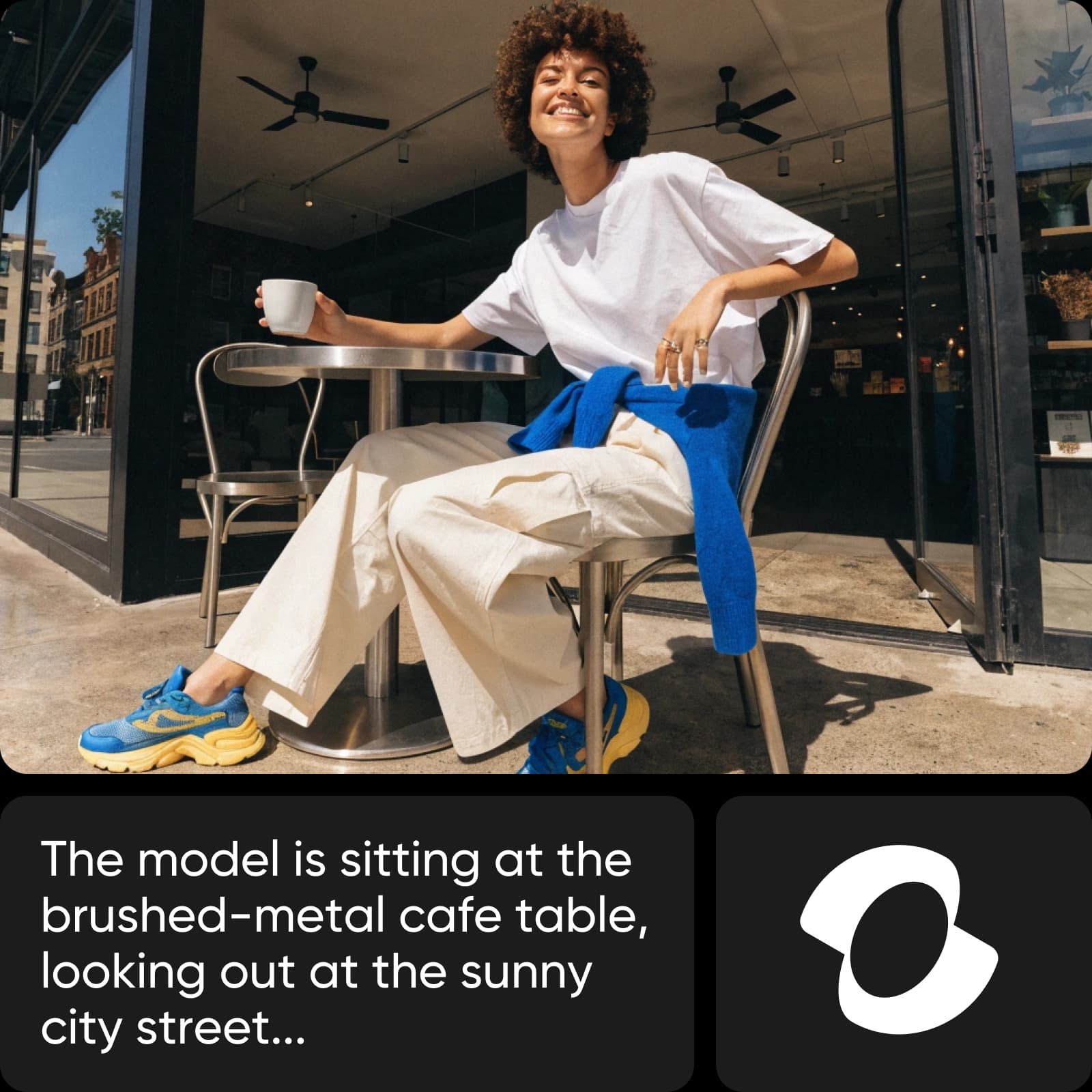
No starting photo? Describe what you want to see. Include the subject, scene, lighting, and style, then refine the result. Use the generated image as the starting point for your next design.
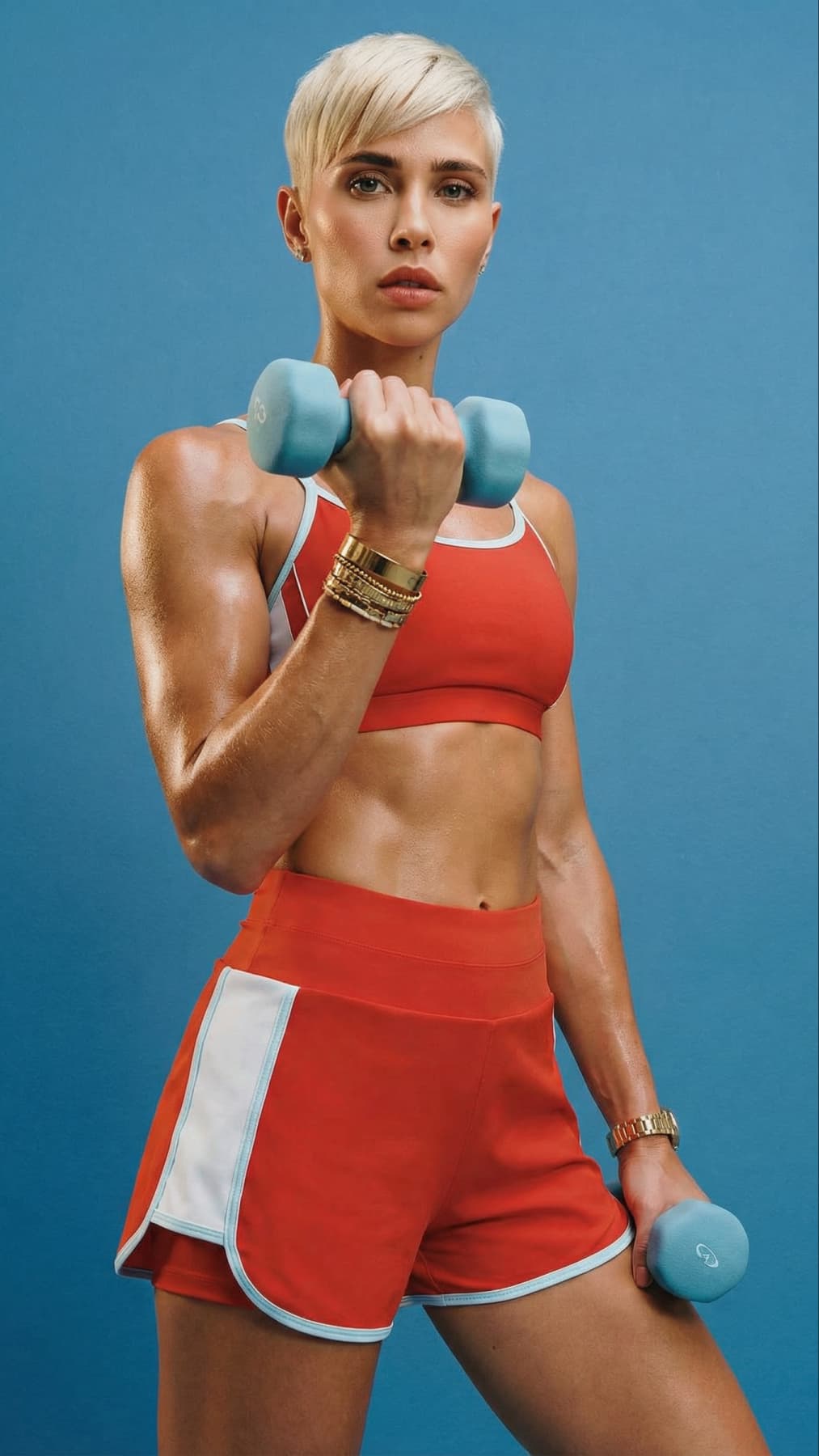
Give an existing image a clearer finish
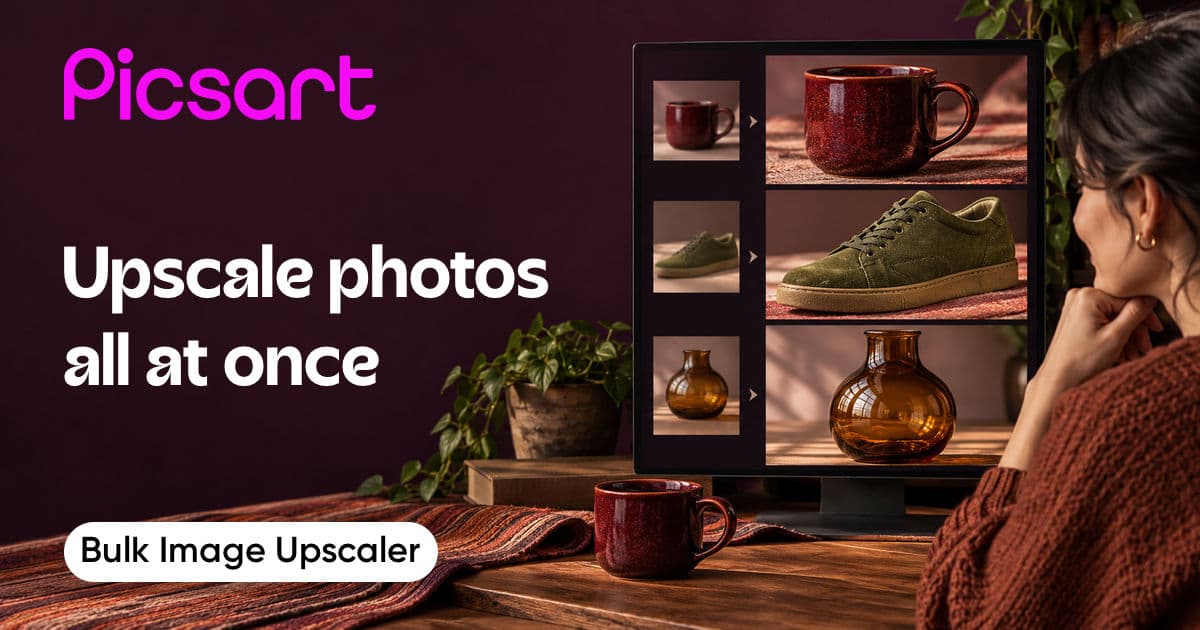
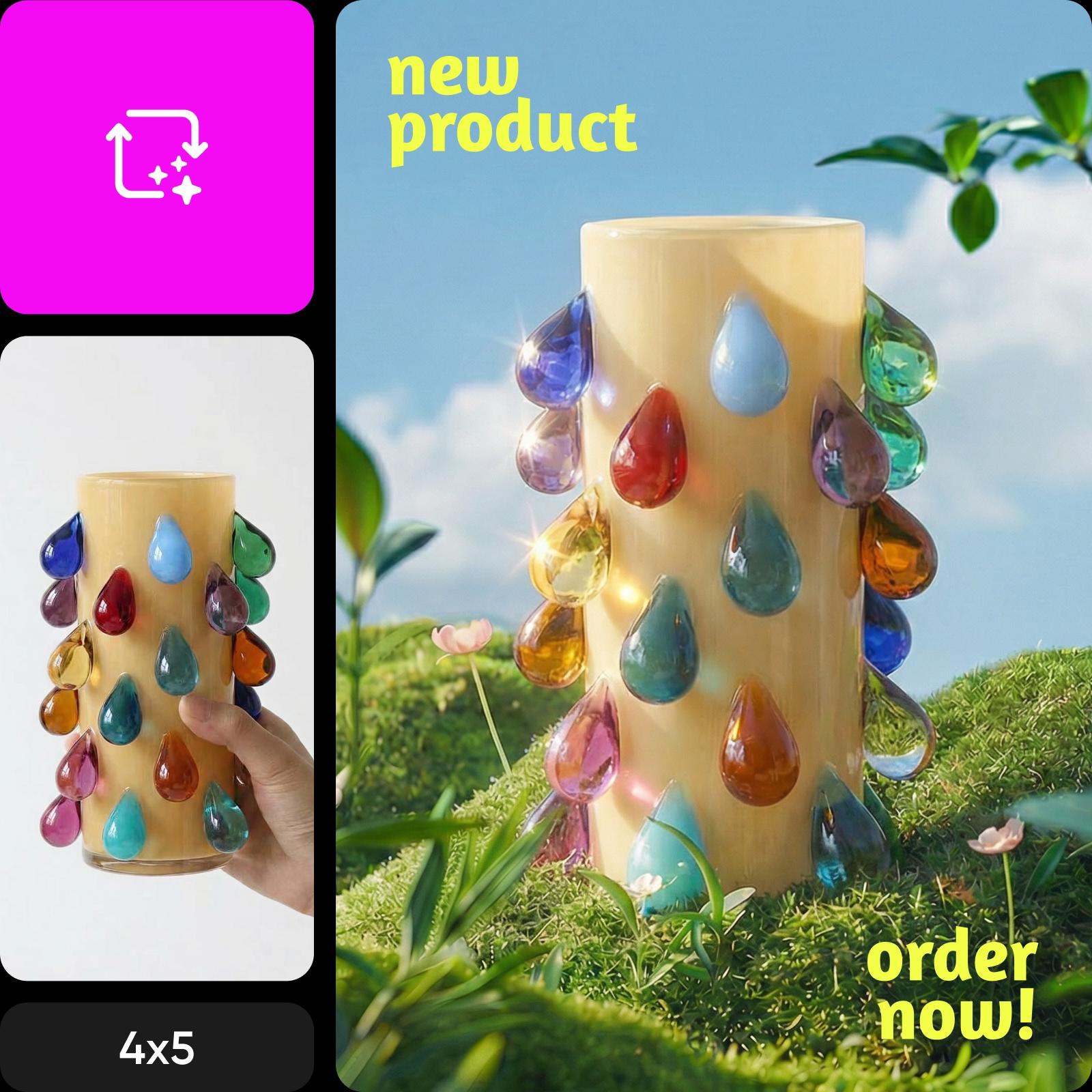
Use AI Image Enhancer when your starting photo needs more clarity. Review the result closely before you use it—enhancement can improve its appearance, but it cannot recover every missing detail.
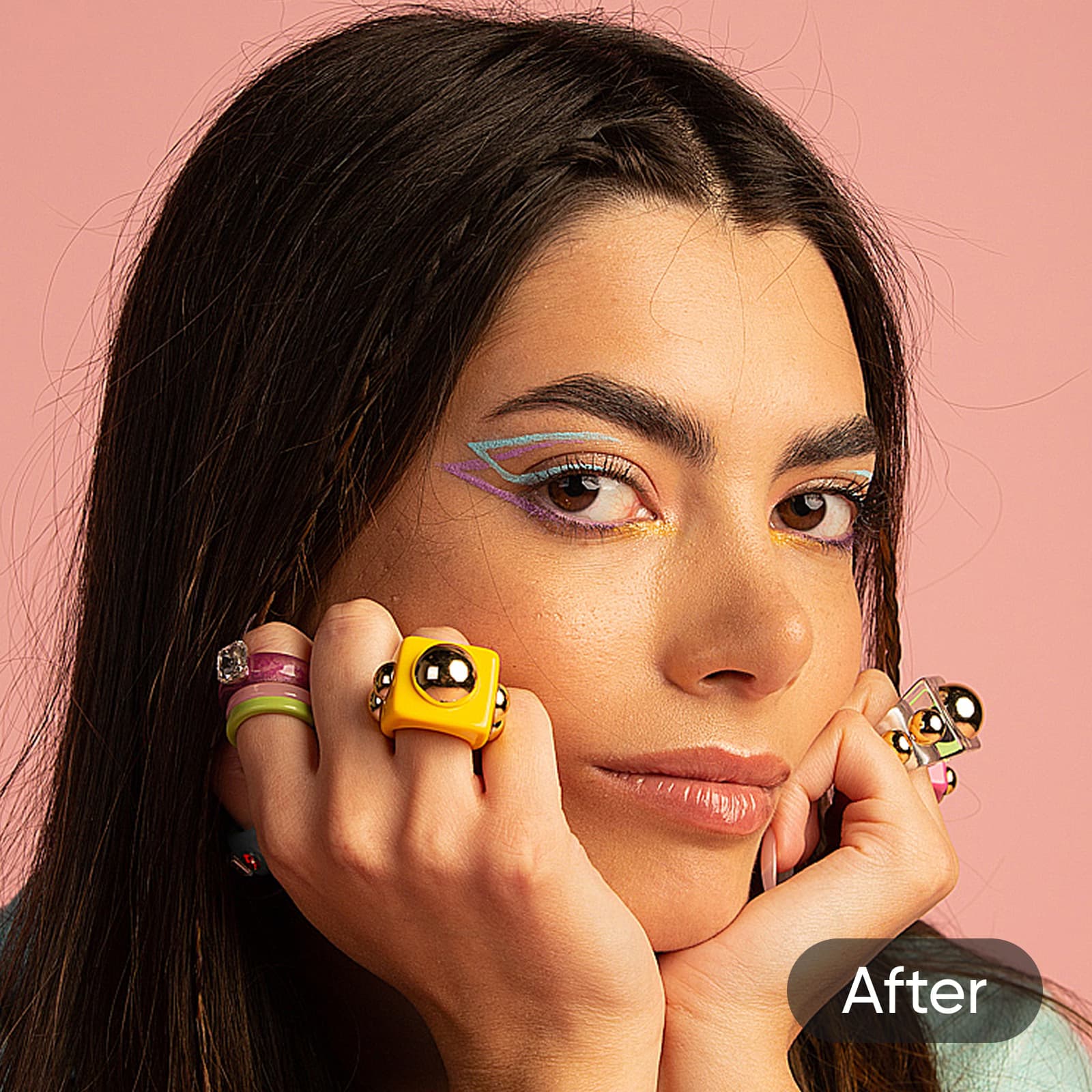
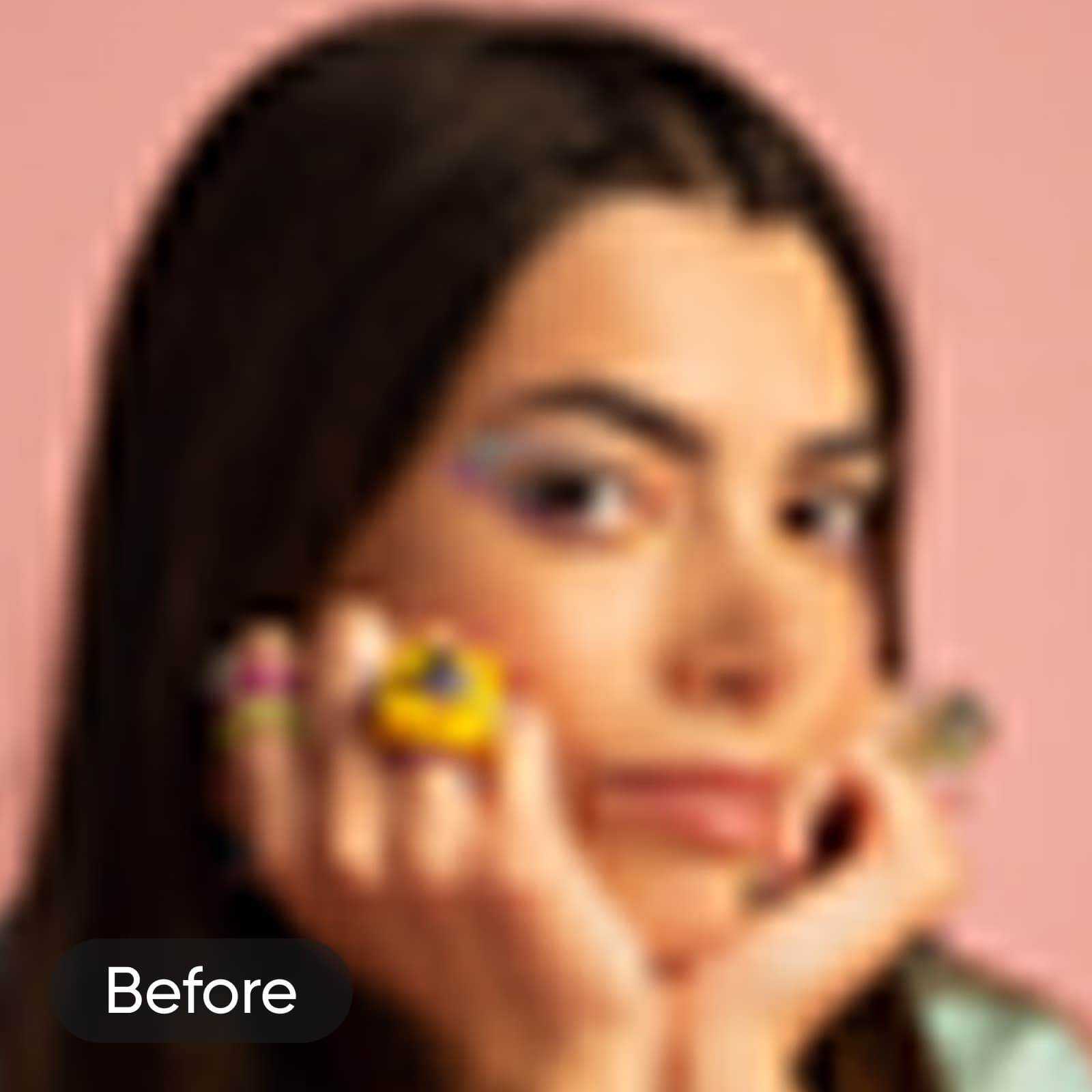
Compare image platforms
Explore image creation and editing workflows across platforms.
Questions about choosing an image tool
Use the photo editor if you already have a photo and want to crop, adjust, or style it. Use AI Image Generator to create a new image from a description. Choose AI Image Enhancer if your main goal is clearer image quality.
Browse all image tools
Explore every image tool connected to this hub.