




I am very happy with this application. Quick and easy to make my picture better. Thank you
YanFree Background Remover
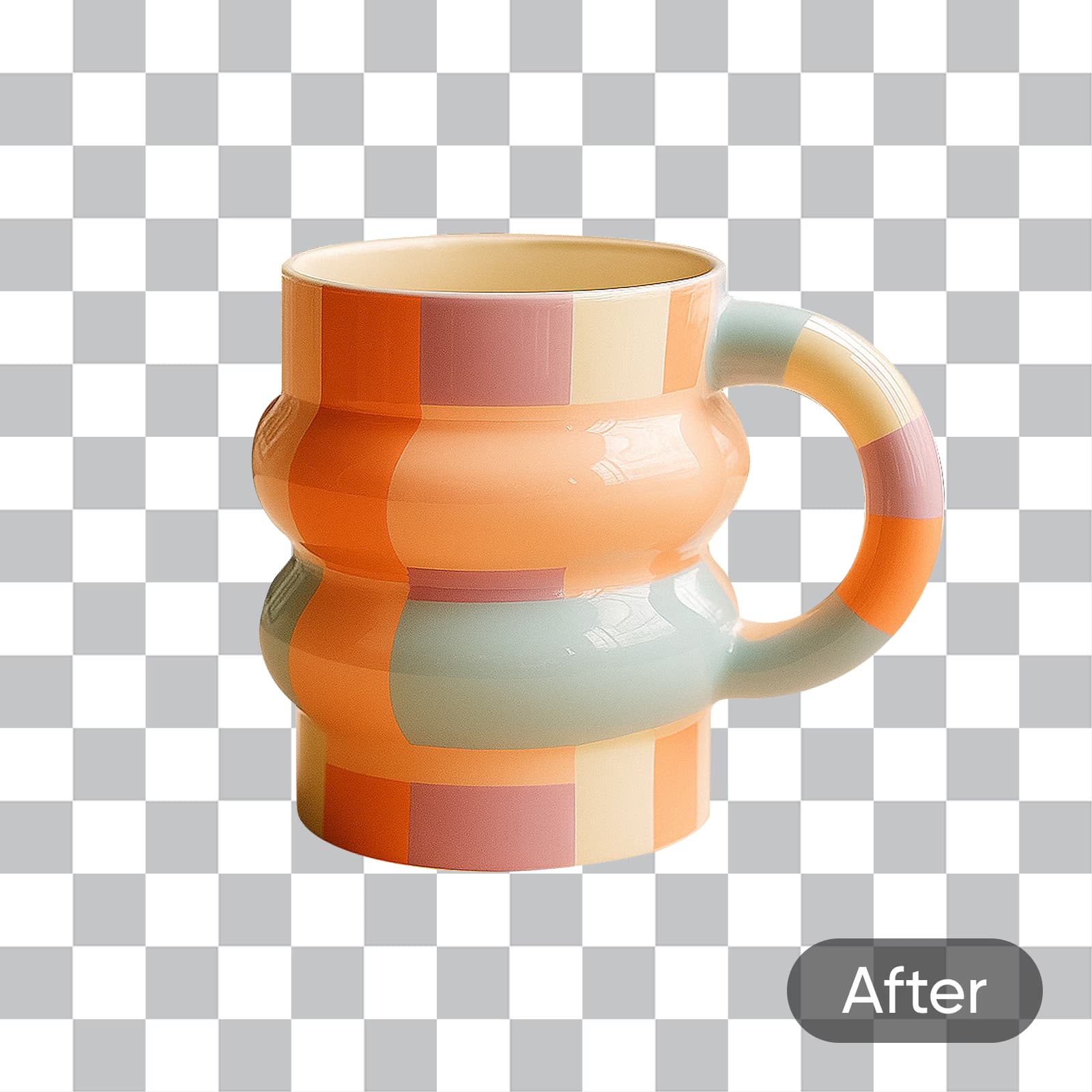
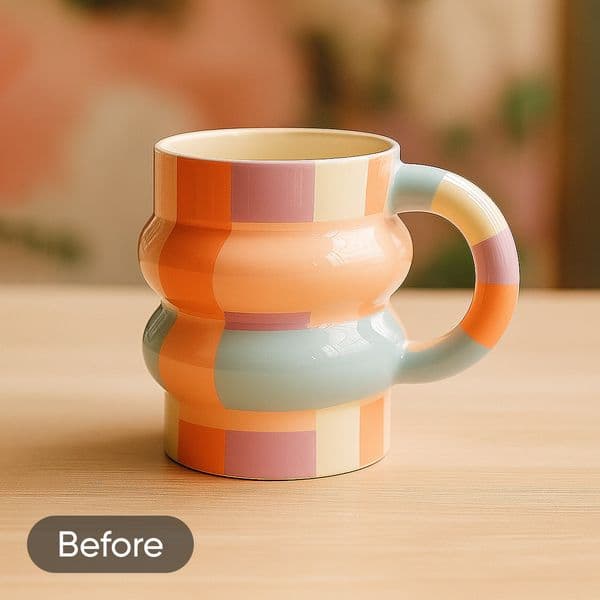
Remove backgrounds from photos quickly and precisely with Picsart’s AI-powered background eraser.
A removed background is just the start...



More than 700 million backgrounds removed with Picsart
Picsart powers millions of edits every single day, making it a creative hub for users across industries and interests. One standout user-friendly tool is the Background Remover, used in over 700 million edits so far. Backed by AI-powered features, it precisely detects the subject and removes the background in a matter of seconds. Designed for ease of use, it’s perfect for creating clean product photos, designing standout visuals, or swapping in fresh new backdrops - quickly and with ease.
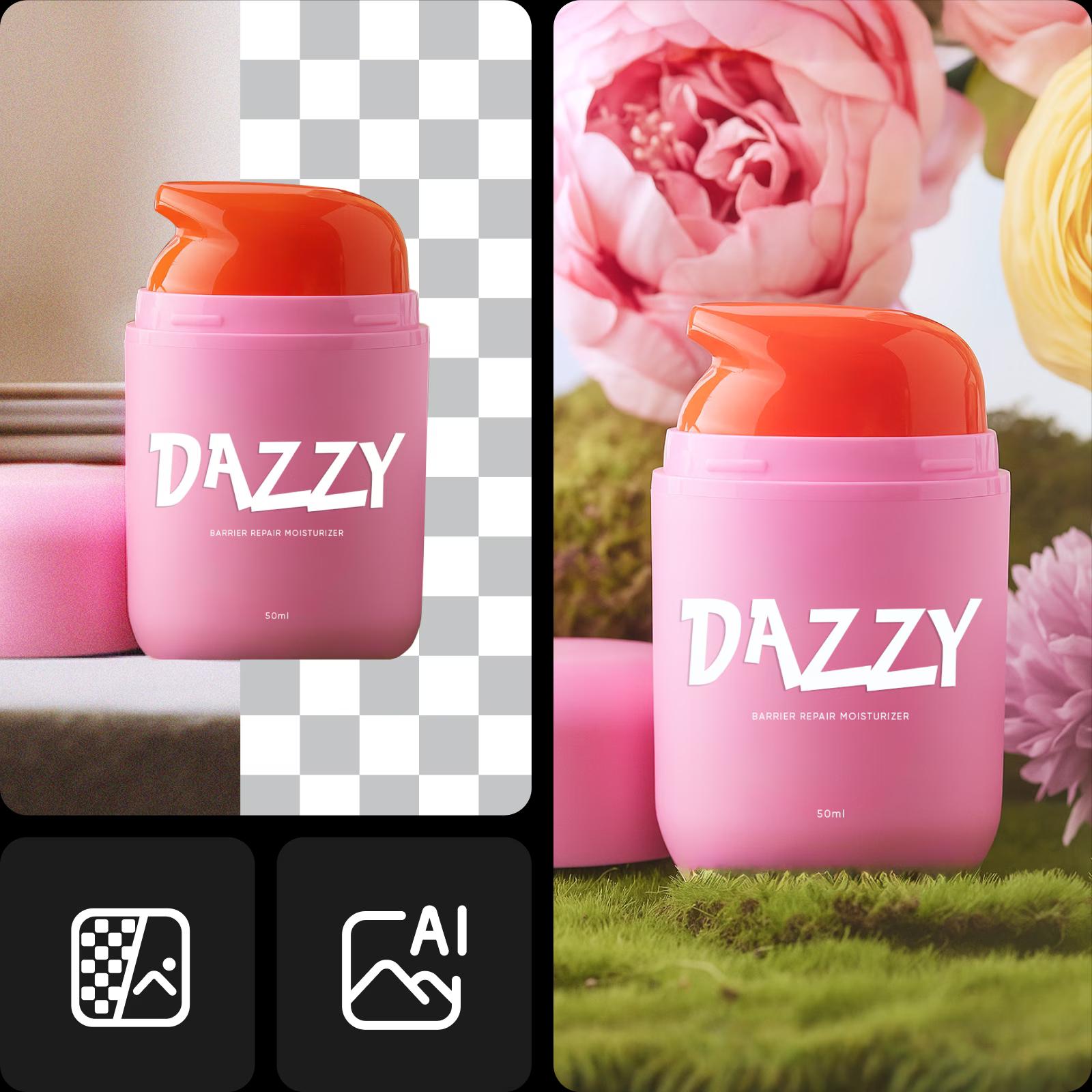
Background removed, now what?

Try on a different backgroundIf you’re looking to spice things up, a new backdrop is just the way to go.

Generate a new backgroundSpice up your image with background presets - textures, gradients, photos and themed scenes ready to apply in one tap.

Blur the backgroundSoften the background with a blur effect to highlight your subject and reduce distractions in portraits or product shots.
Remove backgrounds with AI in seconds
Easily remove backgrounds from any image using Picsart’s AI-powered Background Remover. Perfect for product photos, portraits, and social media posts, it delivers clean, professional results in seconds. No design skills needed - just upload your image and let the AI do the work within a user-friendly interface built for simplicity and precision.

Your all-in-one BG Remover for every image type
People & Portraits
Remove the background from portraits to create a clean cutout for profiles, designs, or new scenes.

Remove backgrounds in batch
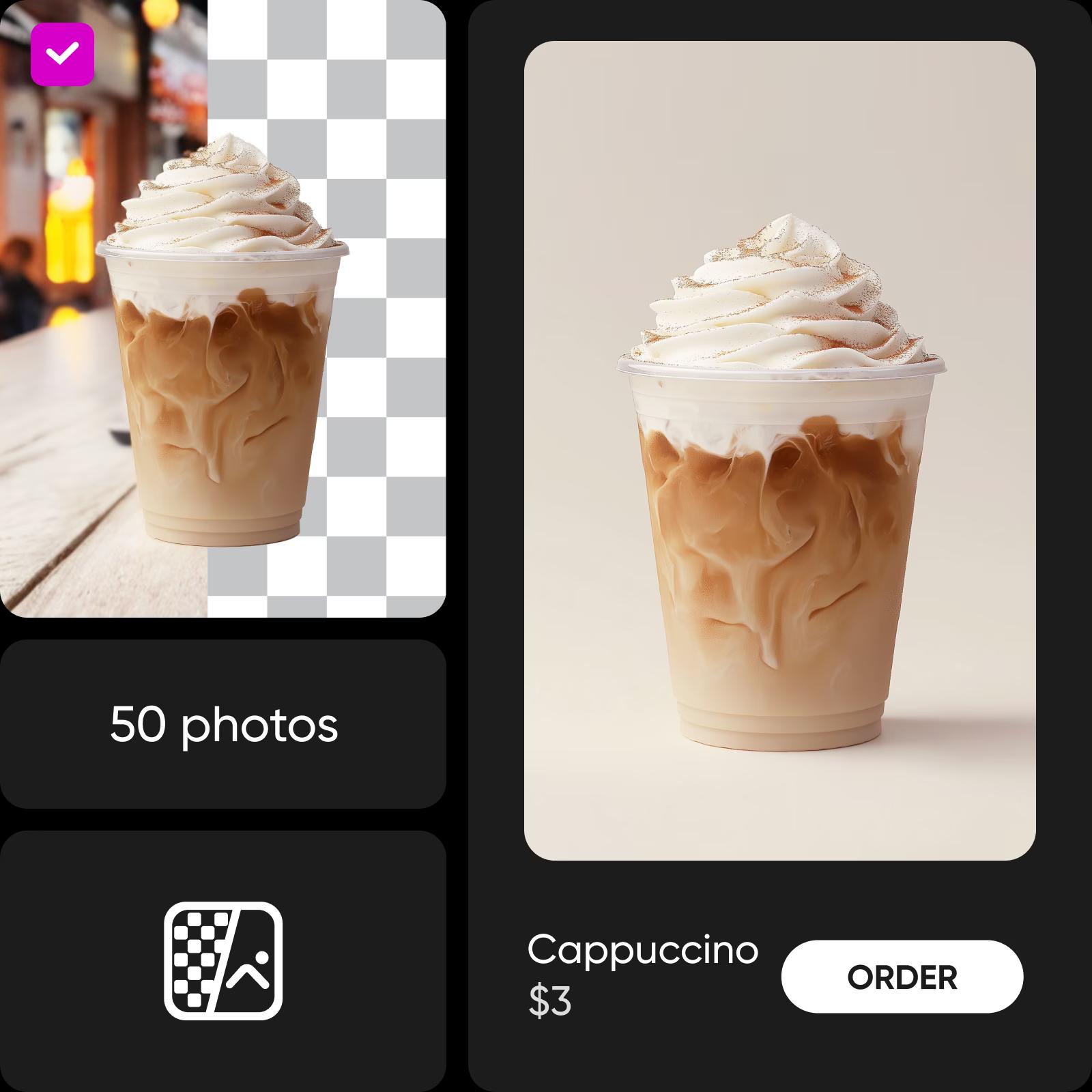
Editing a large number of photos? The AI-powered tools in Picsart’s Batch Background Remover let you process up to 50 photos at once. The user-friendly interface simplifies organization, while AI-powered features guarantee consistency and quality.
Erase backgrounds from videos
Give your videos extra versatility with Picsart’s video Background Remover. Now, you can erase backdrops from videos online too! No need for complicated programs that slow down your device. Remove backgrounds from videos right from your browser tab and access other editing tools built into one convenient interface. The intuitive interface lets you fine-tune results quickly, while the user-friendly tool keeps editing smooth and enjoyable for creators at any level.
Background eraser reviews
Absolutely great! Very good of you to provide such a free programme. Have tried many to remove background and yours consistently produces excellent results. Thank you.
MargaretVery excellent, I am highly impressed! I don't mind calling Picsart the best of the best!
EmmanuelBG Remover made simple: Photo editing tutorial for clean cutouts
Want to learn how to remove backgrounds like a pro? This photo editing tutorial introduces one of the most useful photo editing basics - background removal - and shows you how to do it seamlessly using Picsart’s online tools.
Understand background edits
Learn how to remove, replace, and clean up backgrounds.





Background Remover FAQ
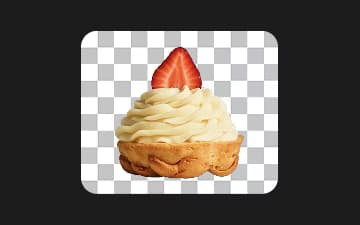
A Background Remover tool uses artificial intelligence (AI) algorithms to analyze the pixels in an image. It differentiates the foreground (main subject) and the background. The tool then removes the background pixels while preserving the edges and details of the foreground. You can download the image with a transparent background or replace the background with something new.
Remove backgrounds and unlock more design tools
Pro
Most popularAI tools for everyday creative work.
Billed yearly
Ultra
Most powerfulHeavy AI usage for creators & teams.
Billed yearly, per seat
Enterprise
Custom AI solutions for large organizations.
Custom credit volume
- Volume discounts on credit rate
- On-demand top-ups
Custom
Contact for pricing


