Instantly remove background from signature with crystal-clear results
Have a ton of digital documents to sign? Create an image of your handwritten name, and use Picsart’s signature background remover to make a signature transparent for easy use online.

Why use signature background removal?
How to remove background from signature
How to
Upload an image
Use the Upload an image button to get started.
Digitize handwritten names with a signature background remover
Having a clean, professional electronic signature is essential now that so many everyday activities have gone digital. Whether you need to sign contracts or create digital assets, effortlessly convert hand-drawn signatures into downloadable images with Picsart’s online background remover for signatures. The speedy AI-powered tool removes the background with high accuracy, making it quick and easy to create a transparent signature for digital checks, PDFs, and forms.
- Reuse your own handwritten signature
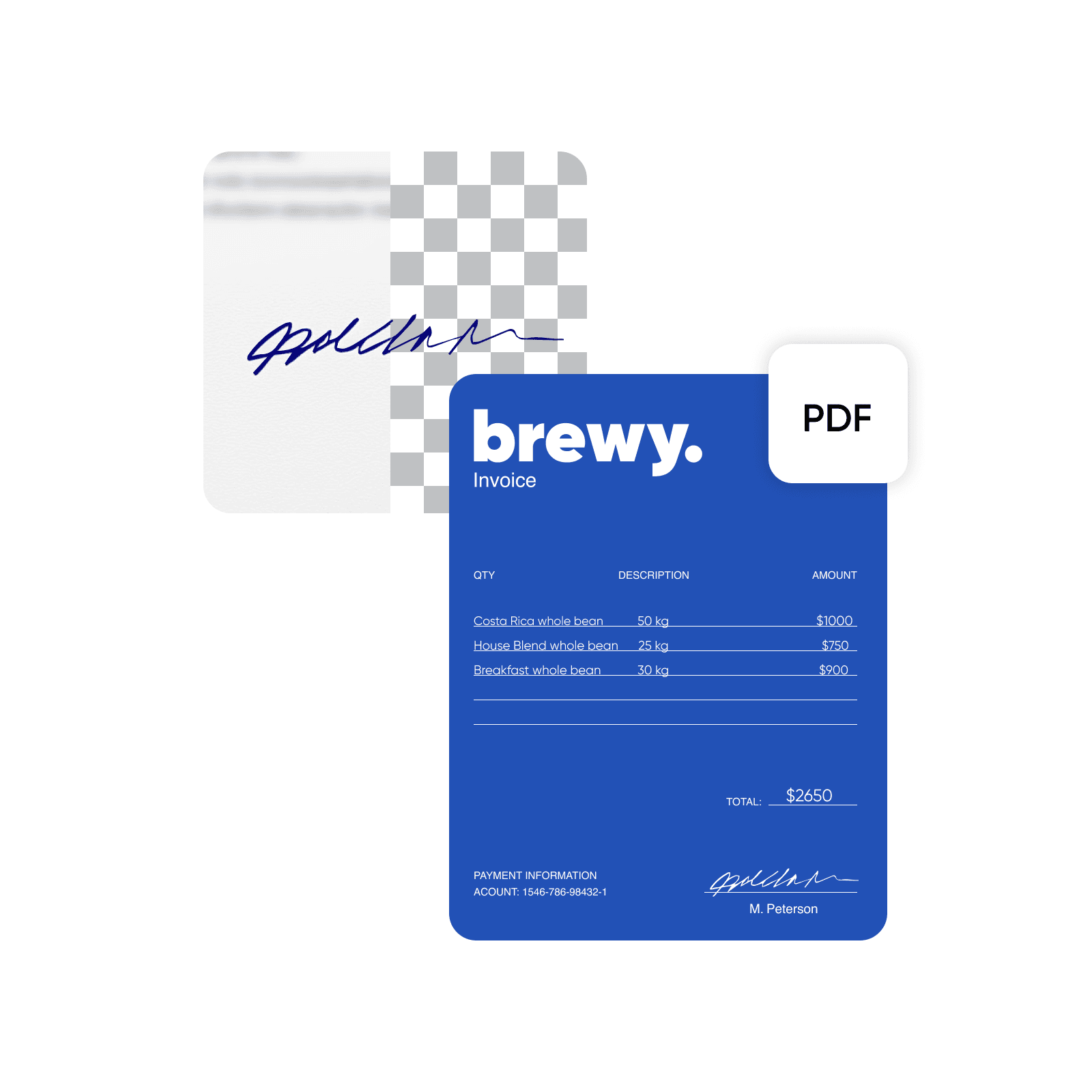
Remove background from signature without sacrificing clarity
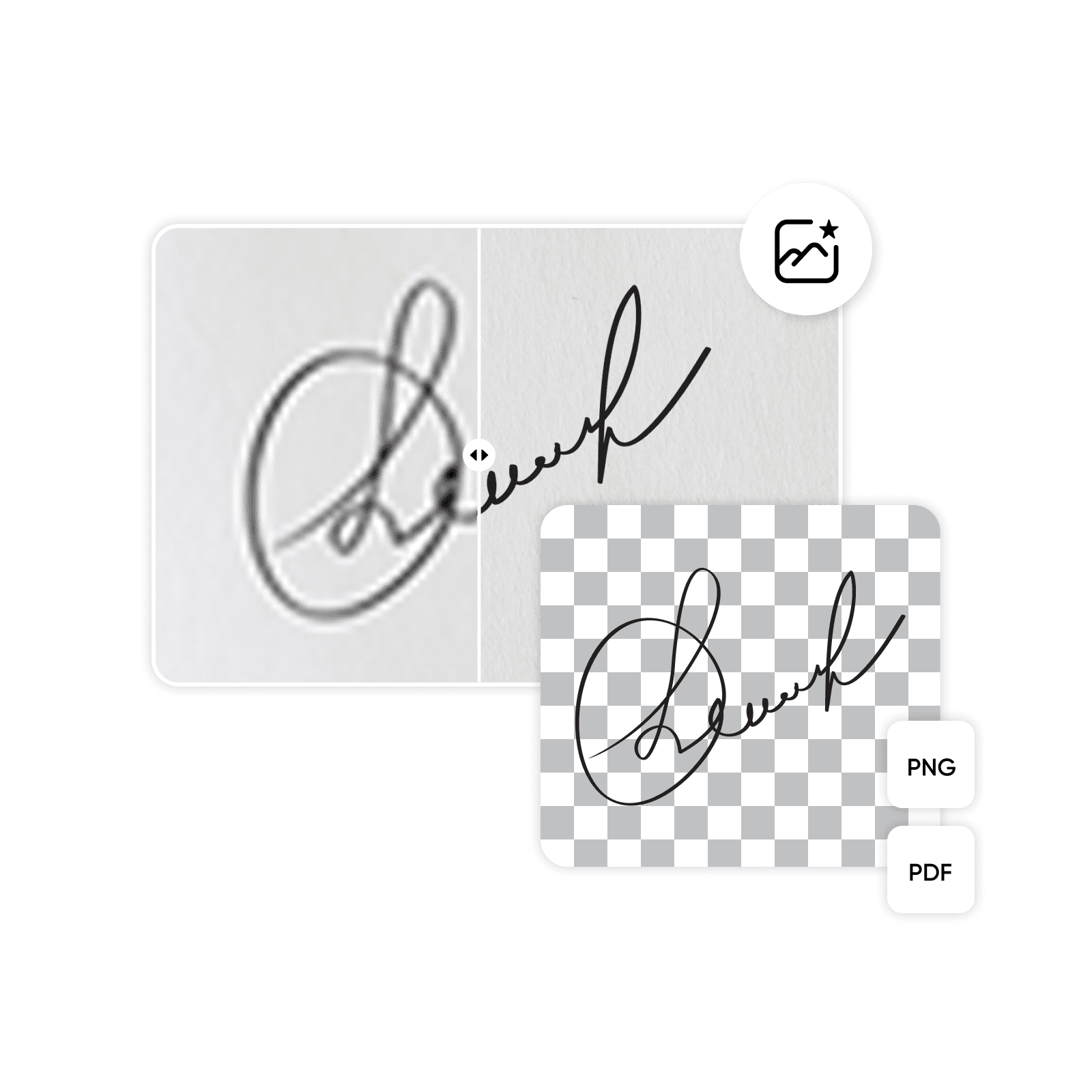
Don’t settle for anything less than a polished, high-resolution signature. Using AI, Picsart’s signature extractor automatically detects the signature and erases the background, ensuring precision without the need for manual edits. The tool retains the visual quality of the text to produce a crisp, transparent signature PNG file. Working with a low-resolution image? Use the unpixelate image tool to quickly enhance the signature before extraction. Picsart offers a variety of features to further customize your signature, such as resizing, and multiple download formats for added convenience.
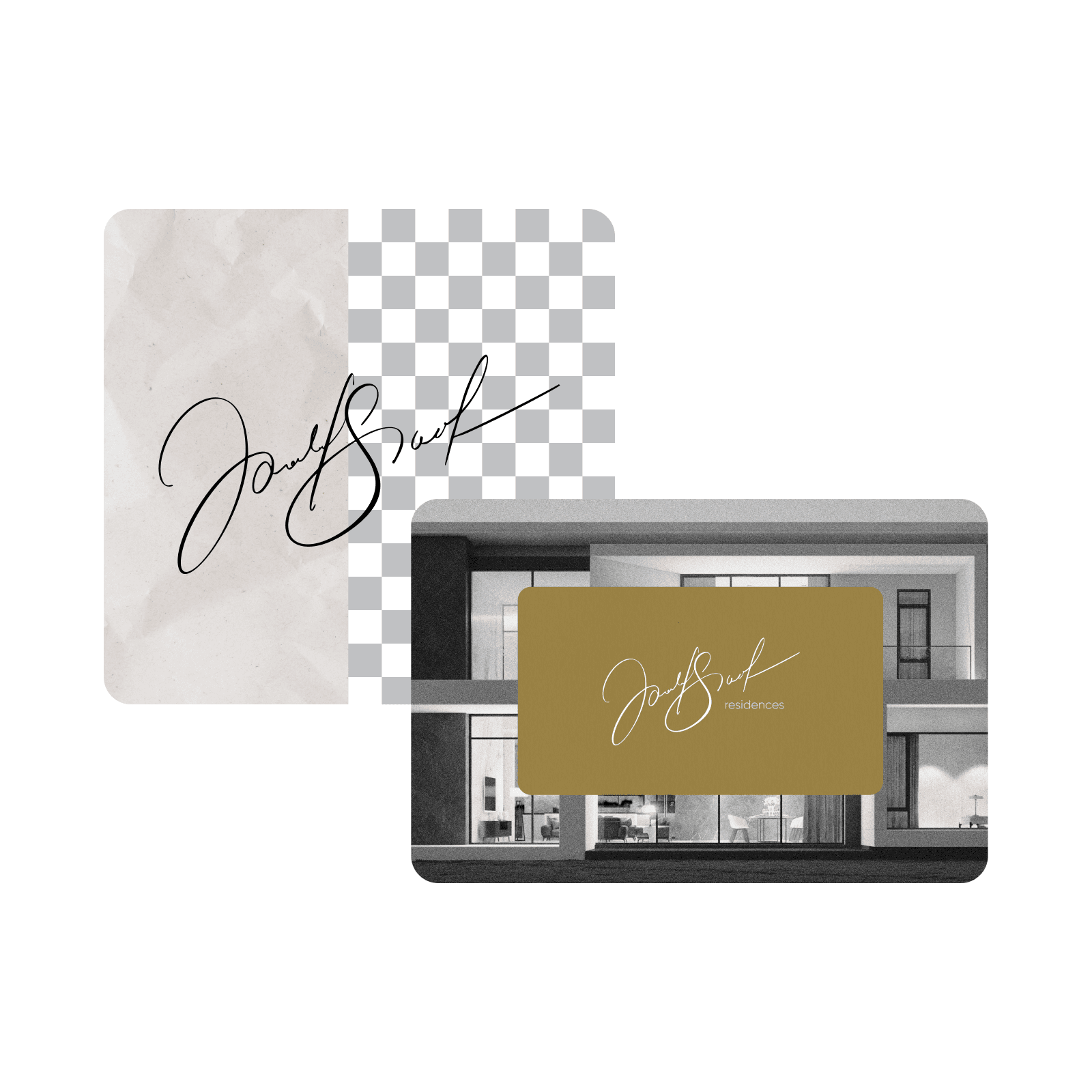
Extract signature from image to create a personalized brand asset
Streamline business operations and show off a unique brand aesthetic with the perfect PNG signature. Make a transparent signature to swiftly sign off on contracts, estimates, and other official documents, ensuring business runs smoothly. Marketing and design professionals can conveniently showcase the hand-drawn text as a logo or brand mark in emails, newsletters, product labels, and other branded materials for an authentic touch. Apply Picsart’s transparent background maker, and you can use the signature PNG across multiple platforms with ease.
- Place the signature into a new layout
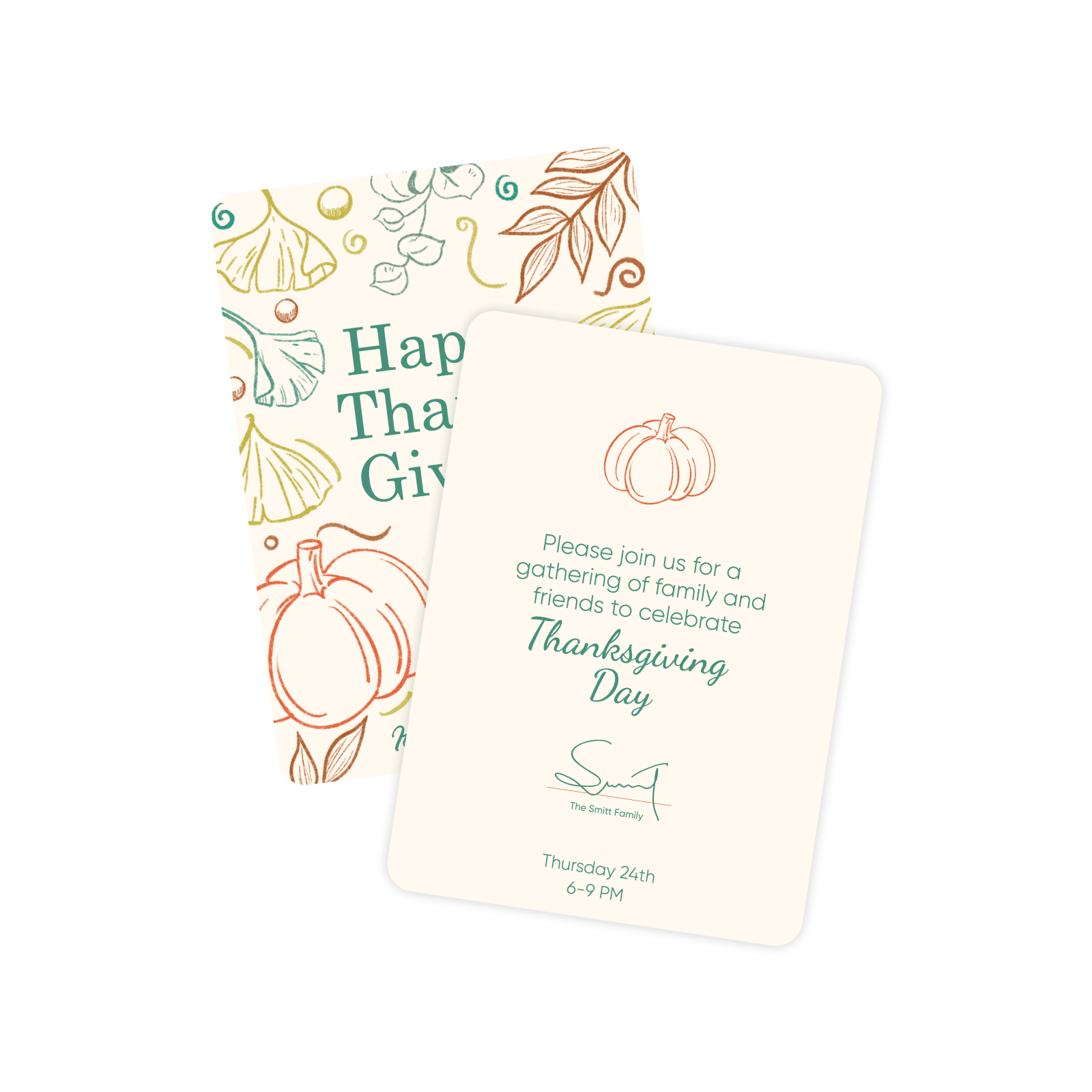
Design a PNG signature that grabs attention on personal documents
Take advantage of Picsart’s signature background remover for personal projects like invitations, certificates, and greeting cards. The Picsart photo editor takes the hassle out of image and document design, allowing you to remove objects from photos, sharpen images, or even change the background. Combine your digital signature with other custom elements to make unique transparent PNGs, and feature them in blog posts, banners, and digital art. The creative possibilities are unlimited.
The best and fastest way to remove background from signature
Give the signature extractor a try, and generate a web-ready digital signature without a hitch. The results are immediate, and the photo editor provides all the tools you need to polish up your signature or insert it into other documents. If you need more ideas for using transparent images, check out other Picsart image tools to enhance your next project.
Understand background edits
Learn how to remove, replace, and clean up backgrounds.





Create signature with AI image models
Use image models to transform backgrounds, product shots, and cutouts into polished visuals.
Signature background remover FAQ
Removing the background text from a signature is easy. Simply upload an image, and let the AI-powered tool generate instant results. Preview the results, and save the image with a transparent background or continue editing it as desired.
Clean up visuals for polished creator content
Pro
Most popularAI tools for everyday creative work.
Ultra
Most powerfulHeavy AI usage for creators & teams.
Enterprise
Custom AI solutions for large organizations.
- Volume discounts on credit rate
- On-demand top-ups
More tools to love


